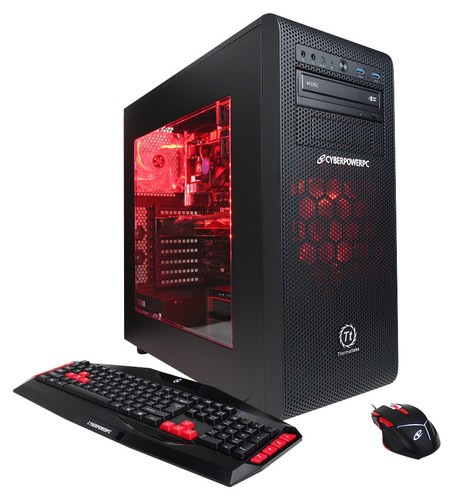
A:AnswerThe power switch would be located on the rear of the tower at the bottom. The switch has an "I O" symbol on it.
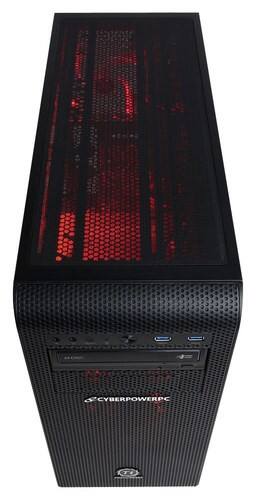
The power button would be located on the front of the tower at the top.
The button has no symbol and is located in the middle between the USB ports and audio/microphone jacks.
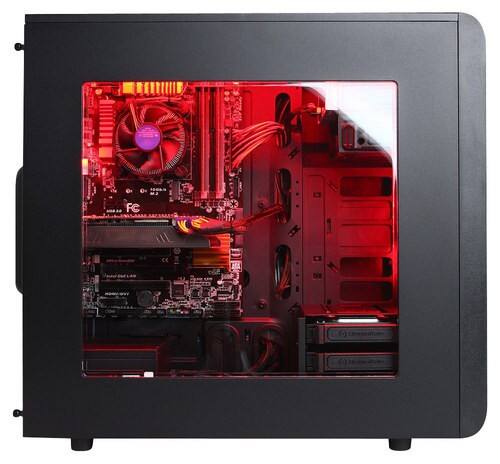
A:AnswerWell it depends on what the person building puts in it all depends. I got a step up from a stock cooler, i believe I received a deep cool cpu cooler
A:AnswerYes, there is no included Wi-Fi networking with this desktop. A small PCI Wi-Fi adapter would be able to be plugged into the motherboard, but you would have to purchase and install that yourself.
Very easily done!