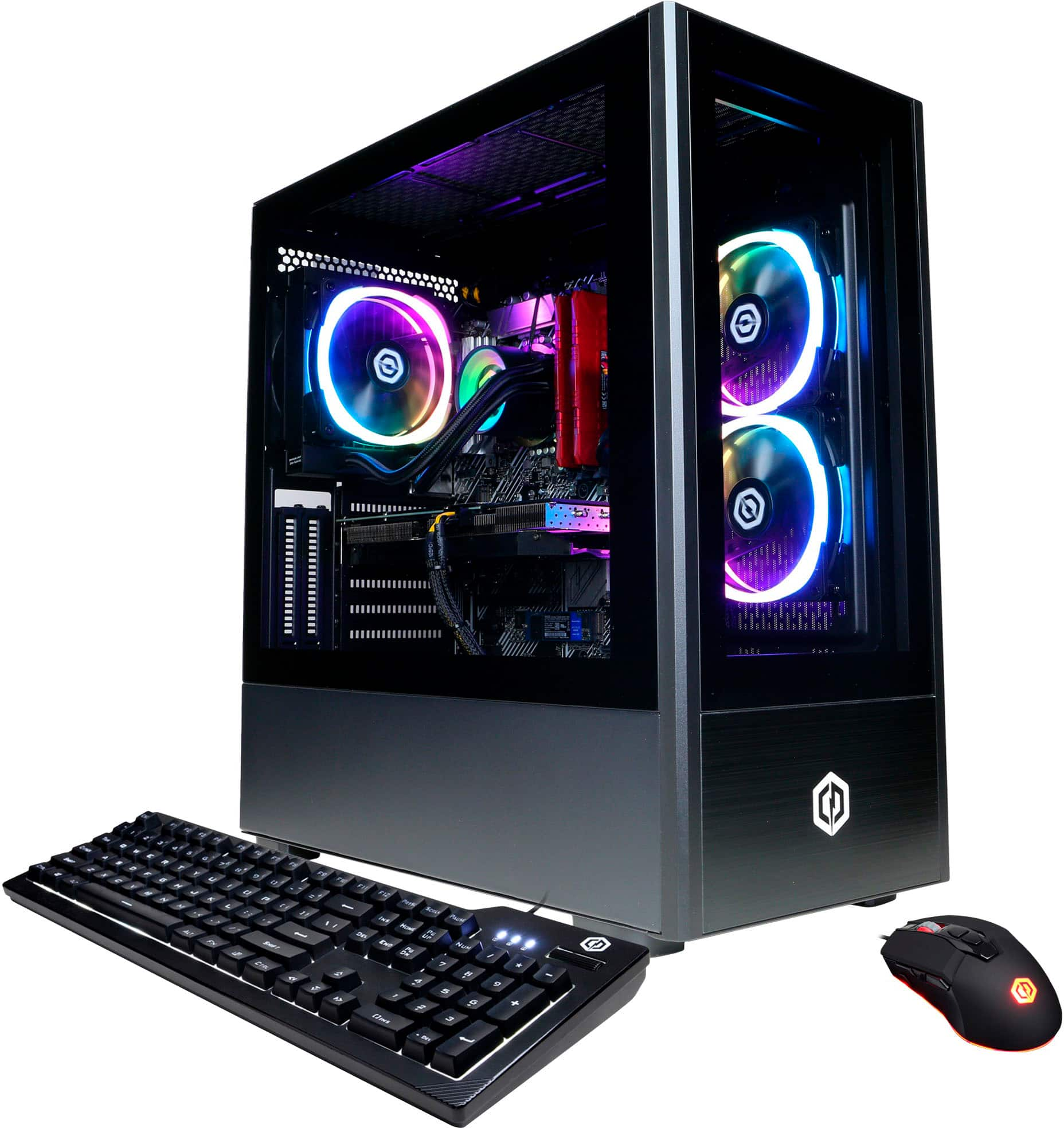
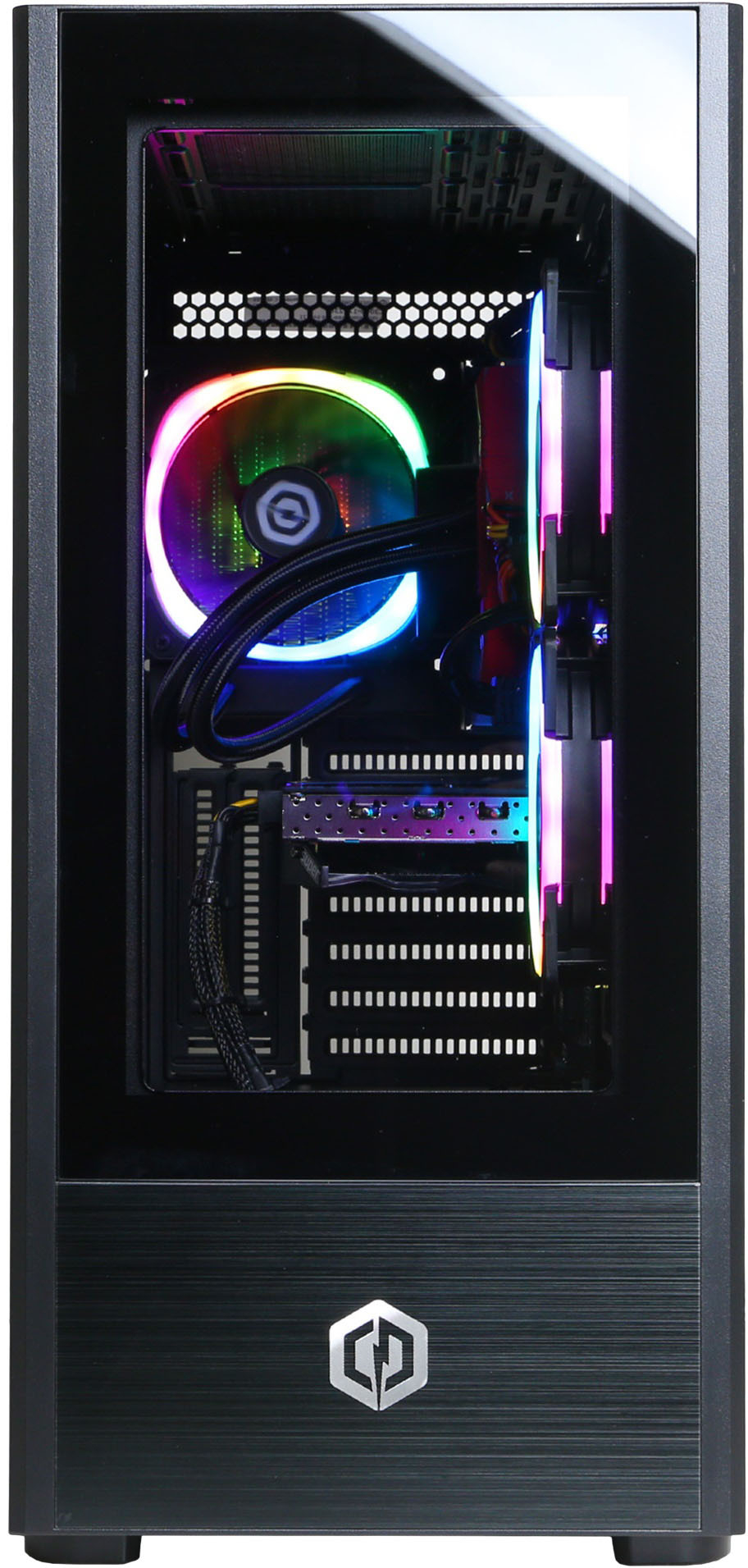
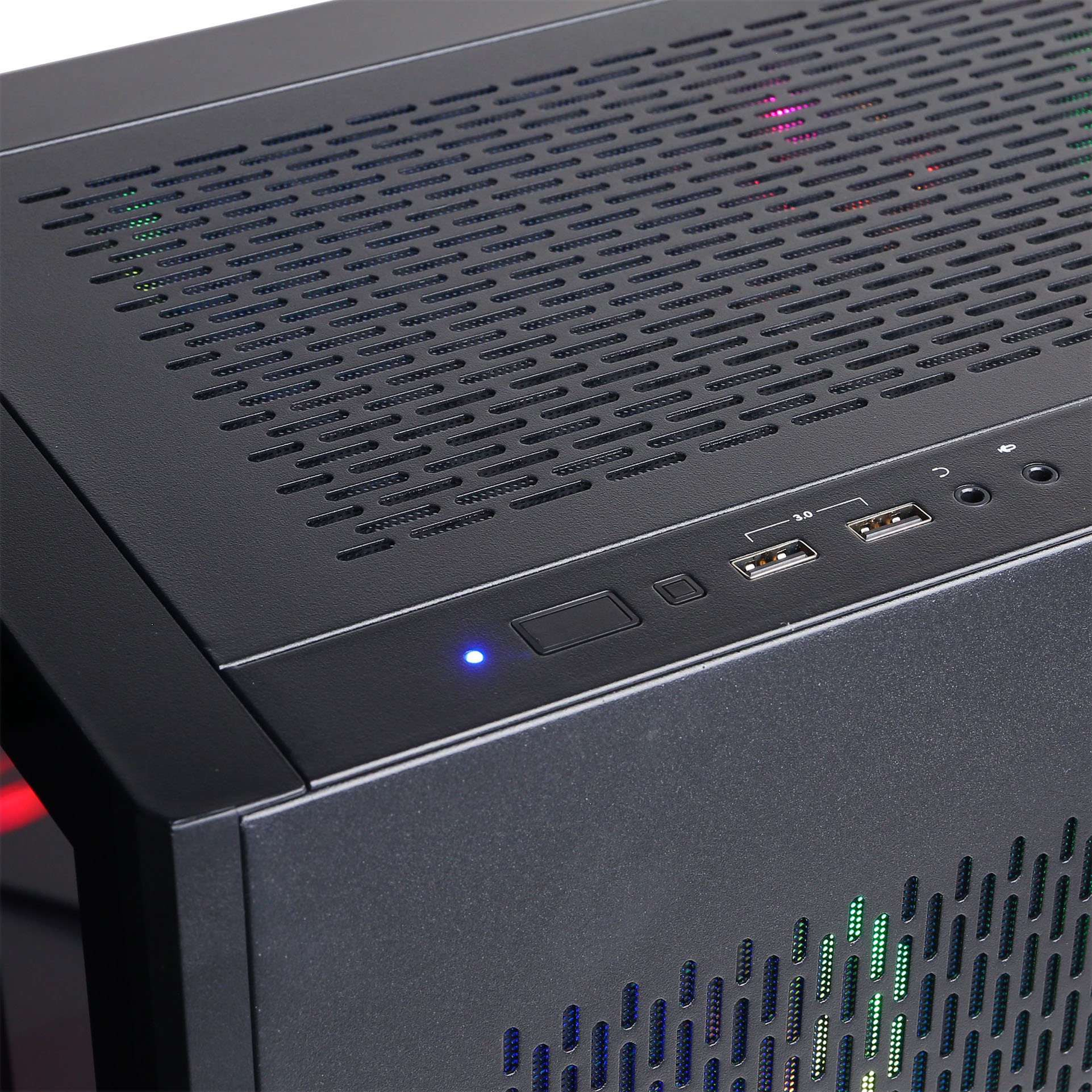
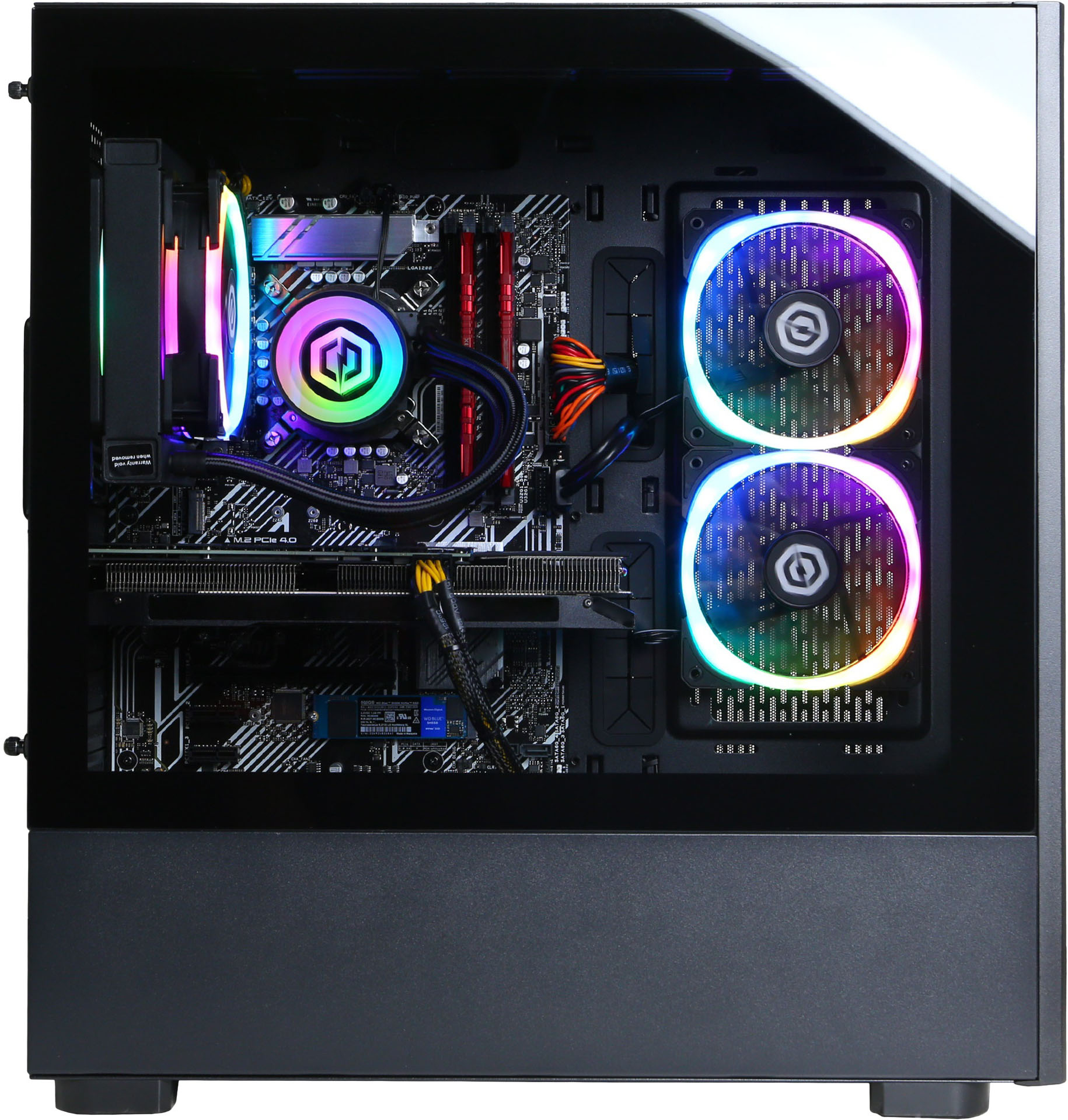
A:AnswerThank you for reaching out the PC should come with 120mm case fans If you have any further questions or concerns then please do not hesitate to give our tech support agents a call for any assistance; we're always happy to help.
Tech support:
(888)937-5582
-CyberpowerPC Support
A:AnswerSo it can run any of those it’s more based off your monitor you have to have special monitors for each level. Though with the graphics card that it comes with it really can only do a few games at 1440p good graphics 60 fps and none at 4k 60fps. 1080p though it can play most games at the highest settings. I’d look up a YouTube video on graphics card comparisons if you have more questions.
A:AnswerYes you can I would highly recommend looking up a tutorial but basically there’s a compartment on the very bottom next to the power supply. (Make sure the computer is fully unplugged and you don’t have any static electricity on you before touching anything) There’s a screw so you can take it out then you screw in your drive and put it back in your computer. Then you plug the power supply cable that is used for it sorry I don’t know the name. Then you plug your sata cable in and there’s a little hub on your motherboard that has four spots and you plug the other end of the cable into that and then you’re good to turn on your computer. And if you’re using windows make sure you format it correctly in the drive manager. You then should be good if anything goes wrong YouTube is your friend.
A:AnswerThank you for reaching out. For further assistance on this matter, please contact our tech support team at your earliest convenience; we're always happy to help. Tech Support: (855) 888-2039 techteam@cyberpowerpc.com Discord.gg/cyberpowerpc Hours of Operation: Monday - Friday: 8:30AM - 6:00PM PST Saturday: 9:30AM - 3:00PM PST -CyberPowerPC Support
A:AnswerNo sata cables are seperate in the box. All sata cables are installed already is start and play. The other issue is i would not recommend the usb in the packet. I wouldnt use it. Instead. Connect to a ethernet cable to your modem, (the Yellow one, or any others) then update windows. You can update by typing Update in the small spot near the windows sighn.
A:AnswerThere is no vga port of the graphics card but there is 3 display ports and a hdmi. What I would do is write a review get the ten bucks and then buy an adapter with that. Make sure you get a display port to vga not a vga to display port.
A:AnswerIf you’re talking about changing the colors of the fans it’s not possible but if you’re looking to add or change the hardware then I would say lookup a tutorial it’s all so complicated
A:AnswerThank you for reaching out. For further assistance on this matter, please contact our tech support team at your earliest convenience; we're always happy to help.
Tech Support:
(855) 888-2039
techteam@cyberpowerpc.com
Discord.gg/cyberpowerpc
Hours of Operation:
Monday - Friday: 8:30AM - 6:00PM PST
Saturday: 9:30AM - 3:00PM PST
-CyberPowerPC Support
A:AnswerThank you for reaching out. For further assistance on this matter, please contact our tech support team at your earliest convenience; we're always happy to help.
Tech Support:
(855) 888-2039
techteam@cyberpowerpc.com
Discord.gg/cyberpowerpc
Hours of Operation:
Monday - Friday: 8:30AM - 6:00PM PST
Saturday: 9:30AM - 3:00PM PST
-CyberPowerPC Support
A:AnswerThank you for reaching out. For further assistance on this matter, please contact our tech support team at your earliest convenience; we're always happy to help. Tech Support: (855) 888-2039 techteam@cyberpowerpc.com Discord.gg/cyberpowerpc Hours of Operation: Monday - Friday: 8:30AM - 6:00PM PST Saturday: 9:30AM - 3:00PM PST -CyberPowerPC Support