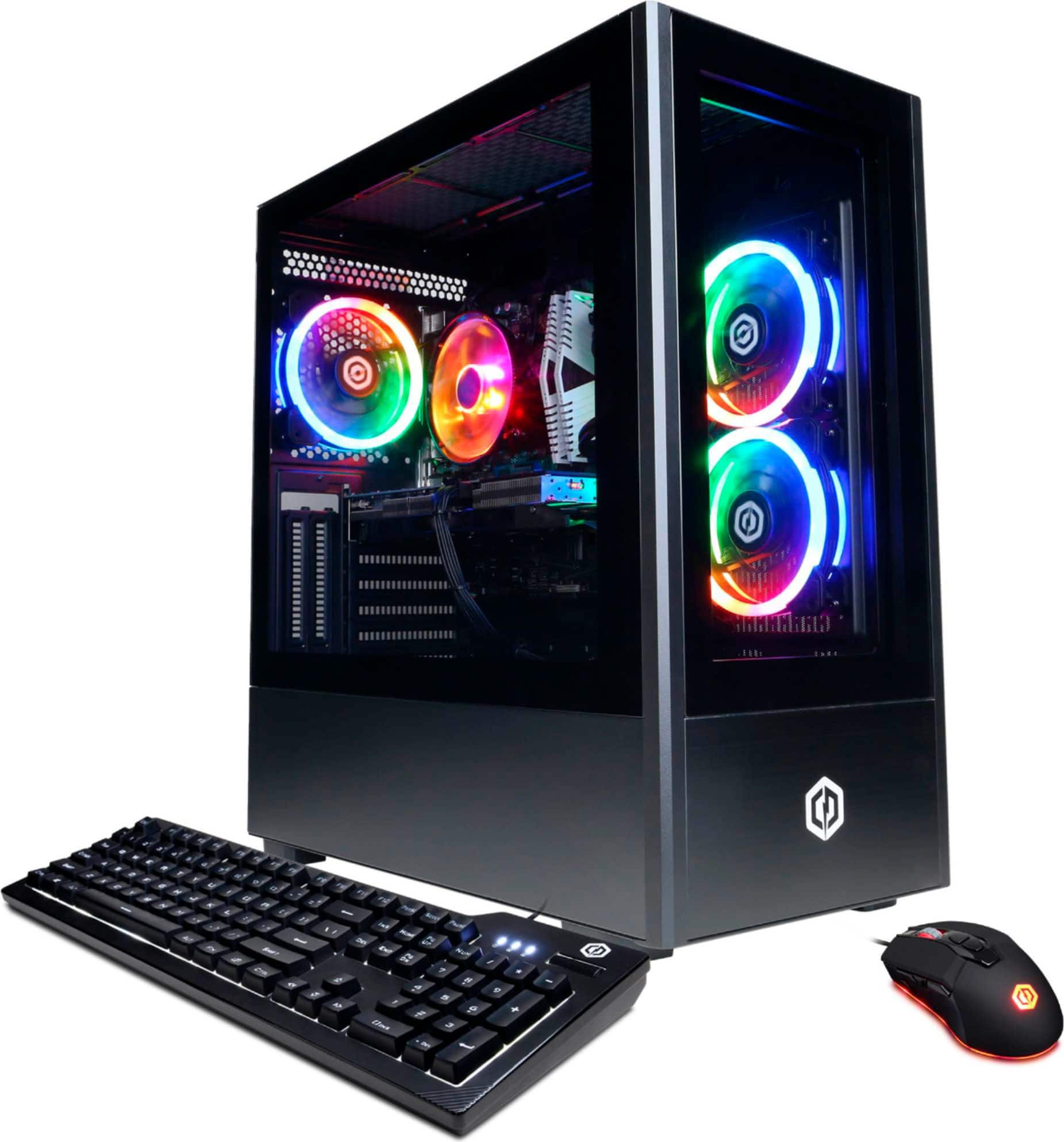
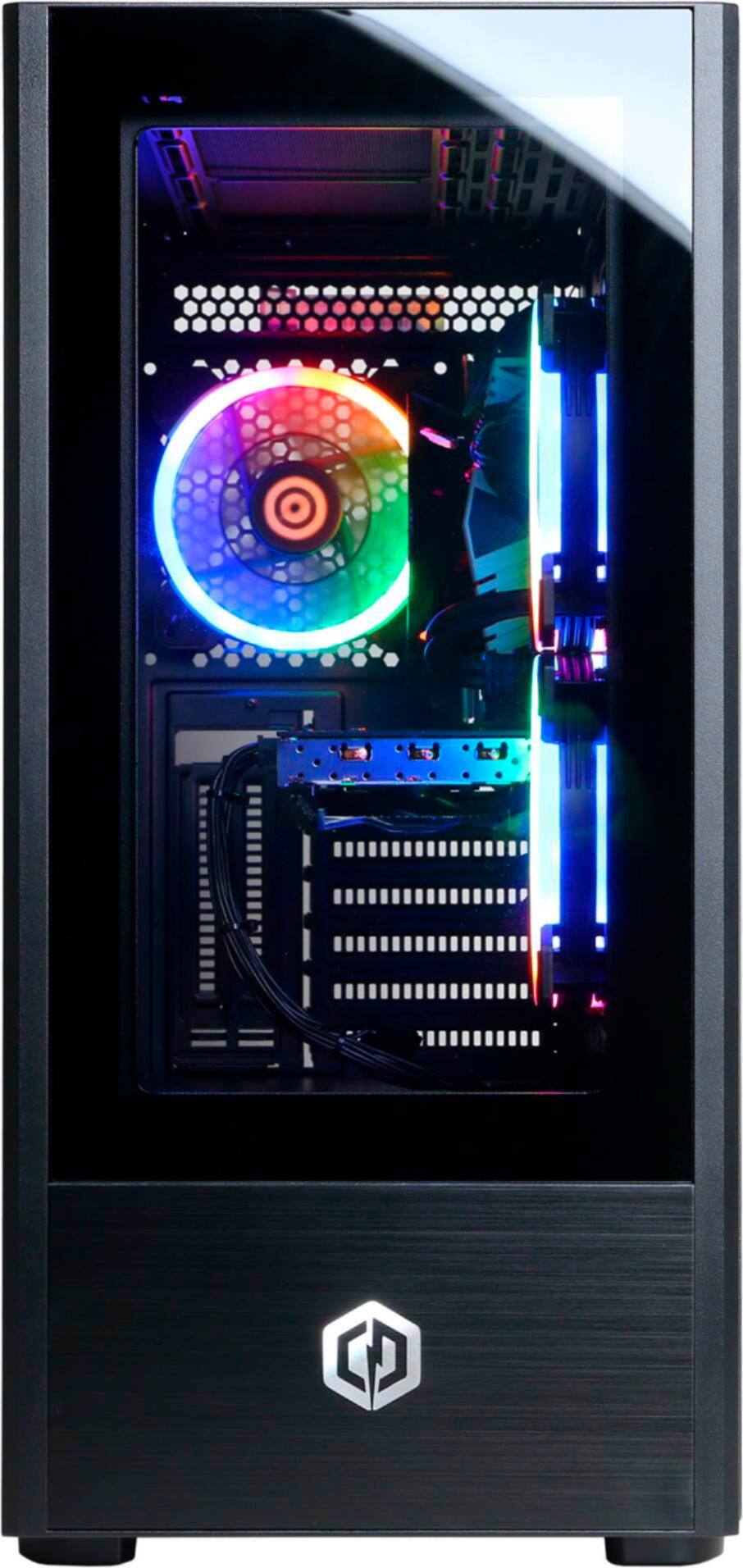
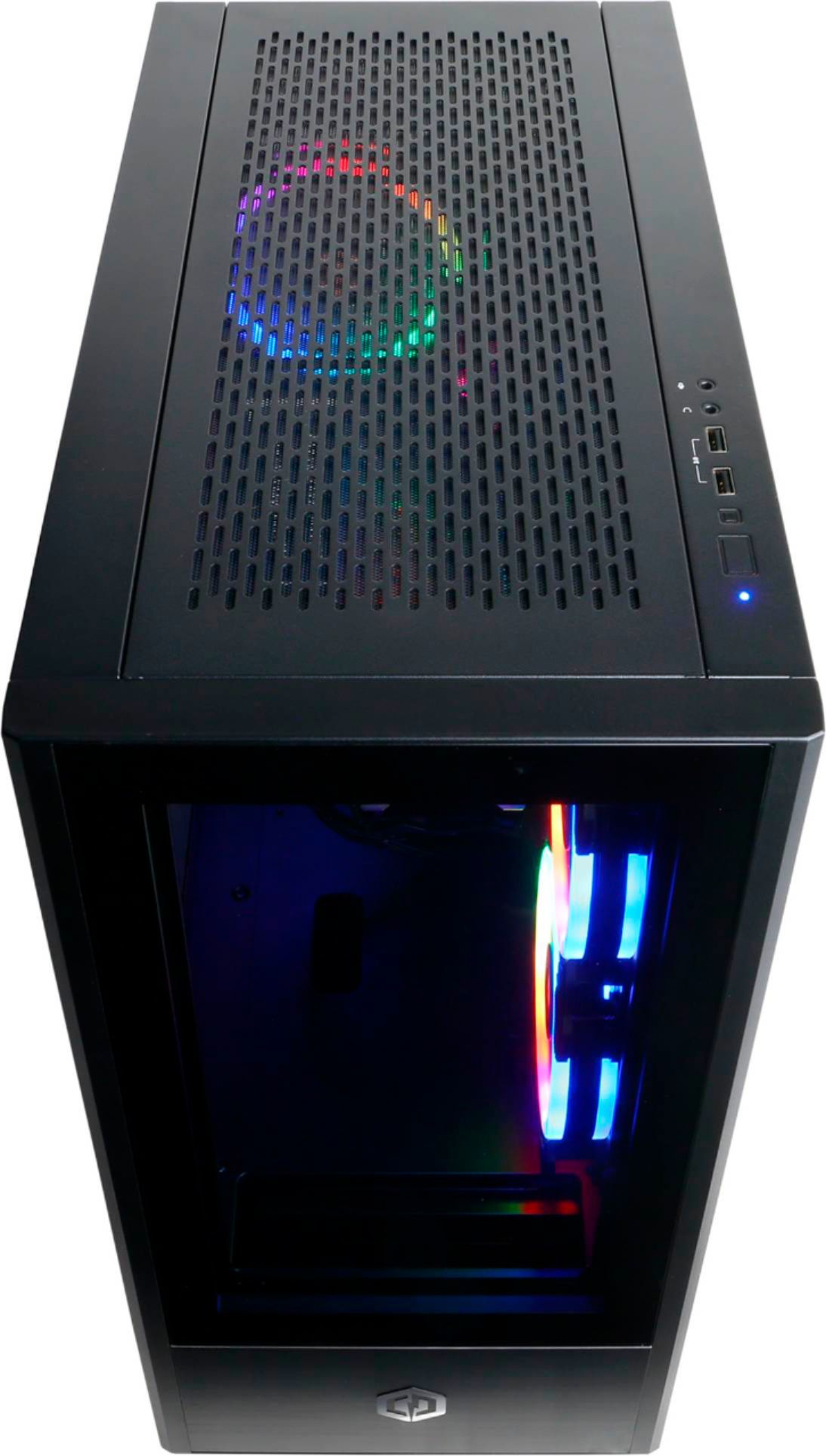
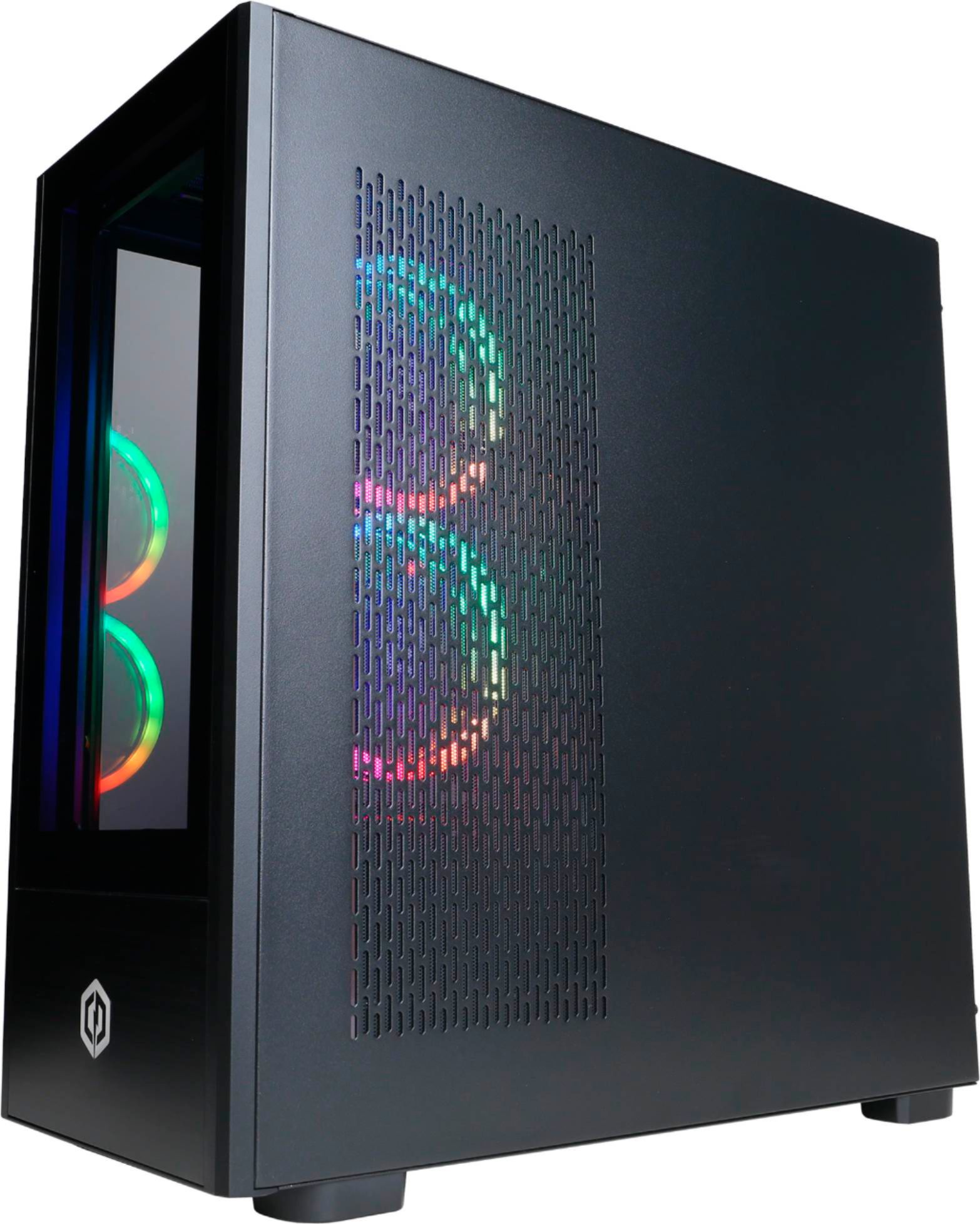
A:AnswerThank you for reaching out to us Aum123. This system should come prebuilt and ready to go, this system should also come with a quick start guide. If you have any further questions or concerns then please do not hesitate to give our tech support agents a call for any assistance; we're always happy to help.
Tech Support:
(855) 888-2039
[email protected]
Hours of Operation:
Monday - Friday: 8:30AM - 6:00PM PST
Saturday: 9:30AM - 3:00PM PST
-CyberpowerPC Support
A:AnswerWell I been watching videos on low settings video for fortnite with those specs and in creative I think it gets 240 - 300 FPS and fortnite a good 240 in like arena and pubs or if FPS loss it would be like 200 or lower but that’s all I know if that helped
A:AnswerYes this can play all the VR games for the Quest S. I have played Beat saber, electonauts, Lone Echo, The Climb, and more. The RTX 2070 Super is more than enough for VR. I also play these games on my Ryzen5 / Radeon RX 580 by cyberpowerpc
A:AnswerThank you for reaching out to us Justin. You should be able to add an additional SATA drive to this system, however, it is always recommended that you check for compatibility before making your purchase on new hardware. If you have any further questions or concerns then please do not hesitate to give our tech support agents a call for any assistance; we're always happy to help.
Tech Support:
(855) 888-2039
[email protected]
Hours of Operation:
Monday - Friday: 8:30AM - 6:00PM PST
Saturday: 9:30AM - 3:00PM PST
-CyberpowerPC Support
A:AnswerA lot of computers have an integrated graphics HDMI port which is on the motherboard and is usually located in the upper area. There is also an HDMI port located on the graphics card and is below the other HDMI port. And yes, all you have to do is plug the HDMI cord into the computer and the monitor.
A:AnswerThank you for reaching out to us. This PC should be able to run Baldurs Gate 3 as it does meet the minimum system requirements. However, the amount of FPS you receive in-game will vary depending on the resolution and refresh rate of your display, in-game graphics settings, as well as your network connection. It is always recommended that you check the system requirements of the game you would like to play before making your purchase. If you have any further questions or concerns then please do not hesitate to give our tech support agents a call for any assistance; we're always happy to help.
Tech support:
(888)937-5582
-CyberpowerPC Support
A:AnswerThank you for reaching out to us Johan. This system should include a complimentary mouse and keyboard. If you have any further questions or concerns then please do not hesitate to give our tech support agents a call for any assistance; we're always happy to help.
Tech Support:
(855) 888-2039
[email protected]
Hours of Operation:
Monday - Friday: 8:30AM - 6:00PM PST
Saturday: 9:30AM - 3:00PM PST
-CyberpowerPC Support
A:AnswerThank you for reaching out to us Tony. This system should include a 500GB M.2 NVME SSD. If you have any further questions or concerns then please do not hesitate to give our tech support agents a call for any assistance; we're always happy to help.
Tech Support:
(855) 888-2039
[email protected]
Hours of Operation:
Monday - Friday: 8:30AM - 6:00PM PST
Saturday: 9:30AM - 3:00PM PST
-CyberpowerPC Support
A:AnswerThank you for reaching out to us Charles. This system should include Windows defender. If you have any further questions or concerns then please do not hesitate to give our tech support agents a call for any assistance; we're always happy to help.
Tech Support:
(855) 888-2039
[email protected]
Hours of Operation:
Monday - Friday: 8:30AM - 6:00PM PST
Saturday: 9:30AM - 3:00PM PST
-CyberpowerPC Support