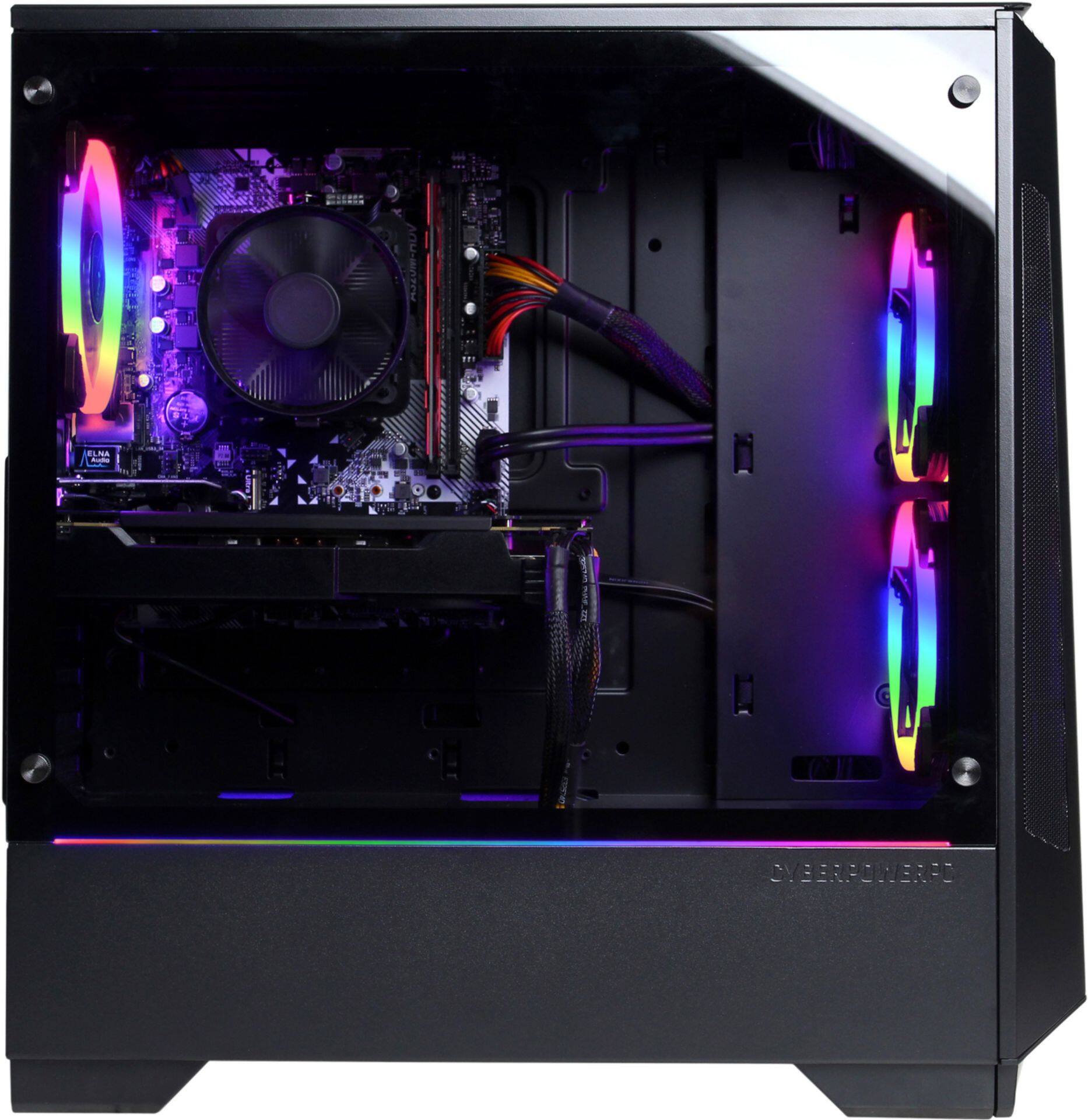
A:Answer You can fix the sound of these fans in the bios. What you have to do it hit restart when your in the computer, then when you see a Asrock in the middle of you screen start hitting delete or f2 multiple times. This then should put you into the bios. You'll see here a couple tabs, what you want to do is go through until you se CPU fan and Chasse or case fan. This should have a preset to standard, but we want it at client. Now, go to the right most tab that says exit, and hit save and exit, you will then hear the sound of the fans go down. I did this to my computer and it made a HUGE difference.