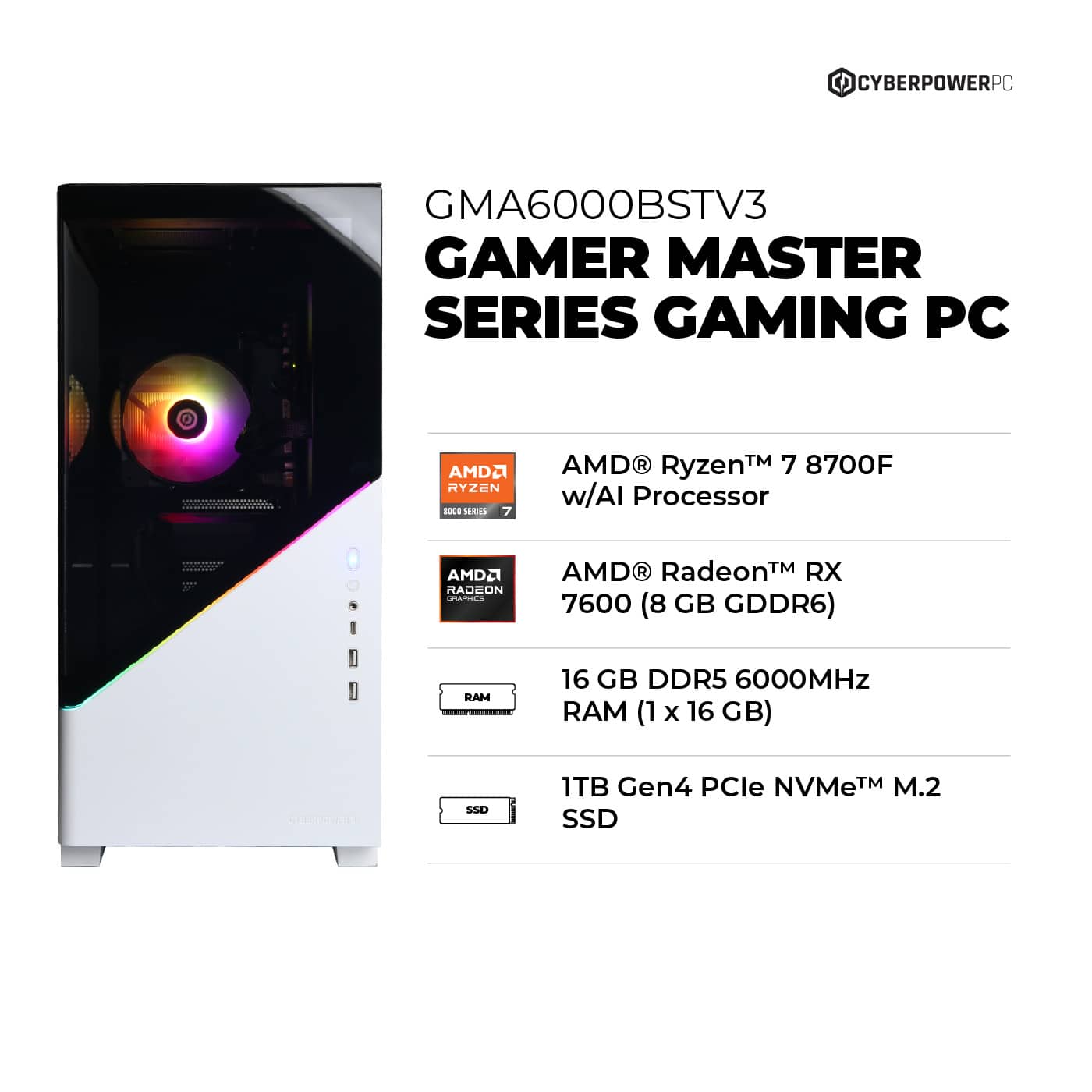
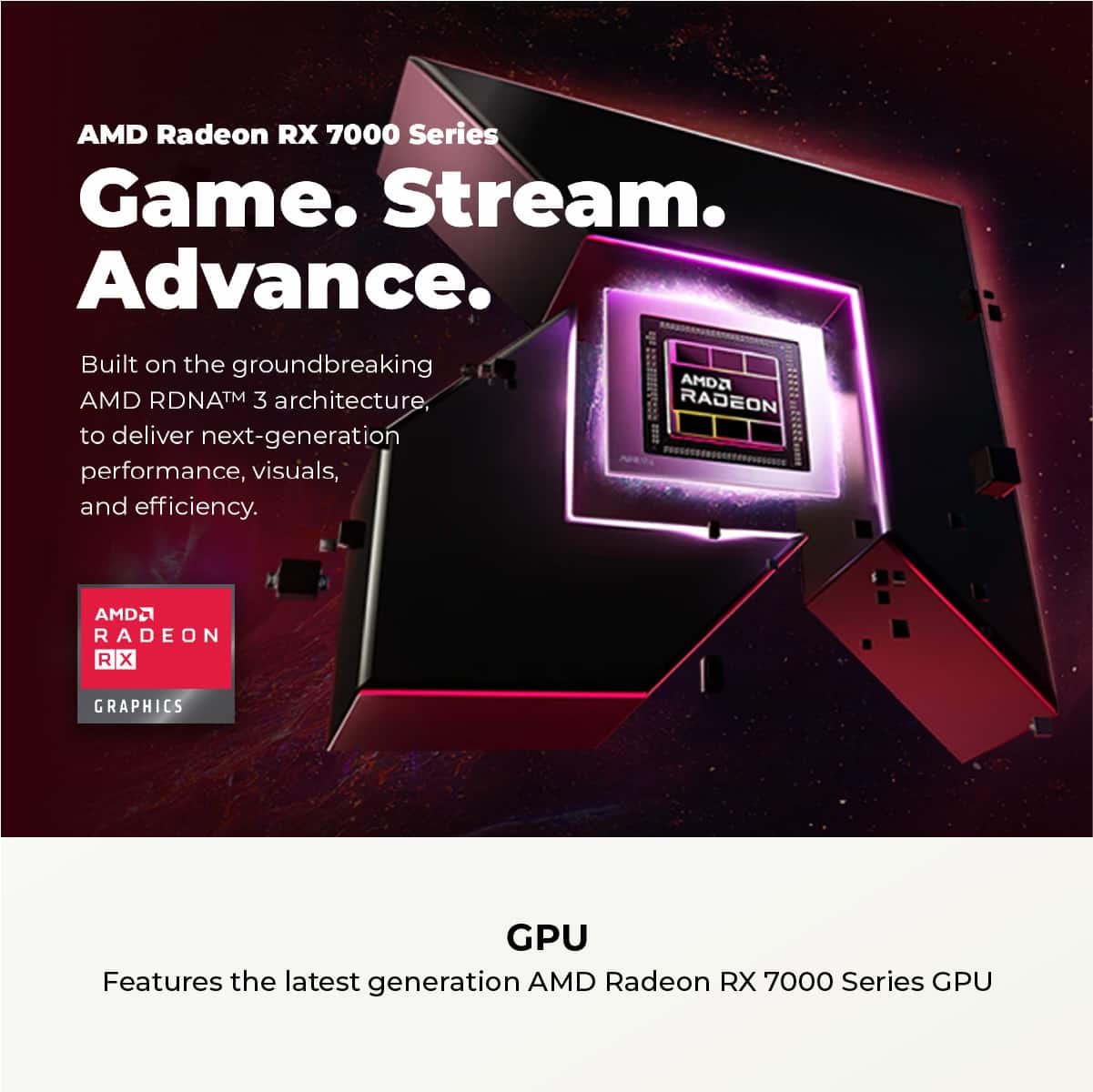
A:AnswerYou can upgrade to any modern GPU that fits in the case and is compatible with your power supply, such as AMD Radeon RX 7700/7800 series or NVIDIA RTX 3060/3070/4060/4070 series.
A:AnswerFirst, power off and unplug the PC. Remove the side panel, unscrew the GPU bracket screws, and release the PCIe latch on the motherboard (usually a small plastic clip at the end of the slot). Gently pull the GPU out to access the M.2 slot underneath.
A:AnswerYou should use the Display Port outputs for your PC Gaming monitors. Display Port beats HDMI for that use (HDMI is more used for larger TVs). You may have to get new DP cables? I think there are probably 2-3 Display Port outputs on that graphics card.
A:AnswerYes, you can. This PC uses DDR4 3200 MHz RAM and supports up to 64 GB. You can add two 16 GB sticks or replace the existing ones to reach 32 GB.
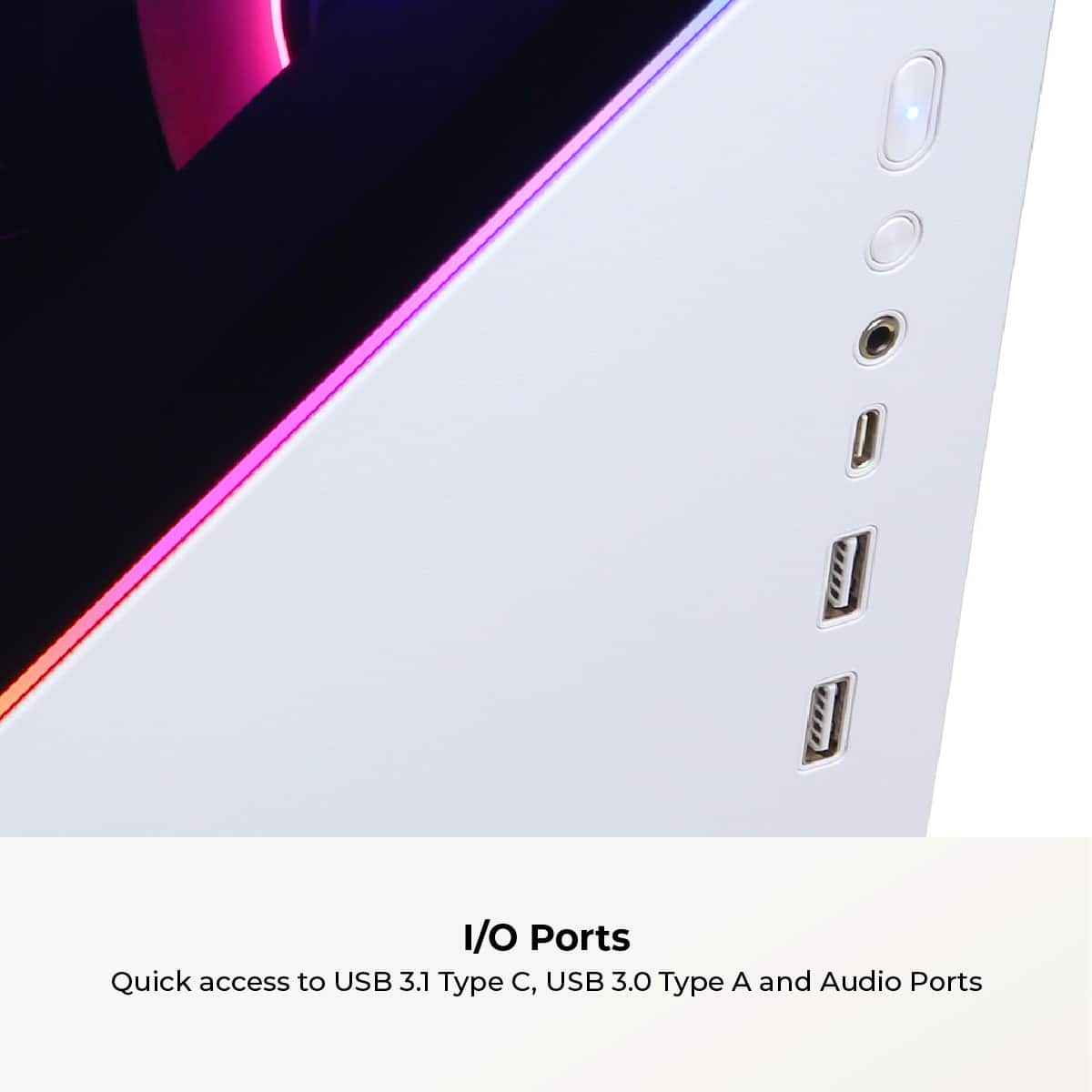
A:AnswerNo, the front and rear USB-C ports are separate and connect to different controllers/headers. However, if both devices are high-speed storage drives, performance may be affected depending on how the motherboard shares bandwidth. For best results, connect high-speed SSDs to different types of ports (USB-C and USB-A or directly to the motherboard’s M.2/SATA slots).
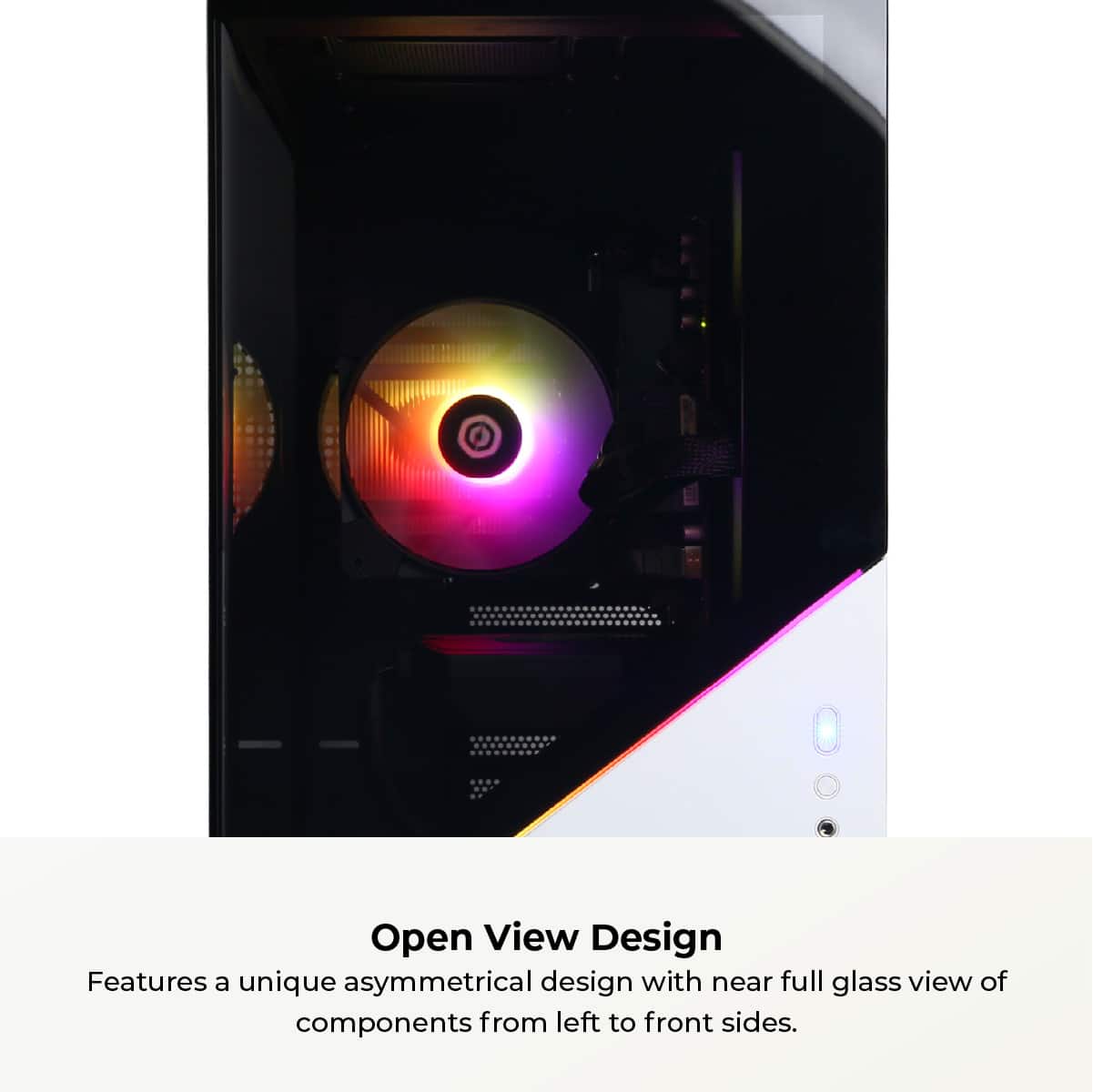
A:AnswerRemove the two thumbscrews located at the back edge of the tempered glass panel (on the left side when facing the PC). Once removed, gently slide the glass panel backward and lift it off to access the inside packaging.
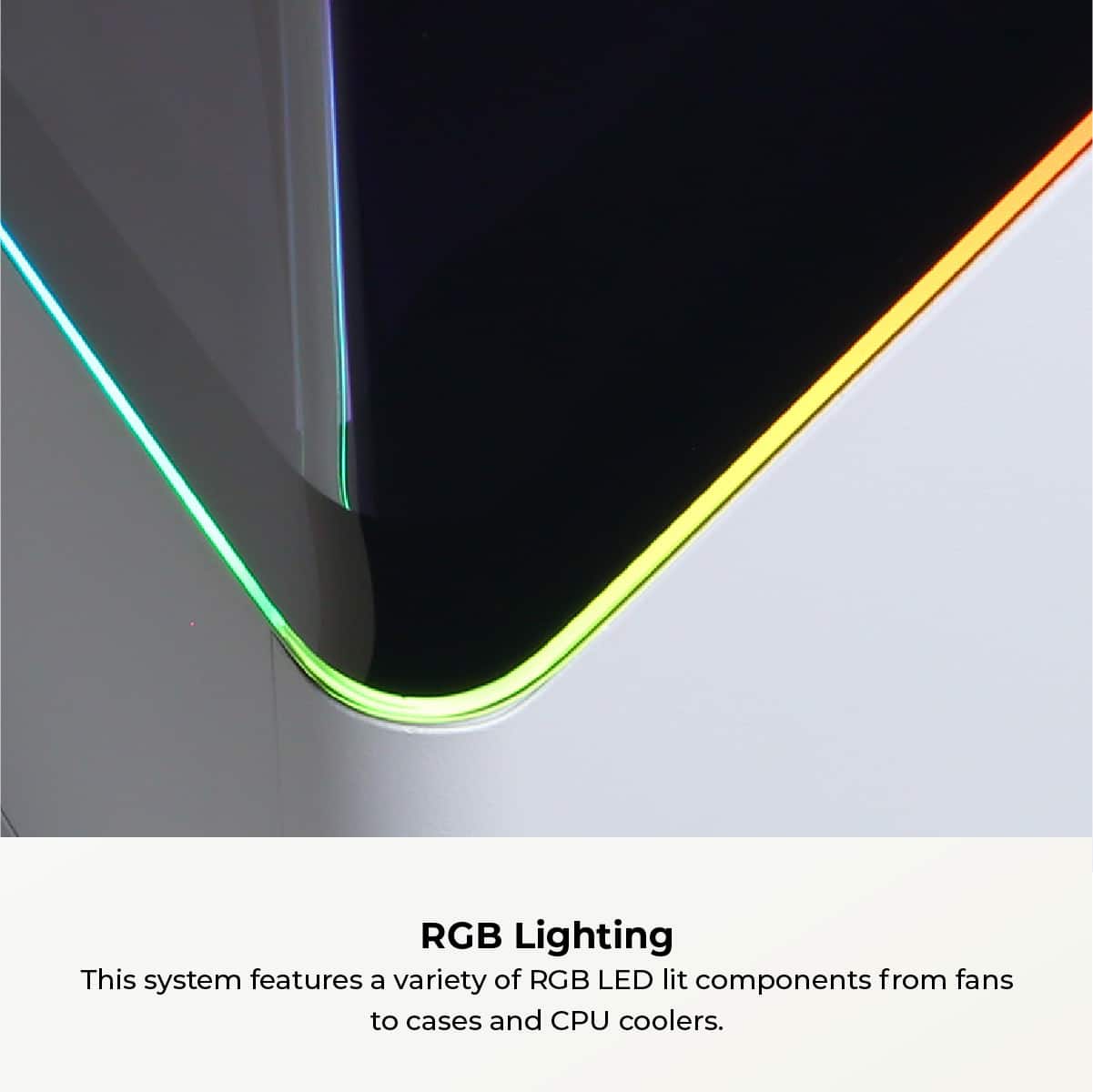
A:AnswerIf the RGB button doesn’t work, first check that the RGB cable from the case is properly connected to the RGB header on the motherboard or the included RGB controller. If connected and still not responding, you may need to use the motherboard’s RGB control software (ASUS Aura Sync, MSI Mystic Light, etc.) or the dedicated controller software for the case. If Gigabyte software doesn’t work, try reinstalling it or using the physical RGB controller inside the case.
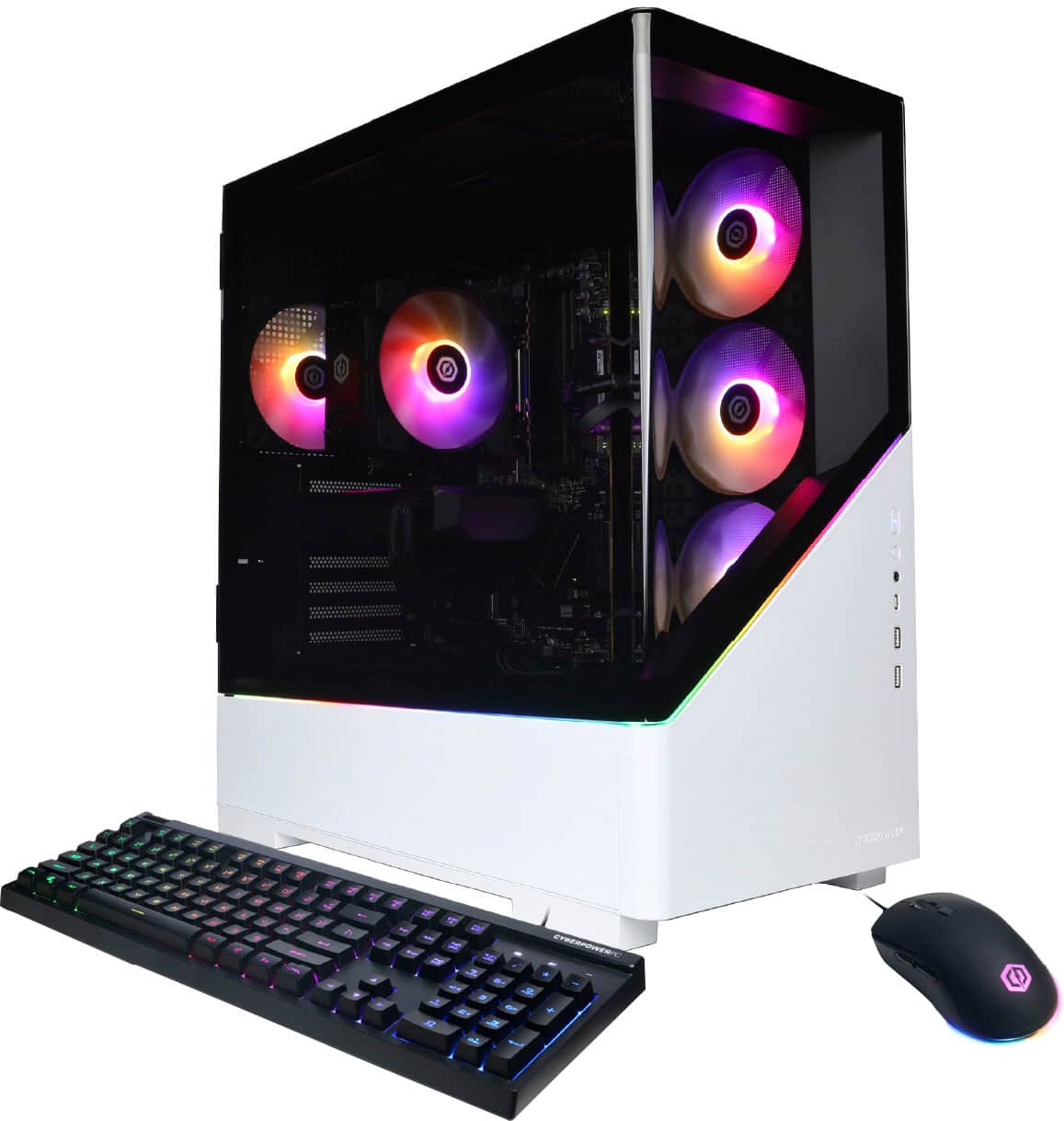
A:AnswerSo if you take the cover on the right side off you should be able to see a little plug that has likely fallen off in shipping I had the same issue.
A:AnswerThank you for reaching out. This PC does not include integrated speakers, so you will need an external audio output device such as a headset or standalone speakers.
A:AnswerThank you for reaching out to us. This PC should be able to run iRacing as it does meet the minimum system requirements. However, the amount of FPS you receive in-game will vary depending on the resolution and refresh rate of your display, in-game graphics settings, as well as your network connection. It is always recommended that you check the system requirements of the game you would like to play before making your purchase. If you have any further questions or concerns then please do not hesitate to give our tech support agents a call for any assistance; we're always happy to help.
Tech support:
(888)937-5582
-CyberpowerPC Support
A:AnswerThank you for reaching out! This PC comes already prebuilt! You just plug and get to playing! If you have any further questions or concerns then please do not hesitate to give our tech support agents a call for any assistance; we're always happy to help.
Tech support:
(888)937-5582
-CyberpowerPC Support
A:AnswerThank you for reaching out. Yes, you can add your hard drive. Please feel free to contact our tech support team at your earliest convenience for further assistance on this matter, we're always happy to help.
Tech Support:
(855) 888-2039
techsupport@cyberpowerpc.com
Hours of Operation:
Monday - Friday: 8:30AM - 6:00PM PST
Saturday: 9:30AM - 3:00PM PST
-CyberPowerPC Support
A:AnswerThank you for reaching out to us. Please feel free to contact our tech support team at your earliest convenience for further assistance on this matter, we're always happy to help.
Tech Support:
(855) 888-2039
techsupport@cyberpowerpc.com
Hours of Operation:
Monday - Friday: 8:30AM - 6:00PM PST
Saturday: 9:30AM - 3:00PM PST
-CyberPowerPC Support
A:AnswerThank you for reaching out to us. This PC should be able to run Fortnite as it does meet the minimum system requirements. However, the amount of FPS you receive in-game will vary depending on the resolution and refresh rate of your display, in-game graphics settings, as well as your network connection. It is always recommended that you check the system requirements of the game you would like to play before making your purchase. If you have any further questions or concerns then please do not hesitate to give our tech support agents a call for any assistance; we're always happy to help.
Tech support:
(888)937-5582
-CyberpowerPC Support
A:AnswerThank you for reaching out to us. Please feel free to contact our tech support team at your earliest convenience for further assistance on this matter, we're always happy to help.
Tech Support:
(855) 888-2039
techsupport@cyberpowerpc.com
Hours of Operation:
Monday - Friday: 8:30AM - 6:00PM PST
Saturday: 9:30AM - 3:00PM PST
-CyberPowerPC Support