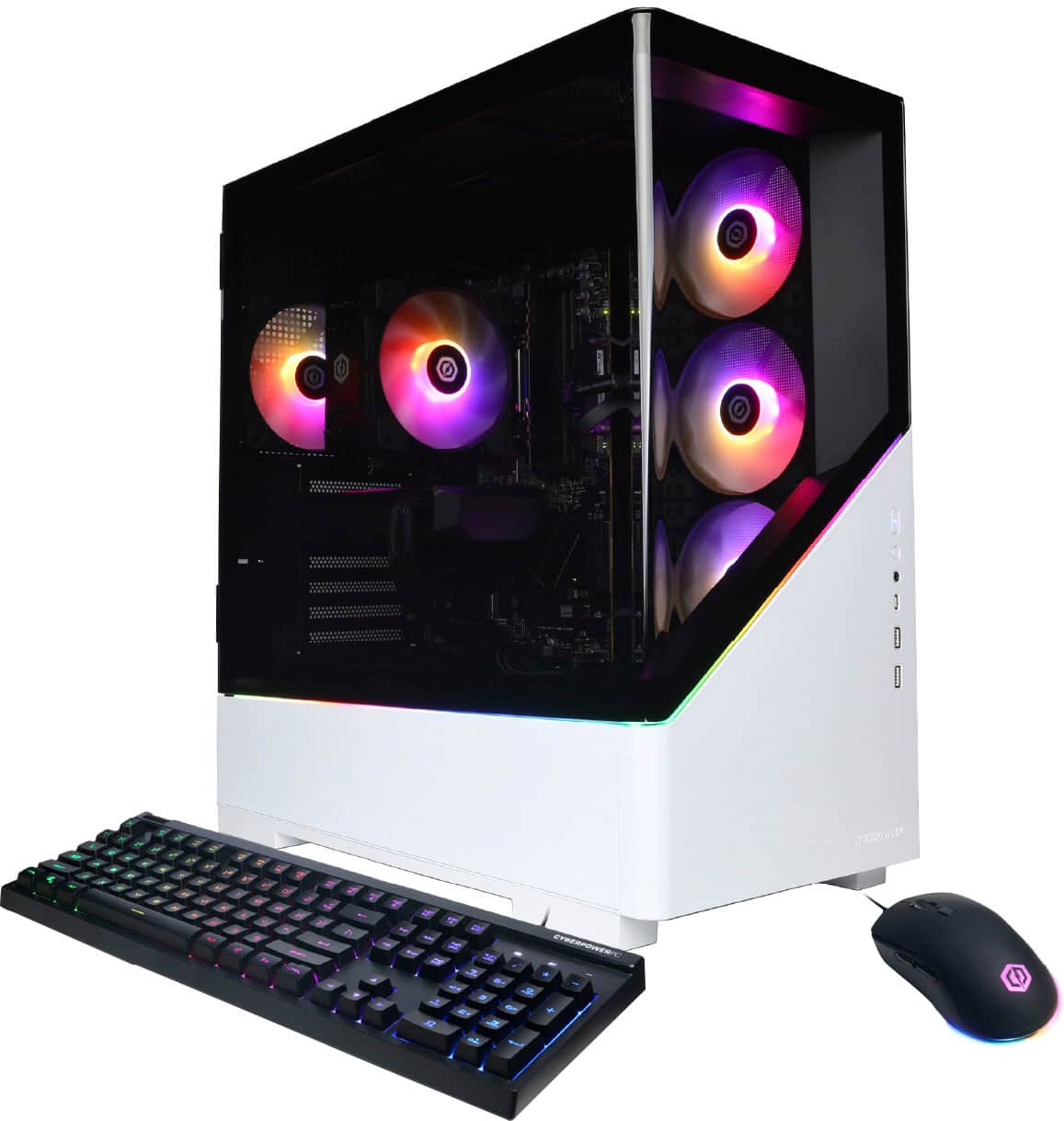
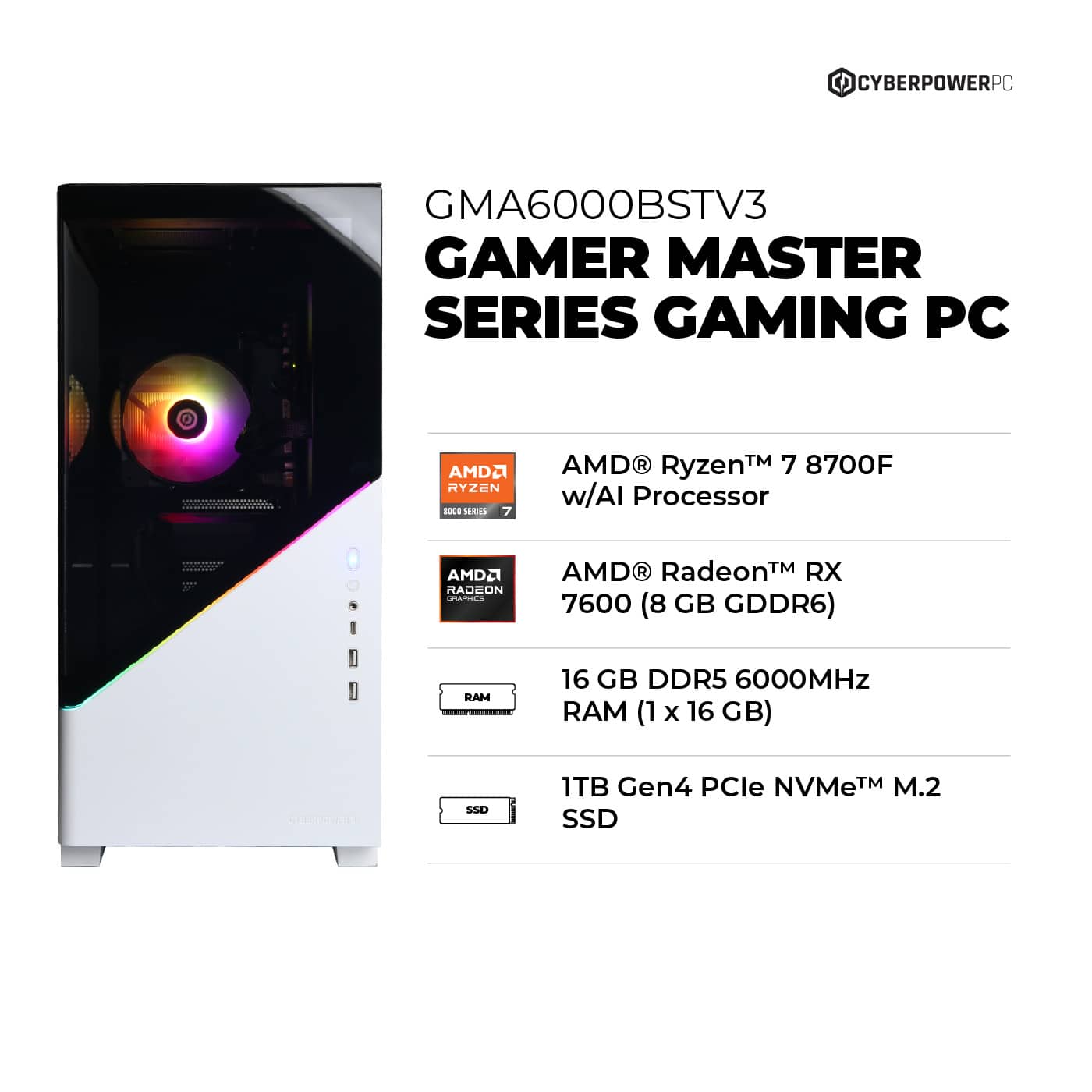
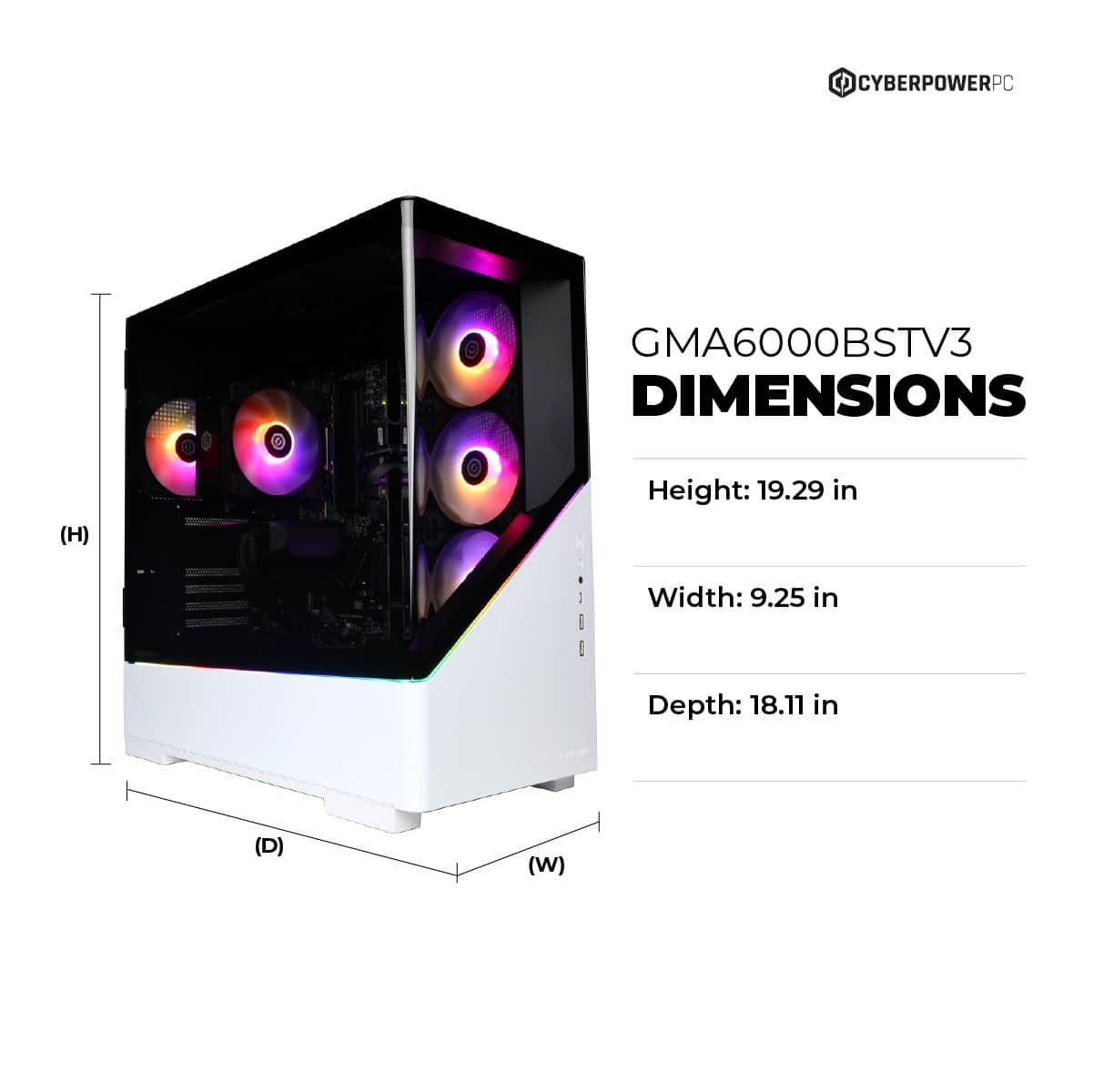
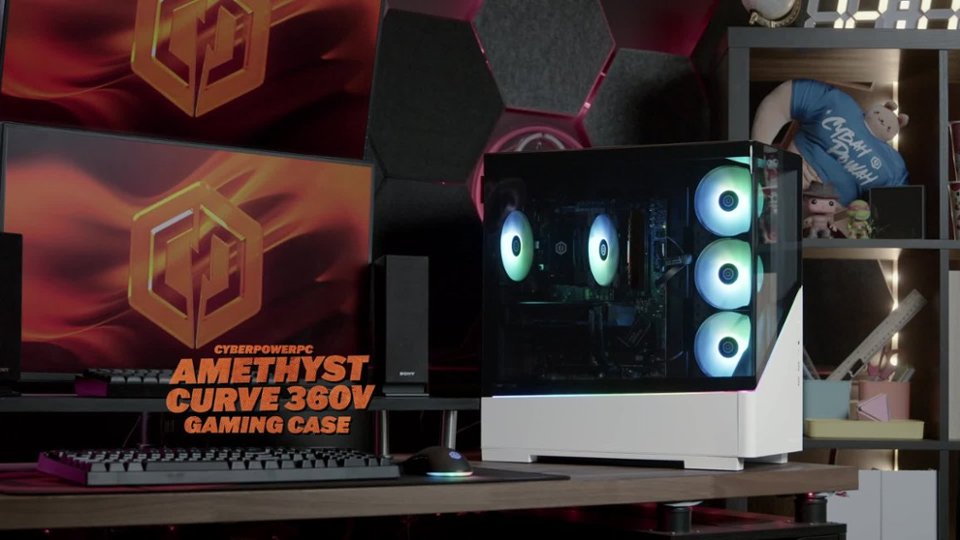
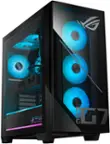
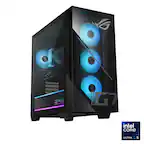
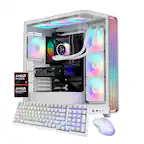
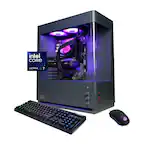
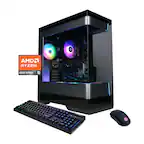
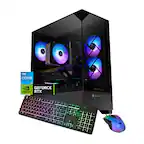
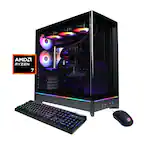
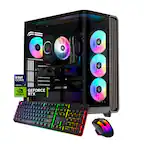
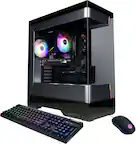
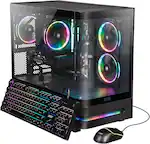
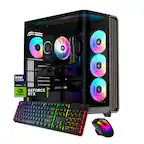
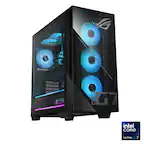
A:Answer Thank you for reaching out to us. This PC should be able to run GTA V as it does meet the minimum system requirements. However, the amount of FPS you receive in-game will vary depending on the resolution and refresh rate of your display, in-game graphics settings, as well as your network connection. It is always recommended that you check the system requirements of the game you would like to play before making your purchase. If you have any further questions or concerns then please do not hesitate to give our tech support agents a call for any assistance; we're always happy to help.
Tech support:
(888)937-5582
-CyberpowerPC Support