A:AnswerThanks for reaching out NotSOTechSavyDad. If your video card only has one HDMI port, you will need to get a cable/adapter to either DVI or DisplayPort for your second monitor. If you have any further questions or concerns then please do not hesitate to give our tech support agents a call for any assistance; we're always happy to help.
Tech support:
(888)937-5582
-CyberpowerPC Support
A:AnswerThanks for reaching out John. This PC should be able to support the GTX 1660Ti. The recommend power supply wattage for the GTX 1660Ti is 450 watts. If you have any further questions or concerns then please do not hesitate to give our tech support agents a call for any assistance; we're always happy to help.
Tech support:
(888)937-5582
-CyberpowerPC Support
A:AnswerThanks for reaching out User5678. This PC should come with a 8GB DDR4 2400MHz RAM. You would need to get a RAM that is similar in spec with the one already provided, or get a whole new set. If you have any further questions or concerns then please do not hesitate to give our tech support agents a call for any assistance; we're always happy to help.
Tech support:
(888)937-5582
-CyberpowerPC Support
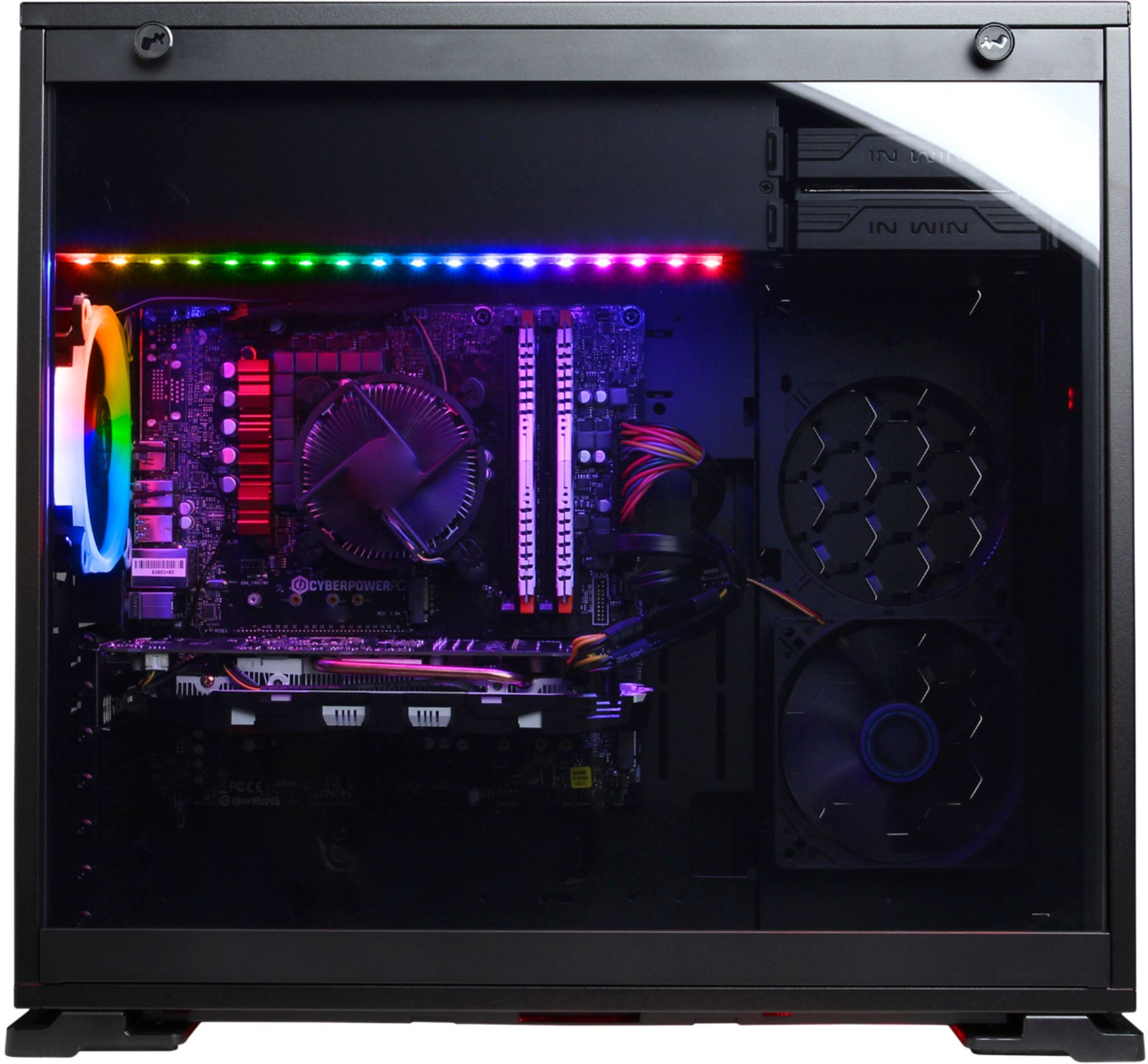
A:AnswerThanks for reaching out. The power supply should be a 500 watt power supply unit. However, the brand may vary with each system. The motherboard should be a Micro-ATX motherboard. If you have any further questions or concerns then please do not hesitate to give our tech support agents a call for any assistance; we're always happy to help.
Tech support:
(888)937-5582
-CyberpowerPC Support
A:AnswerThanks for reaching out. The GTX 1060 is a 3GB, however, the brand and model may vary with each system. If you have any further questions or concerns then please do not hesitate to give our tech support agents a call for any assistance; we're always happy to help.
Tech support:
(888)937-5582
-CyberpowerPC Support
A:AnswerThanks for reaching out. In order to use two monitor, you would need to use two of the ports on the video card, so either a HDMI and DVI or a HDMI and DisplayPort. You would then need to detect the monitors and extend the display in your Display Settings. If you have any further questions or concerns then please do not hesitate to give our tech support agents a call for any assistance; we're always happy to help.
Tech support:
(888)937-5582
-CyberpowerPC Support
A:AnswerCheck the connection of your SATA cables. Ensure all boards are properly seated into the motherboard. If all is well disconnect the RAM and reconnect into the motherboard.
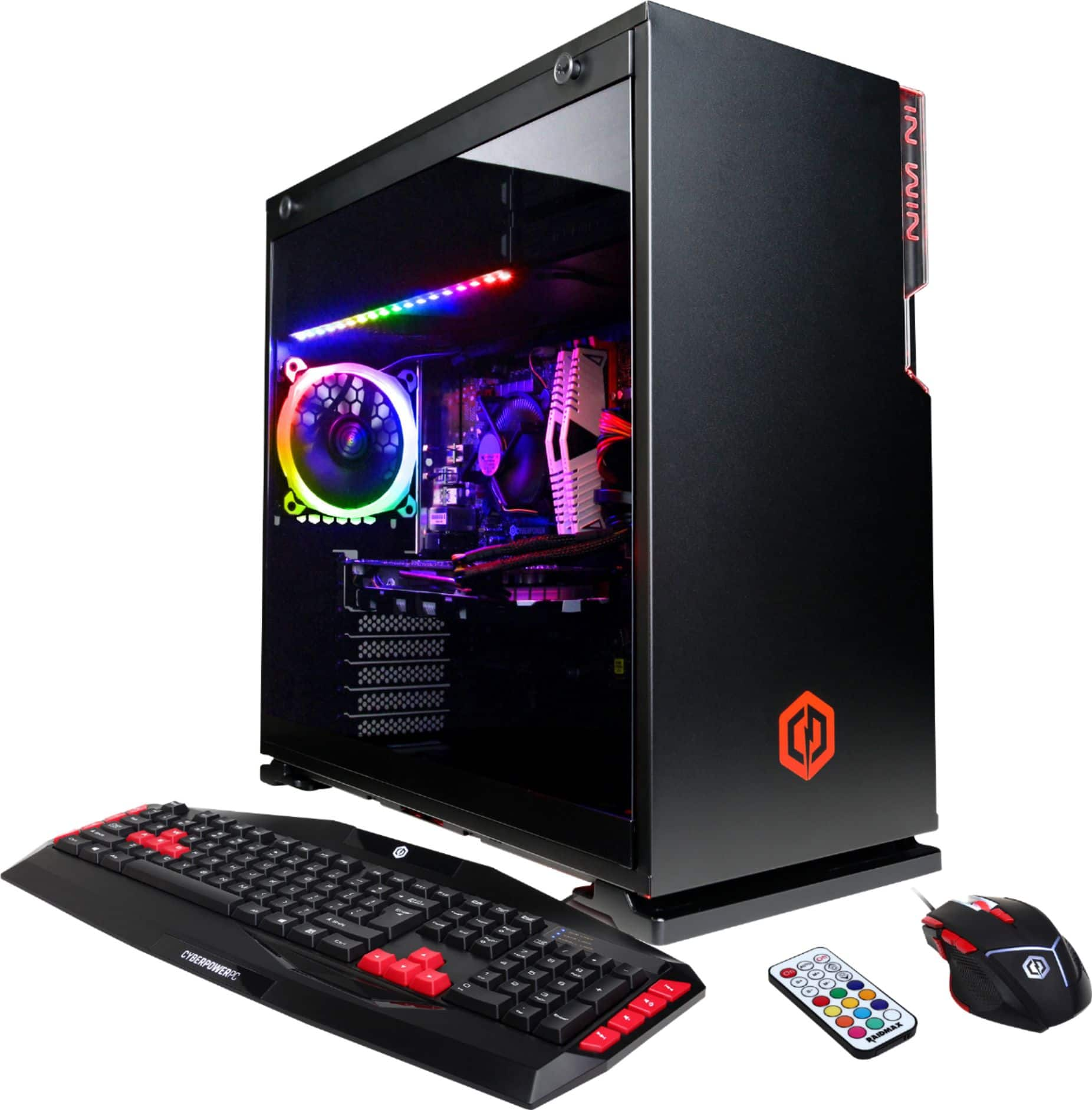
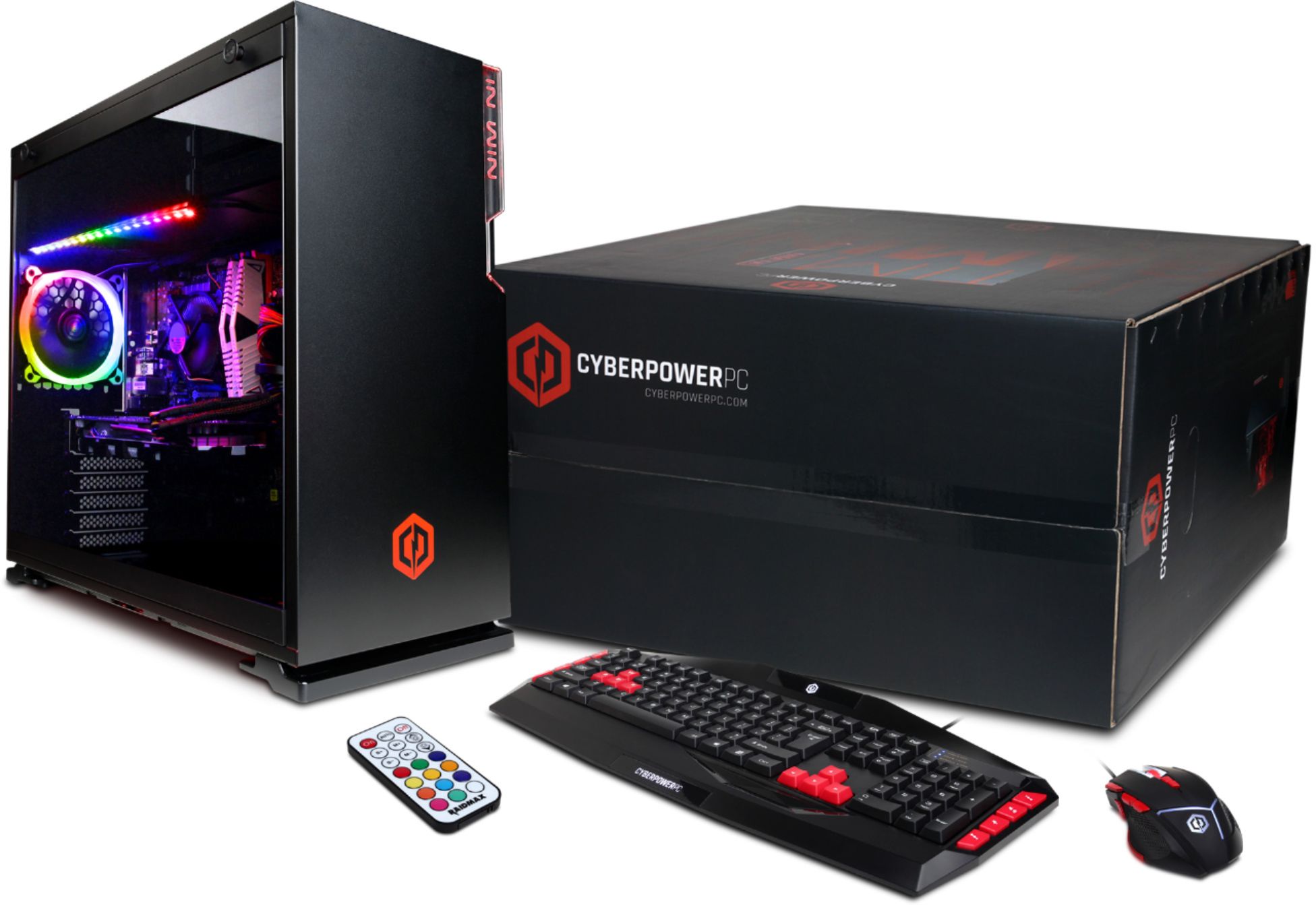
A:AnswerThanks for reaching out Dudgeon.There should be a remote that controls the RGB strip and RGB fan. Unfortunately, the keyboard is not RGB. If you have any further questions or concerns then please do not hesitate to give our tech support agents a call for any assistance; we're always happy to help.
Tech support:
(888)937-5582
-CyberpowerPC Support
A:AnswerThanks for reaching out Brandon. You can try to see if the ports on the motherboard could work, but if it doesn't, please feel free to give us a call so we can troubleshoot your issue. If you have any further questions or concerns then please do not hesitate to give our tech support agents a call for any assistance; we're always happy to help.
Tech support:
(888)937-5582
-CyberpowerPC Support
A:AnswerThanks for reaching out. The RGB fans should be Apevia, however, you should be able to install any 120mm RGB case fans. If you have any further questions or concerns then please do not hesitate to give our tech support agents a call for any assistance; we're always happy to help.
Tech support:
(888)937-5582
-CyberpowerPC Support
A:AnswerThanks for reaching out TylerB. This PC should be able to use any 120mm case fans, however, it may depend it if uses a 3 or 4 pin molex as you might need an adapter. If you have any further questions or concerns then please do not hesitate to give our tech support agents a call for any assistance; we're always happy to help.
Tech support:
(888)937-5582
-CyberpowerPC Support
A:AnswerThanks for reaching out Seth. This PC should come with a WiFi network card hat allows you to connect to the WiFi. You are able to hardwire it using an Ethernet cable. If you have any further questions or concerns then please do not hesitate to give our tech support agents a call for any assistance; we're always happy to help.
Tech support:
(888)937-5582
-CyberpowerPC Support