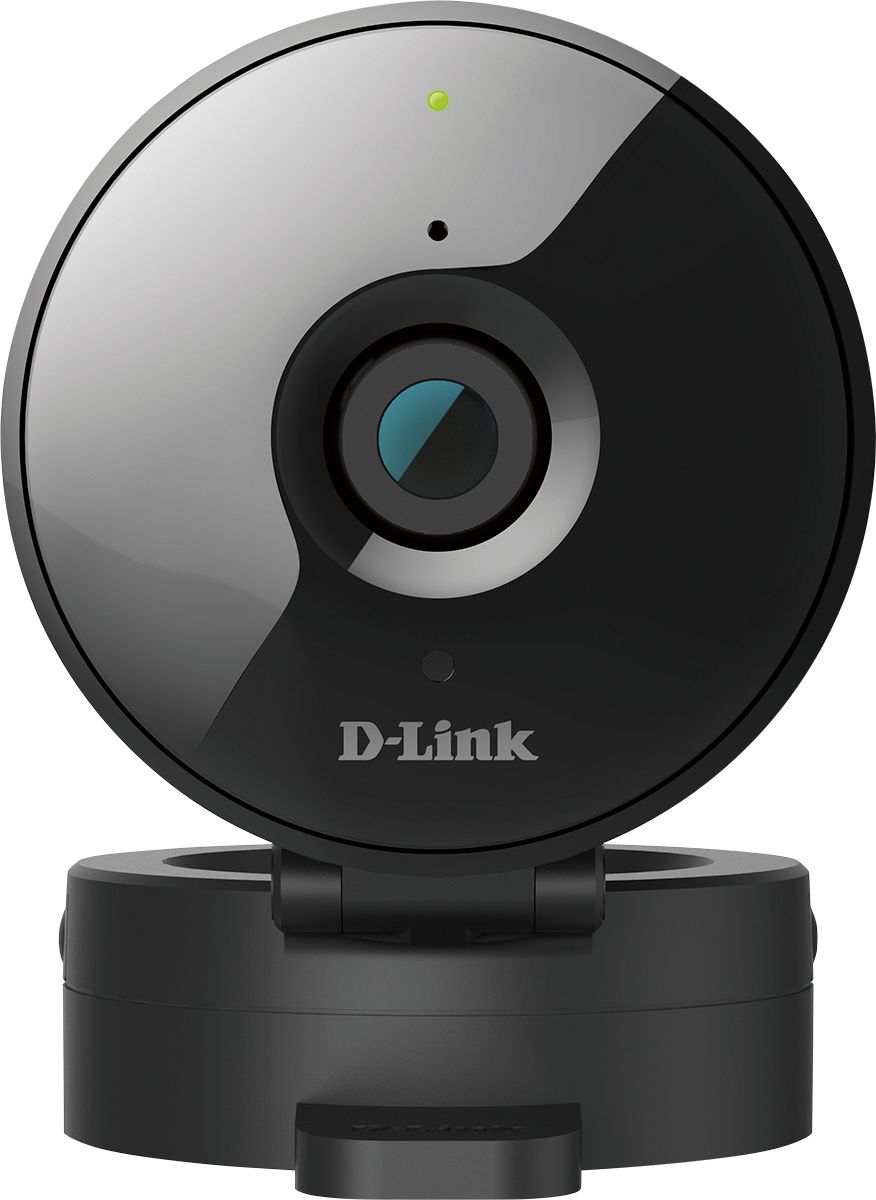
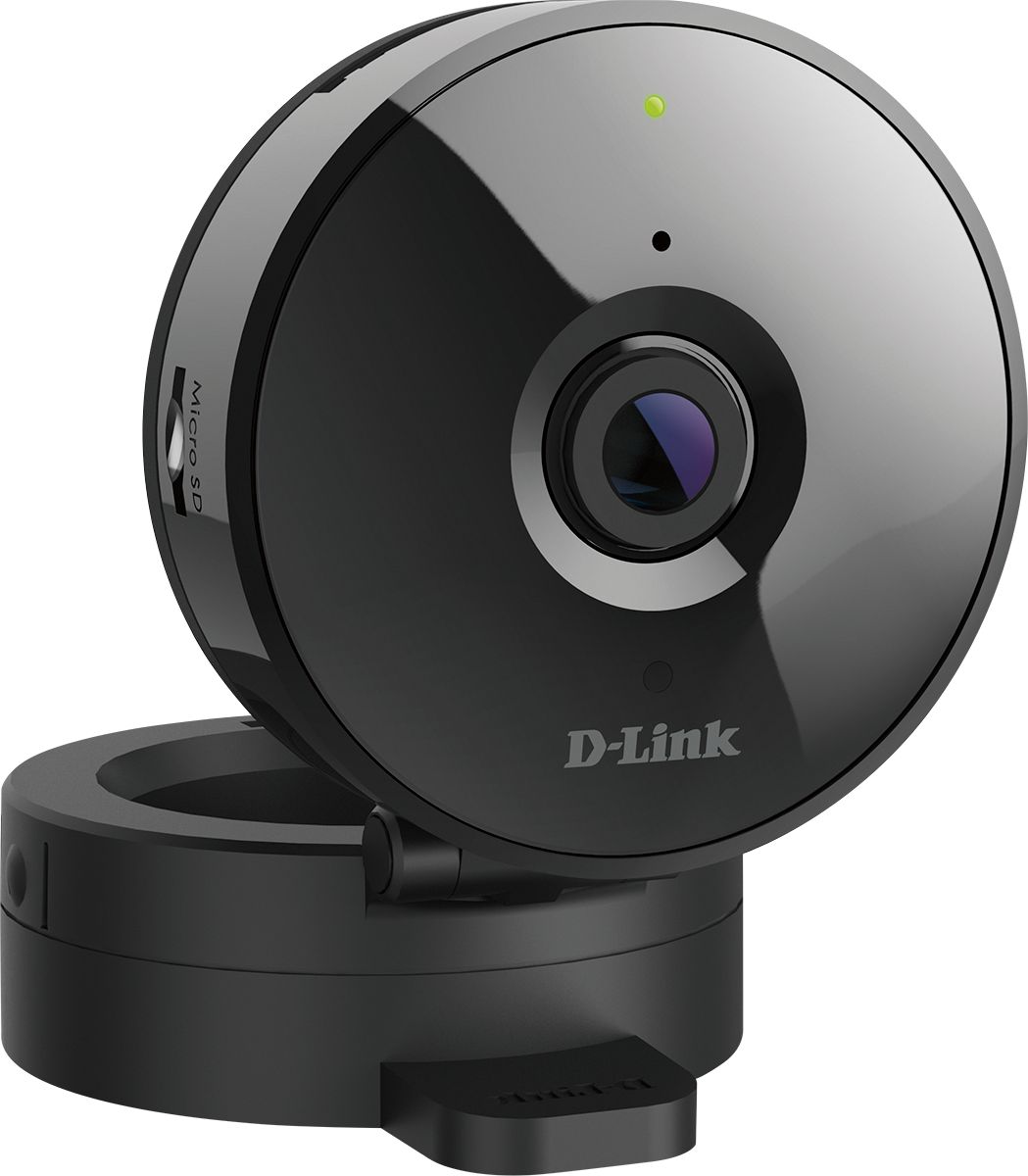
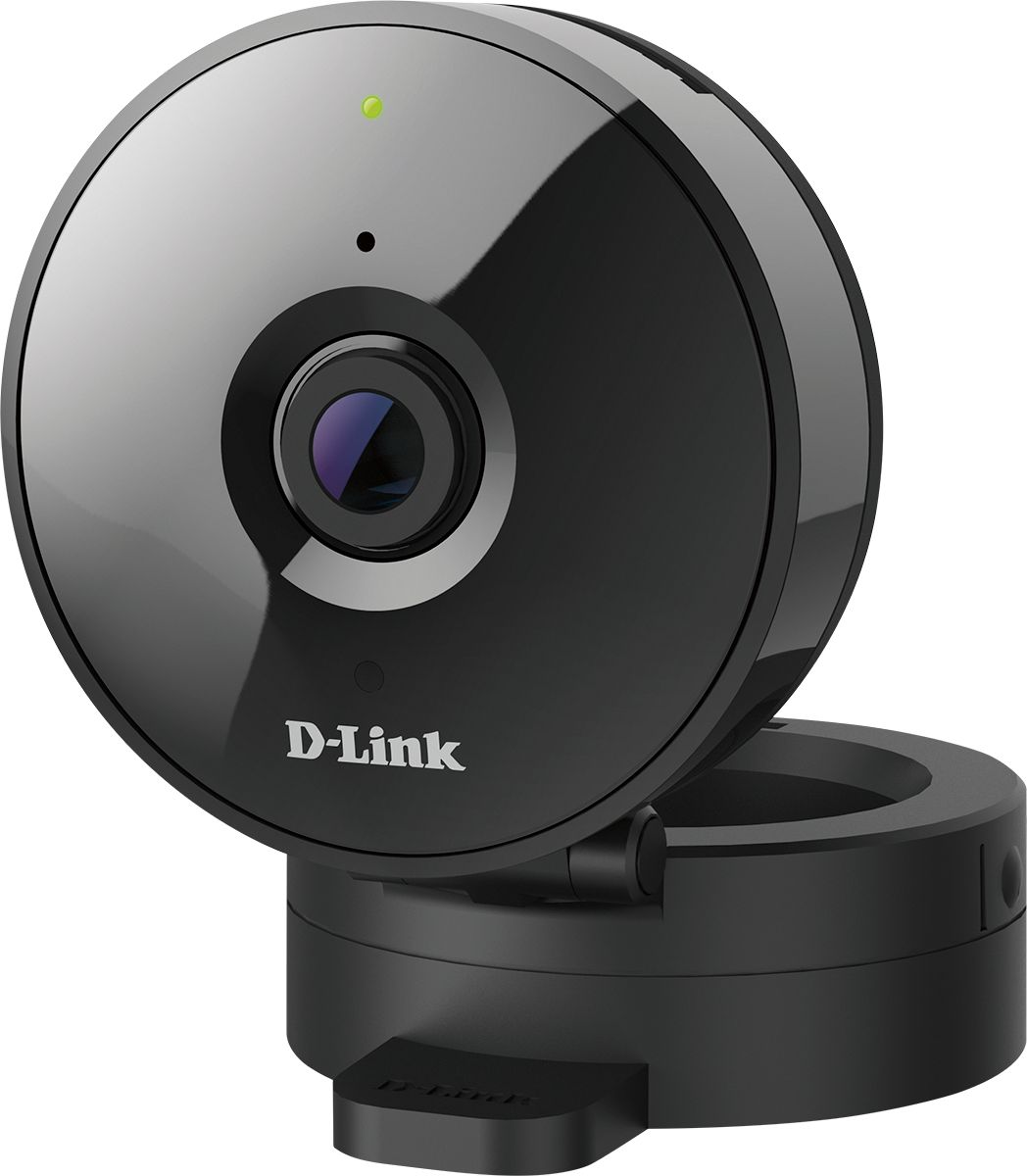
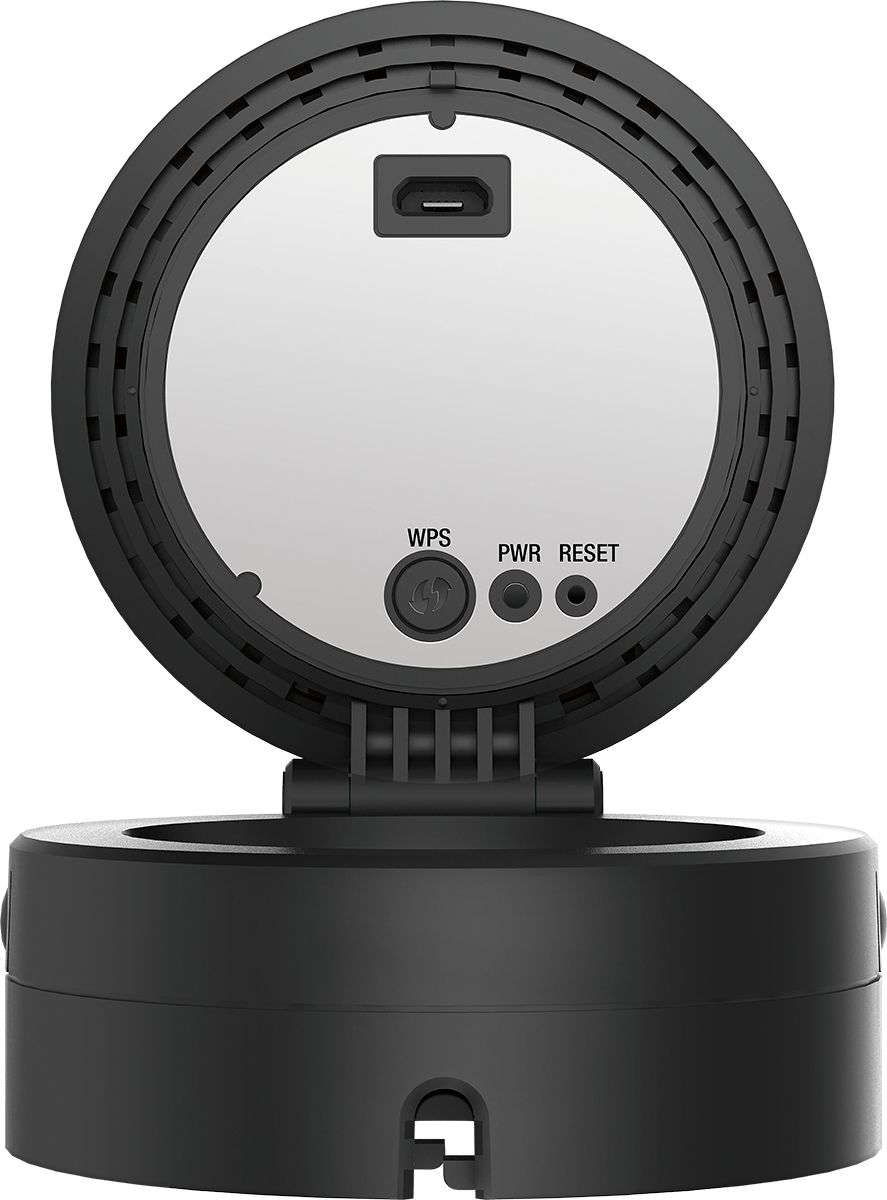
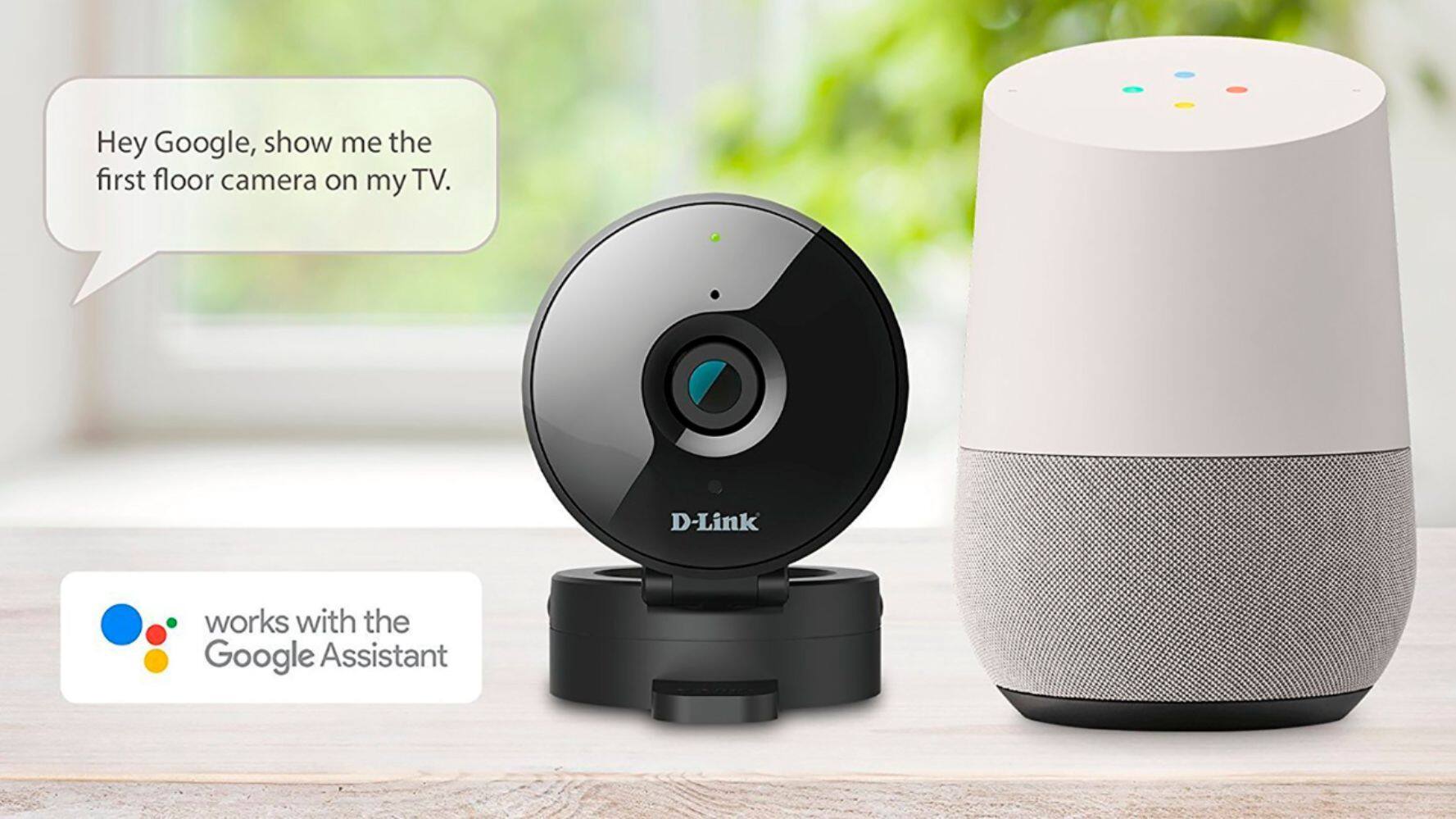
A:AnswerIt depends on the time of day it works best in good lighting during the day.If you have screen in window or window w/out screen will make a difference and the night vision will not work because it will reflect off of the glass and you either wont see anything well or it may not even connect because it blinds itself if too close to glass.Also if You have a good source of security lighting in the area the camera is facing you can just turn off night vision and will be able to see even through screen but you will need to adjust how close it is to screen or it will hinder your view.So it can work day or night but the night vision will not work,you will need outside flood light or motion sensor security flood lights.I think it is more for indoor use like a room monitor for baby or just to see what is going on in a room you are not in.I would suggest an outdoor security camera if you want the best view outside and night vision to work.And to answer Your question about blind spots for 180 degree or 120 degree always go w/the 180 when You can but the model you are asking about is 120 degree view and look at it through however You choose to view it before permanently mounting it.look at what your view is if you are going to use the model You are asking about to view outdoor from inside a window shut off night vision and adjust where you place it for optimal view before mounting it as well.or just use the stand and You can move it + check the view and motion setting until it is to your liking.
A:Answershe should be able to but depending on which app she is using it may time out every 5 minutes.it will ask first on the one that does that"about to time out.refresh?"and she would have to press refresh every 5 minutes or look when she wants to or use a different app or the cloud it also has motion sensor option and she can add an SD card that will record motion in 15 second clips that can be adjusted for longer periods of time in settings on the site.but yes she could even if they are asleep because it has IR(infrared)night vision.smart question Tina.
A:AnswerYou have to go to advanced settings on the site on your computer or maybe a tablet but you cannot do it on a phone to the best of My knowledge.However once You have done it then it should be the same amount of time you adjust it to when you use your phone to view the video clips.
A:AnswerCamara needs to be connected to wifi and to check you can do it with your phone once you create a mydlink account you have live view in the app or it even sends you a message and records if the camara detect motion or noise
A:AnswerIt may depend on the OS(operating system) of your phone as in android,windows or mac phone.If you record it on your phone and it says"video recorded to your device"look at where your videos are stored on your phone and it should be there if you have an SD card or not.if it is not there or you cannot view it through the sight then You will need an SD card and then it will record on both but you will need to format the SD card in settings.If you would prefer it to record to phone and have the SD card installed adjust the camera to record when motion is triggered and then it should save to SD when motion is triggered and to phone when You are using live view.
A:Answerthere is no reason that it should not however it may not let you unless you are logged in on the site on your computer for security purposes.give it a try it is on sale and a good price even when it isn't on sale but the night vision will not work if you use it to look out of a window as the IR (infrared) will bounce back off of the glass and blind the camera.but it will work if you put it to daytime in settings and have adequate lighting outdoors or are using it as a room monitor. All of the ones I have used record on motion but the cool thing about this 1 is that You can add an SD card as well and you can view the SD card motion recordings from your phone.