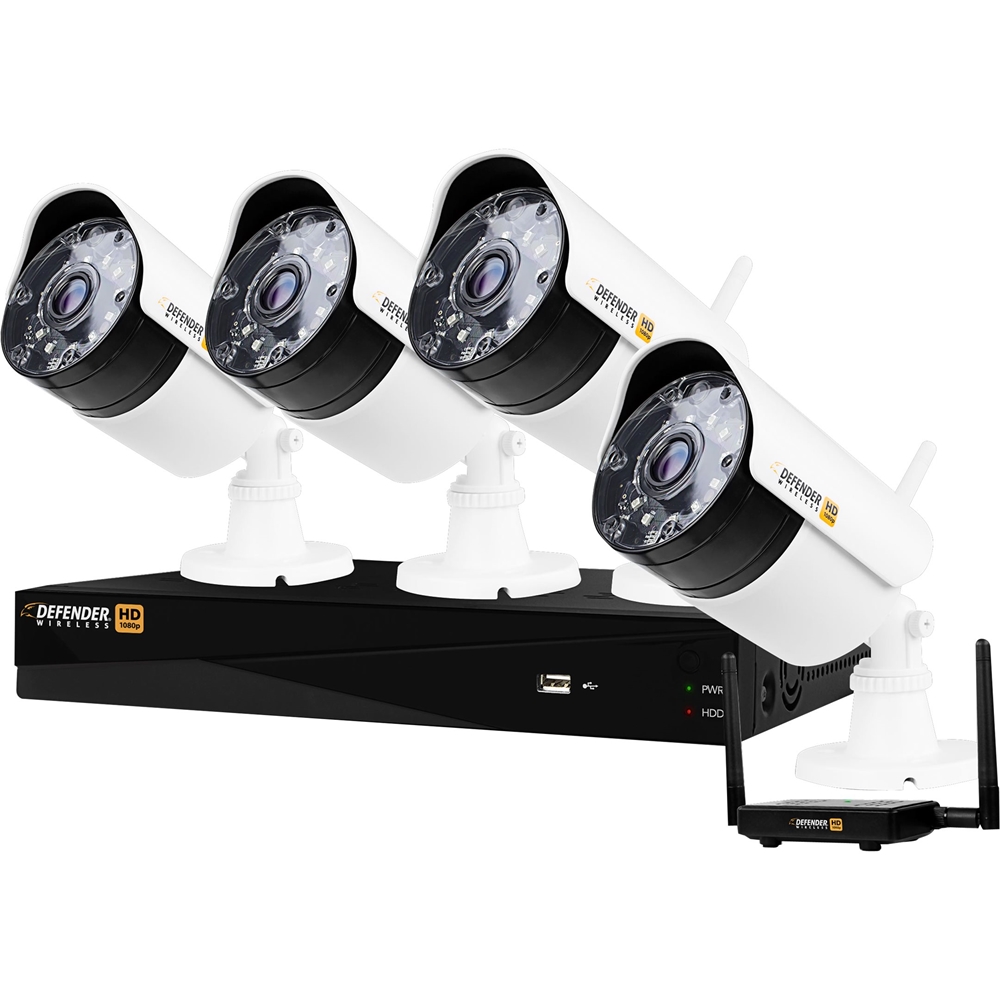
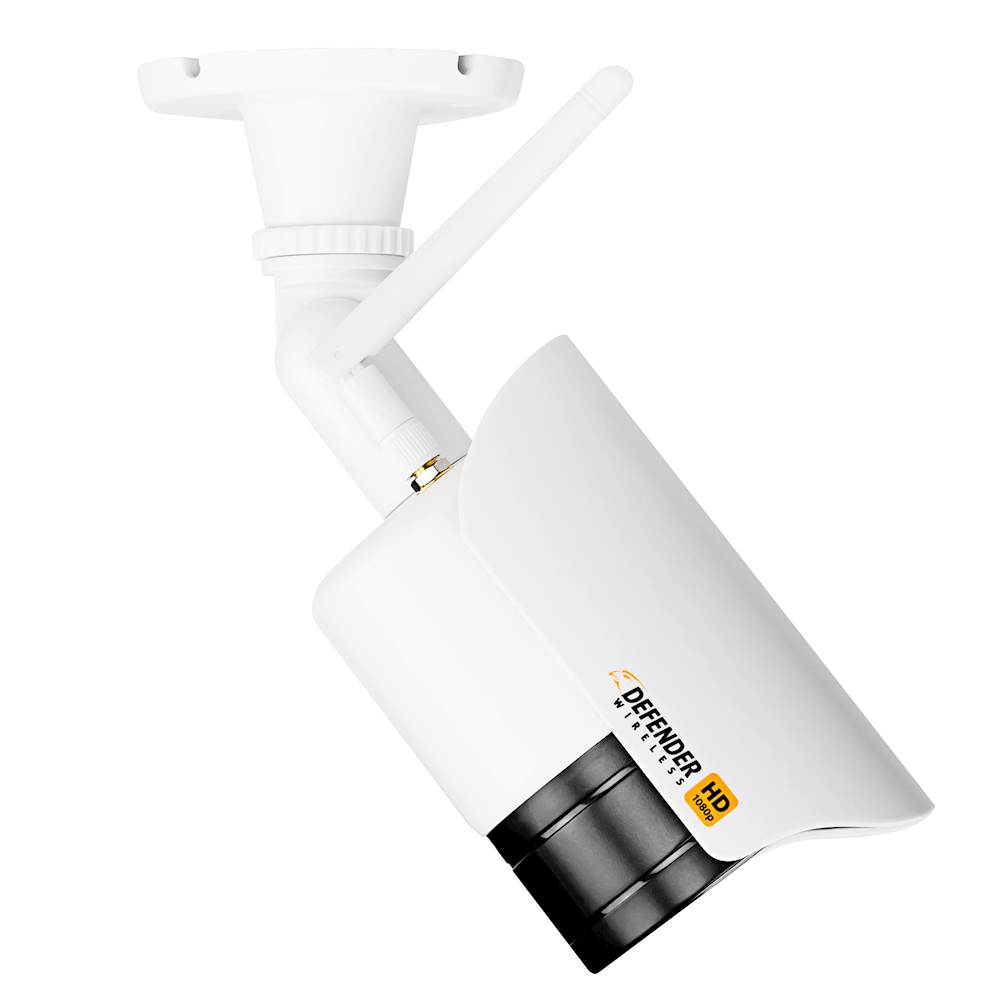
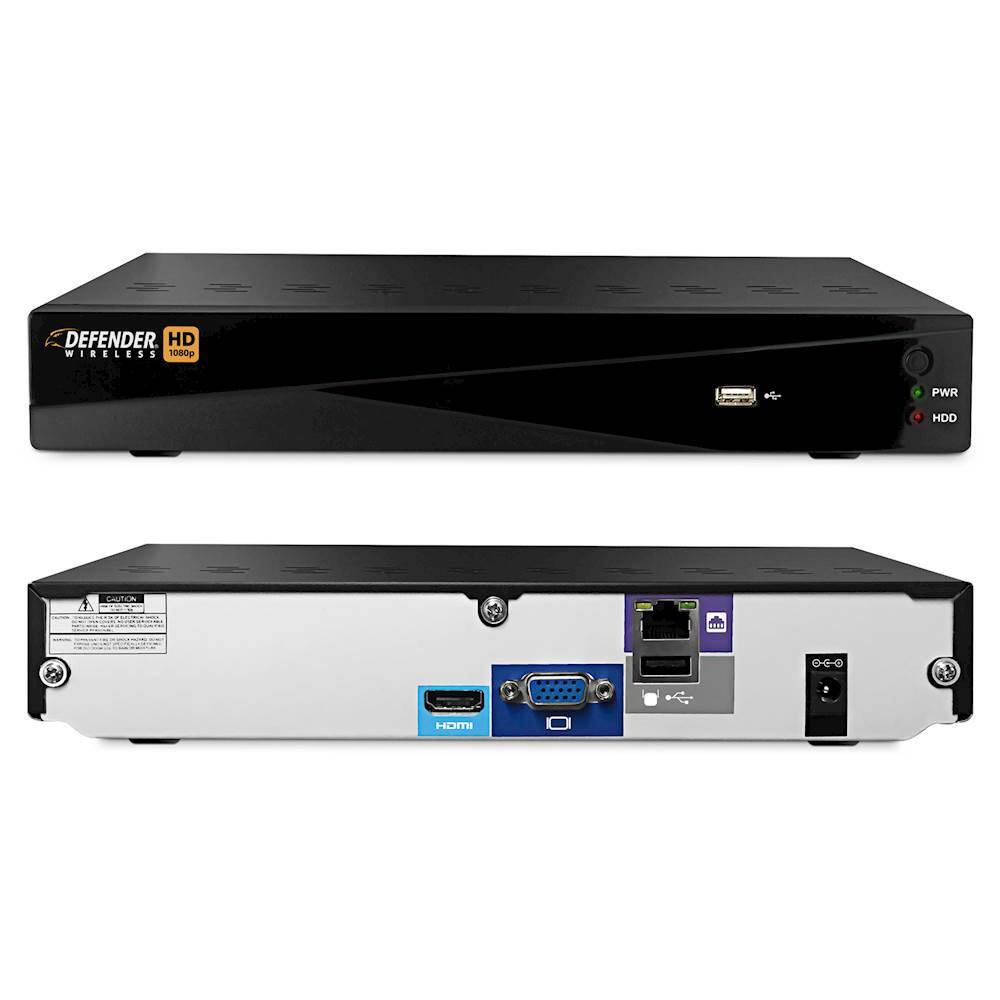
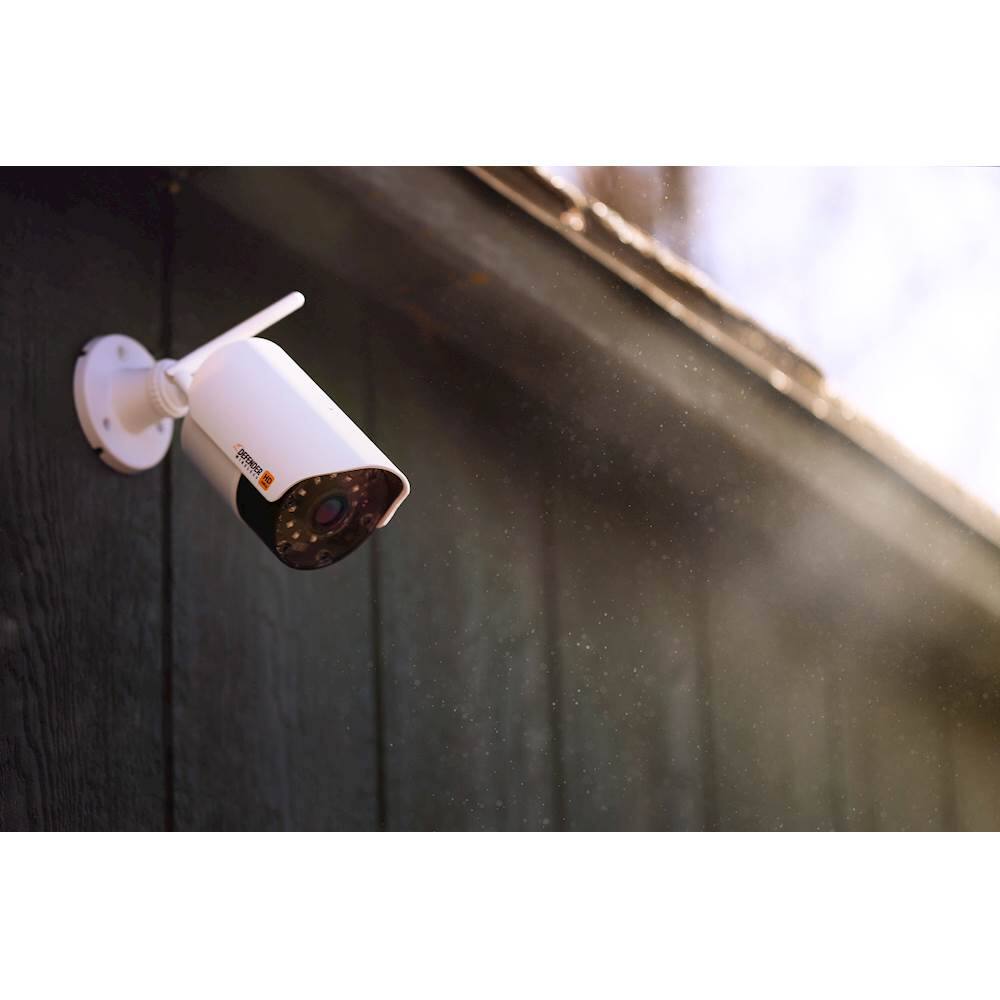
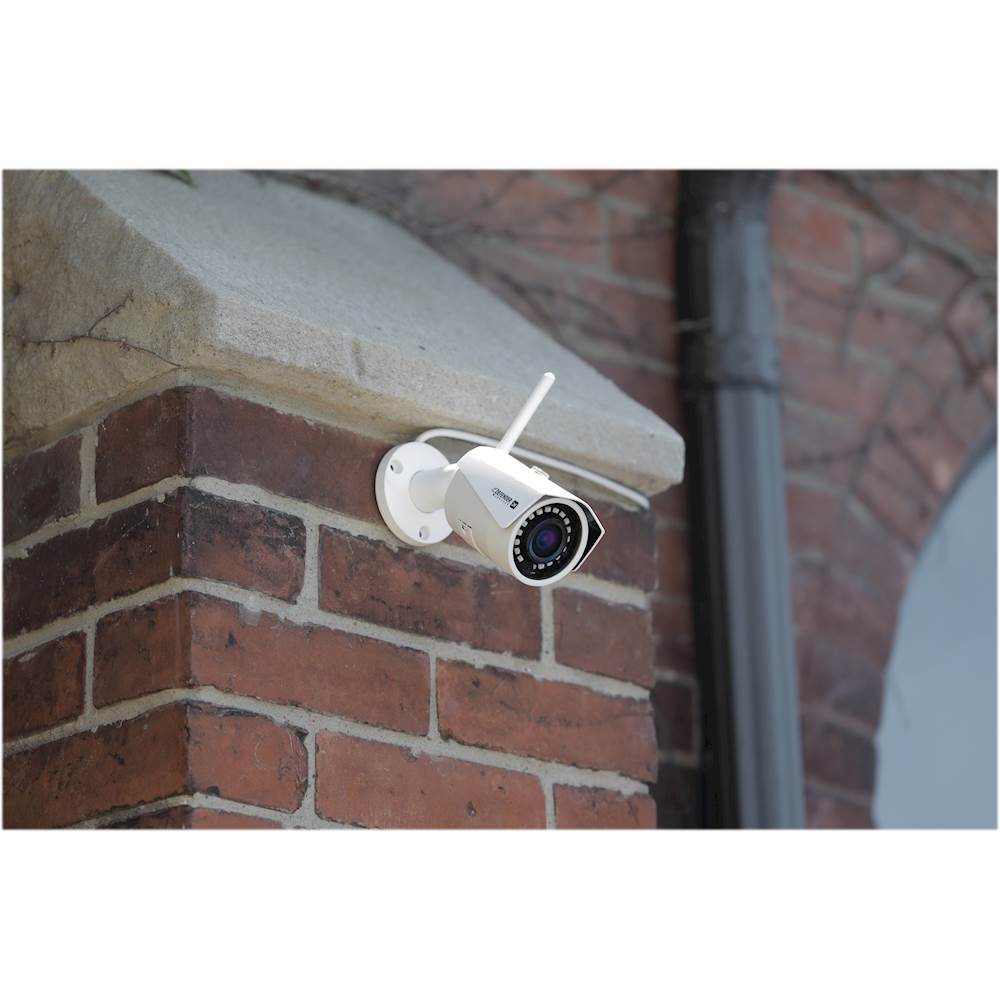
A:AnswerGreat question Interested! To avoid interference the cameras would need their own power outlet and should be placed at least 6ft apart from one another. Thank you for considering Defender for your peace of mind!
A:AnswerThank you for the inquiry Fcocob. We are sorry to see that you are having troubles with your system. There are many troubleshooting videos available on YouTube that can assist you with the set up of the email alerts along with troubleshooting all types of camera issues! Thank you for being a part of the Defender Family!
A:AnswerThank you for your interest in Defender juneBug! A smartphone is only needed if you would like to view the cameras while away from home. The DVR can be connected to your TV so that you may view in real time and playback your footage in the comfort of your home! With Defender you can be confident that you will get the peace of mind that you deserve!
A:AnswerThank you for your question Mark! If the image is a blank grey image, it may be loading a preview, how fast the image appears depends on the connection speed. If the image appearing is your camera location but in gray or black and white, you may need to reposition your cameras for better night vision viewing. Thank you for being a part of the Defender Family!
A:AnswerGreat question! Internet hookup is not necessary for the set up or to view footage on the display that is connected to the DVR. You will need and internet connection or data if you would like to view the cameras away from the home using the Defender HD app. Thank you for your interest in Defender!
A:AnswerThank you for your question Mark! If the image is a blank grey image, it may be loading a preview, how fast the image appears depends on the connection speed. If the image appearing is your camera location but in gray or black and white, you may need to reposition your cameras for better night vision viewing. Thank you for being a part of the Defender Family!
A:AnswerThank you for your inquiry Mark, the ethernet cable from the DVR to the router needs to be 30 ft or less. Anything more than 30ft will cause the issues that you are experiencing. Thank you for being a part of the Defender family Mark!
A:AnswerGreat question Dan, line of sight refers to the transmission range with no interreference and a clear line of sight between camera and receiver. Thank you for your interest in Defender!
A:AnswerGreat Question Jax! One option that may work is to extend the antenna with a Teflon cable with 50 Ohm impedance. It is an SMA connection that would be needed.
Some customers have mentioned that they were able to increase the range by using a antenna extender/booster or WiFi extender to get longer range and transmission. In this case we do not recommend a specific brand or booster and would recommend taking the antenna with you to an electronic store to get a signal booster that can increase your frequency over 2.468 ghz.
Our wireless DVR kits have a frequency range for the camera between 2.408GHz and 2.468GHz and for the receivers the frequency is between 2.406GHz and 2.466GHz. Thank you for your interest in Defender!
A:AnswerGreat question! Defender Wireless HD cameras operate on the 2.4Ghz wireless frequency, using a signal hopping technology to protect them from wireless interference. It would not be recommended to use two of these systems in close proximity as they use the same wireless channel and could cause interference between each other. Whichever model you choose, you’ll get the peace of mind you’re looking for with Defender!
A:AnswerGreat questions Ash! Yes the cameras are dual voltage, please note that an adapter may be needed for other outlet types Thank you for your interest in Defender!
A:AnswerHello MRD, that's a great question! You would be able to plug them in under the eaves, it would be suggested that the outlet and plug be in a weatherproof housing to protect the connection from excessive moisture (generally, mounting would have you run the power lead through a small hole in the wall to an indoor plug)
If you do have any additional technical inquiries, we do recommend that you contact us directly from our website, where you will have both Live Chat and completion of the online contact form for options.