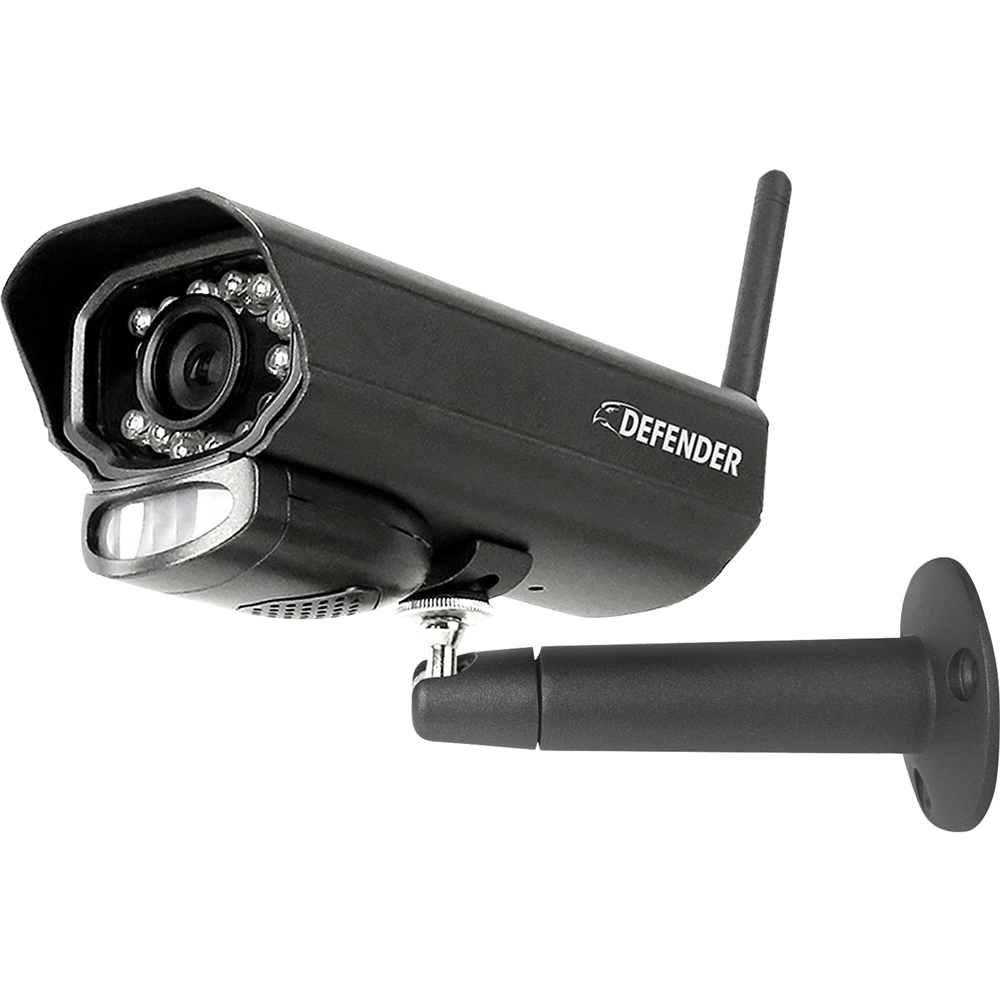
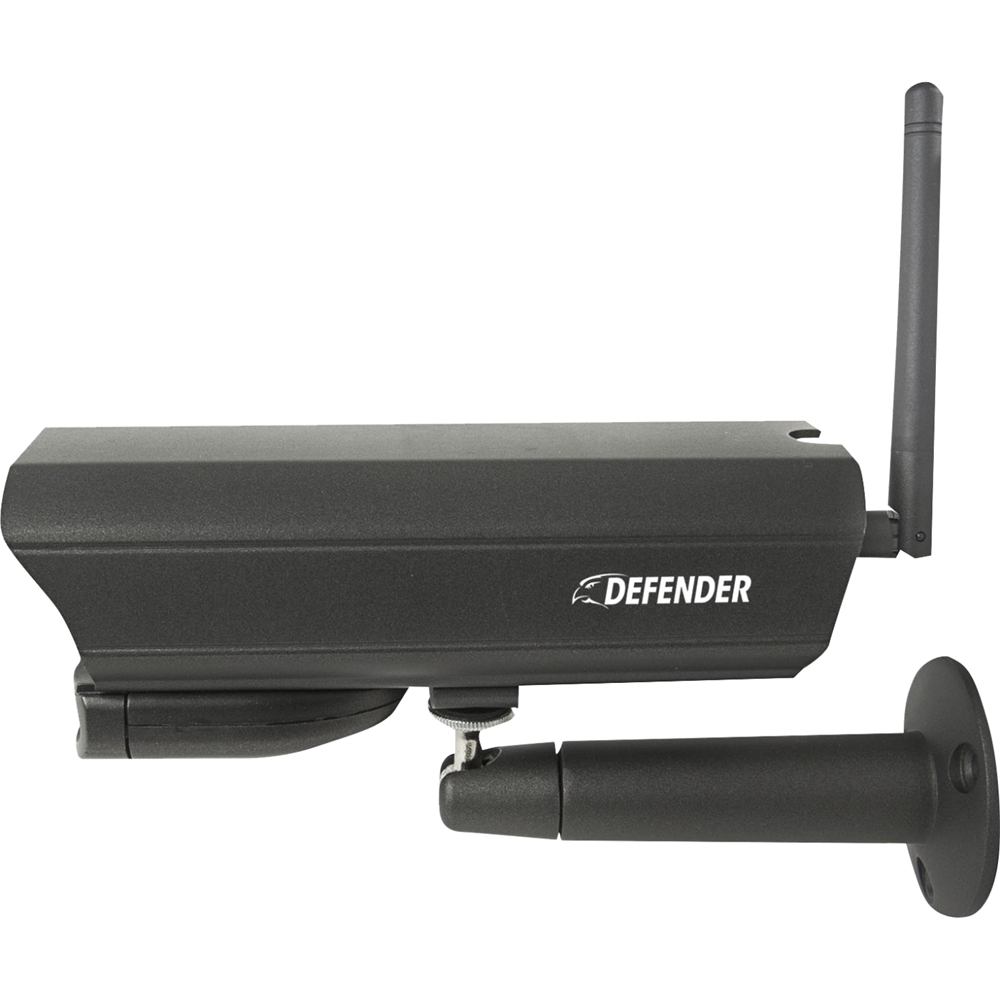
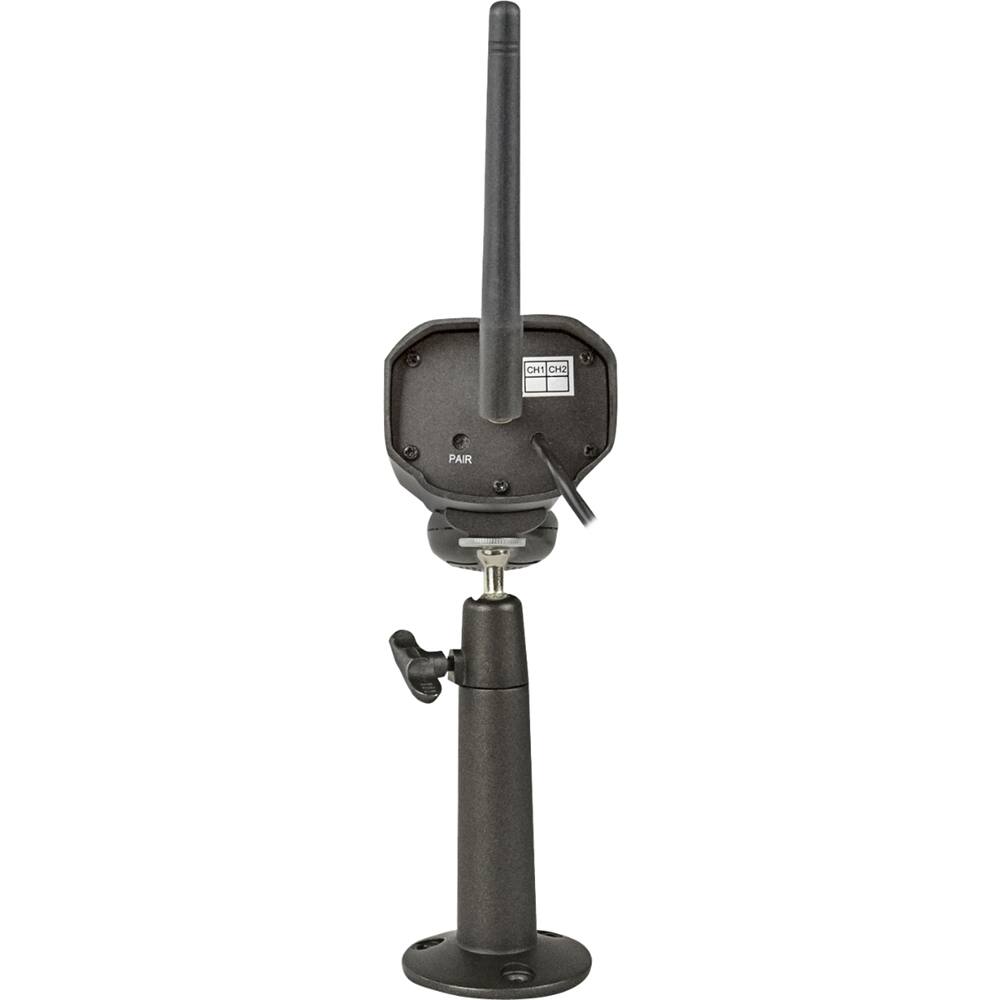
A:AnswerThank you for your question, Darkone! Please reach out to our Customer Experience Experts on our Defender Cameras website. We are available from 8 am to 4 pm EST.
Melissa C. | Defender Customer Experience Expert
A:AnswerGreat question bobber! Our cameras are tested at ranges from -10 ºC to +55 ºC(+14 ºF to+131 ºF). We use these cameras year round in Canada where the temperatures dip well below freezing and they have never let us down!
Melissa C. | Defender Customer Experience Expert | www.Defender-usa.com
A:AnswerTank you for your question, Raylene our PhoenixM2 cameras connect to the Phoenix M2 monitor using a secure signal which is obtained through a pairing process. Regrettably a third party system would not be compatible with th ePhoenixM2.
Thank you for your interest in Defender!
Melissa C. | Defender Customer Experience Expert
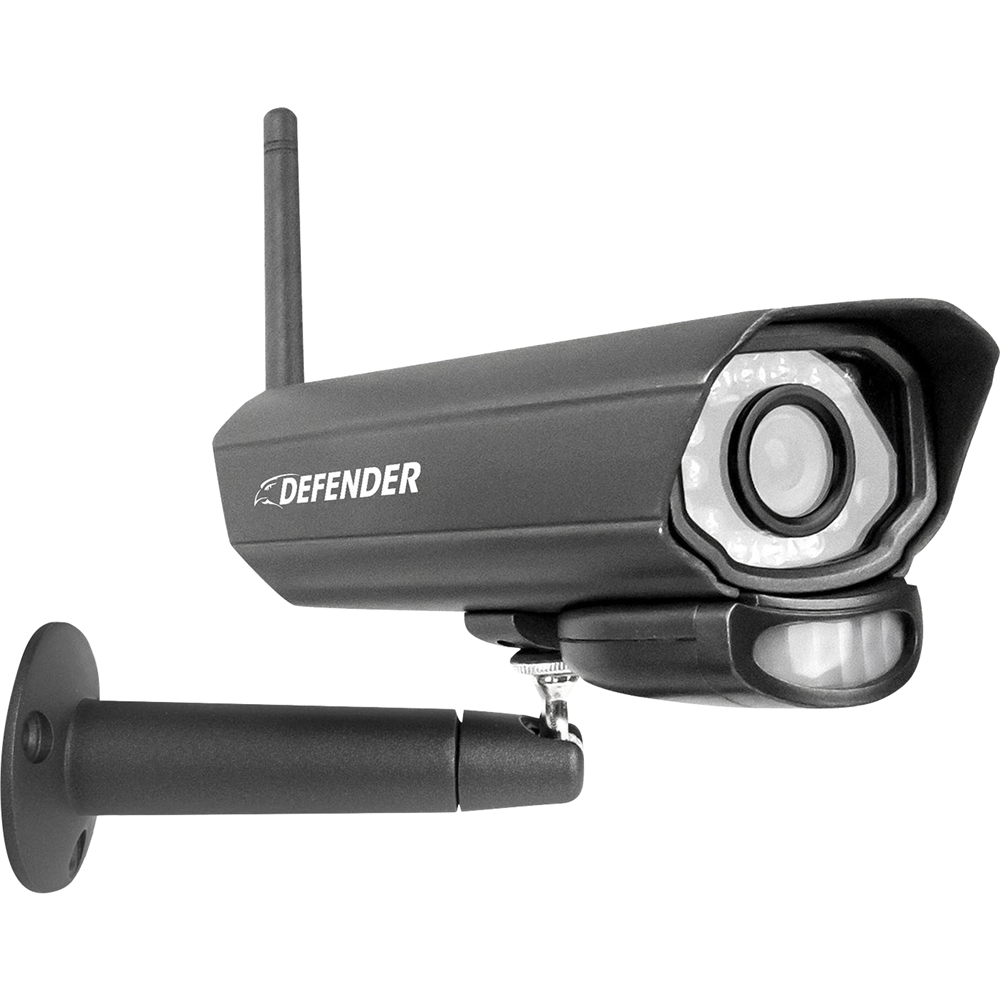
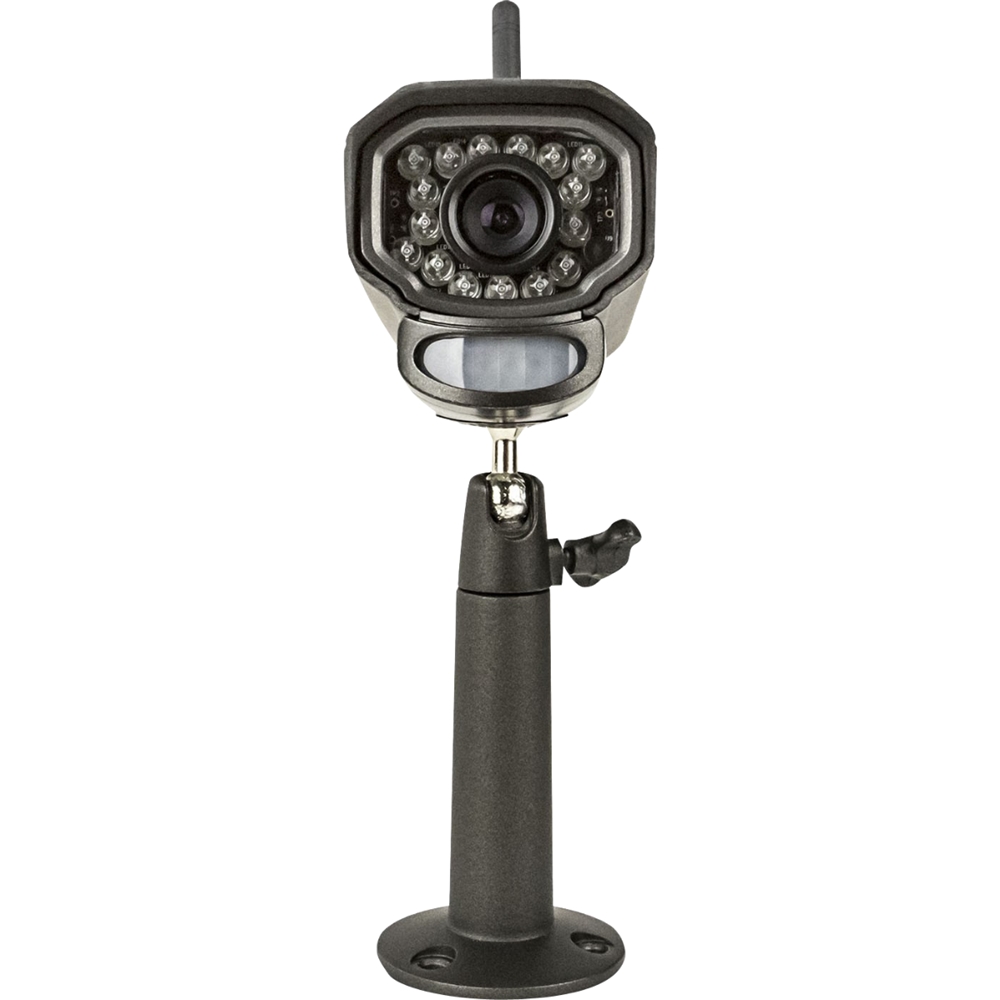
A:AnswerThis is a great question, Pat! The IR lights on the camera are not bright enough to scare away wildlife but powerful enough that you will get some great footage!
Thank you again for your question, Pat!
Melissa C. | Defender Customer Experience Expert
A:AnswerThank you for your question TomFox! The PhoenixM2 can not be viewed on a larger monitor. If you are looking for a system that can be viewed on your television we do recommend our Wired 4K system so that you have the ability to watch on your smartphone or larger television screen!
Melissa C. | Defender Customer Experience Expert
A:AnswerThank you for your question, Loretta! The PhoenixM2 does not have remote viewing capabilities. If you are looking to virw your cameras while away from home, we would recommend our Defender Guard IP camera or our Defender 4K wired systems!
Melissa C. | Defender Customer Experience Expert
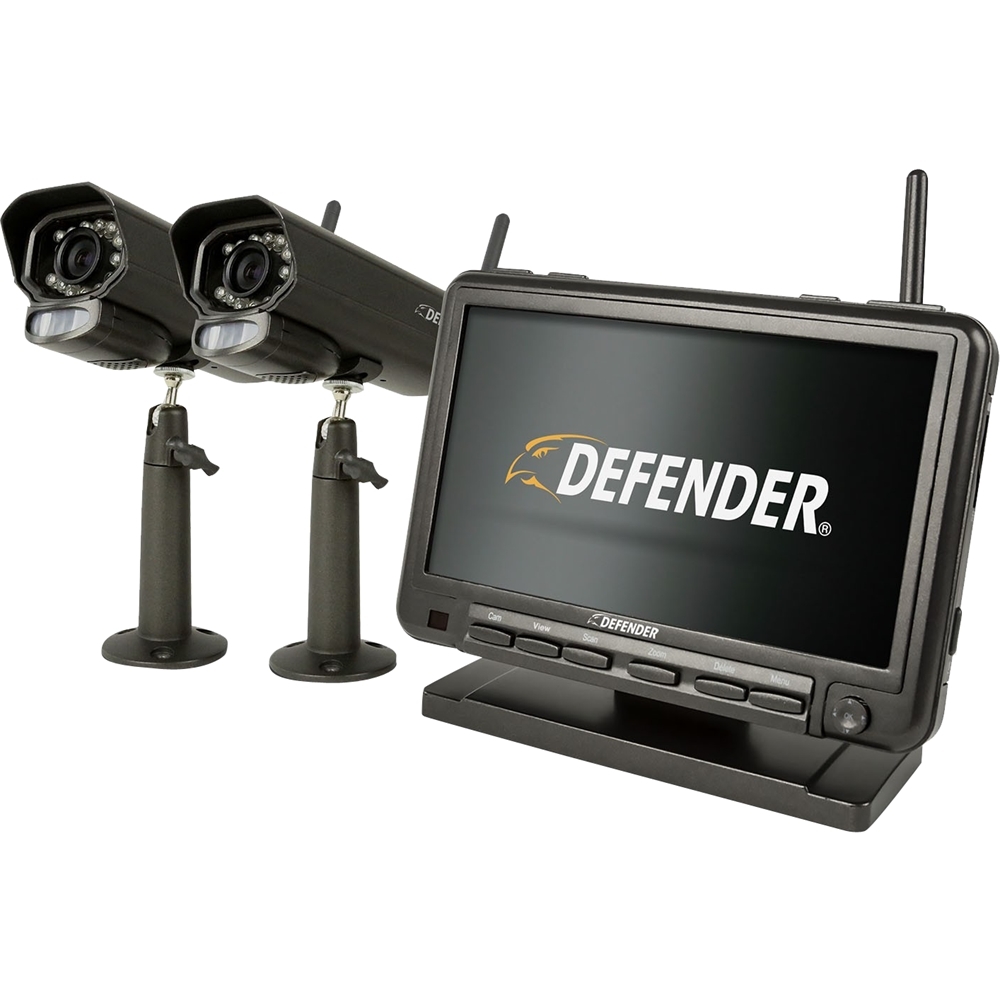
A:AnswerGreat question! The Defender PhoenixM2 system is compatible only with PhoenixM2 cameras. -Melissa C. | Defender Customer Experience Expert | www.Defender-usa.com
A:AnswerHello Ang, thank you for contacting Defender! This is a great question. The Defender Phoenix wireless security system's cameras always need to be plugged into a power source to function. The manual can be found on our website in the "Support Center" under "Manuals". If you have any additional questions we will be glad to assist you. You can also reach us via our website, phone or chat. -Lauren A. | Defender Customer Experience Expert | www.Defender-usa.com | Defender Customer Support: 1-866-946-7828.
A:AnswerHello there Joe, and thank you for reaching out with this great question. The Defender Phoenix wireless security system is great for both home and business use. The range from monitor to camera is approximately 100 feet with a clear line of sight. The more walls and doors that are in between the wall and camera can affect and possibly interfere with the wireless signal. If you have any additional questions we will be glad to assist you. Please reach out to us via our website, phone or chat for more information on the Phoenix security system, we would love to assist!. -Lauren A. | Defender Customer Experience Expert | Defender Customer Support: 1-866-946-7828 | www.Defender-usa.com
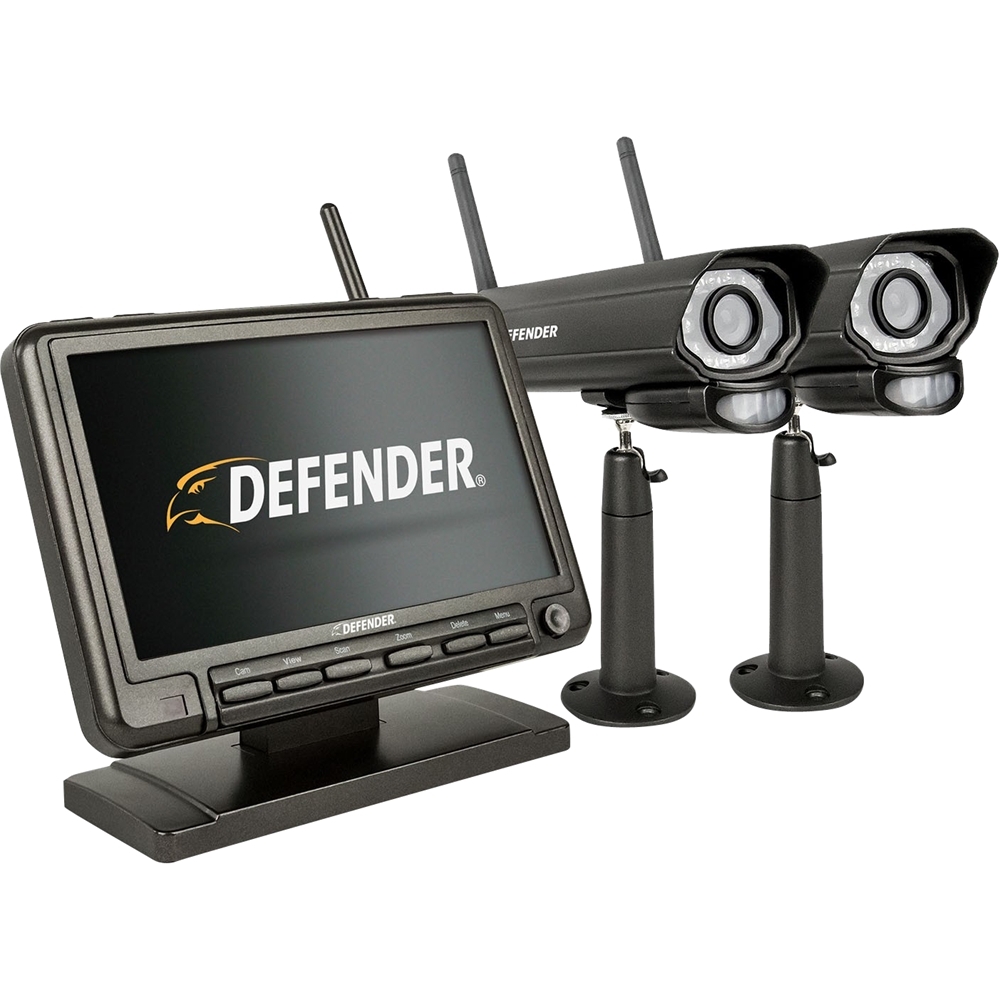
A:AnswerHello there MrDandypants! Thank you for reaching out with this great question! The maximum distance from the monitor to camera can be is 450 feet, clear line of sight. The optimal range is between 100-150 feet clear line of sight. Please reach out to our Customer Support Team via phone, e-mail or chat if you have any other questions, we would be more than happy to help. -Lauren A. | Defender Customer Experience Expert www.Defender-usa.com | Defender Customer Support: 1-866-946-7828.
A:AnswerHello Clay, thank you for the question. metal is listed as very high for interference on our chart of materials that may cause issues. You may experience problems with the system if you try to use it with Metal.
Martin R. | Defender Customer Experience Expert
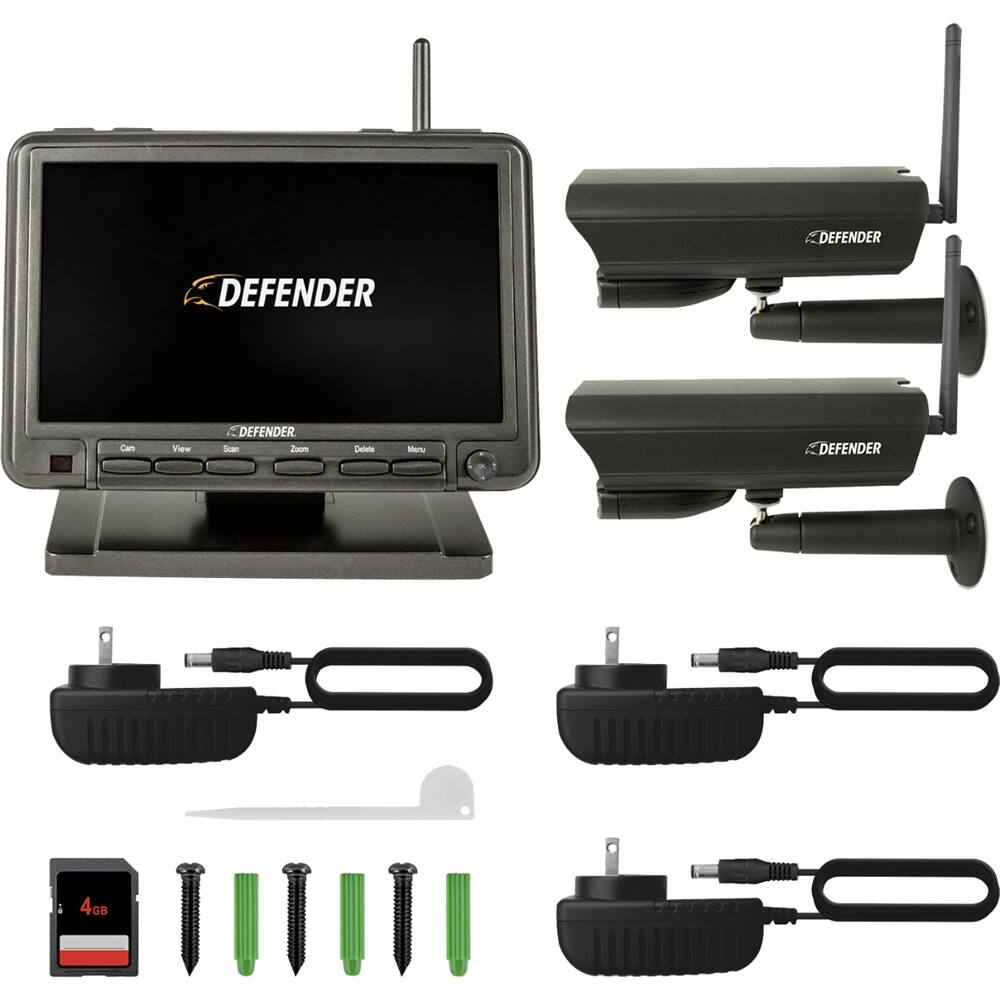
A:AnswerHello Paige. Thank you for reaching out. Yes, you can purchase single Phoenix security system cameras, as well as the power adaptors on our website. Please contact our Customer Support Team if you require further assistance! Lauren A. | Defender Customer Experience Expert
A:AnswerHello mynameisjustin! Thank you for reaching out with this great question! No, the Defender Phoenix wireless security is not compatible with any of our apps. Please reach out for any further assistance you may require! -Lauren A. | Defender Customer Experience Expert
A:AnswerHello there, and thank you for this great question! No, the Defender Phoenix wireless security system runs on its own wireless connection between the camera and the monitor. It is not compatible with any other wireless system including the Google Home Assist. Please reach out for any further assistance! -Lauren A. | Defender Customer Experience Expert
A:AnswerHello JND, and thank you for this awesome question! The monitor does not light up when motion is detected, however you can set an alarm alert to sound when motion is detected. Please reach out to our Support Team with any further questions, as we are happy to assist. -Lauren A. | Defender Customer Experience Expert