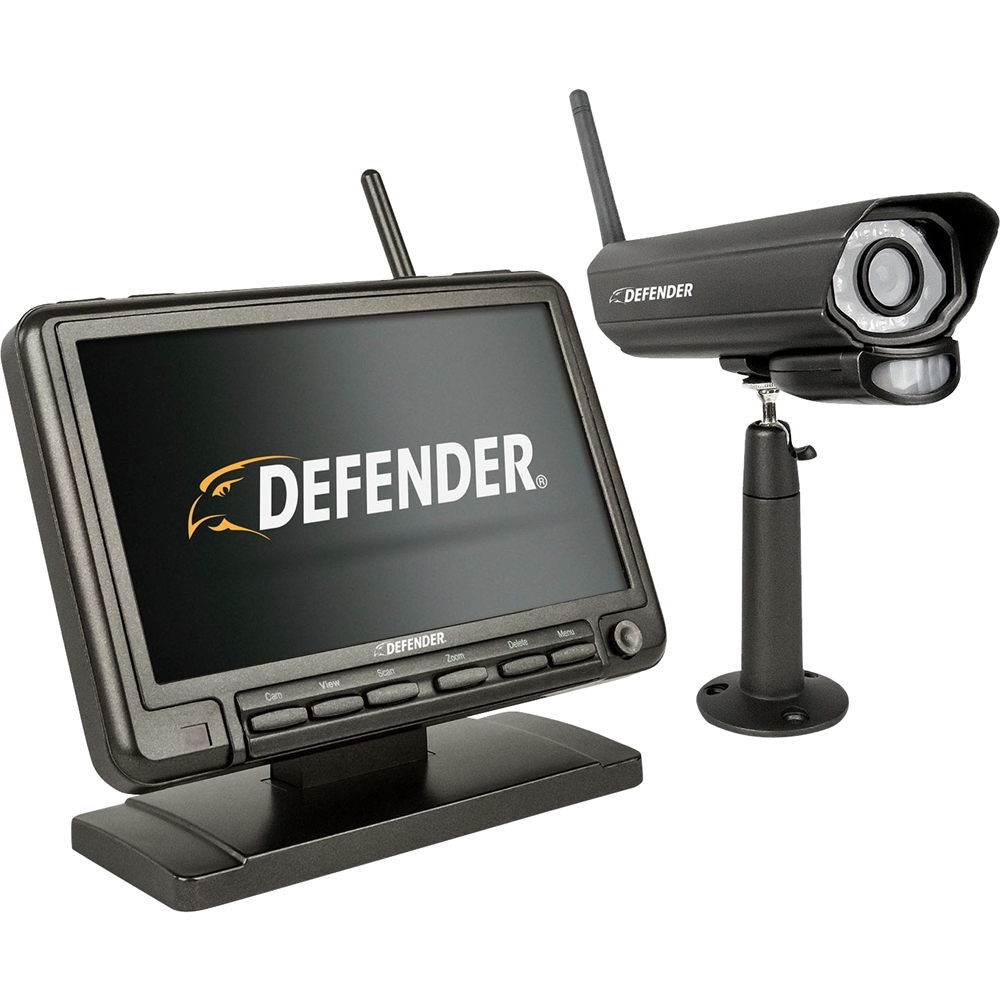
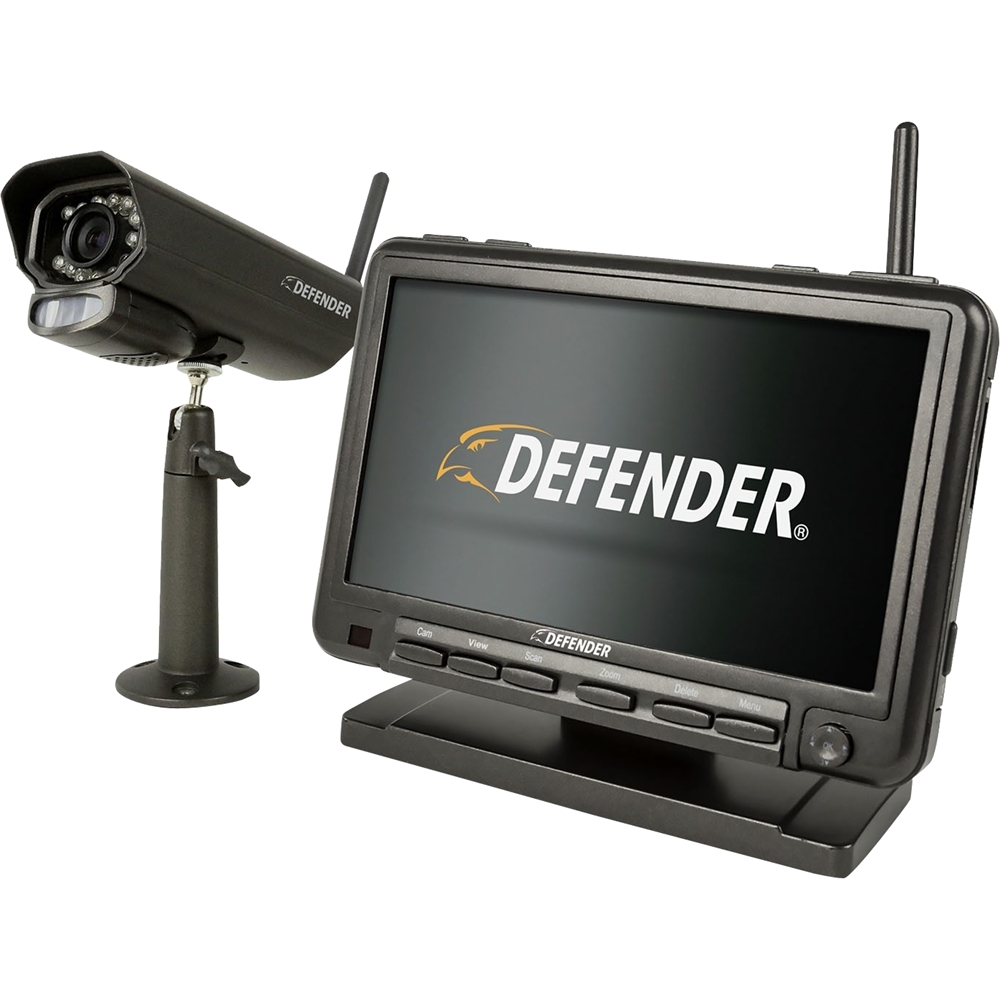
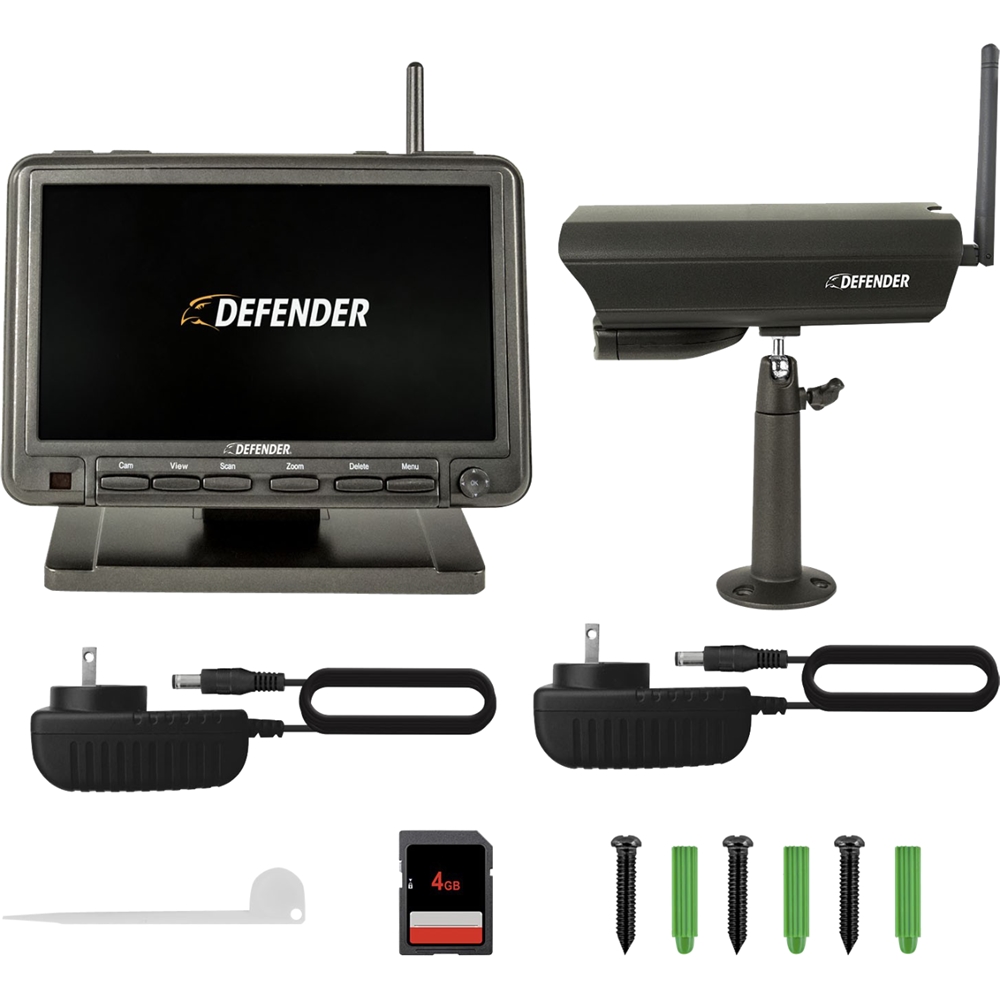
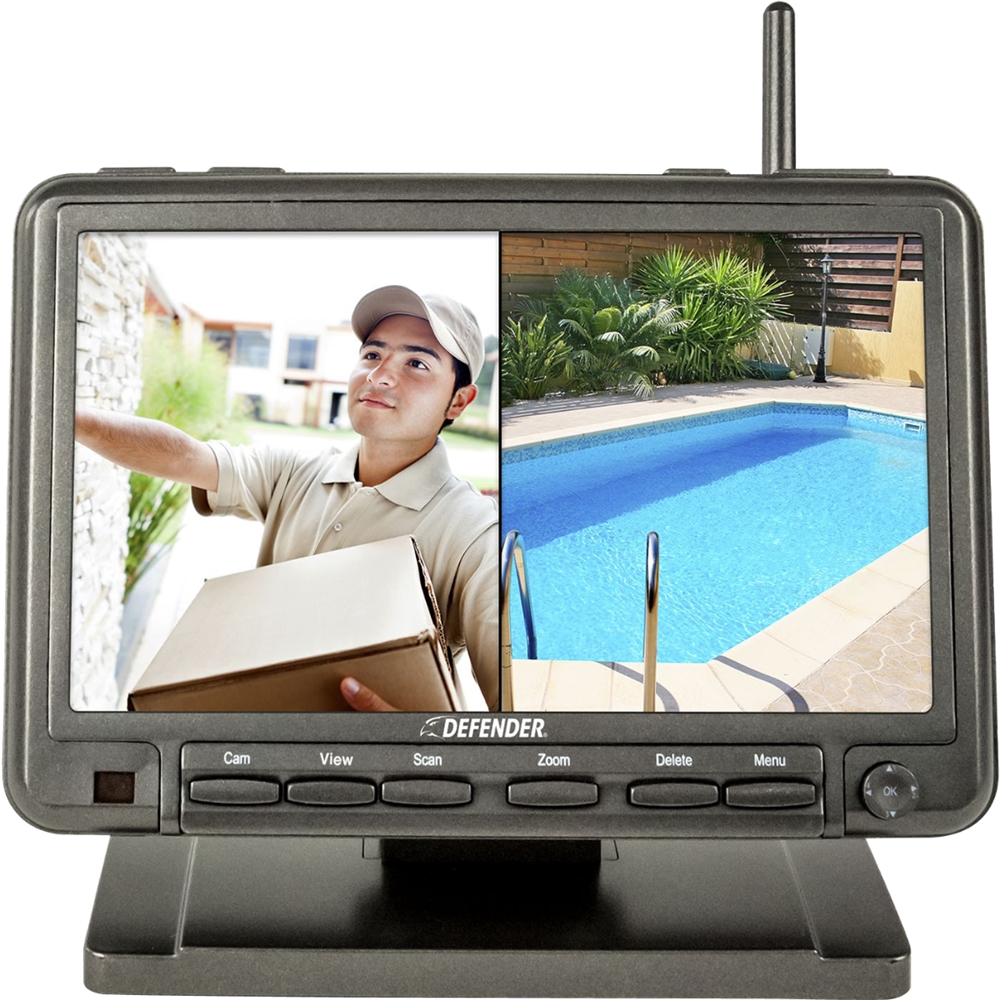
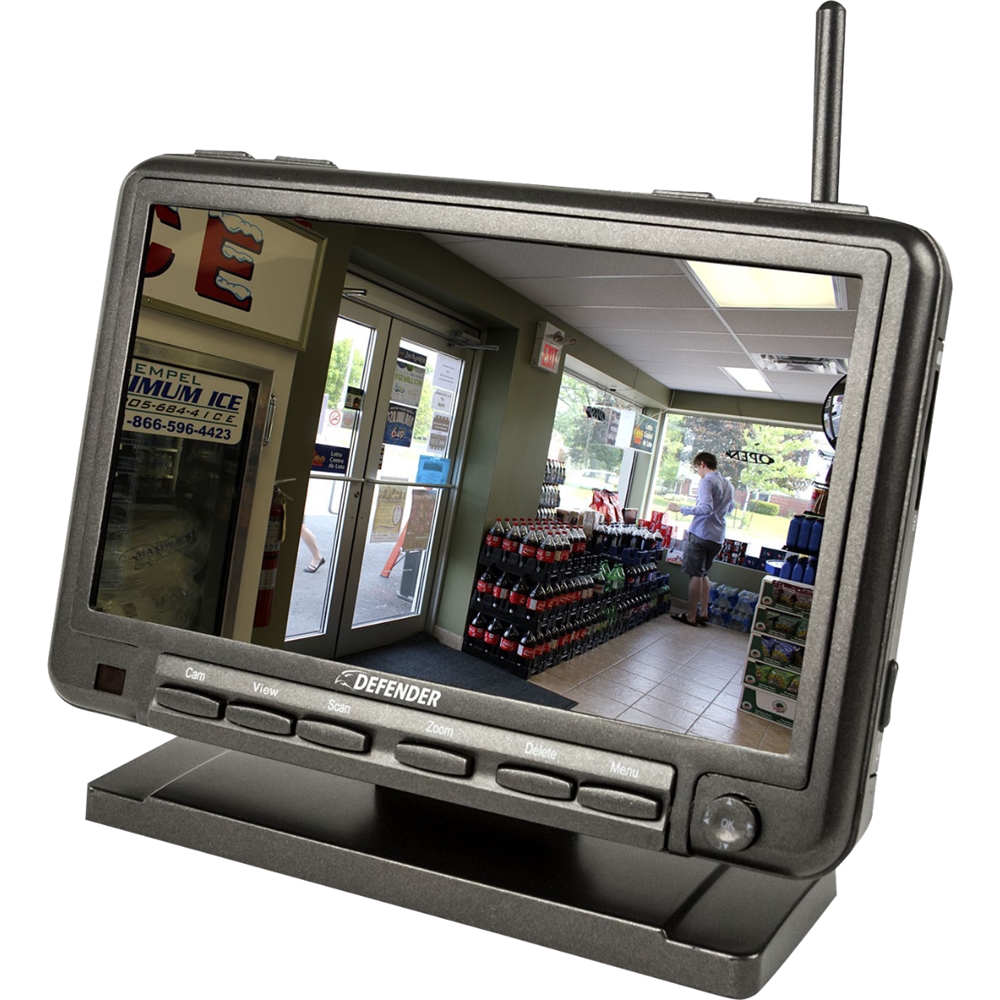
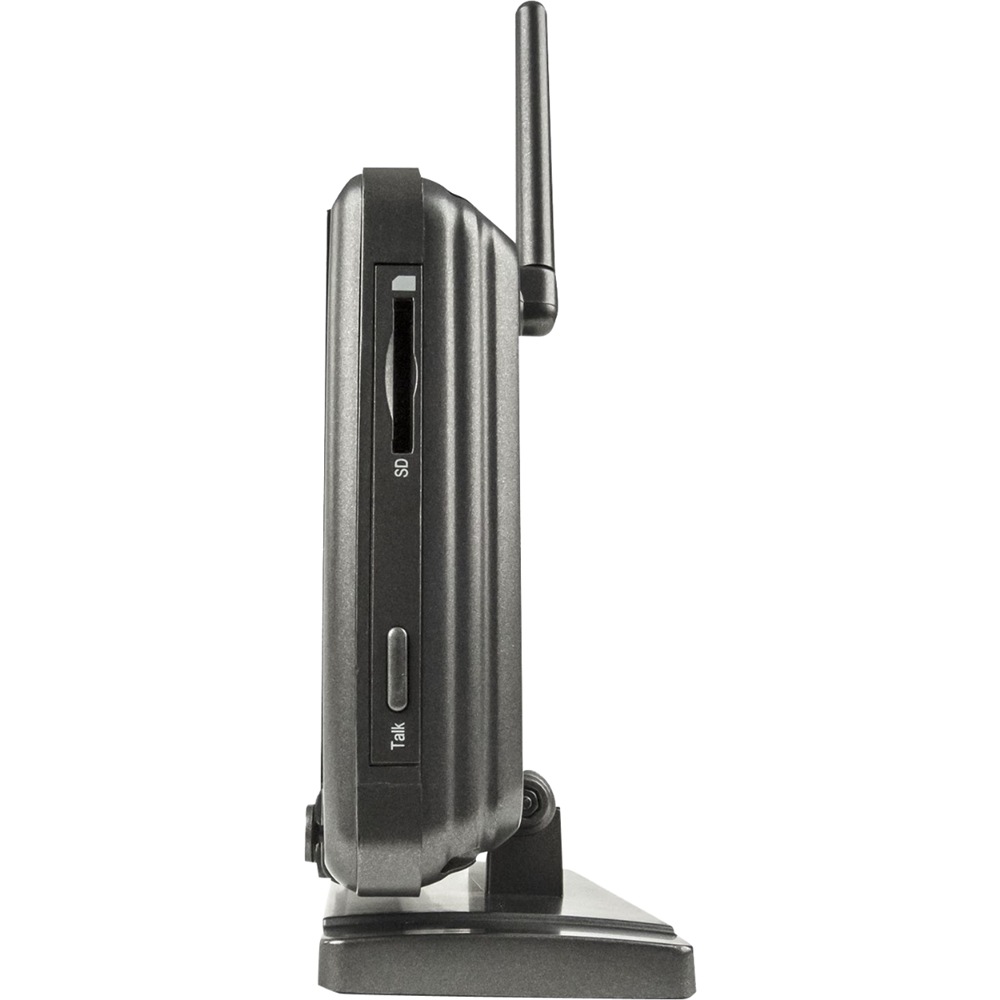
A:Answer This is a great question, Sophie! To access the footage list, press the joystick while in the camera view. This will open the recording file list which will appear in the form of a calendar.
Here you can select the month and date you would like to view as well as the camera the footage was recorded from.
Once the day you want to watch is highlighted in blue you can use the joystick to select the day. A list of recordings will appear with the date and time available. Use the joystick to navigate this list and select the file you would like to watch.
Once the video starts playing, it can be paused by moving the joystick down, and played again by moving it up.
Moving the joystick left and right will fast forward or rewind the footage, pressing back or forward multiple times will increase the speed at which these functions will work.
Thank you for being a part of the Defender Family!