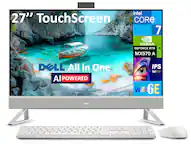
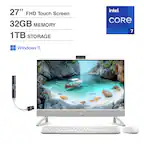
Questions & Answers
- Model:
- DEC27250-7192WHT-PUS
- |
- SKU:
- 6622702
Highly rated by customers for: Overall Performance, Screen Quality, Speed
$1,299.99Your price for this item is $1,299.99
Page Showing 21-31 of 31 questions
Q: QuestionCan the volume be turned up loud? And does it have a CD burner?
Asked by 001214.
- A:Answer Yes, you can use the windows volume control settings to toggle the volume up and down. No, it does not have an optical drive.
Answered by YourDellTeam
Q: QuestionDoes this have a HDMI input so that it can be used as a monitor for an external device?
Asked by Anonymous.
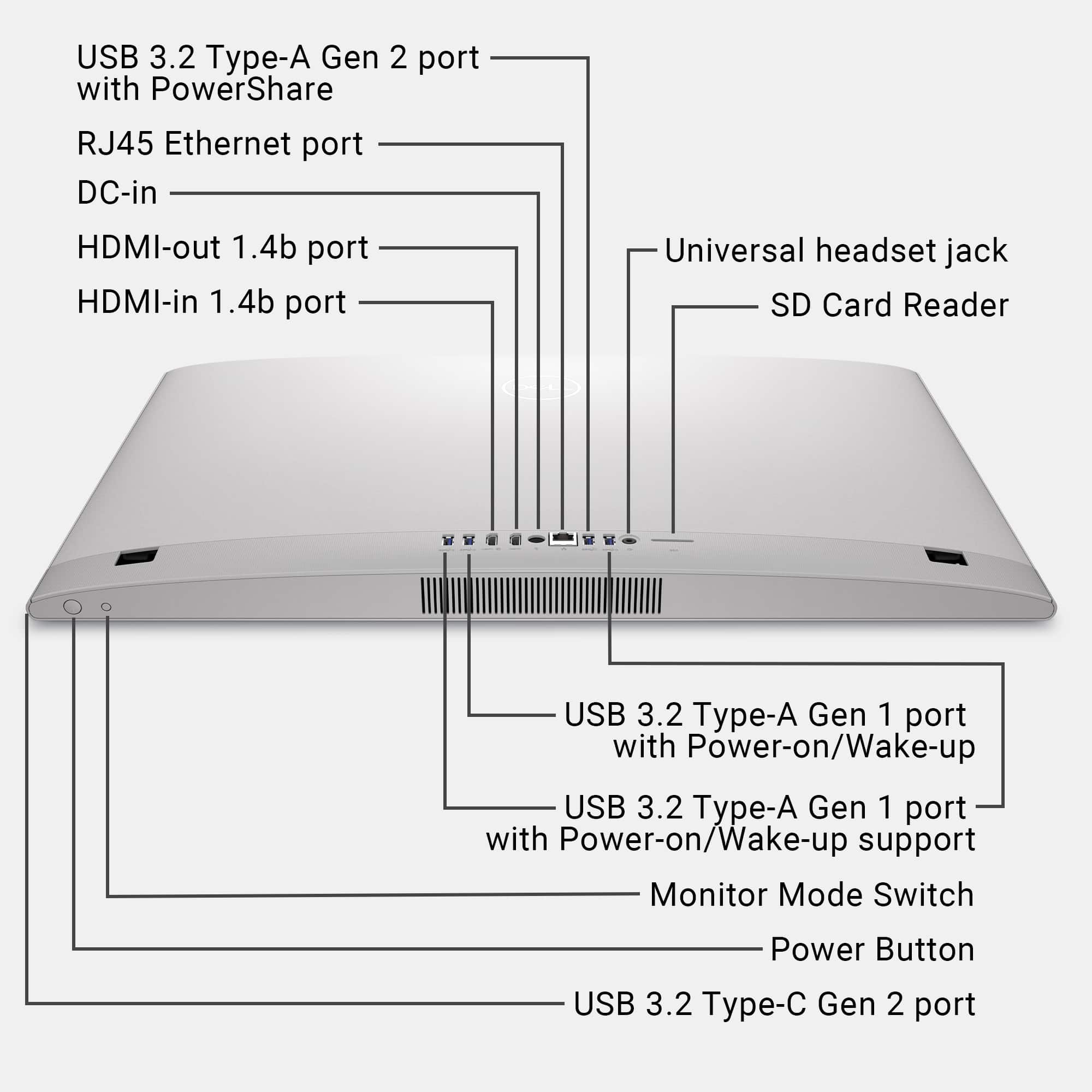
- A:Answer Yes, it has 1x HDMI-in 1.4 to use the All-in-one as a Monitor.
Answered by YourDellTeam
Q: QuestionCan you connect an additional screens?
Asked by BK.
- A:Answer Yes, you can add a second Monitor via HDMI out Port.
Answered by YourDellTeam
Q: Questionhow many usb ports?
Asked by jb.
- A:Answer It has 4 x USB-A 3.2, 1 x USB-C 3.2 ports.
Answered by YourDellTeam
Q: Questionwhat color is it
Asked by Peapicker.
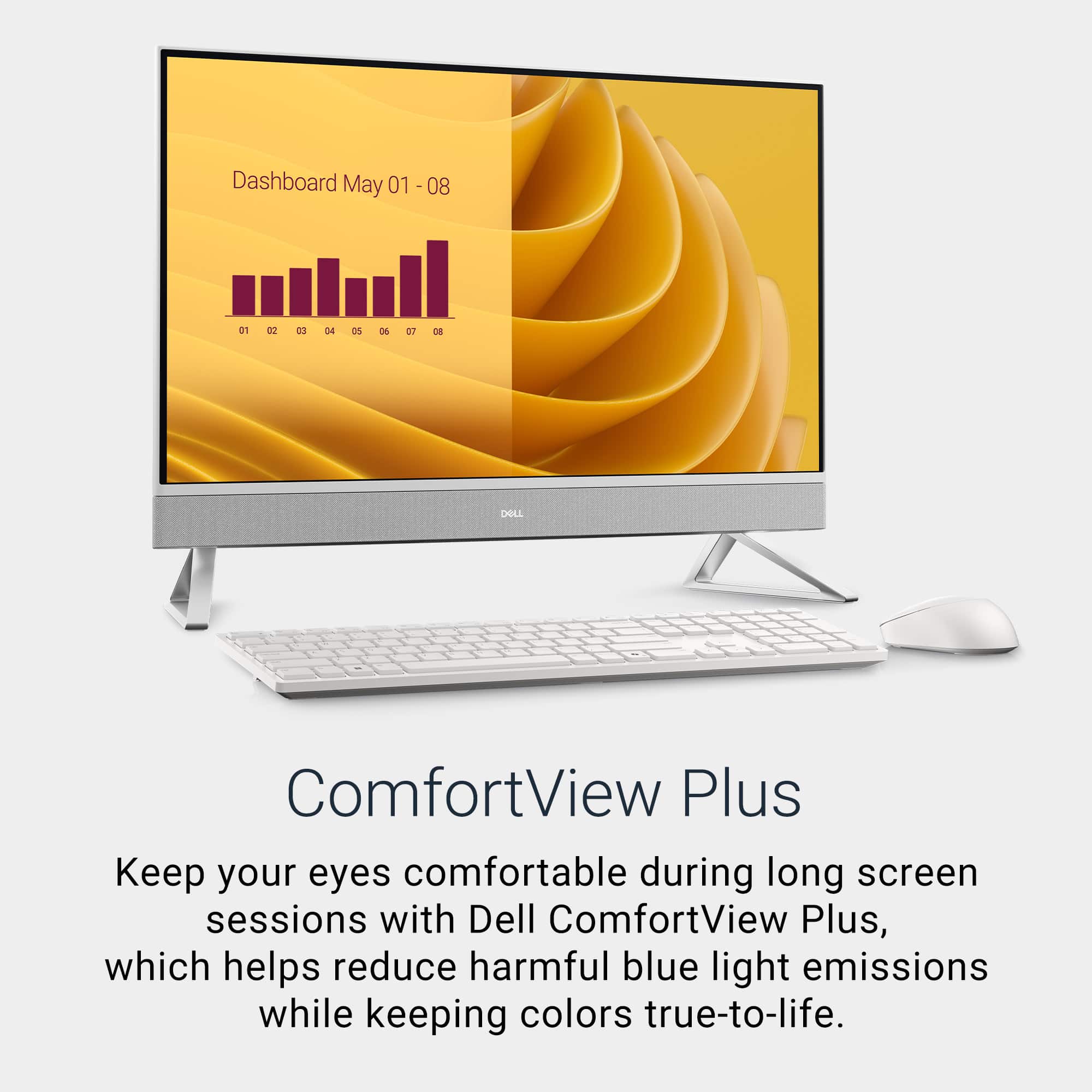
- A:Answer I believe it only comes in white
Answered by WilliamrM
Q: QuestionWhat do i need to connect keyboard wirelessly?
Asked by Anonymous.
- A:Answer There is a toggle thing that fits in the back of the computer. When that is plugged in, it allows the keyboard and mouse to work.
Answered by WilliamrM
Q: QuestionIs it easy to remove stand and carry for business conference?
Asked by SoenS.
- A:Answer Yes, it is. Please go through the information below: Locate the tab on the stand and push a scribe into the tab to release the stand from the display-assembly base. Lift the stand off the display-assembly base. CAUTION: When servicing the computer, place it on an elevated, clean, and flat surface. Place the display flat on the surface with the stand over the edge of the surface. It is recommended to remove the stand to avoid accidental damage to the computer display when servicing.
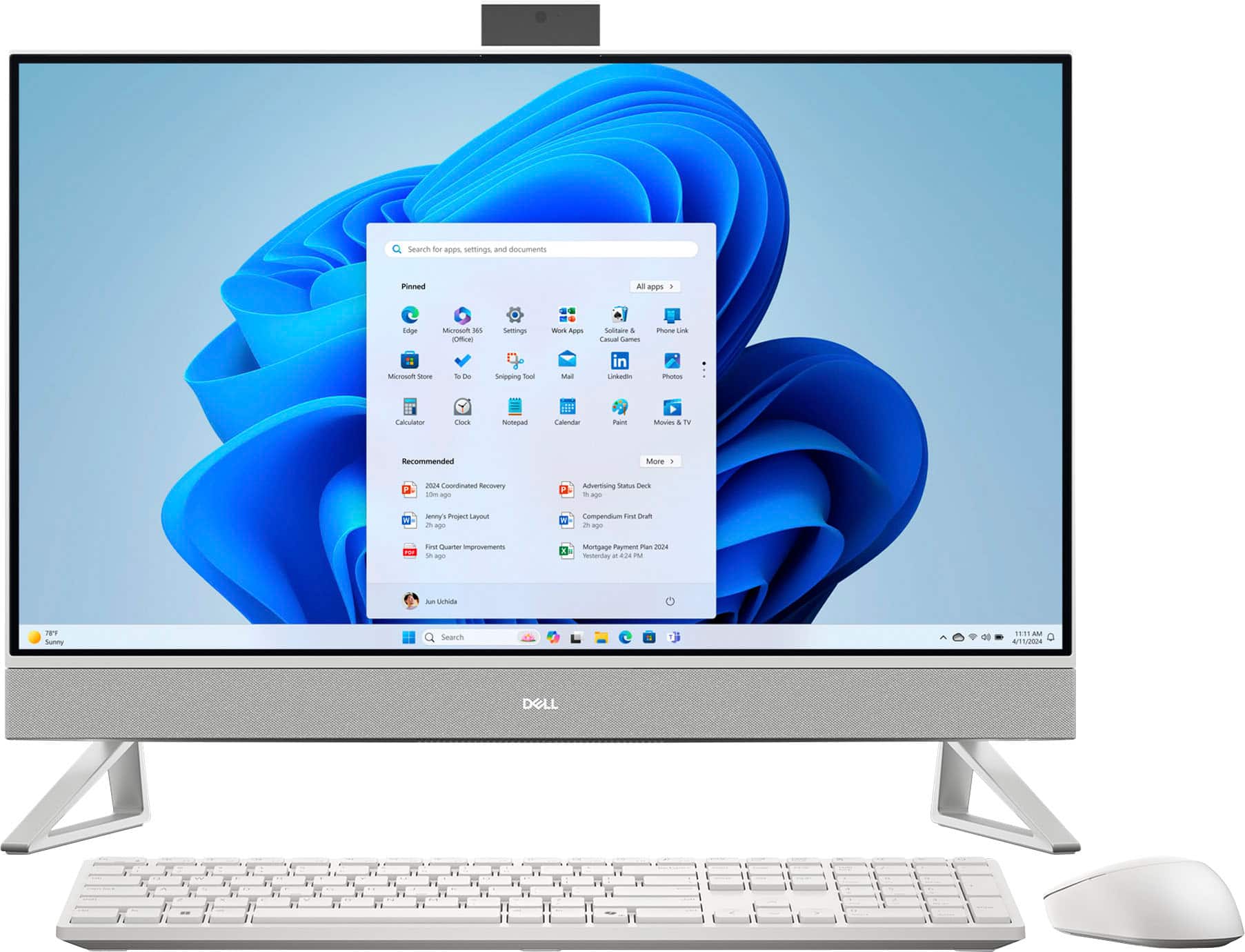
Answered by YourDellTeam
Q: Questionhow do i get a manual
Asked by Sandy.
- A:Answer You can go to the DELL website
Answered by Joy Systems
Q: QuestionWhat software comes with this all-in-one?
Asked by Chief.
- A:Answer No software included
Answered by Joy Systems
Q: QuestionWith th we all need one if the monitor has an issue, whether cracked or just stops working. Does that mean you need a new computer now since no separate course? It's built in to the monitor? And can we save data with an all one since no hardrive
Asked by Andrea.
- A:Answer Please check your order for your warranty contact information
Answered by Joy Systems
Q: Questiondoes it have an antiglare screen?
Asked by Manor.
- A:Answer Can you hook up additional speakers?
Answered by Steve
Page 2, Showing 21-31 of 31 questions
Most-viewed items
- Winter Sale Deal$799.99Your price for this item is $799.99
- Winter Sale Deal$1,059.99Your price for this item is $1,059.99
- Winter Sale Deal$909.99Your price for this item is $909.99
- $679.00Your price for this item is $679.00$799.99The comparable value for this item is $799.99
- $699.99Your price for this item is $699.99
- $1,499.99Your price for this item is $1,499.99
- $899.99Your price for this item is $899.99
- $729.99Your price for this item is $729.99$859.99The comparable value for this item is $859.99
- $1,299.99Your price for this item is $1,299.99
- $689.99Your price for this item is $689.99
- $1,219.99Your price for this item is $1,219.99
- $1,399.00Your price for this item is $1,399.00
- $789.99Your price for this item is $789.99
- $589.99Your price for this item is $589.99
- $1,199.00Your price for this item is $1,199.00$1,619.00The comparable value for this item is $1,619.00
- $999.00Your price for this item is $999.00$1,339.00The comparable value for this item is $1,339.00
- $979.00Your price for this item is $979.00$1,289.00The comparable value for this item is $1,289.00
- $1,299.00Your price for this item is $1,299.00$1,739.00The comparable value for this item is $1,739.00