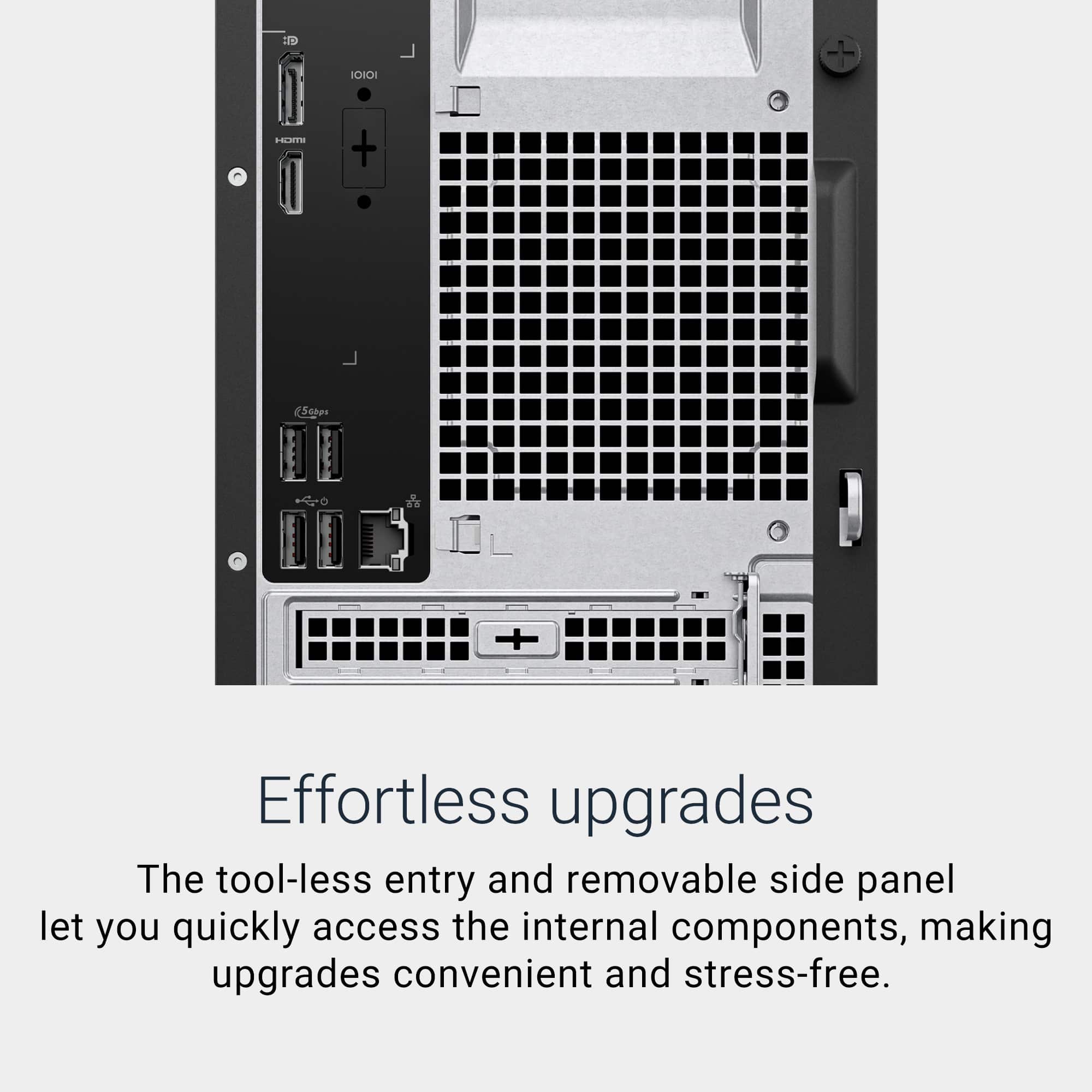
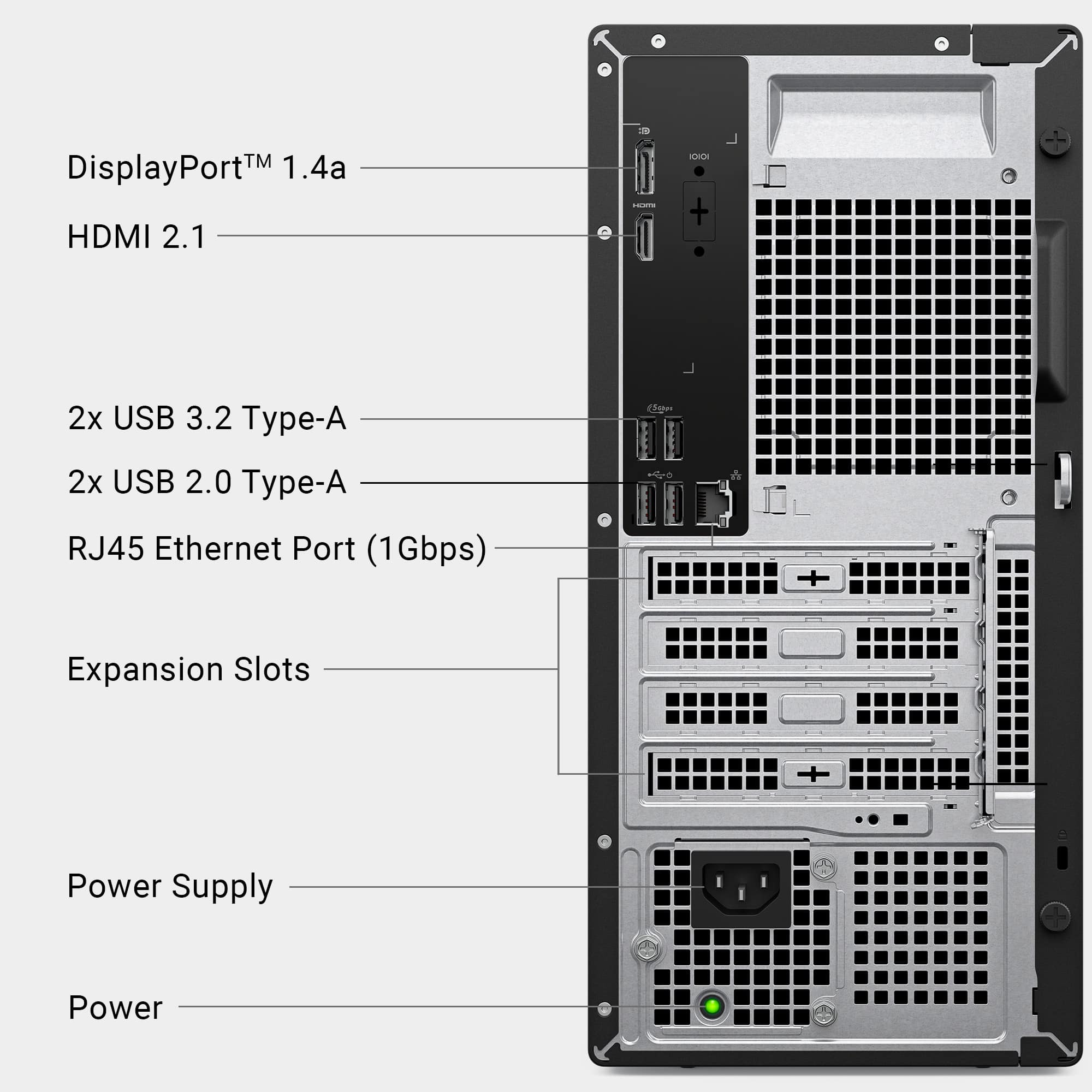
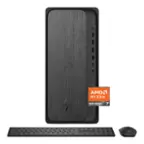
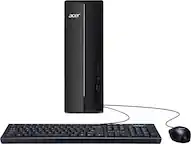
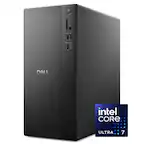
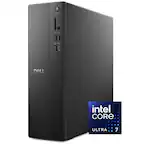
A:AnswerYes, Wired Connection: It does have an Ethernet port (RJ-45), so you can plug it directly into your router or modem for a stable wired connection.
Wireless Connection: It has a built-in Wi-Fi (usually Wi-Fi 6 or 6E), so you can connect to your home wireless network without any extra hardware.
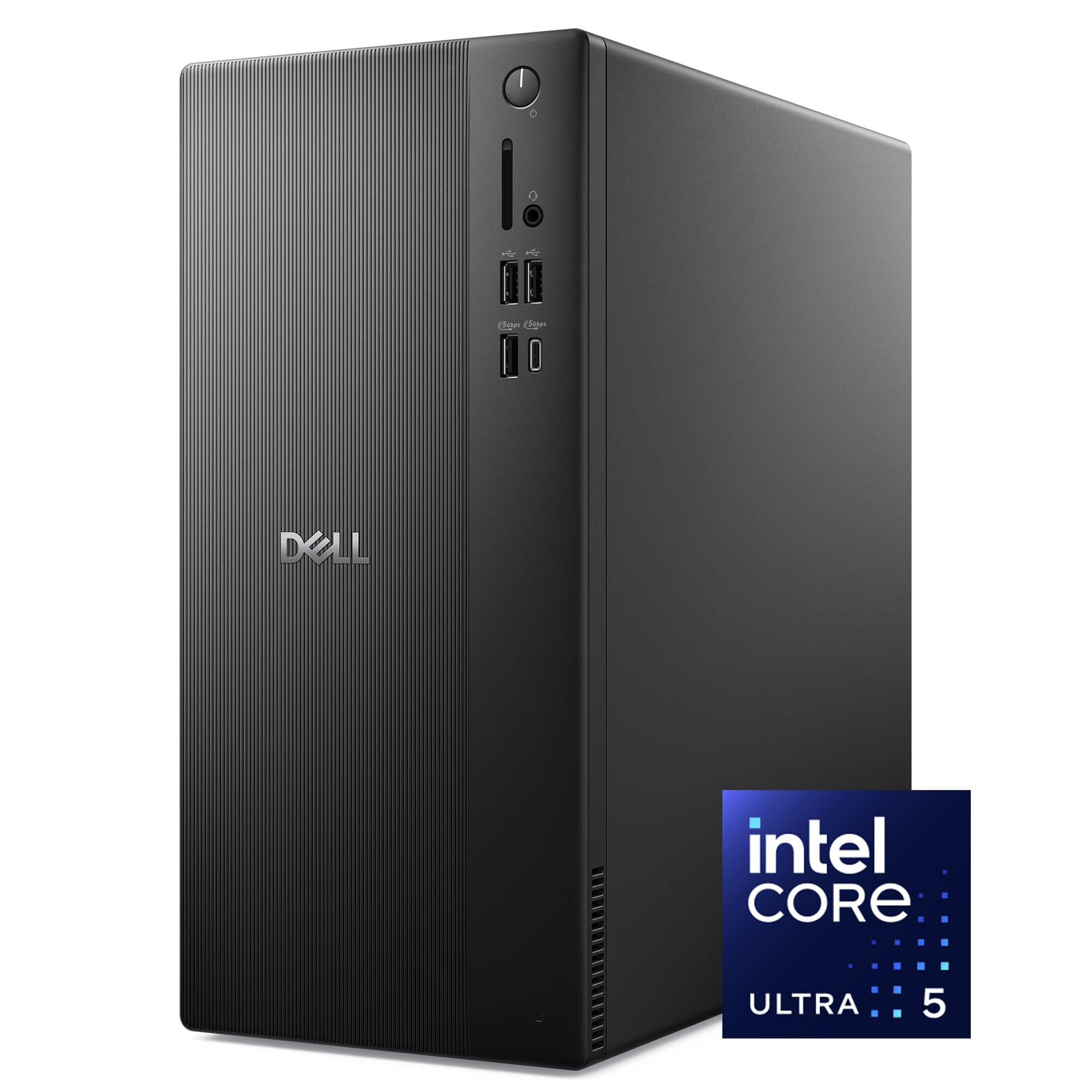
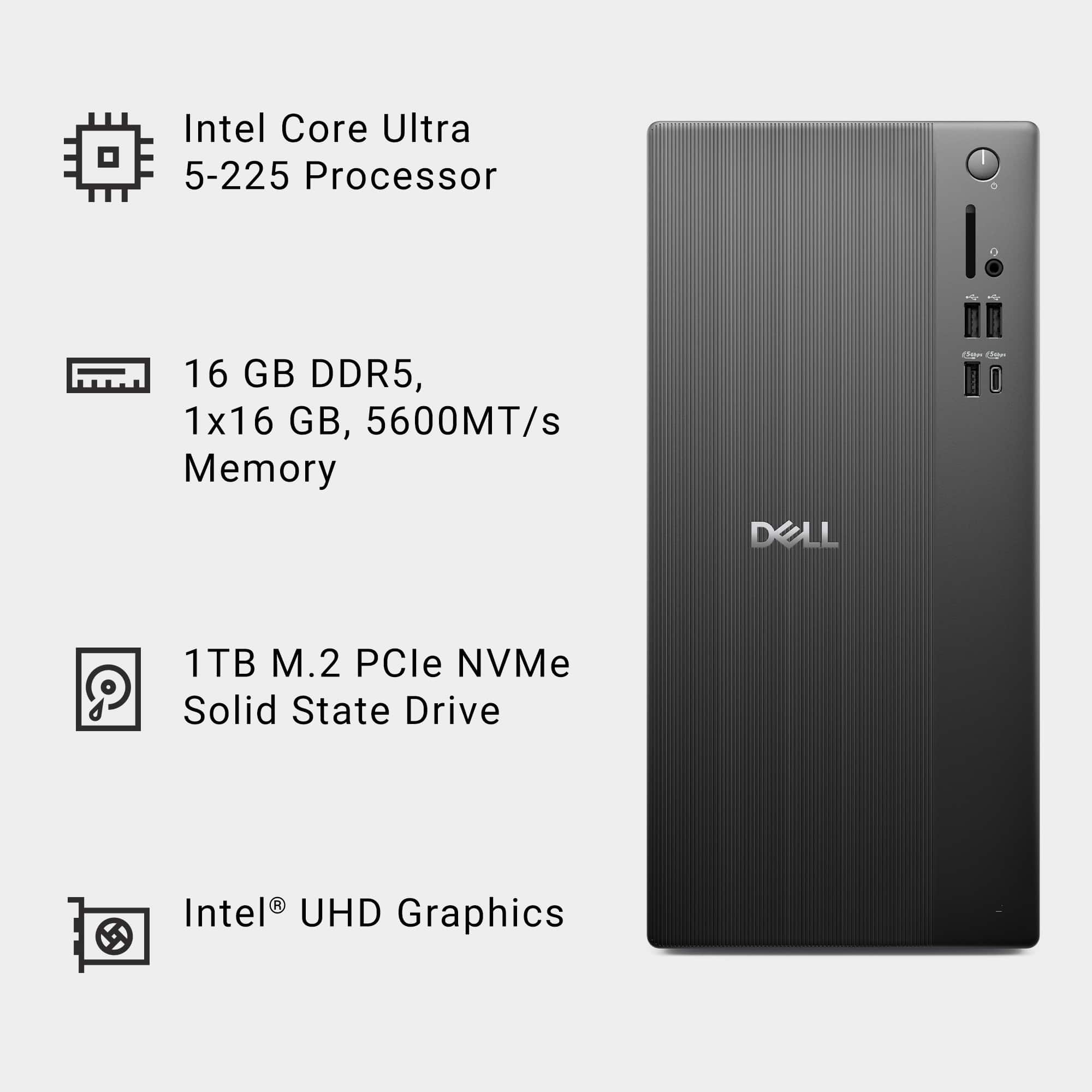
A:AnswerThe pic I found of the internals shows it as an m.2 card ssd. I'm uncertain of the tech in it, as it could be NVME or SATA internally.
So it IS m.2 (and definitely not a 3.5 drive), just might not be NVME.
A:Answer2 RAM slots. Assuming the configuration is the same as in the pic I found, 1 16GB card, other slot open. Max RAM of 64GB (presumably 32GB per slot).
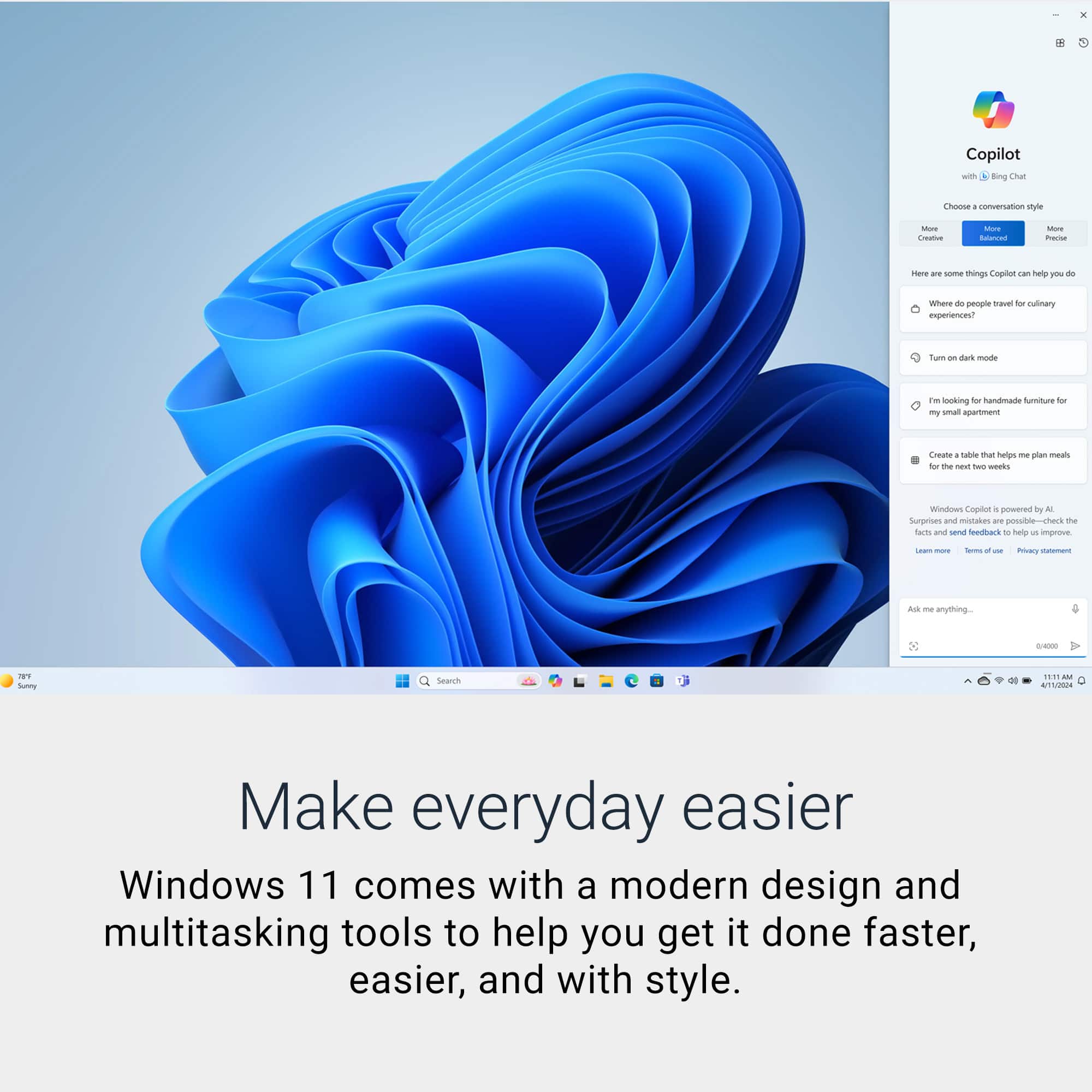
A:AnswerWindows Home is best for personal use like browsing, work, and gaming and it has everything most users need.
Windows Pro includes extra features like data encryption, remote access, and business tools for office or IT environments.
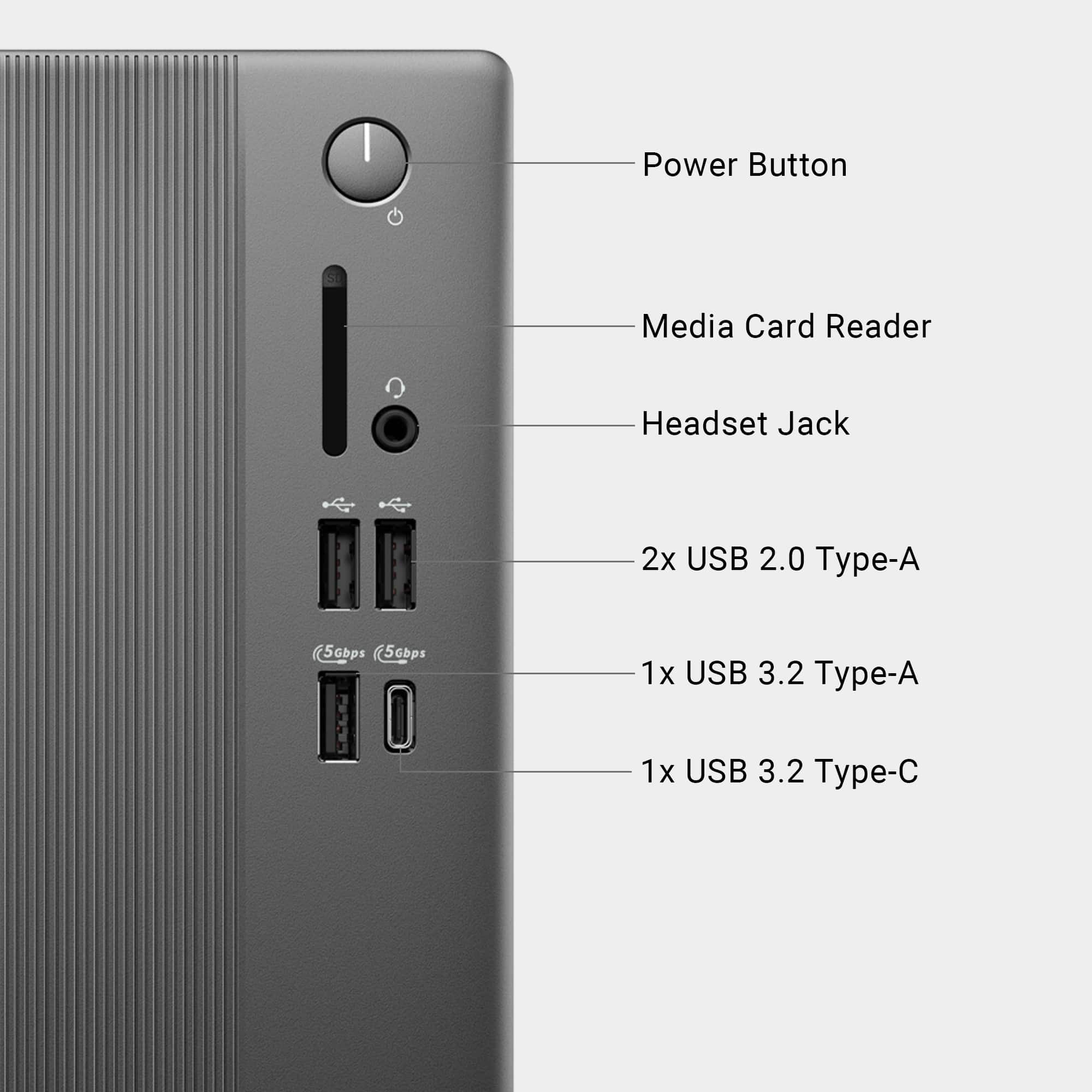
A:AnswerYou can connect your Epson Workforce Pro WF‑3720 to your new Dell desktop in 3 easy ways. Connect printer to Wi‑Fi, USB cable (fastest setup), Ethernet (wired network).
A:AnswerThe Intel UHD Graphics integrated in the Dell ECT1250 Tower provides a single DisplayPort 1.4 and a single HDMI 2.1 output. This configuration can drive up to two external monitors directly. To run four monitors, you would need to add a dedicated graphics card that offers additional video ports (e.g., multiple DisplayPort or HDMI connectors) or use USB‑C video adapters/docking stations that provide extra display outputs.
A:AnswerPCs are returned for all sorts of reasons: wrong color, wrong shade of black, too heavy, too light, too large, too small, wrong brand, not powerful enough, too powerful, buyer's remorse, found it cheaper somewhere else, was meant to be a gift, but person died/got one already/got a better one, unforeseen monetary situation. Your guess is almost as good as mine.