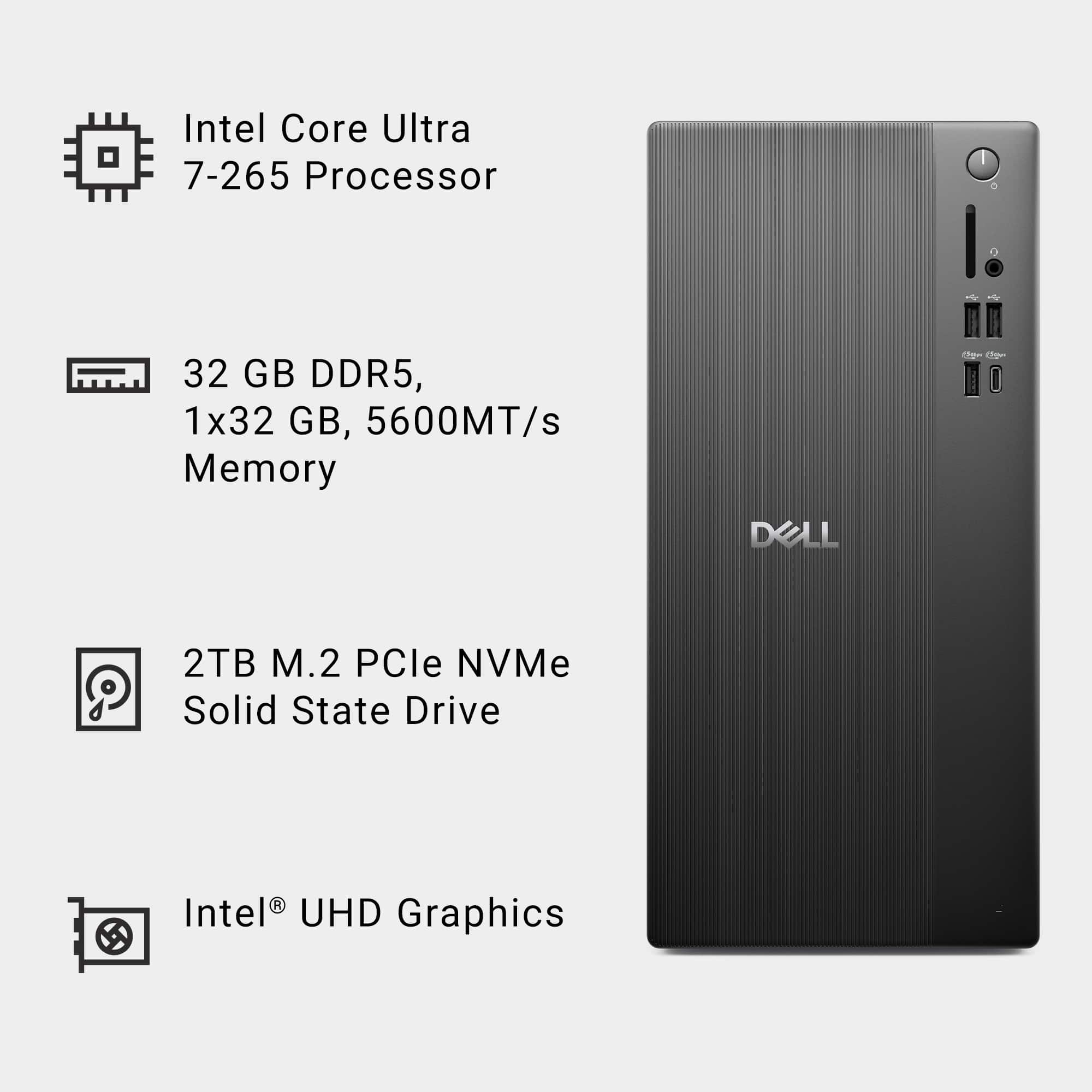
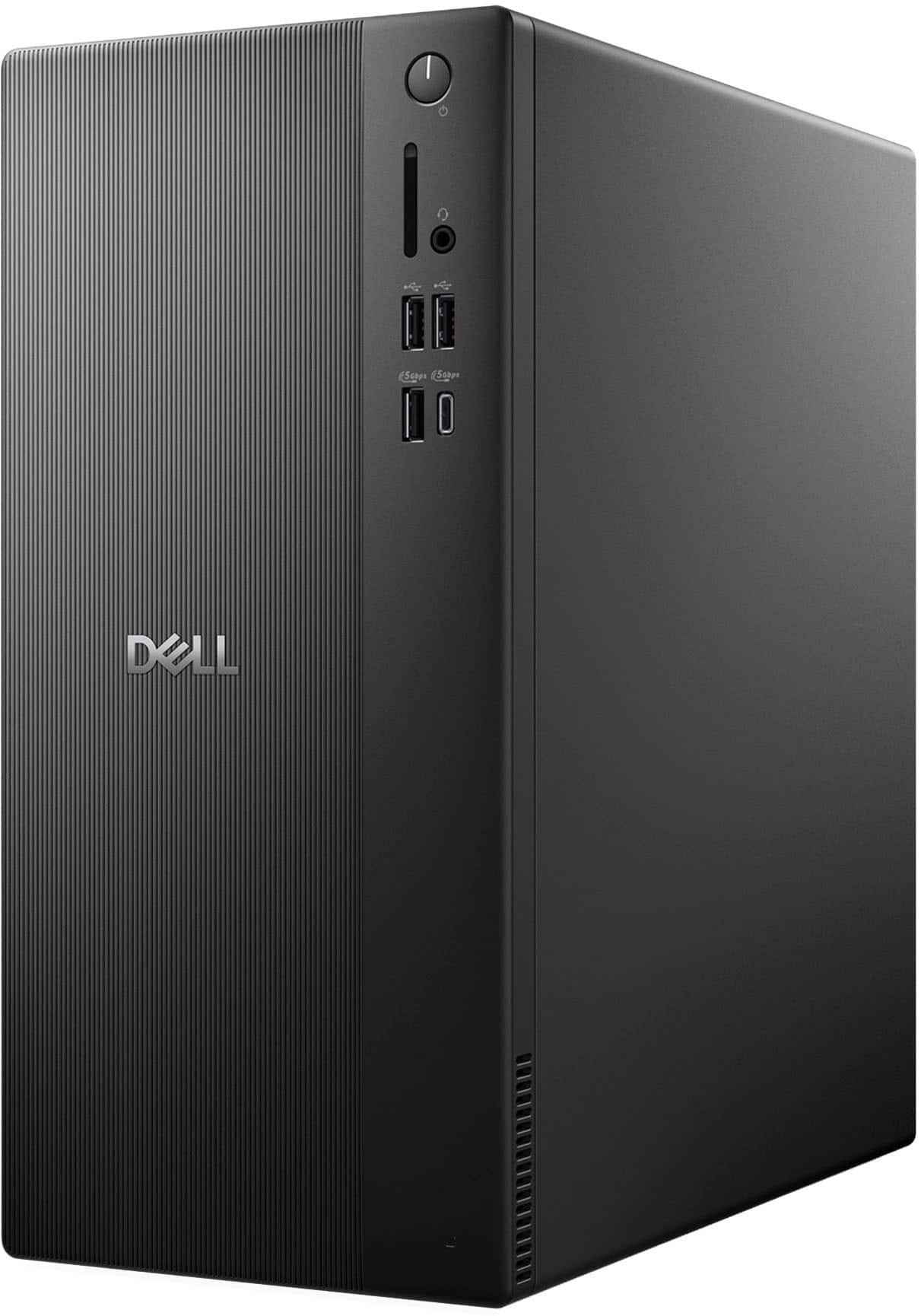
A:AnswerYes. The Intel Core Ultra 7, 32 GB RAM, and 2 TB SSD fully meet Windows 11 Pro requirements.
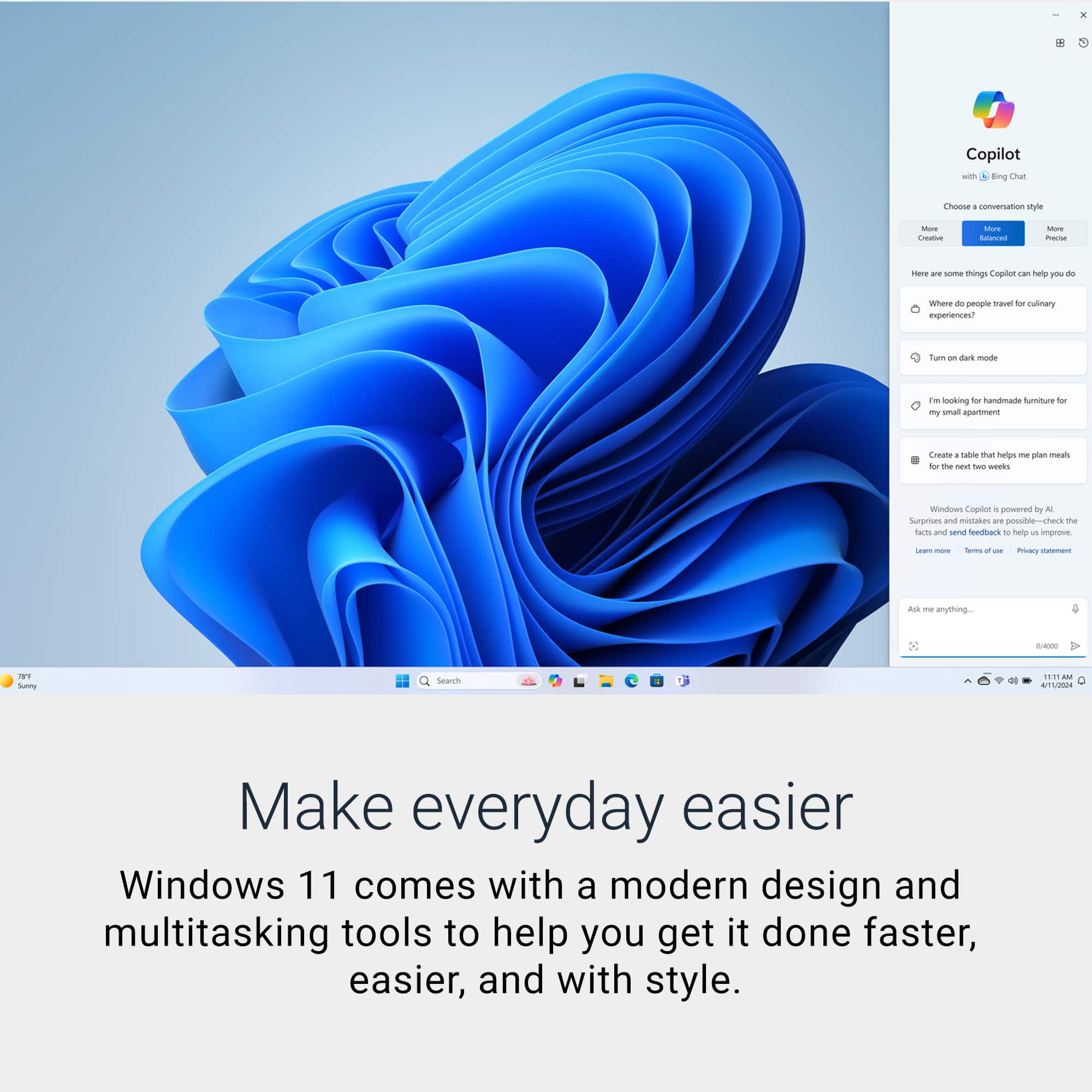
Upgrade is done directly inside Windows: Settings → System → Activation → Upgrade to Pro.
Benefits: Windows 11 Pro includes everything in Home plus:
BitLocker drive encryption (protects your data if the PC is lost/stolen)
Remote Desktop (host) – access this PC remotely
Hyper‑V & Windows Sandbox – run virtual machines securely.
Group Policy & Azure AD / domain join – for business or IT control
Higher hardware limits (up to 2 TB RAM vs 128 GB on Home)
COST: Kindly contact sales team.
A:Answer5.3 GHz is the maximum clock speed the CPU can temporarily reach, not a constant speed.
It activates automatically via Intel Turbo Boost
It applies to one or a few cores, not all cores
It is used for short bursts of work:
Opening apps,
Clicking in Excel,
Browser tab loads,
Compiling a small task,
Short AI or code execution spike.
Think of BOOST like a sports car overtake such as fast, brief, and intentional.
A:AnswerYes, you can plug‑and‑play a 49‑inch QLED monitor, and yes, a high‑quality GPU can make a big difference on this machine, depending on how you use it.
A:AnswerThe CPU meets the spec requirement, with Intel UHD Graphics only, that Dell desktop won’t be able to run X‑Plane 12 reliably (and in most cases won’t launch at all).
The official X‑Plane 12 requirements specify a Vulkan 1.3–capable, dedicated GPU from NVIDIA or AMD, or an Intel Arc GPU (Arc only). Integrated Intel graphics like UHD/Iris Xe are not supported.
A:AnswerWe recommend using an external DVD Optical Drive. Yes, the tower supports external Speakers. This configuration has been sold out and no longer available.
A:AnswerNo, Please find the storage options below.
3.5-inch hard drive-
SATA AHCI, up to 6 Gbps-
Up to 2 TB-.
M.2 2230 QLC solid-state drive, Class 25-
PCIe Gen3x4 NVMe, up to 32 GT/s
or PCIe Gen4x4 NVMe, up to 64 GT/s -
Up to 2 TB
M.2 2230 TLC solid-state drive, Class 35-
PCIe Gen3x4 NVMe, up to 32 GT/s or
PCIe Gen4x4 NVMe, up to 64 GT/s-
Up to 256 GB.
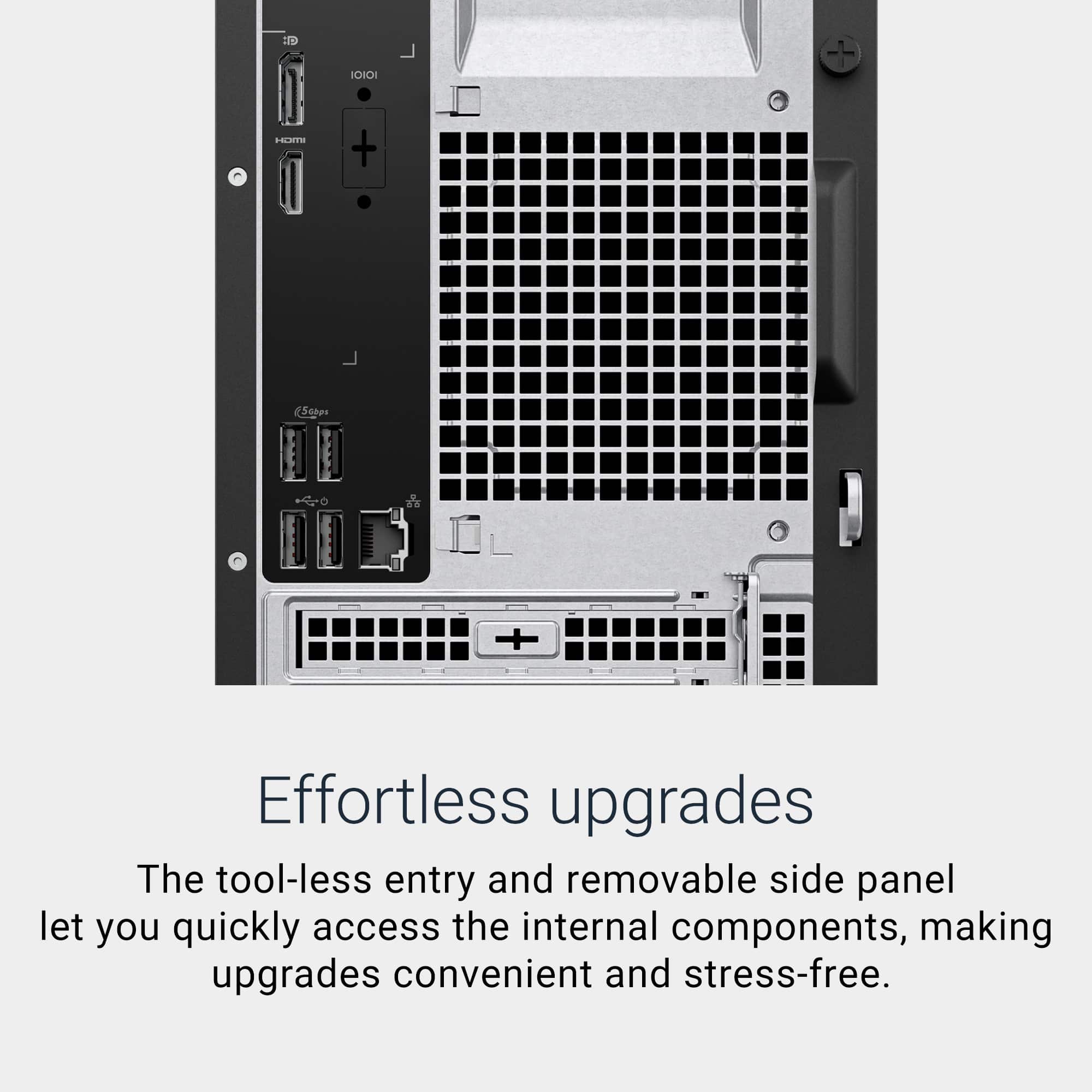
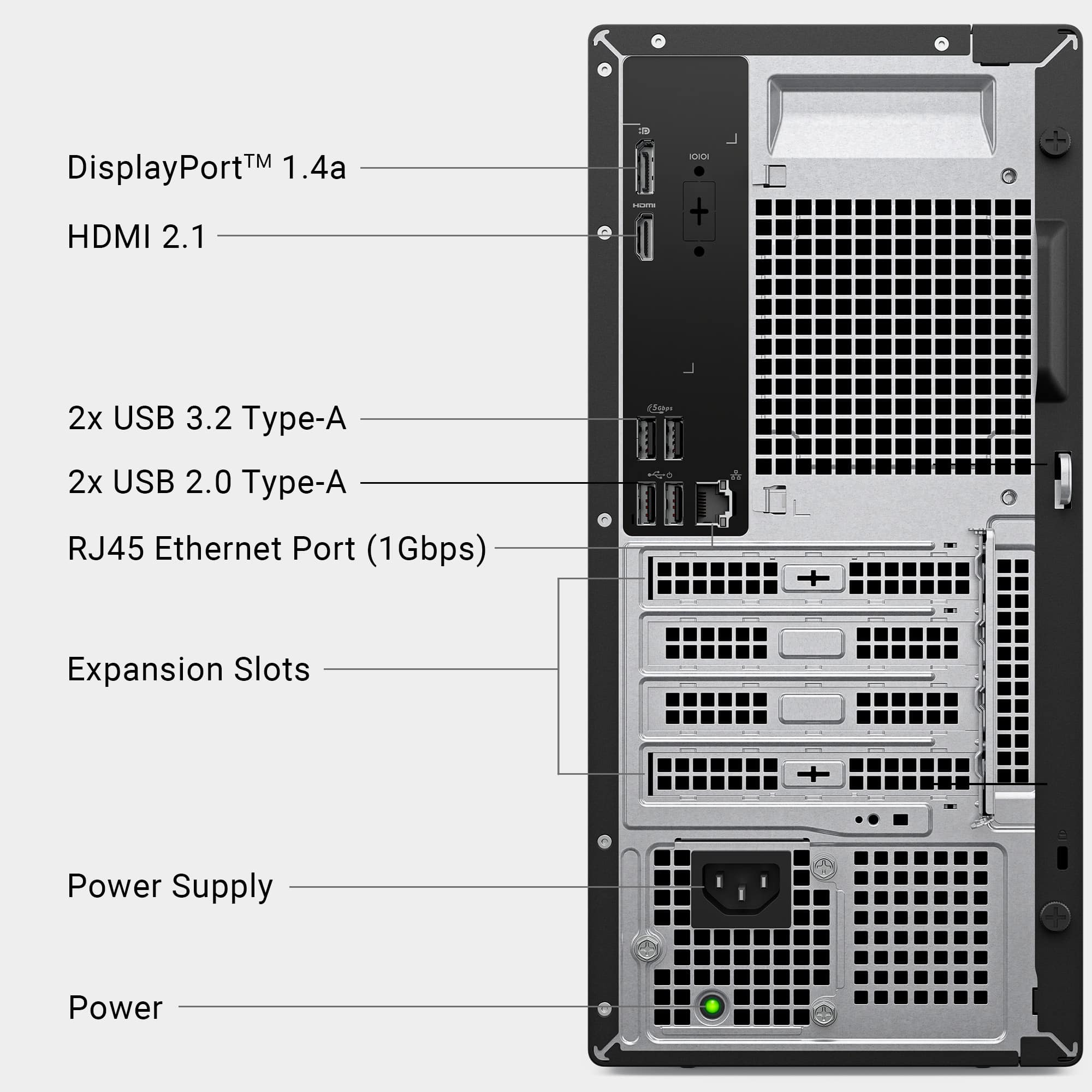
A:AnswerYes, you can add a dedicated GPU to the Dell desktop. Expansion Slots: It includes a PCIe 4.0 x16 slot, which is standard for modern dedicated GPUs.
Tool-less Design: The case has a removable side panel for easy access, making upgrades straightforward.
A:AnswerYes, you can absolutely install and dual boot Windows 11 Pro and Ubuntu or Fedora on the Dell Desktop. In fact, this setup is well-suited for web development and server testing.
A:AnswerYes, you can absolutely install and dual boot Windows 11 Pro and Ubuntu or Fedora on the Dell Desktop In fact, this setup is well-suited for web development and server testing.