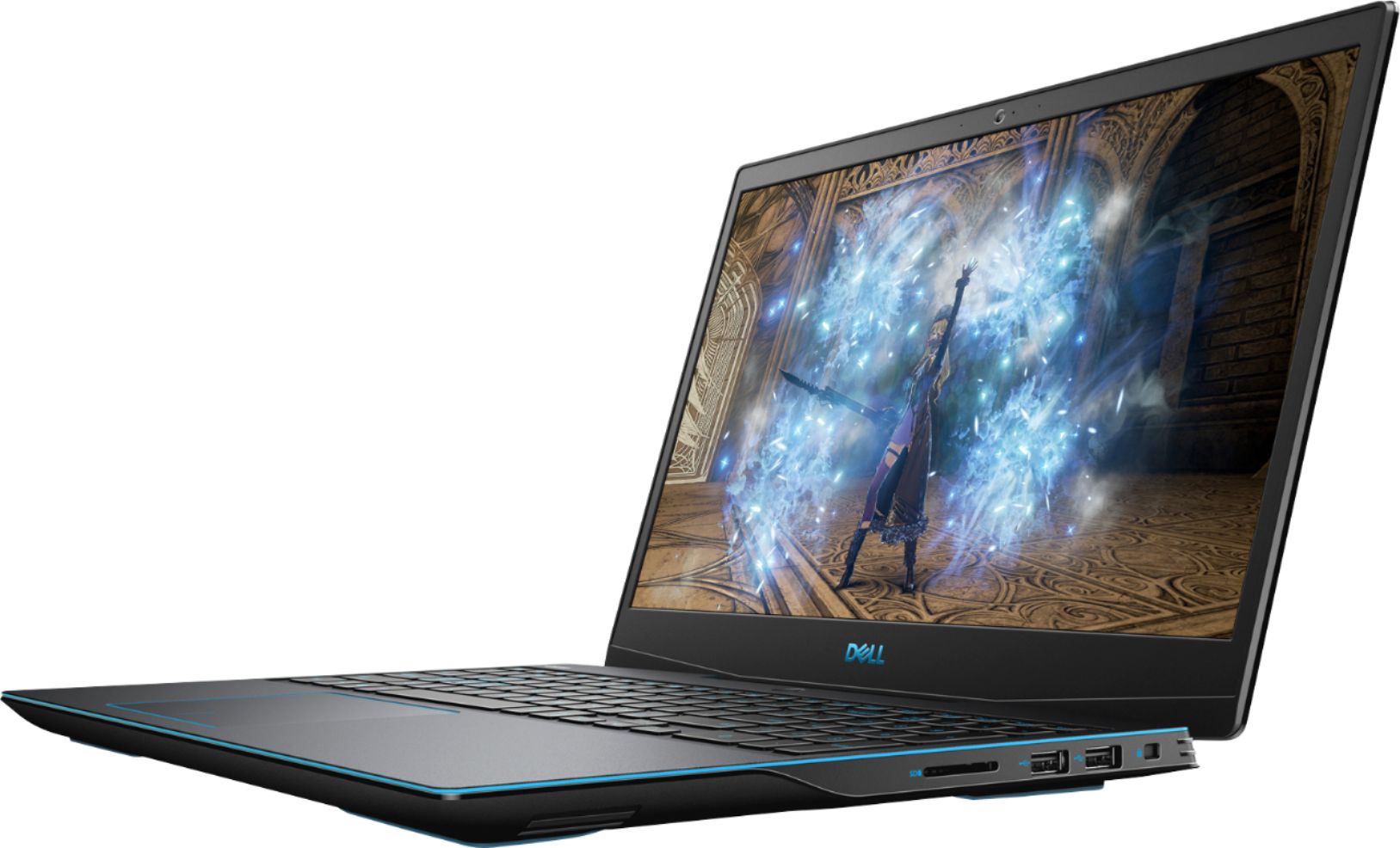
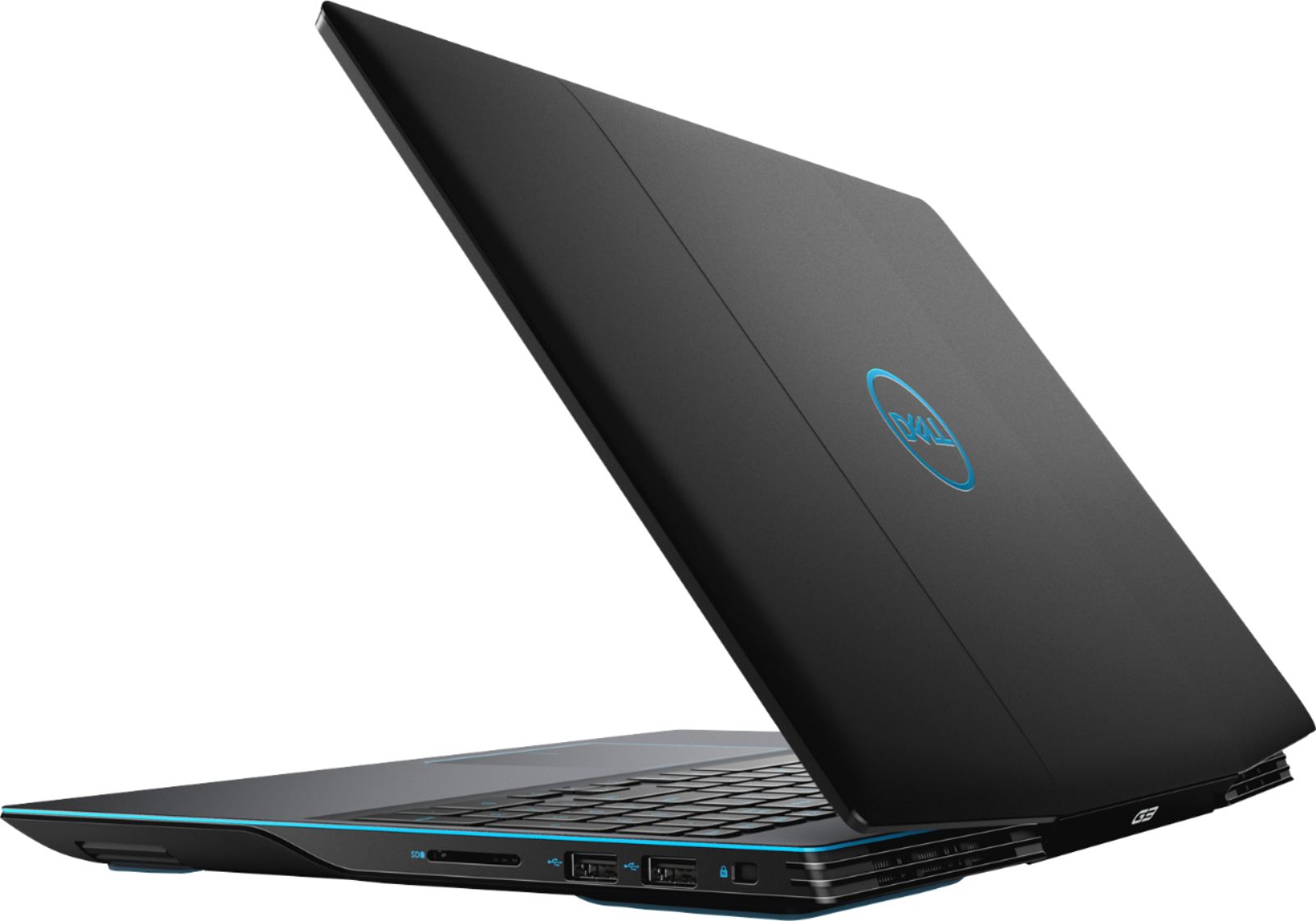
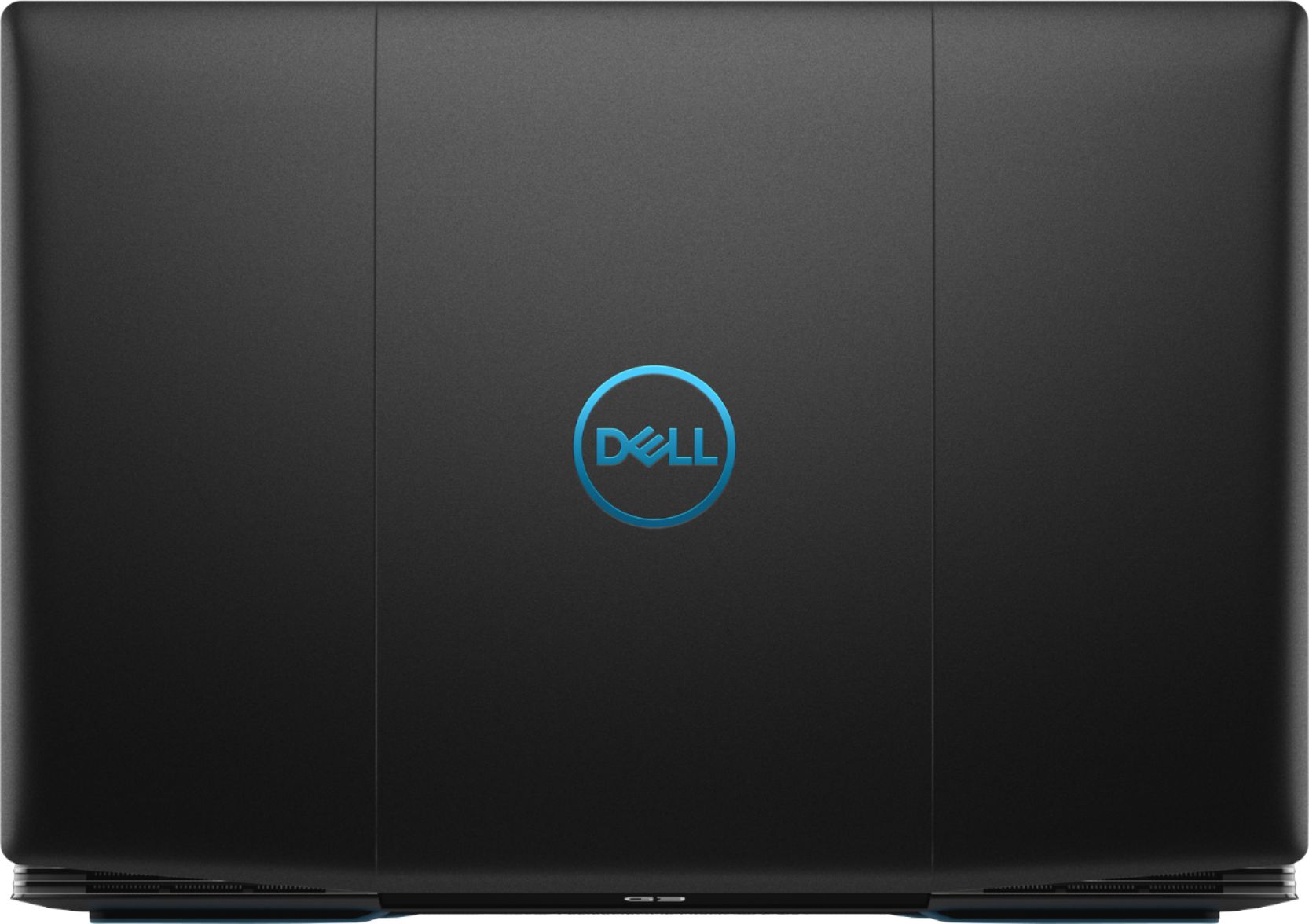
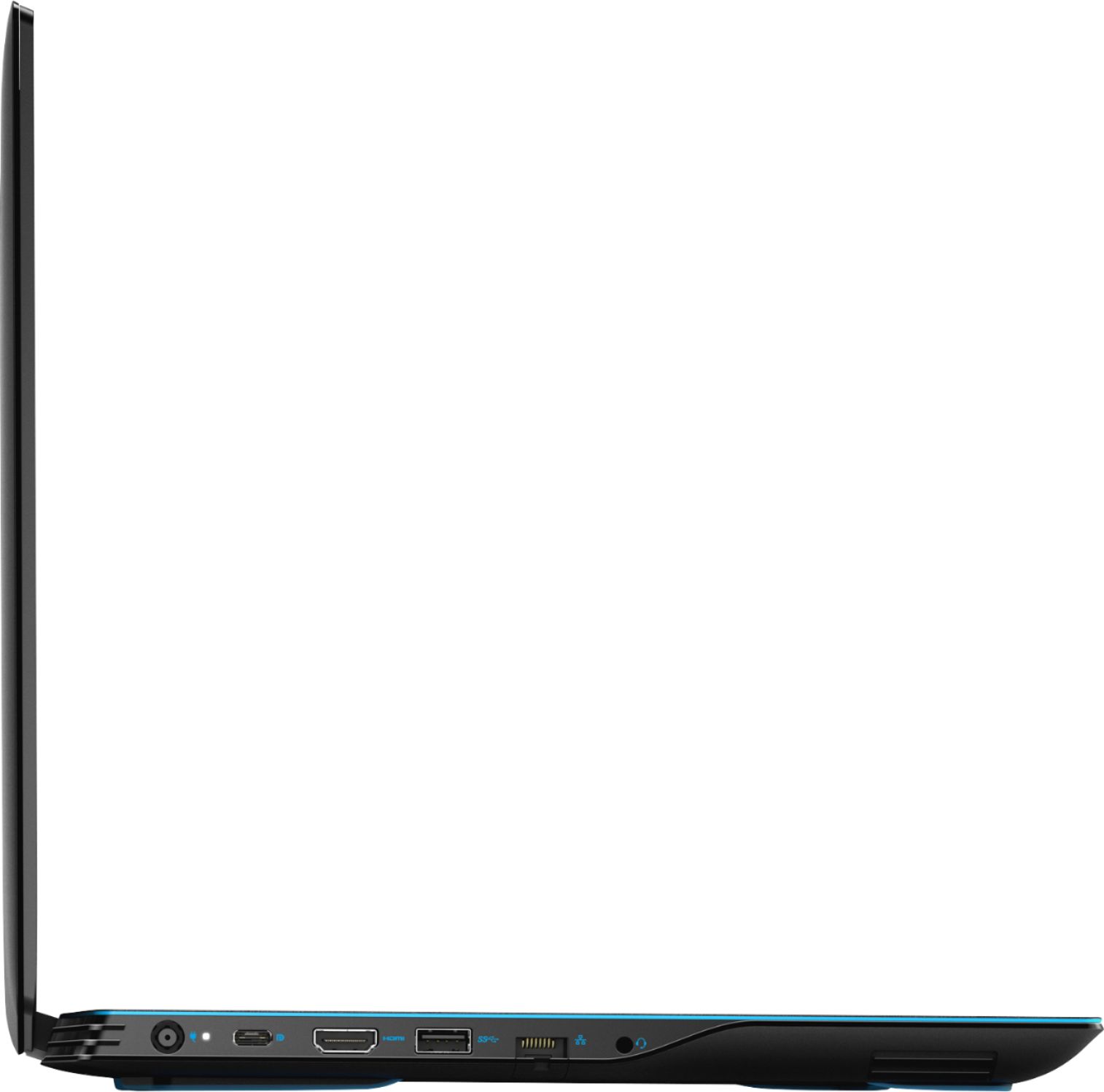
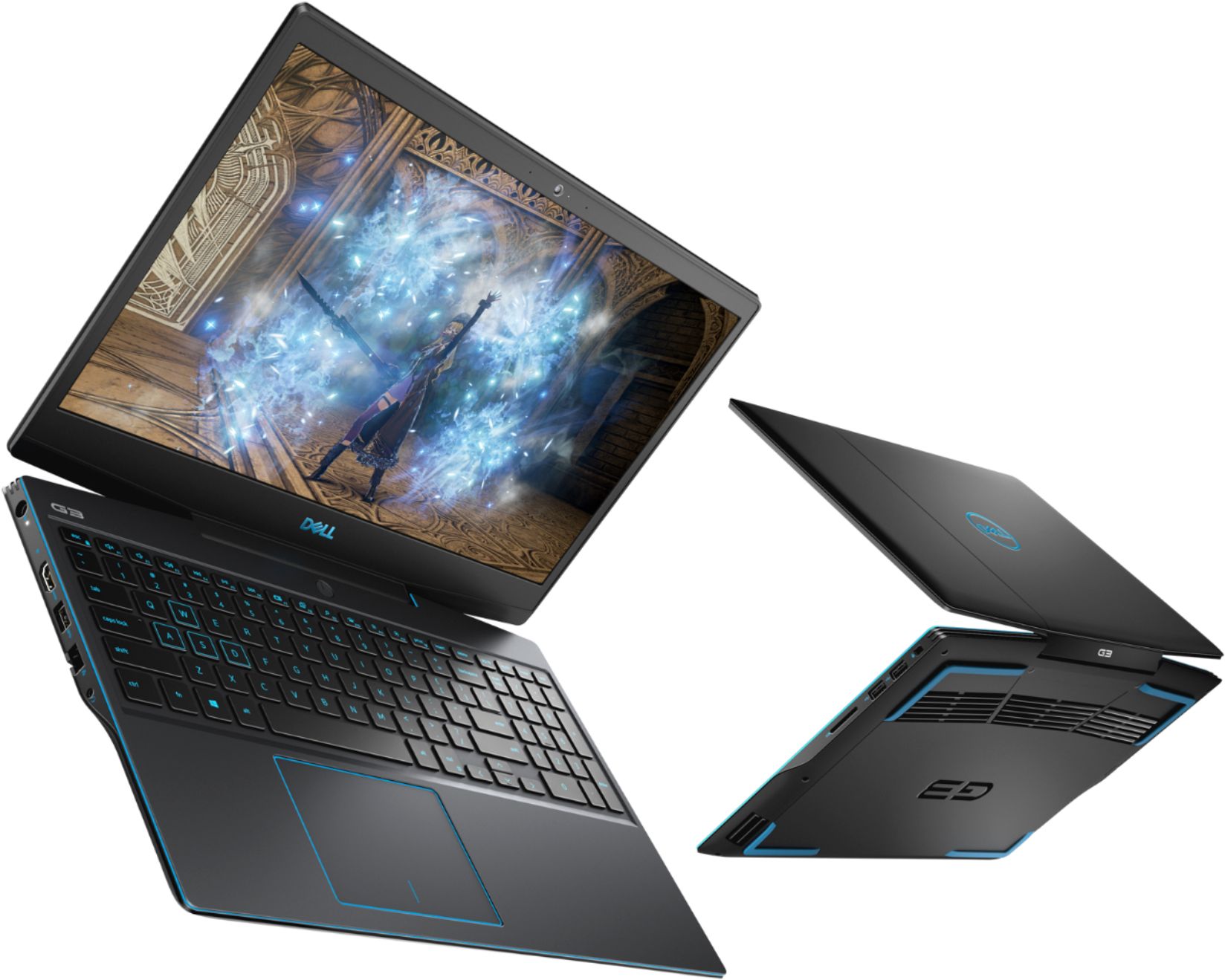
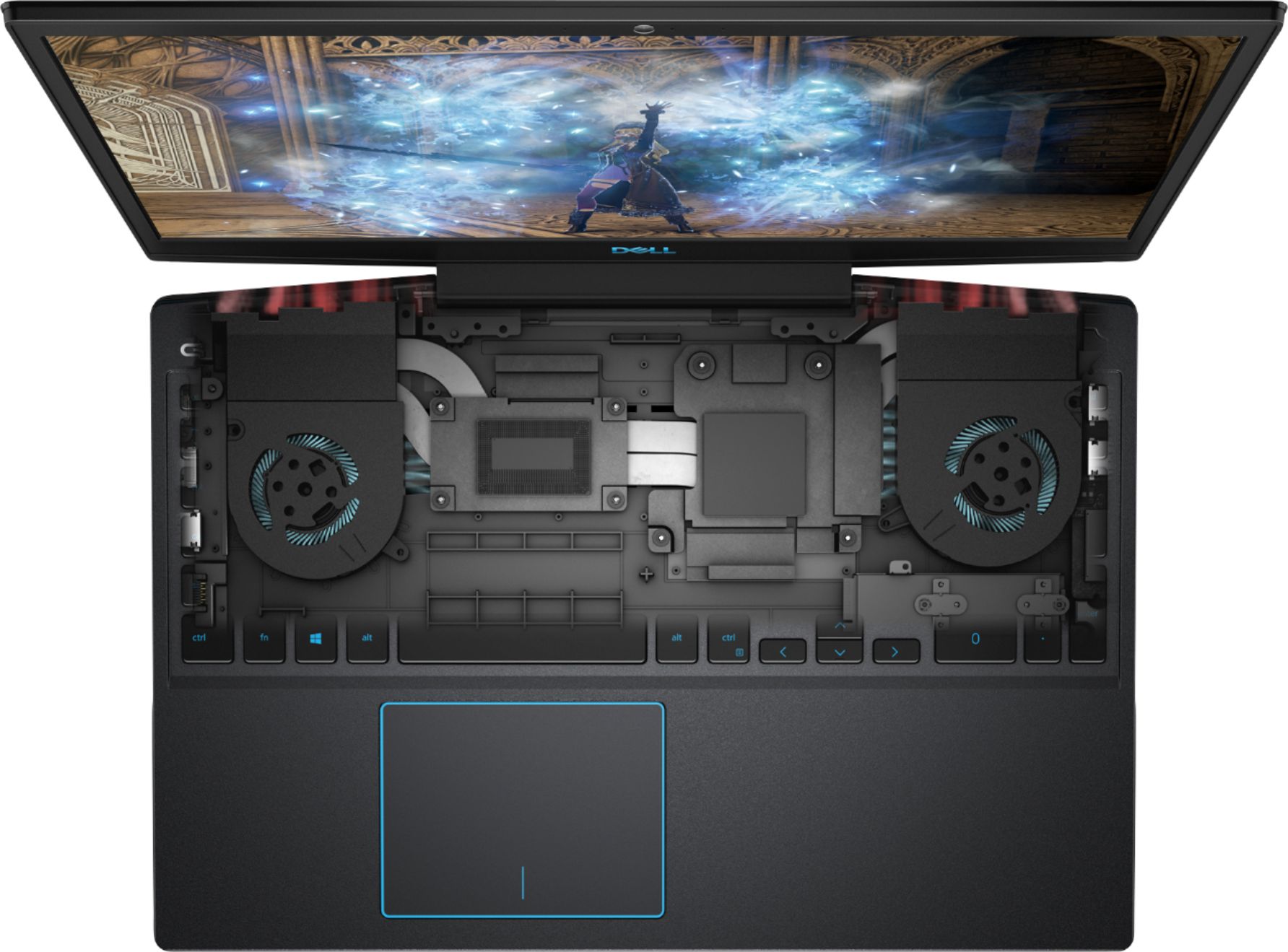
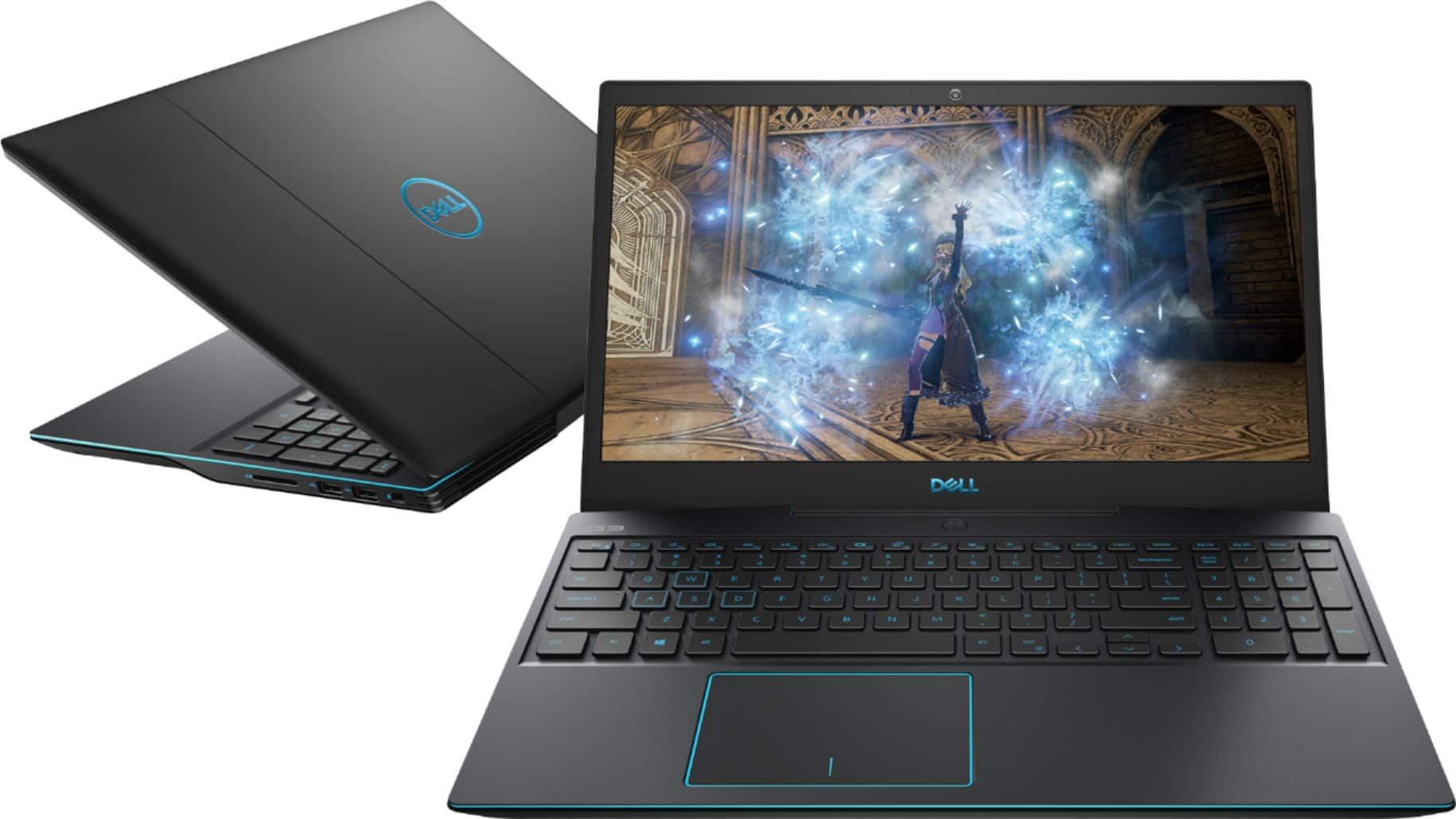
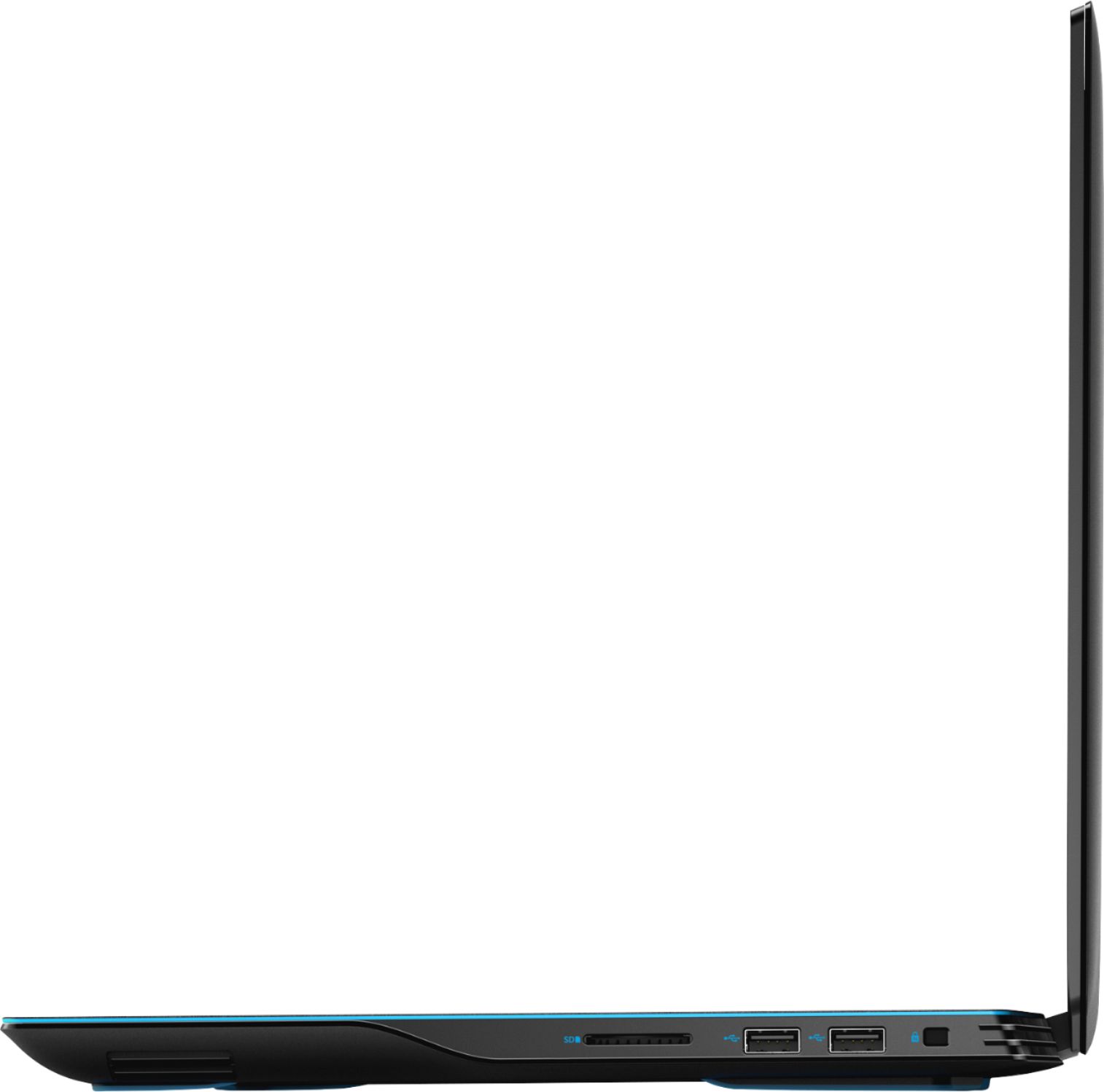
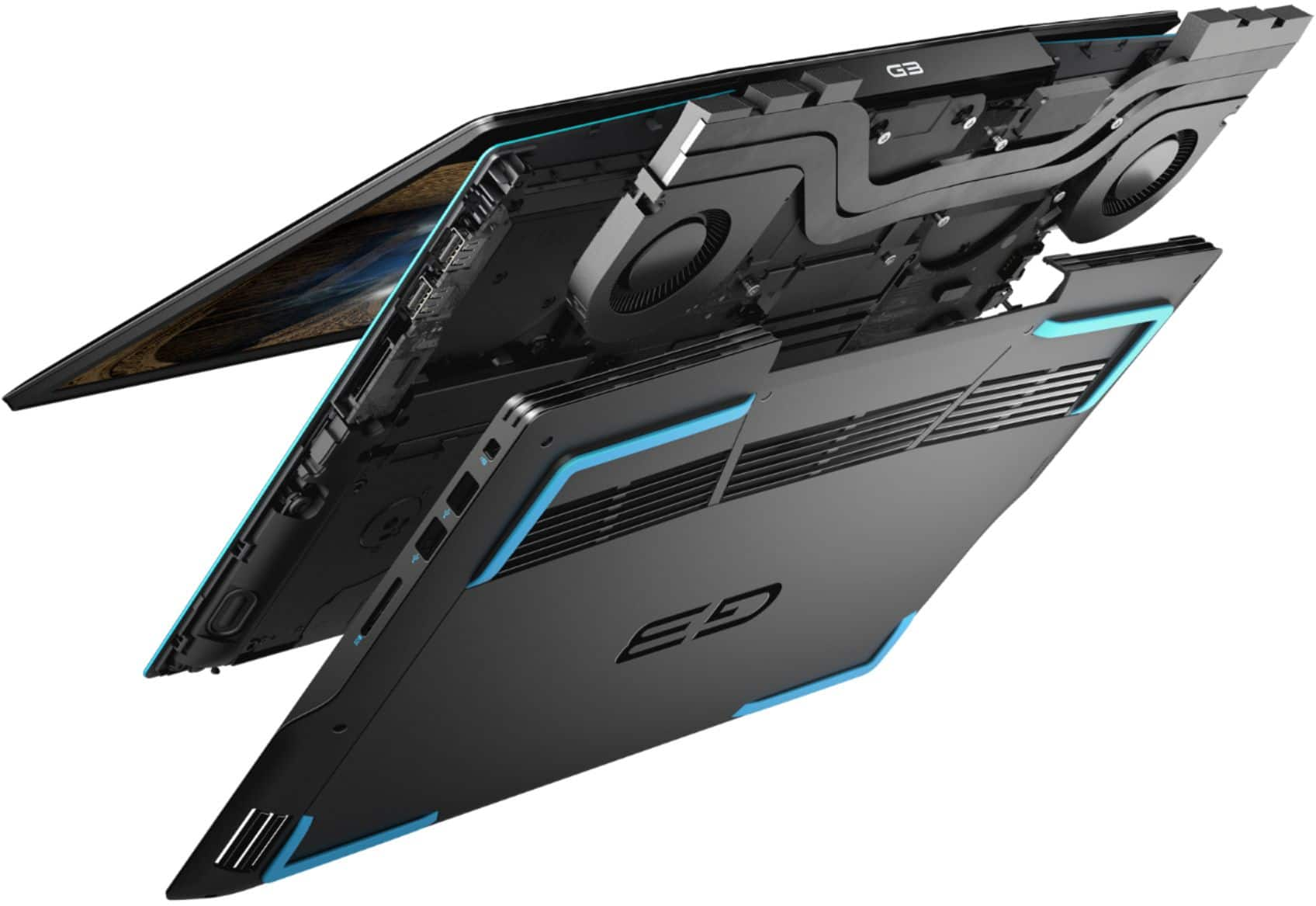
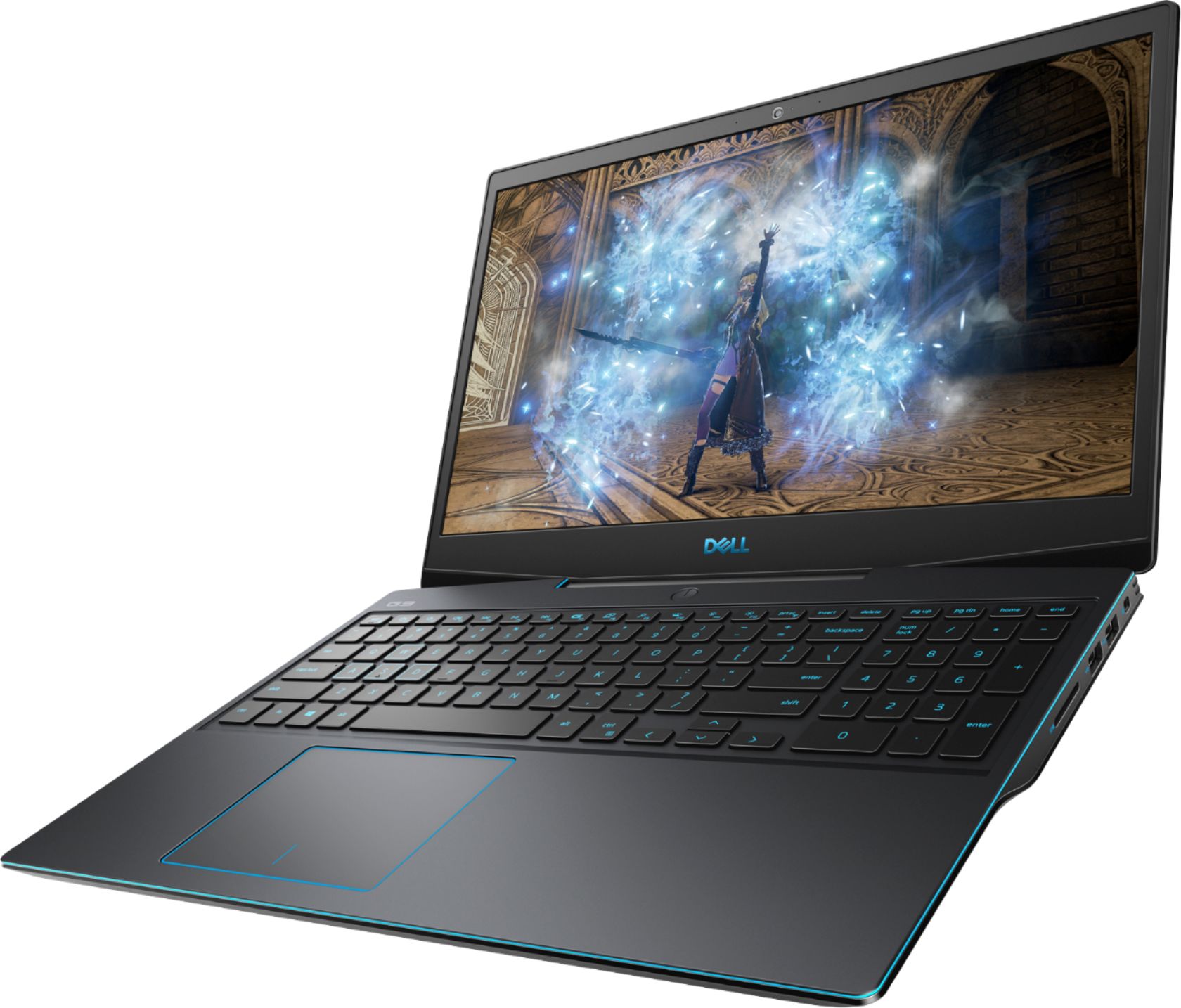
A:AnswerYES! There is an internal slot and included bracket and cable to add a SECOND 2.5 hard drive. I was thrilled to see it when I opened the casing.
A:AnswerIt's the Max Q, which honestly I was disappointed to find out when I powered it up to check. It doesn't say Max Q anywhere on the product page (at least at the time I purchased) HOWEVER.. I will say I was almost immediately relieved when I saw that I'm still having a stellar gaming performance with it, so I don't mind that it is. I'm not a "Power Hog" PC gamer, so if you're looking for pure unlimited, infinity stone, level of graphics.. then maybe you will be disappointed (I personally can't fathom that).. but for all of the titles I'm working my way through right now I throw max graphics at this card for hours at a time and have ZERO issues.
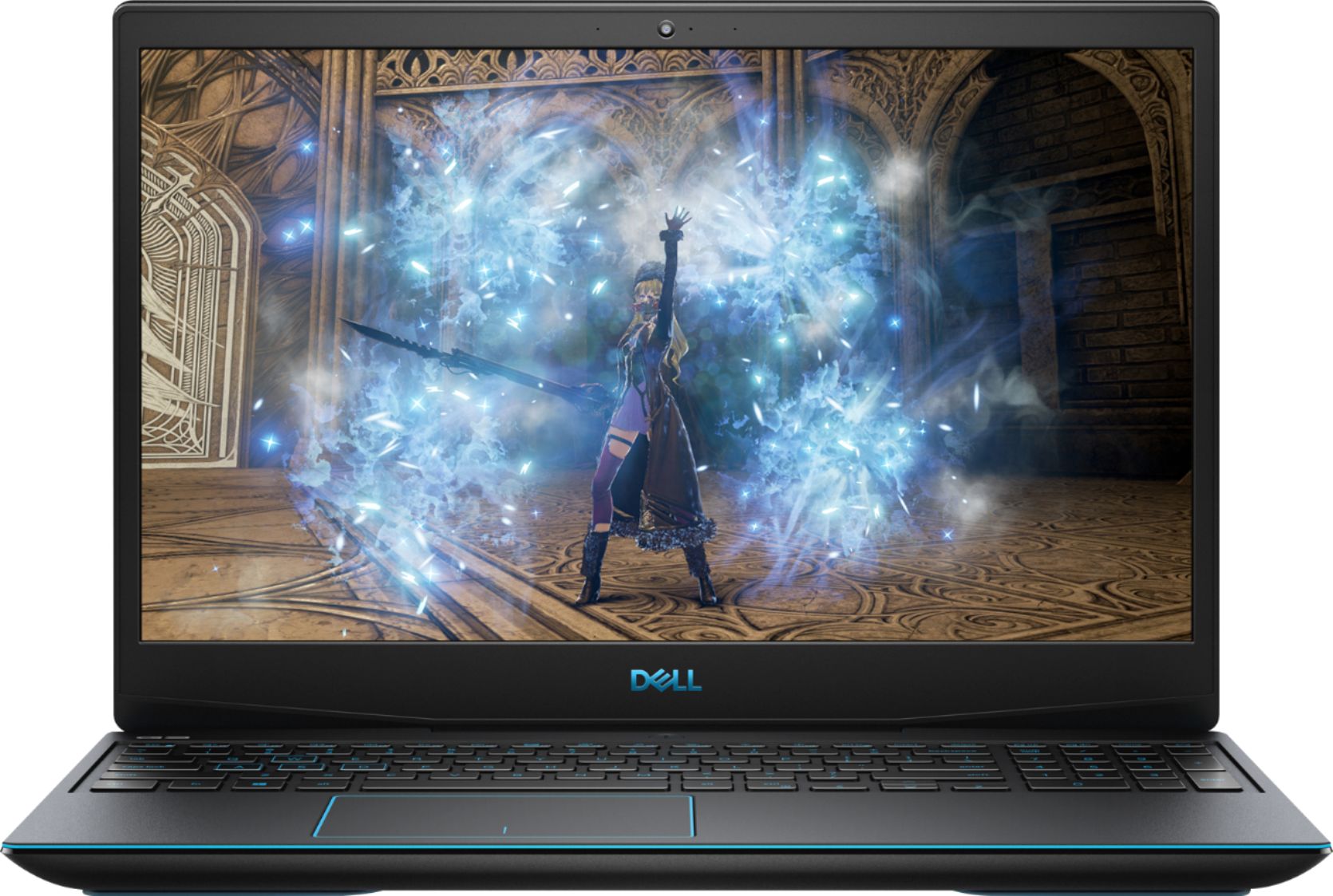
A:AnswerHad to call Dell myself to get the answer. No, this model is a 60Hz display. The only model of G3 that has the 144Hz display is stuck with 8GB of RAM, and Best Buy is not carrying it currently
A:AnswerYes, you can. This is the new 9th Gen 12 core CPU with 6000 MB of video memory. I don't see how AutoCAD would lag on it. I have run SolidWorks on it and it is extremely efficient. One problem is that the battery life reduces considerably, so I would suggest using it with a charger.
A:AnswerHello! Yes. You can absolutely connect a monitor with a higher refresh rate to the G3. The 1660 Nvidia Graphics card can function up to 160 Hz.
A:AnswerI have played Battlefield V on all ultra settings and had zero issues. I’ve also played a lot of 7 Days To Die survival and Black ops 3 on some crazy custom zombies maps and still ran 120+ fps. I think this is one of the best deals you can find on a gaming laptop with these specs. You can’t find a much better processor than the 9th gen intel core, I’m not certain but you may also be able to just buy and install more ram if needed. And the 2019 nvidia card this comes with is also really good for a laptop at this price range.

A:AnswerIf you are trying to connect an external hard drive to the system, you can go ahead as this will support, but if you're looking to add extra storage on to the laptop, then, you can add up to 1 TB M.2 2230/2280 solid-state drive.
A:AnswerYou can play Sims 4 on this system and the temperature usually depends on the resource usage by the game. Games consuming very high system resource, tend to increase the system temperature. The cooling system in the laptop is excellent and can handle most of the extensive tasks.