A:AnswerDuring setup, you can skip these options. If you didn't, they can be disabled. Type in the search dialog box for , "Alexa", this will lead you to the appropriate screen to unselect/deselect/disable that and other functionality.
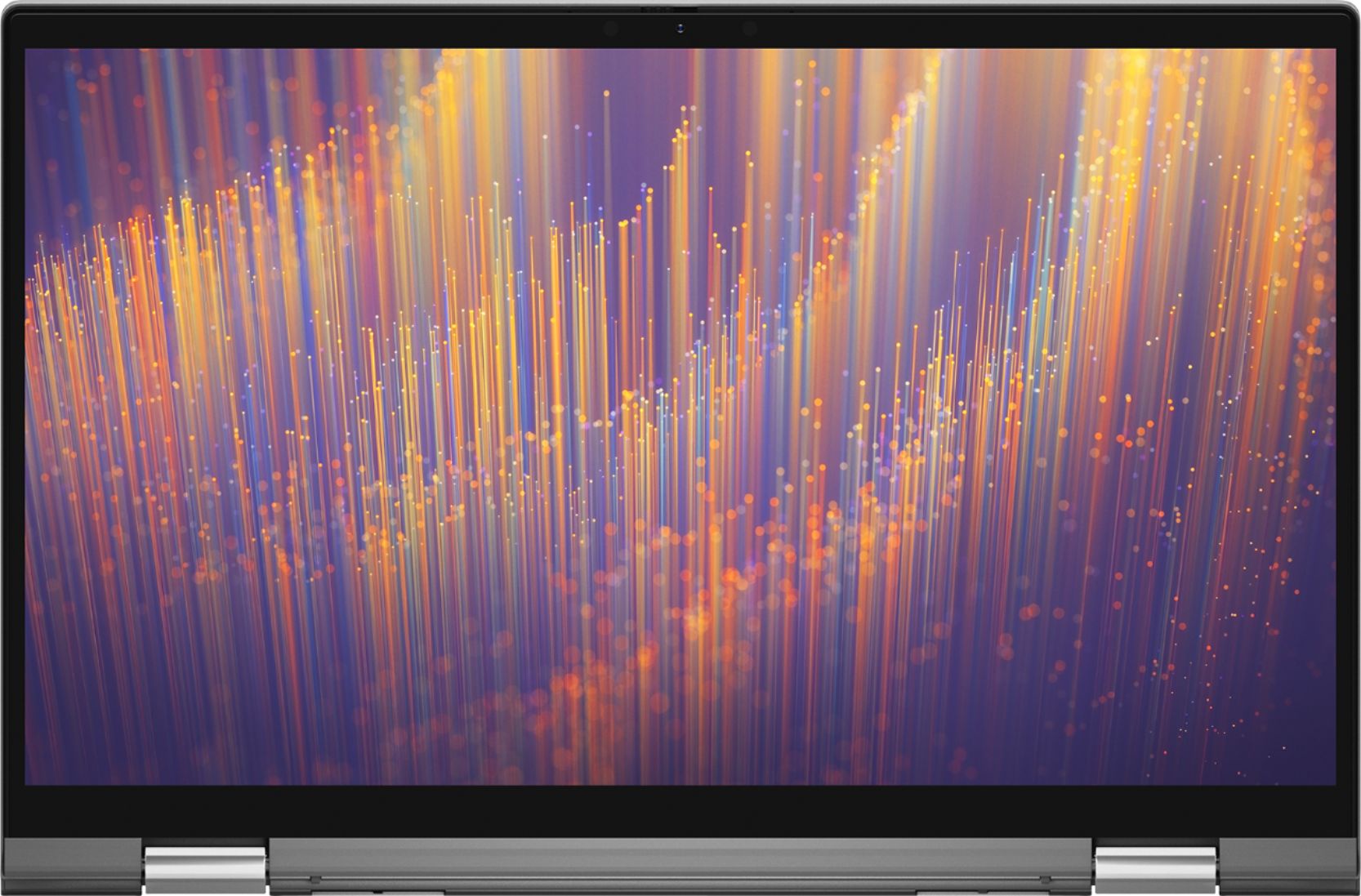
A:AnswerThis is so that if your camera is on by mistake no one can see you. I always have mine switched in case you never know if someone can hack your computer better safe than sorry.
A:AnswerWe recommend you update the drivers on the system to the latest version availble from the Dell's support site : https://dell.to/3gmYcMF
If that does not work, you can contact Dell's technical support team on Twitter (@DellCares) and of the technical support representative will assist you with this issue.
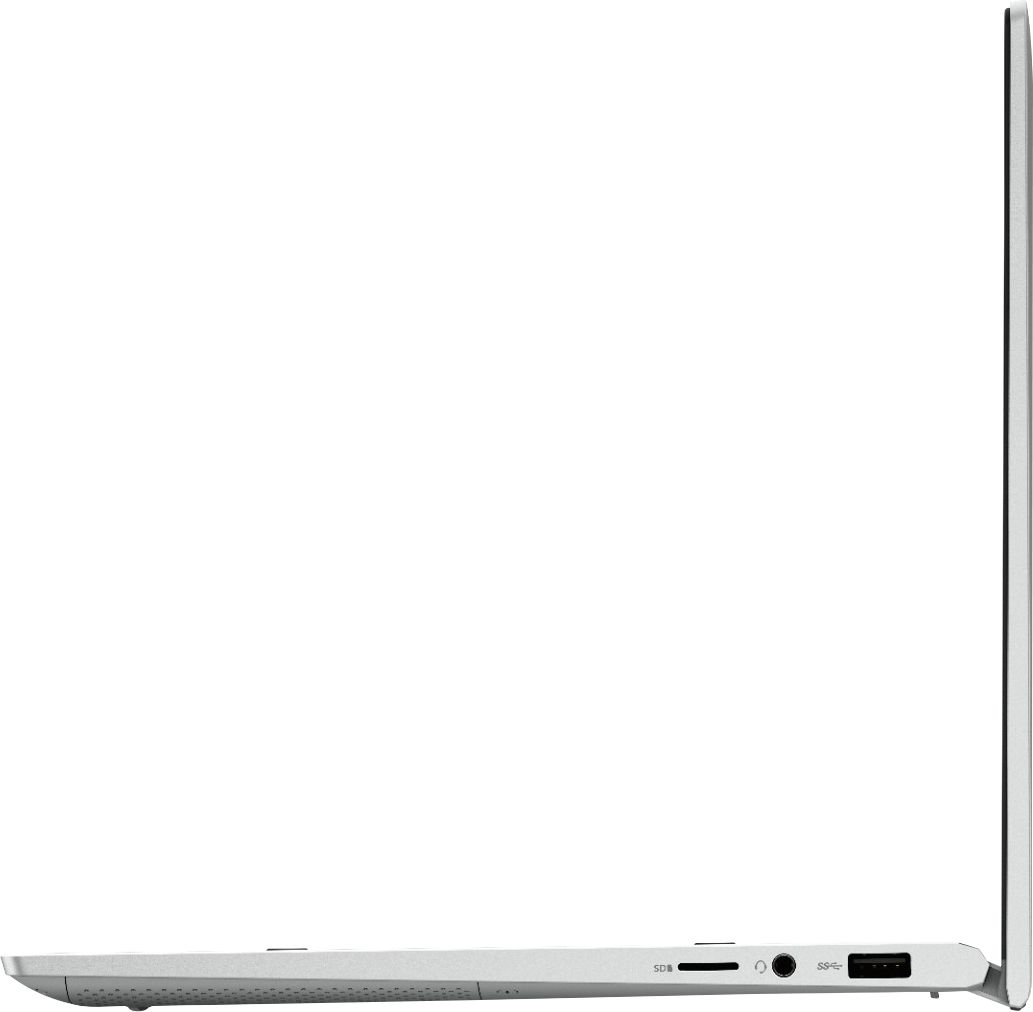
A:AnswerYes, you can charge this via USB type C. This port supports Power Delivery that enables two-way power supply between devices, it provides up to 7.5 W power output that enables faster charging.
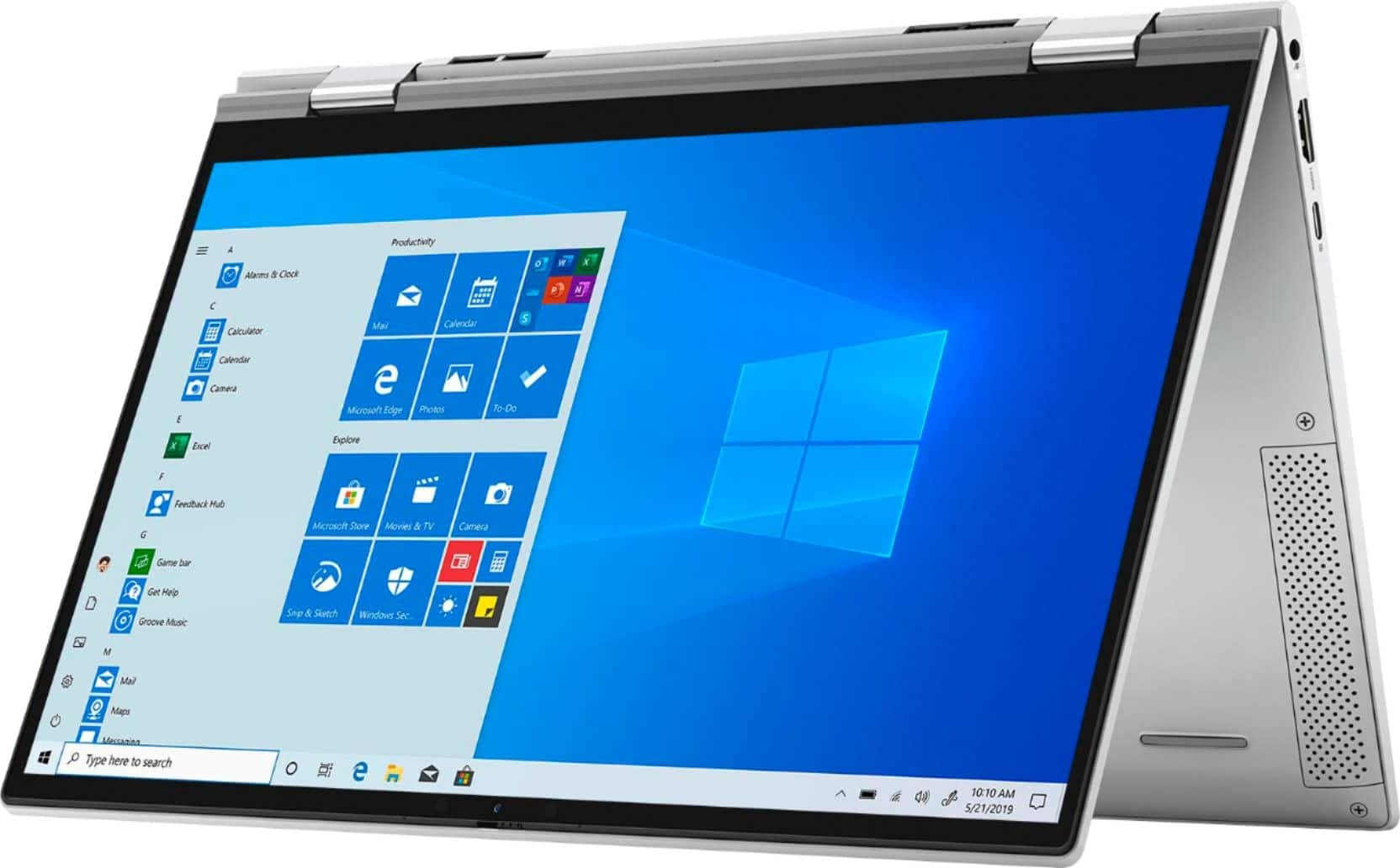
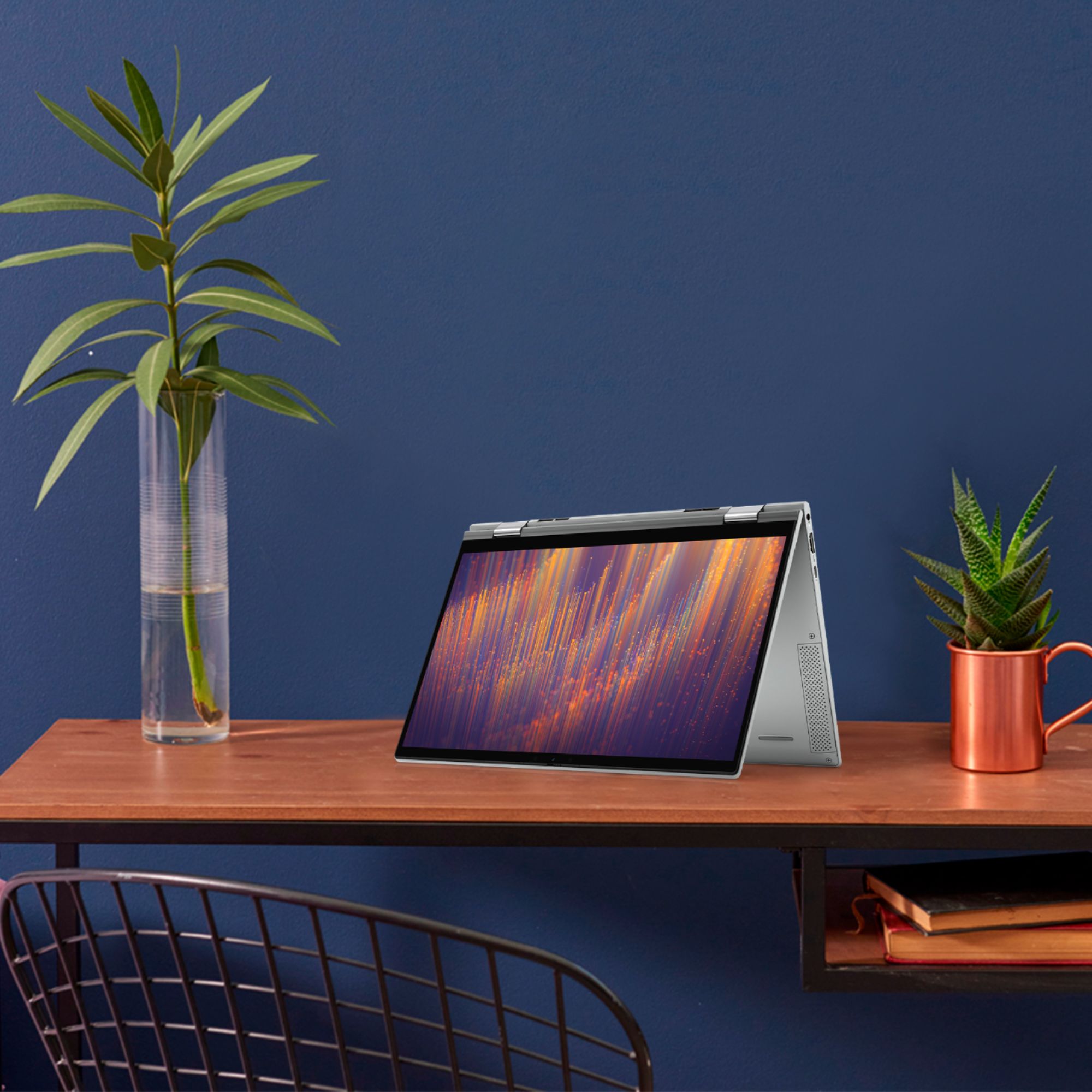
A:AnswerI’ve never had a problem with the keyboard in tablet mode, so I guess it automatically disables it. It does prompt you when you fold the screen to make sure you want to activate the tablet mode.
A:AnswerYes, you can upgrade the storage on this system. The Inspiron 7300 2 in 1 supports one of the following storage configurations: One M.2 2230/2280 solid-state drive, One M.2 2280 Intel Optane Memory H10.
(a) M.2 2230 solid-state drive up to 512 GB
(b) M.2 2280 solid-state drive up to 2 TB
(c) M.2 2280 Intel Optane Memory H10 up to 1 TB
A:AnswerI'm using the HP USB-C Universal Dock G2 and have three 24" monitors going. Worth noting that it will only output a total of three different displays (meaning laptop screen can't serve as a fourth). I do not know if the limitation is with the laptop or the dock though. I'm also only doing productivity and sysadmin type work, not gaming or otherwise hard-core visuals. YMMV.