A:AnswerI'm not sure I would try to store anything on the laptop's 32 GB eMMC drive. Windows alone uses a lot of the space. I would buy an SD card or a USB flash drive and store all my files there. I am using a 32 GB Class 10 SD card (cost about $10 on sale), but the laptop will take higher capacity cards.
A:AnswerMost laptops these days are 15.6"'. The 14" is a bit smaller. The resolution is 1366x768 in either case. I think it should be OK for e-mails. It is not a very fast computer, so you need to be a bit patient on web-sites with a lot of images.
A:Answeryes i can play like armor games.com on the dell inspiron 14 it handles all flash games as long as you download all of the adobe flash and shockwave programs and it also handles and plays java games too if you only download java on you computer,
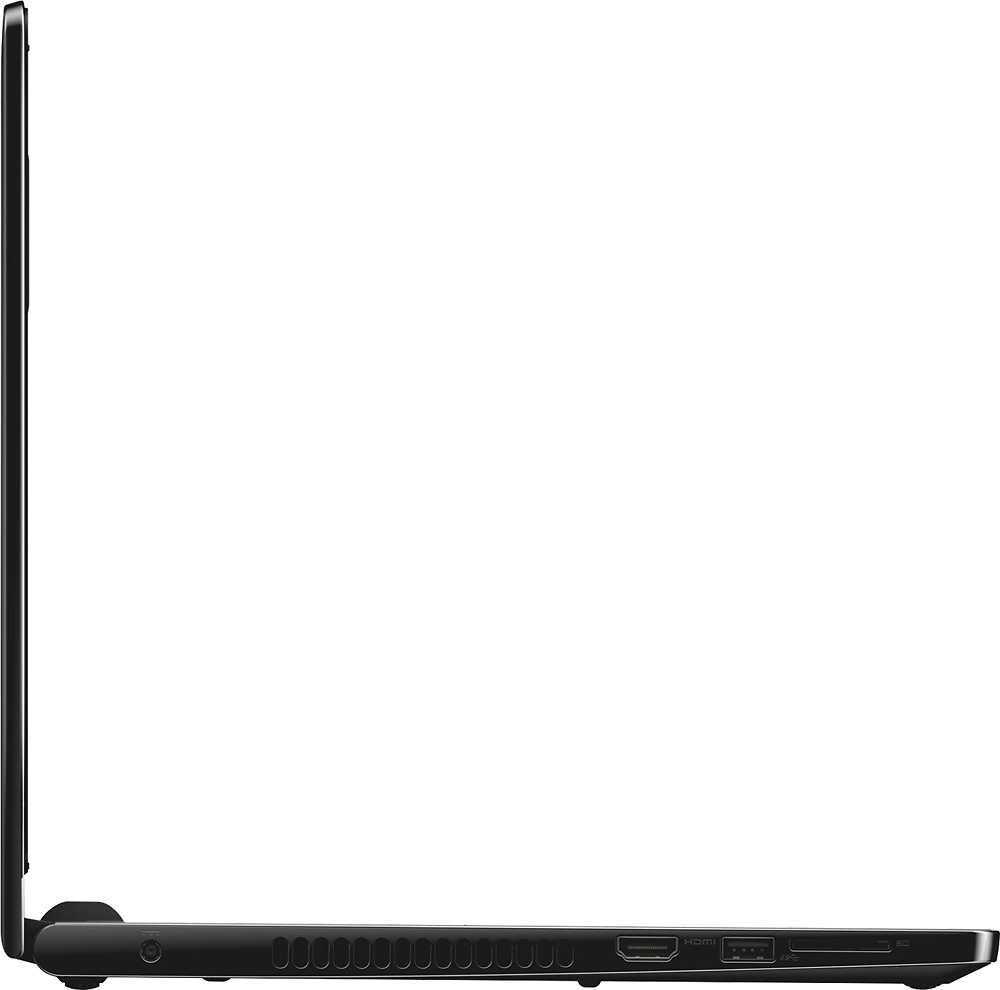
A:AnswerI wouldn't get this for your child to do homework. This should be used for surfing internet and researching information. Honestly, your kids may play games on this device. There's not enough storage space on this device to download games and if you add an SD card, it sticks out of the machine. I accidentally broke 1 SD card already because it sticks out.
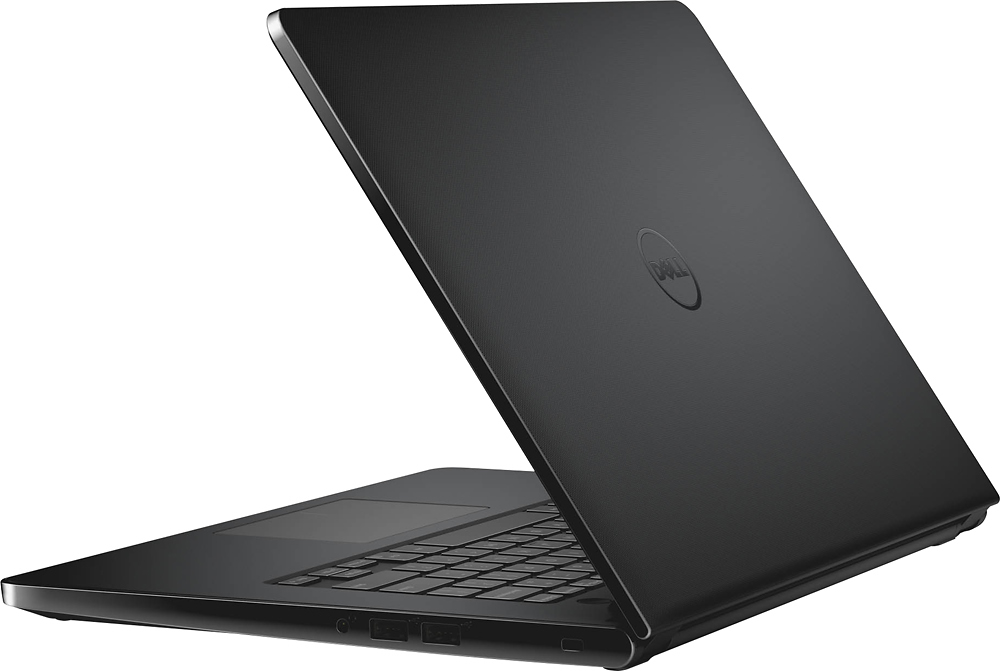
A:AnswerIt depends on the printer. If the printer can be connected by a USB cable or the printer supports wi-fi, then you can connect a printer. It does not have an old-school parallel printer port.
A:Answer32 GB emac storage. It contains the operating system. By the time the OS and updates are installed (you should also perform disk cleanup to delete unused / old system files) the leftover / available space is approximately 12GB. Please be aware this is more of a cloud computer vs a traditional computer with significantly larger hard drive. Nothing wrong this laptop but it has its purpose / function.