A:AnswerUnfortunately, there is no standard method of measuring battery life, the way there is, for example, CPU performance. This means it is impossible to compare one company’s computer’s battery use vs. another. Some manufacturers do provide details on how they measured it, but this is a rarity. The best way to find this information is to search out reviews by trusted tech publications, where they give detailed explanations of their procedures, as well as comparisons to comparable models.
As a real-world example of the problem, I recently used Best Buy's Compare feature (always available at the bottom of any item they sell) to compare four different laptops. Two were MSI brand. One of the MSIs was rated at 40 hours, while the other one was 1 hour. I really doubt that there was such a great difference between two similar laptops from the same company; they were obviously measured under two radically different sets of conditions, and therefore essentially meaningless.
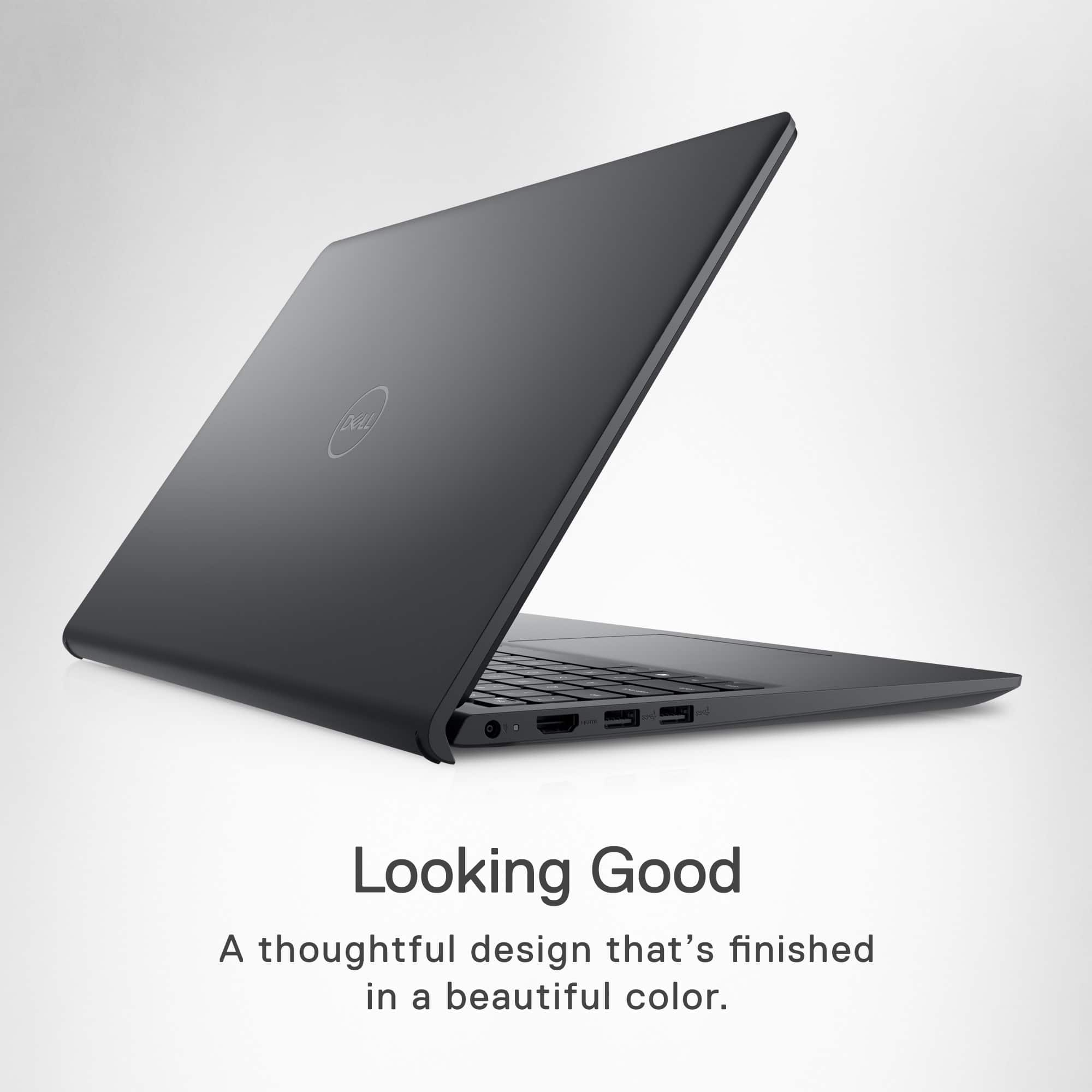
A:AnswerI assume you are asking about the EXTERIOR of the laptop, rather than a CASE (sold separately) that is used to more easily transport the machine?
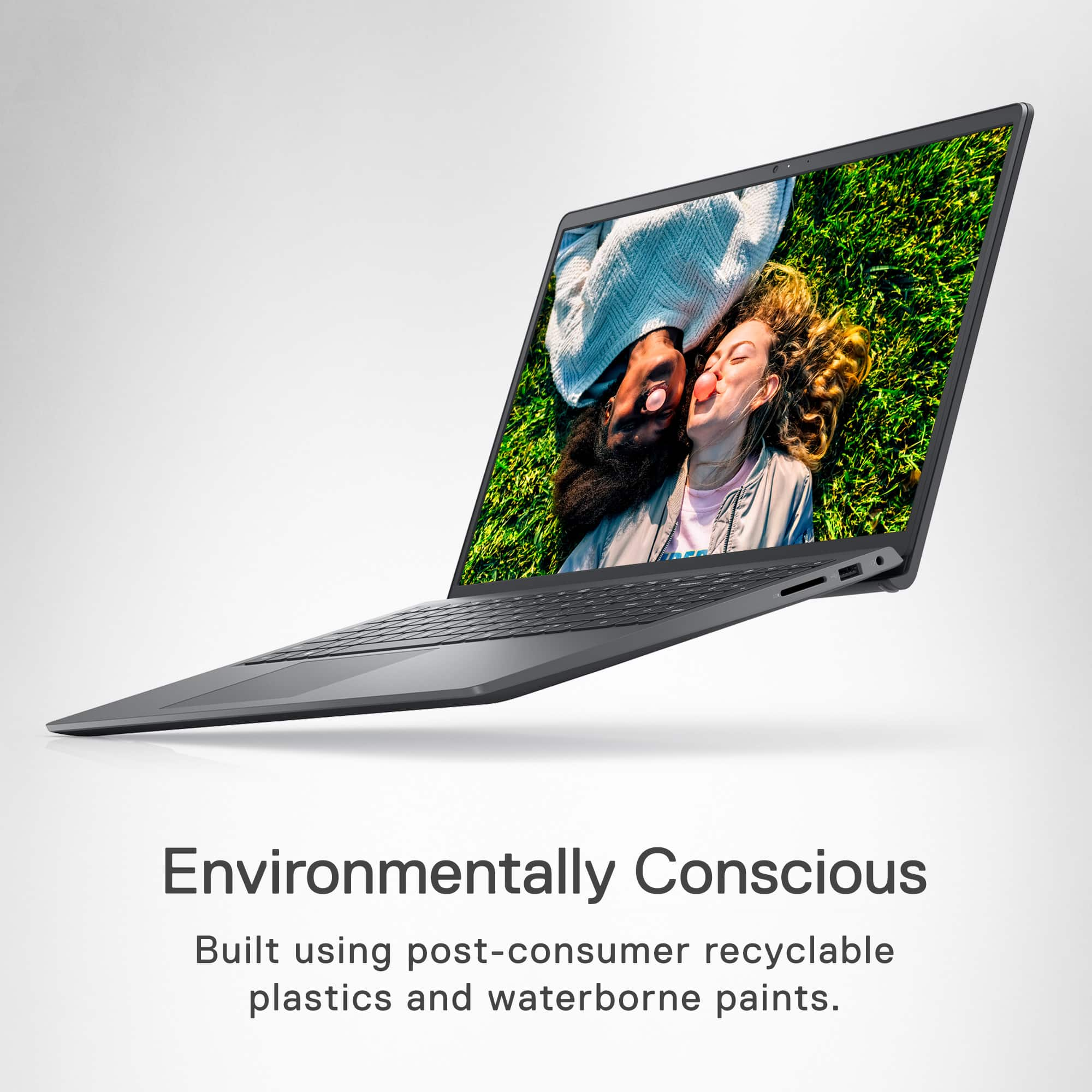
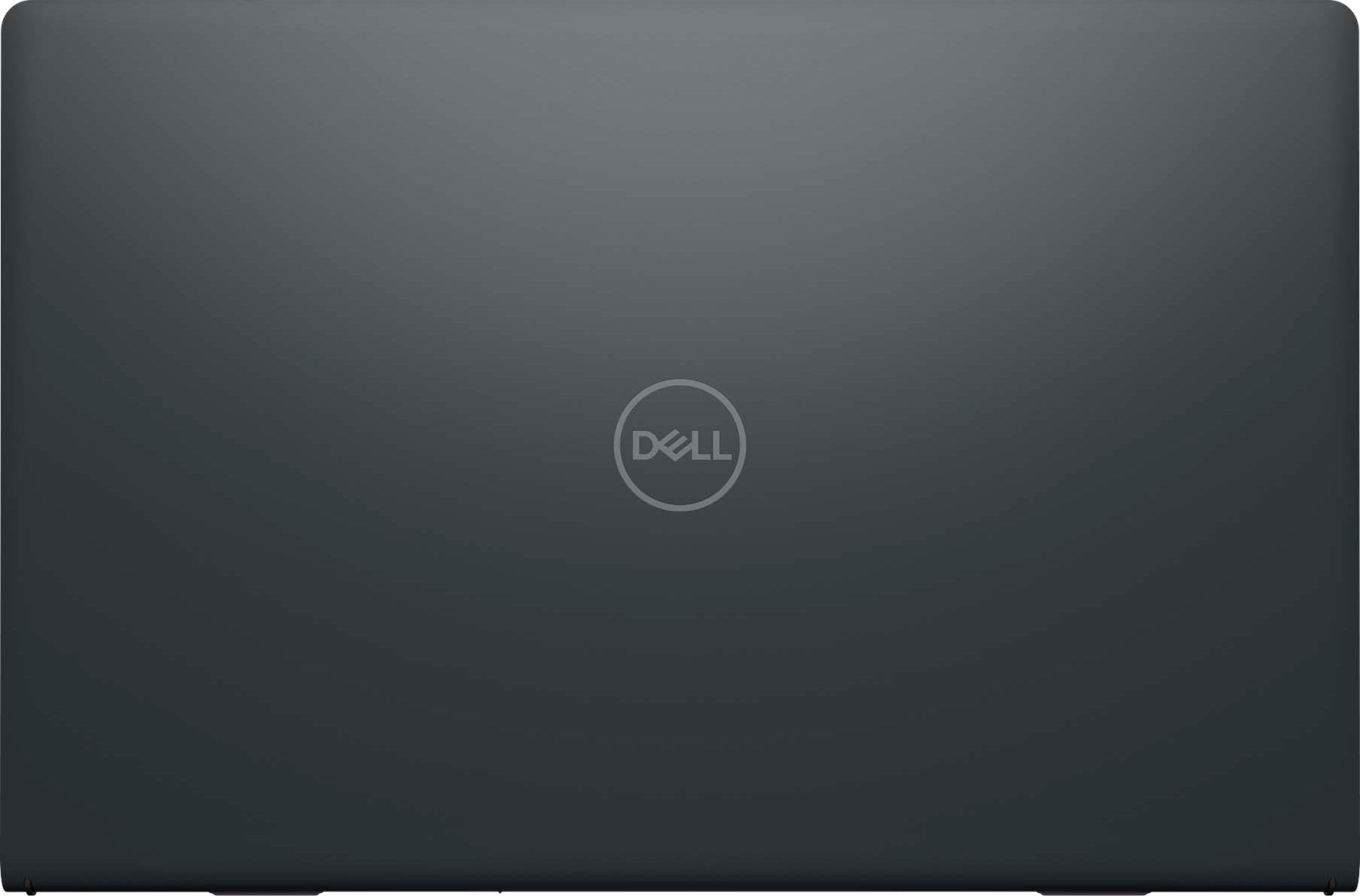
So the answer would be PLASTIC, specifically "post-consumer recyclable plastics.
The information is provided on the Best Buy page for the unit, under Features-->Environmentally Conscious--> so you'll know where to look next time, and not just take up space.
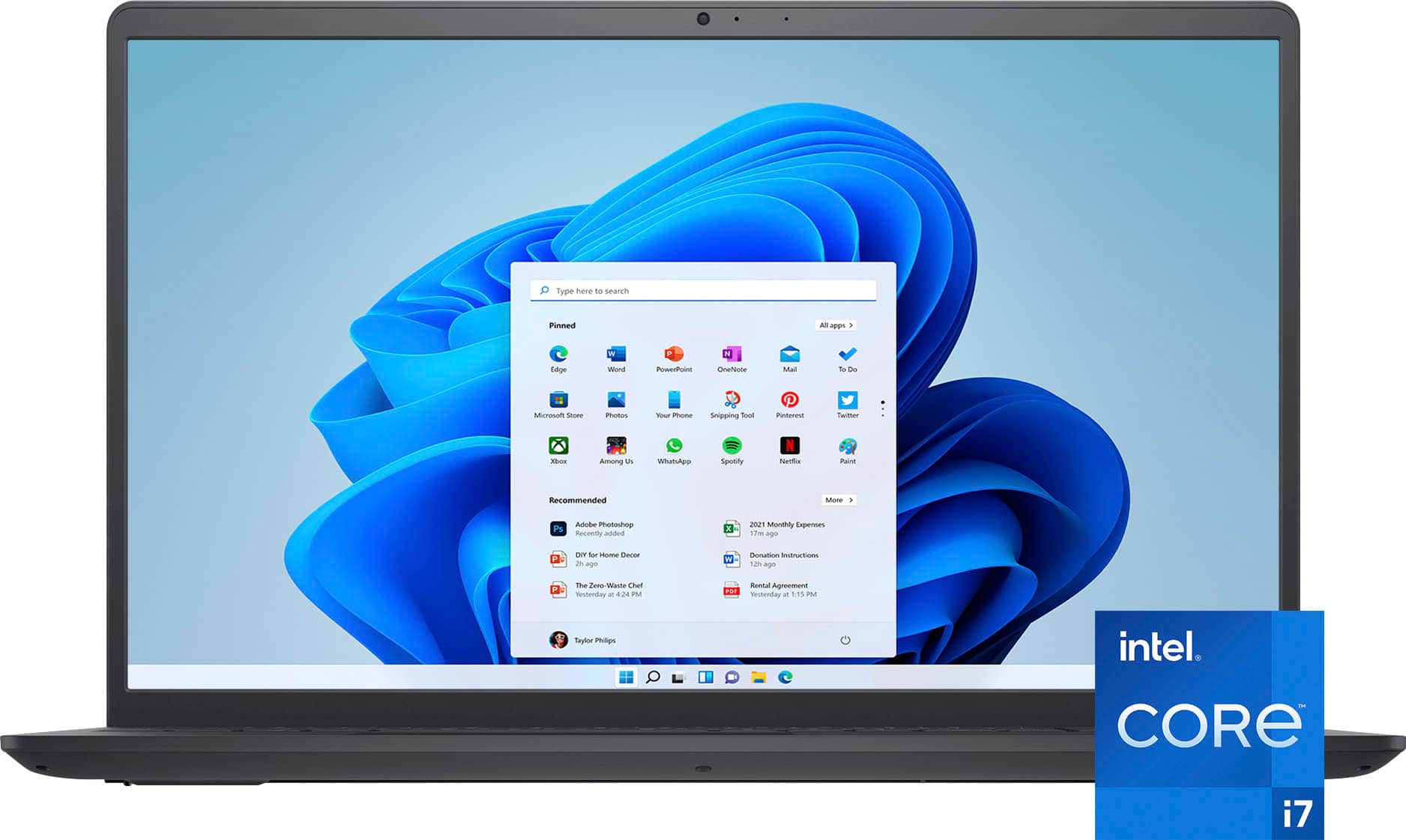
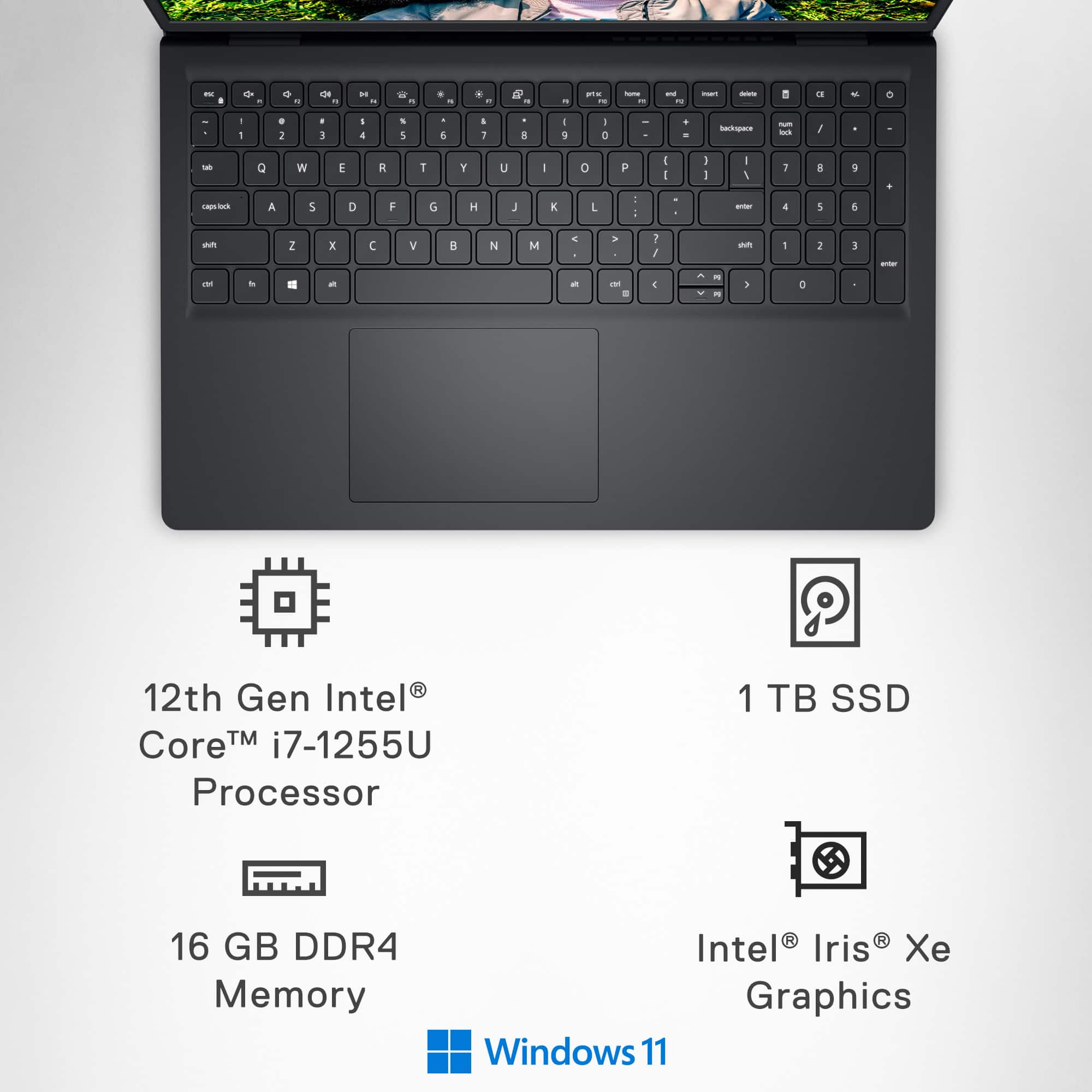
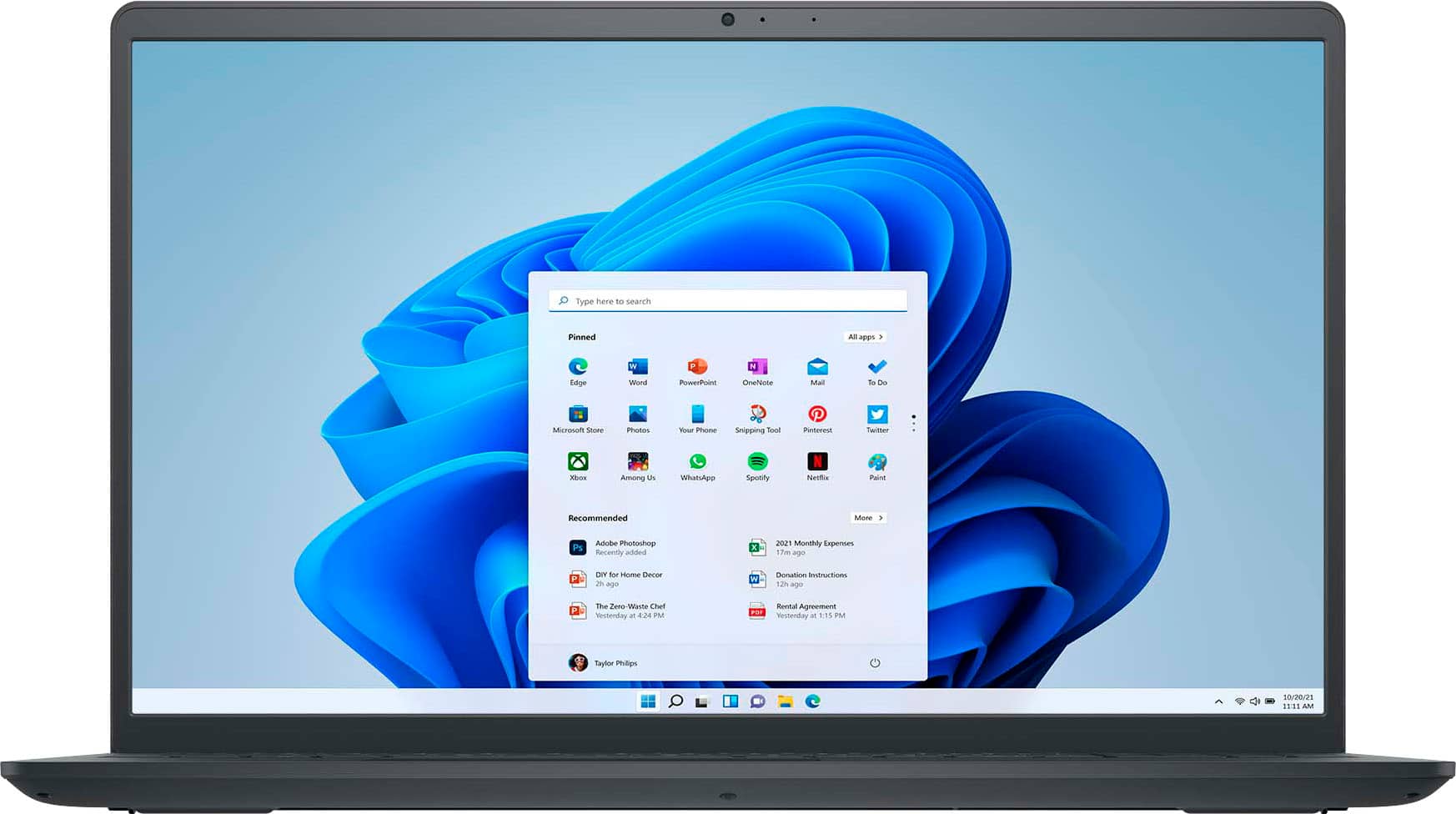
A:AnswerYes Windows 11 Home S-Mode, which an be switched out of this mode for free if like to install other apps that are not listed or found in MS Store. You will then have just Windows 11 Home.
A:AnswerIt has a 15.6" screen size, so any case that can hold that size laptop will do. This information is available with any case.
Next time, ask your first grader. This is NOT rocket science.
A:Answer1. It's "dock," like with a boat, not "doc," like "doctor."
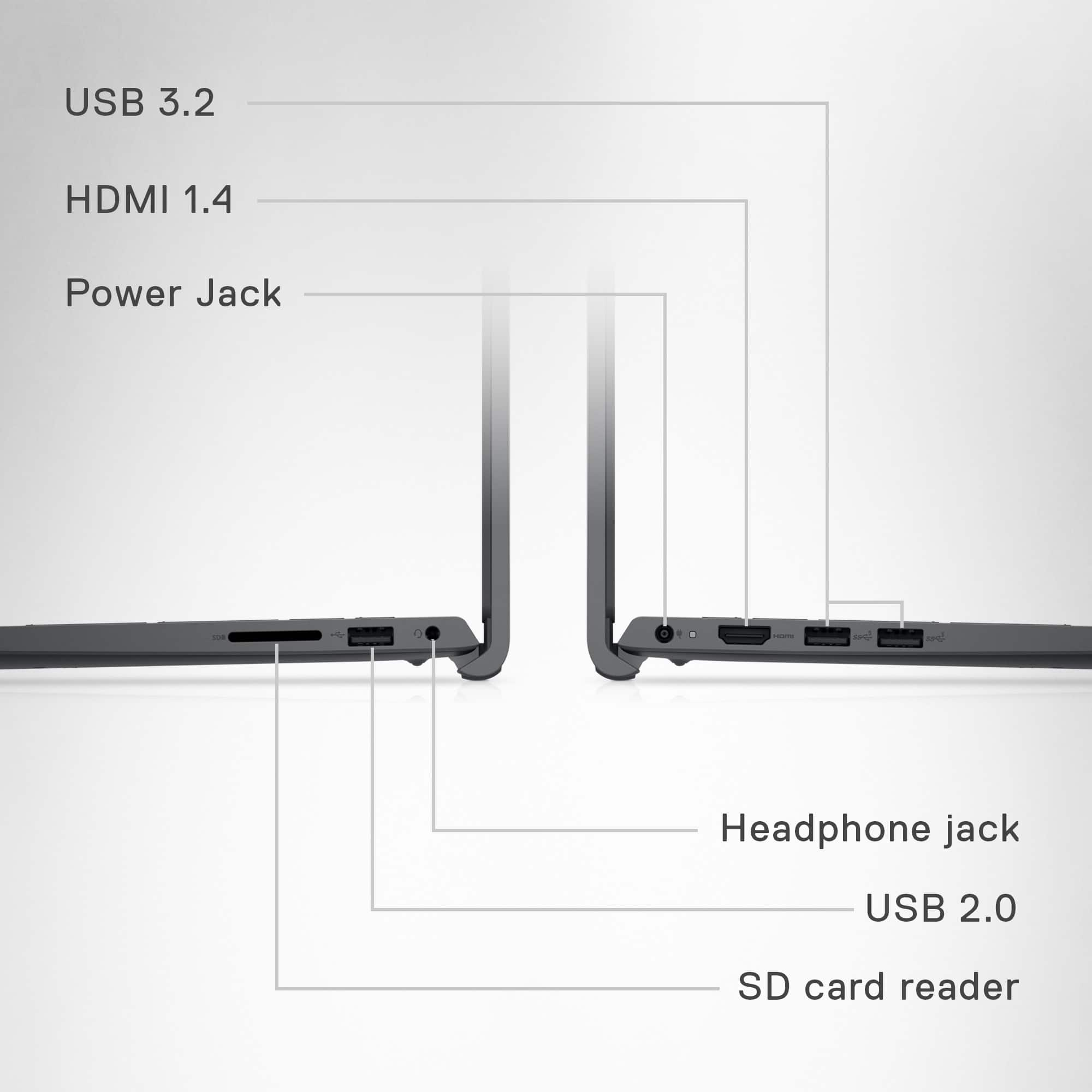
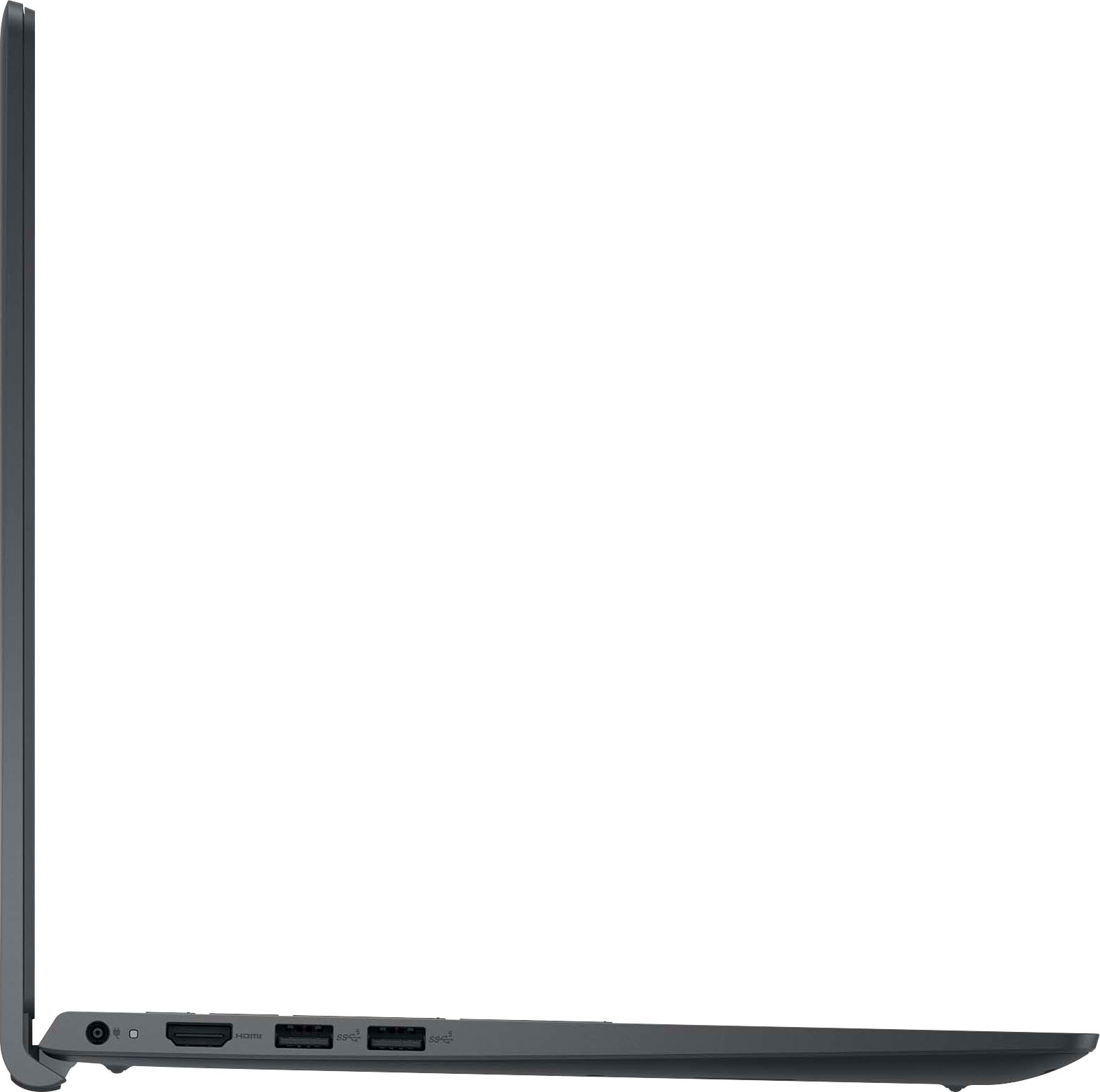
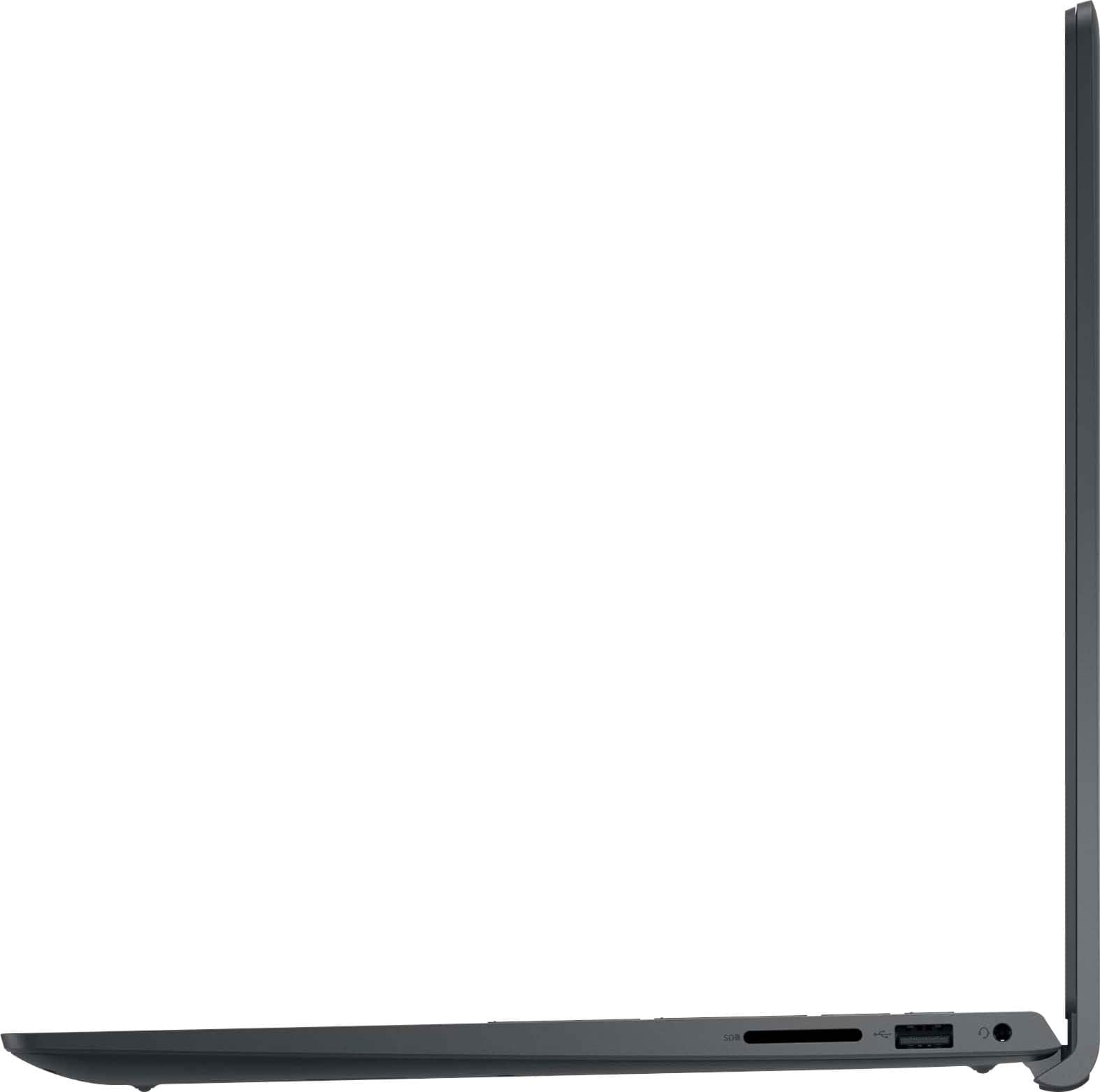
2. Thunderbolt ports use a USB-C form factor. This laptop only has USB-A ports, so you would need an adapter, and that would cause the connection to default to the lower properties (speed, power, etc.).
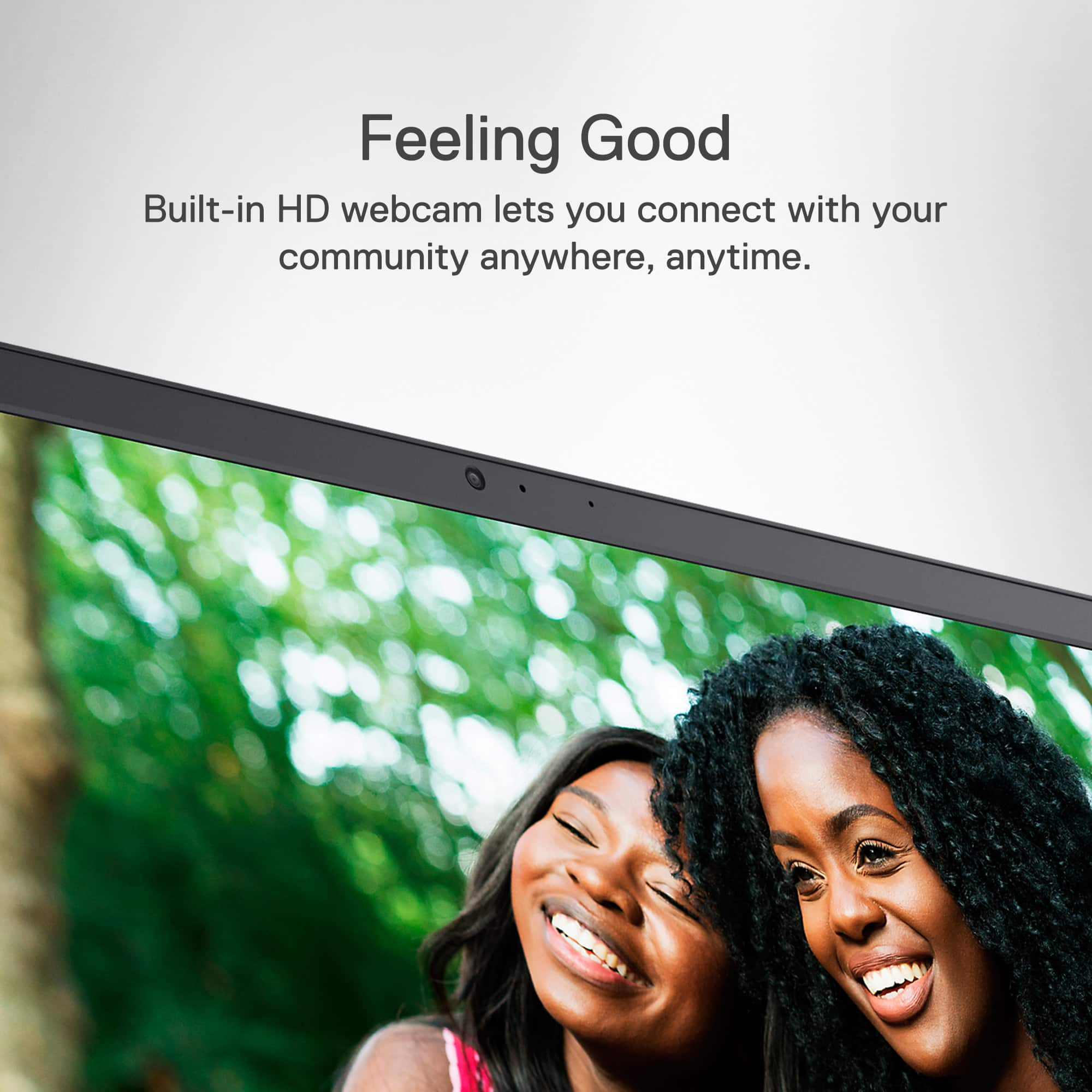
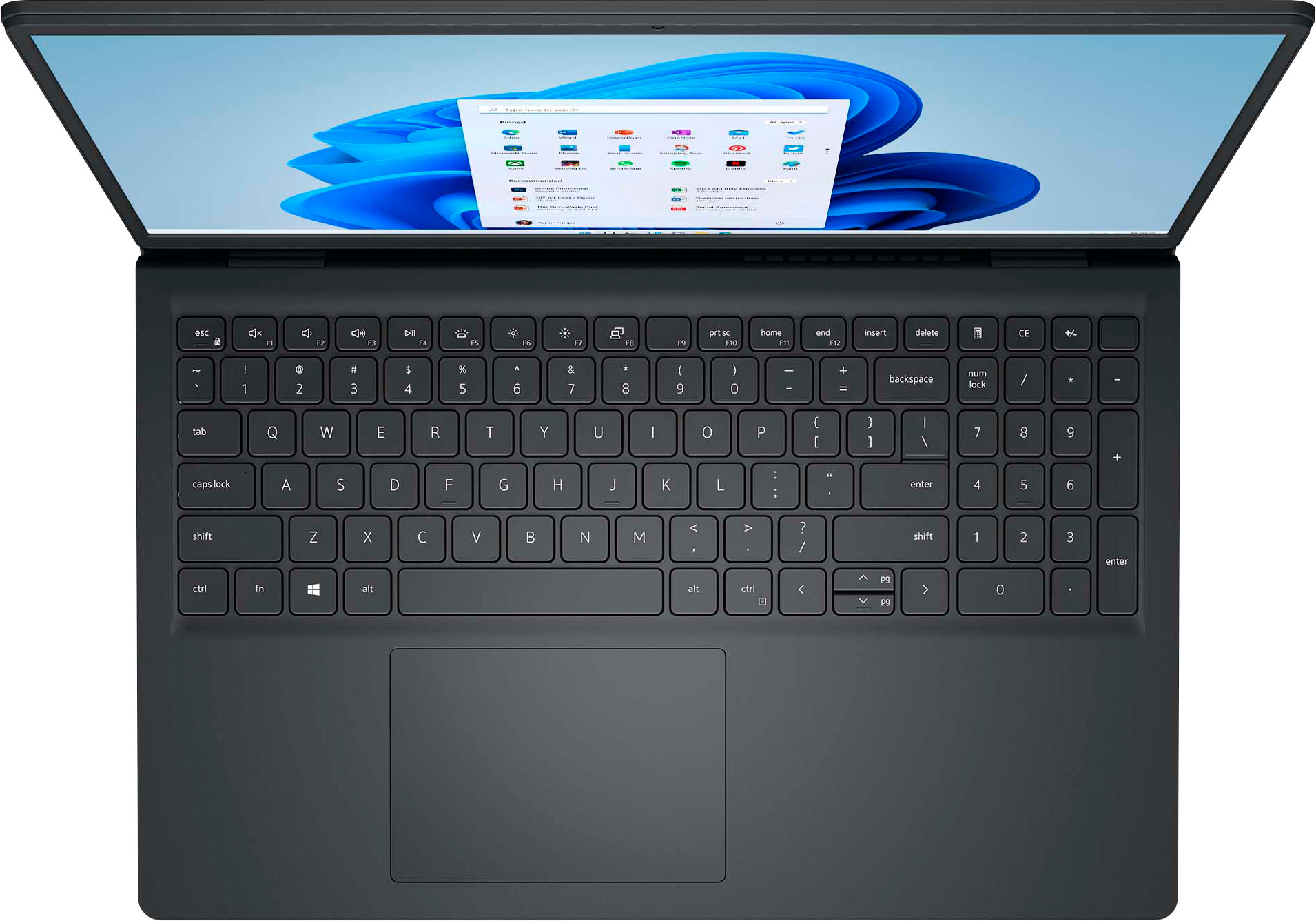
A:AnswerTypically, face recognition with Windows Hello requires a camera that supports IR scan, and I see no mention of this feature anywhere on the listing, so my immediate guess would be "no," at least not natively.