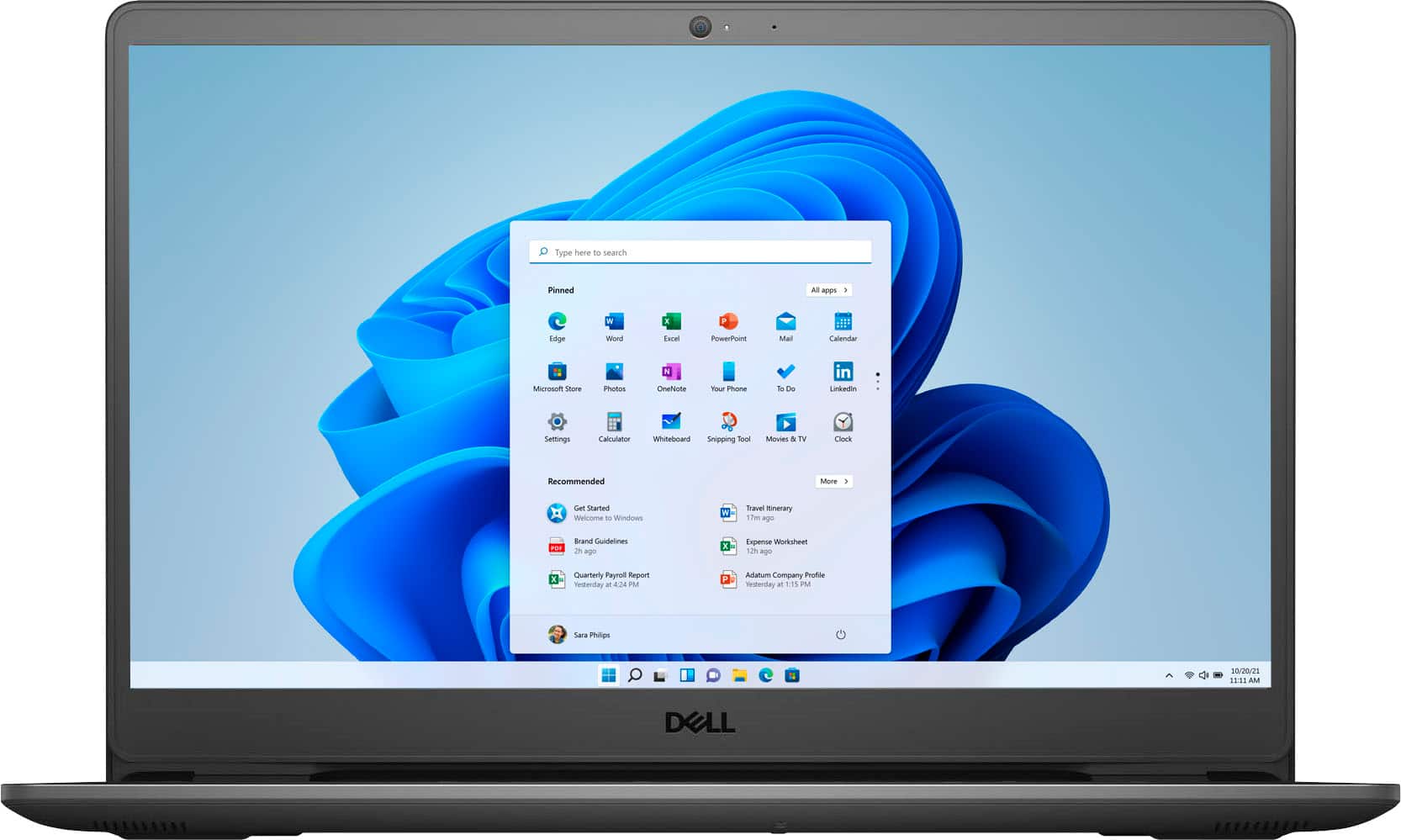
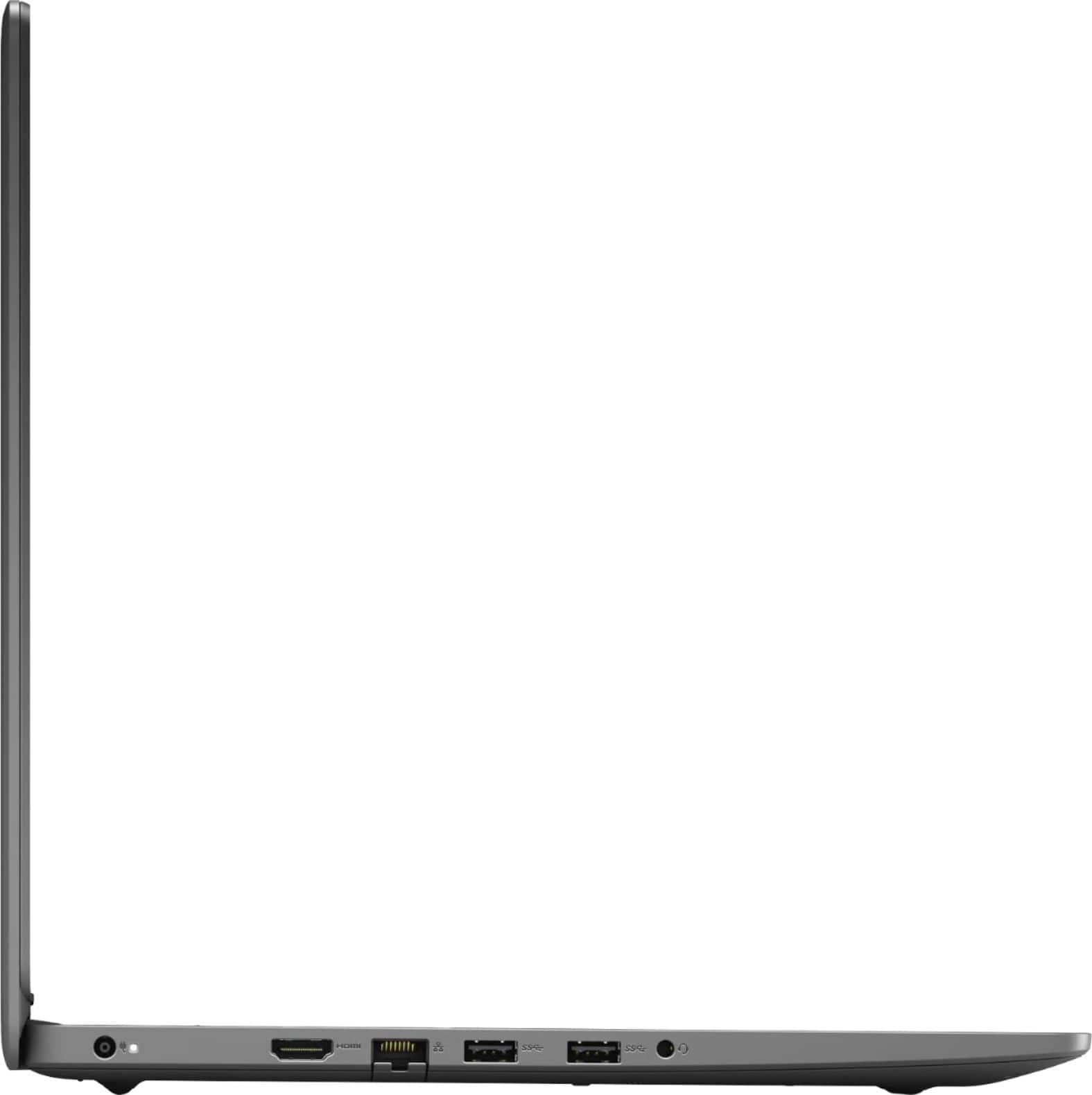
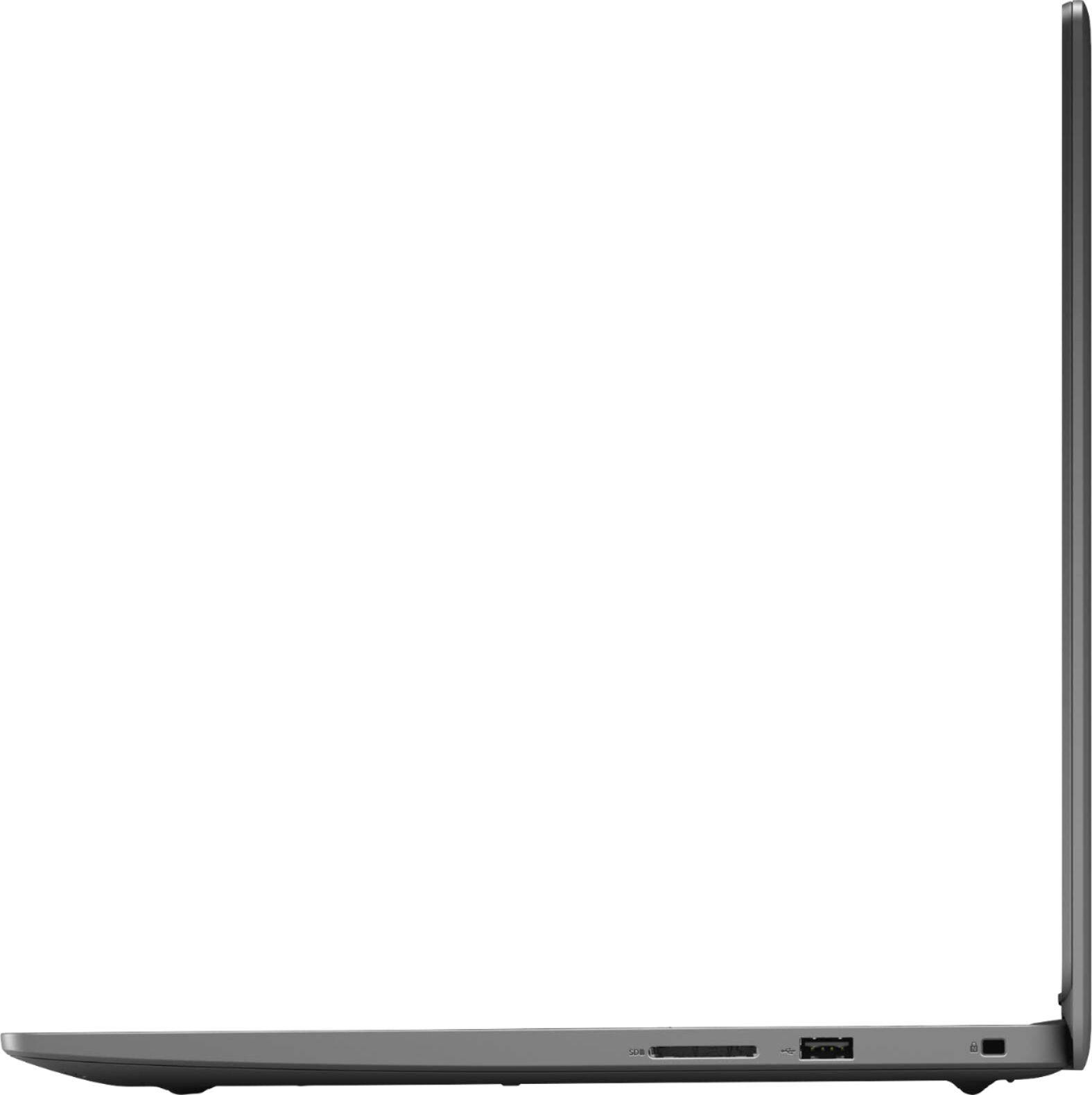
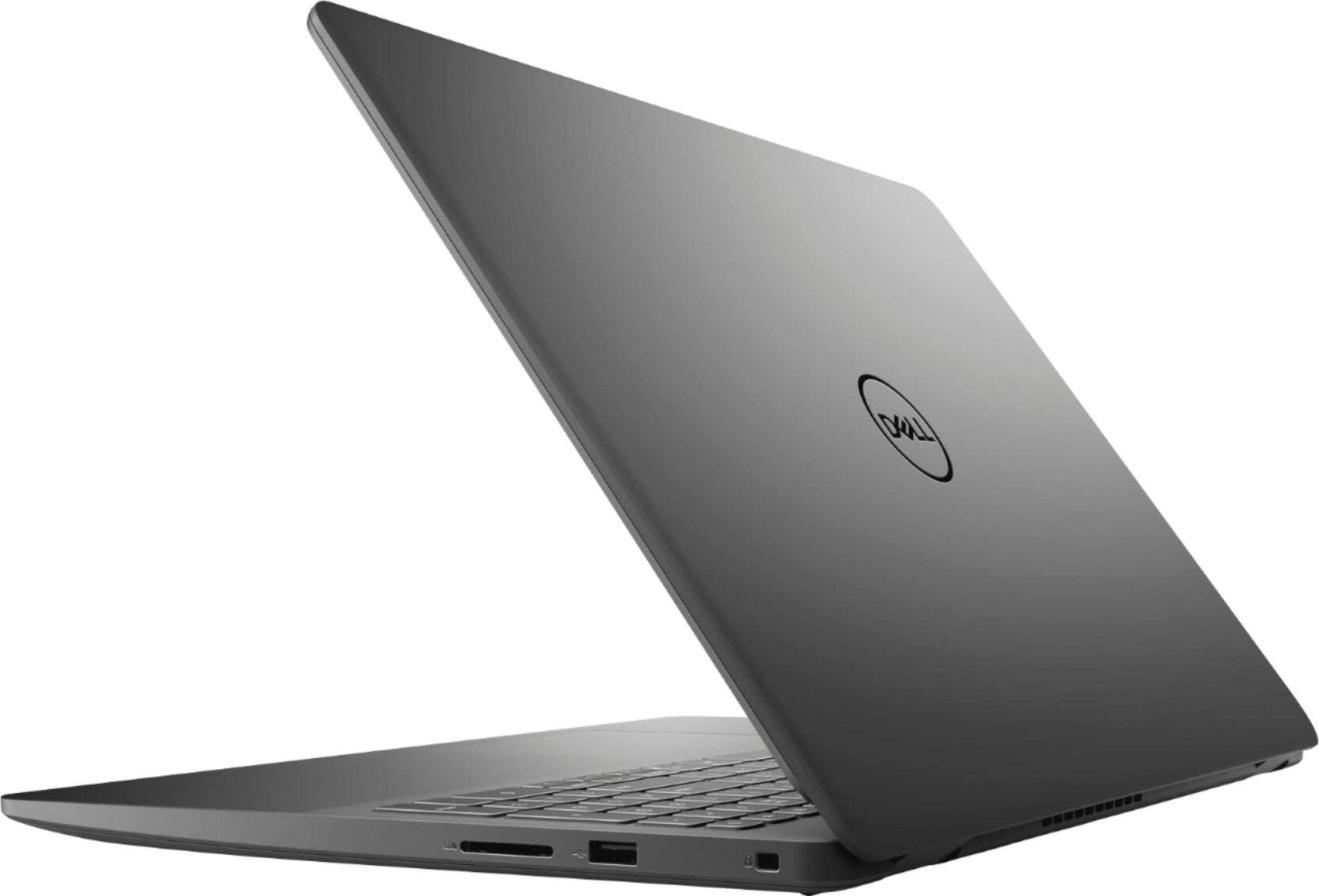
A:Answer You can connect it via printer cable to a USB port on the laptop, then go into "devices and printers" and make it your default printer. If you want to connect to your printer wirelessly, download drivers for this printer from the Canon website. Also, google "setting up a Canon mx410 printer." Hope this helps, and good luck!