A:AnswerAssuming it's possible on this mobo version, you'll need at least:
- 4K panel
- 4K cable
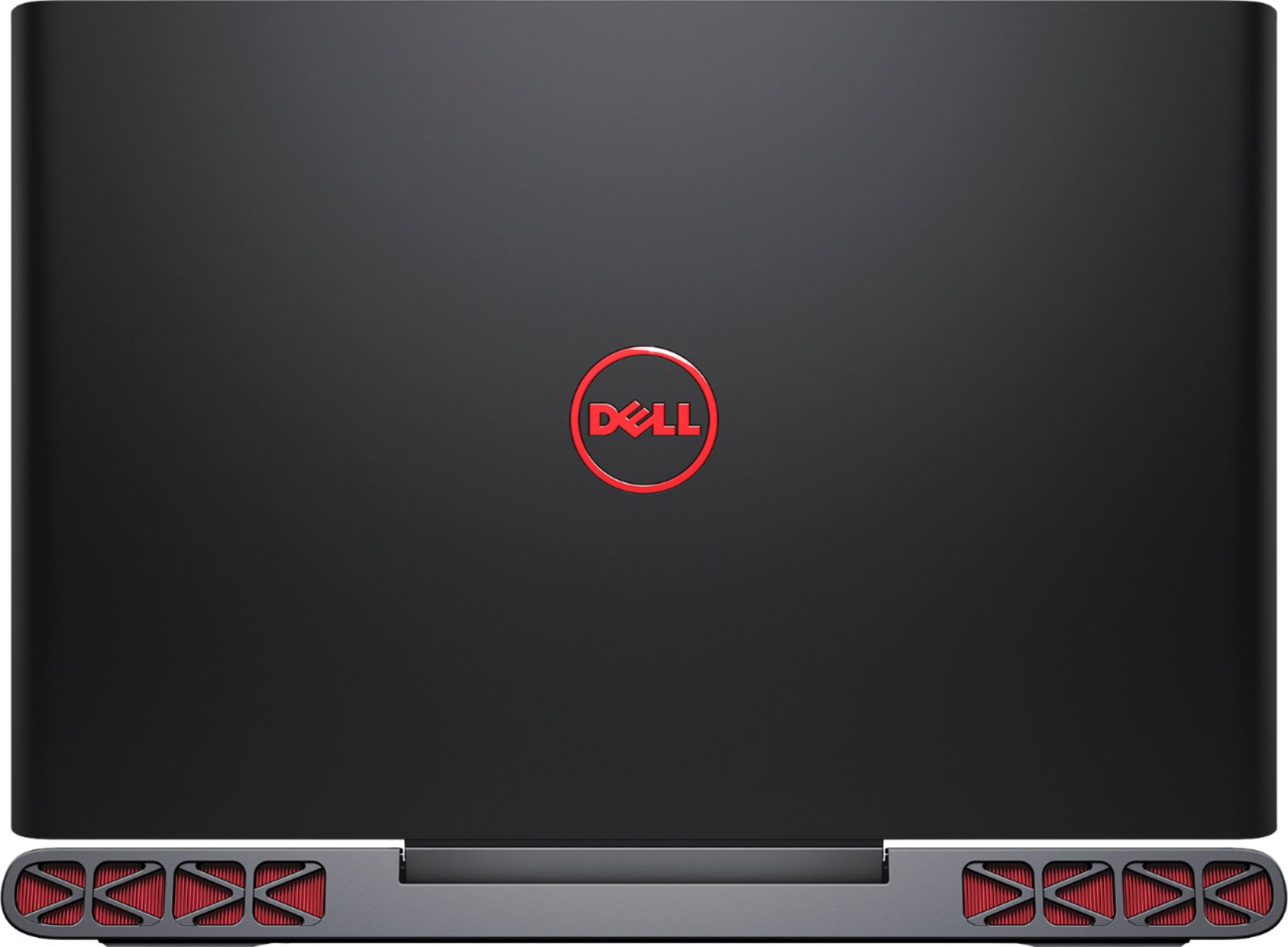
- Likely different lid. The LCD mounting brackets are different I believe.
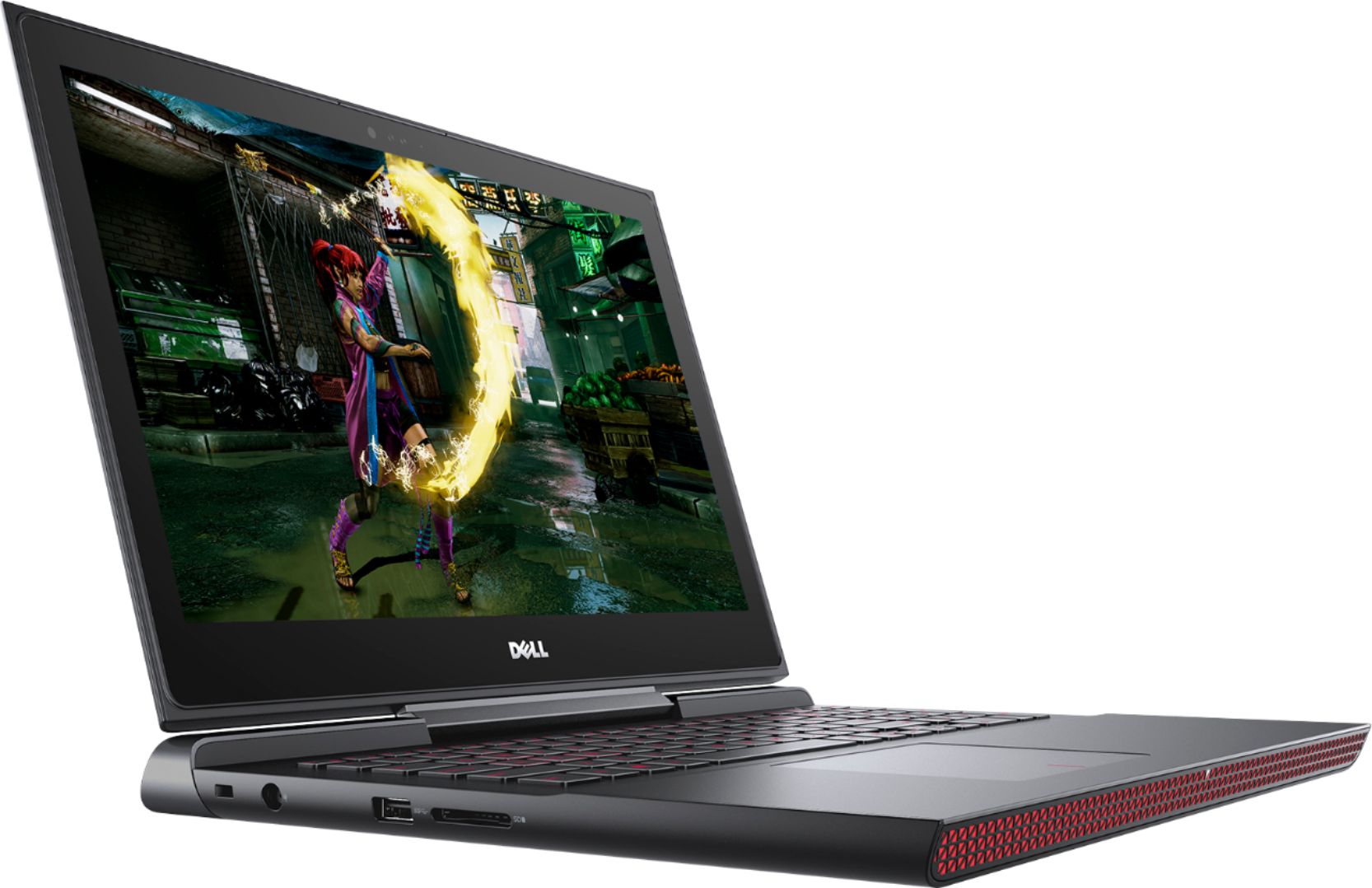
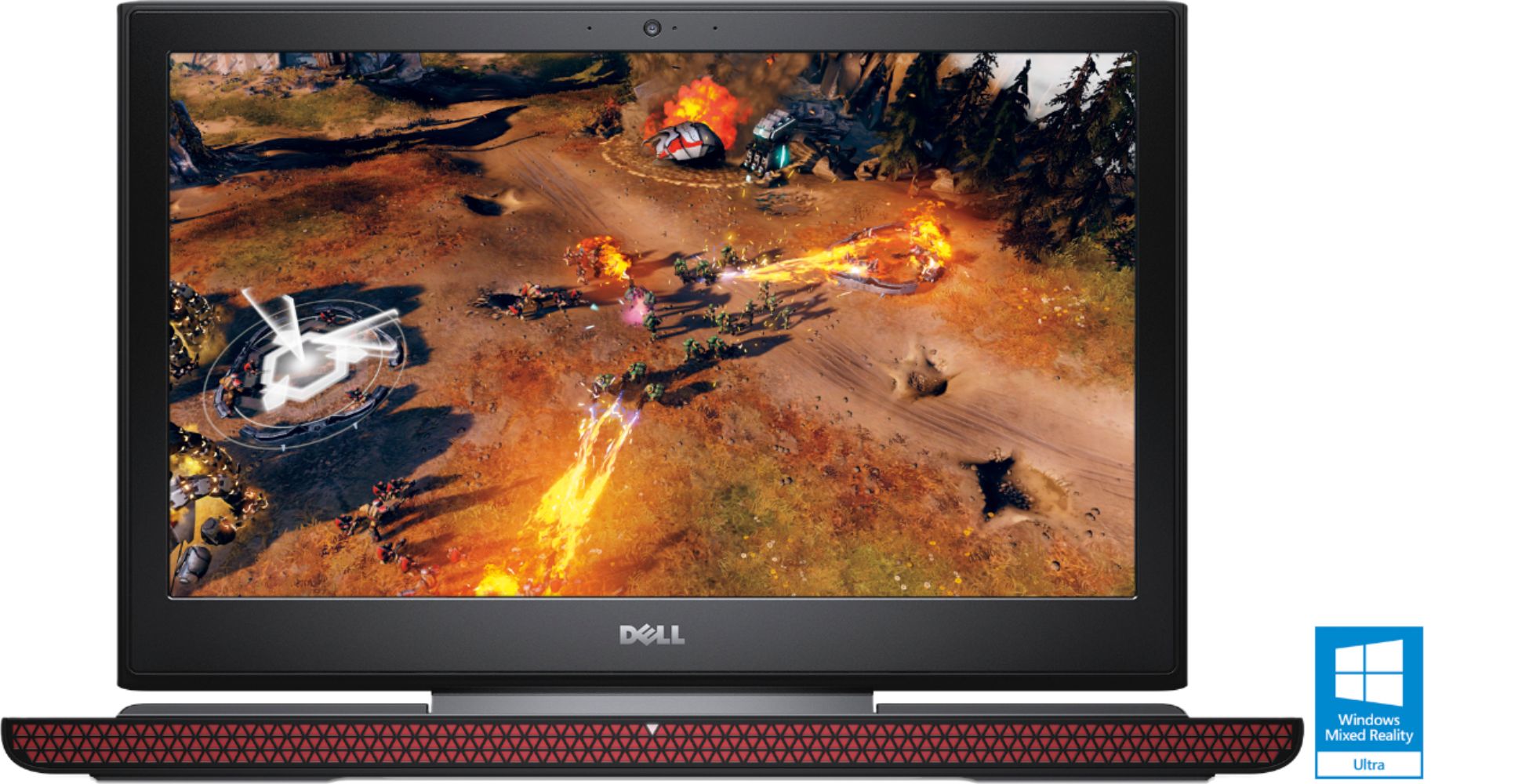
A:AnswerYes, this PC can play most games, confirm the minimum system requirements of the specific game with its manufacturer for comparison to the system specifications on this page.
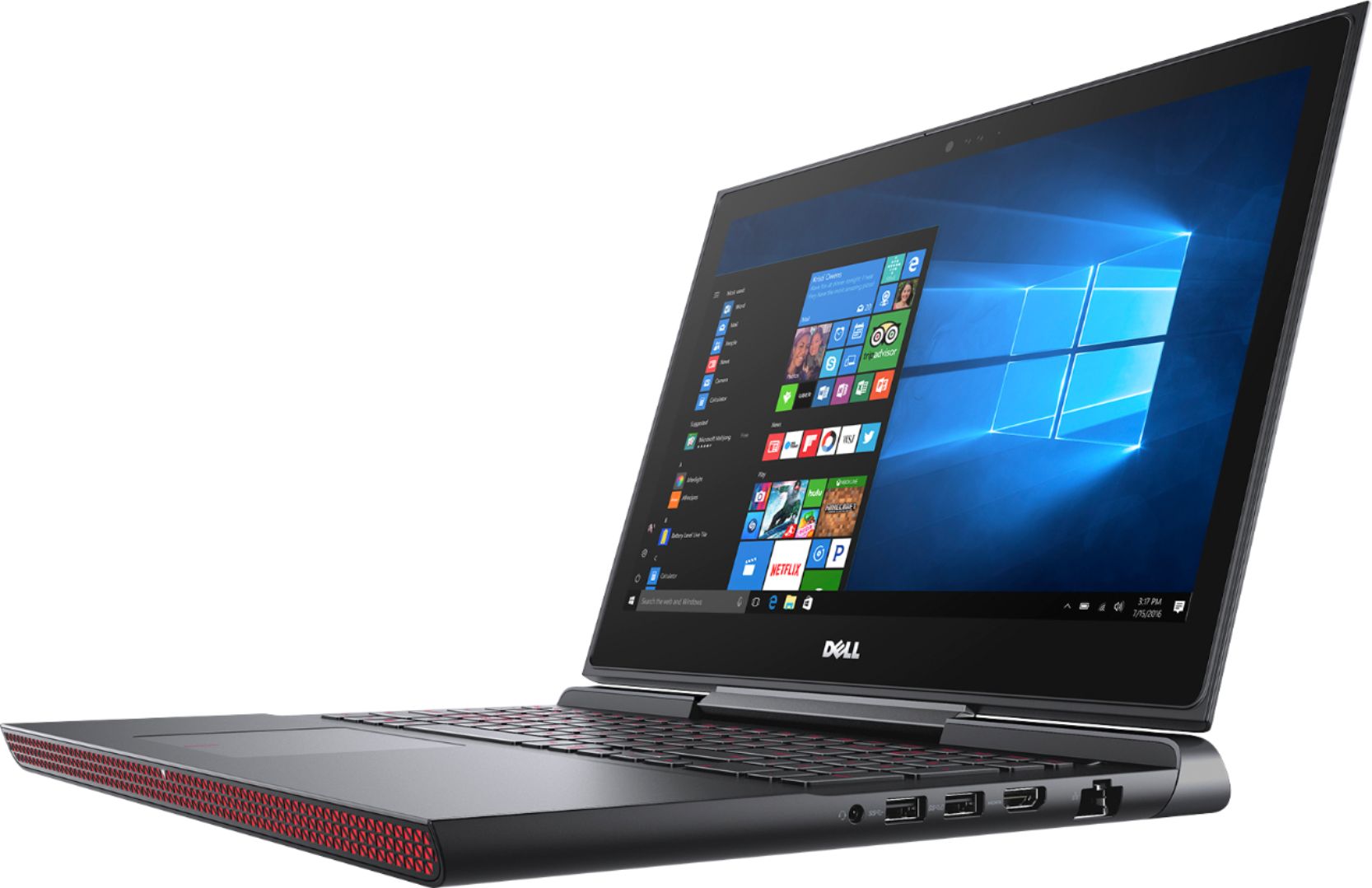
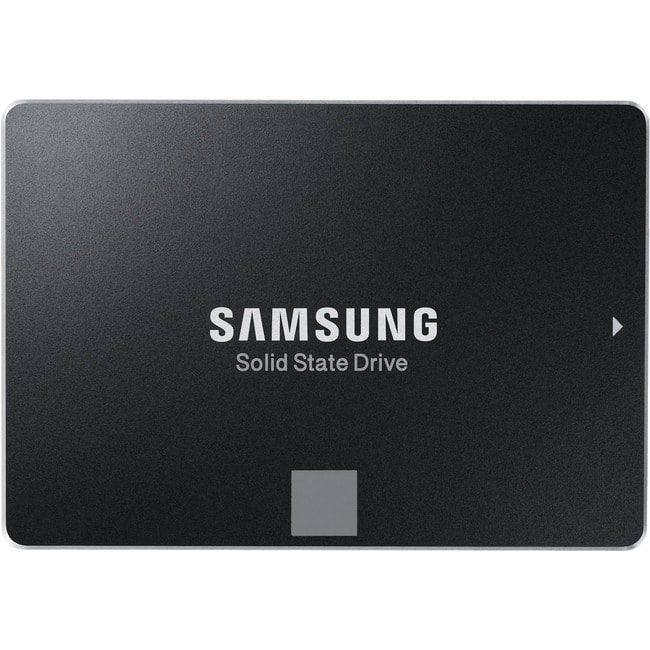
A:AnswerYep. That should work. I upgraded mine immediately with a 1TB Samsung 2.5in drive without any issues. The only thing I would check for is to see if there is already an HDD installed in that drive bay. Some models come with the HDD already installed, while others come with the PCI-E SSD. So I would suggest popping the bottom off and checking which you have before buying the HDD.
A:AnswerThe regular price is 899. It was 799 on sale.
Best Buy's sales usually are from Sunday-Saturday. So check on Sundays to see if the price has changed again. It will go on sale again eventually.
A:AnswerReturn it as soon as you can before you get stock with this plague!!! In my personal experience I have nothing but problems with this pc... Wish I haven bought this!!!
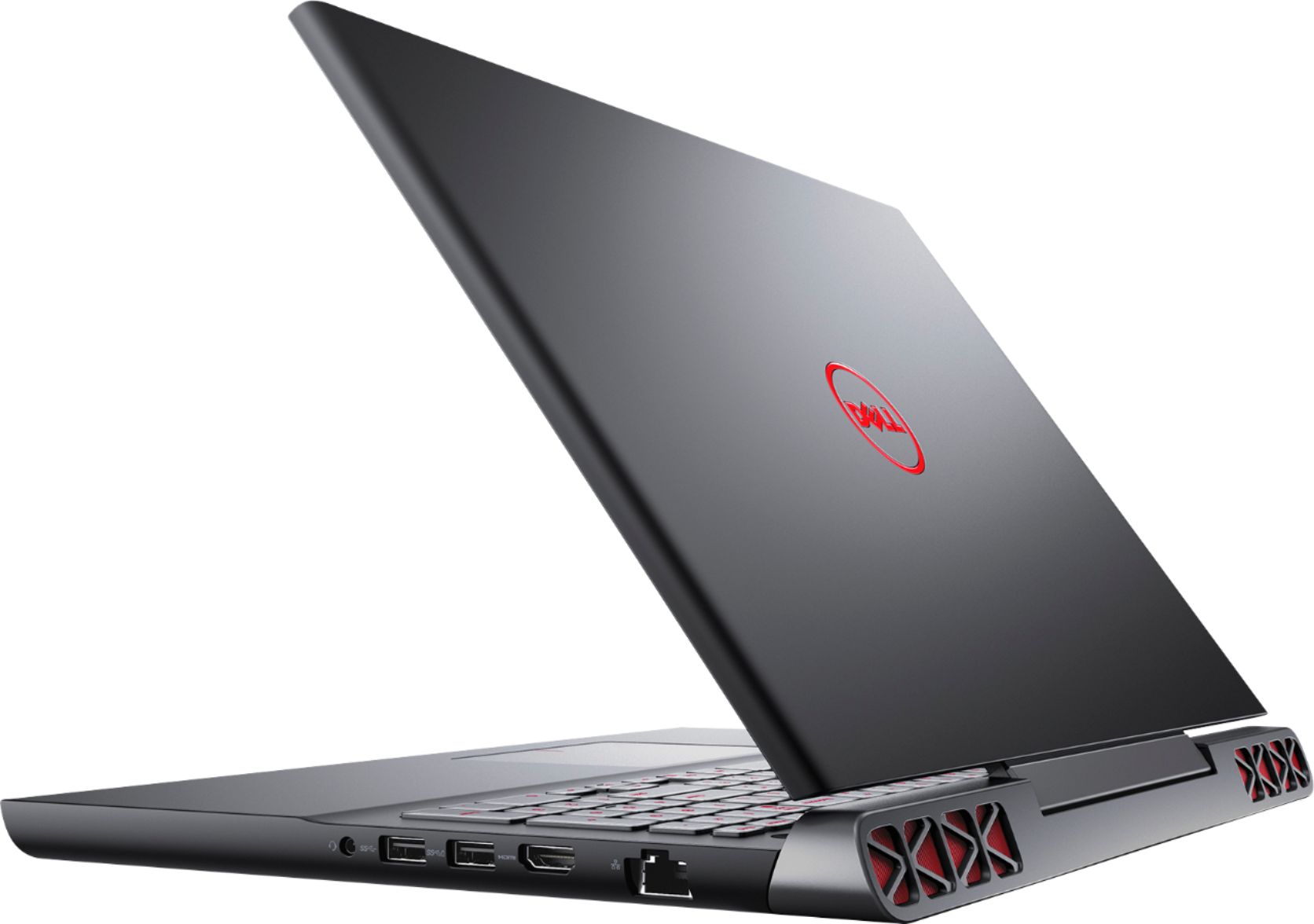
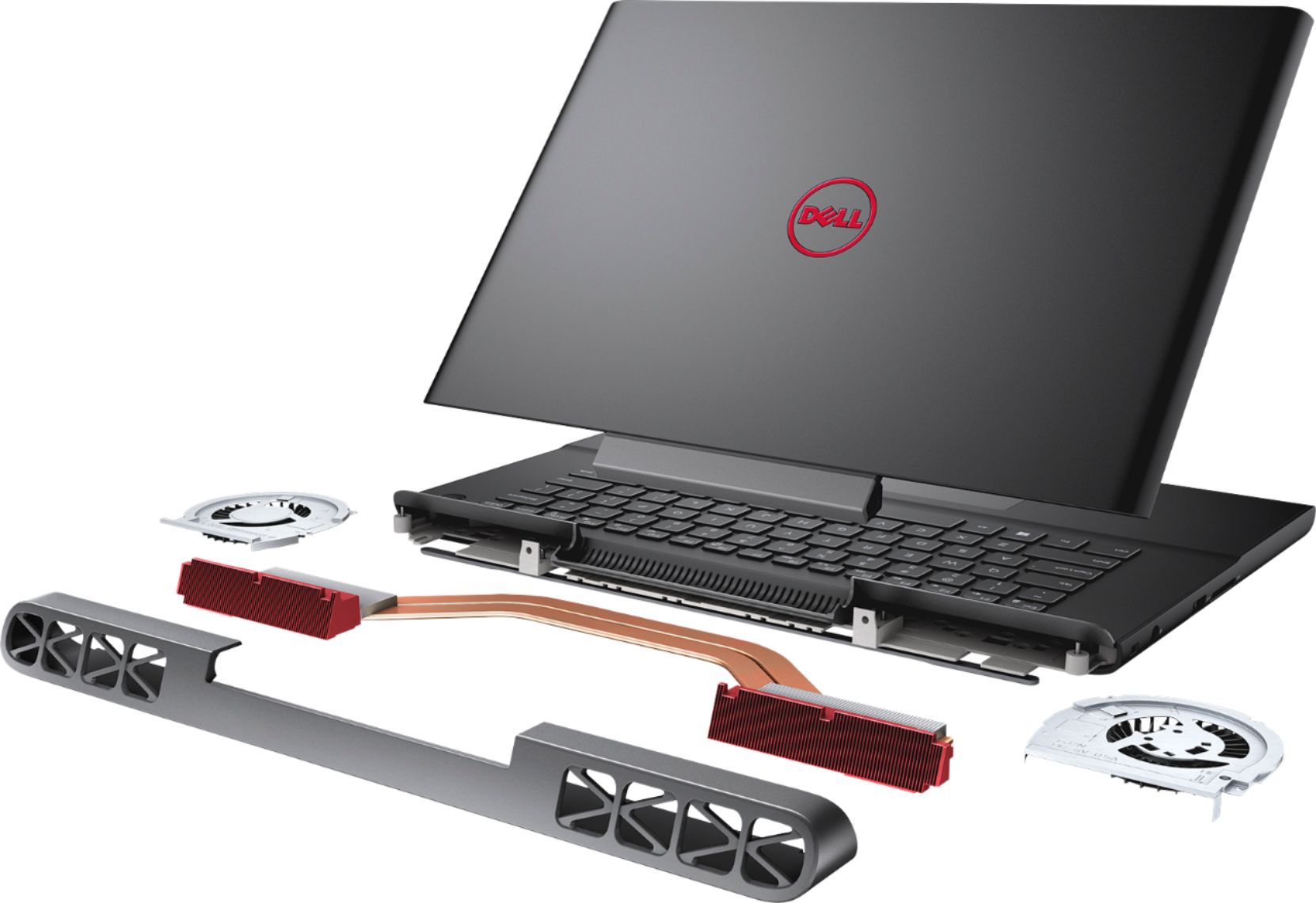
A:AnswerThere are 2 memory slots. I bought an 8gb skew and was pleasantly surprised that it was a single 8gb dimm making future upgrades less costly. I keep mine on a home made cooling stand (an angled glass plate and oscillating fan) and have only played a few games (DS3, Fallout 4, & Subnautica), but the fan has only kicked in on DS3 w/GeForce recommended settings. It's not that loud. It also doesn't get terribly warm. I installed Ubuntu and felt like in ran a bit warmer than the windows install, even with proprietary drivers, but that's probably to be expected. It's never been uncomfortably warm for typing. I am overall quite pleased.
A:AnswerIt really supports any 2.5 SATA hard drive, I suggest you go with the Samsung Evo 850, it's a SSD too so the price is a bit up there. You would need to provide screws to mount the hard drive.
A:AnswerThere are two plates with 4 screws on both sides of the 2.5" bay, unscrew them, find HDD/SSD screws to screw your HDD/SSD to the plates and put the whole thing back into the bay.