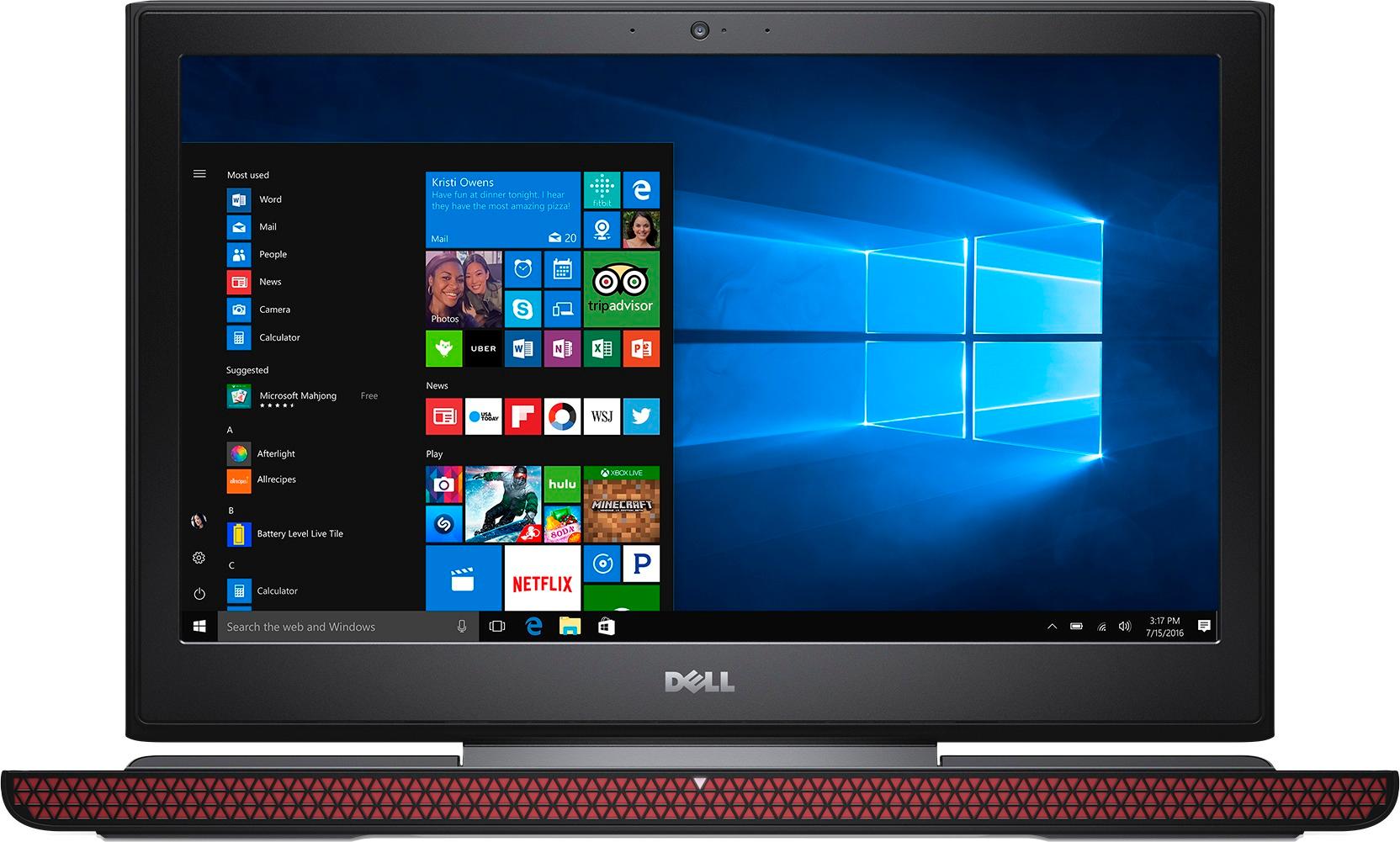
A:AnswerYou can do video editing on it, but be sure to have an external hard drive. You will be able to play all of those on medium to high settings at > 30fps. My wife plays FF14 max settings at 50+ fps.
A:AnswerAdding a second HDD/SSD is easy. Flip laptop over, loosen one screw, pop off cover.
The laptop comes with screws for the rails but does NOT come with screws to secure the HDD/SDD to the rails.
A:AnswerYes it is included you will need to find screws though. It comes with 4 to bold down the bracket but not 4 to attach the bracket to the new HD. I found them easily at the hardware store.
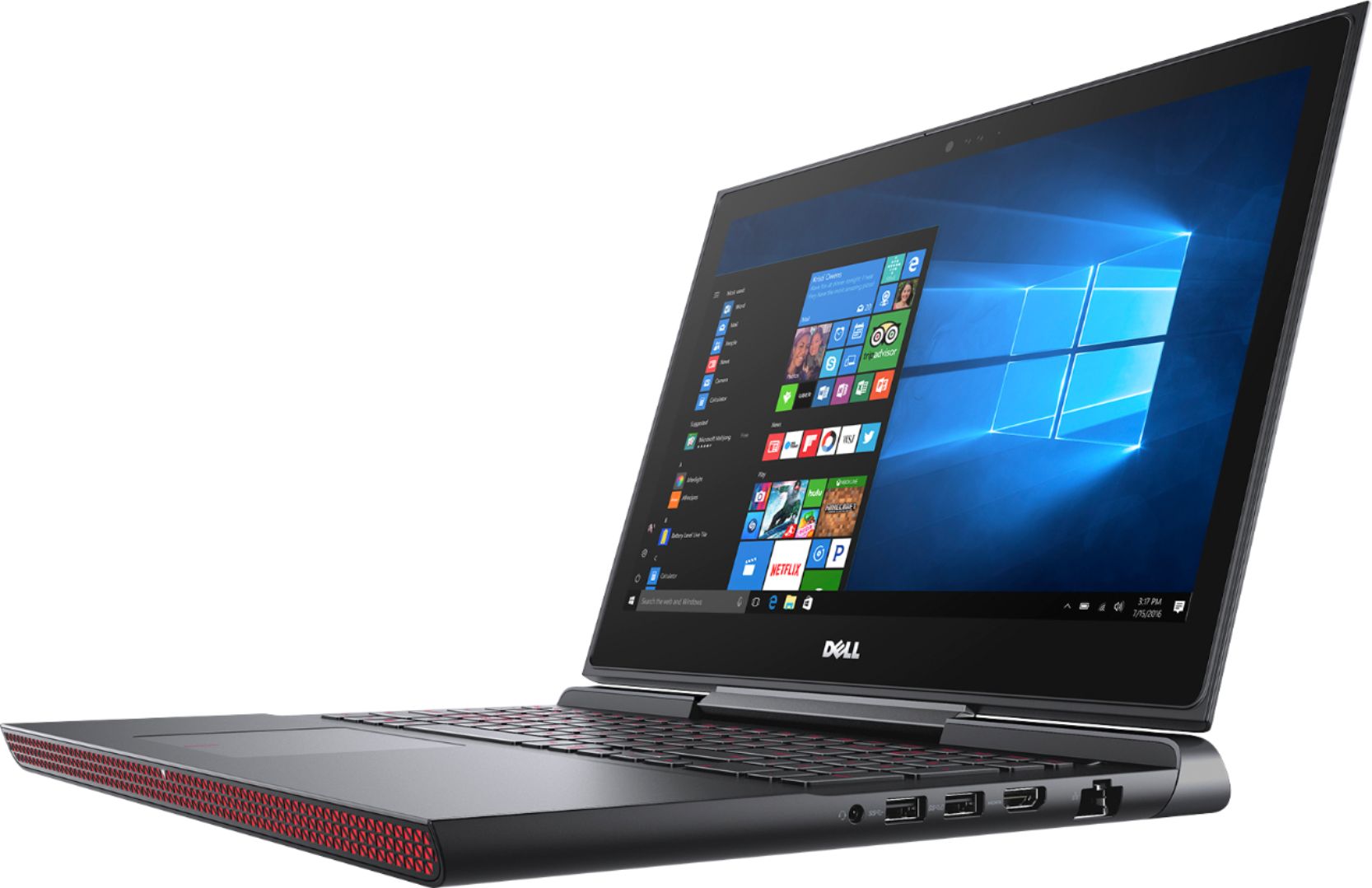
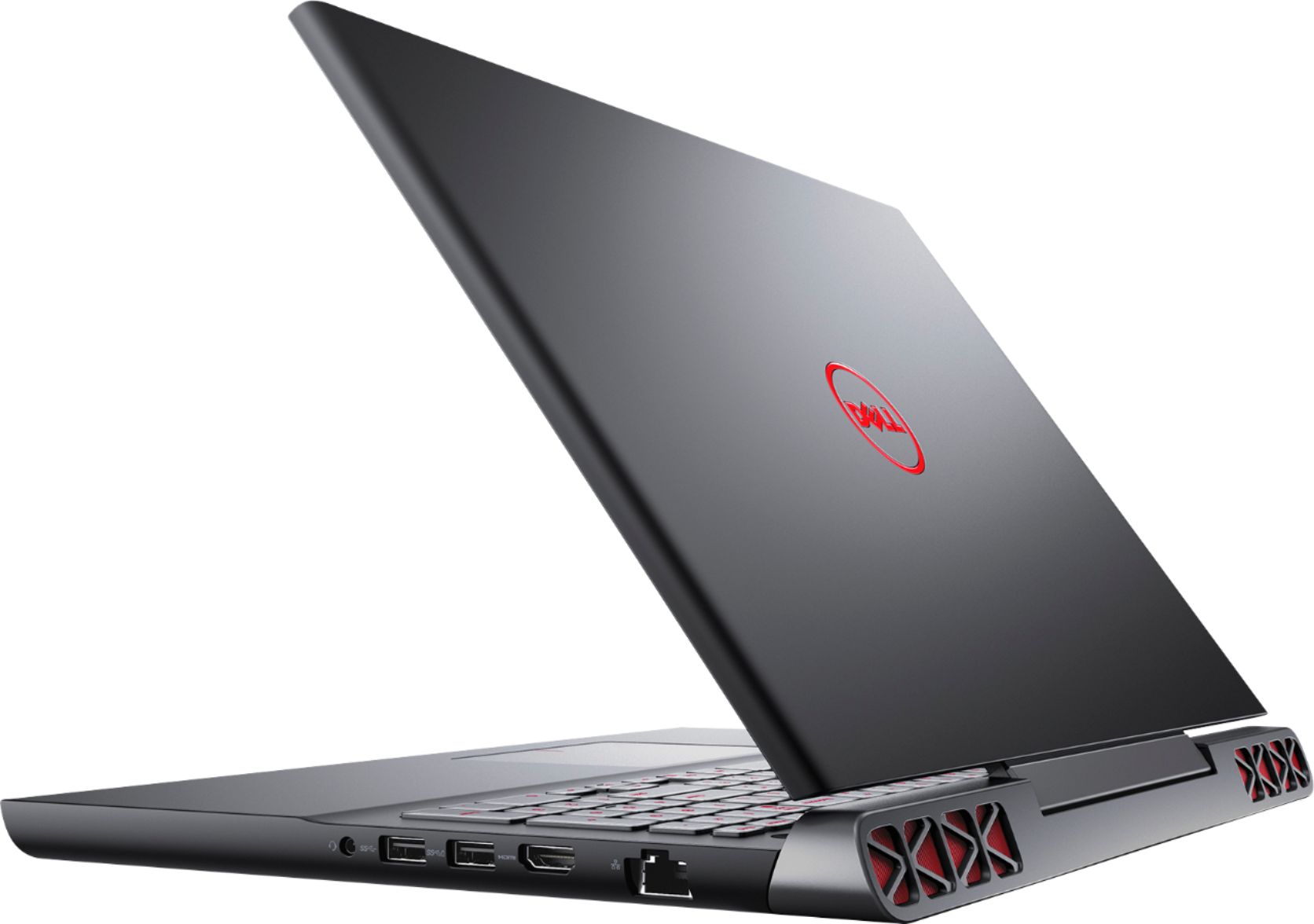
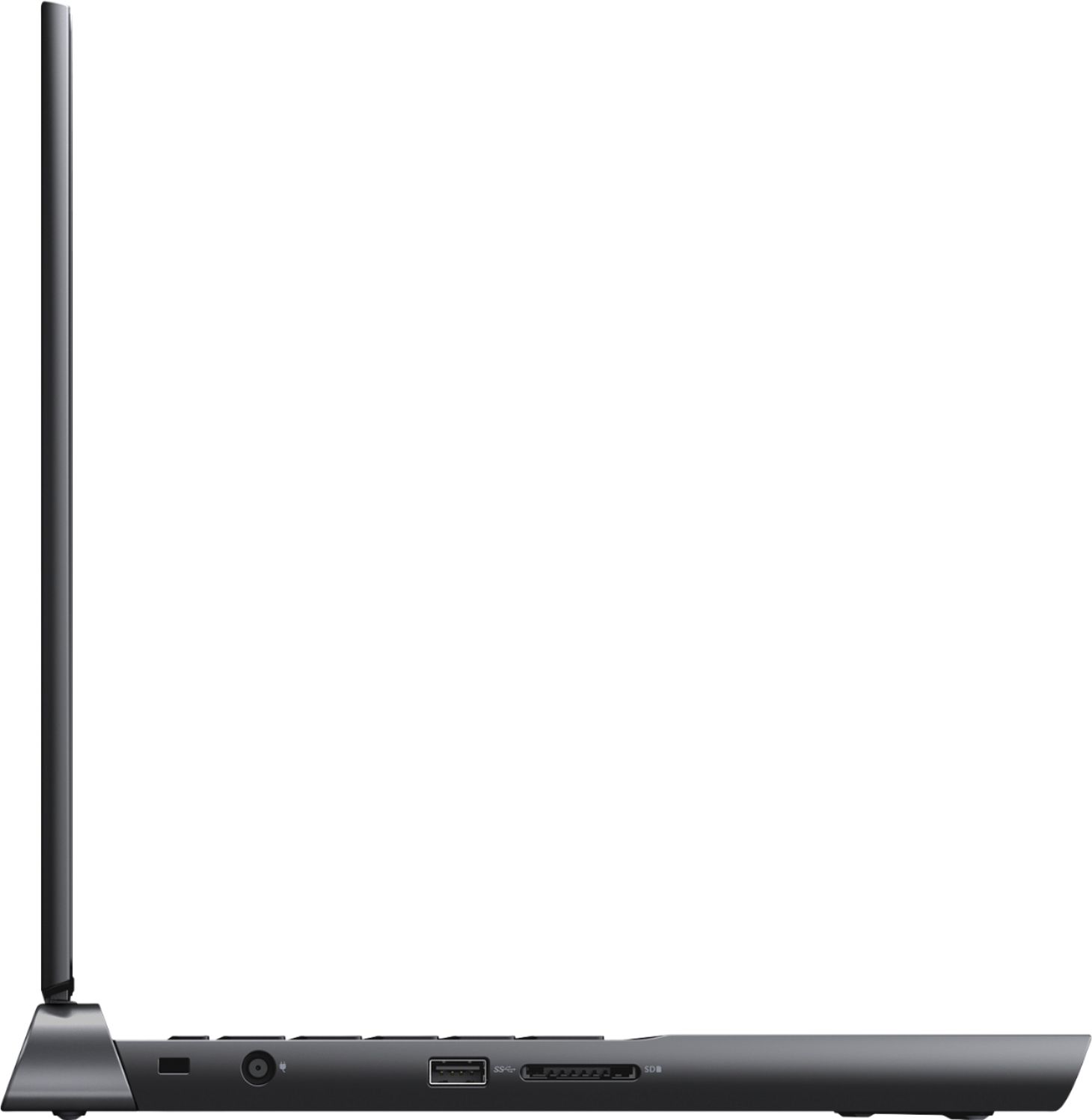
A:AnswerThere is only one HDMI port for an external monitor. You might get a USB to whatever adapter to work but it's probably not suitable for anything but surfing the web/office work things.
A:AnswerAlways use a discrete card for gaming.
The Dell I5 with the GTX cards works much better and this machine runs just fine.
Games played WOW Legion , and World of Warships ( both with cracked up settings)
A:AnswerYes, you can I have added a samsung evo 8 5000gb ssd and loaded most of my games there and it works great. Its speed will depend on what SSD you buy really.
A:AnswerIt does have an empty location for a 2nd hard drive.i installed an internal 2.5 drive in mine for more space. It also has an emty slot for additional ram. So you can also install another ddr4 Sdram.
A:AnswerI had them order mine from the warehouse because I wanted the one with ssd and the 1050ti but the ones with the hdd and regular 1050 they have in store mostly
A:AnswerIt should be able to play overwatch no problem. I use this website to check to see if this PC (which I own) will run it and unfortunately it says Battlefield 1 can not be played on it.
https://www.systemrequirementslab.com/cyri/requirements/battlefield-1/13404
However I have streamed Battlefield 1 from my xbox one and it plays great.
A:AnswerNot sure about all of them, but I just recently purchased an open box certified one and it did have the IPS display. I would have returned it otherwise.