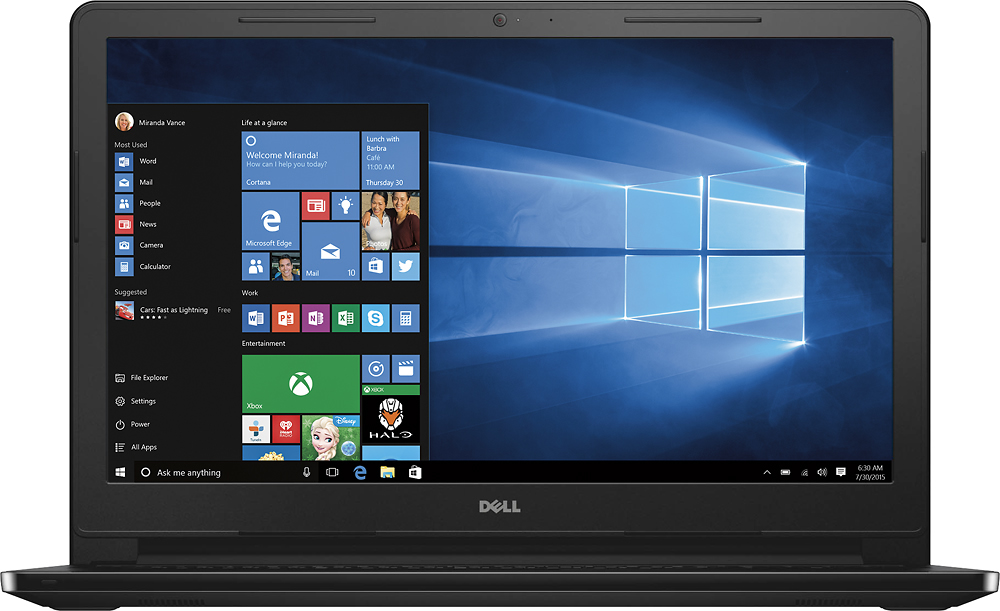
A:Answer Yes, you can add your document folder to the tool bar at the bottom by clicking on the window in the far bottom left corner then select file explorer. When the screen comes up, in the top left corner click on the arrow pointing down before the words "File Explorer" or next to a white folder, then click on "Show below the ribbon". To put a folder of your pics or videos etc. while you still have the File Explorer open move your arrow on to the folder and right click, a box should open with different options. Click on "Desktop (create shortcut)" it will place the folder on your screen for easy access. I hope this helps and I explained it well enough. Good luck