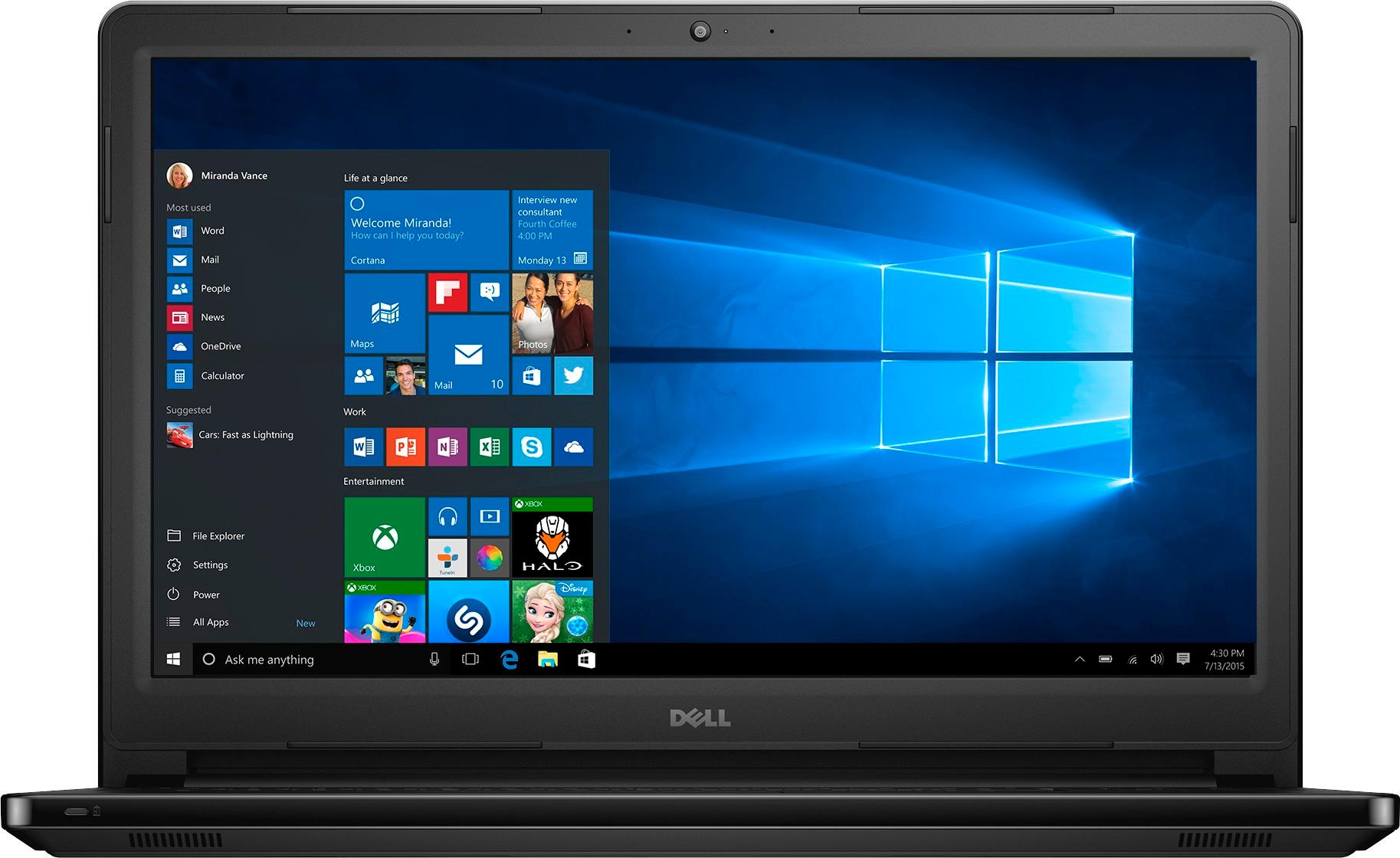
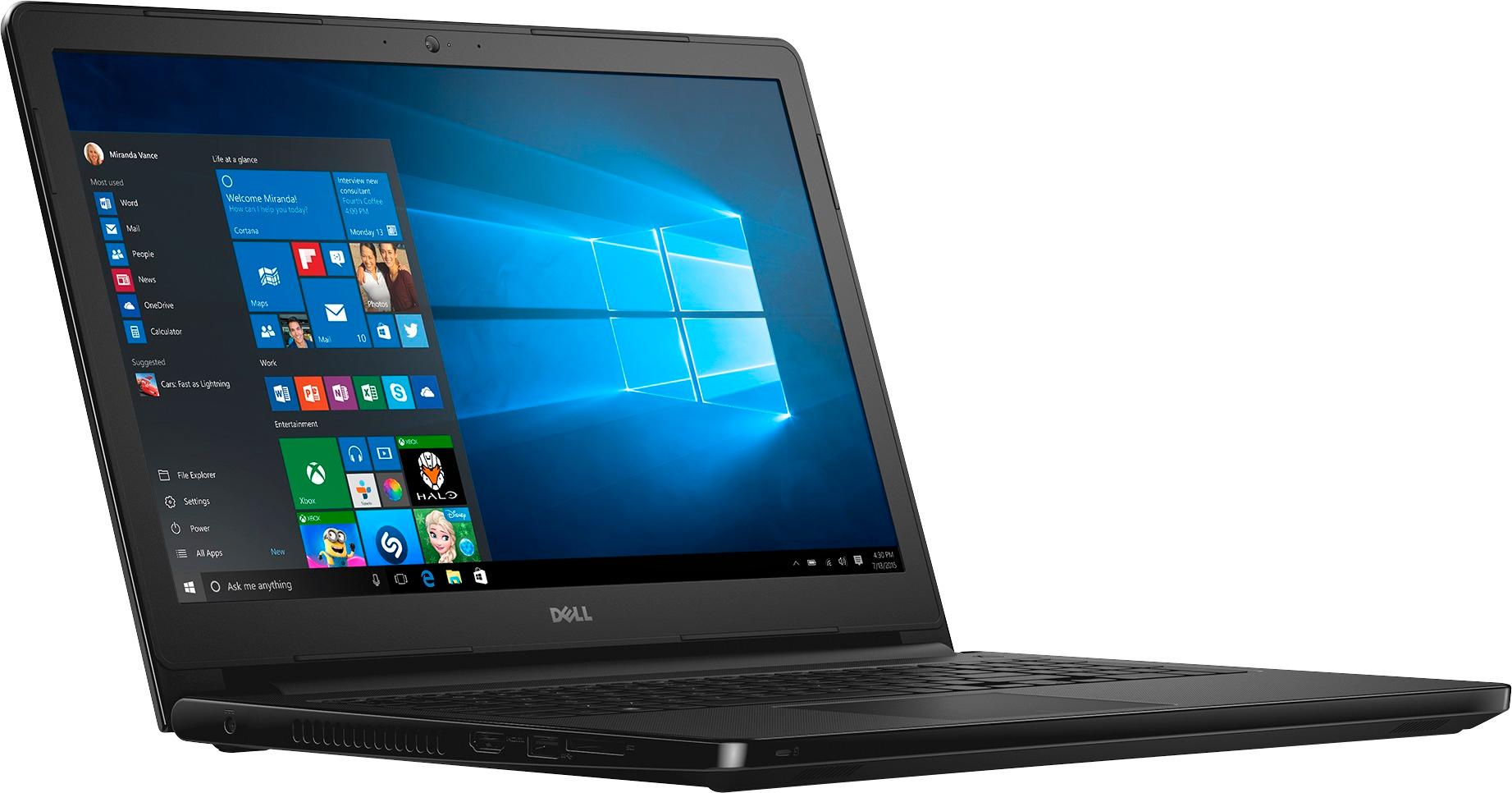
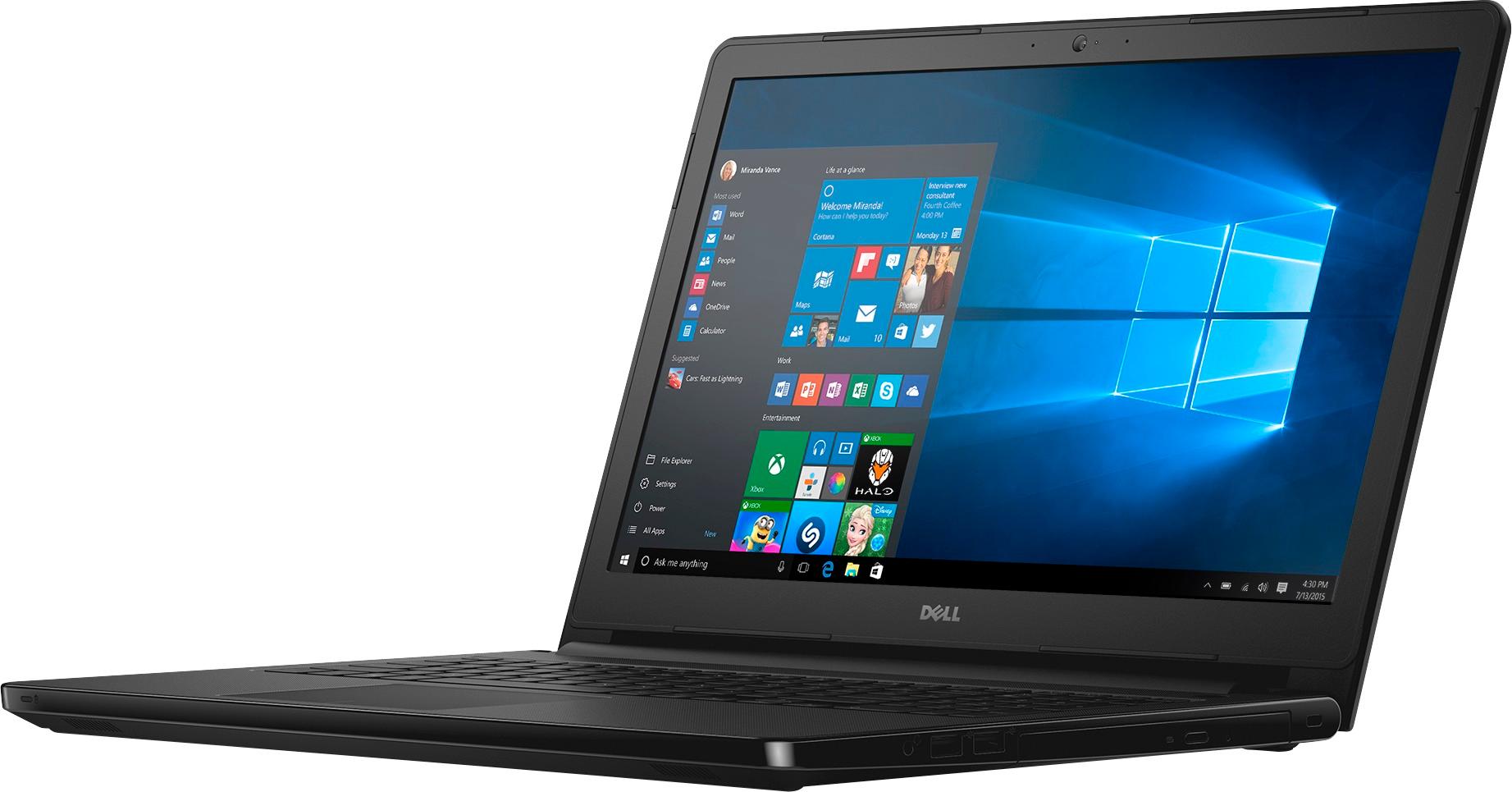
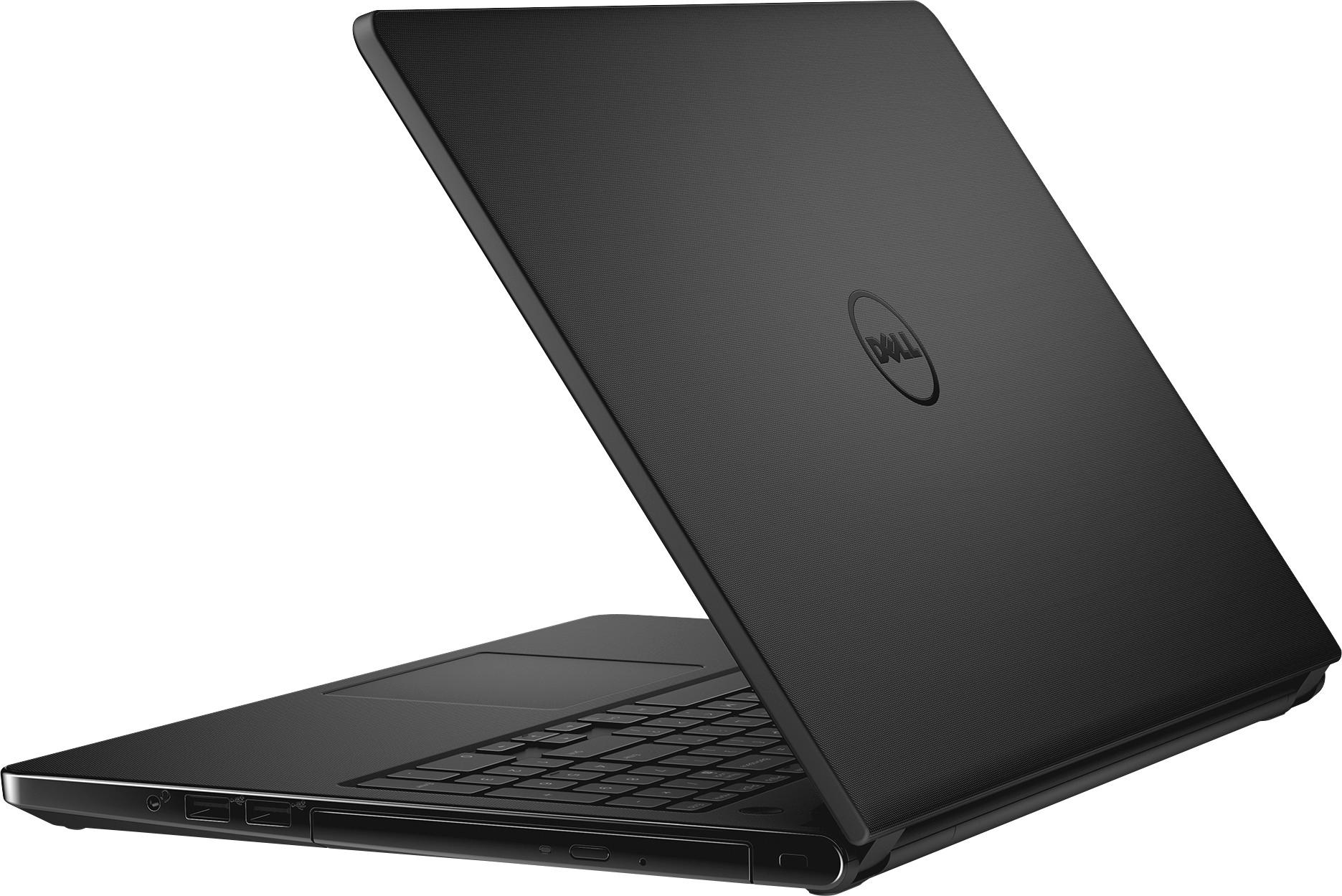
A:Answer No, not directly or exactly.
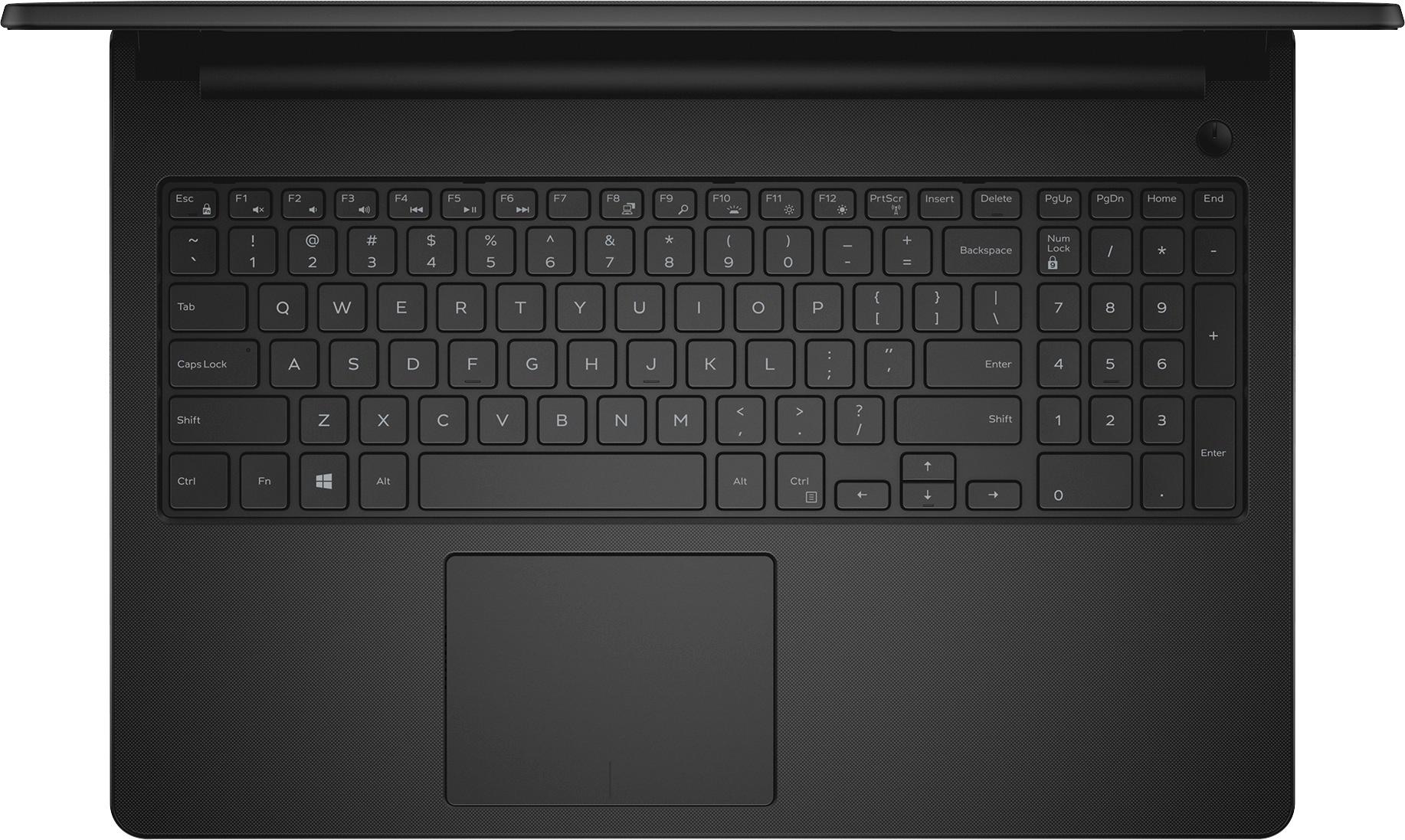
A trick solution is you can use the screen switching key, F8, to switch to external/2nd screen only. Turns of built in display. (Not sure if turns off completely, but turns off signal to display, so not sure of total power savings.) (Remember state, to switch back.)
Also, you can use the Windows power controls to turn off display when pressing a supported button. Check out the power settings.
Note - the brightness lowest level still displays visibly, does not go black.