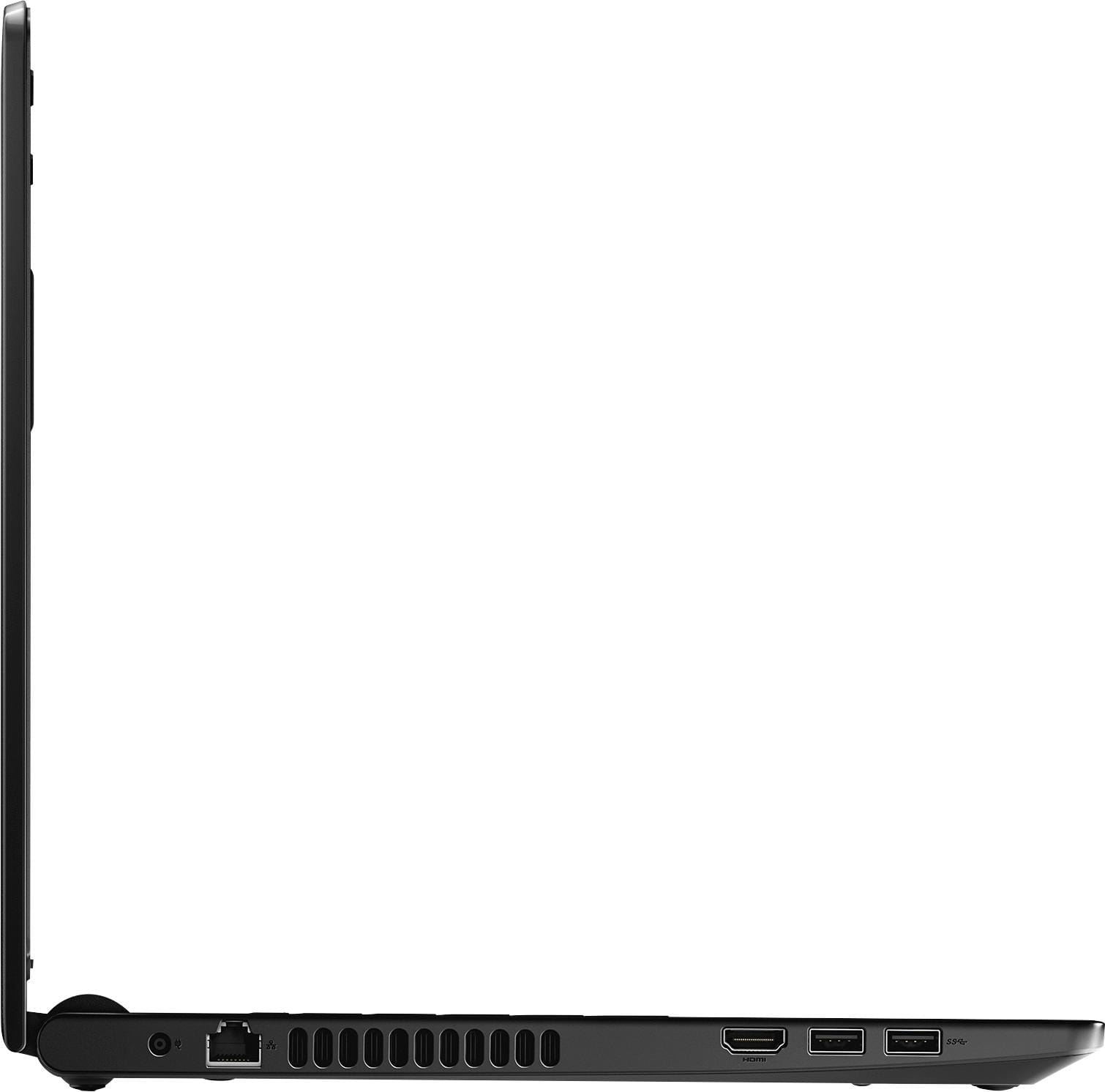
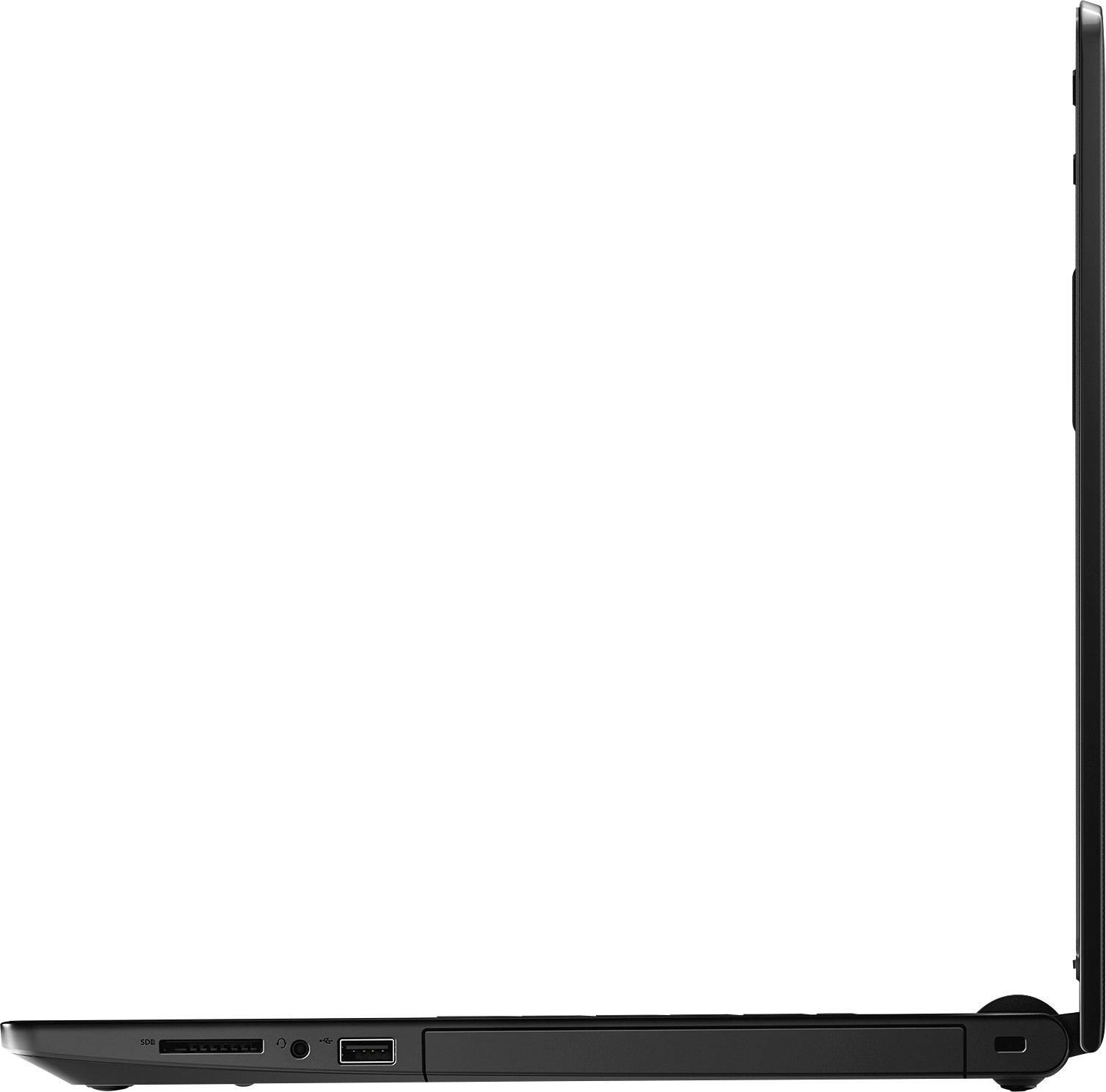
A:AnswerOnly during the first couple of days. Windows always has updates to download. Since the computer is probably a couple of months old by the time you get it there are lots of Windows updates and that may make the computer seem slow because it is busy doing updates in the background. Once the updates are done the computer is fine. I looked at the updates in Settings and left the computer alone until it was finished with them.
The newer Intel on-board graphics are much faster than the old versions.
A:AnswerIt's not available in the store, only on line. Place your order and pay on line and it ships for free to the store you choose. I've done this several times and it works very well.
A:AnswerAt low to medium settings you should be able to! If you're still concerned, you can check CPU/GPU at game-debate.com with their "Can I Run It" feature(Though, last I checked, they don't have anything up yet for the newer Gens*AMD A12 and Intel i8*).
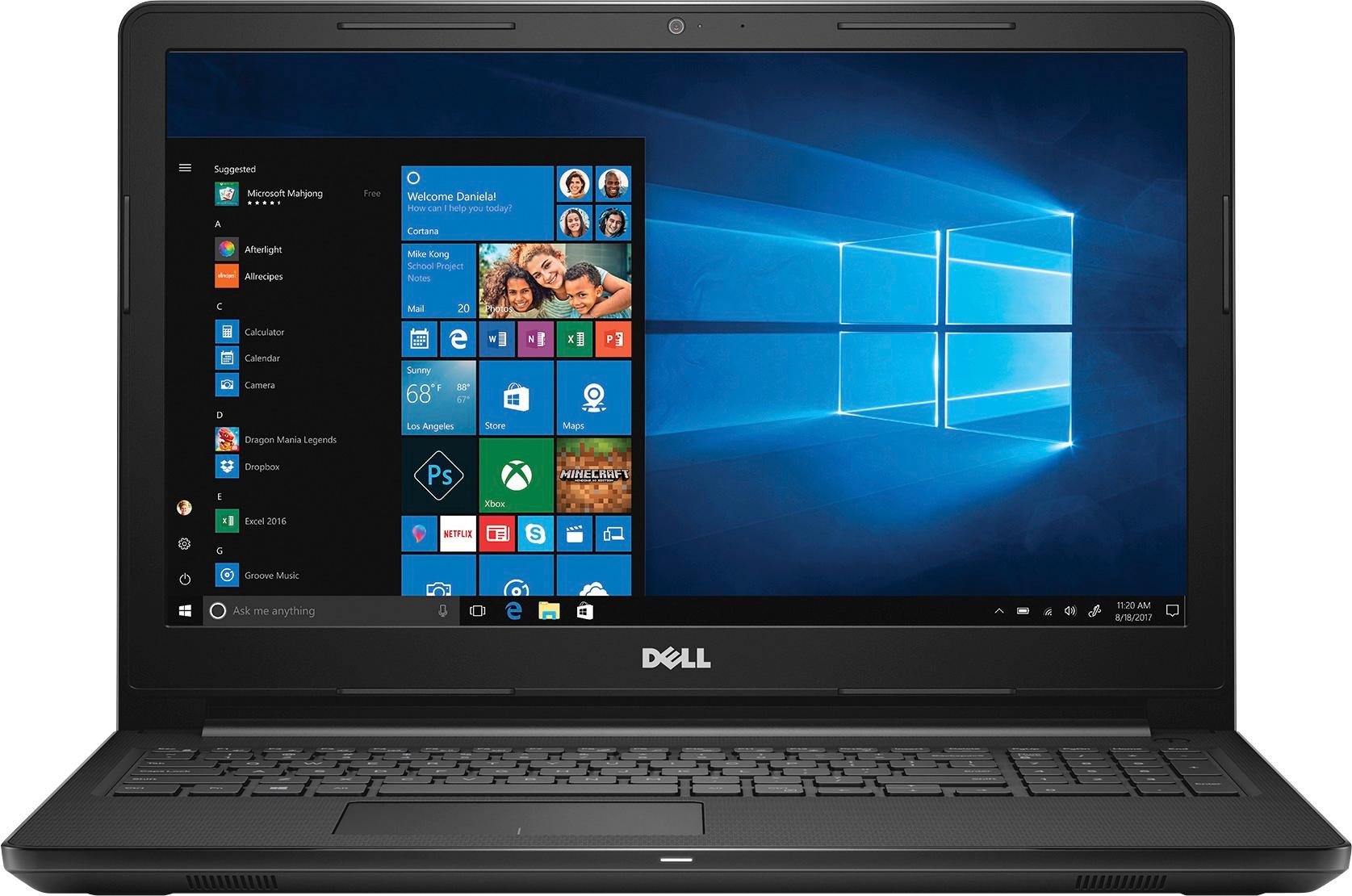
A:Answeryes the ram is upgradeable to 16gb and the hd can be changed if you know how to transfer os etc to new hd but to upgrade a hard drive you need to know what you are doing
A:AnswerFrom the SPEC Sheets I have seen on this laptop, you should be able to get about 8 Hours out of a charge. All depending on what you are doing that is. The harder you work the machine the shorter this time will be.