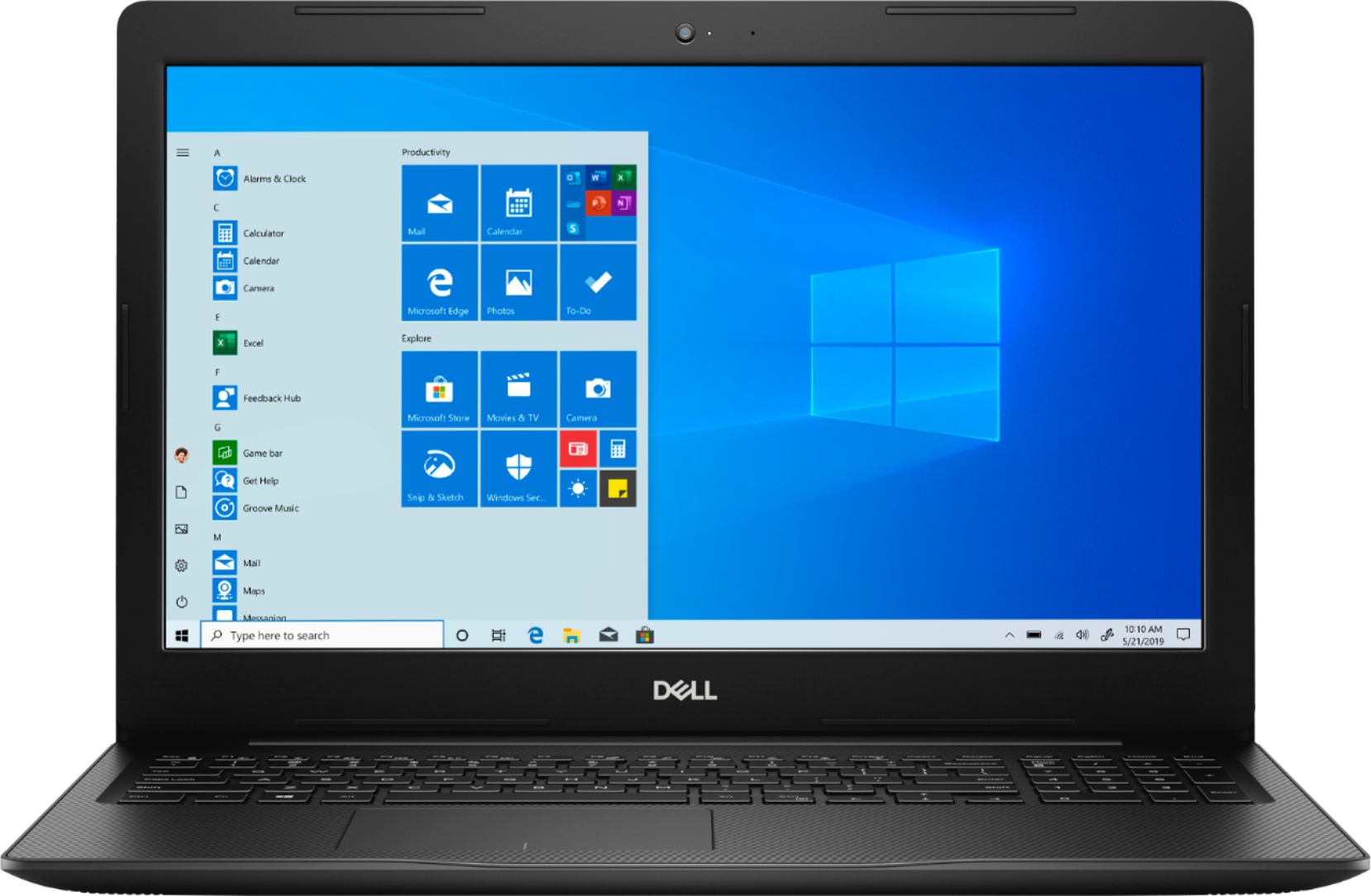
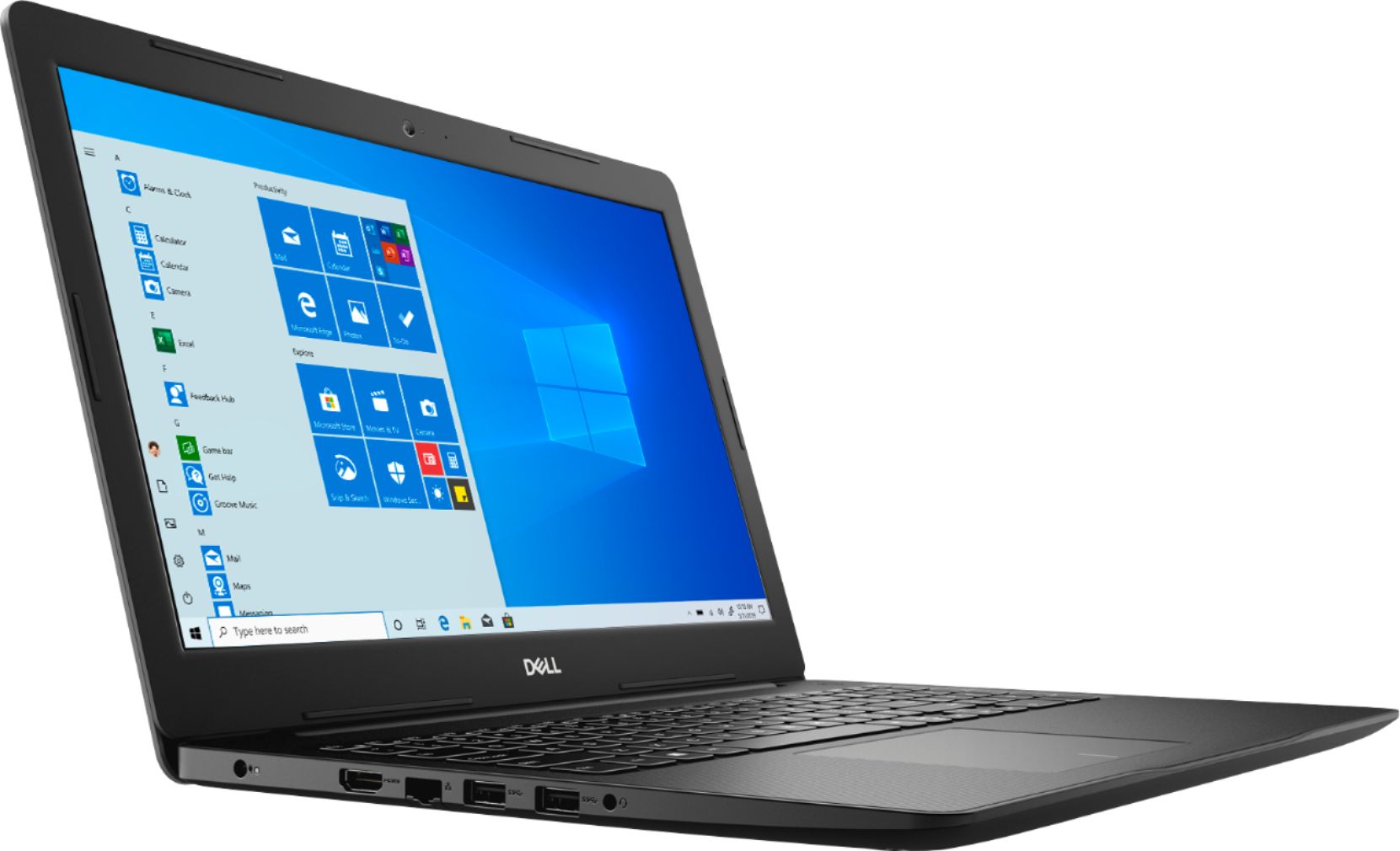
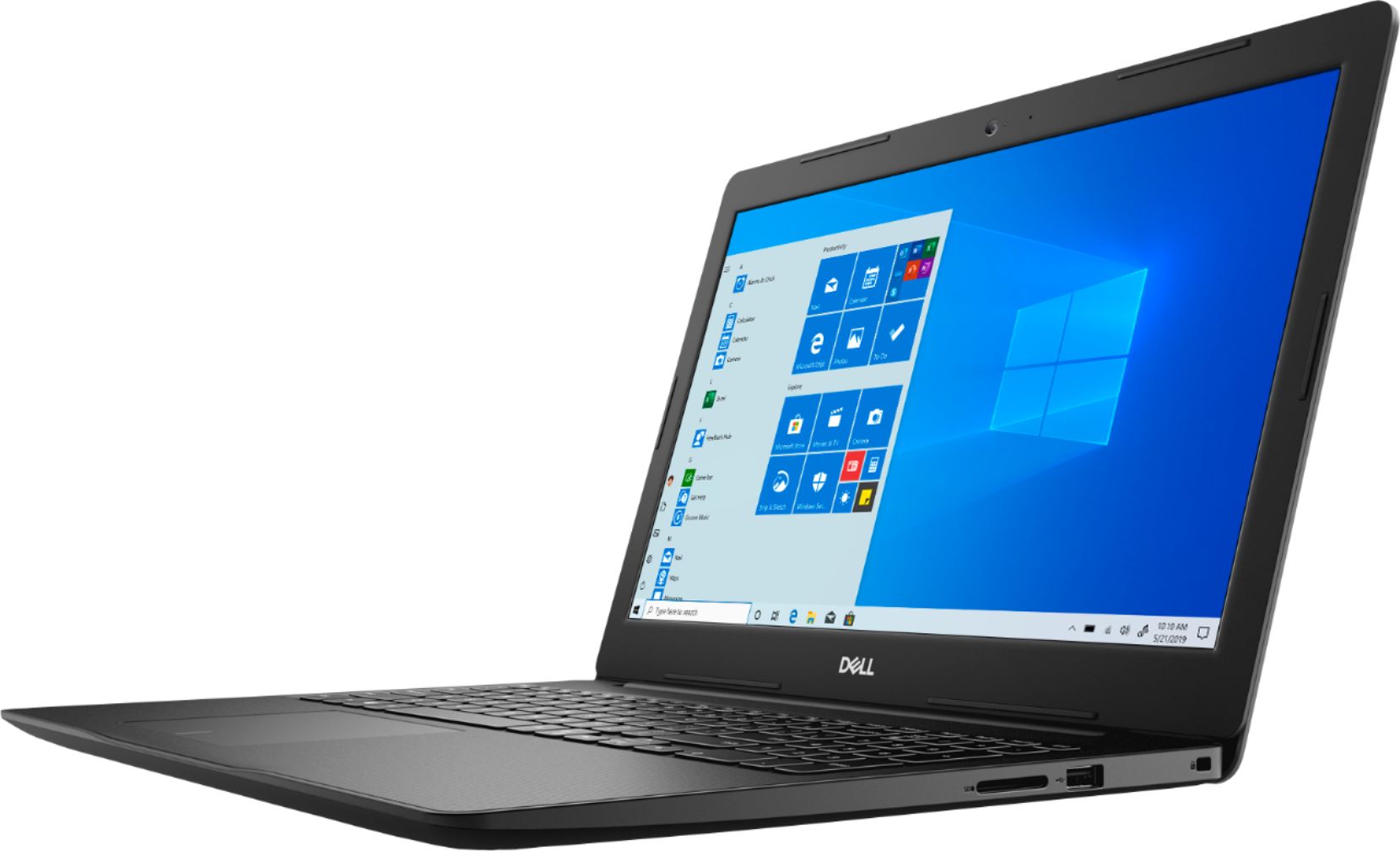
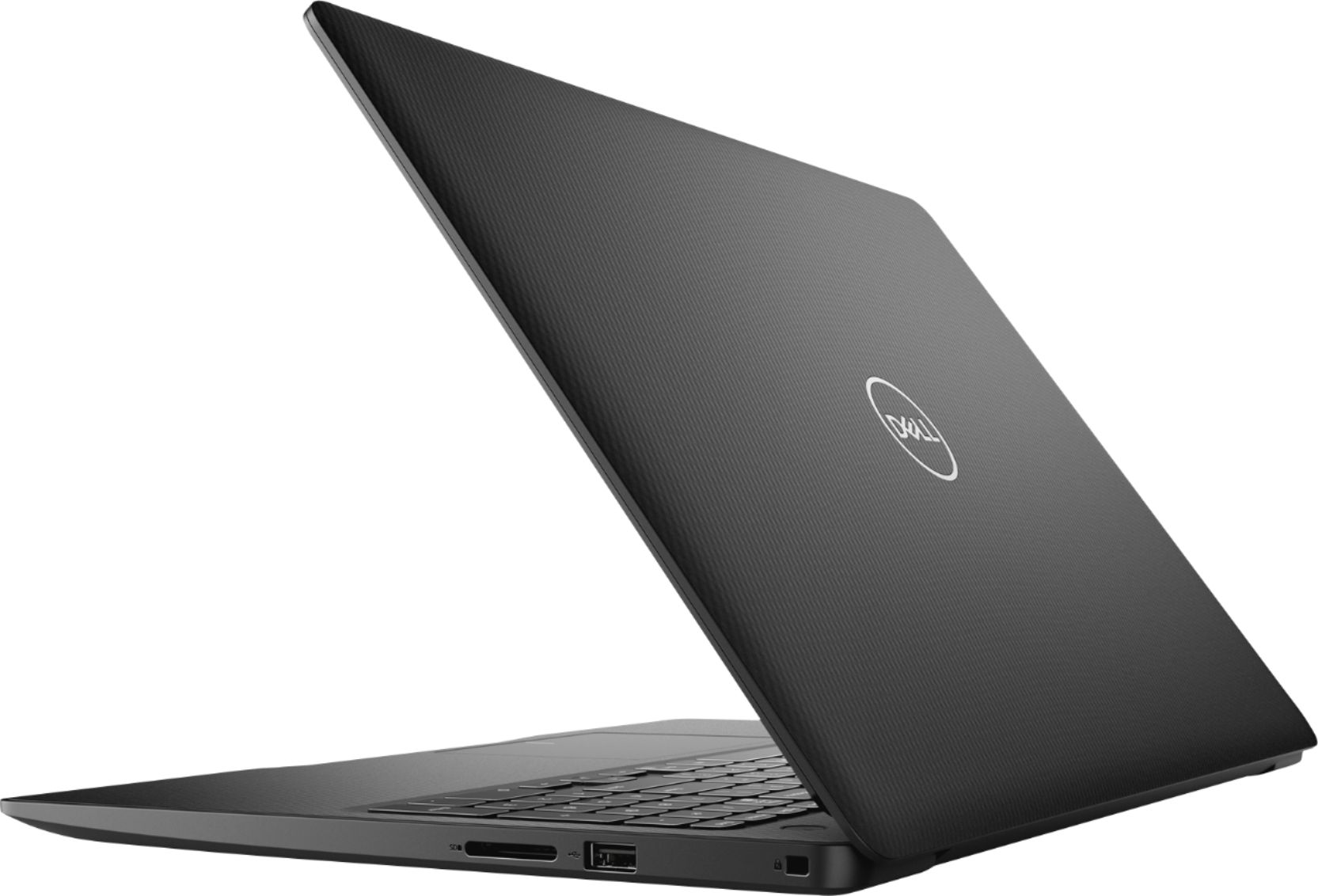
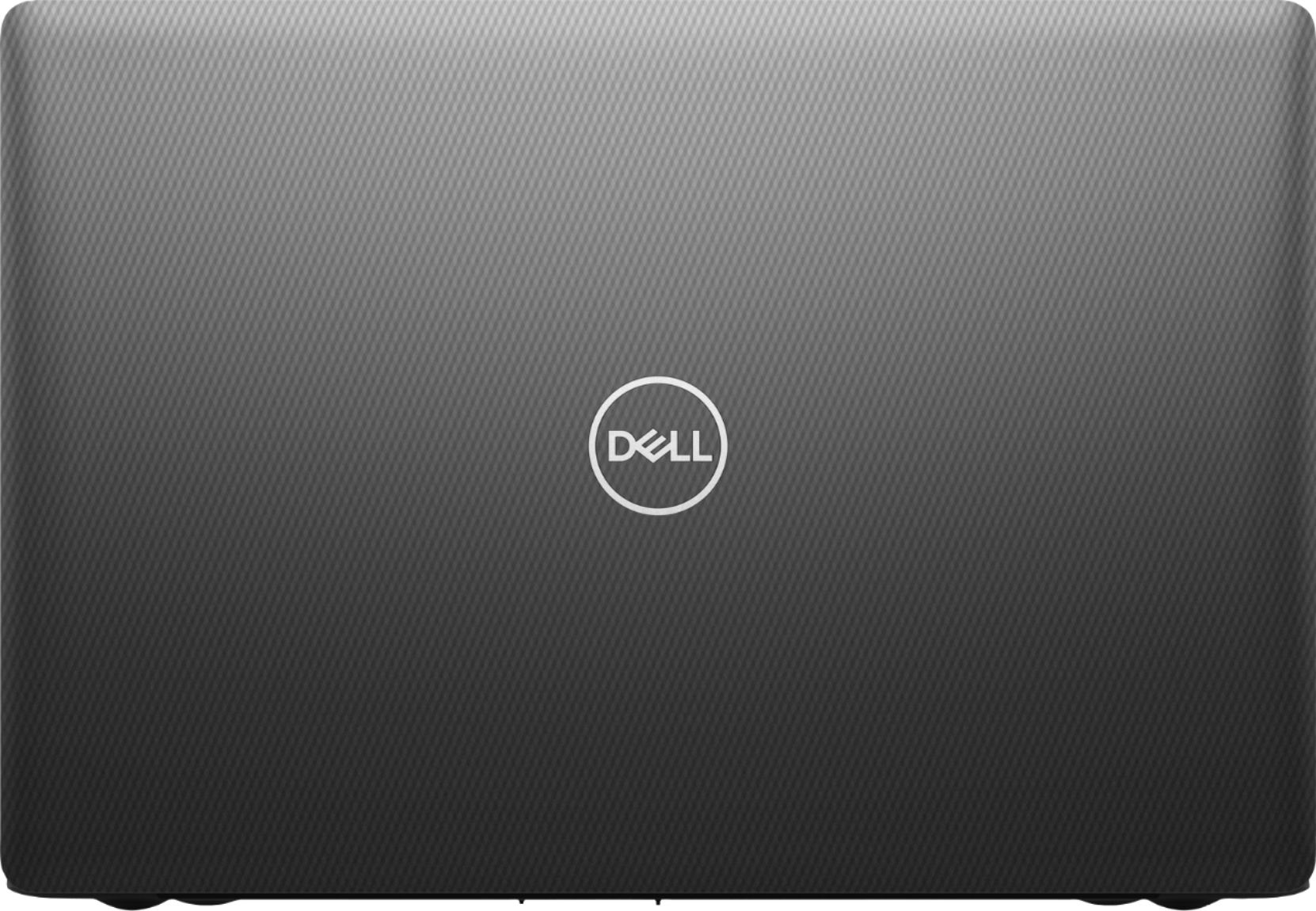
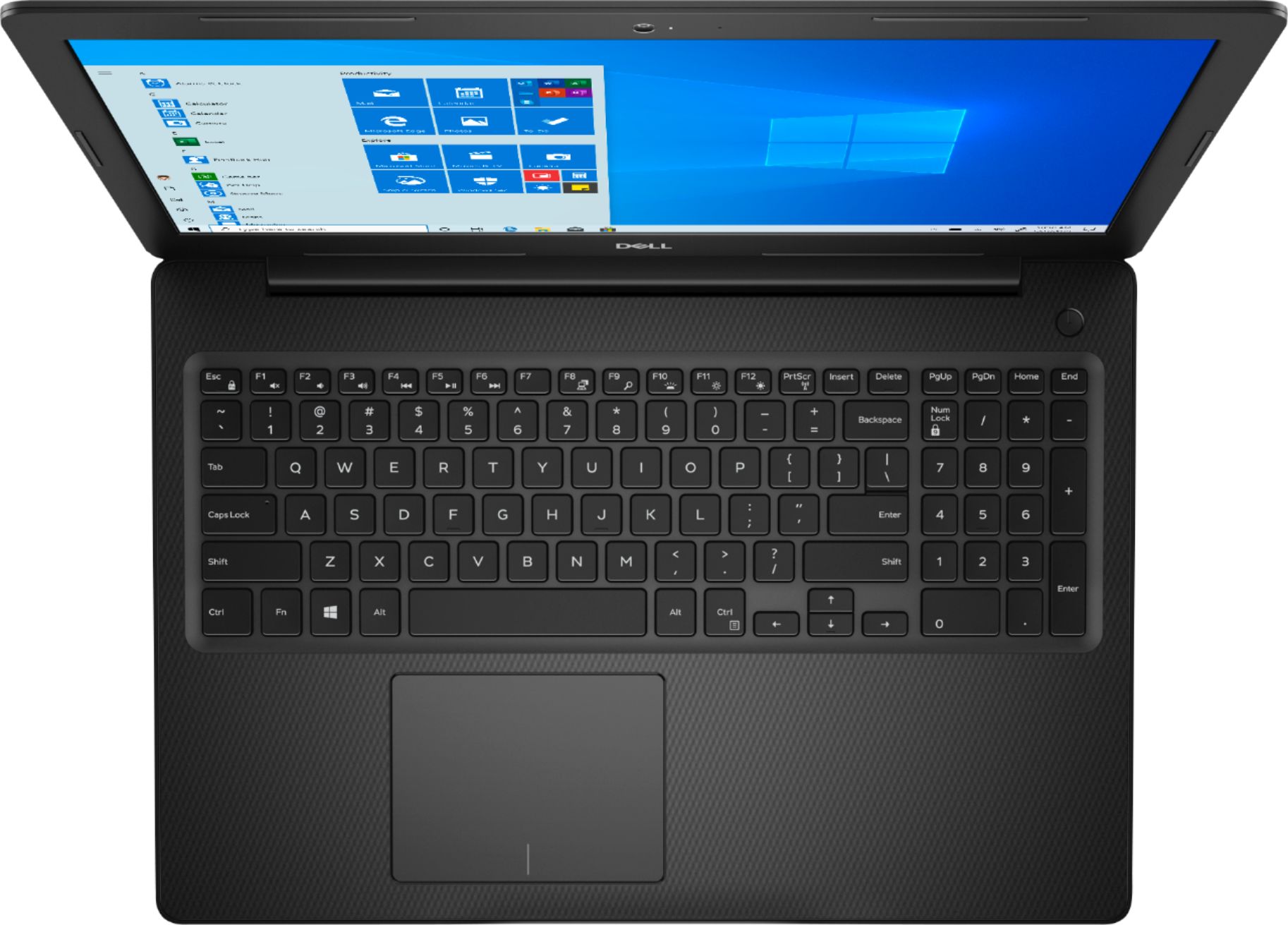
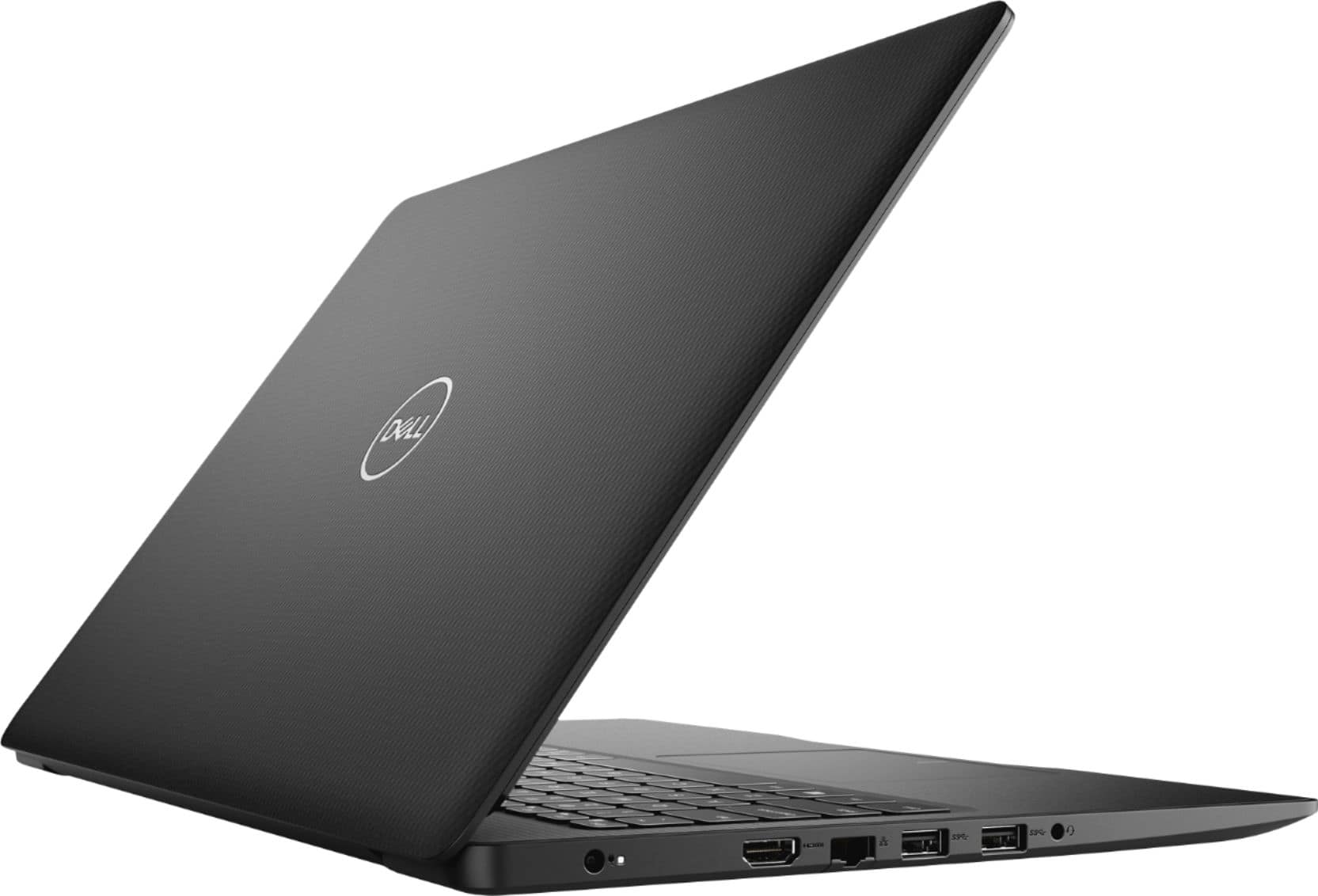
A:AnswerPersonally, I would search for a more robust model. The processor/ram/etc. surely would suffice, but I don't think this particular machine would hold up to the rigors you'd need, beating it around, dropping it, etc. that you'd expect doing 'live' work. The case seems to be pretty flimsy. I'd shop for a better one. However, if you weren't going to be taking it 'out'.. it is an able machine.
A:AnswerFirst, sign in to Windows 10 using an administrative account. Press Windows+I to open the “Settings” window and then click “Time & Language”. Select “Region & language” on the left, and then click “Add a language” on the right.
A:AnswerSo far, it lasted at least 3 hours for me! I watched 2 full movies and surf the web until I fell asleep! 3 hours is all I can remember, it could have been longer, but I fell asleep!
A:AnswerThere's USB ports and you can use a external 1 TB HDD with this laptop. If you mean a internal SSD 1 TB then you'll need to dismantle laptop to install it. Another person posted the manual for it. Try checking other questions/answers to find it.