A:AnswerYes, you can use the applications at the same time but at the cost of performance, you may see the system work a bit slower than usual.
We would suggest you have a look at the Dell Inspiron series.
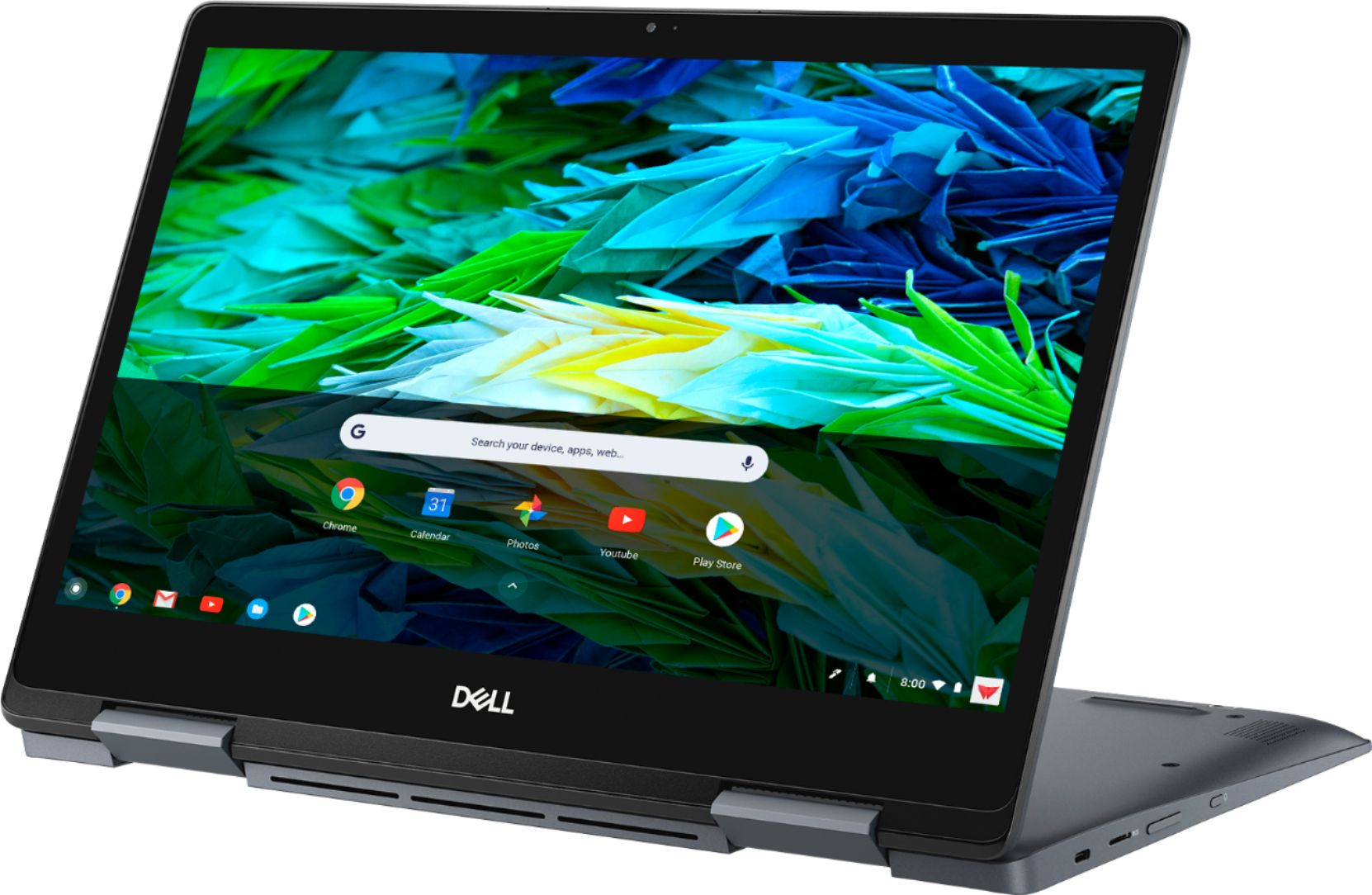
A:AnswerThis is Chromebook, running Chrome OS. You cannot install desktop application on Chrome OS. But, it runs android apps, so you can install any android app. It can also run Linux OS, so if Apache Open office suite runs on linux, that is an option. Also, as you may know, every Chromebook has Google office applications like Docs, Sheets and Slides. Hope this helps.
A:AnswerPrint via WiFi- wireless.
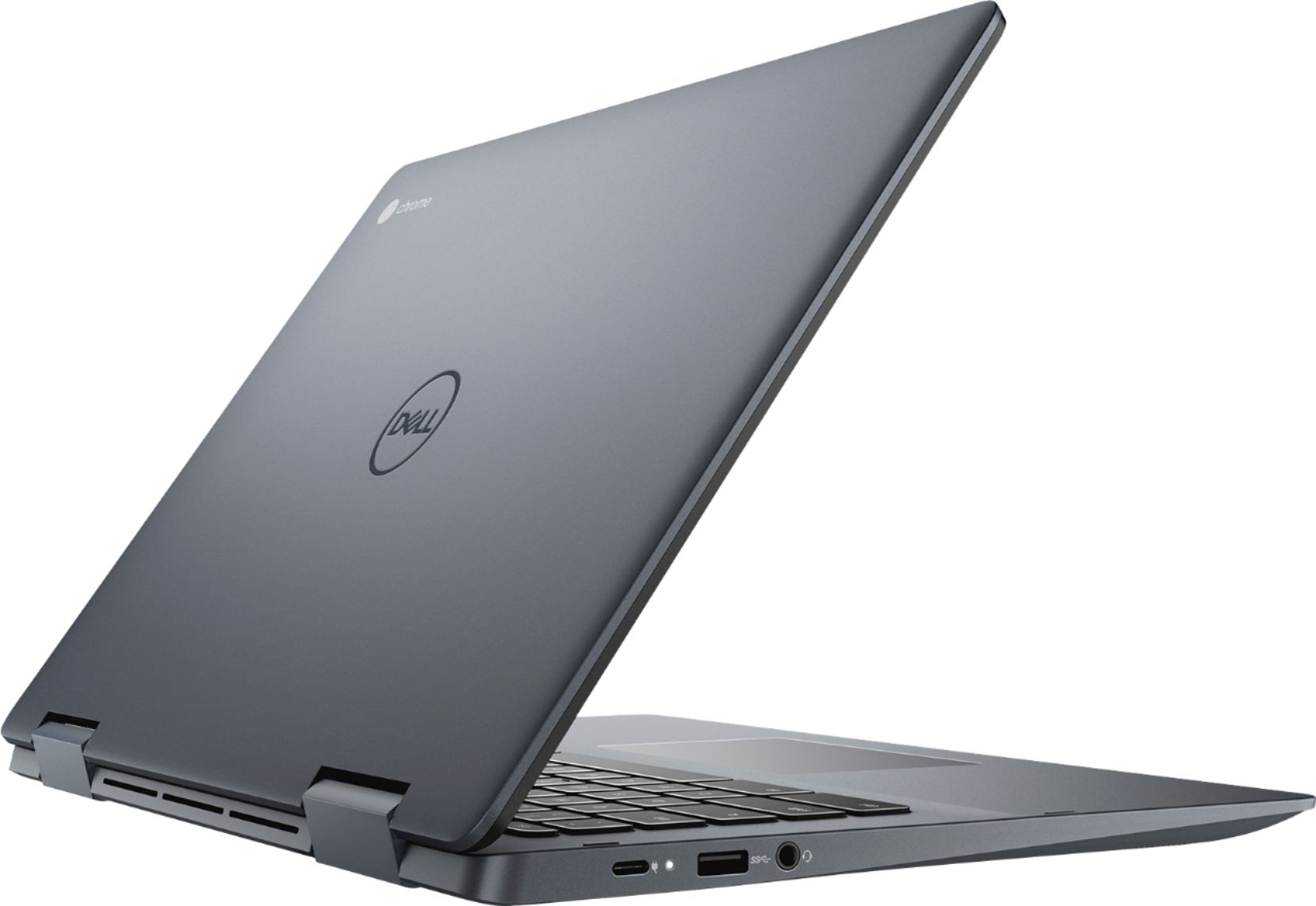
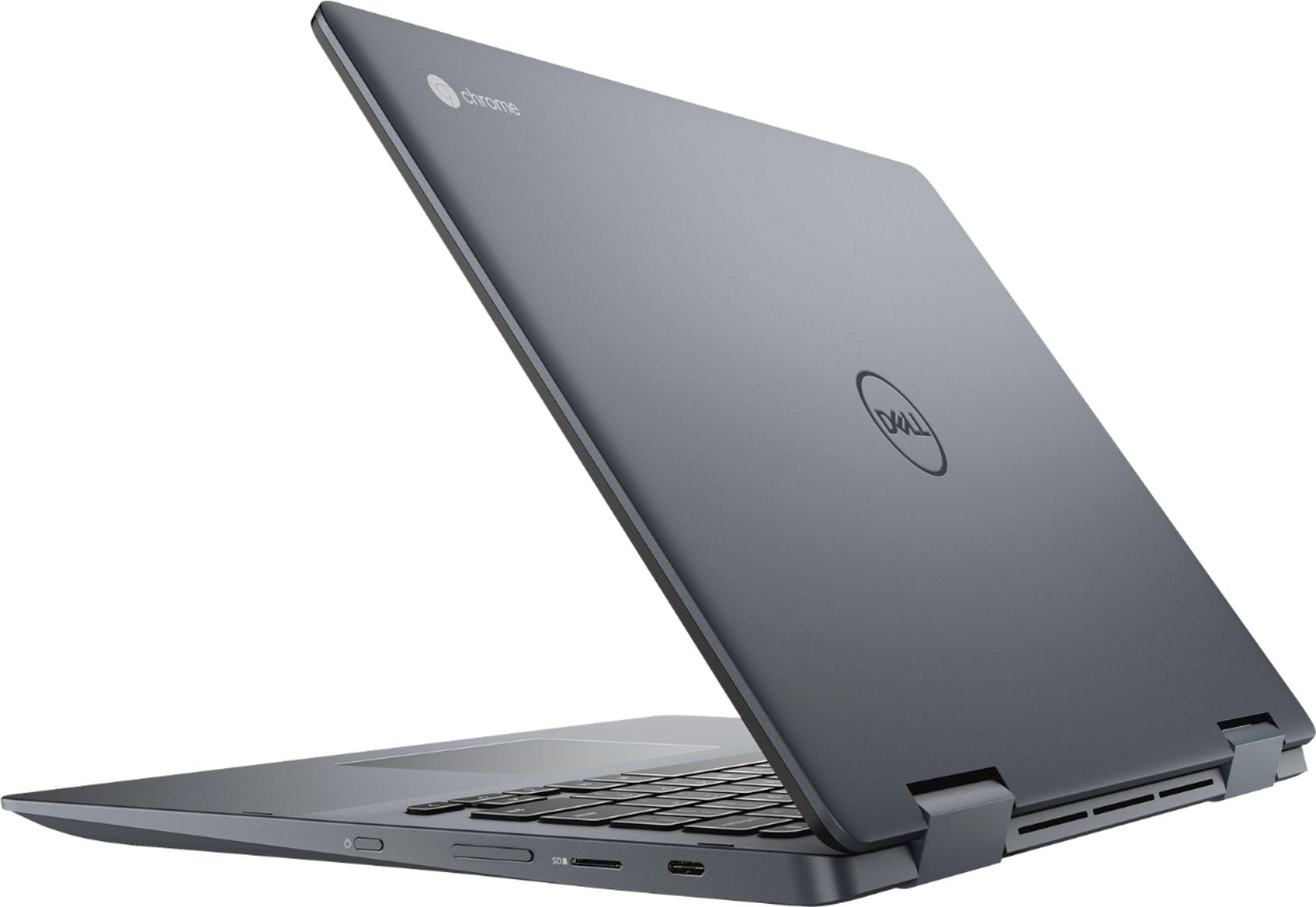
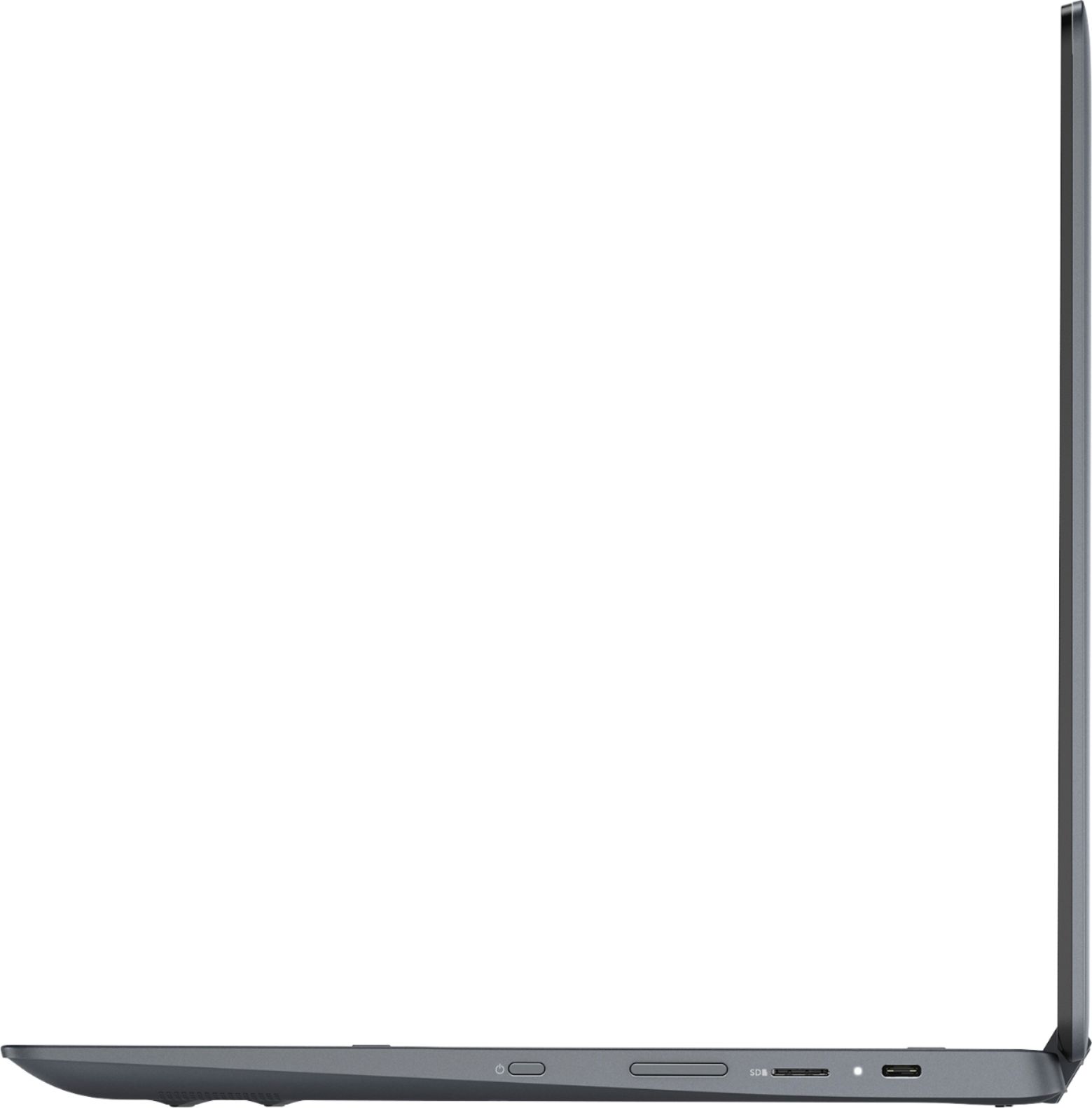
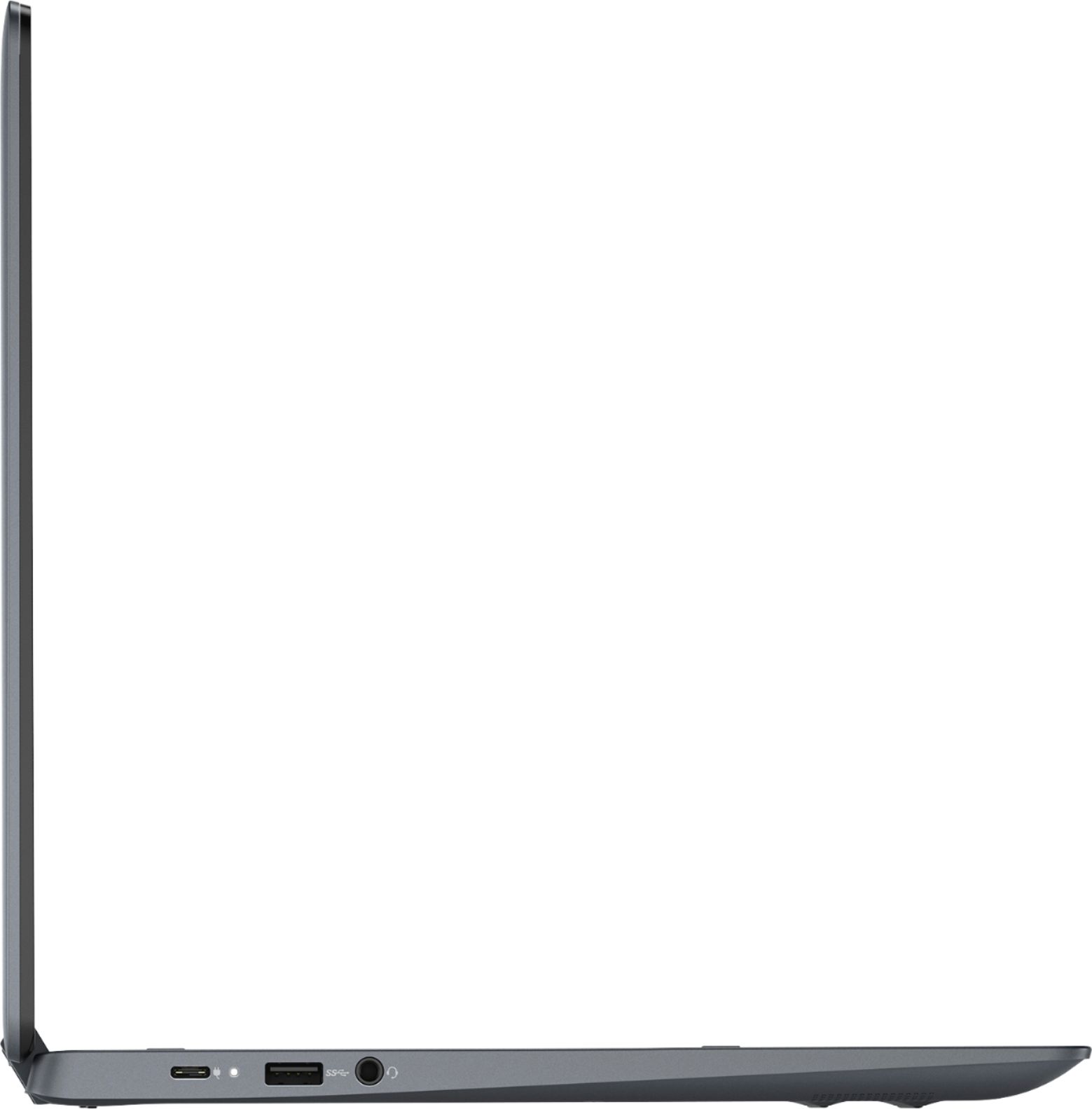
Transfer files via USB C connected drives, microSD cards (slot on the right side) or wirelessly to the cloud (I.e. via internet connection to Google drive, for example, or any other cloud storage.)
A:AnswerIntel Core i3-8130U. It is NOT an i5 as incorrectly stated in a different answer. All professional reviews report that this i3 (along with the 4 gb of RAM) is plenty fast/powerful for all common uses. For very heavy use of very demanding apps, faster processors and more RAM are available on other devices at a higher cost. Otherwise, this is an excellent device at an excellent price.
A:AnswerYes. This Chromebook uses flash memory which is solid state. The storage system is more similar to a memory card than a traditional mechanical or PC solid state drive.