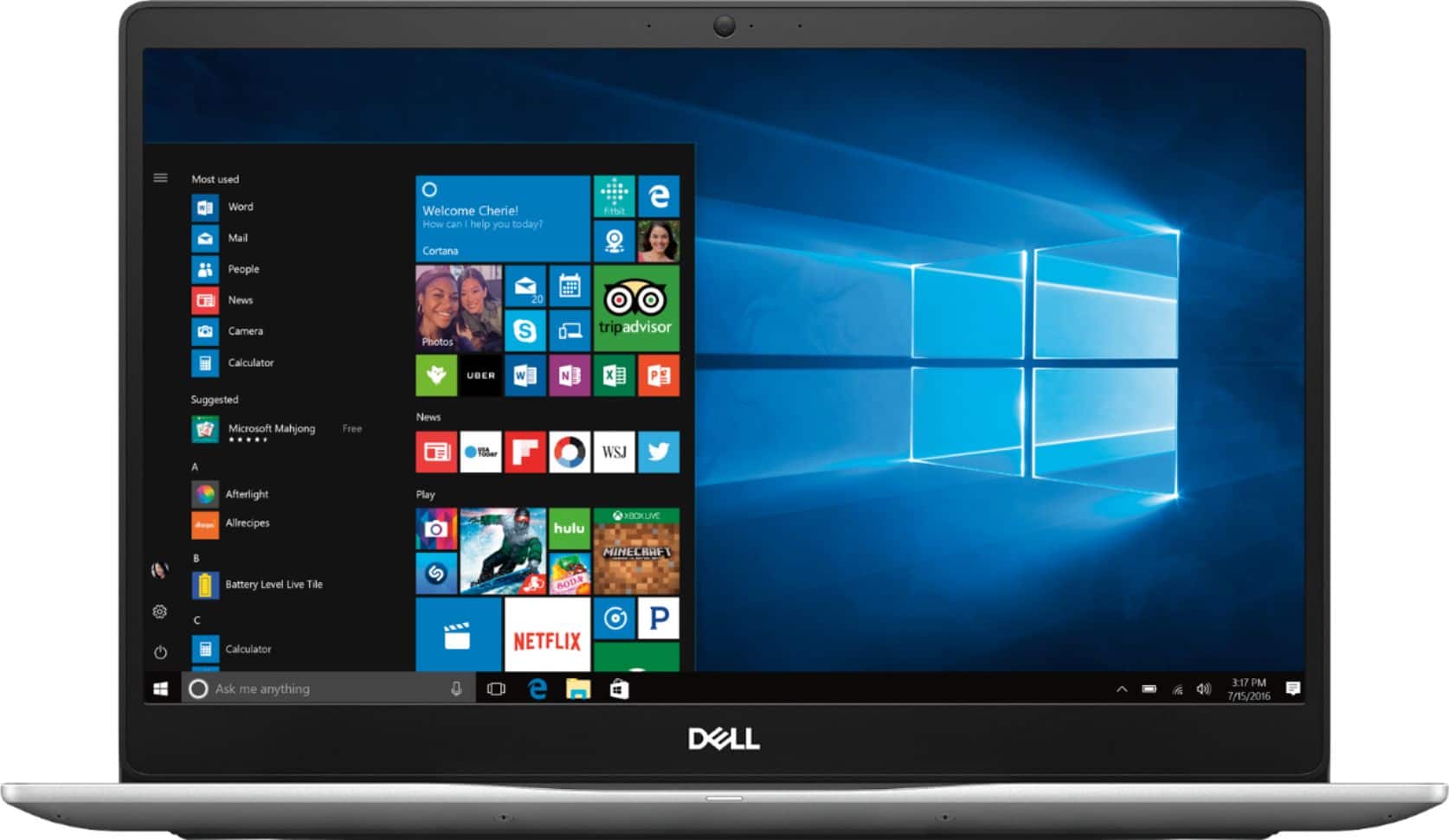
A:AnswerThere are 2 memory modules you can remove and then replace them with higher capacity memory modules (8 or 16 GB), all the way up to 32 GB total (way more than most people would need)
A:AnswerThe Dell i7573-7019 comes with a 256MB M.2 drive installed and there is space for an SSL drive, but the specialized cables and the 2 1/2 inch drive holder are not included. See Picture below. This really hinders the usefulness of this laptop. Even my phone has more that 256GB installed.
Not sure whether the additional parts can be purchased, or whether the system supports both an M.2 drive and an SSL drive.
Very Chintzy Dell.
A:AnswerMine came with M.2 installed (Toshiba). The spec says PCIe NVMe 3.0 x2. You can check out the official spec (https://www.dell.com/support/home/us/en/04/product-support/product/inspiron-15-7573-2-in-1-laptop/manuals)
A:AnswerSome times they do. what kind of discount you get depends. Some schools give you a free copy why you are either going to school there; or you are a teacher. Most of the time this only happens at colleges though. Microsoft dose some time give discounts to some students and teachers in other schools , but you would have to ask your school or Microsoft about that.
A:AnswerI don't see why you could not do so. The RAM is 8 GB and the Solid State Drive is 256 GB. The i5 processor is fast enough. You have to decide which version provides the capabilities you want/need. Microsoft has a comparison chart to help you decide. Go to https://www.microsoft.com/en-us/windows/compare