A:AnswerHello,
You can run through the Windows Activation again.. There might have been an updated that messed it up... There is an Activation Troubleshooter tool to.
1. Go to Settings
2. Click on Update & Security
3. Click on the Activation tab on the left side or the Activation Troubleshooting Tool.
A:AnswerGeek Squad Protection Service Plan offers some International Coverage so you can rest easy knowing you're covered wherever you are. For help when you're on the road, call 1-800-GEEKSQUAD (1-800-433-5778) within Canada and the United States or 1-613-634-4908 outside of Canada and the U.S. to receive information about how to make a claim.
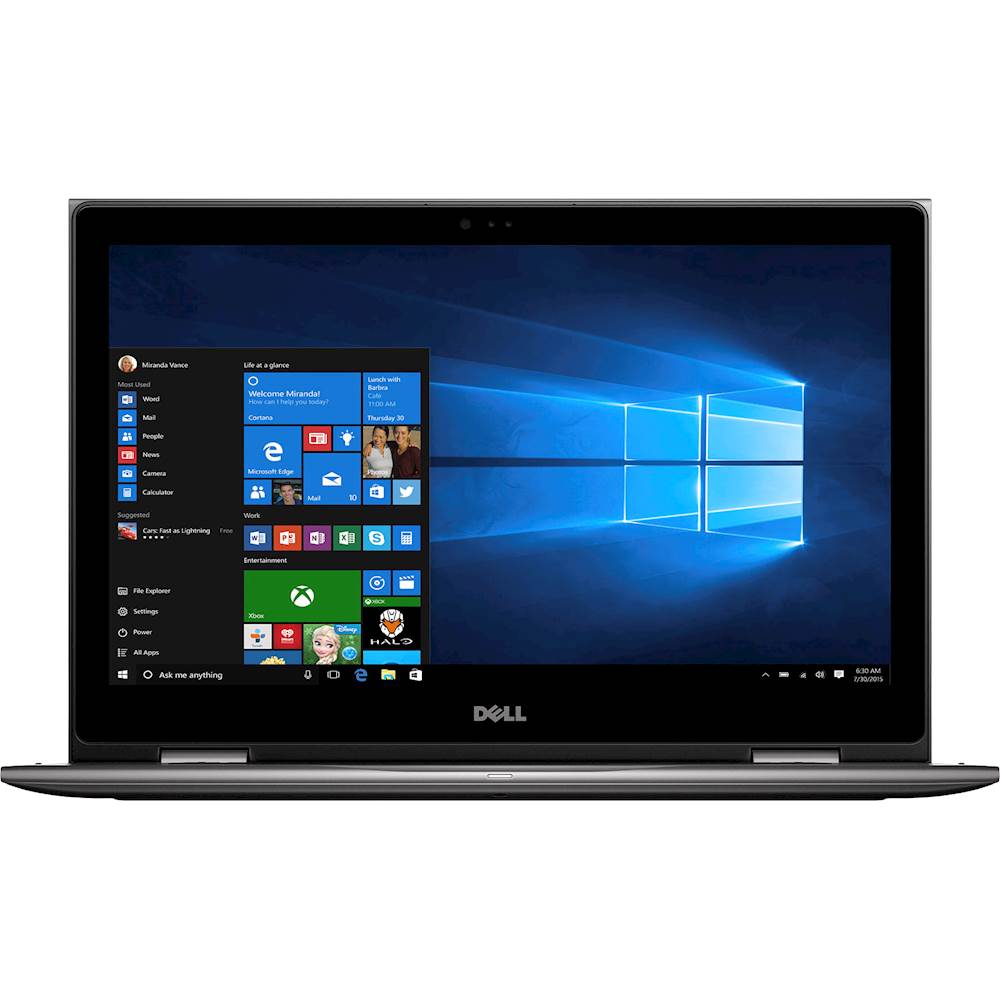
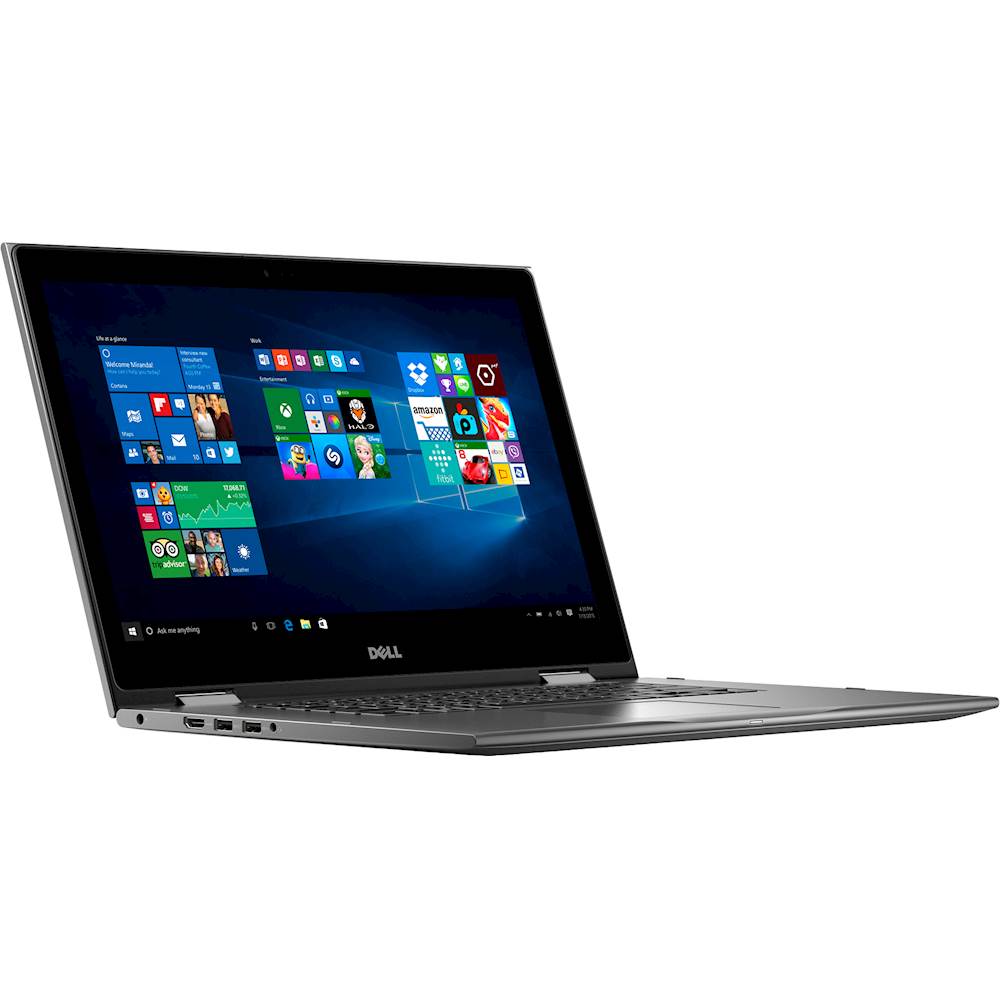
A:AnswerThis laptop has Intel integrated graphics, specifically Intel HD Graphics 620, as listed under "Key Specs". It does not have a discrete graphics card.
A:AnswerI don't know how you fix the review, but no laptop battery every lives up to the advertised maximum life. Every manufacturer does those tests with no programs running and in optimum temperature and humidity settings. My experience is that an average user's battery life will be half the stated manufacturer's advertised time.
A:AnswerBased on the product specifications, this already has a one-year warranty for parts and labor from the manufacturer. You may contact Best buy representative to get help with your warranty inquiry. You may also complete the e-mail form at the contact page.
A:AnswerSupposedly you can adjust the battery's energy consumption by left clicking and sliding the gage down. Mine is on "Better Performance" and after 2 1/2 hours of use the battery is at 50%. I do not think I have ever gotten 10 hour out of this laptop.