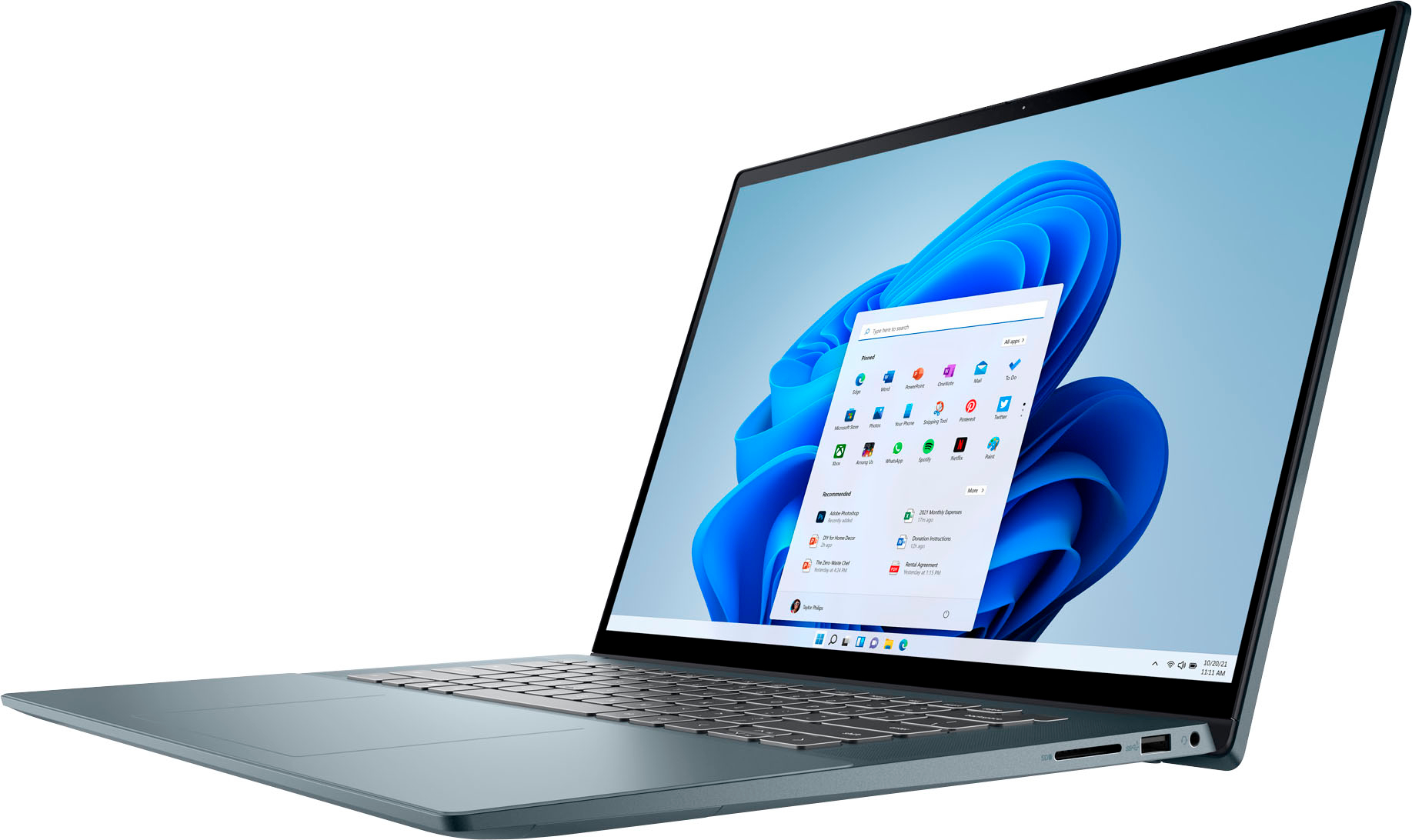
A:AnswerYes. It has an NVME slot so you can remove the existing drive and put in a new one. You will have to clone the drive over to a new one or do a backup and then re-install windows after you replace the drive. Dell has a recovery tool you can download to an USB drive to re-install everything the computer came with, but you will have to re-install your softare. I upgraded mine to a 2TB Samsung 980 pro already.
A:AnswerThis laptop with the Full High Definition Plus (FHD+), screen comes with 300 nits. The model with the Ultra High Definition (UHD) / Organic Light Emitting (OLED) Display comes with 400 nits of brightness.
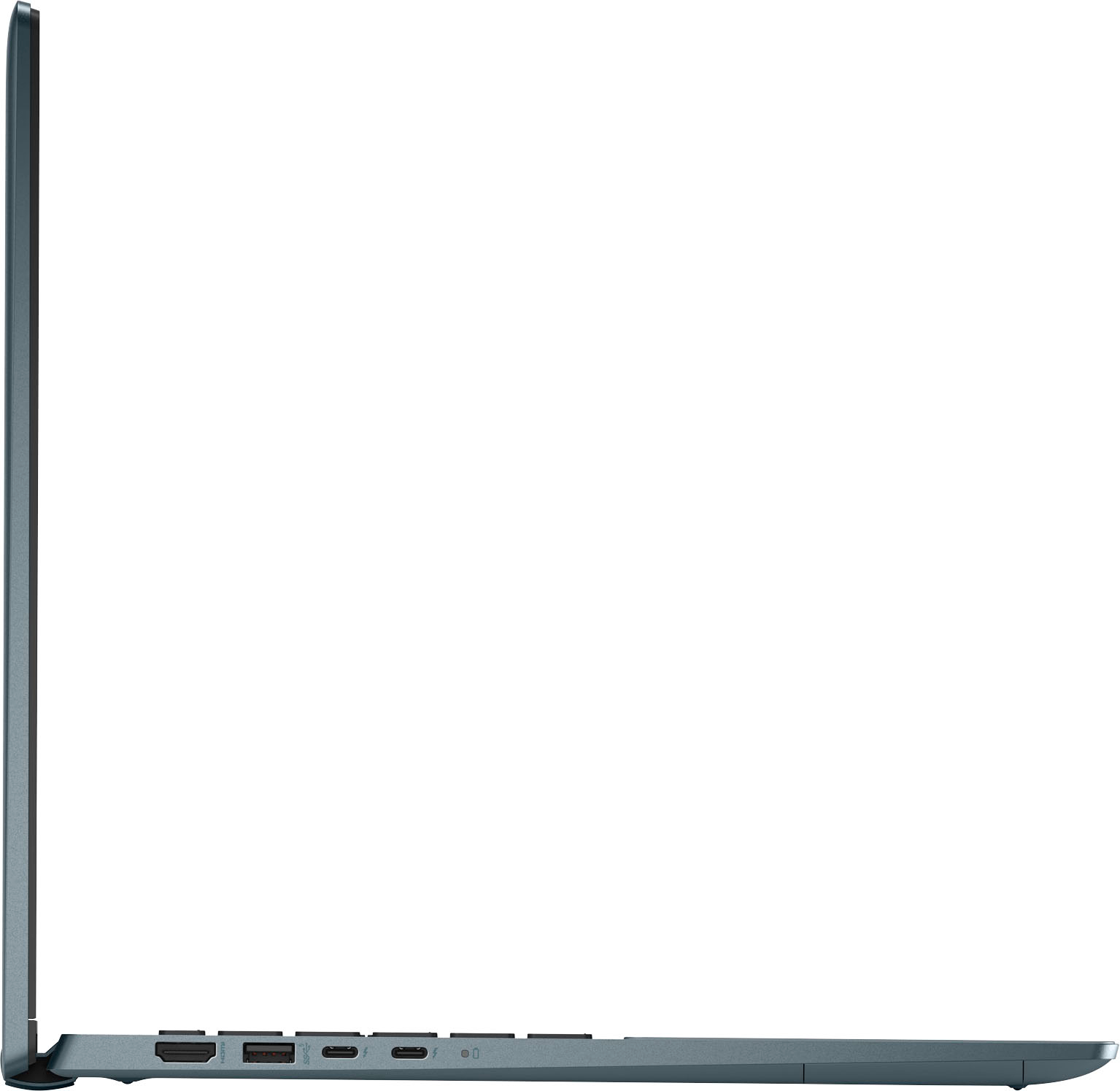
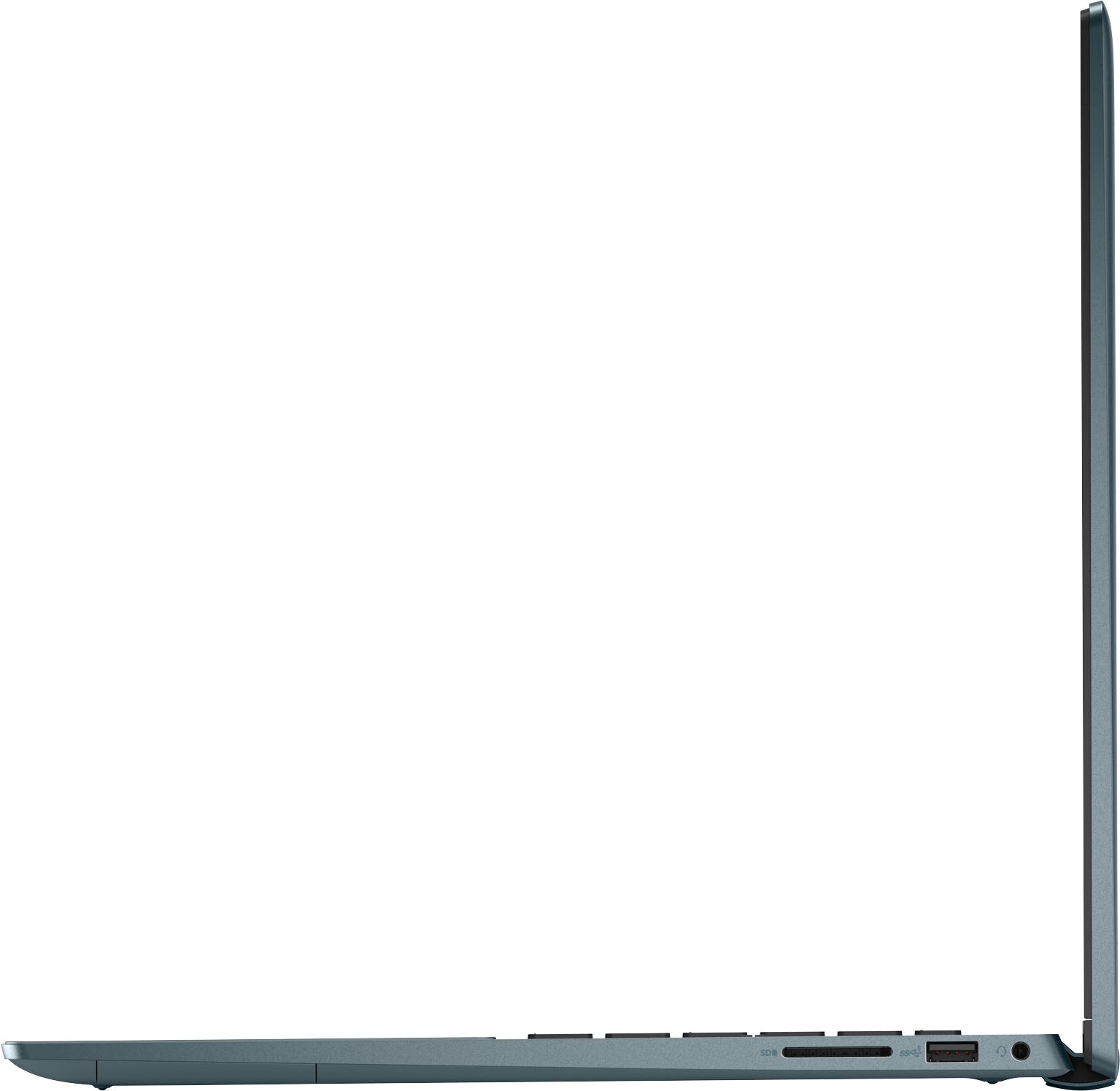
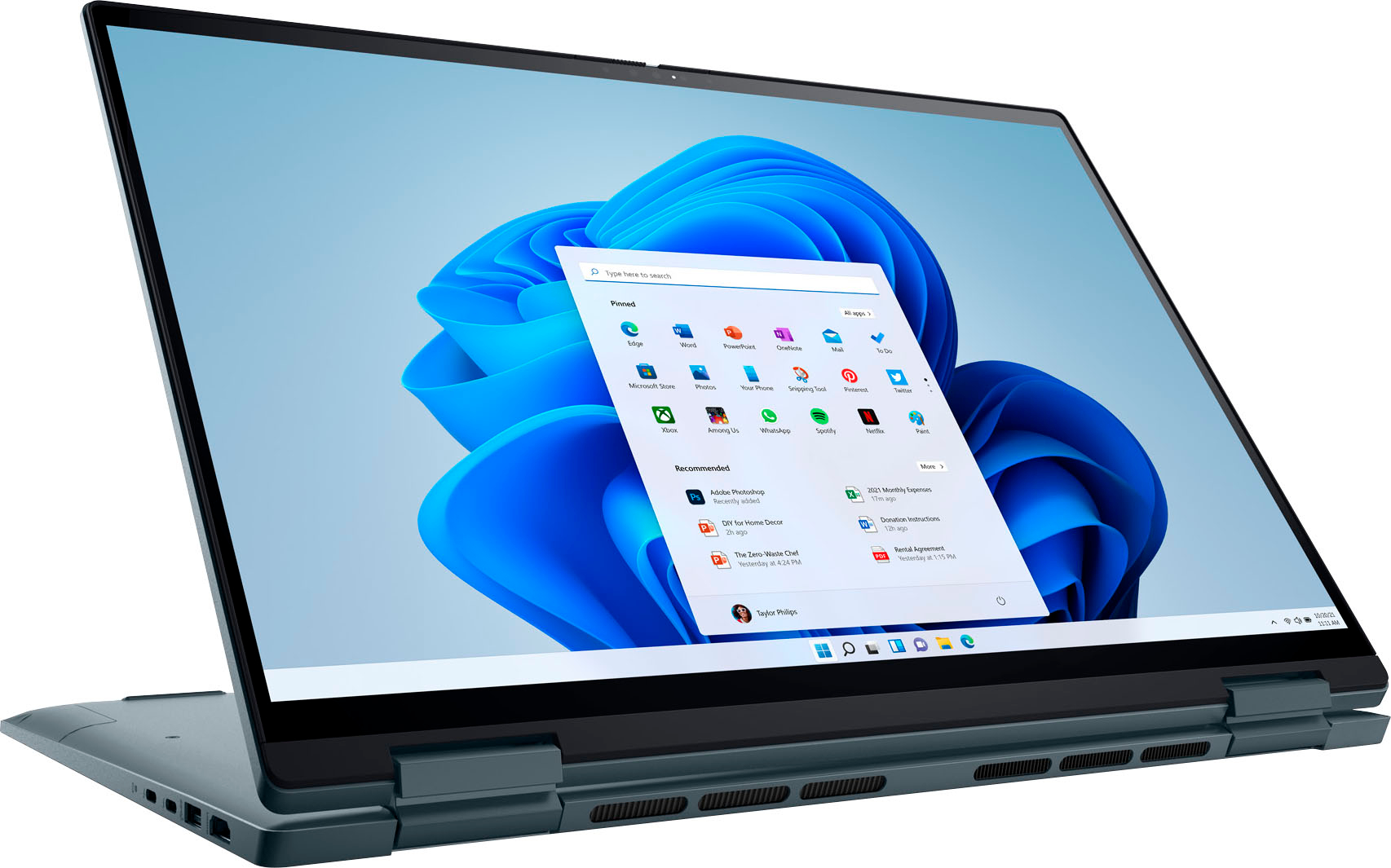
A:AnswerThis laptop comes with two Thunderbolt 4.0 ports with power delivery, supports USB4, DisplayPort 1.4 (one of the Thunderbolt 4.0 ports to be used as a primary power port), and one HDMI 1.4 port. You can connect two monitors compatible with these ports of the laptop.
A:AnswerThe RAM can be upgraded to 32GB with the following memory configuration: 32 GB, 2 x 16 GB, DDR4, 3200 MHz, dual-channel. This laptop does not support DDR5 memory.