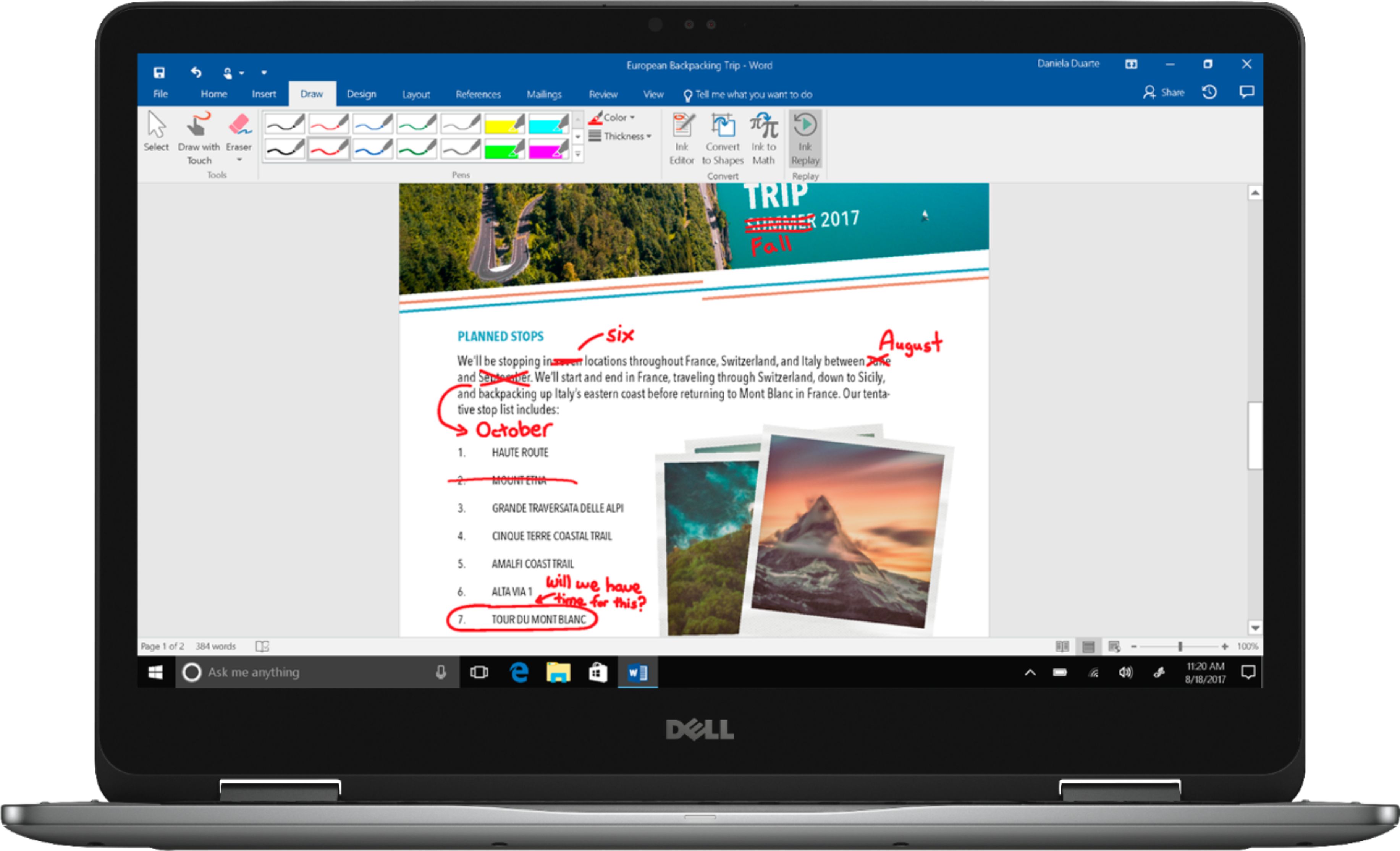
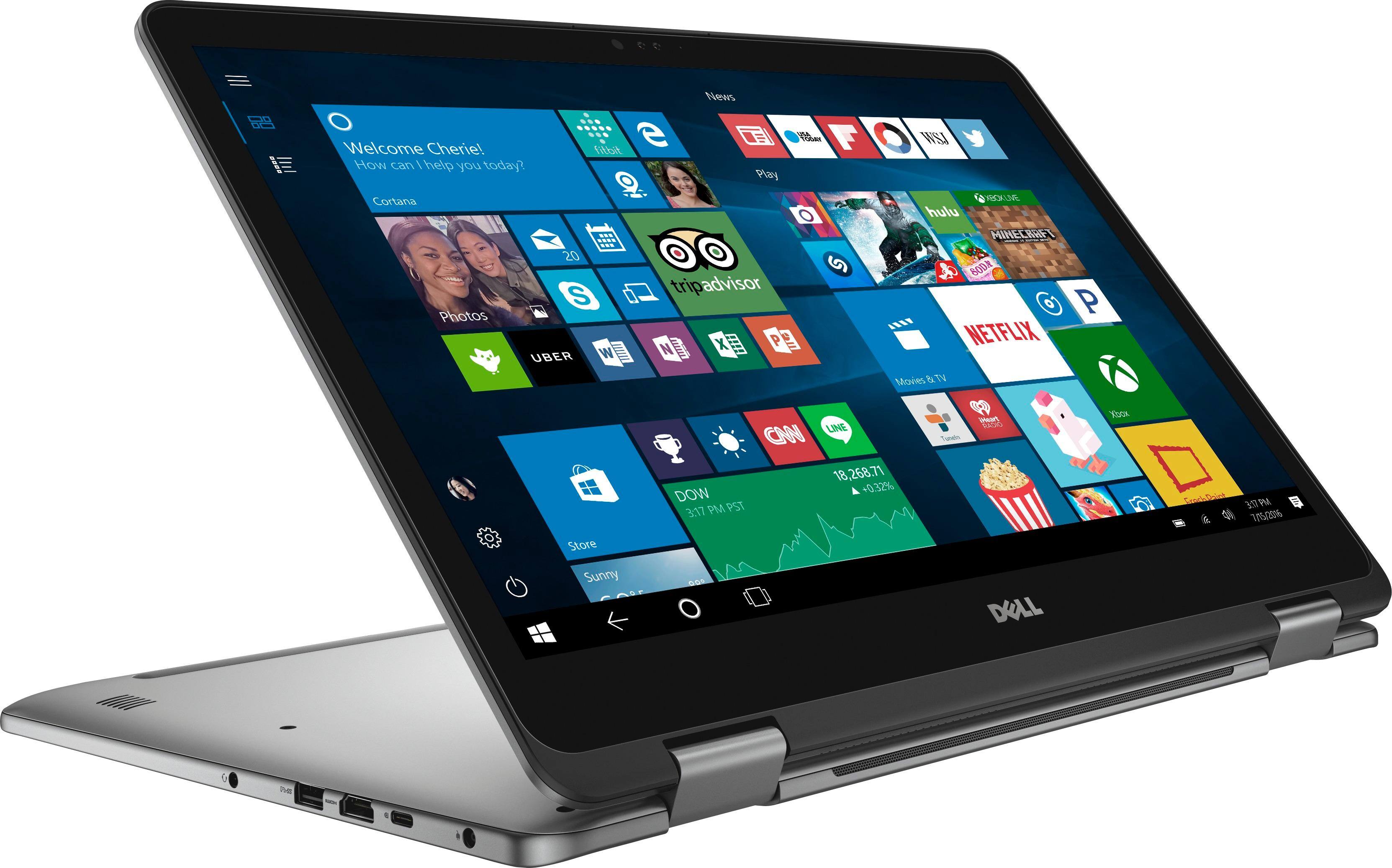
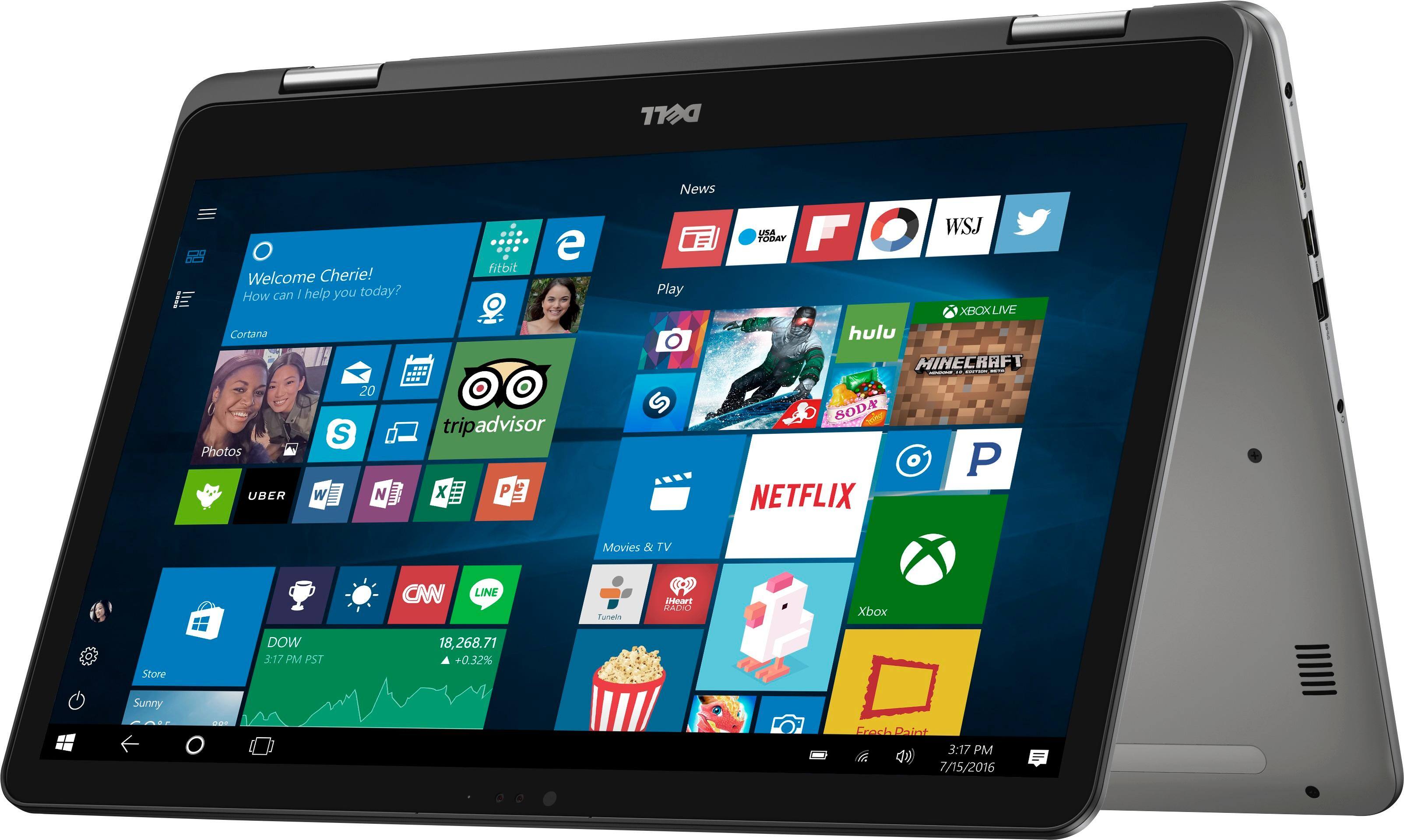
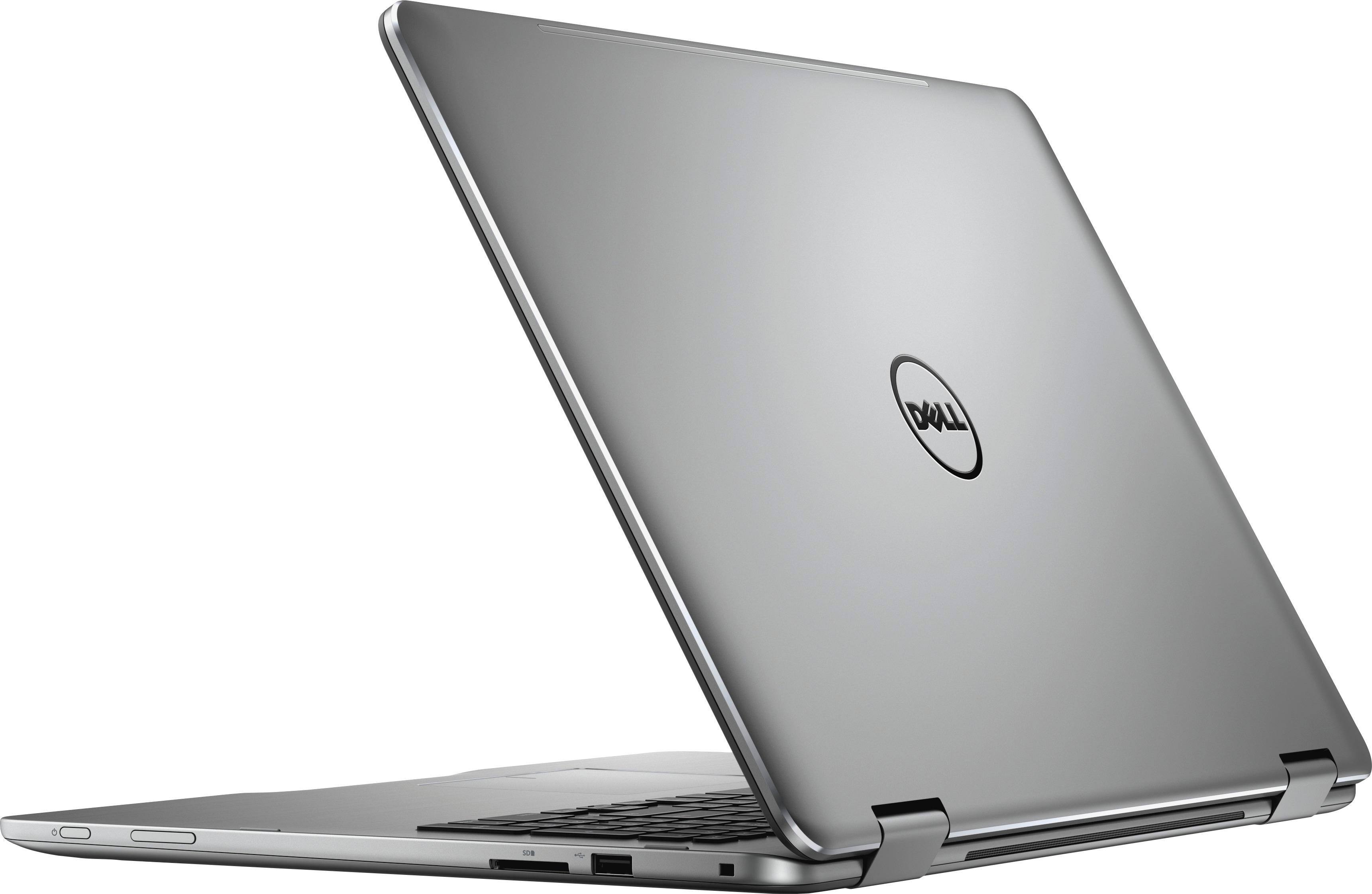
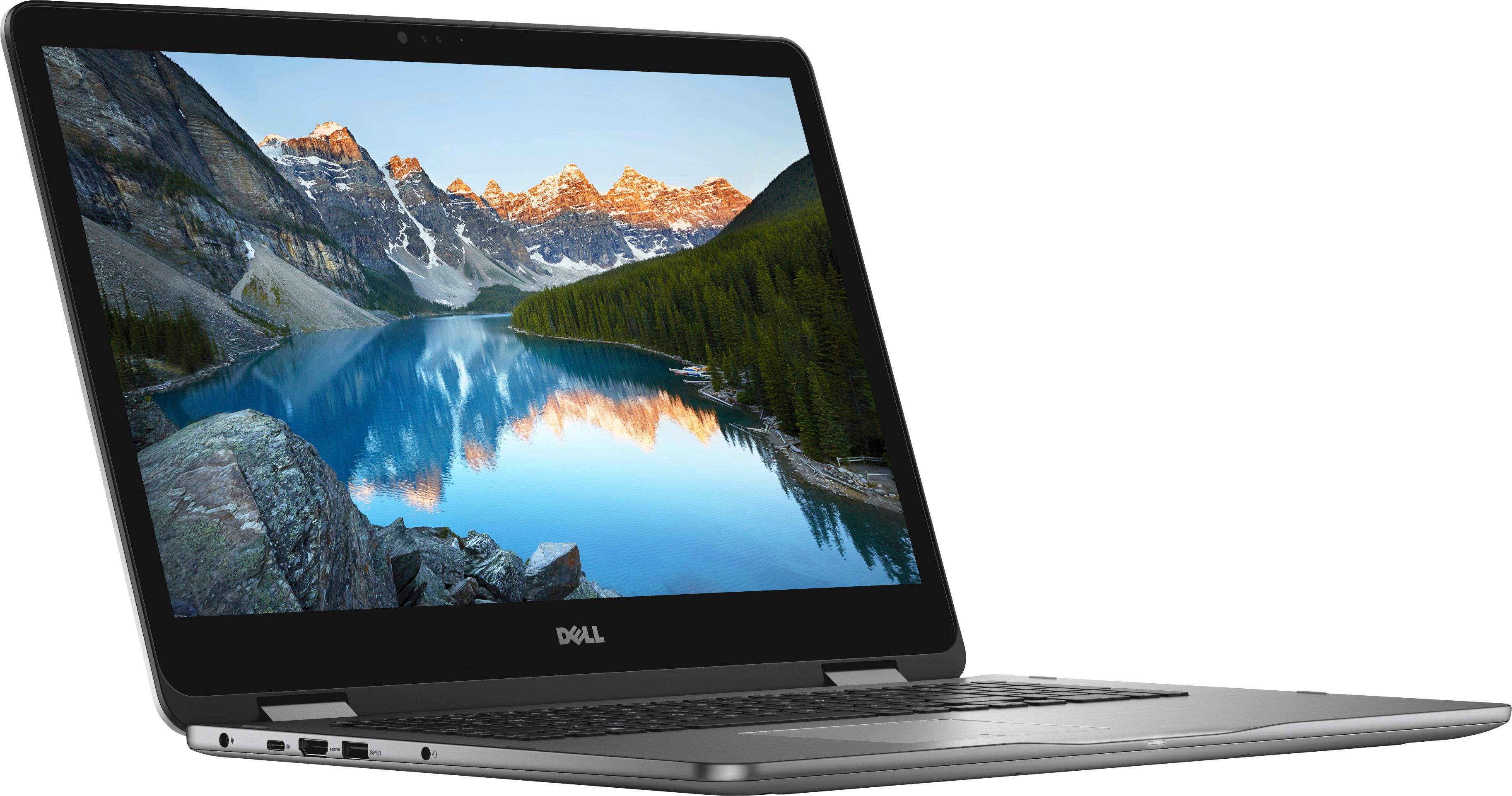
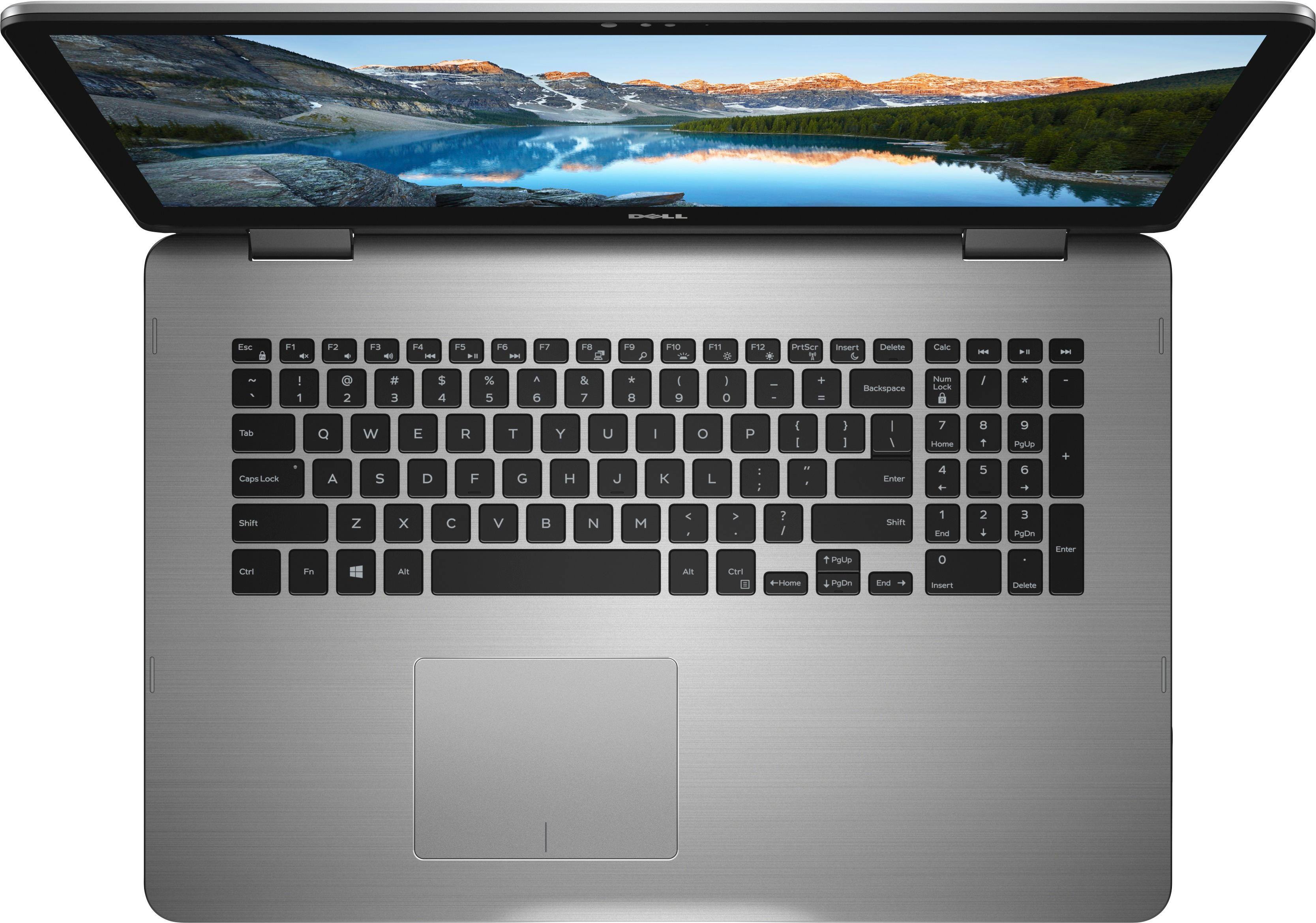
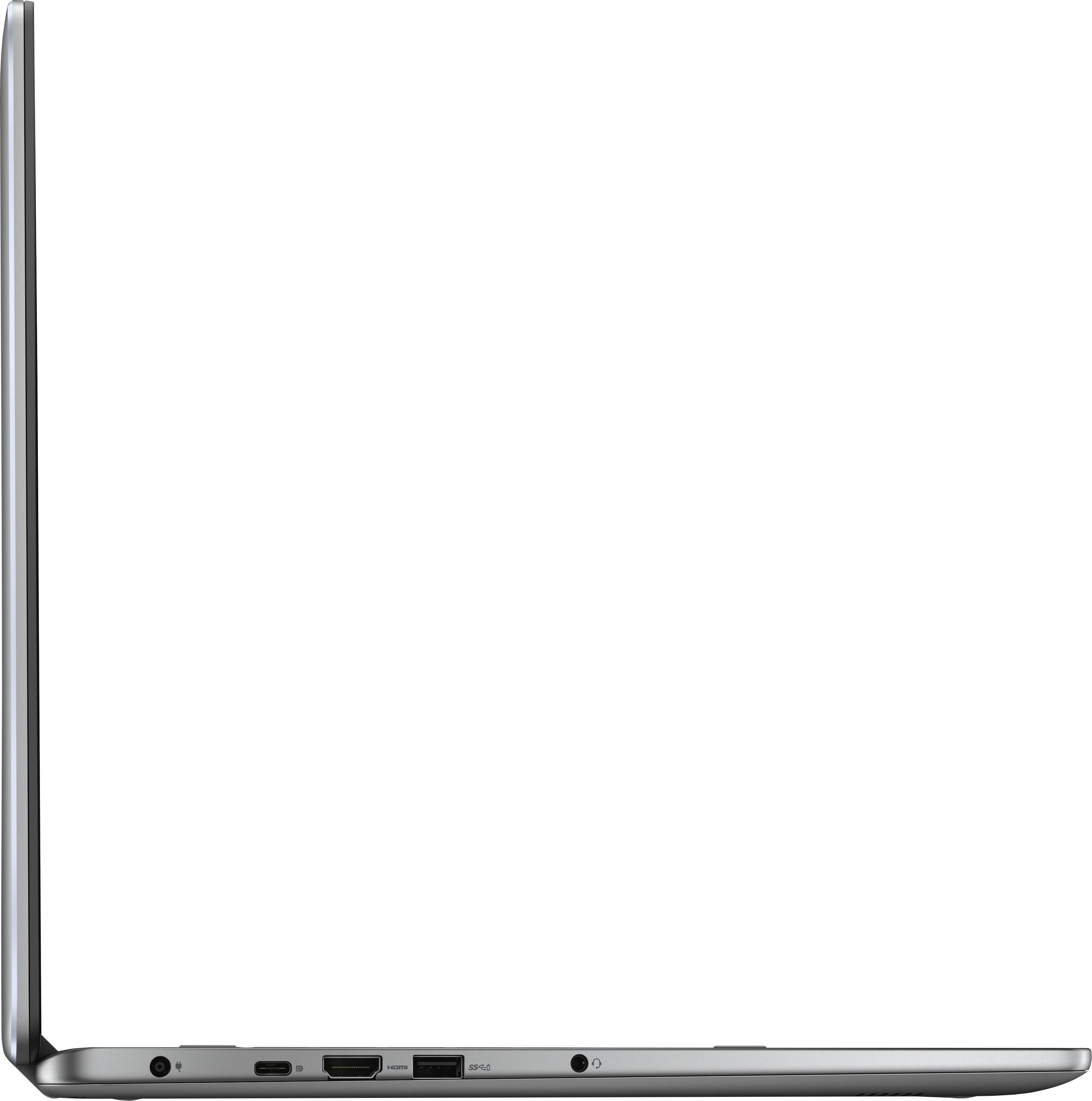
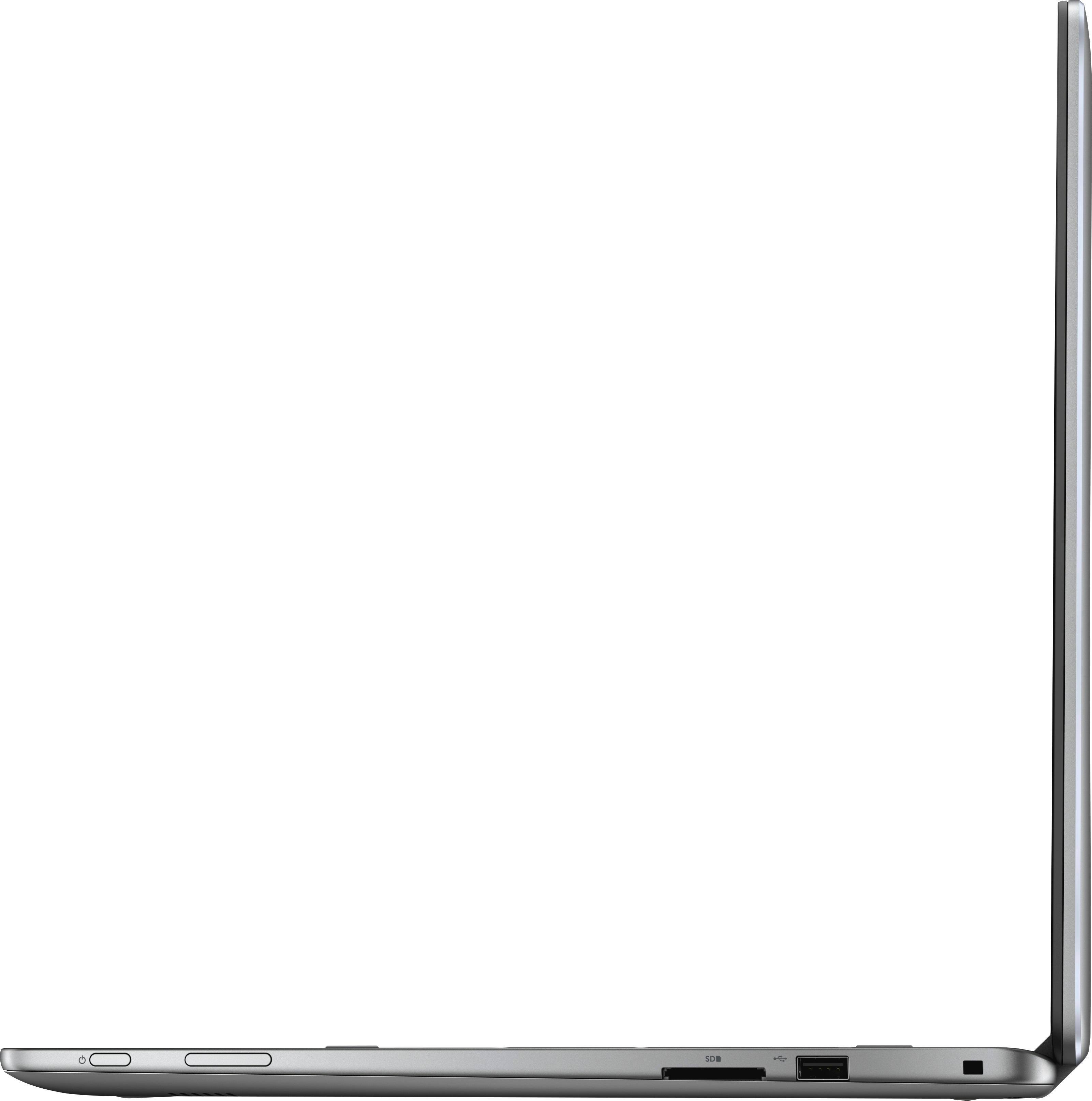
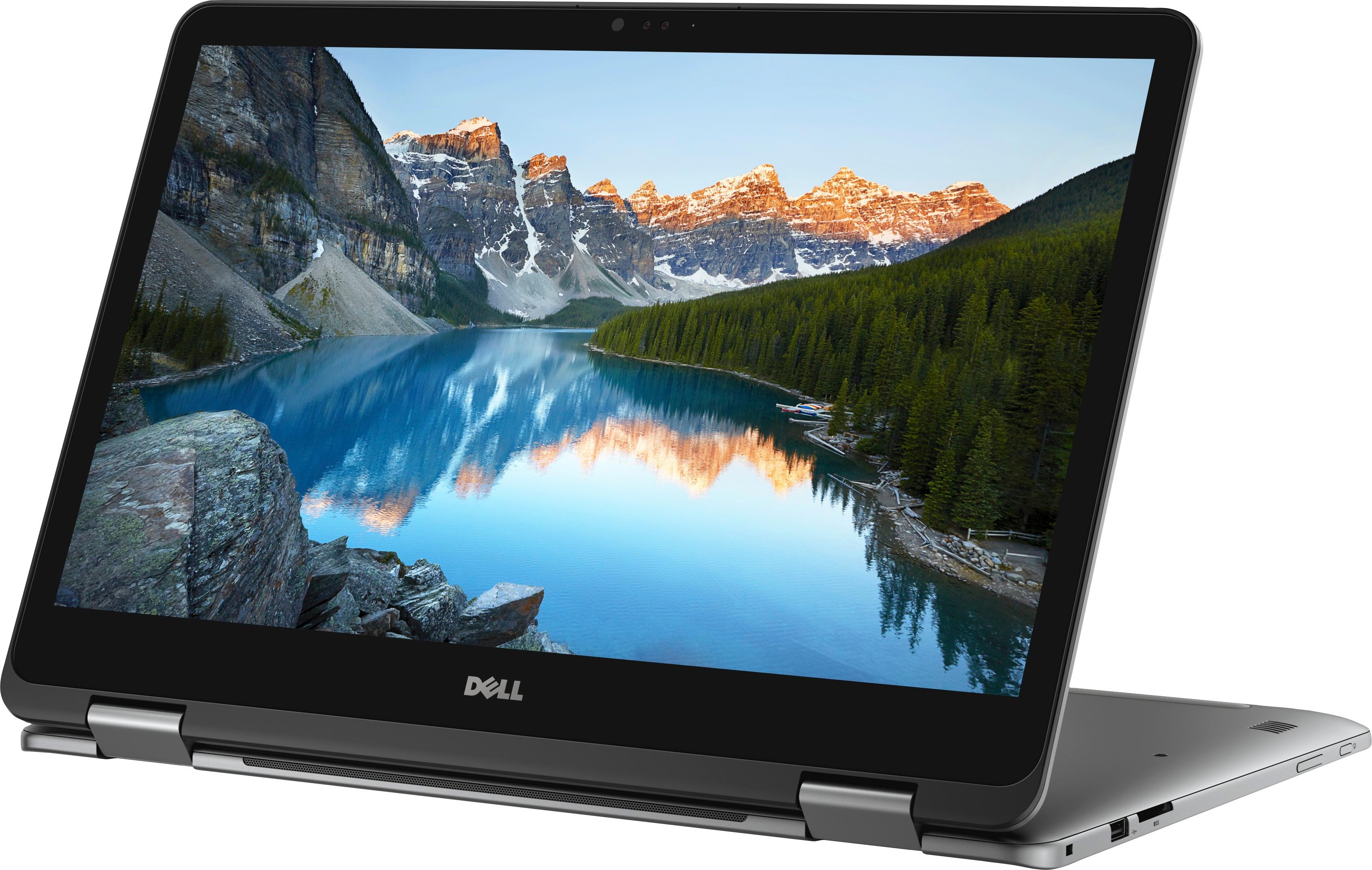
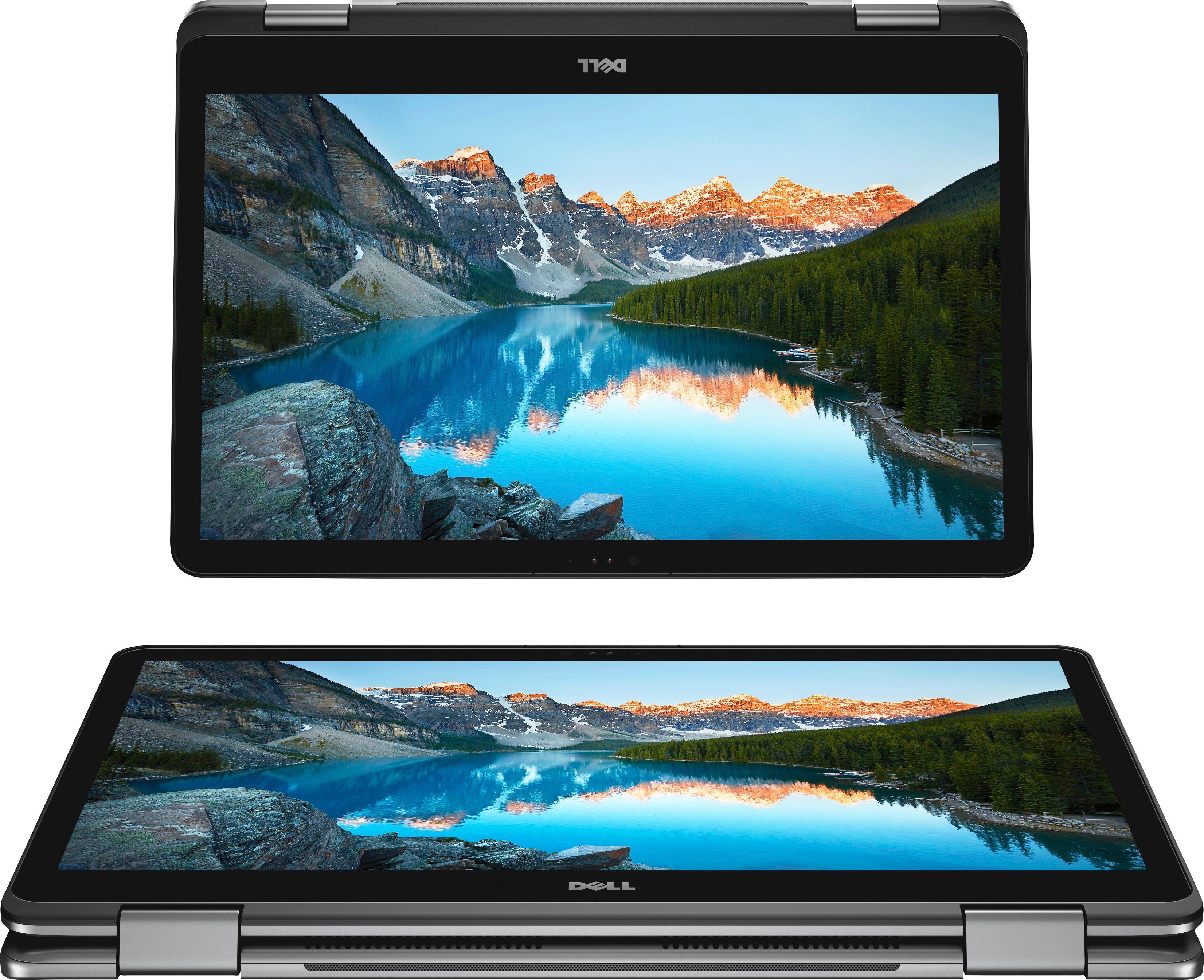
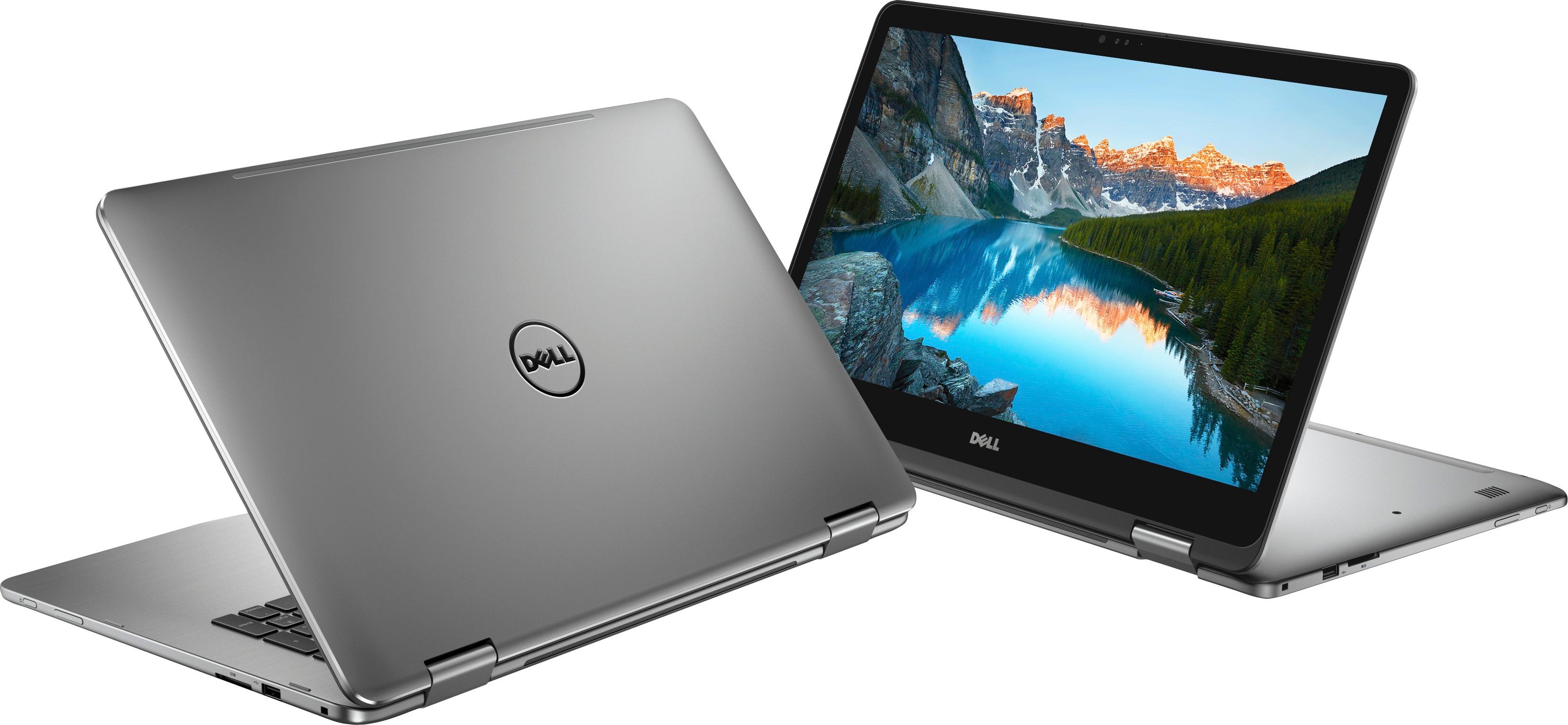
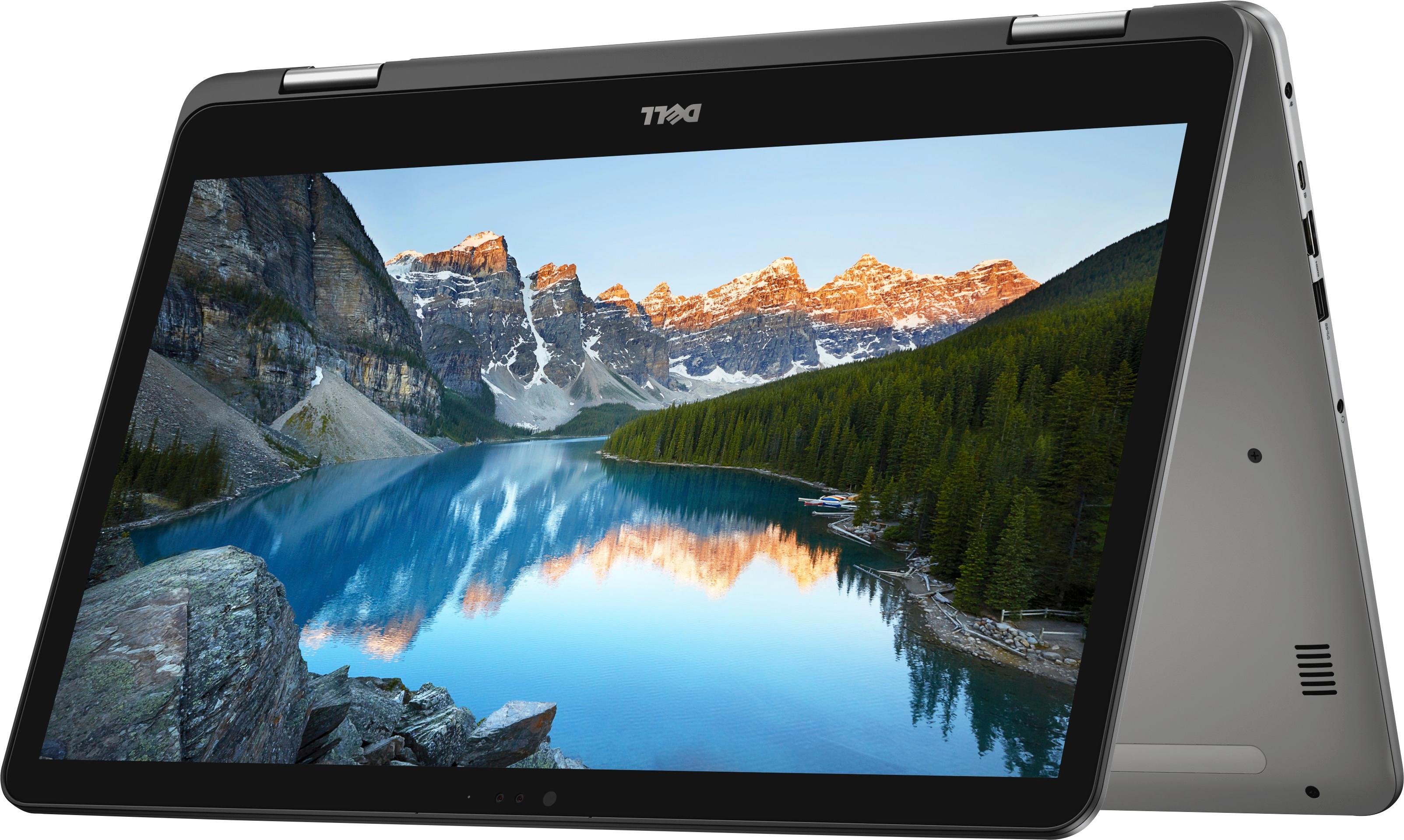
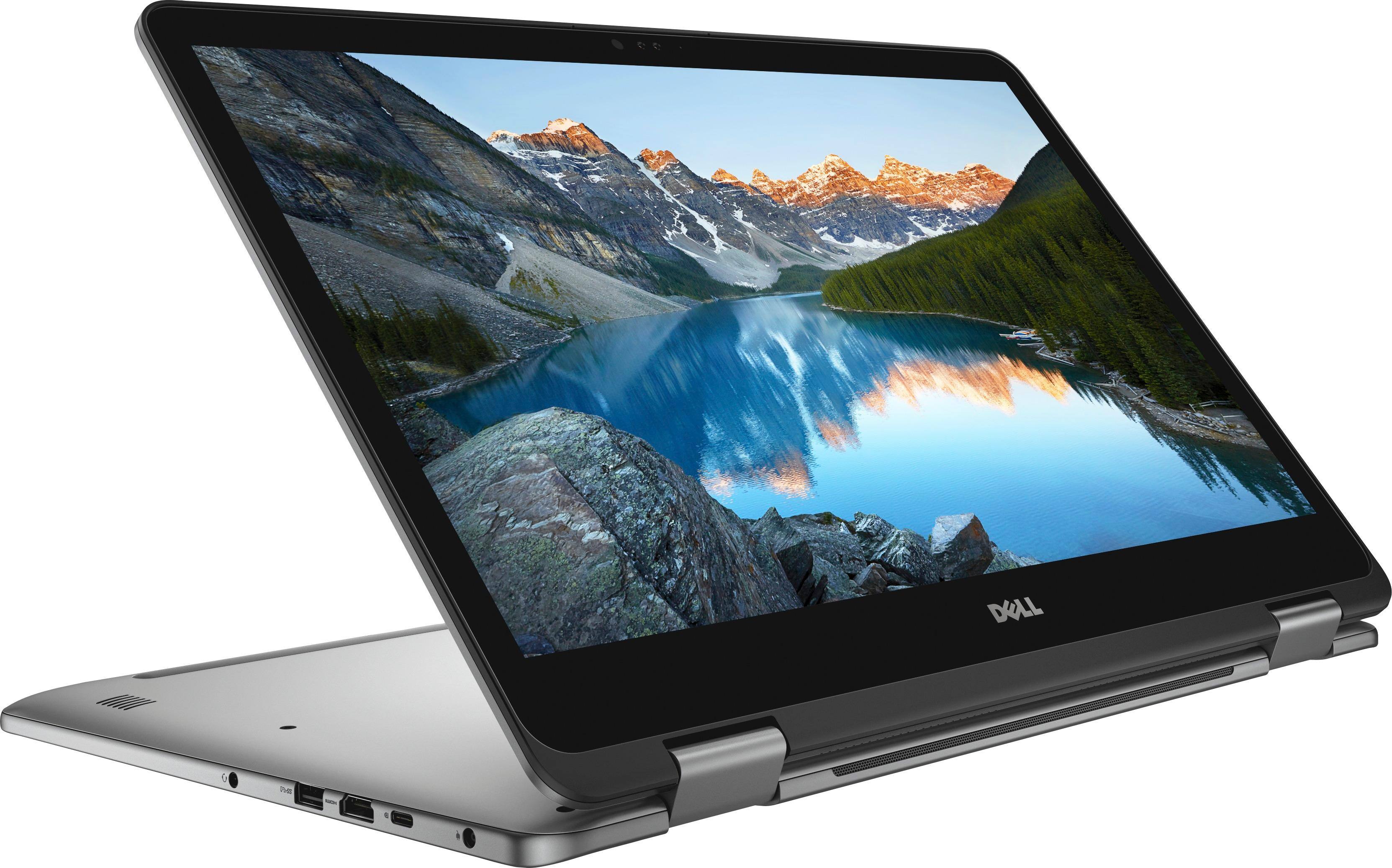
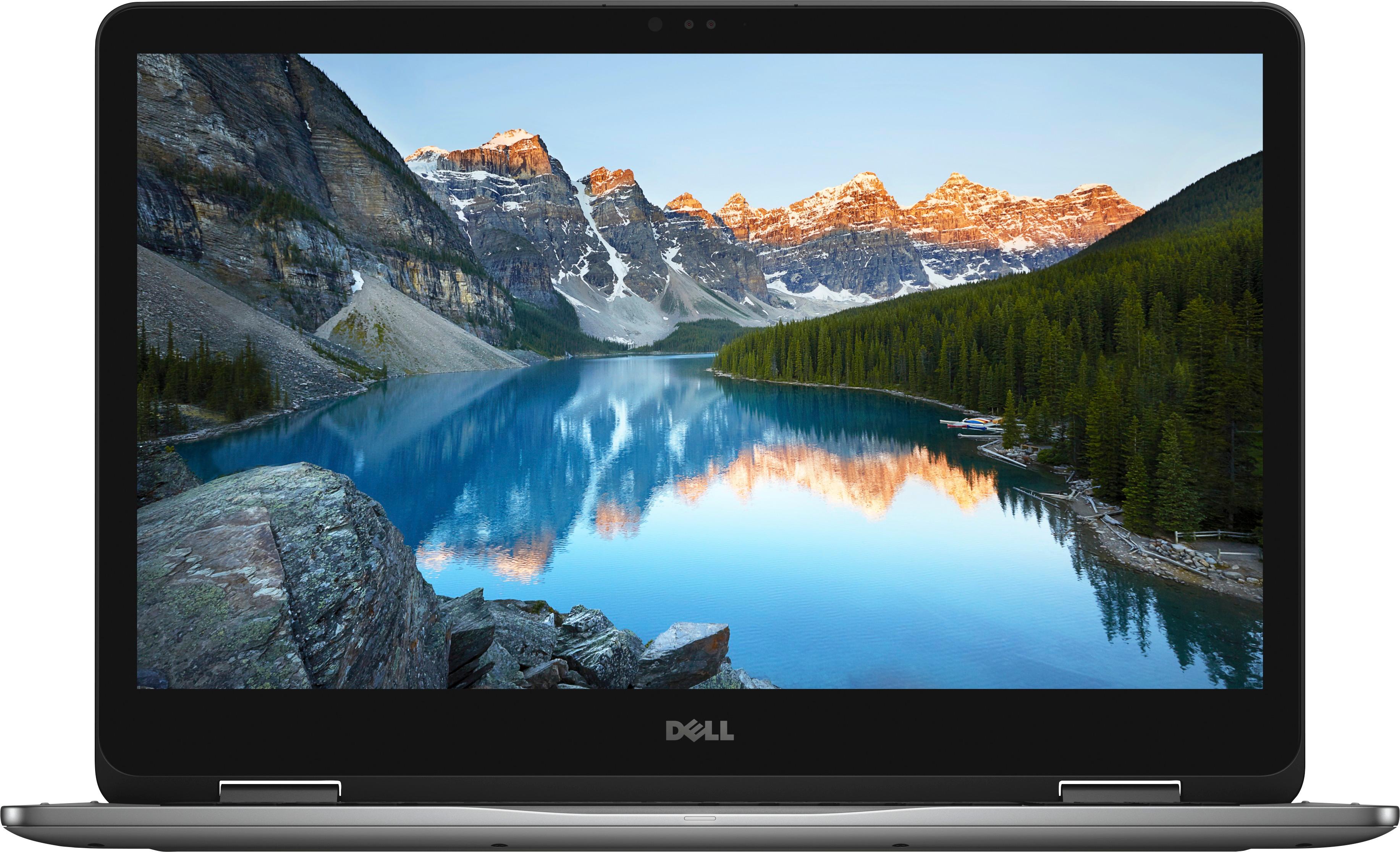
A:AnswerThe laptop clearly has a HDMI port as displayed in the photos as opposed to the MyBestBuy member who said it didn’t, I assure you, it has an HDMI port.
A:AnswerI used mine for about 6 hours unplugged one day before I finally got a message to plug in and recharge. This is less than advertised, but I normally have it plugged in when I'm using it anyway.
A:AnswerI have not tested it but the manual that came with it says eight to ten hours, depending on the settings, whether set for maximum battery life or maximum performance. I have run it on its battery for four hours without any problem.
A:AnswerMake sure HDMI cable is inserted correctly and all the way in. You can try a known good HDMI cable. You can try the HDMI cable you are using with another device and see if it might be the cable. Does external monitor show anything at all? Check the Input/Source that the external is set to. Is external showing a mirror of the laptop screen? Press Windows P (like Projector) to switch between Duplicate and Extend.