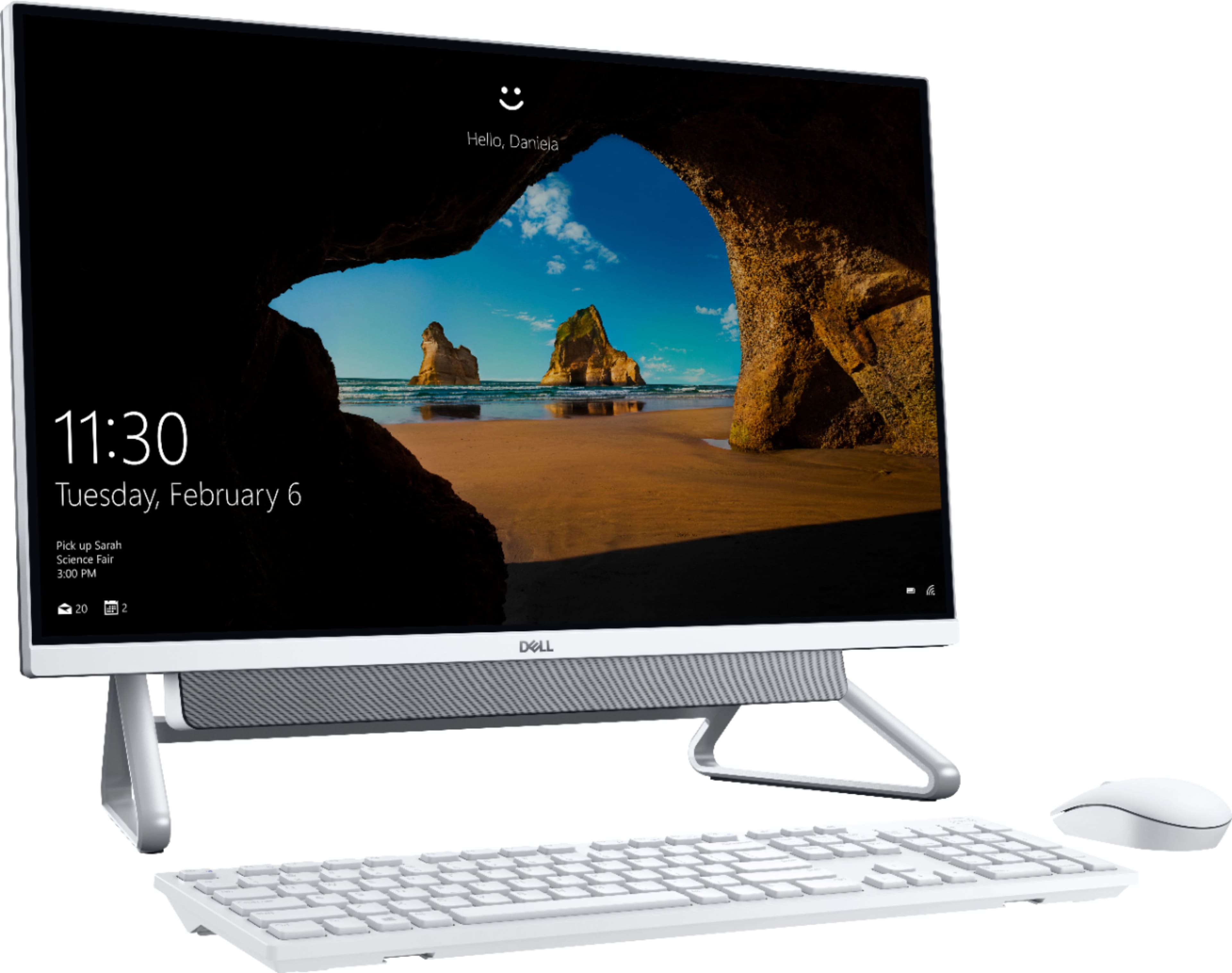
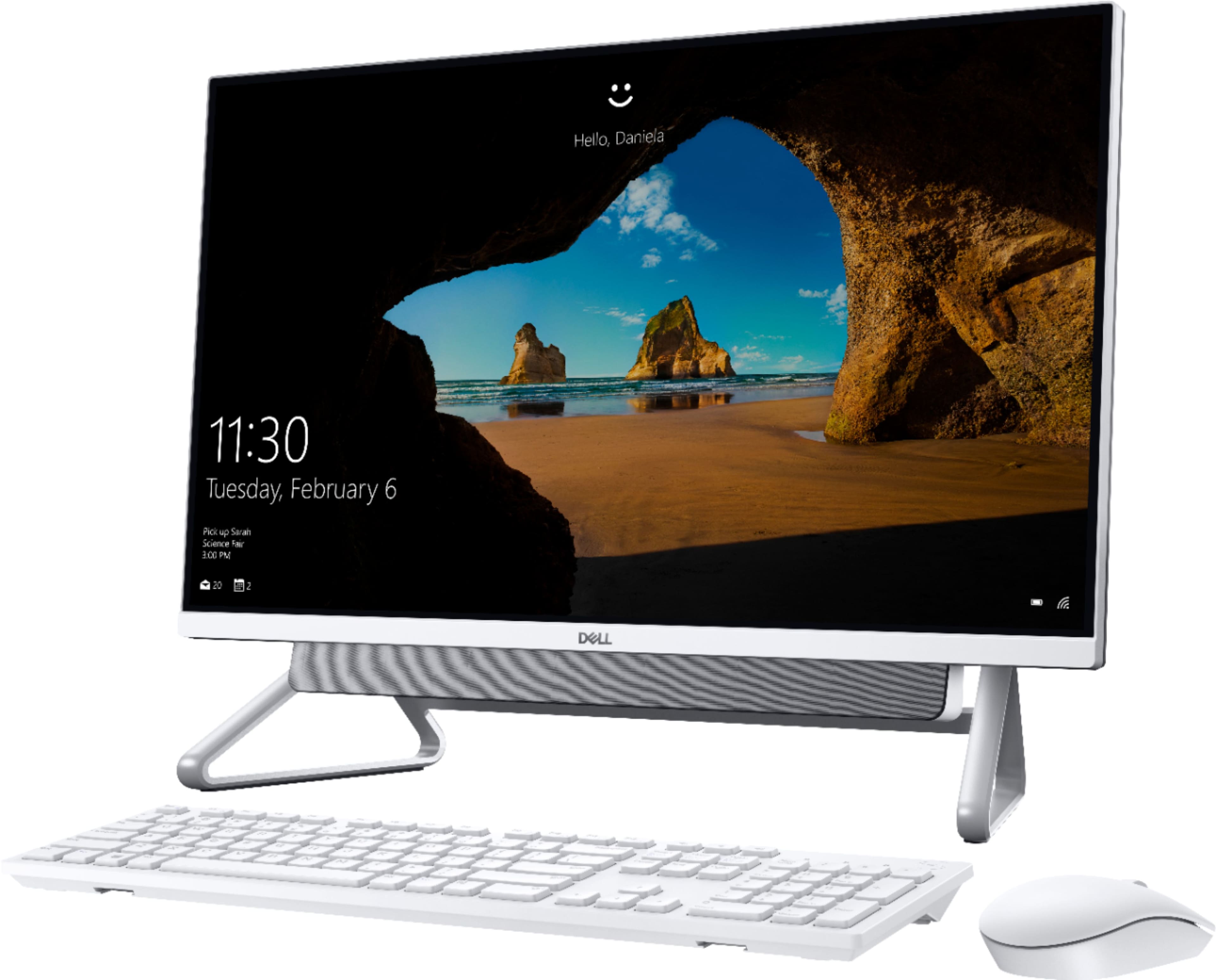
A:AnswerIt’s very glossy. When the monitor is on it looks perfect. When the monitors off it’s like a mirror. I don’t use the touchscreen option very much because of all the fingerprints. Don’t let the gloss of the screen stop you from buying this computer, I couldn’t be happier with my purchase.
A:AnswerThis system does not have a built-in CD/DVD drive and you will have to use an external drive such as the Dell DW316 External USB Slim Dvd R/W Optical Drive.
A:AnswerHello,
I had the same trouble...lol. Then I realized it was a push in and release, "spring action" thingy. Press in and it will release and open... and depress it back in and it will lock in place. I thought it was kinda weird at 1st, but I like it now, as it wont open unless I want it to.
Hope this helps you.
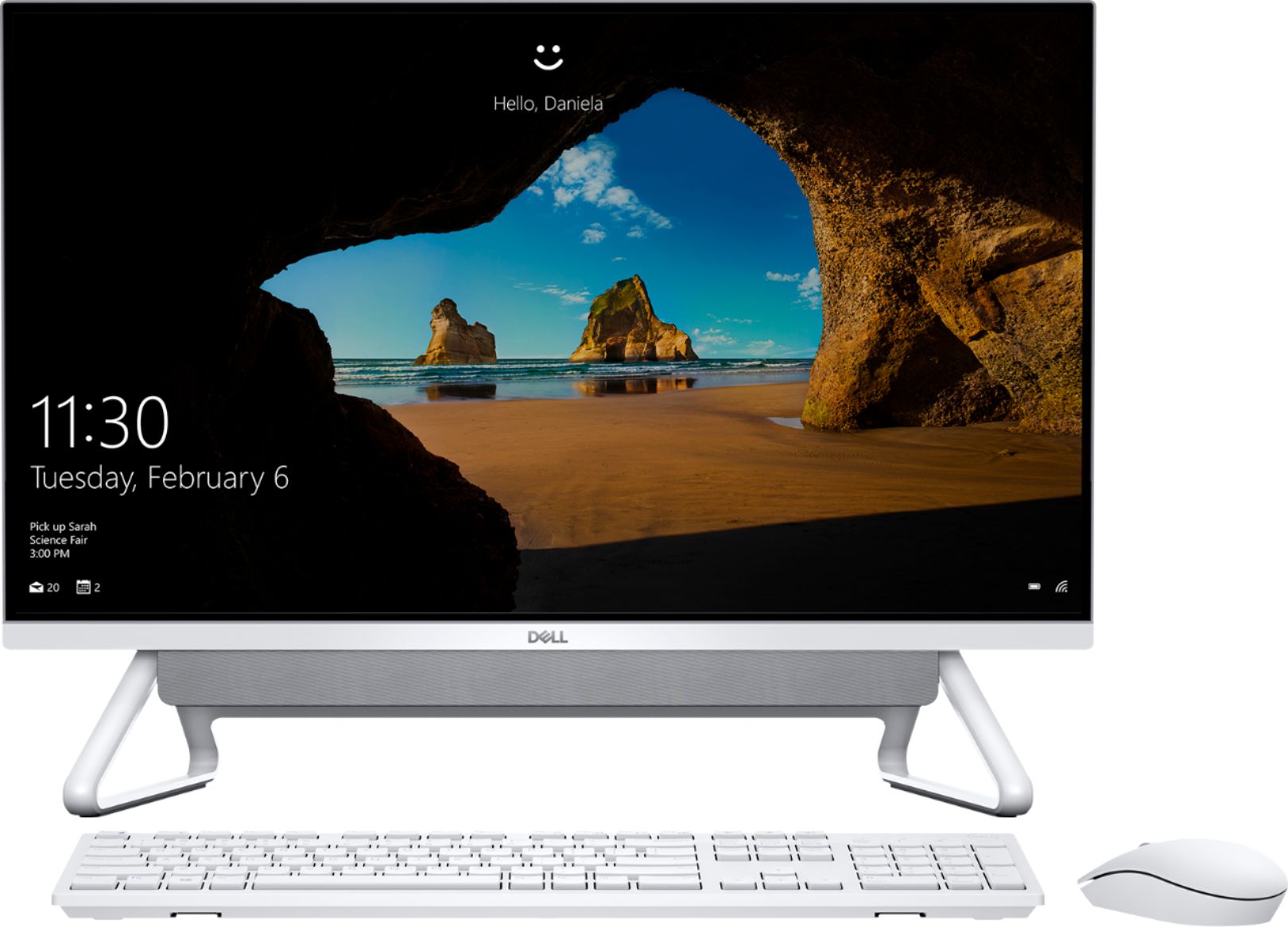
A:AnswerAlong with the system, the following accessories are shipped with the box: a Mouse and a keyboard, a 90W power adapter, and an owner's manual. You do not have to purchase the power adapter separately.
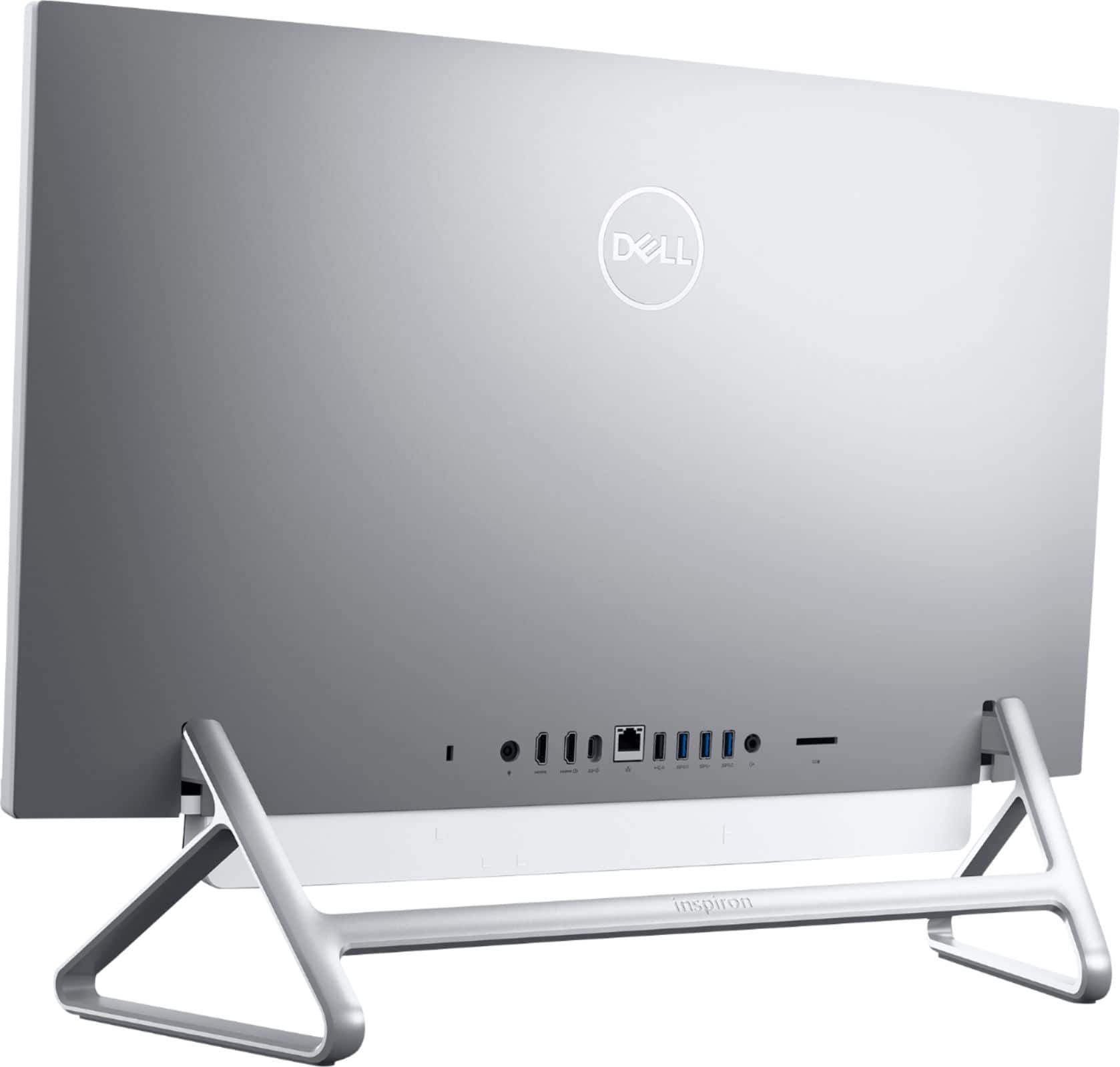
A:AnswerThere is HDMI input connector of this AIO that you can treat this AIO as second monitor.
Also, there is HDMI output connector that you can connect to external monitor for dual display.
A:AnswerHello! You will need to connect your DVR via HDMI to the All-In-One. You'll also need to download software to be able to use Lorex. You can reach out to the Geek Squad for remote assistance with setting this up. https://www.bestbuy.com/services/remotesupport
A:AnswerYou can connect a docking station with this system and expand the displays. We suggest you get in touch with the Geek Squad and they will assist you with the set up.
A:AnswerNo, this system's hardware does not meet the requirement for gaming. You can look at Dell's G-series or Alienware laptops which are excellent for gaming.
A:AnswerYou can contact Best Buy customer care team/ Geek squad to purchase the RAM for upgrade. The configuration supported for upgrade are: (1) 4 GB DDR4 at 2666 MHz (1 x 4 GB), (2) 8 GB DDR4 at 2666 MHz (2 x 4 GB), (3) 12 GB DDR4 at 2666 MHz (1 x 4 GB + 1 x 8 GB), (4) 16 GB DDR4 at 2666 MHz (2 x 8 GB or 1 x 16 GB), (5) 32 GB DDR4 at 2666 MHz (2 x 16 GB).
Here's a link with instructions on how to replace the RAM modules: https://dell.to/2Dey4G5
A:AnswerDell has stopped including the physical Owner manual in the package. The user manual of a Dell product is available online in the support website.