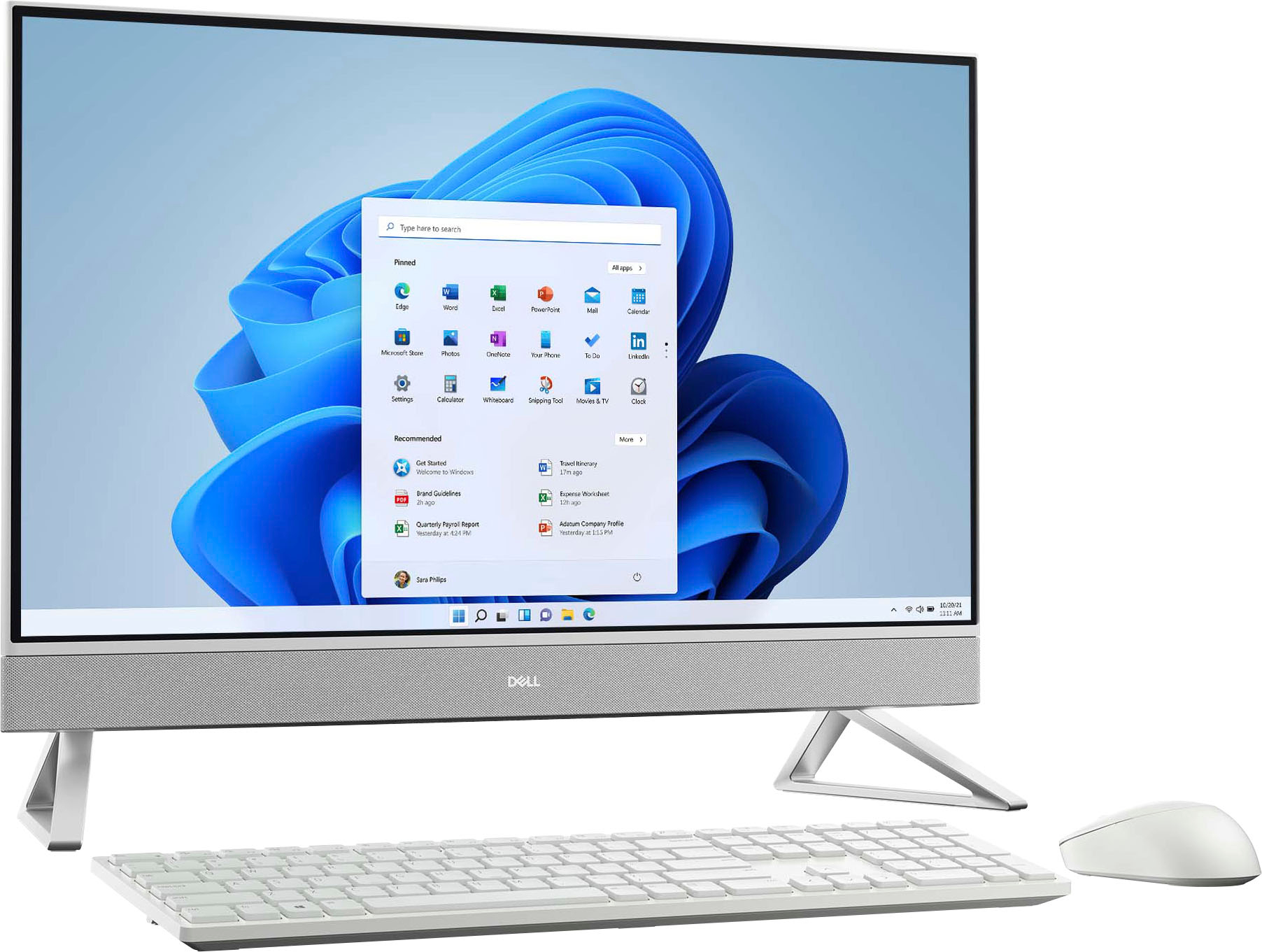
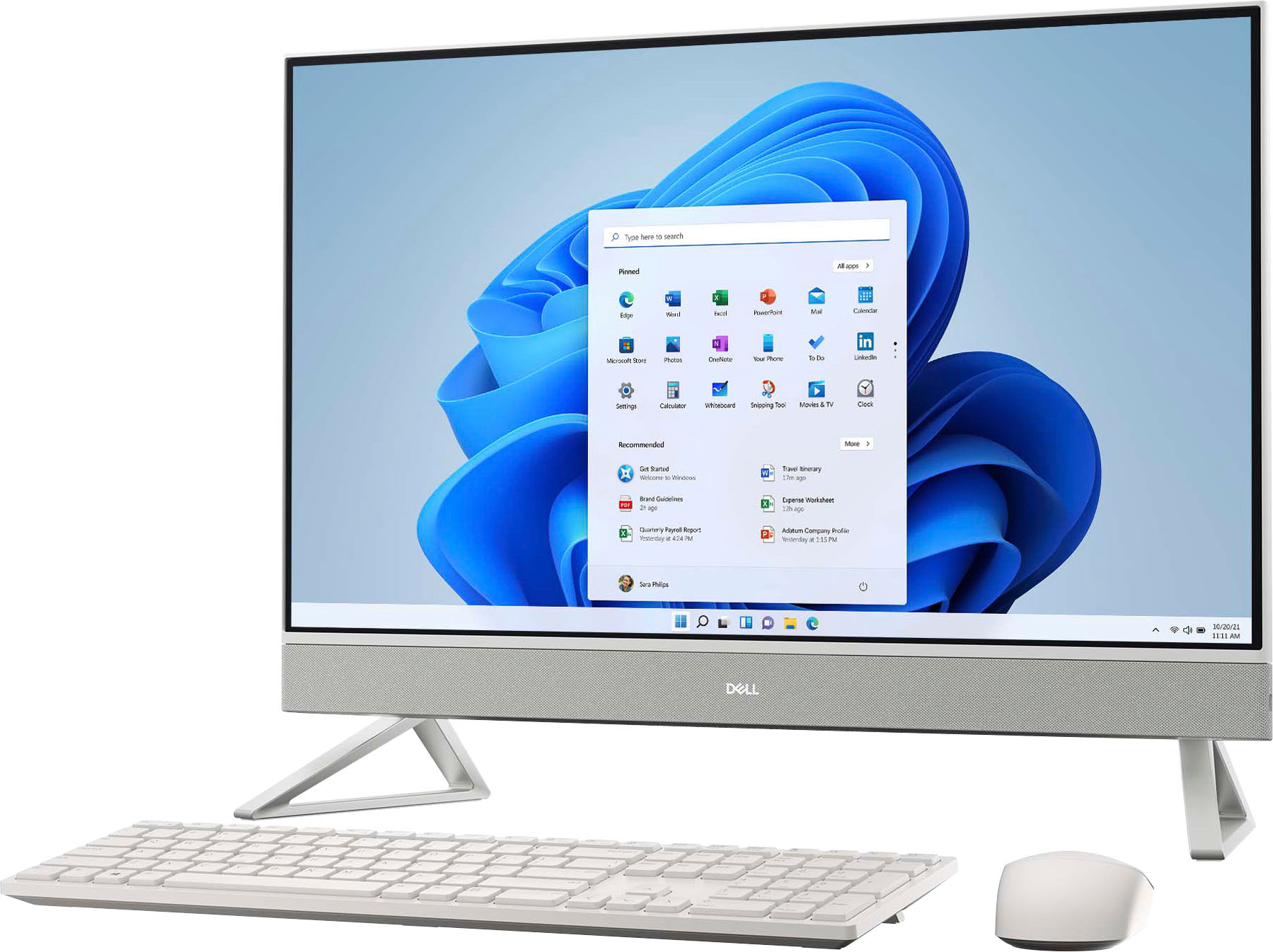
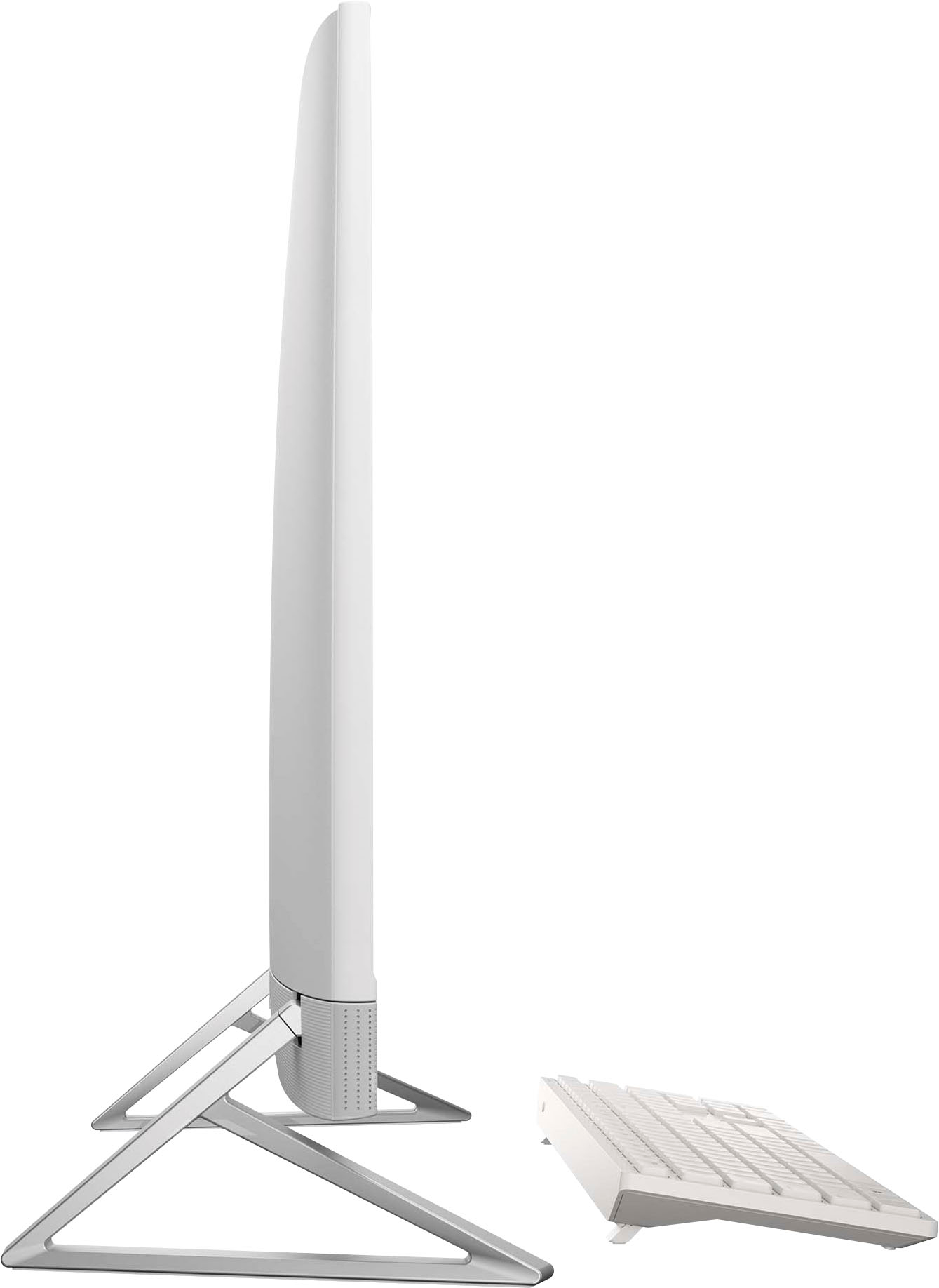
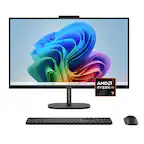
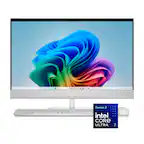
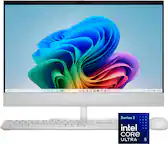
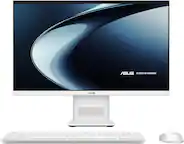
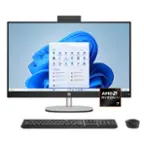
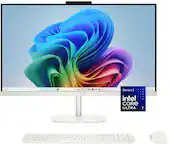
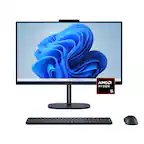
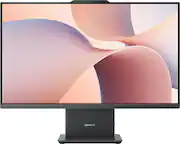
A:AnswerThis all-in-one computer supports a tilt feature of up to 25°. For more details and purchase assistance, we recommend contacting the Best Buy support team for assistance: https://www.bestbuy.com/contact-us
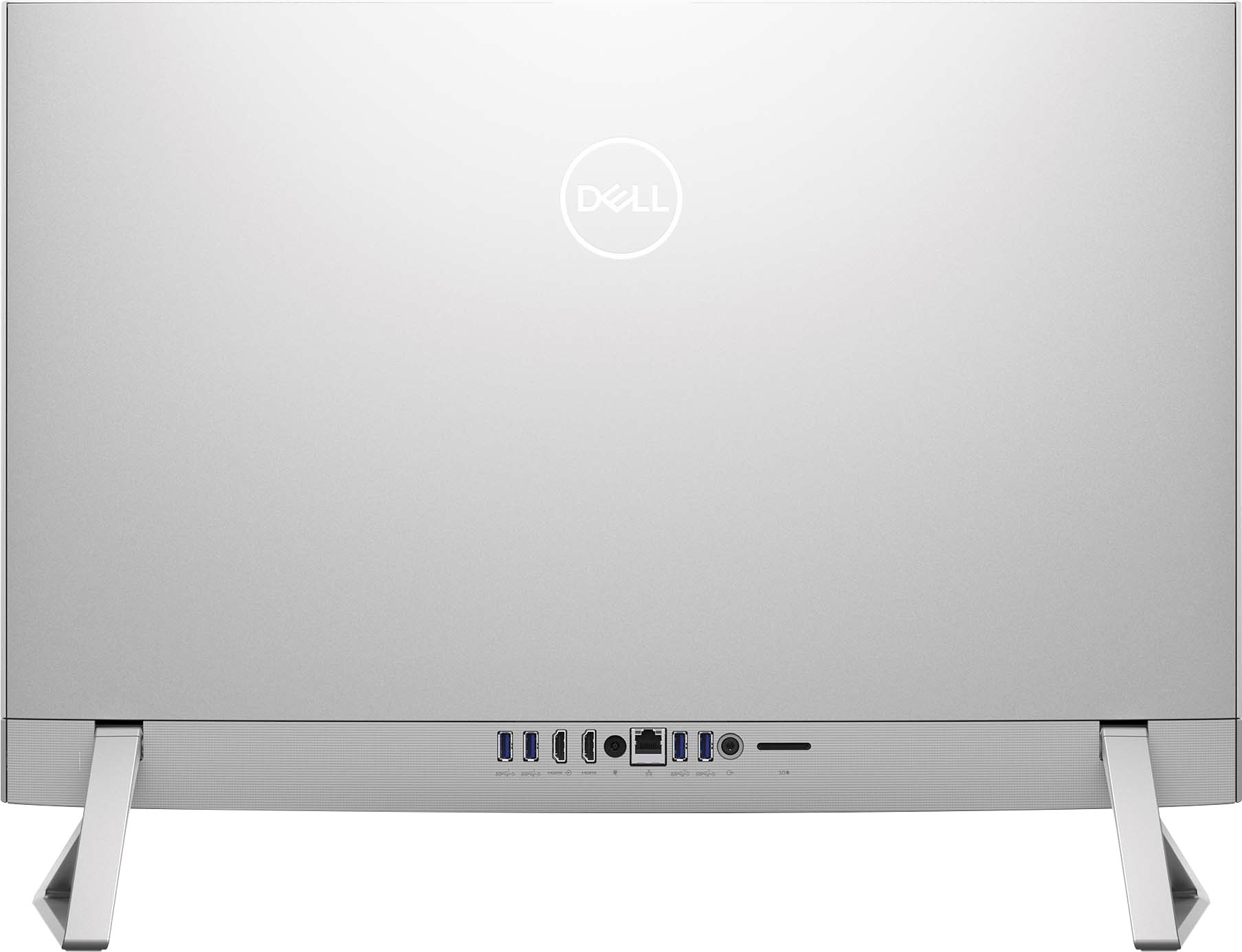
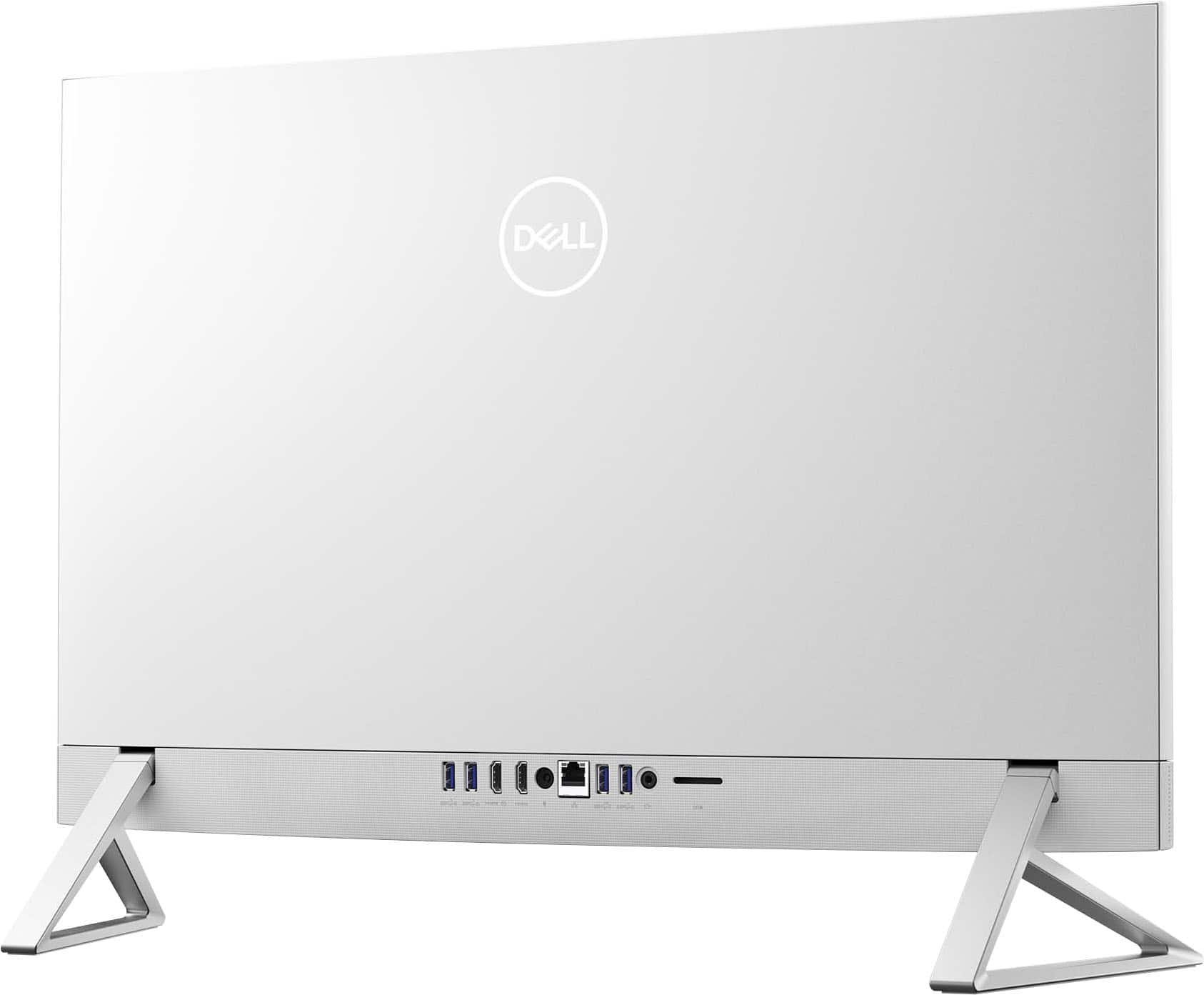
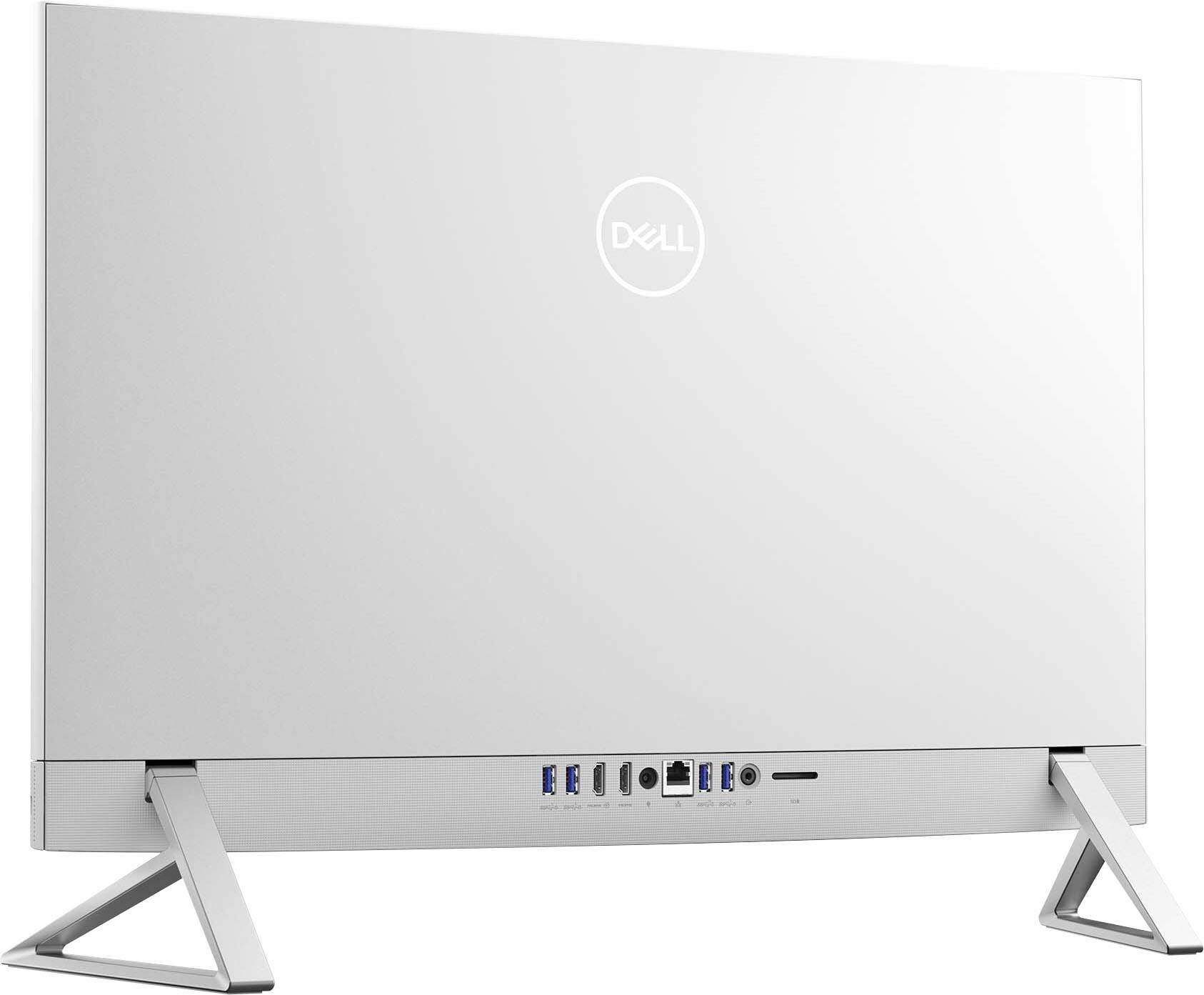
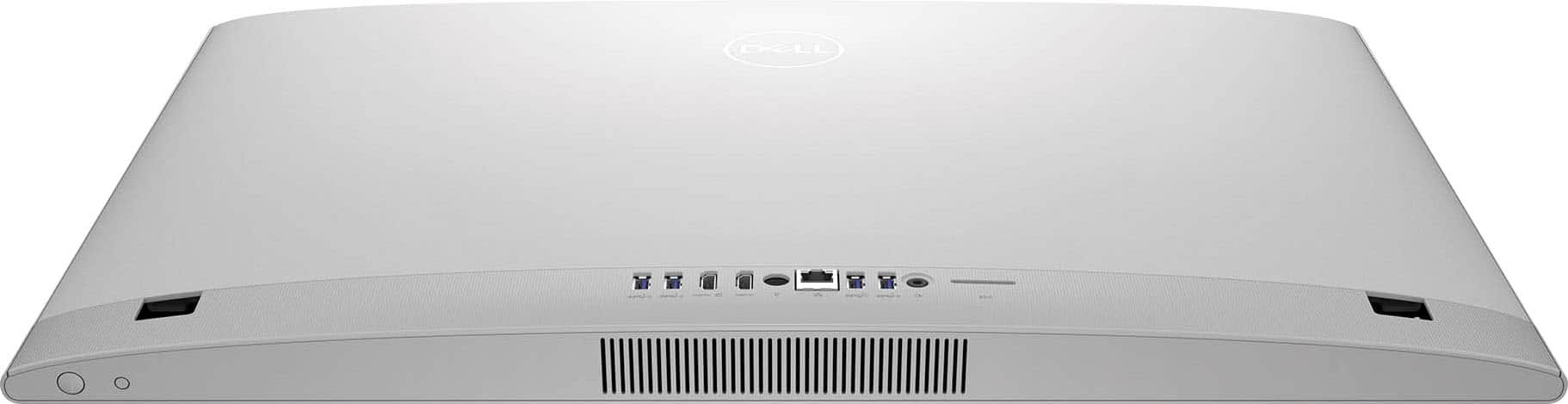
A:AnswerYes, you can connect the Nintendo Switch to the HDMI-in port of this all-in-one computer through a compatible HDMI cable to use the all-in-computer as a monitor.
A:AnswerThis all-in-one computer comes with a universal audio jack at the back panel that can be used to connect audio-output devices such as speakers, amplifiers, and so on
A:AnswerFor details on the availability of the 32GB memory configuration for this desktop, we recommend contacting the Best Buy support team: https://www.bestbuy.com/contact-us
A:AnswerThis all-in-one desktop comes with an Intel 13th Generation Core i7 1355U processor, 16GB Memory, GPU MX550, and 1TB SSD and will perform as per its specifications. This all-in-one desktop supports one compatible external display monitor through the HDMI port.
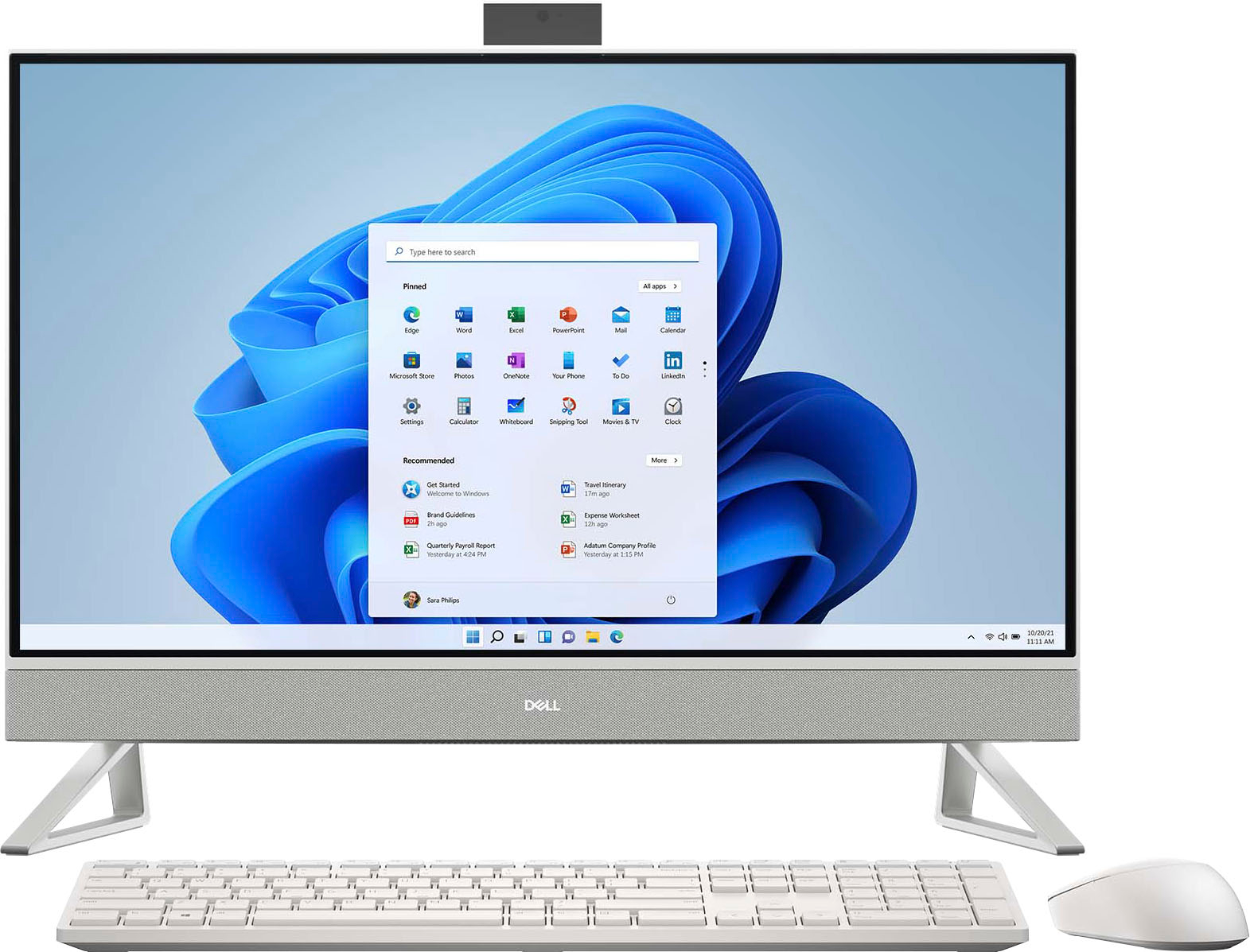
A:AnswerThis all-in-one computer has a universal audio jack at the back panel that can be used to connect audio-output devices such as speakers, amplifiers, and so on.