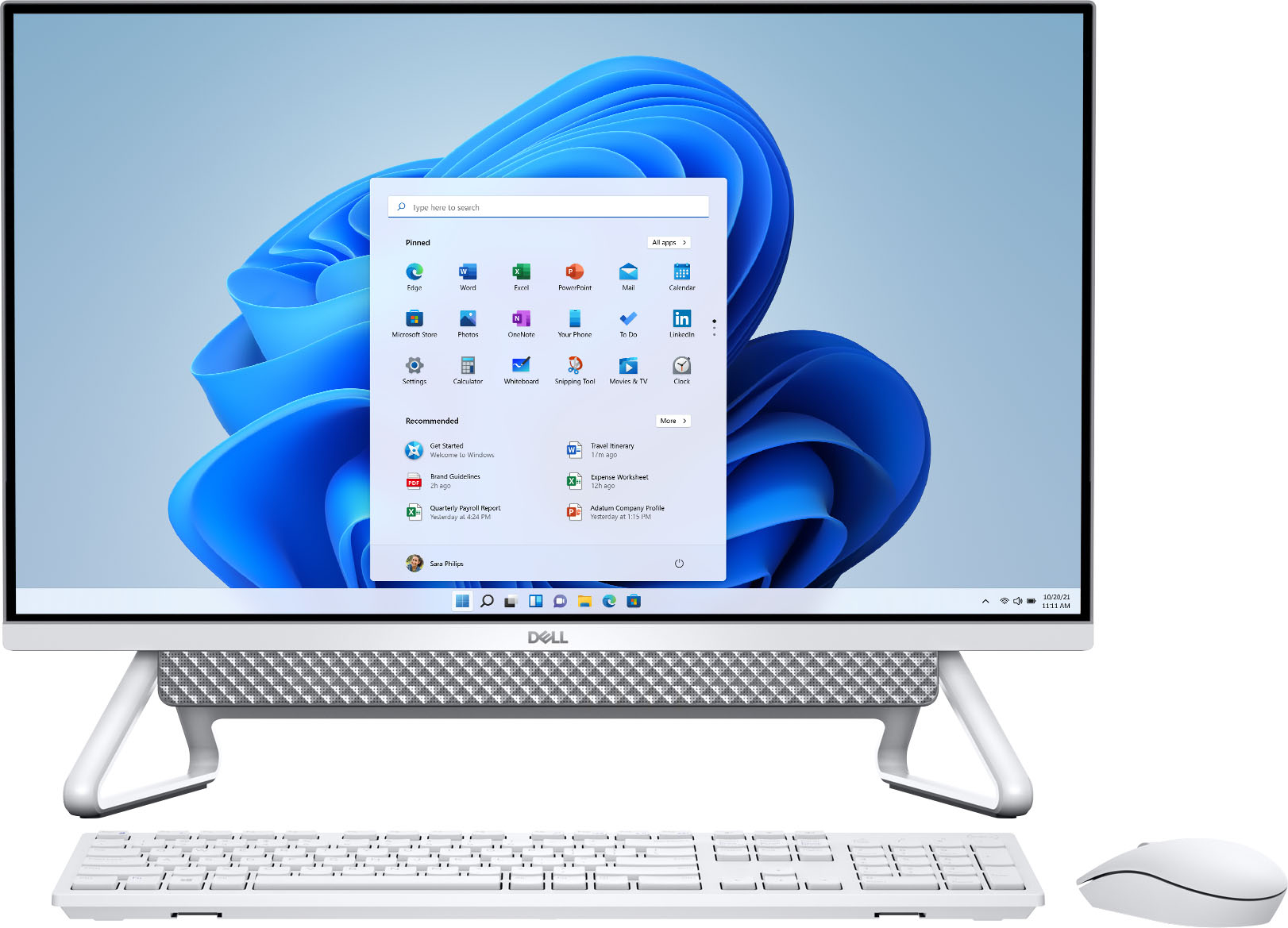
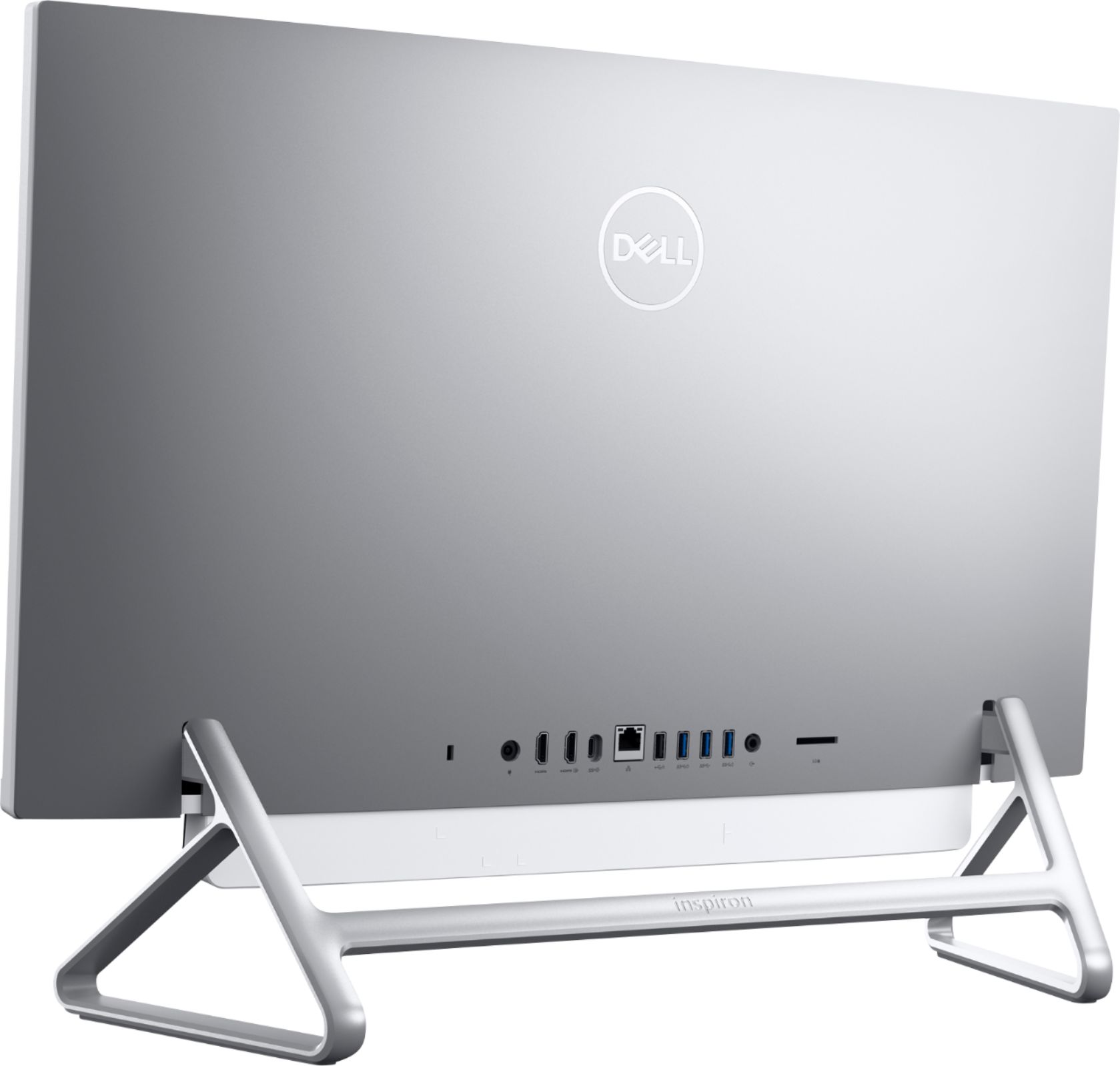
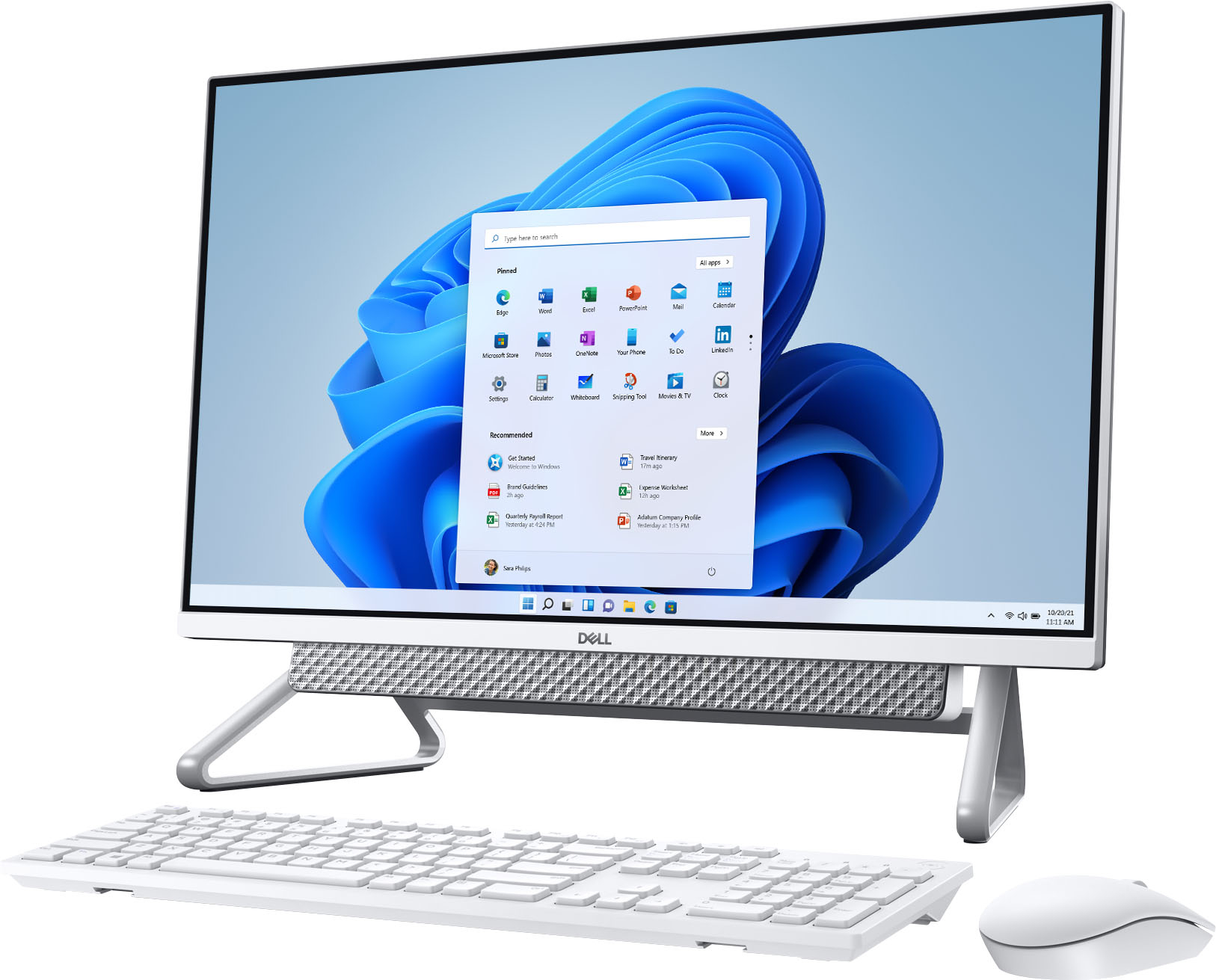
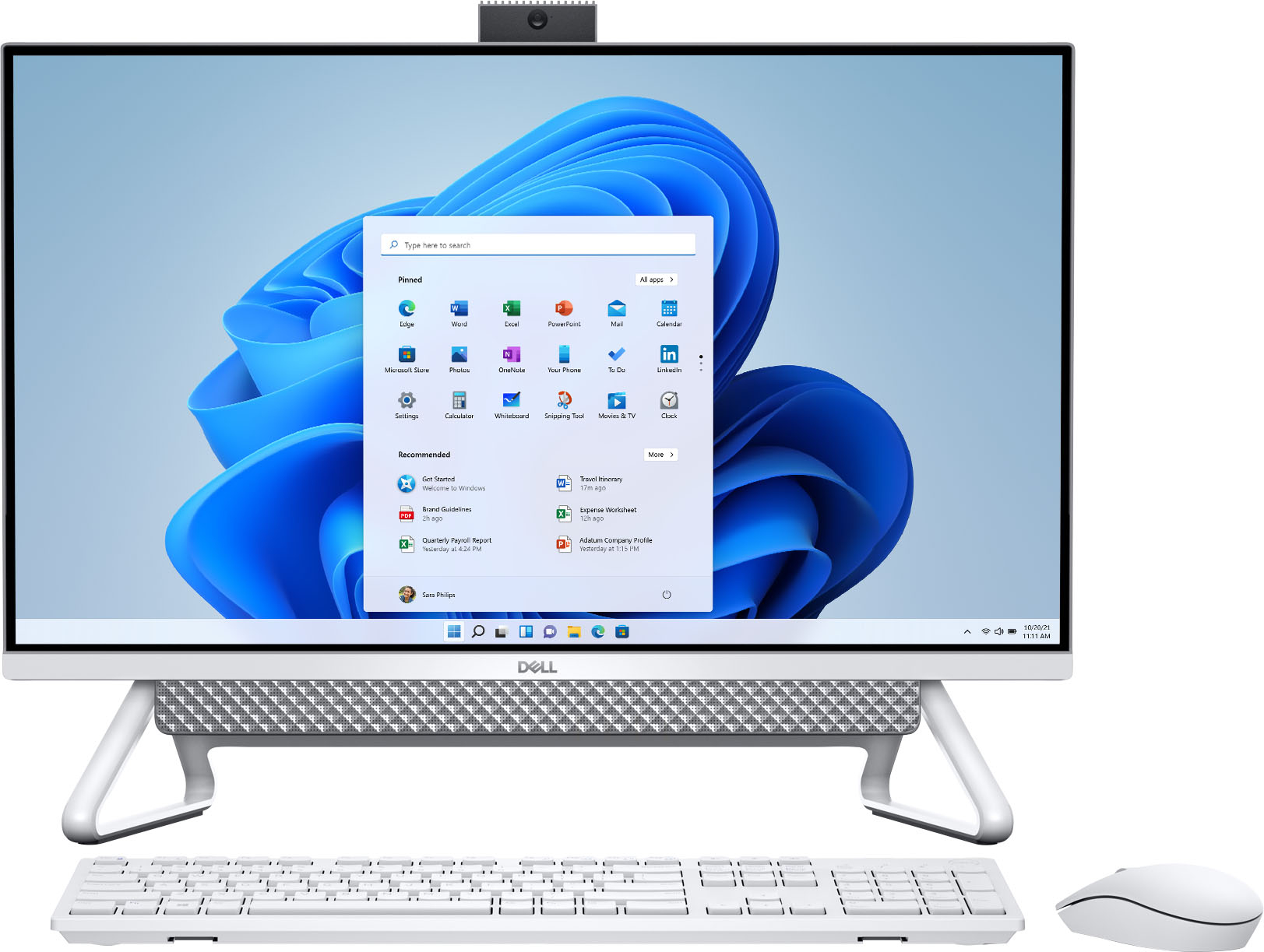
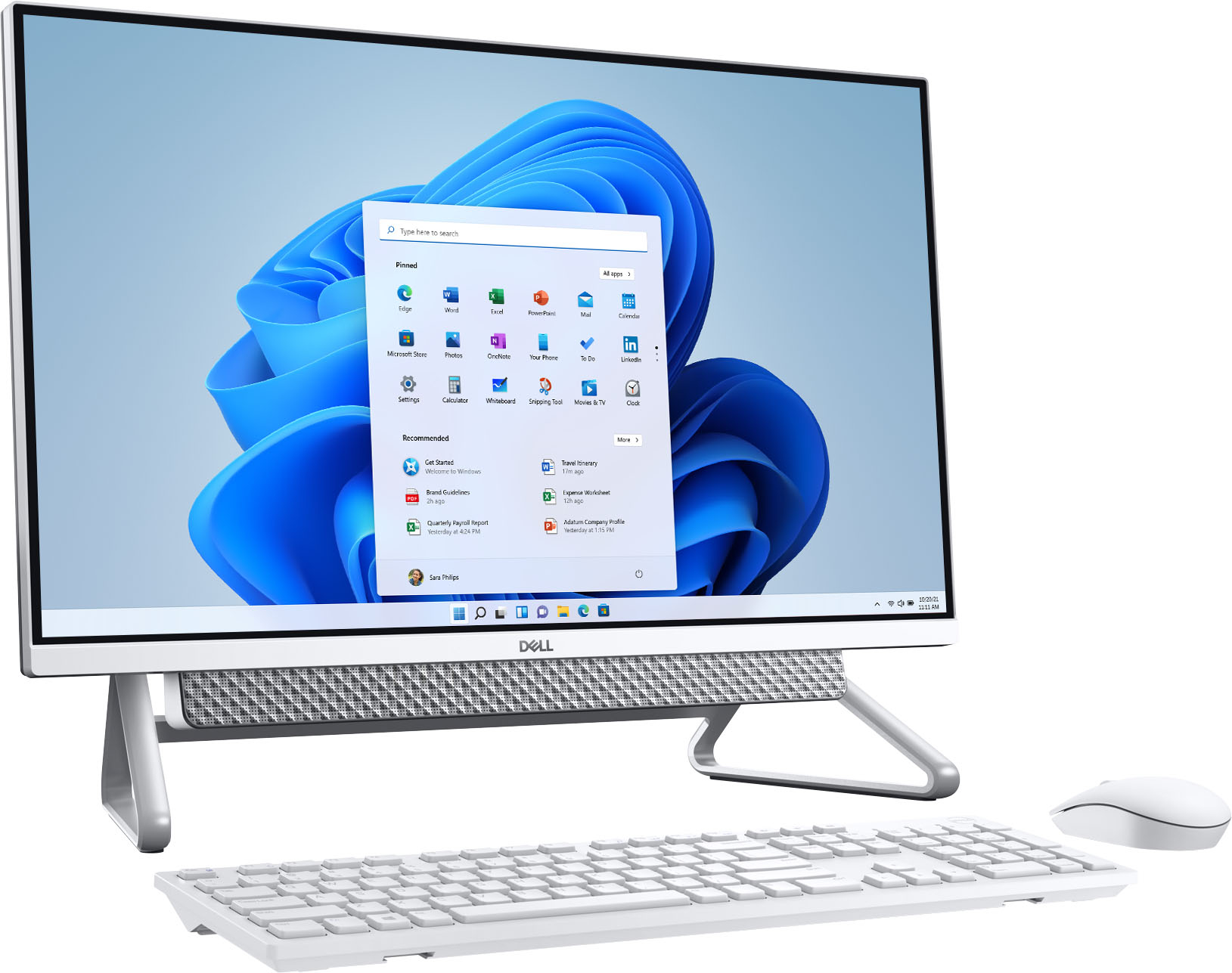
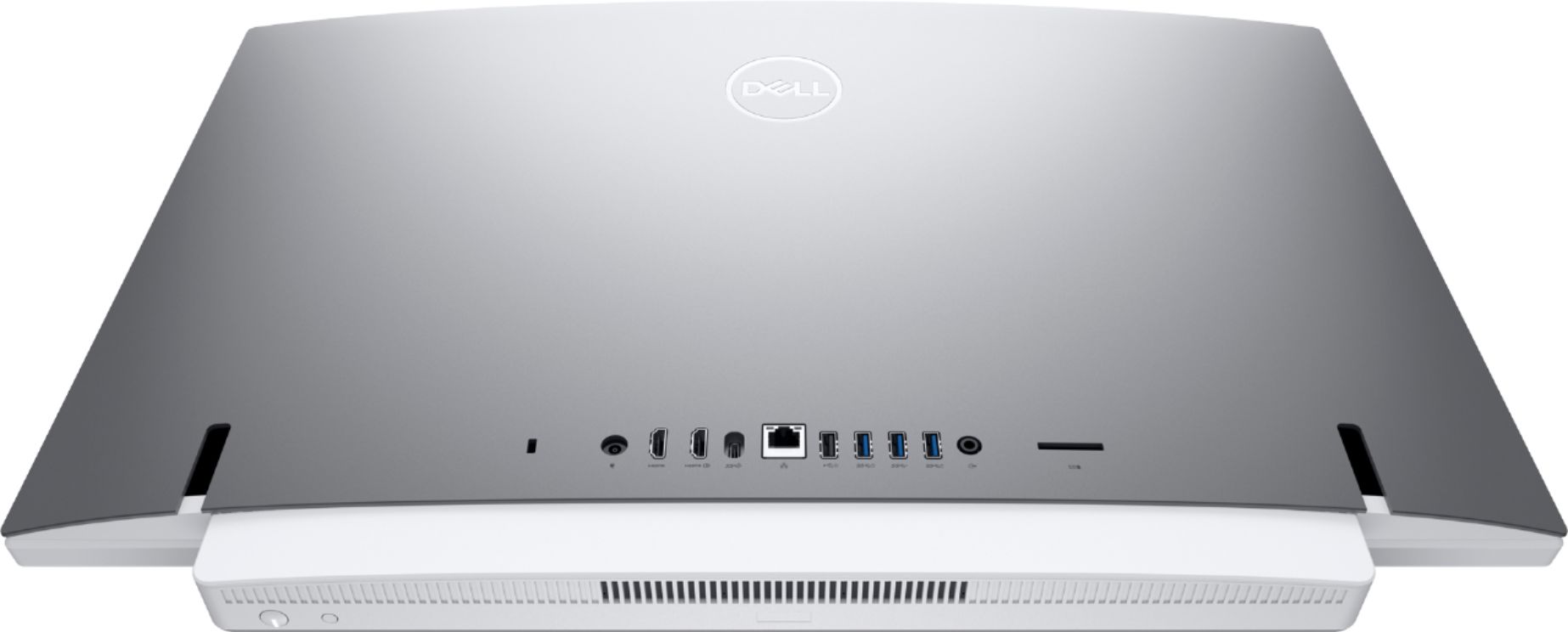
A:AnswerThis is of the recent configurations available with Dell. To diagnose and resolve the issues, we recommend you to reach out to the Dell technical support team. They will assist you accordingly.
A:AnswerNo. I would not purchase this Dell product. While I love Dell, the stand on this PC is painted silver and the paint will scratch very easily. I did not get the impression the legs were removable. I returned this product the day I received it due to issues with the legs on it.
A:AnswerNo you don’t need external speaker and camera because it already have but basically you have to mute yourself if it’s not your turn to talk yet because the system can easily pick up any sound. The camera is located on top, will just pop up when you press it and so far it has great capture and sound was clear as well. It’s a great investment.
A:AnswerWe always recommend to unplug the system when not is use for log time. The plugged in system might be affected by any unusual power surge or break downs.
A:AnswerWe recommend you to use the PC Health Check app to see if your current PC meets the requirements to run Windows 11. If compatible, you would get a free upgrade notification, once it rolls out.