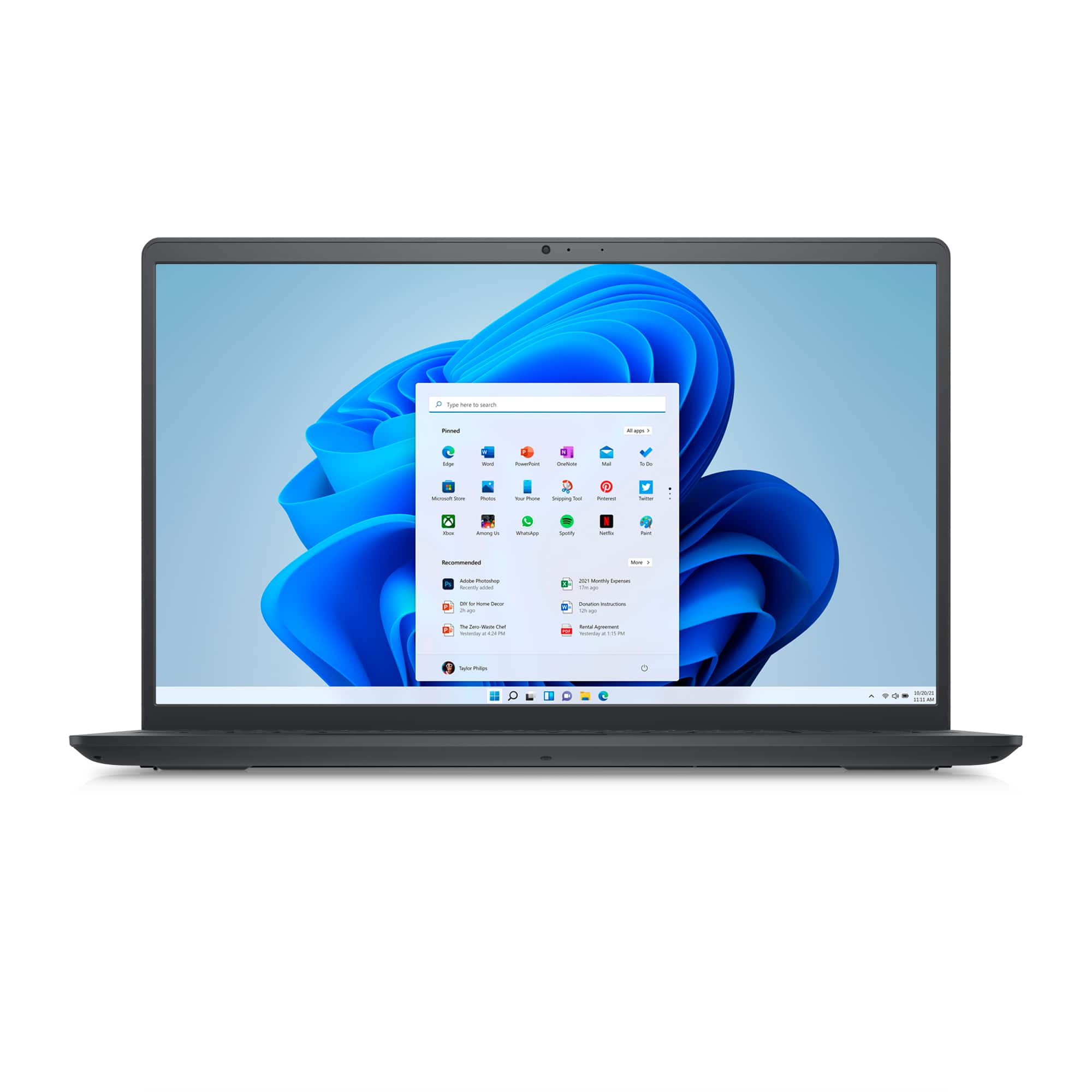
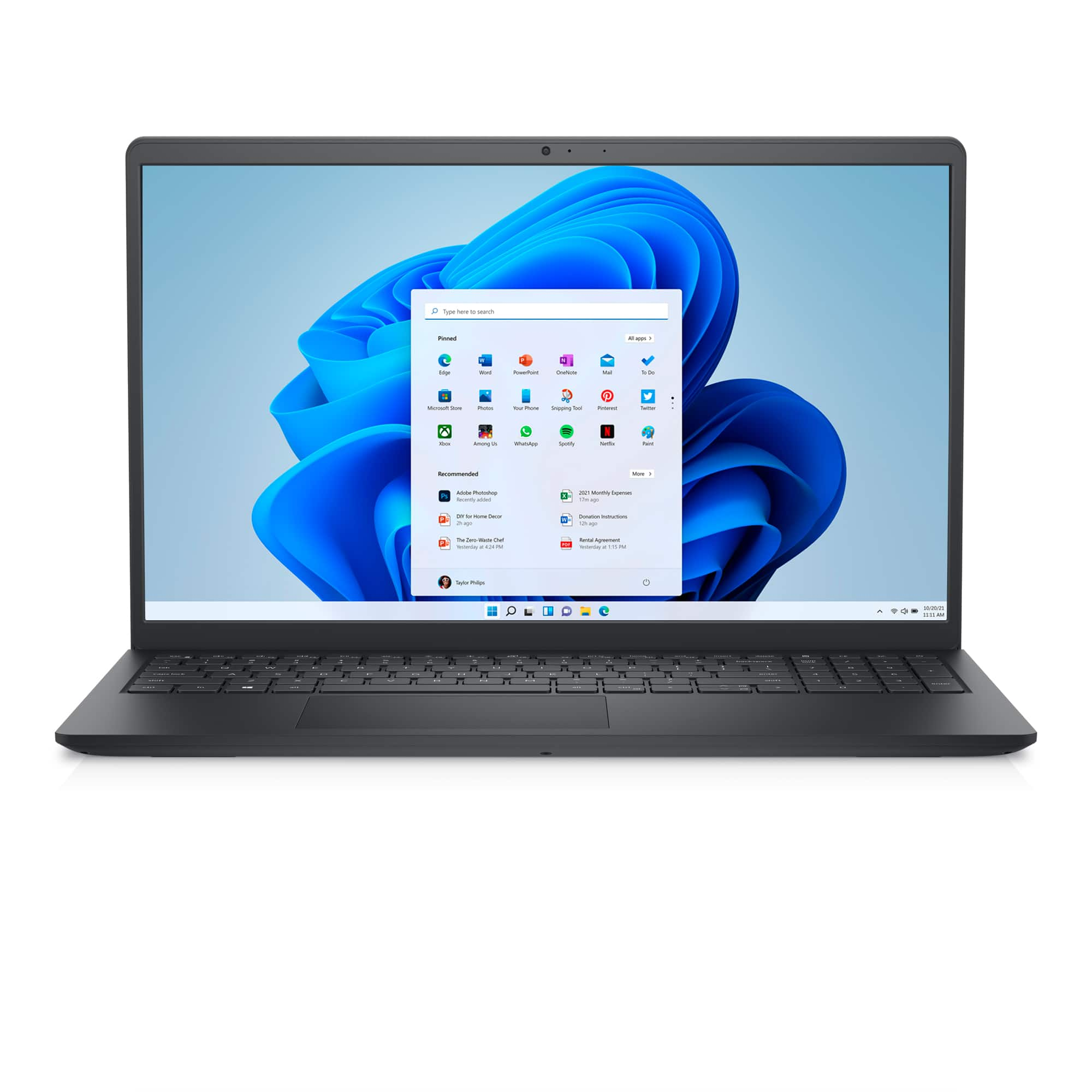
A:AnswerWindows in S mode is a version of Windows that's streamlined for security and performance while providing a familiar Windows experience. To increase security, it allows only apps from Microsoft Store and requires Microsoft Edge for safe browsing. We recommend contacting Dell Technical Support after purchase for technical assistance. They are available on Facebook and Twitter(@Dellcares).
A:AnswerWe recommend contacting Dell Technical Support after purchase for technical assistance. They are available on Facebook and Twitter(@Dellcares).
A:AnswerIt will depend on your requirement. Windows in S mode is a version of Windows that's streamlined for security and performance while providing a familiar Windows experience. To increase security, it allows only apps from Microsoft Store and requires Microsoft Edge for safe browsing.
A:AnswerThis laptop includes Windows 11 Home in S Mode, Respondus LockDown Browser will not be compatible with this laptop with Windows 11 Home in S Mode. This laptop will work with proctorio. Switching out of S mode is one-way. If you make the switch, you won't be able to go back to Windows 10 or Windows 11 in S mode. There's no charge to switch out of S mode. Following are the steps to switch out : (1)On your PC running Windows 11 in S mode, open Settings > System > Activation. (2) In the Switch to Windows 11 Pro section, select Go to the Store. (If you also see an "Upgrade your edition of Windows" section, be careful not to click the "Go to the Store" link that appears there.) (3)On the Switch out of S mode (or similar) page that appears in the Microsoft Store, select the Get button. After you see a confirmation message on the page, you'll be able to install apps from outside of the Microsoft Store.
A:AnswerThis laptop includes Windows 11 Home in S Mode, Respondus LockDown Browser will not be compatible with this laptop with Windows 11 Home in S Mode. This laptop will work with proctorio.
A:AnswerYou could transfer the data of both the user accounts to the new computer, depending on the permissions on the respective accounts. We recommend you to take help of a technical expert.
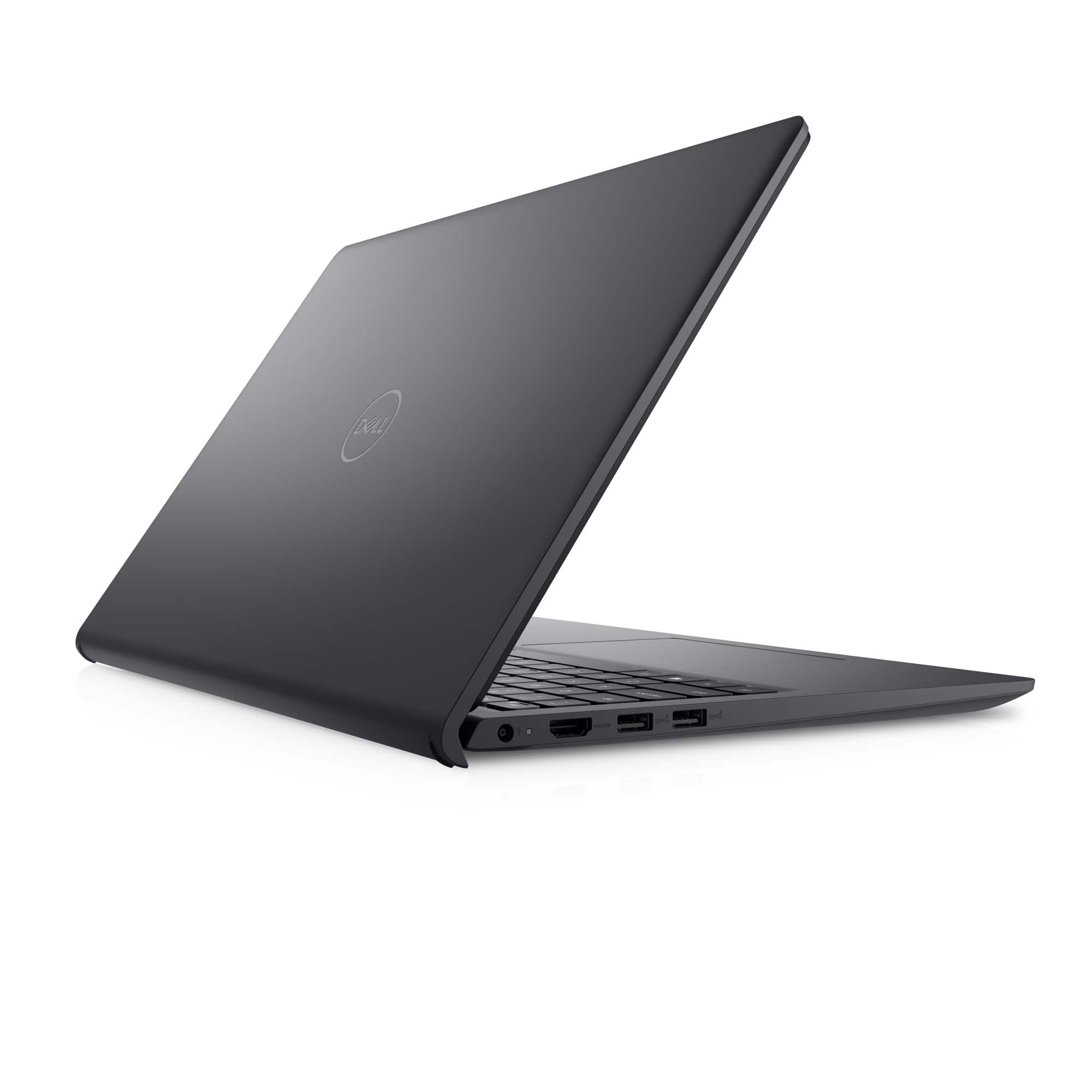
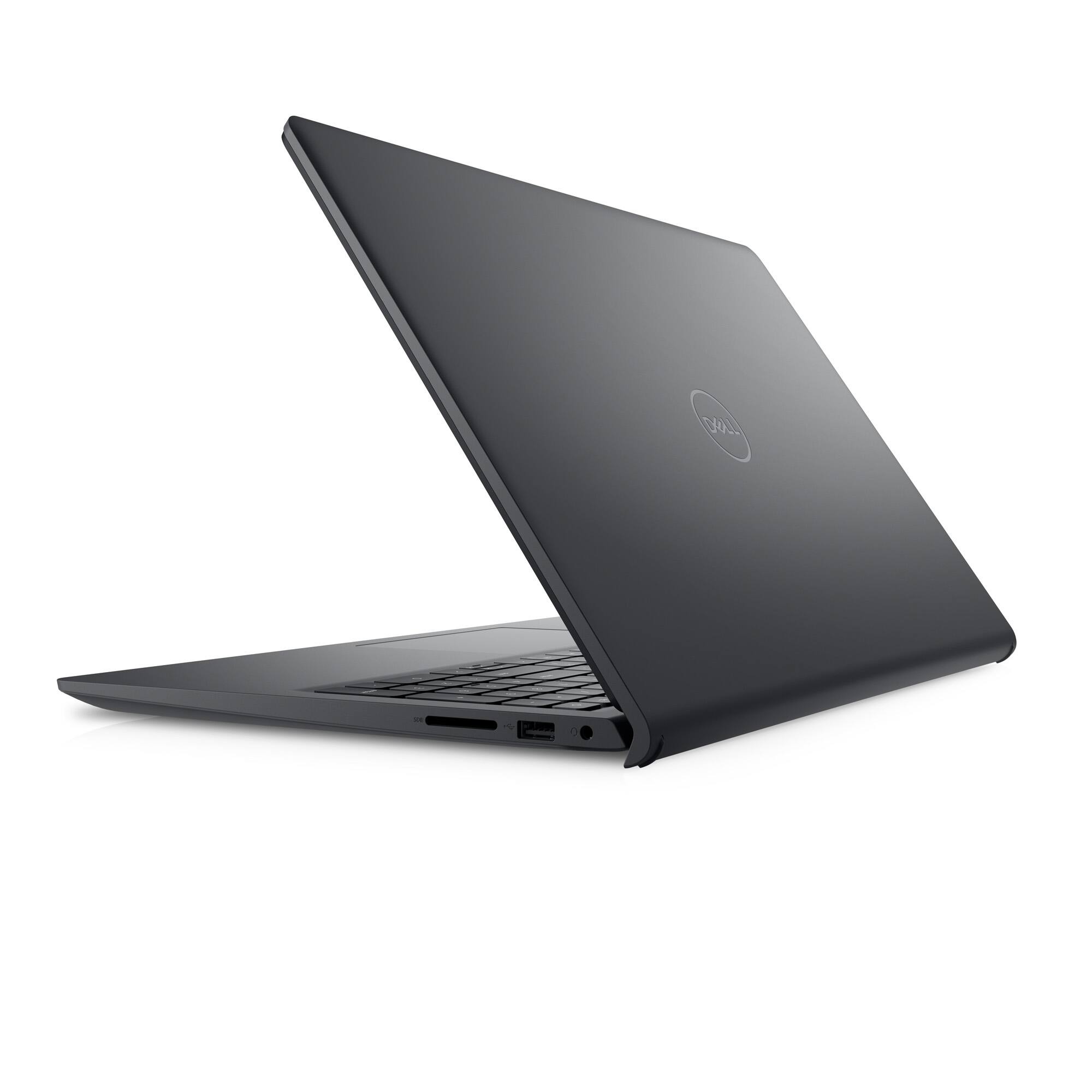
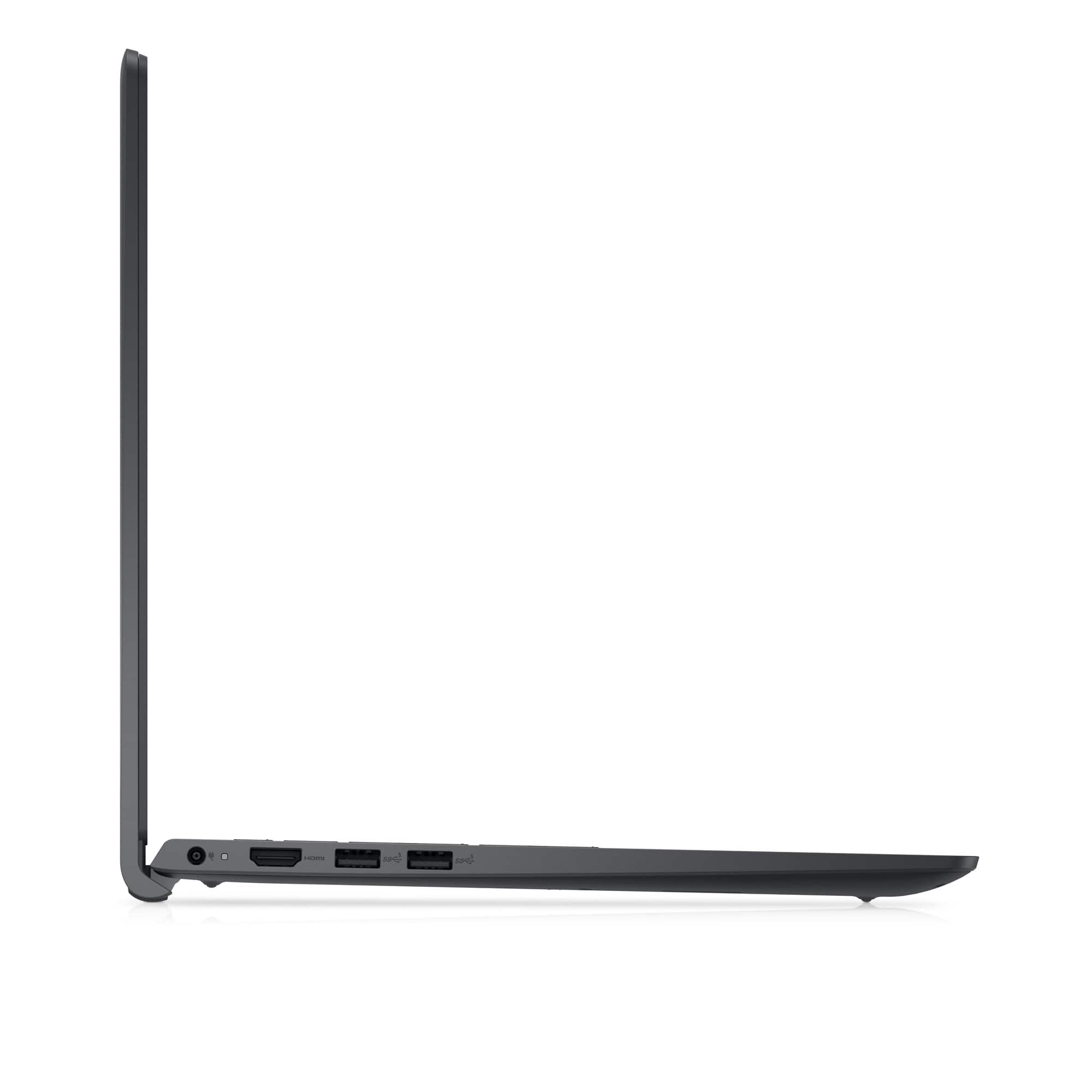
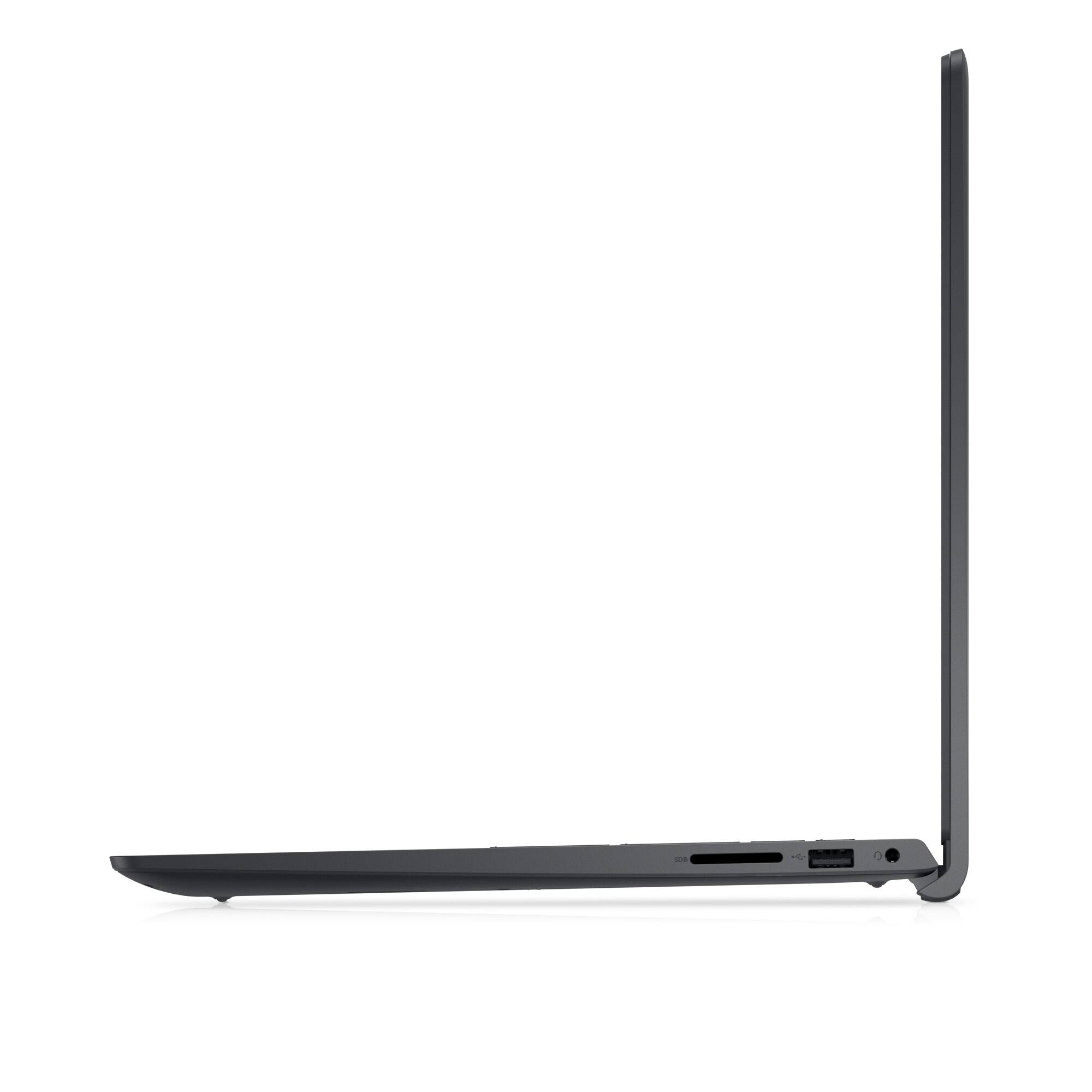
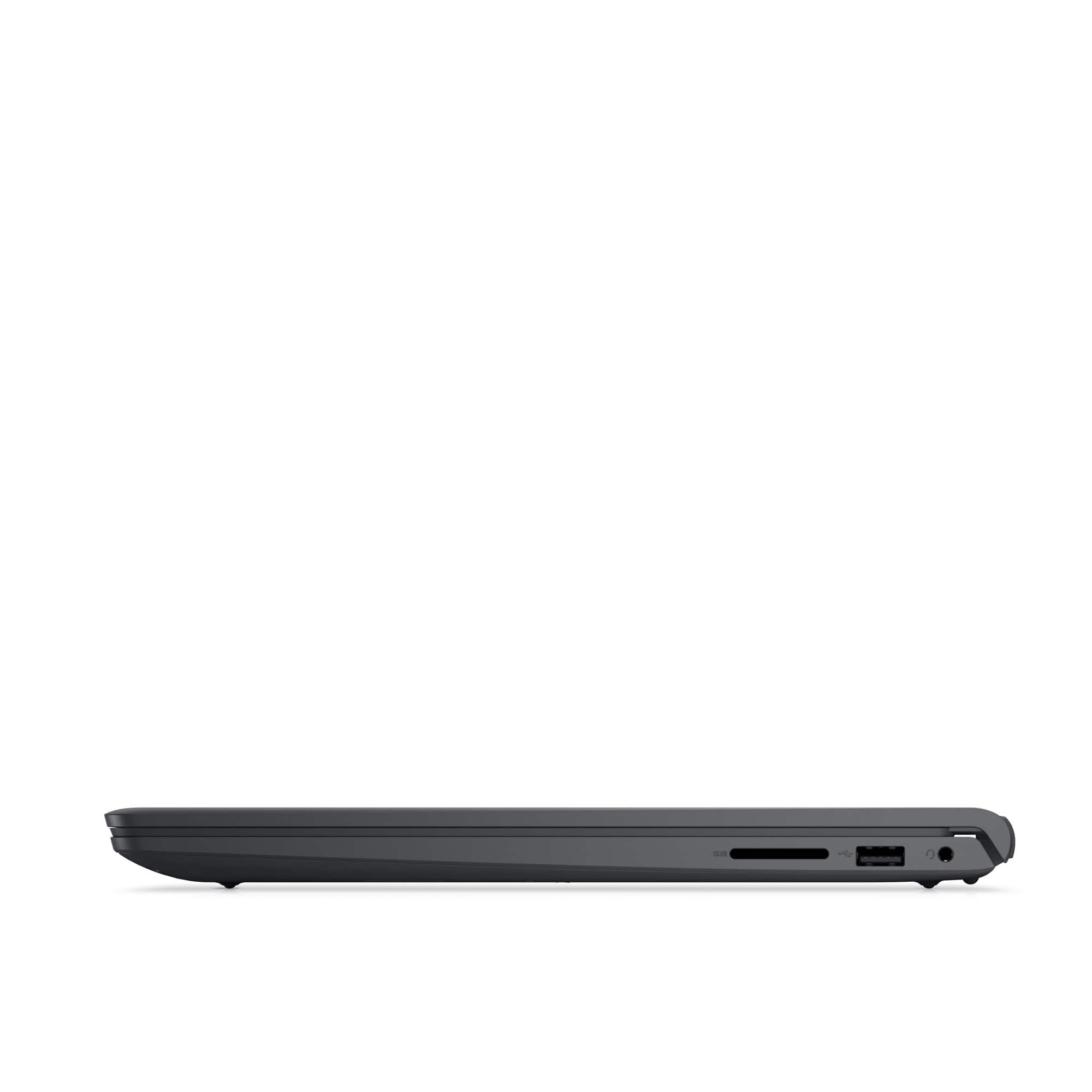
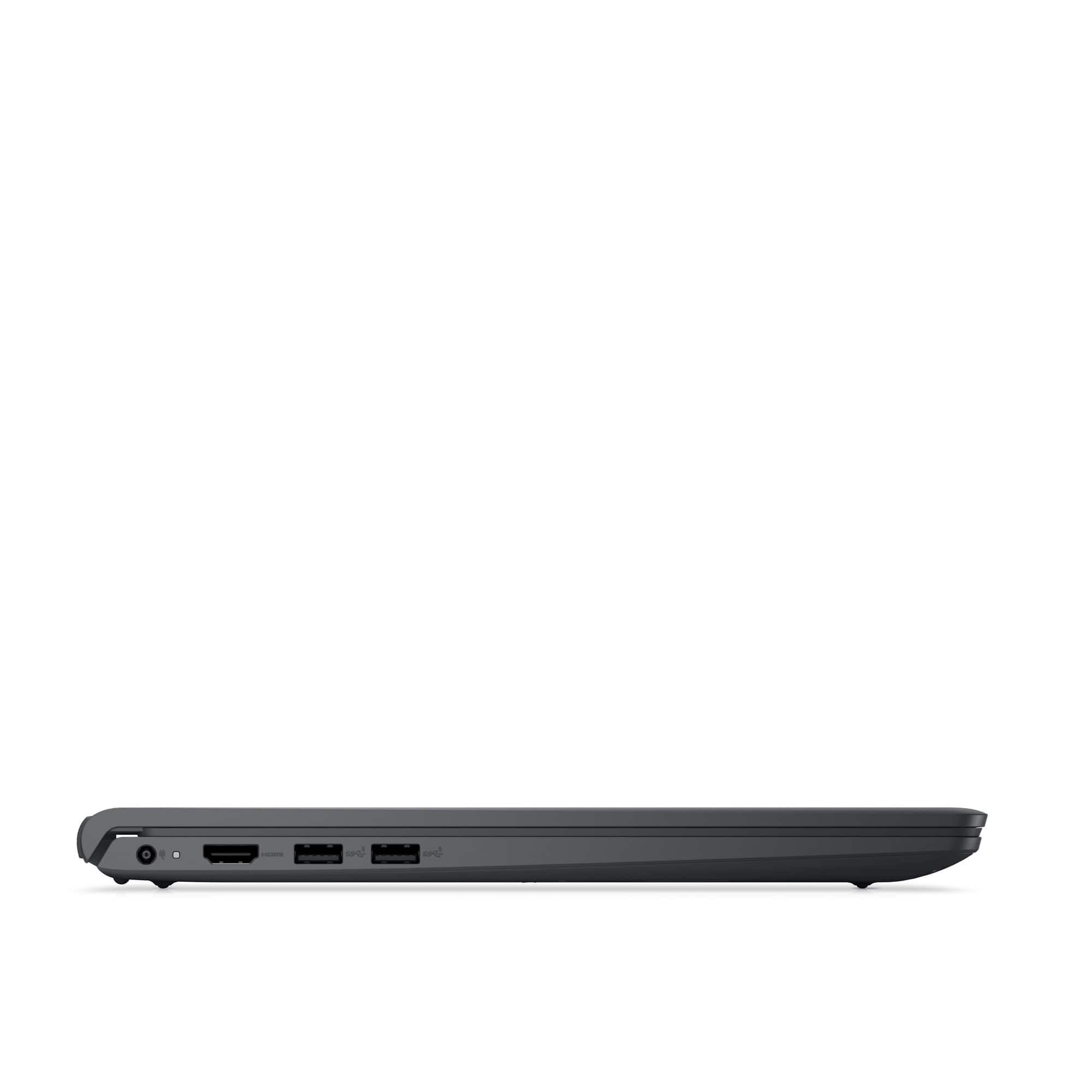
A:AnswerIt only has one HDMI plug but 3 USB ports. If you know how to get a monitor to run off of one of the USB ports then, yes it could support 2 monitors.
A:AnswerThis laptop includes Windows 11 Home in S Mode, Respondus LockDown Browser will not be compatible with this laptop with Windows 11 Home in S Mode.
A:AnswerThis laptop does not have an ethernet port. You can use a USB-CAT 7 cable adapter, please reach out to Best Buy support team for purchase assistance: https://www.bestbuy.com/contact-us