A:AnswerPlease reach out to the Dell technical support team to diagnose the issue and do the needful to get it sorted. They are available 24/7 in social media platforms, Facebook and Twitter(@Dellcares).
A:AnswerDanny,
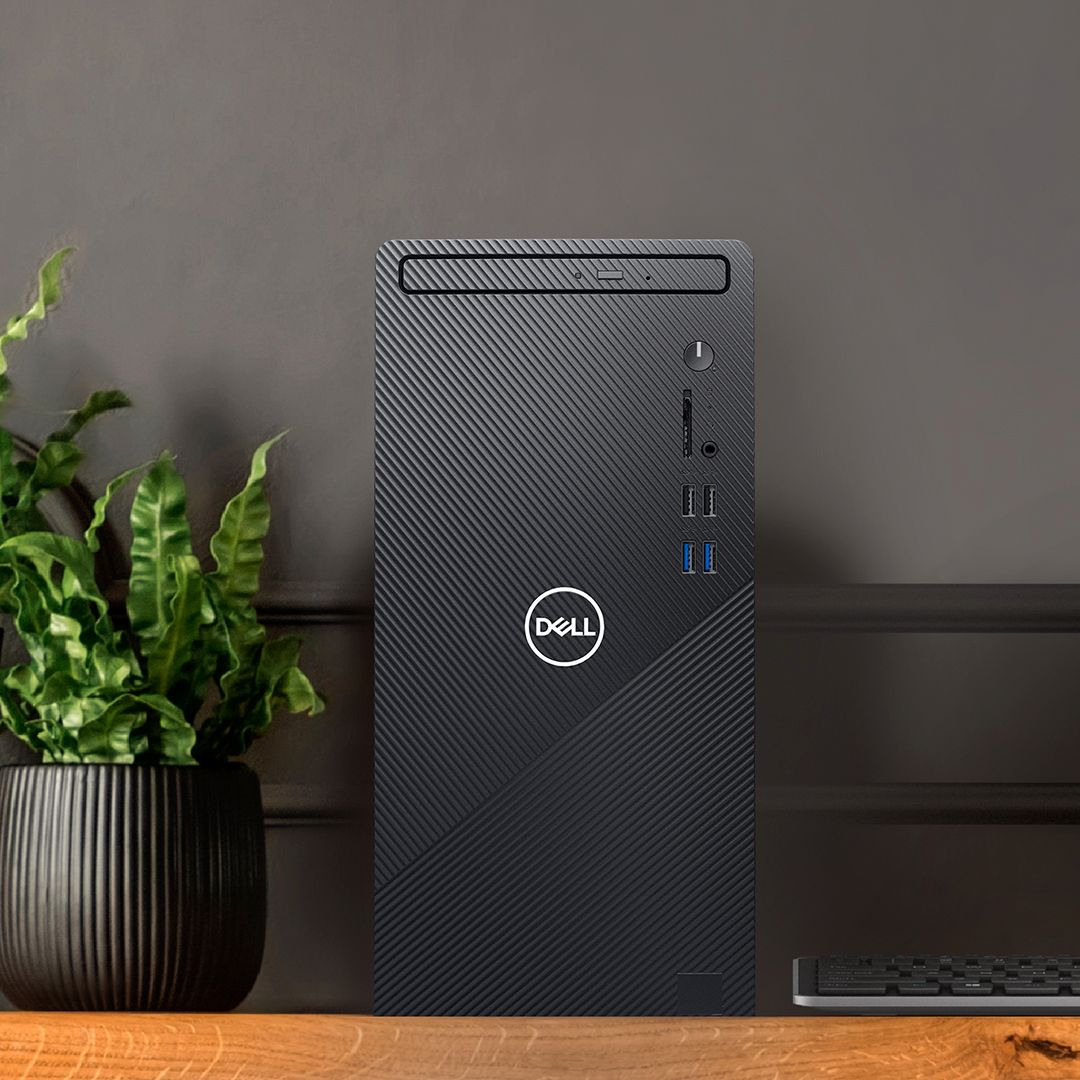
Mine has neither a mechanical hard drive or DVD. If yours doesn't I don't see why you can't. I would be careful about what I put on it relative to weight and/or magnetism issues.
A:AnswerYou could check out the different version of the same model that comes with CD/DVD drive - https://bit.ly/3sLJu8J
Alternatively, you could also refer to the Dell external DVD drive available with Best Buy, https://bit.ly/37W8jGS
Please reach out to the Best Buy support team for purchase assistance.
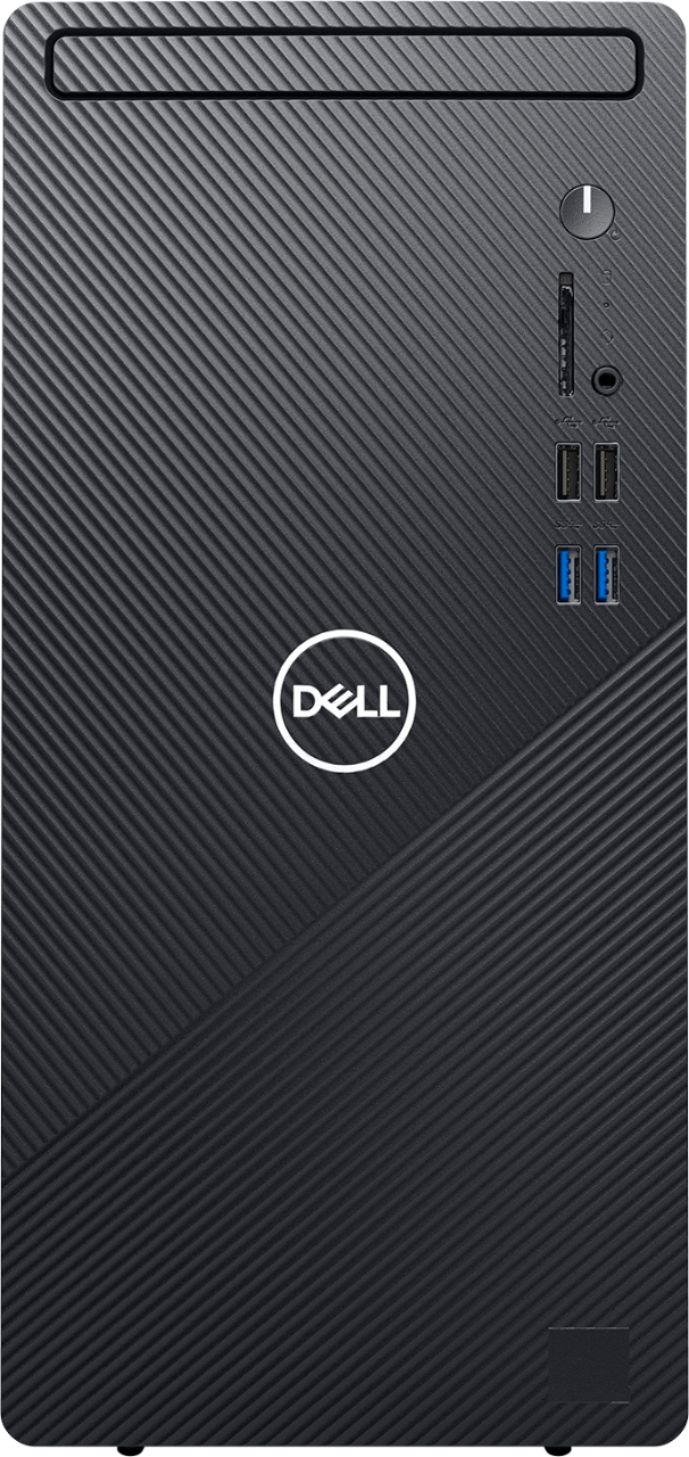
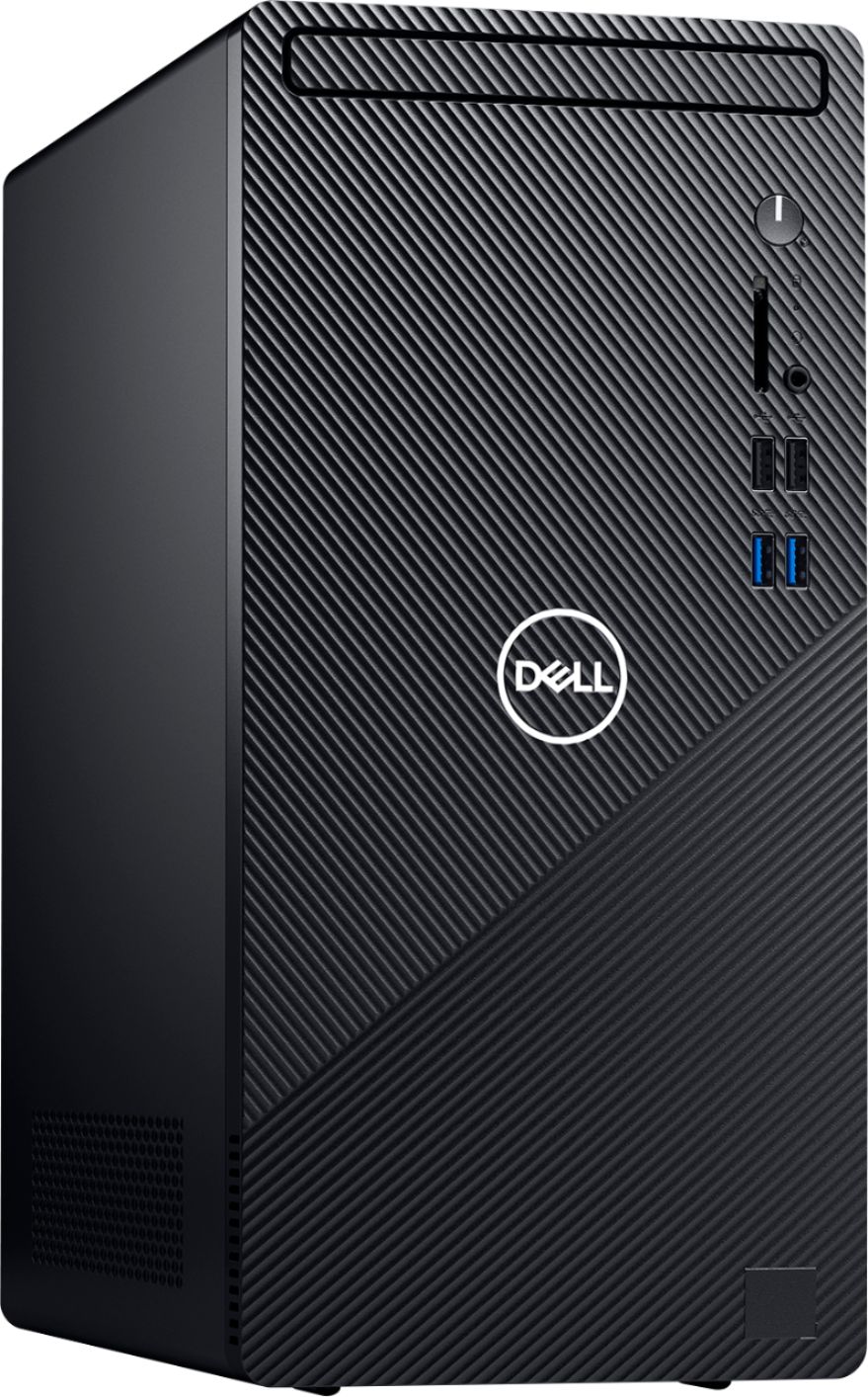
A:AnswerThis system does have a CD/DVD drive.
Please check out another version of the same model that comes with a CD/DVD drive - https://bit.ly/3sLJu8J.
Alternatively, you could also refer to the Dell external DVD drive available with Best Buy, https://bit.ly/37W8jGS.
Please reach out to the Best Buy support team for purchase assistance.
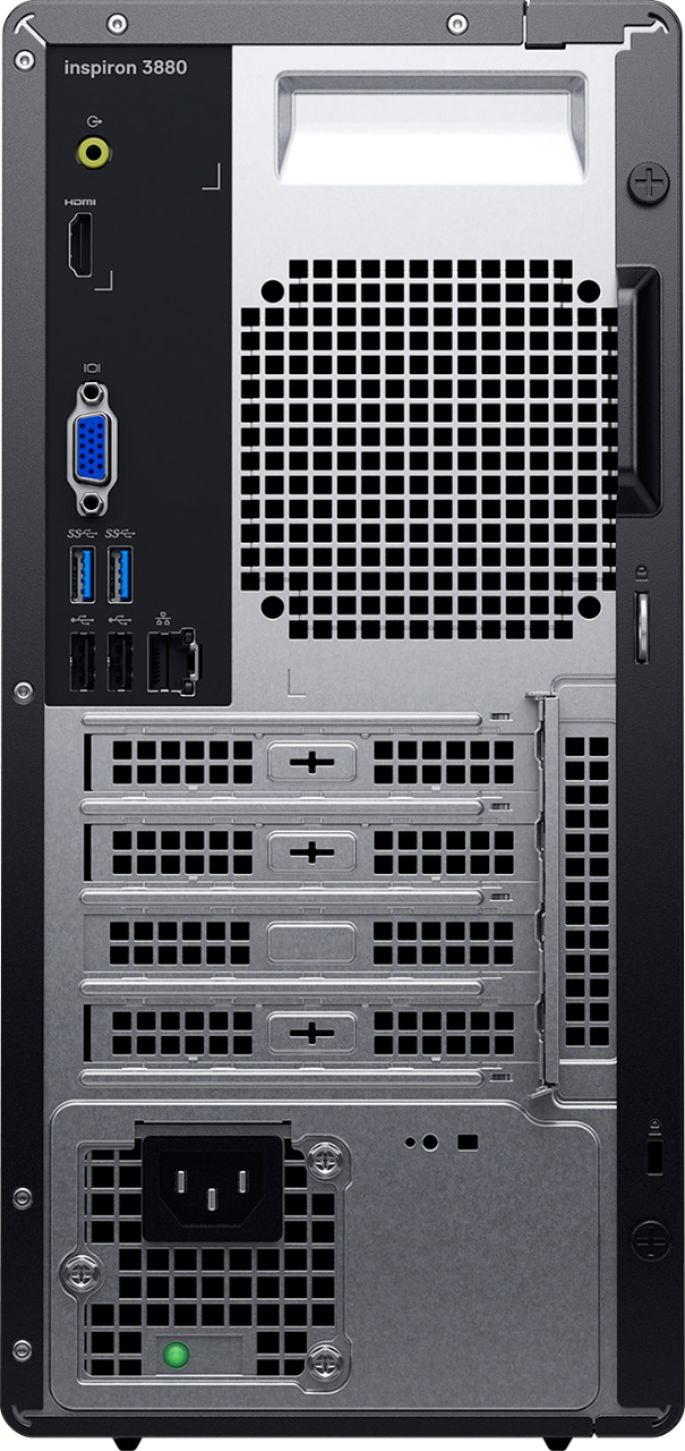
A:AnswerThe USB 3.2 ports offer a data transfer rate referred to as SuperSpeed 5 Gbps, which is about 10 times faster than the USB 2.0 standard.
Please reach out to the Dell support team for assistance with the system's slow performance issue.