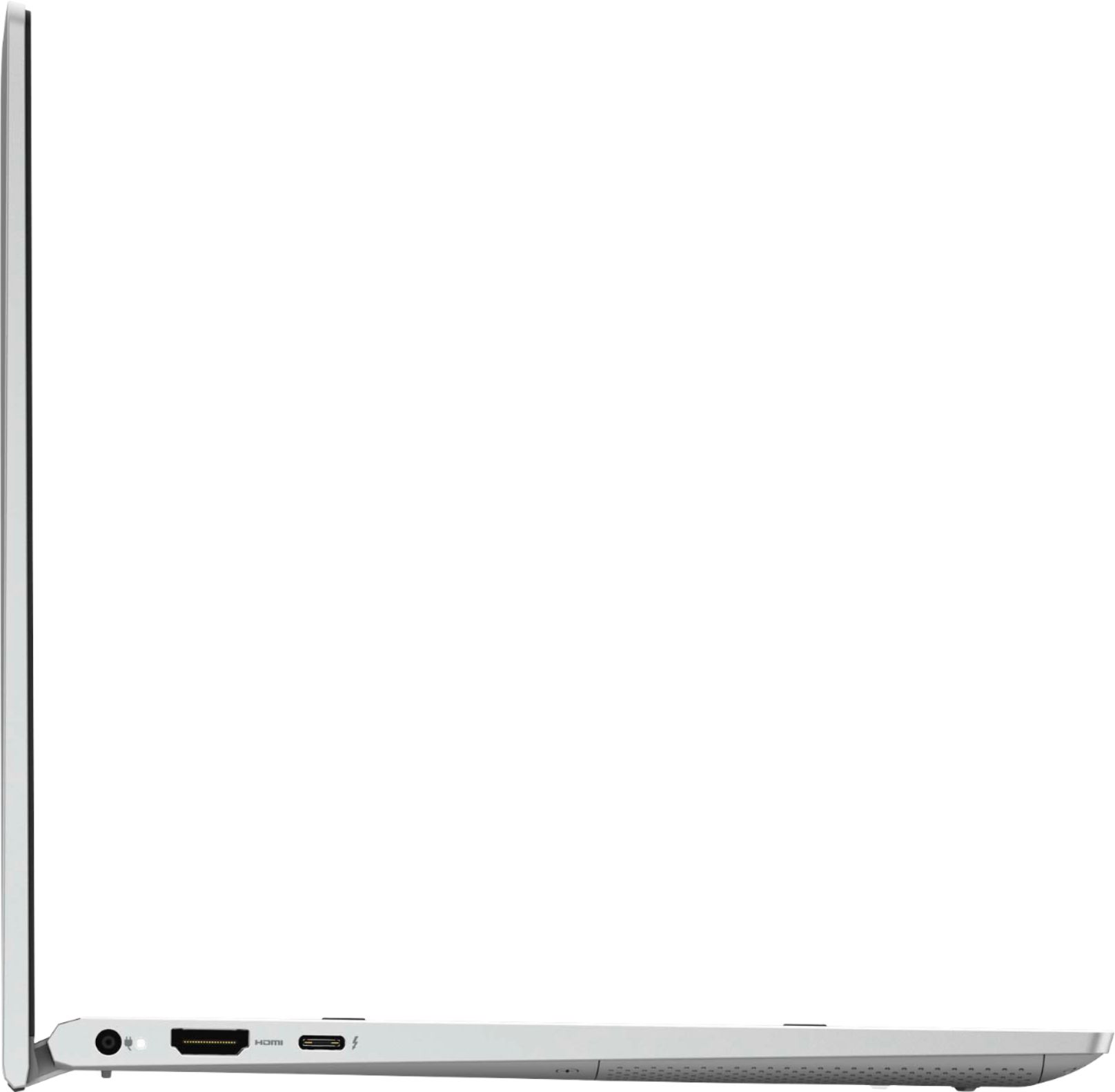
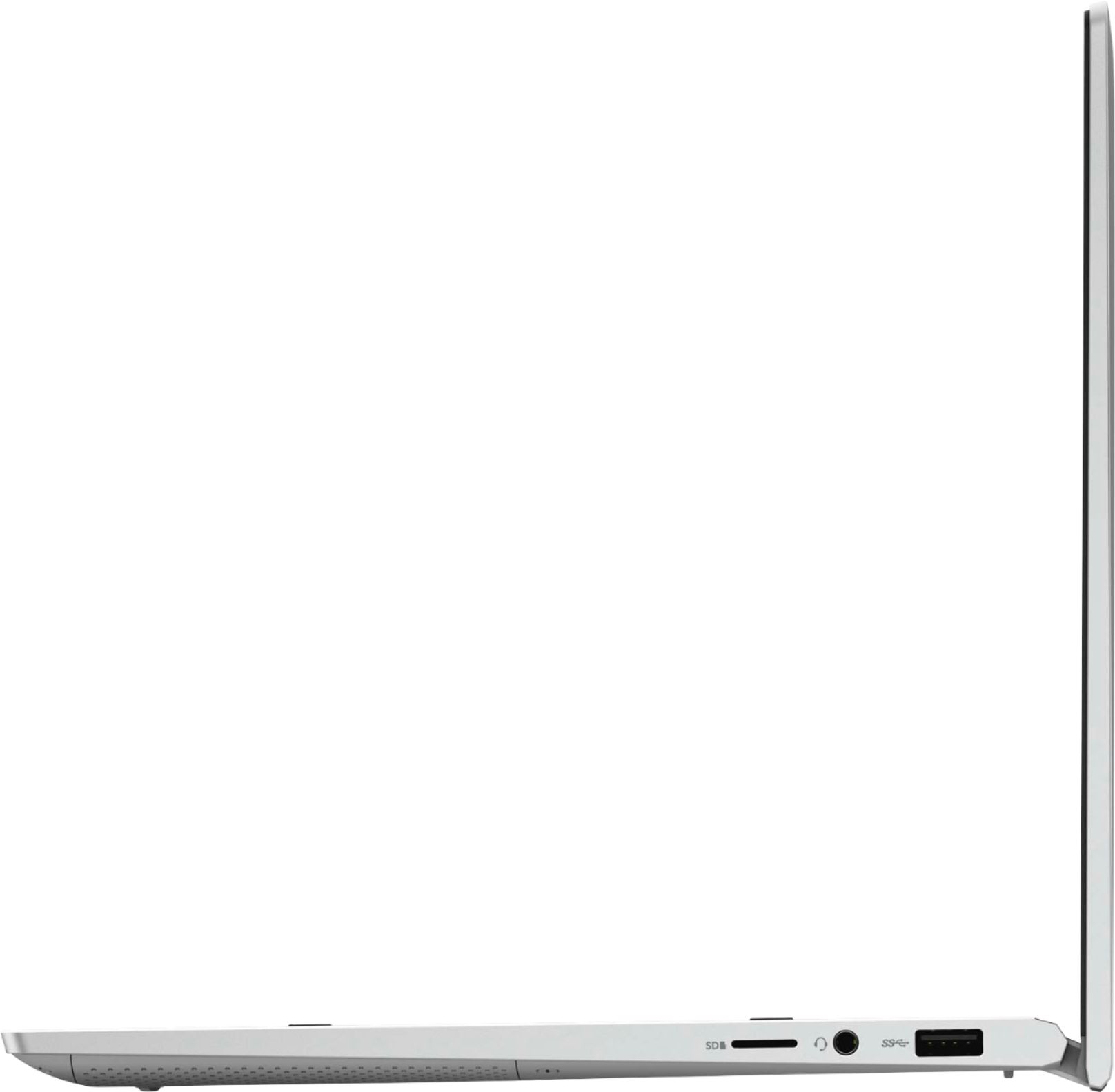
A:AnswerThis monitor can readily support only one external monitor. You could use a Dell recommended docking station to connect another external monitor to this laptop.
A:AnswerThe internal display is 1920 x 1080 (Full HD) but you can connect an external 4K monitor that supports a 60 Hz refresh rate to get the desired display output. You can install the VP9 codec into the windows 10 OS.
A:AnswerYou can follow these steps to enable adaptive brightness: Step 1: Open the “Control Panel” in the start menu.
Step 2: Find the click on “Power Options”.
Step 3: Click “Change plan settings” next to the current power plan.
Step 4: Choose “Change advanced power settings”.
Step 5: Scroll down and locate the “Display” and expand it for “Enable adaptive brightness.”
A:AnswerThis laptop is not adequate to run Oculus Quest 2. Please reach out to the Best Buy support team to check on the availability of a Dell system compatible to play Oculus Quest 2.