A:AnswerWe recommend you reach out to the Dell technical support team to review and avail assistance in making the screen darker. They are available 24/7 on Social Media platforms, Facebook, and Twitter(@Dellcares).
A:AnswerYes, you could change to the full screen view through display settings. Should you need any assistance, do reach out to the Dell technical support team. They are available 24/7 on Facebook and Twitter(@Dellcares).
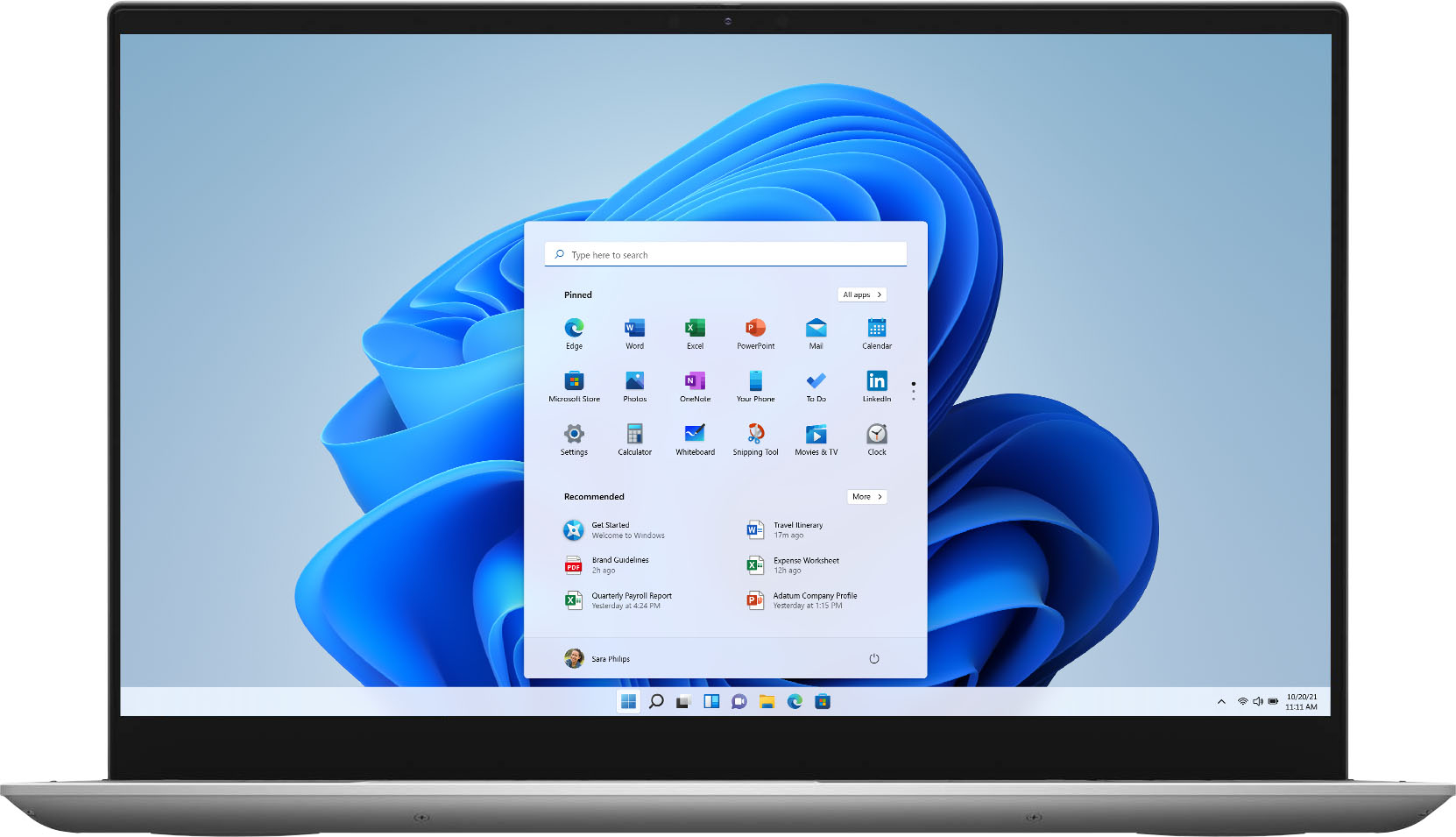
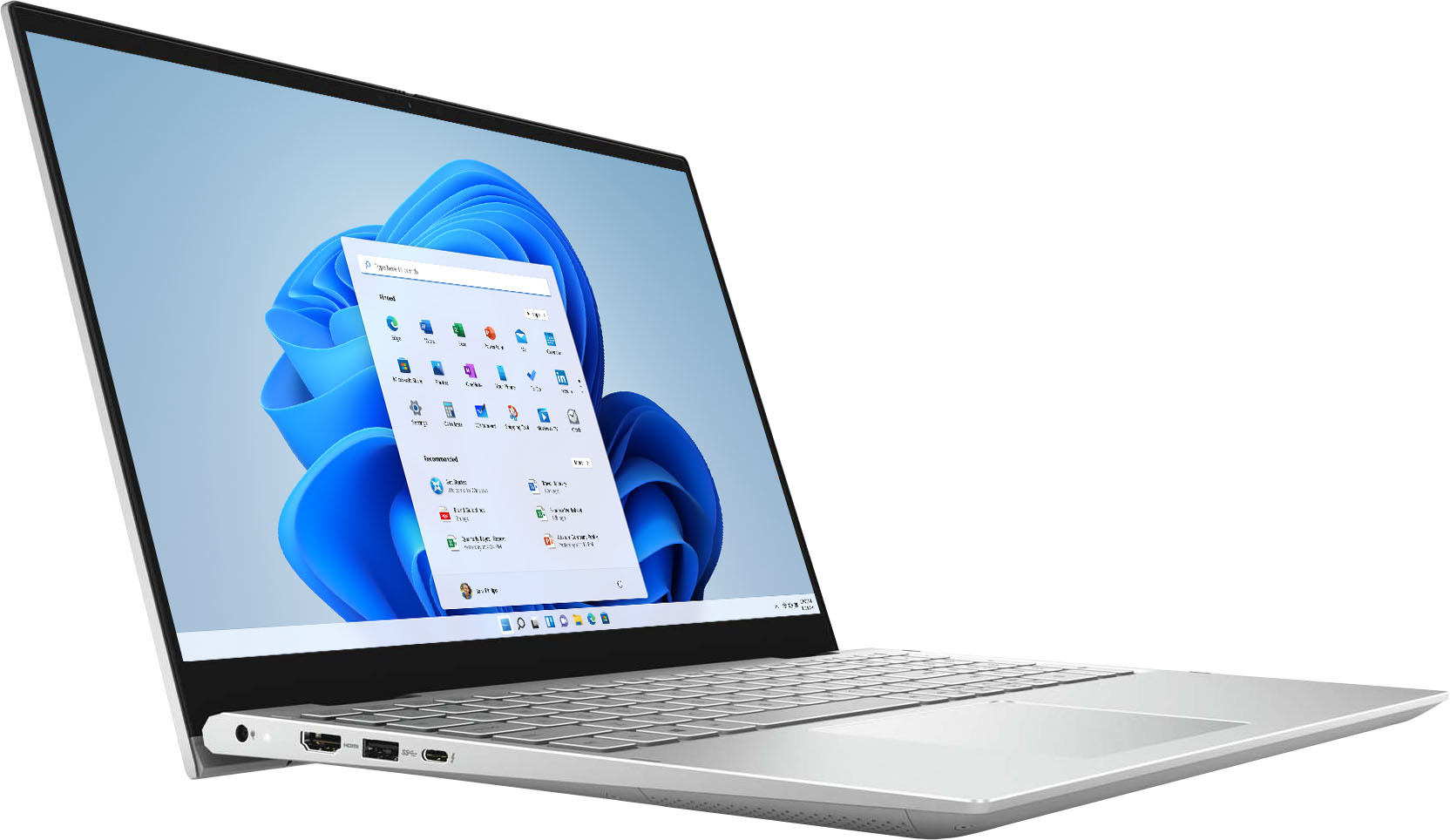
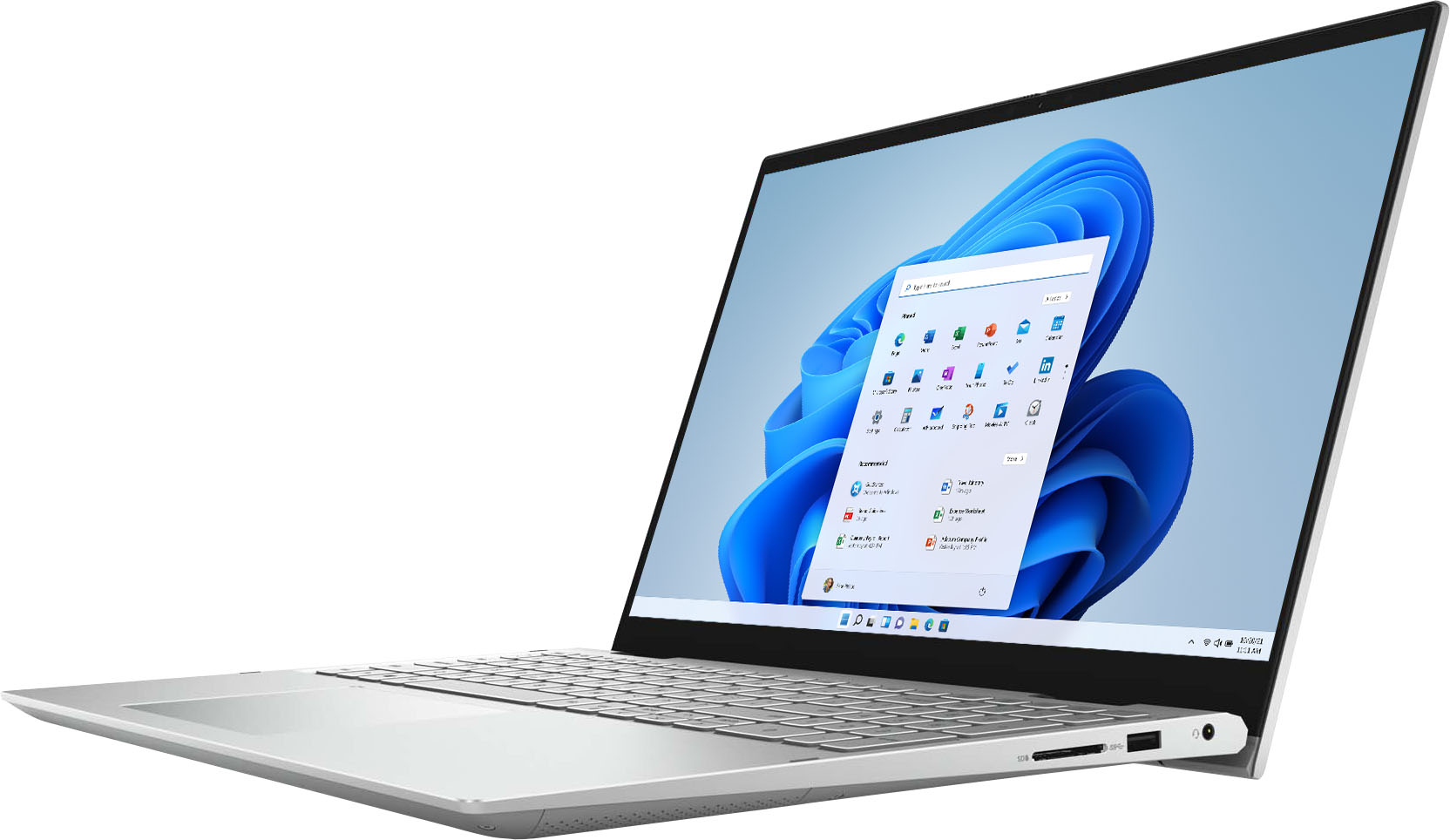
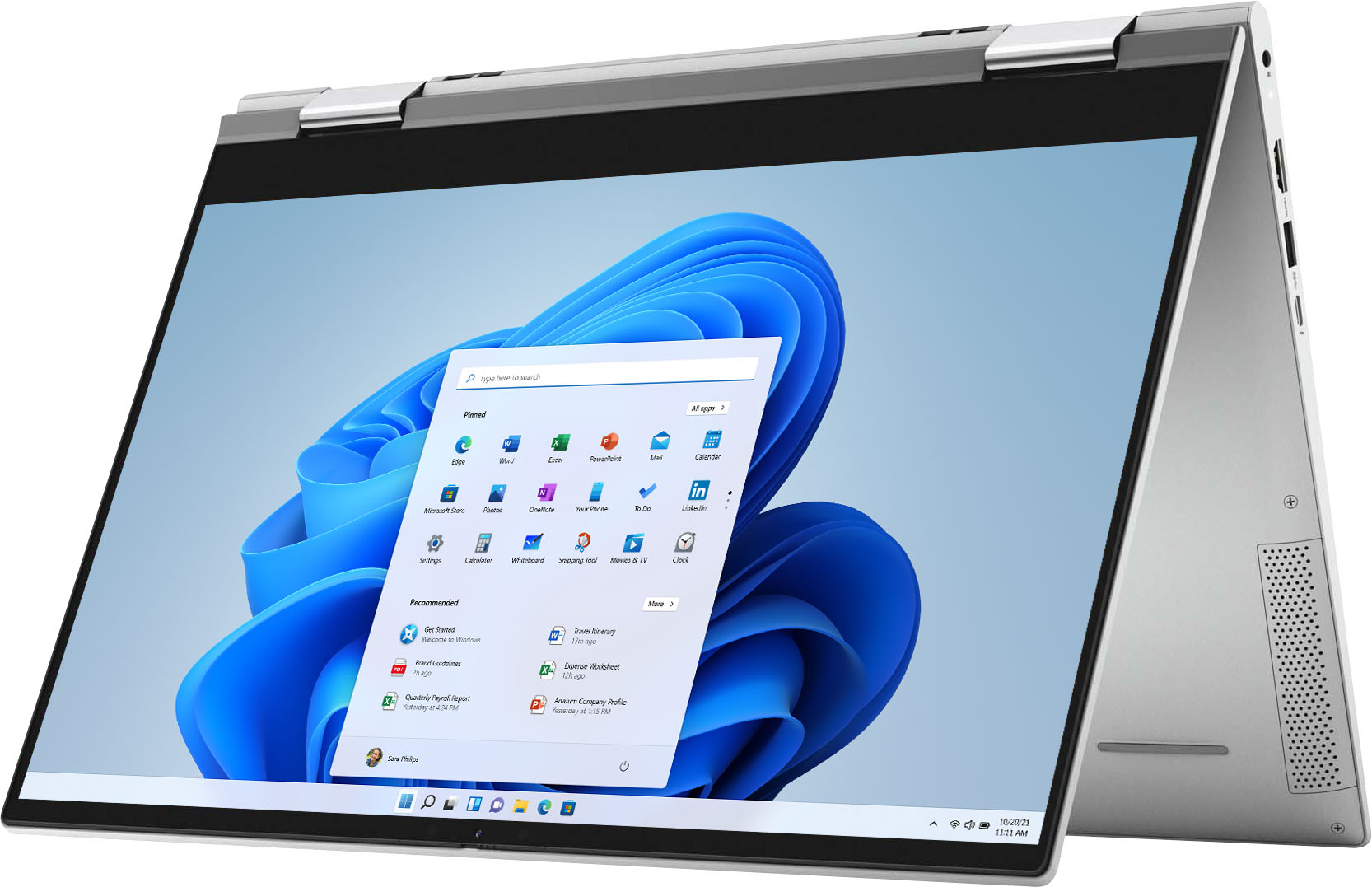
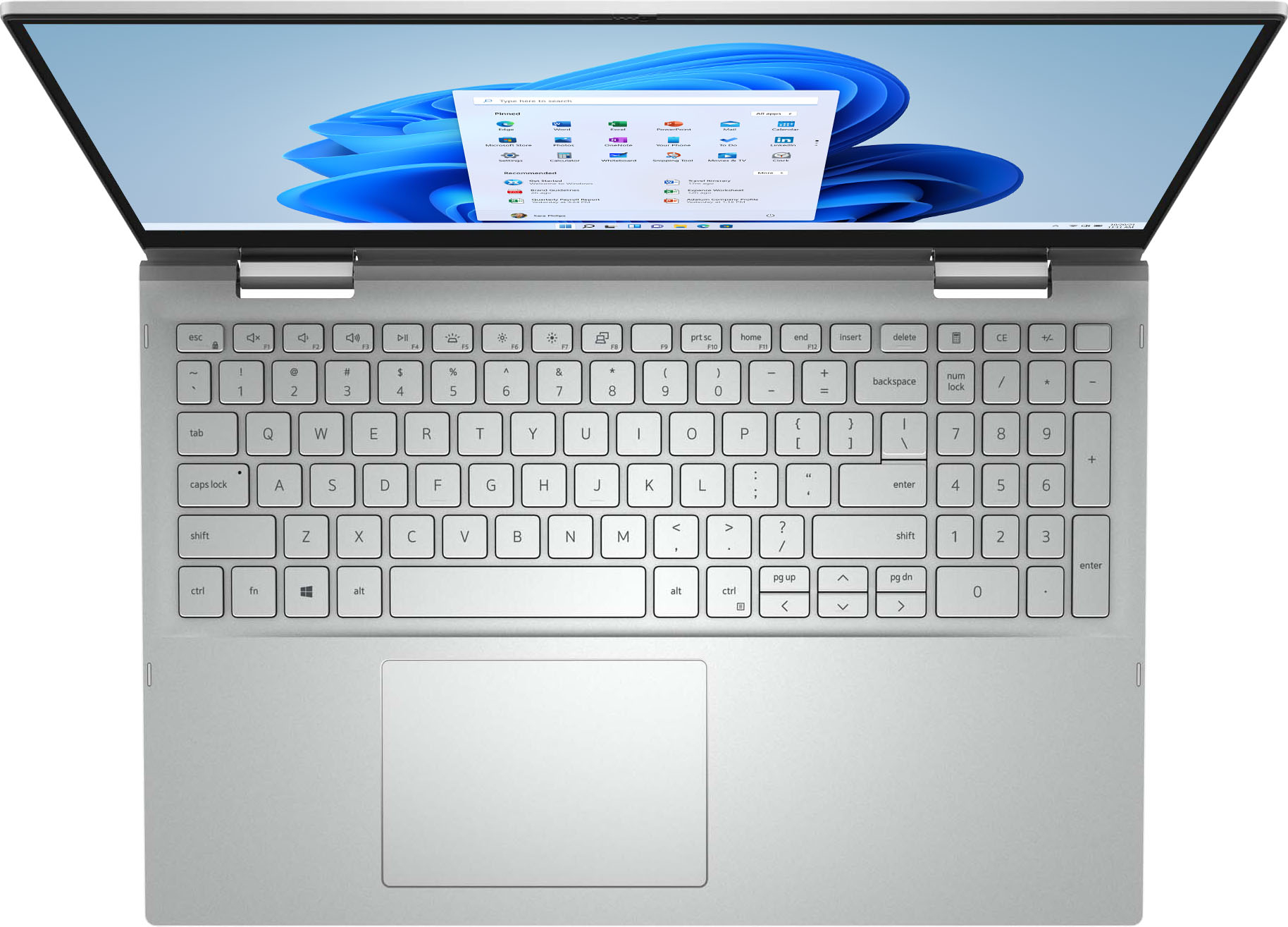
A:AnswerThe system comes with a 15.5-inch Full High Definition (FHD) anti-glare display. The native resolution is 1920 x 1080 and the Refresh rate is 60 Hz.
A:AnswerPlease visit support.dell.com to update the system with latest drivers and BIOS. If the issue still persists, please chat with one of the Dell experts for support https://www.dell.com/en-us/cp/chat-live-with-product-expert or call at 1-800-624-9896.
A:AnswerThe unit service tag number is an unique identification number assigned to every Dell computer and monitors. The service tag is mandatory for all future references of the product with Dell.
A:AnswerDid you check to see if it was turned off? Up at the top of the lid there is an on and off switch, hard to find if you didn't know about it. I love this feature. No one can see in if it's off. I did the same thing when skyping till I realized I had the camera off