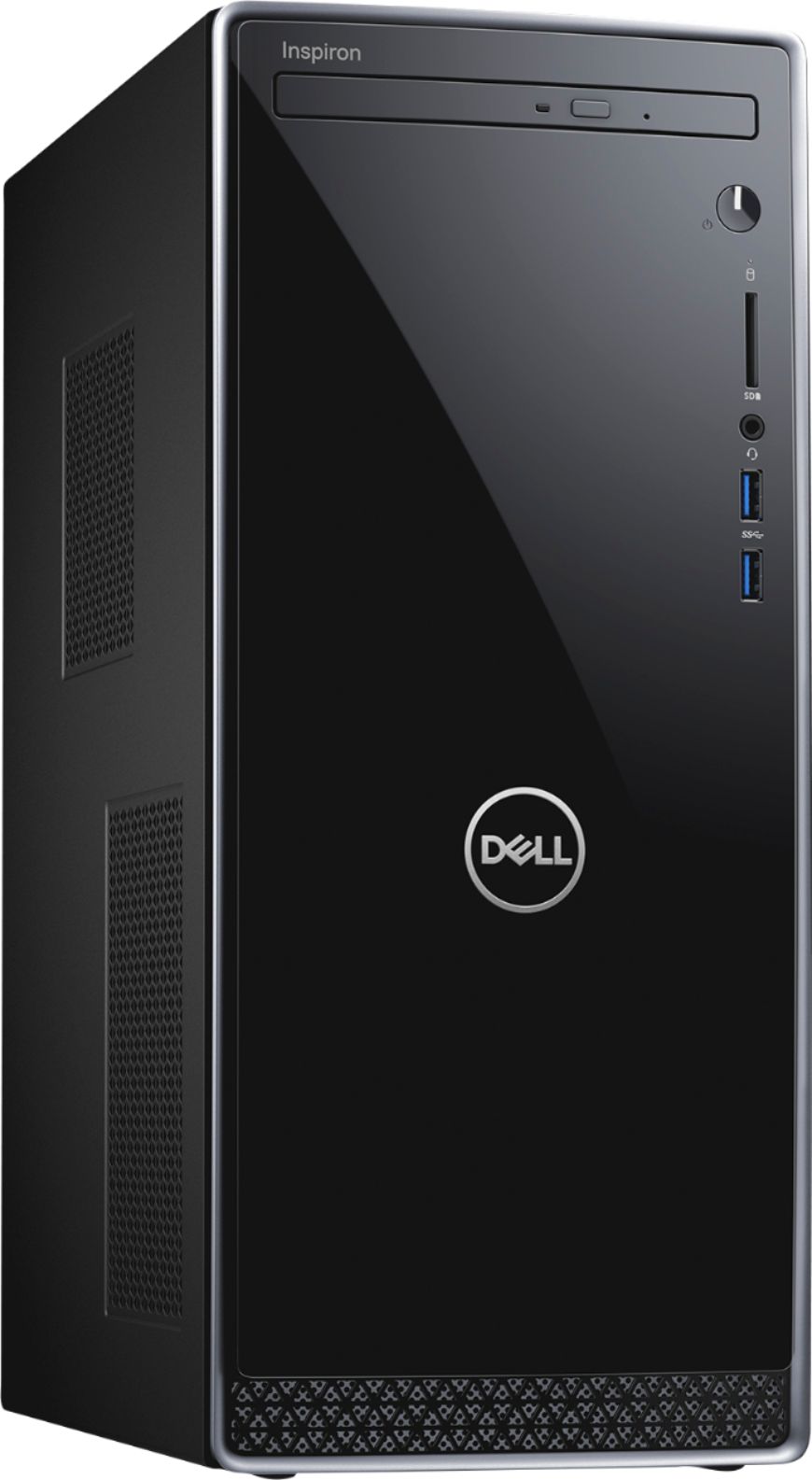
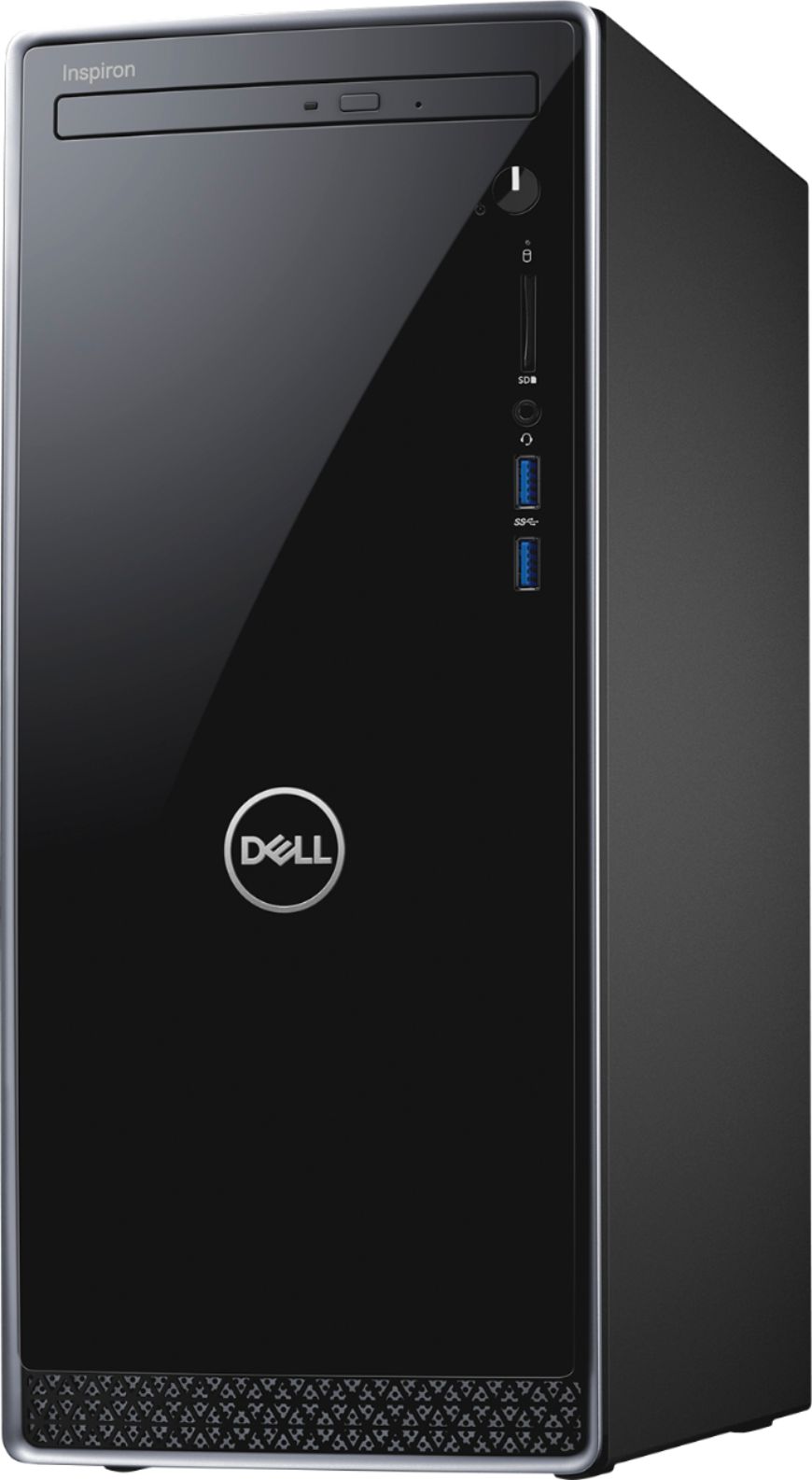
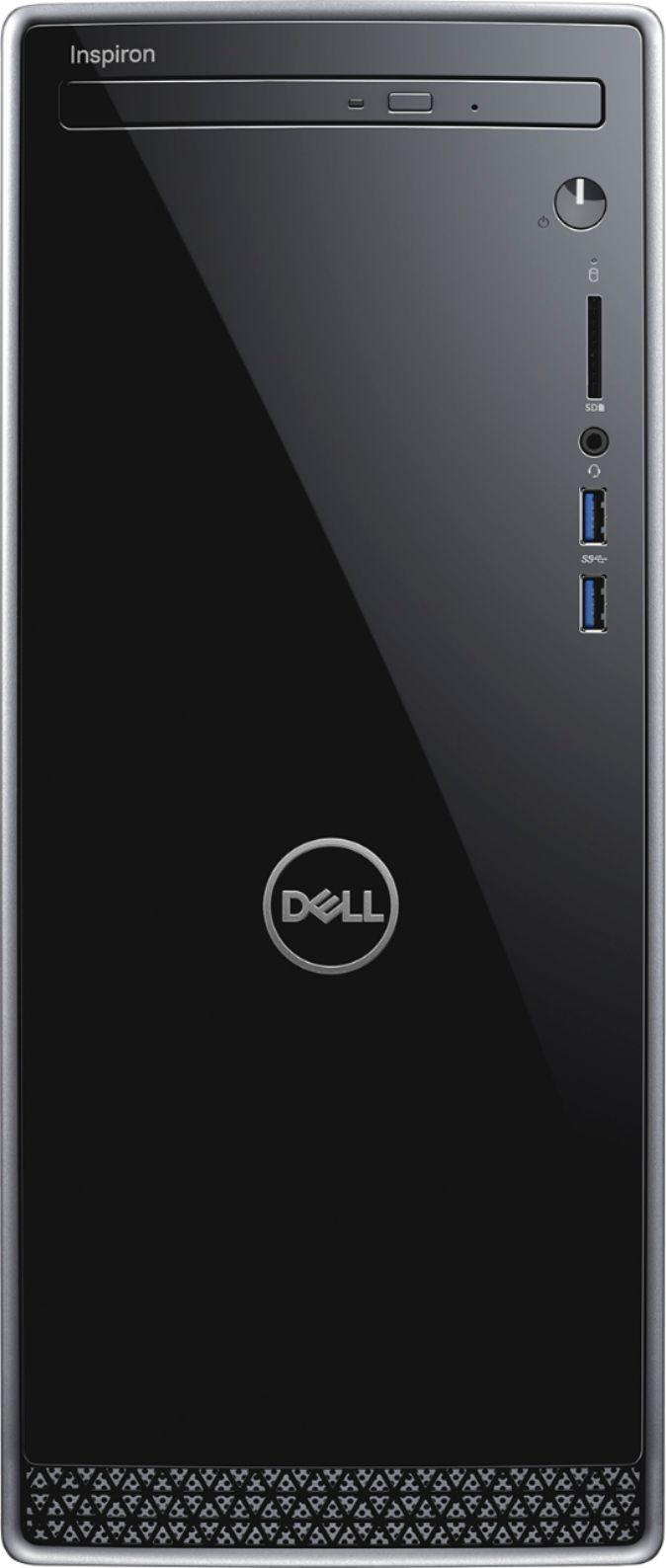
A:Answeryes great choice it works really good and it fast and reliable also it quiet you dont her any sound it also great for download music and photos
A:AnswerHello Laura! Depending upon the games you are using, it can run games with minimal specifications. If you are running more intensive games, you will want a higher processor (Core i7 recommended) and a dedicated graphics card. Our G Series desktops will be more cost-conscious and are built for gaming.
A:AnswerHello Rick! Yes! This desktop has built-in high-speed wireless LAN connects to your network on the most common Wi-Fi standards. Gigabit Ethernet LAN port plugs into wired networks. You'll just need to ensure you have your personal wireless set up at home to connect to this desktop.
A:AnswerHello! This laptop will support the management software, but if you are going to be doing video editing you will want a laptop with a Core i7. Please comment back if you need assistance finding a device.
A:AnswerHello! I recommend reaching out to Best Buy customer service directly for the most up-to-date, accurate information. https://www.bestbuy.com/site/electronics/customer-service/pcmcat87800050001.c?id=pcmcat87800050001
A:AnswerHello! Yes. You can play Roblox on this laptop. If your projector has an HDMI input, you will be able to connect it directly. If not, you will need an adapter.
A:AnswerHello JR! This does not meet the base requirements for the game. You will need a minimum Core i5 8GB of RAM and a dedicated graphics card. To find a gaming device within your price point, you might look for an open box device or a refurbished gaming device.
A:AnswerHello! We recommend a minimum of a Core i5. For an optimal gaming experience, we always recommend our Dell gaming or Alienware desktops. We also recommend checking the specifications for the games you will be playing on the games' websites to be sure the desktop you are purchasing will support the games.
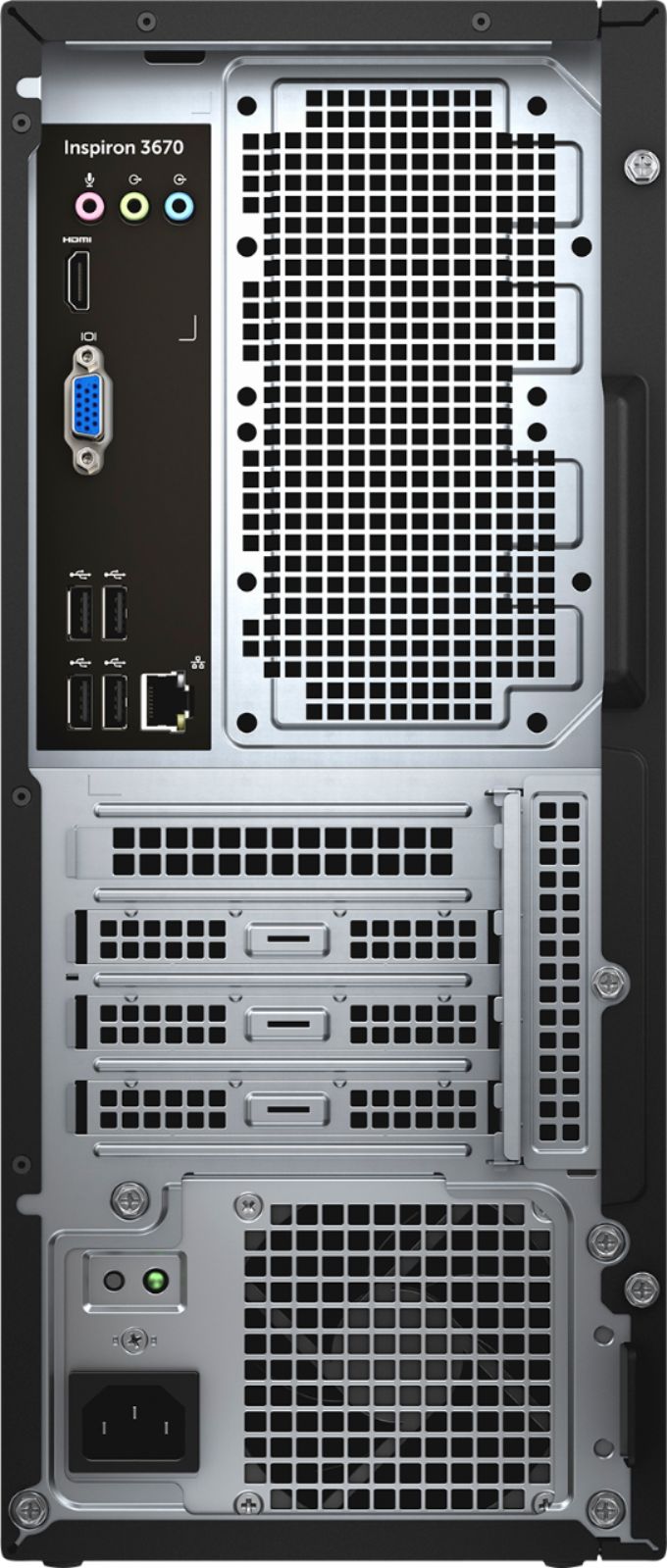
A:AnswerHello! This will come with a power cord. Depending upon the monitor you are trying to connect, you will need an HDMI output or a USB-C output. This desktop has both. If you do not have the cable to connect the monitor, you will need to purchase that separately. But most new monitor purchases will come with the needed cable.
A:AnswerHello Buzz! Yes. You will need to get setup with a wireless provider who should provide a router for your internet. You can connect your phone to this desktop via Dell Mobile Connect.
A:AnswerHello Benny! You will need a higher processor and a dedicated graphics card. I recommend reviewing the device specifications on the game's manufacturer's website.
A:AnswerHello! Yes. You can run a dual monitor setup with this Desktop. You might need an HDMI to USB adapter for the second monitor. You should be able to adjust the screen settings for your monitors without any issues.
A:AnswerHello! This will be compatible with your internet provider's speed. Just make sure your modem/router is functioning correctly to optimize internet speed.