A:AnswerHello! In order to run that type of software, you will need took look at a device with a Core i7. I recommend reviewing the minimum specifications for the software you will be using on the manufacturer's website and comparing them to the device you are looking at to confirm compatibility.
A:AnswerHello Josh! No, this processor will not support 4K. You will want a dedicated graphics card to support 4K. Intel integrated graphics card cannot support 4K resolution.
A:AnswerHello John! They are not included. But you can add Total Tech through Best Buy, and they will be able to provide this service for you, as well as switching the hard drive.
A:AnswerHello! This desktop comes with a keyboard and mouse. We have a variety of Dell monitors that can be purchased at various price-points. I cannot speak to printer pricing. But Best Buy customer service can assist in finding all the items you need.
A:AnswerHello Bert! You can certainly add a GPU, but upgrading the power supply will depend upon which graphics card you decide you install. You can work with the Best Buy Geek Squad directly for assistance. https://www.bestbuy.com/services/remotesupport
A:AnswerHello Sully! I recommend reaching out to Best Buy customer service directly to have this question answered. Here's the link to contact them directly: https://www.bestbuy.com/site/electronics/customer-service/pcmcat87800050001.c?id=pcmcat87800050001
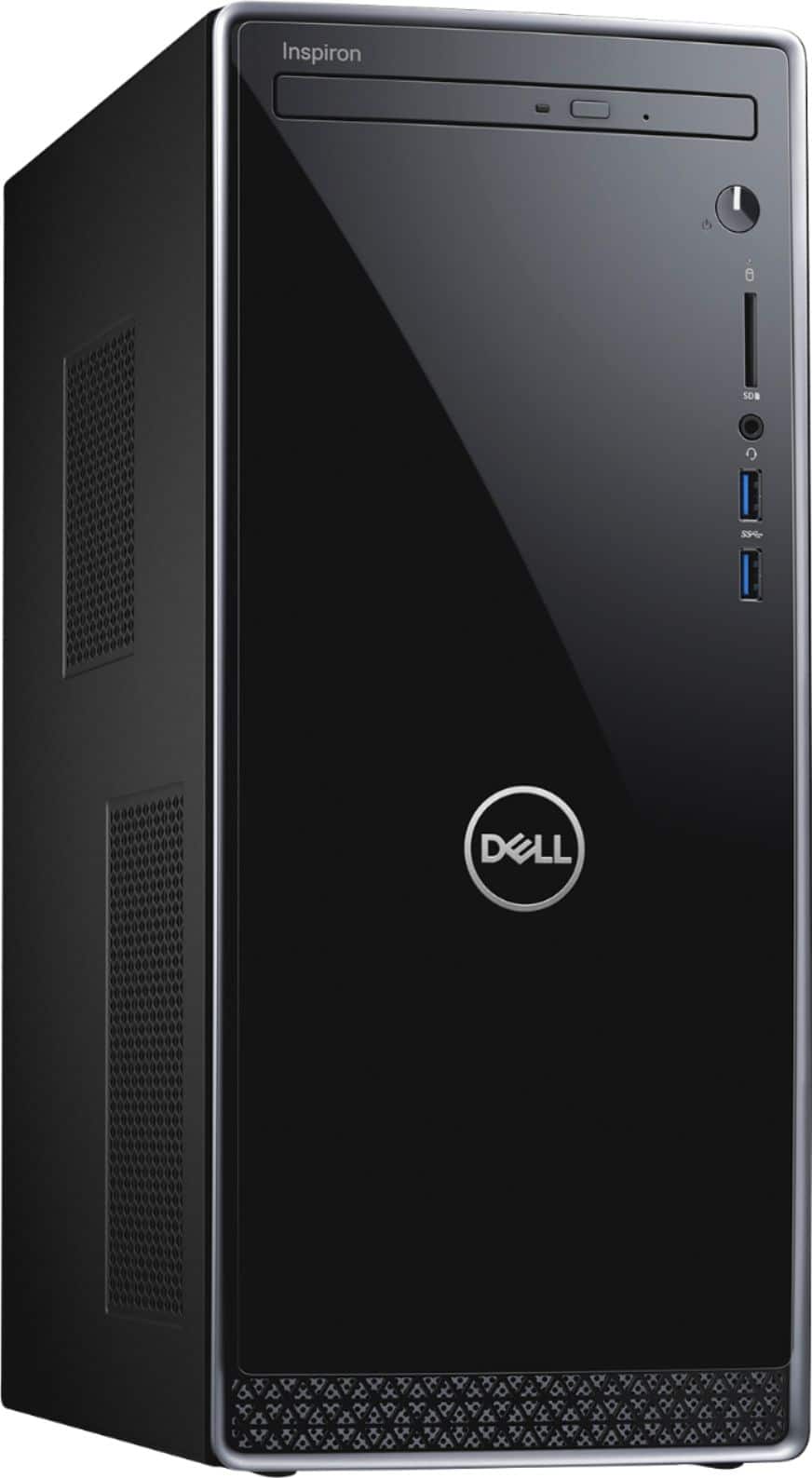
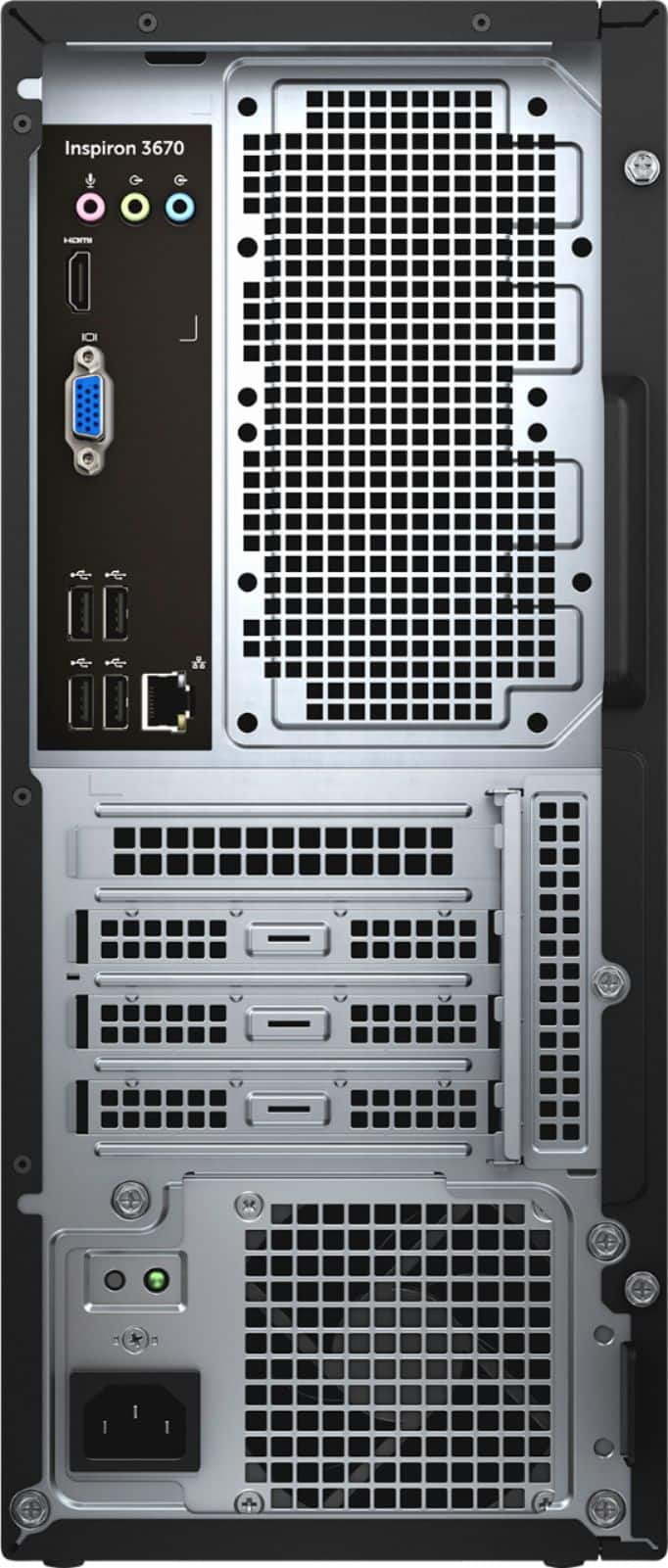
A:AnswerHello! You should have no trouble connecting. This tower has WiFi and Bluetooth capabilities, as well as plenty of ports if you want to directly connect the printer.
A:AnswerHello! You can add an additional SSD. The PC will naturally recognize the original SSD for the boot, so you won't need to worry about cloning or migrating.
A:AnswerHello! Please reach out to the Best Buy Geek Squad to start the support process! Here's a link to contact them directly: https://www.bestbuy.com/services/remotesupport