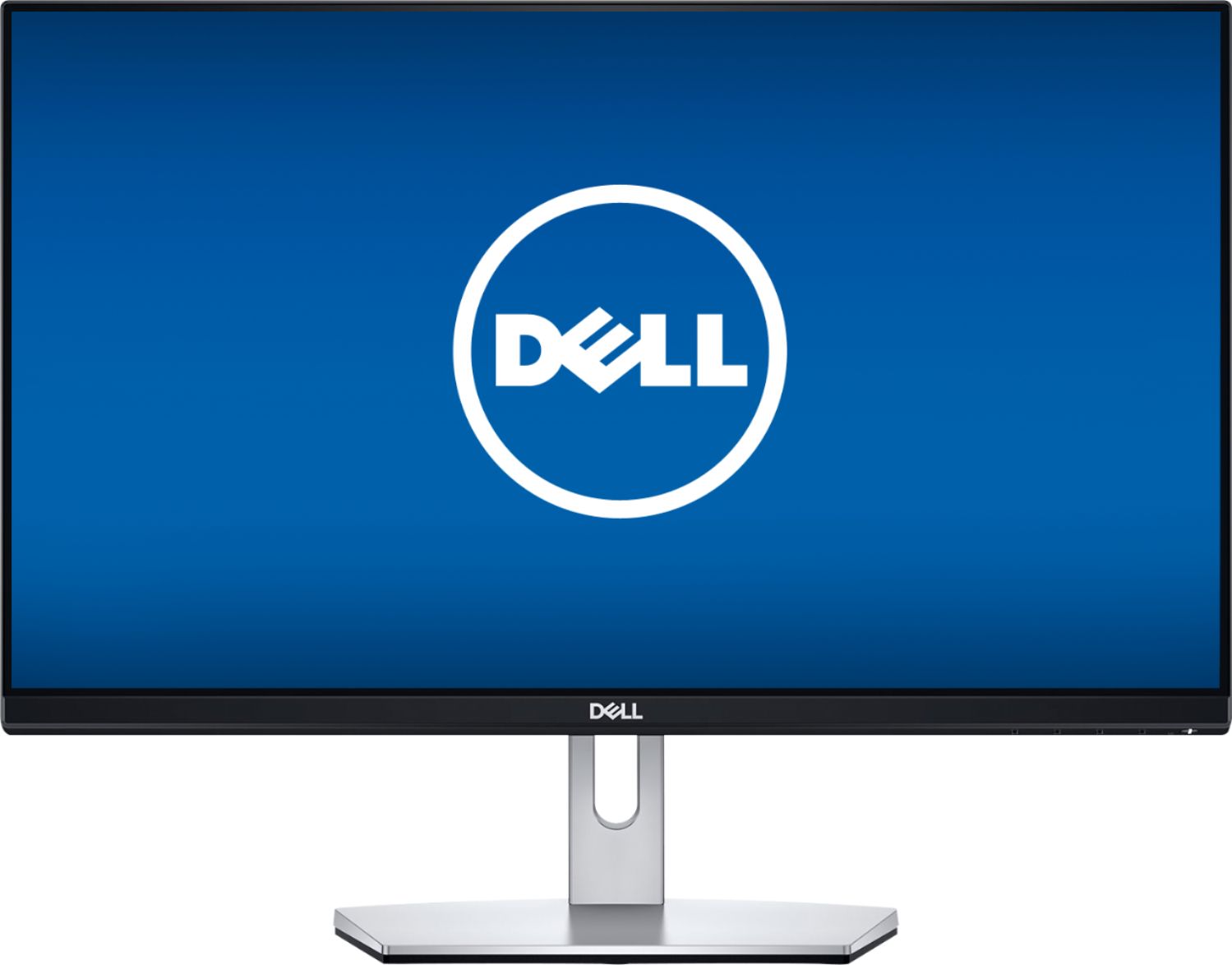
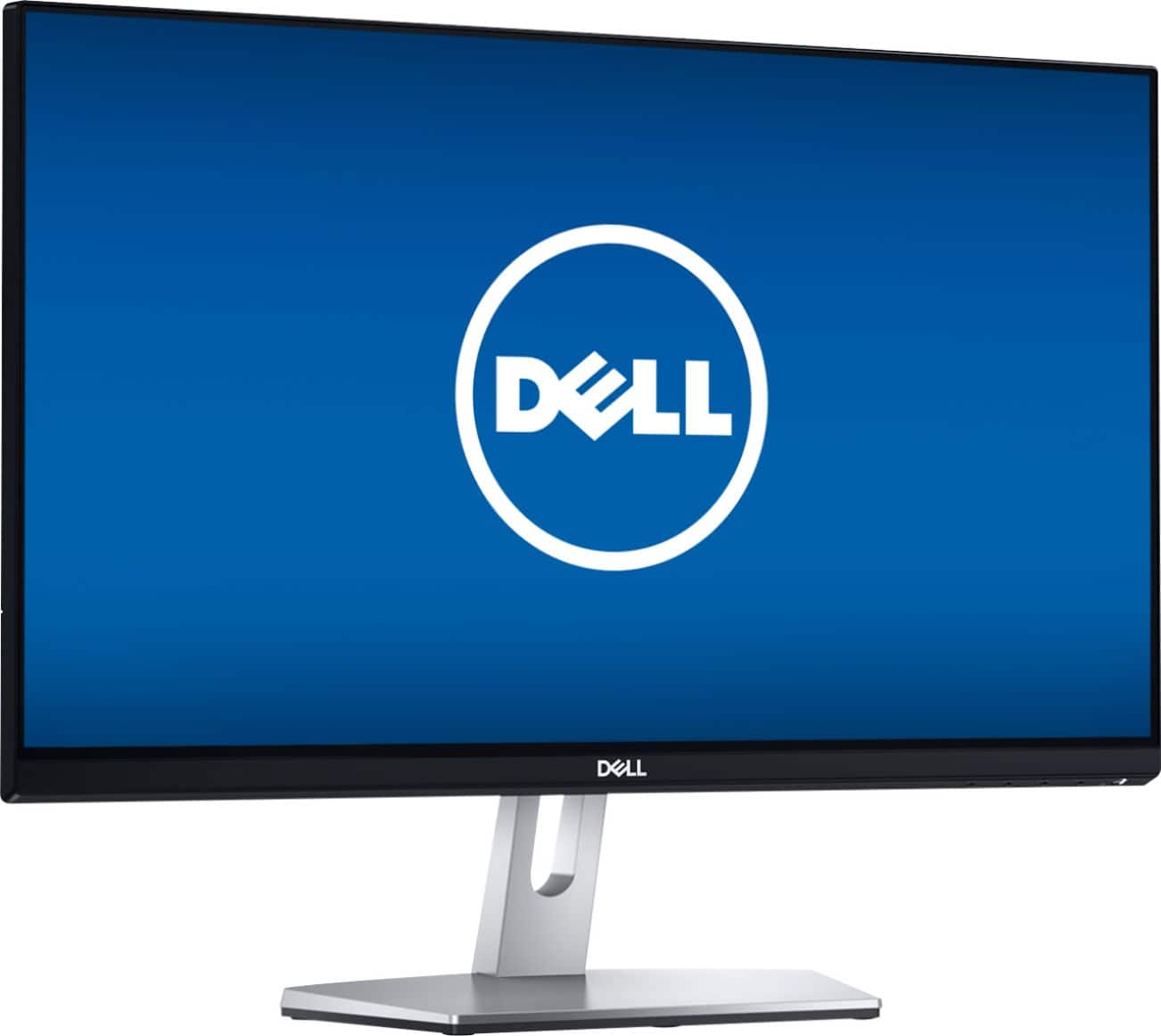
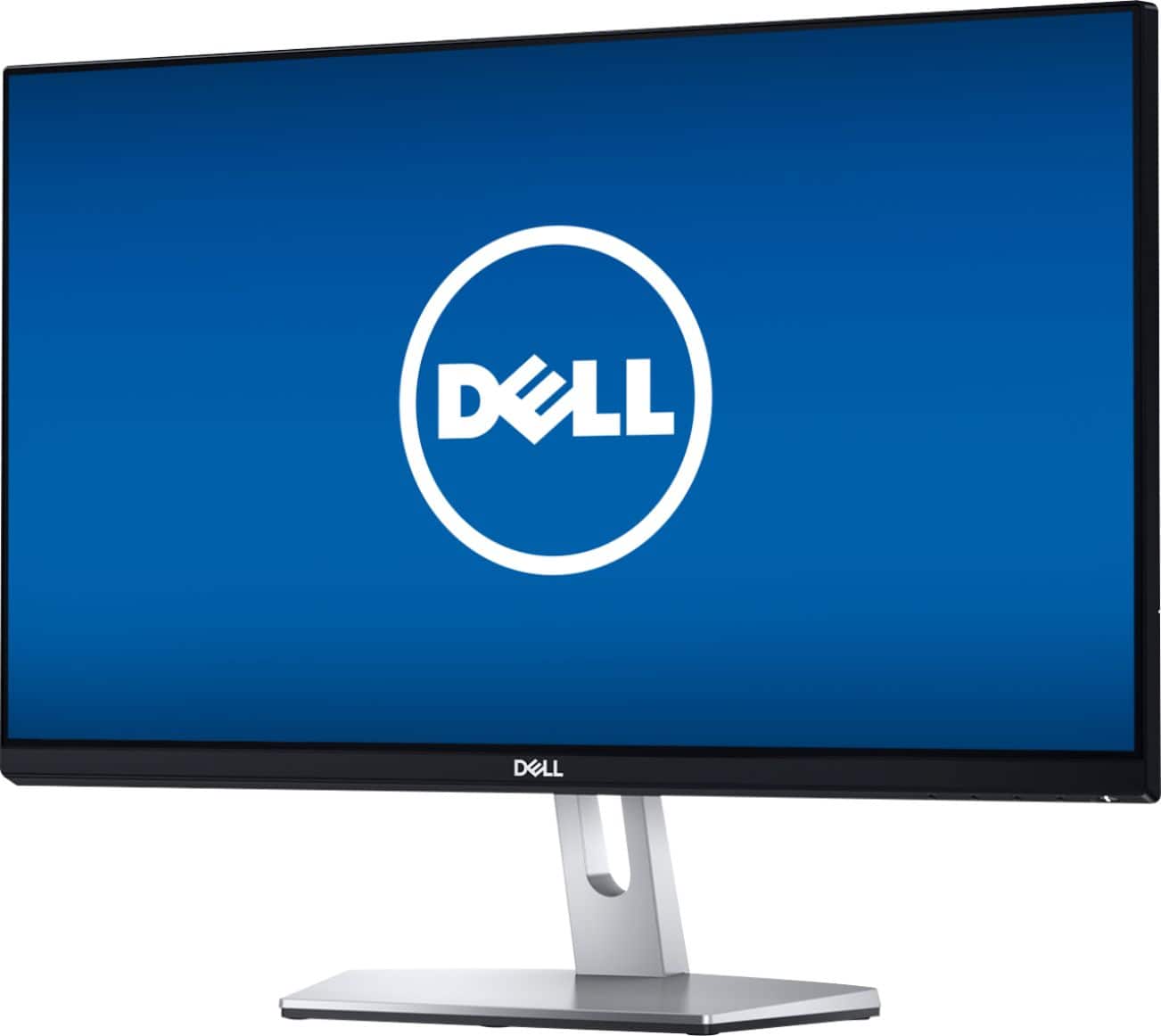
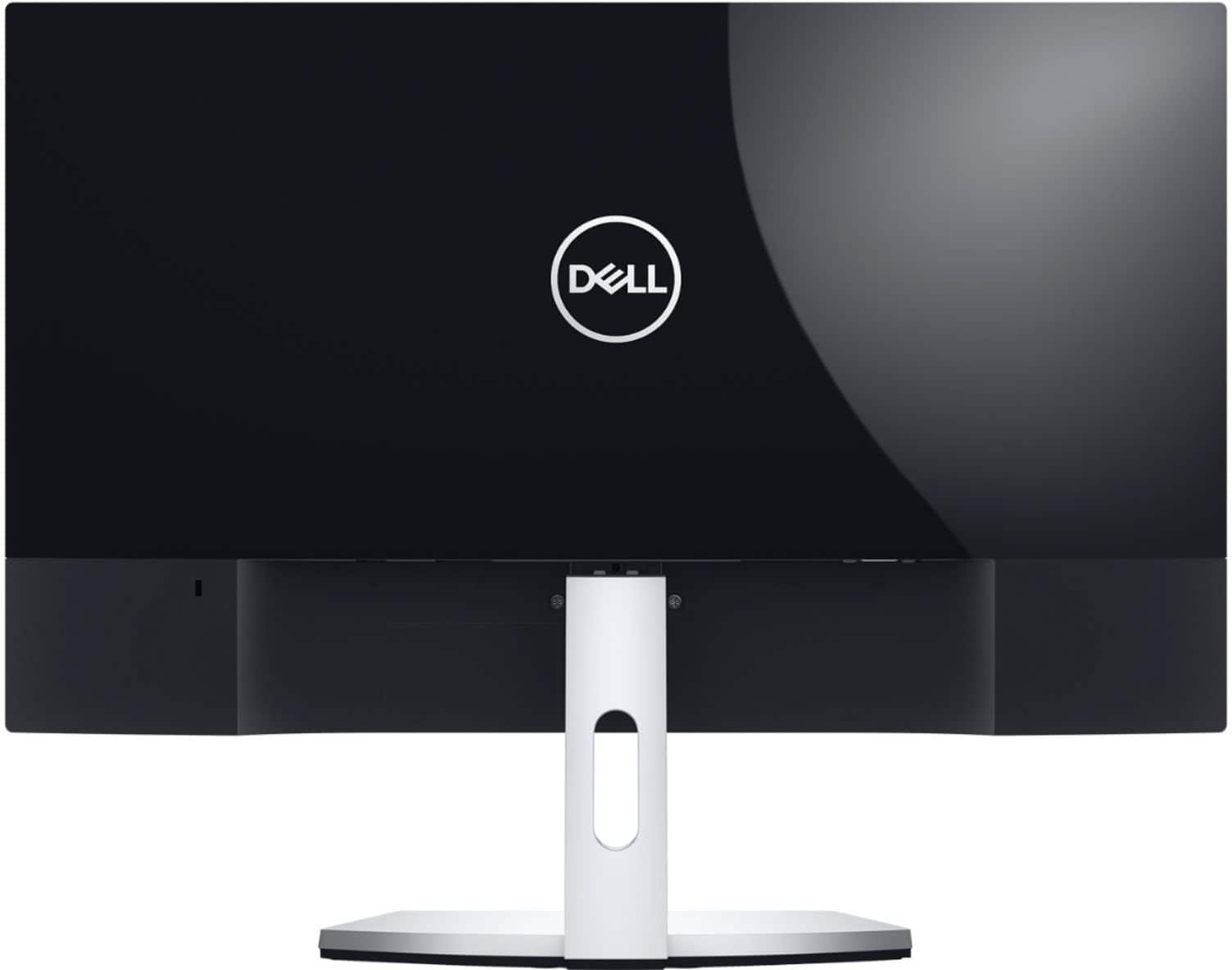
A:AnswerHello Mike! You will want to connect each to your device with the HDMI cables. You might need to purchase a splitter or adapter depending upon your devices' ports. Then you can set your preferences to use the two for separate views.
A:AnswerHello! You can try a VGA to HDMI adapter to utilize an HDMI which allow for optimal monitor performance. The Geek Squad can offer additional support. Here is a link to reach them directly: https://www.bestbuy.com/services/remotesupport
A:Answermy best guess, you would need to adjust your refresh rate under the advanced display setting, there should be different options 50.00 Hz, 59 Hz, and 60 Hz. Please try to play with it. Should help.