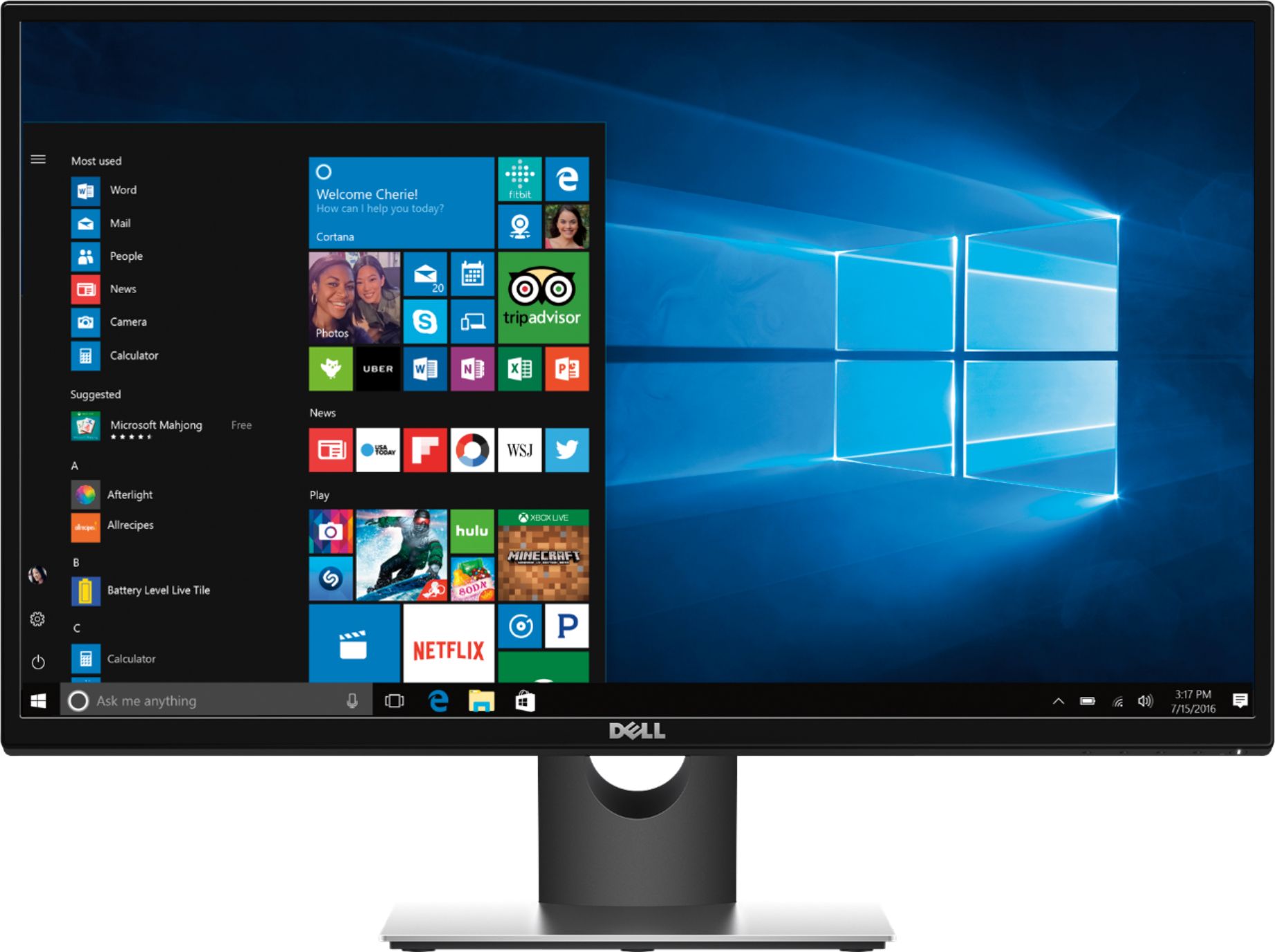
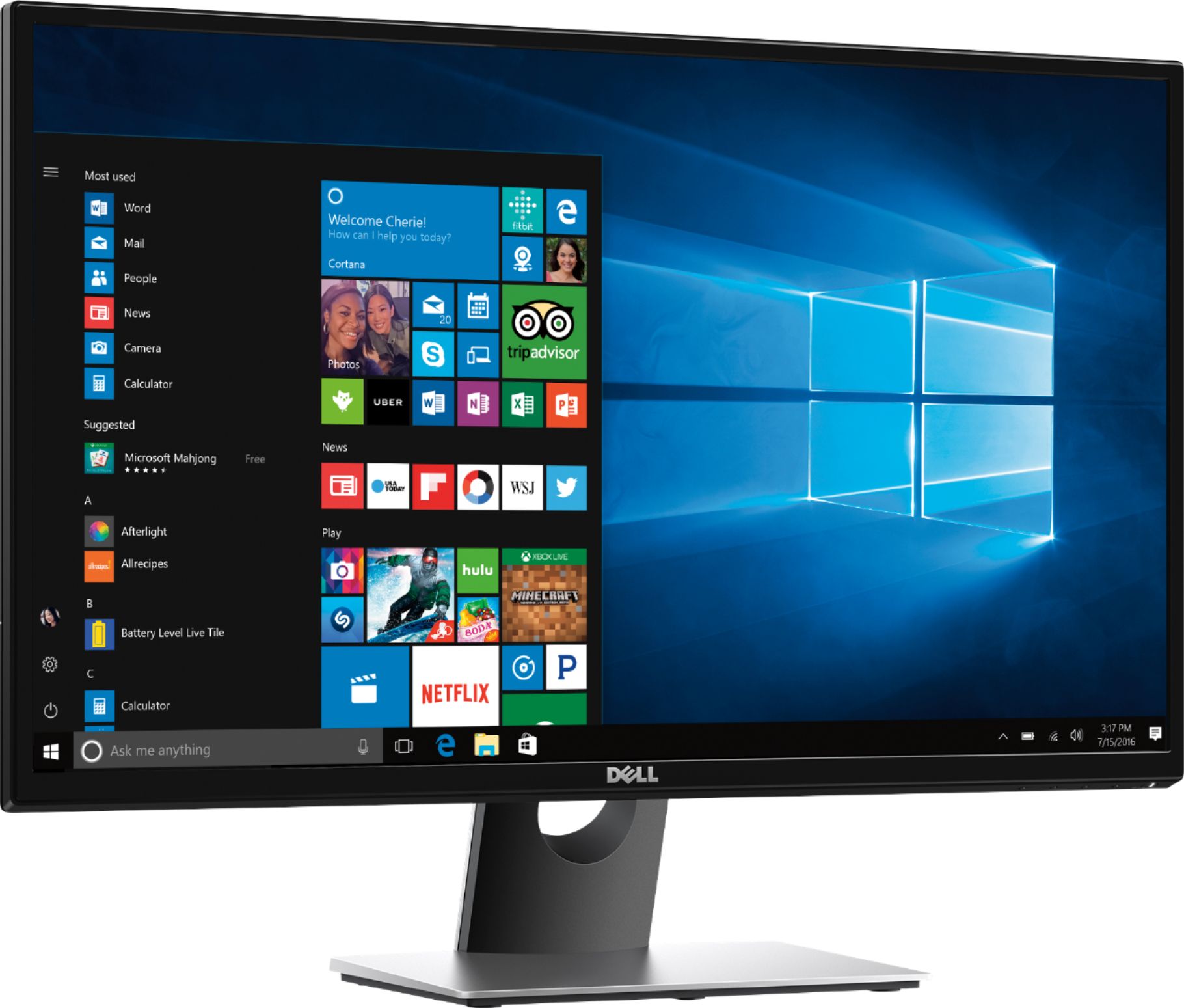
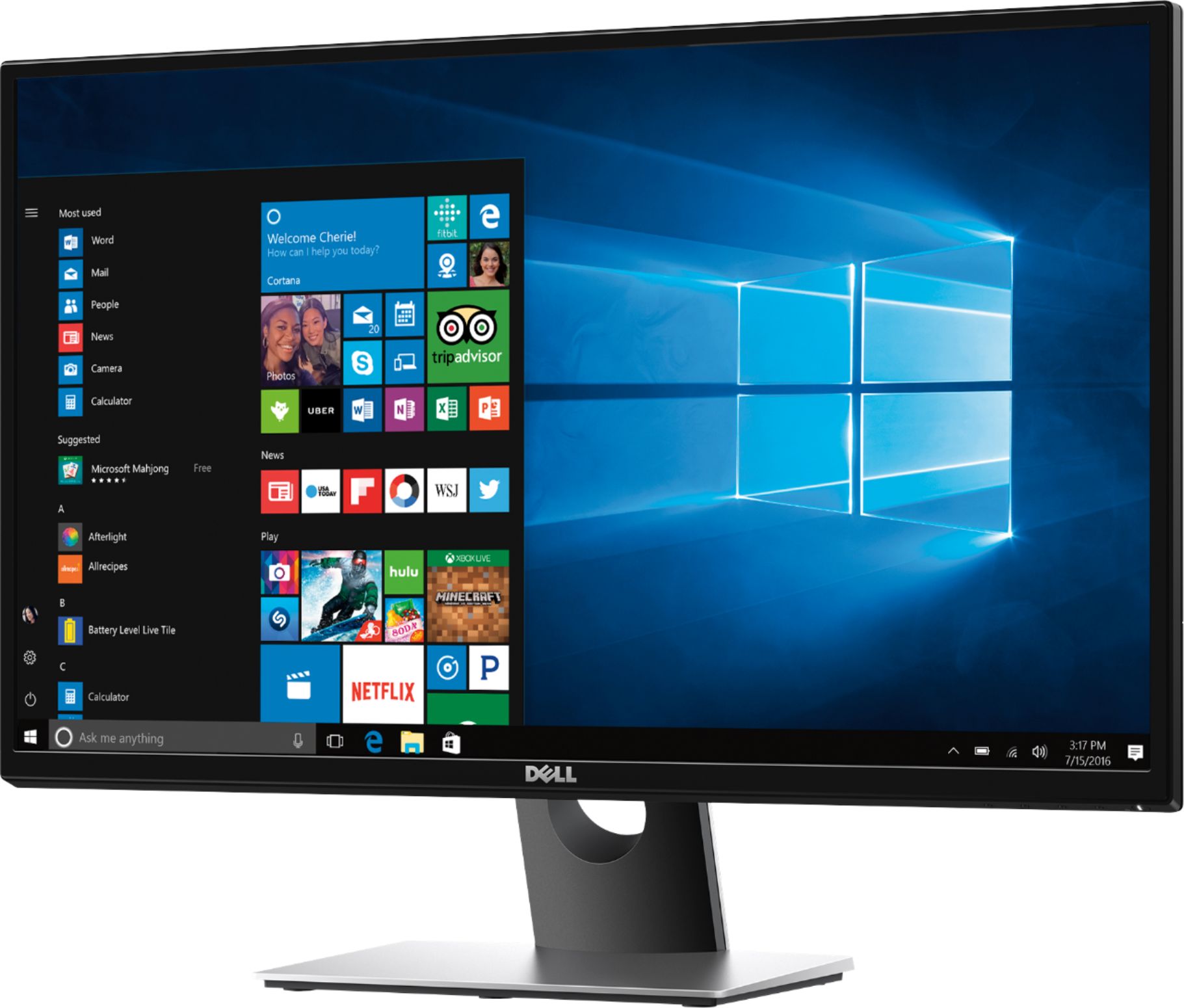
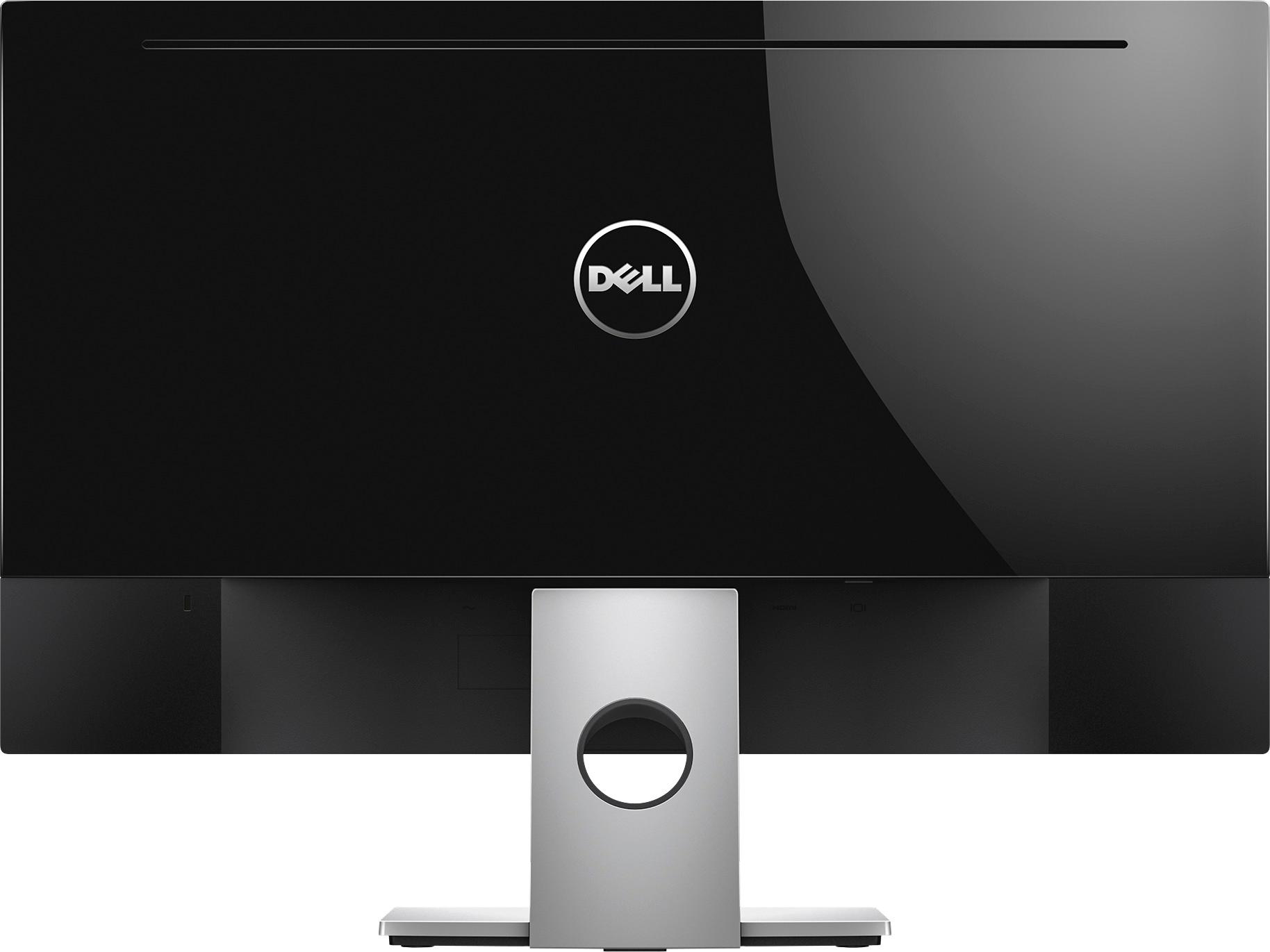
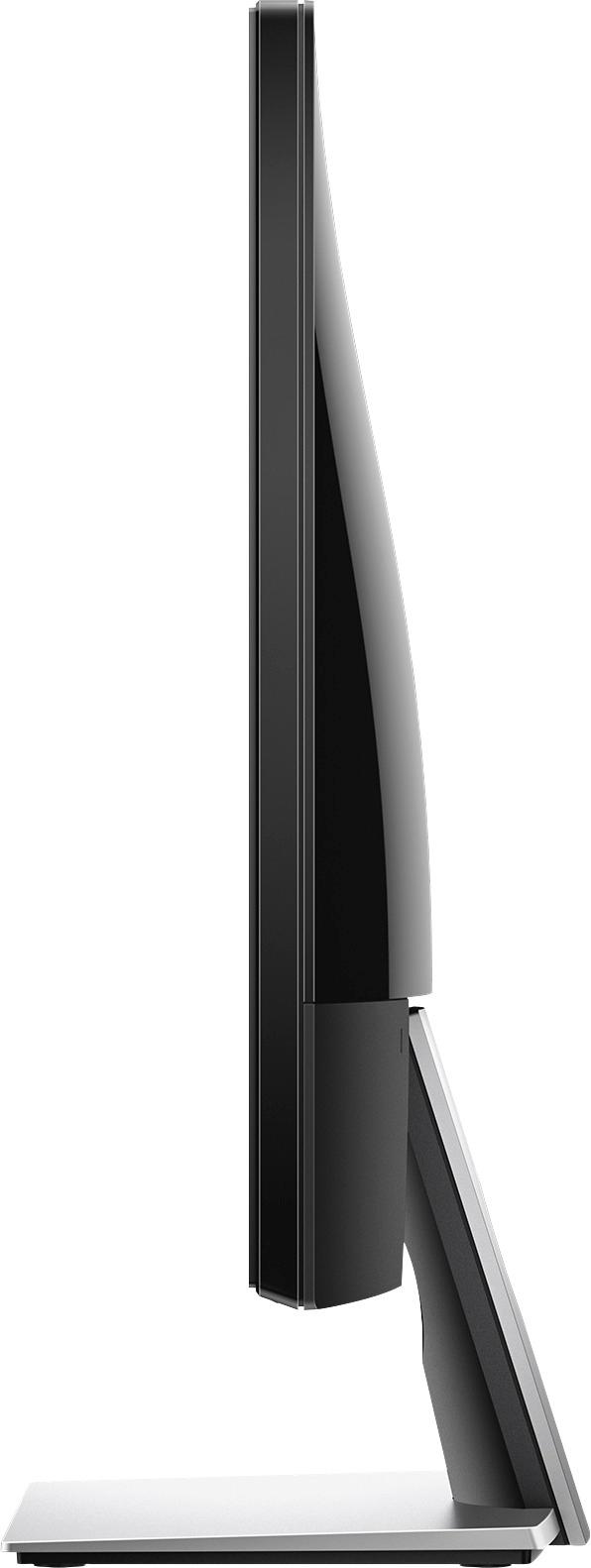
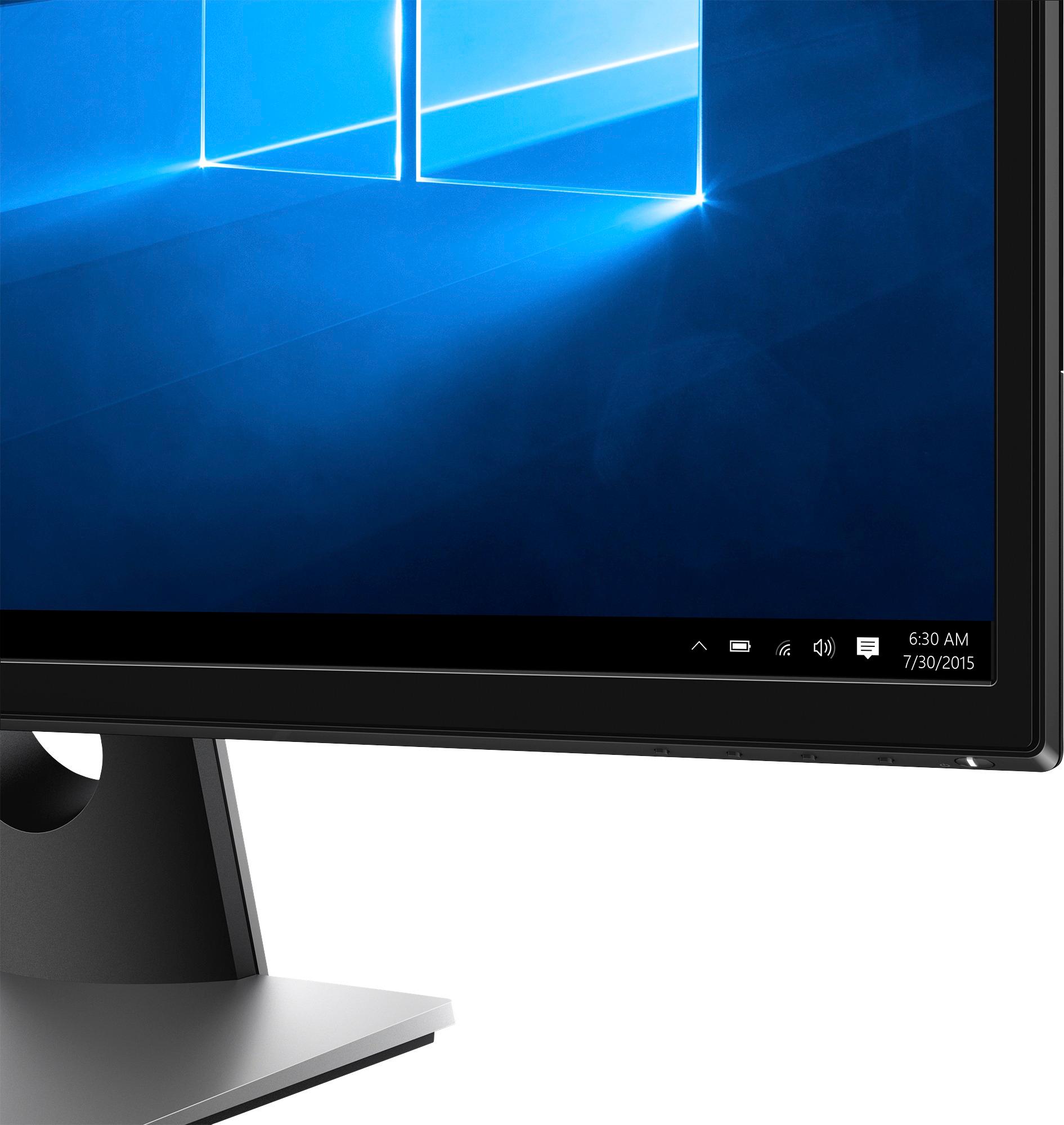
A:AnswerIt has HDMI input so it can connect to consoles that use HDMI (i.e. PS4 and Switch), but does not produce sound, so you would need to rely on the system sound through headphones. Speakers cannot be hooked up to the monitor either.
A:AnswerI would double check because I bought a gaming computer for my kids for Christmas and they recommended this monitor to go with it but after I set it up and struggled the whole day to get sound (even with headphones!) I found that even though the tower had 7.1 surround sound capacity, neither the monitor nor the tower had speakers - I tried to plug the headphones directly into the tower and no sound came out. I ended up buying a $22 pair of speakers two days later and I'm able to plug the headphones into them and get sound ( the mic still doesn't work right though)
Since I got a different name brand tower, you may not have the same issues.
I hope this helps
A:AnswerThis is a great montitor, it’s big and can fit all your needs for gaming. The monitor alone won’t fix quality of videos because you will need a decent pc to go with it. The set up is easy and just requires the power supply and a connection to your pc. It’s a big monitor so expect to get great quality video replay. But as I said before you need a decent graphics card and what not for the actual video quality to be good. No lag so don’t worry there.
A:AnswerTechnically yes. It is 2 different input ports on the monitor. I would use the HDMI for the computer that has the better graphix card. U could always hook up a thunderbolt to VGA adapter if u need to as well.