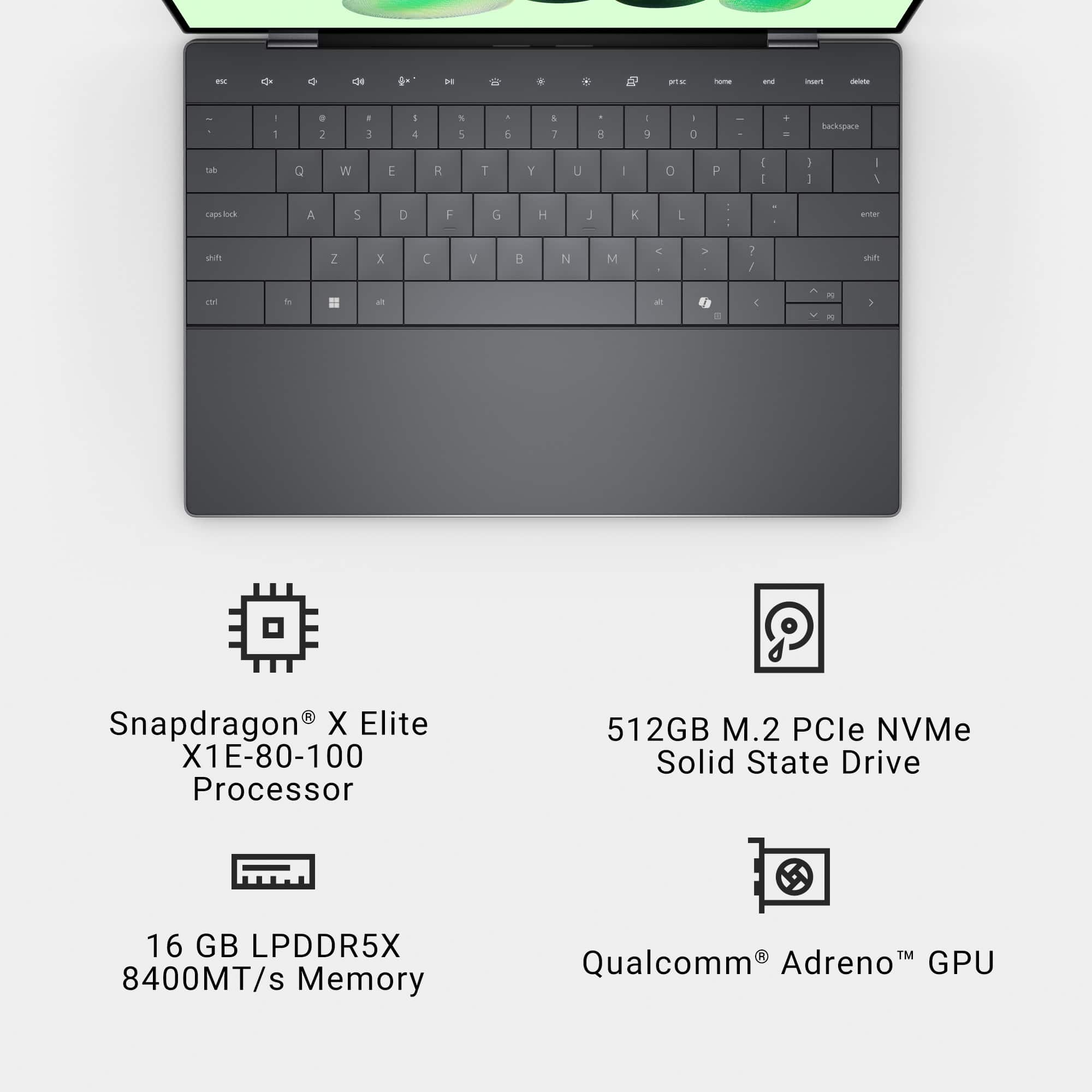
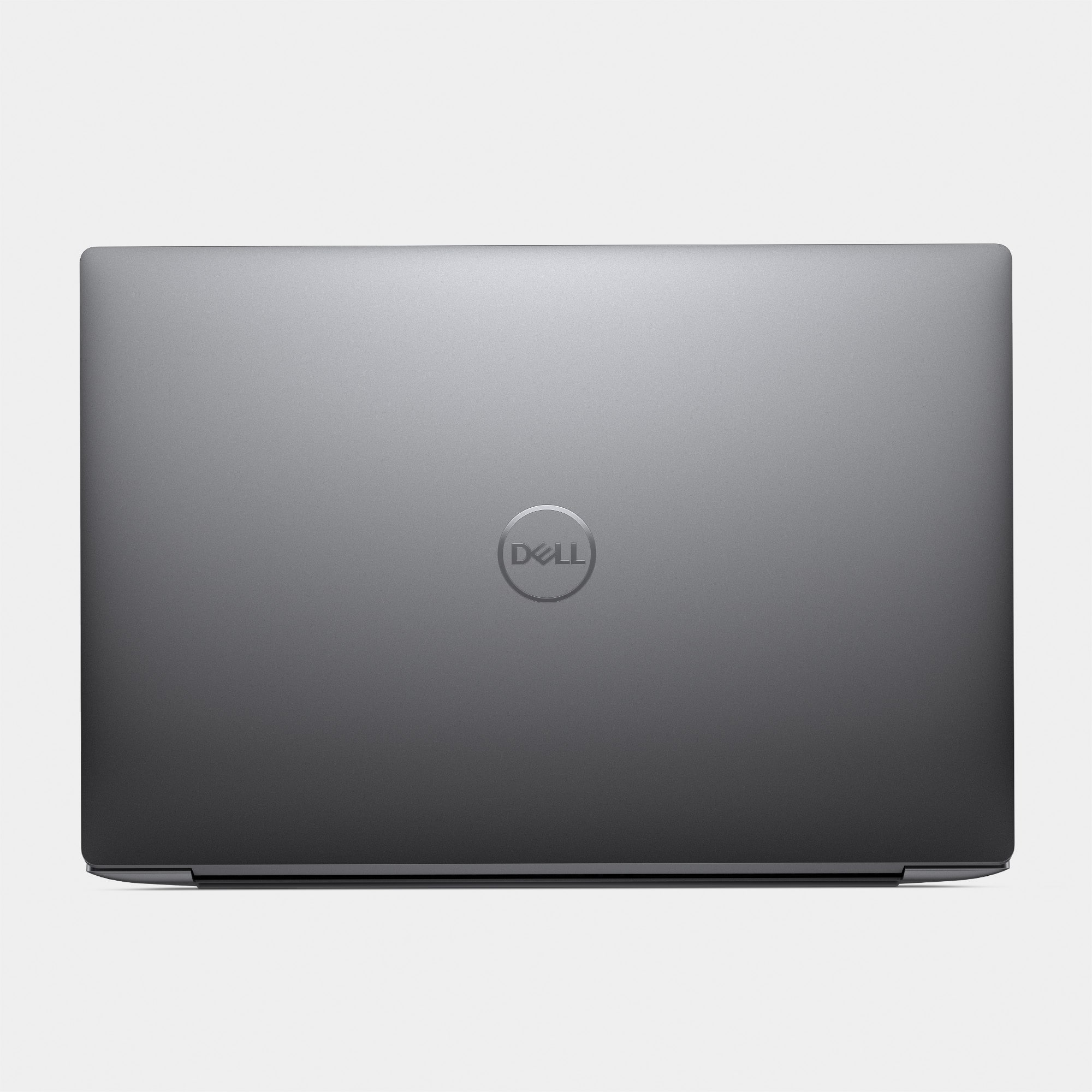
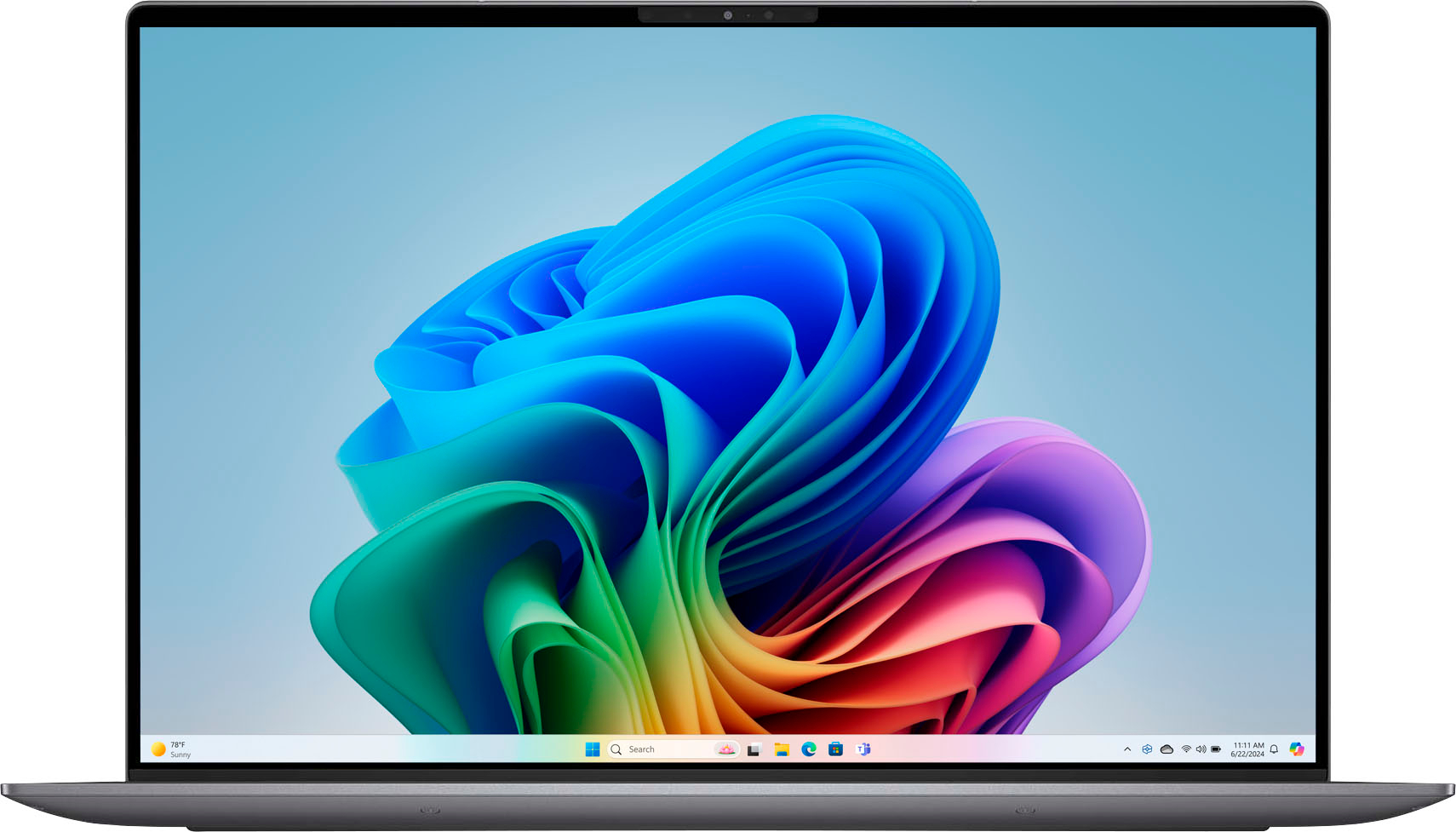
A:AnswerMemory is soldered and not upgradeable.
Retailers like Best Buy can request Dell to provide a configuration that isn't available on Dell's website.
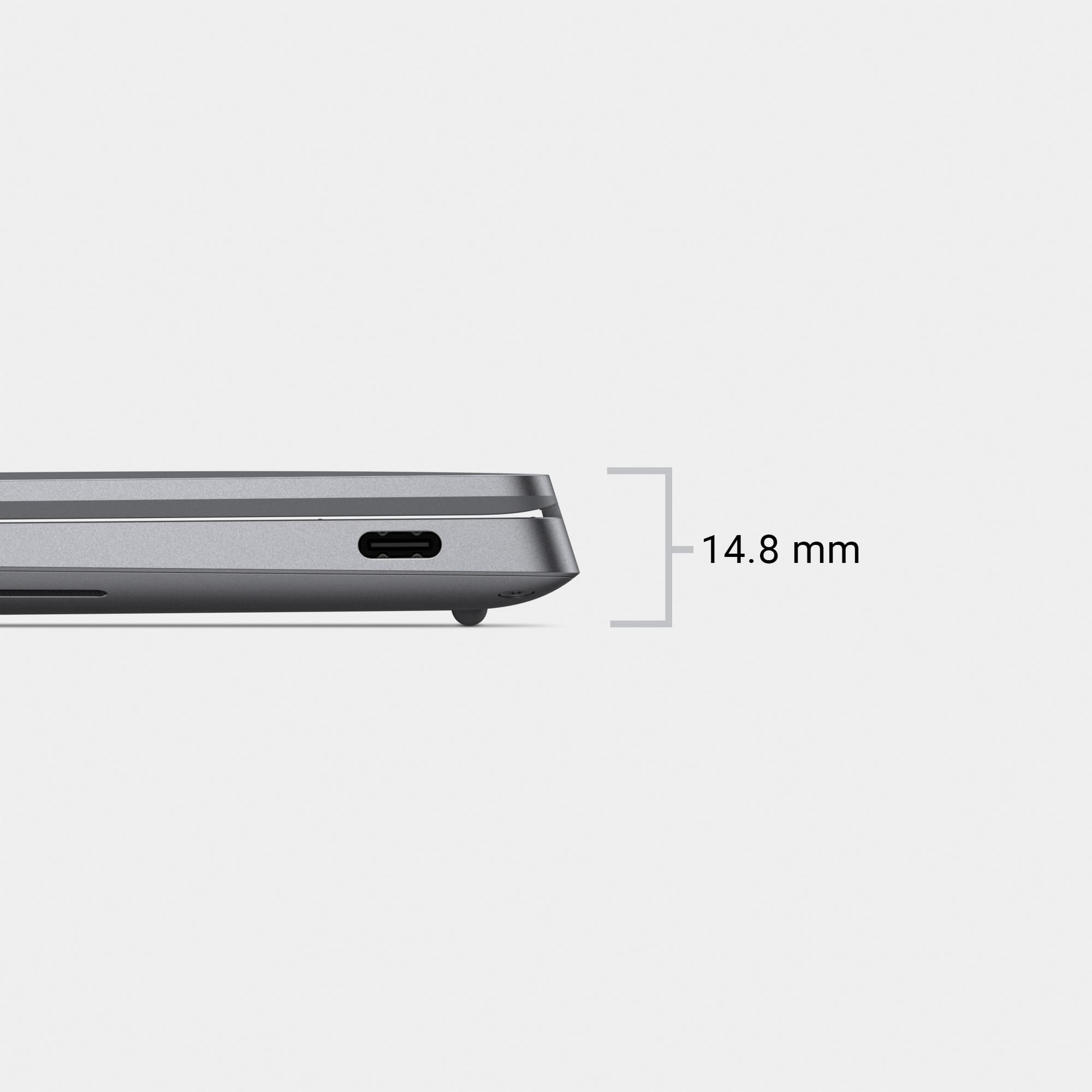
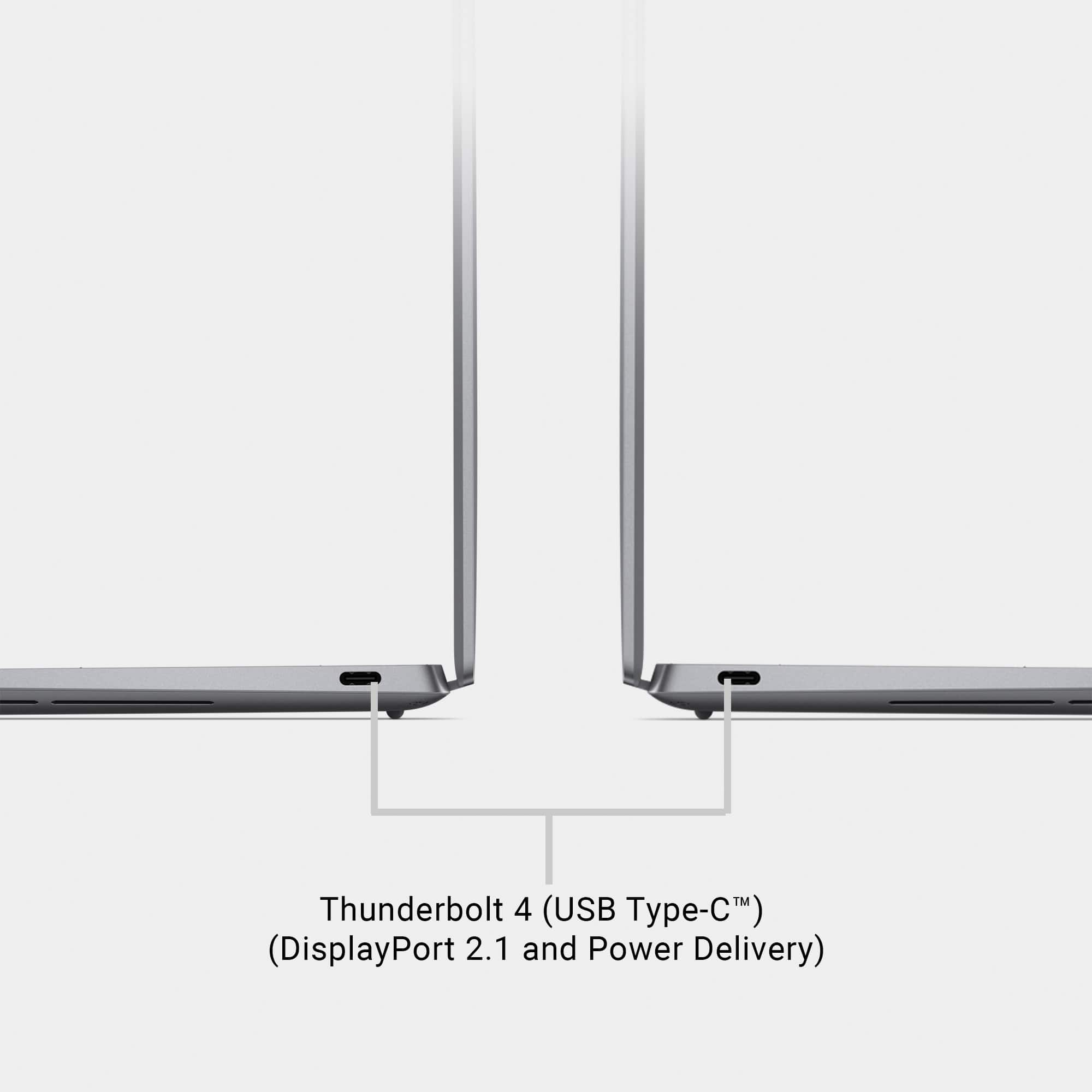
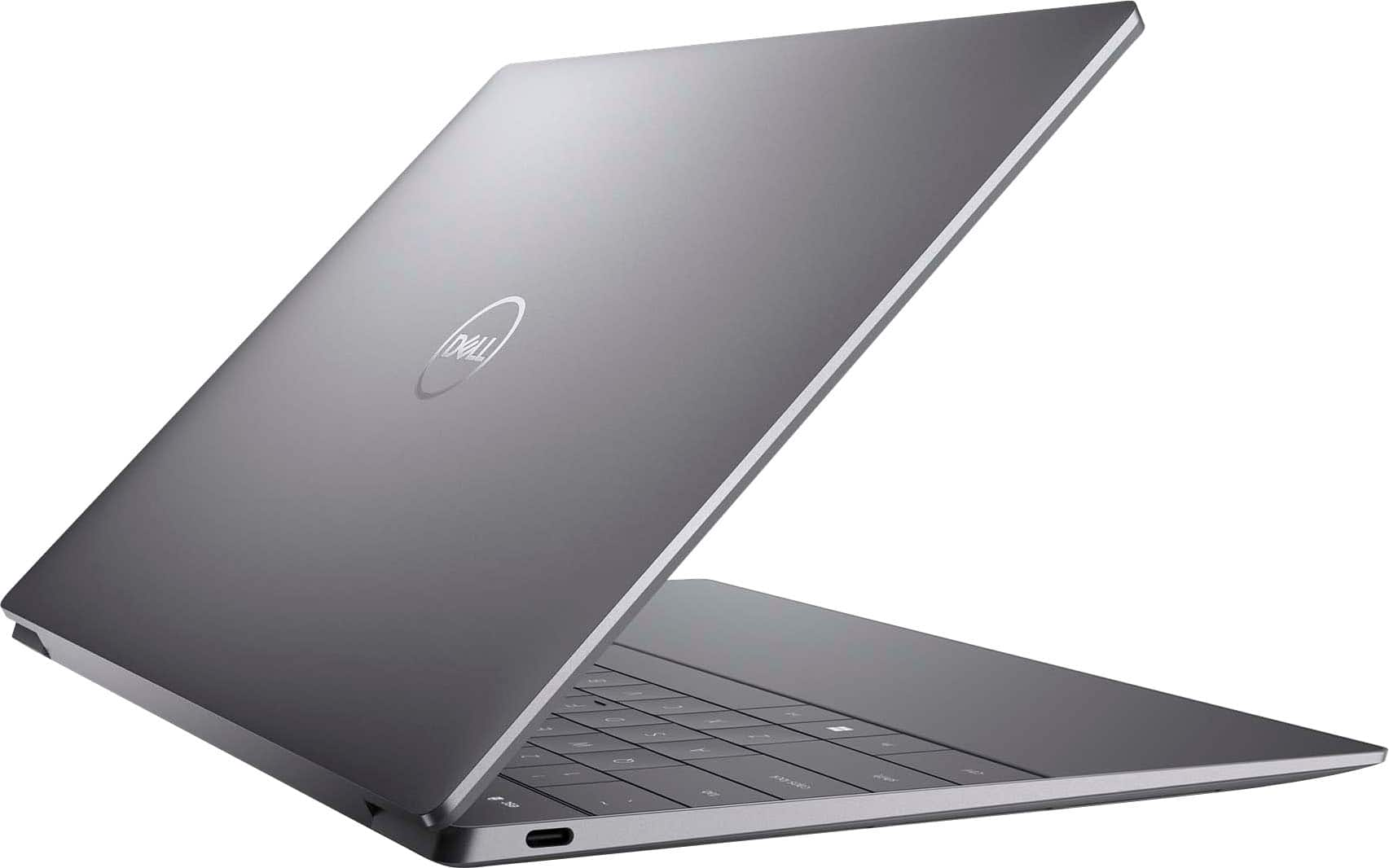
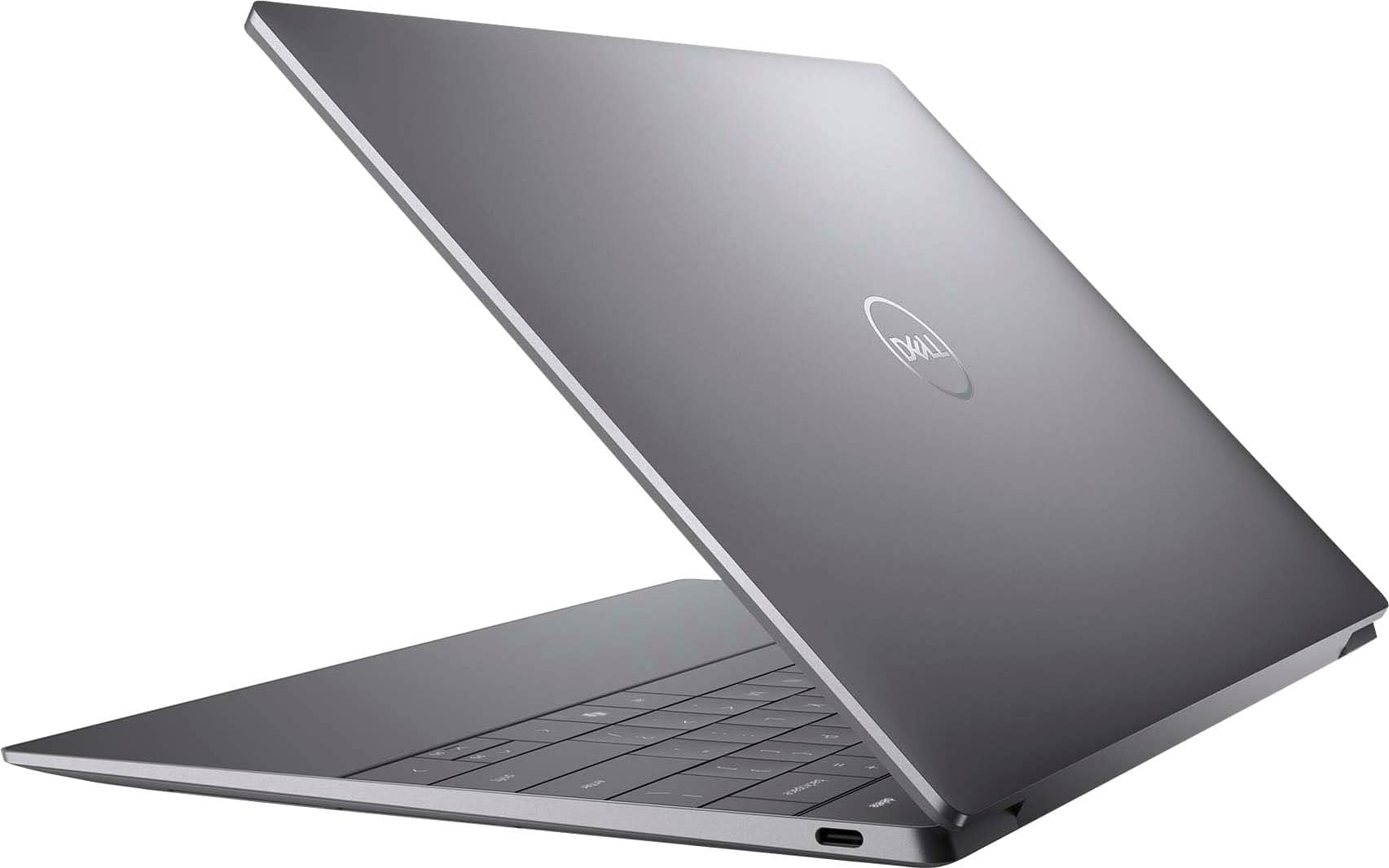
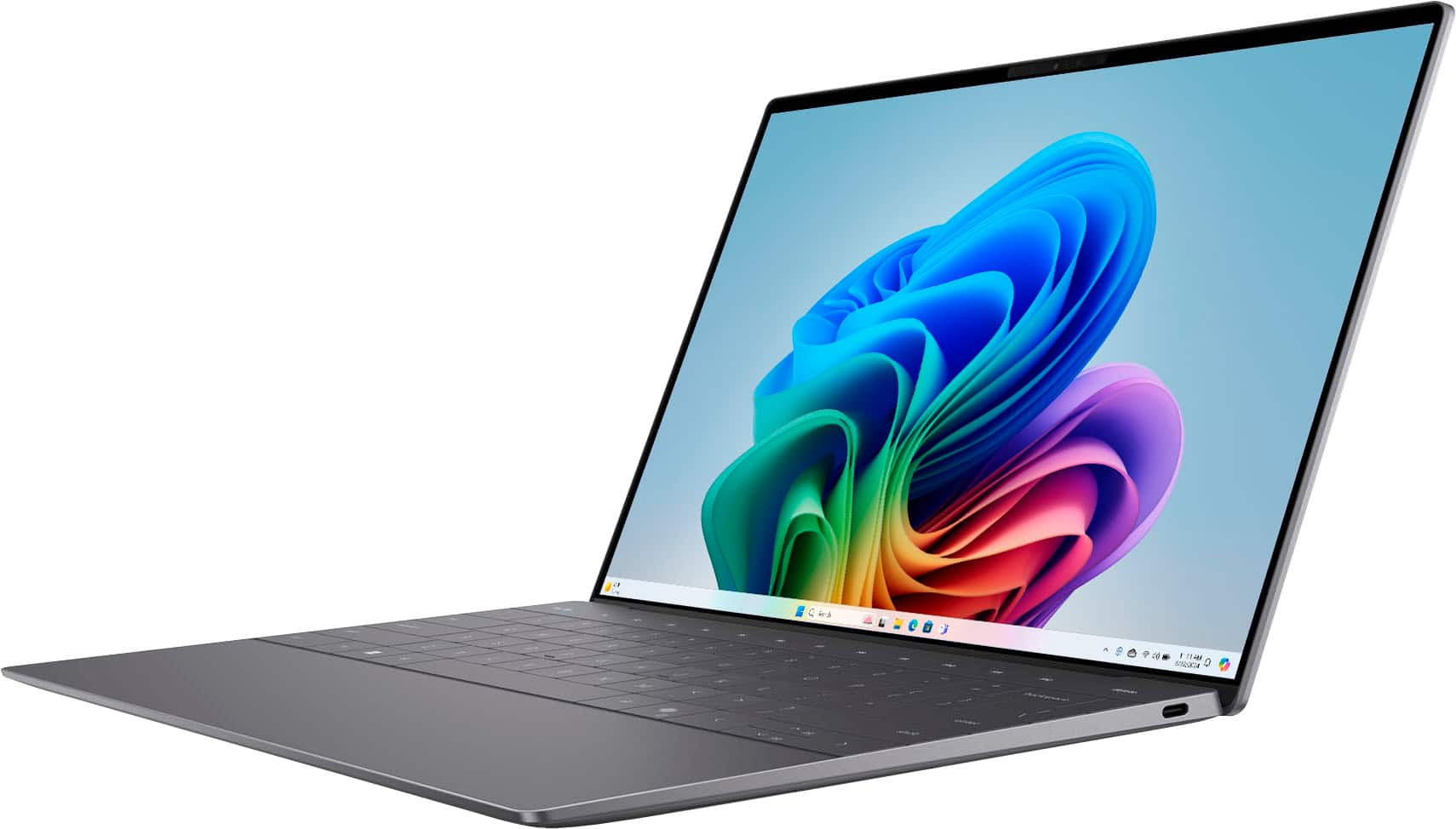
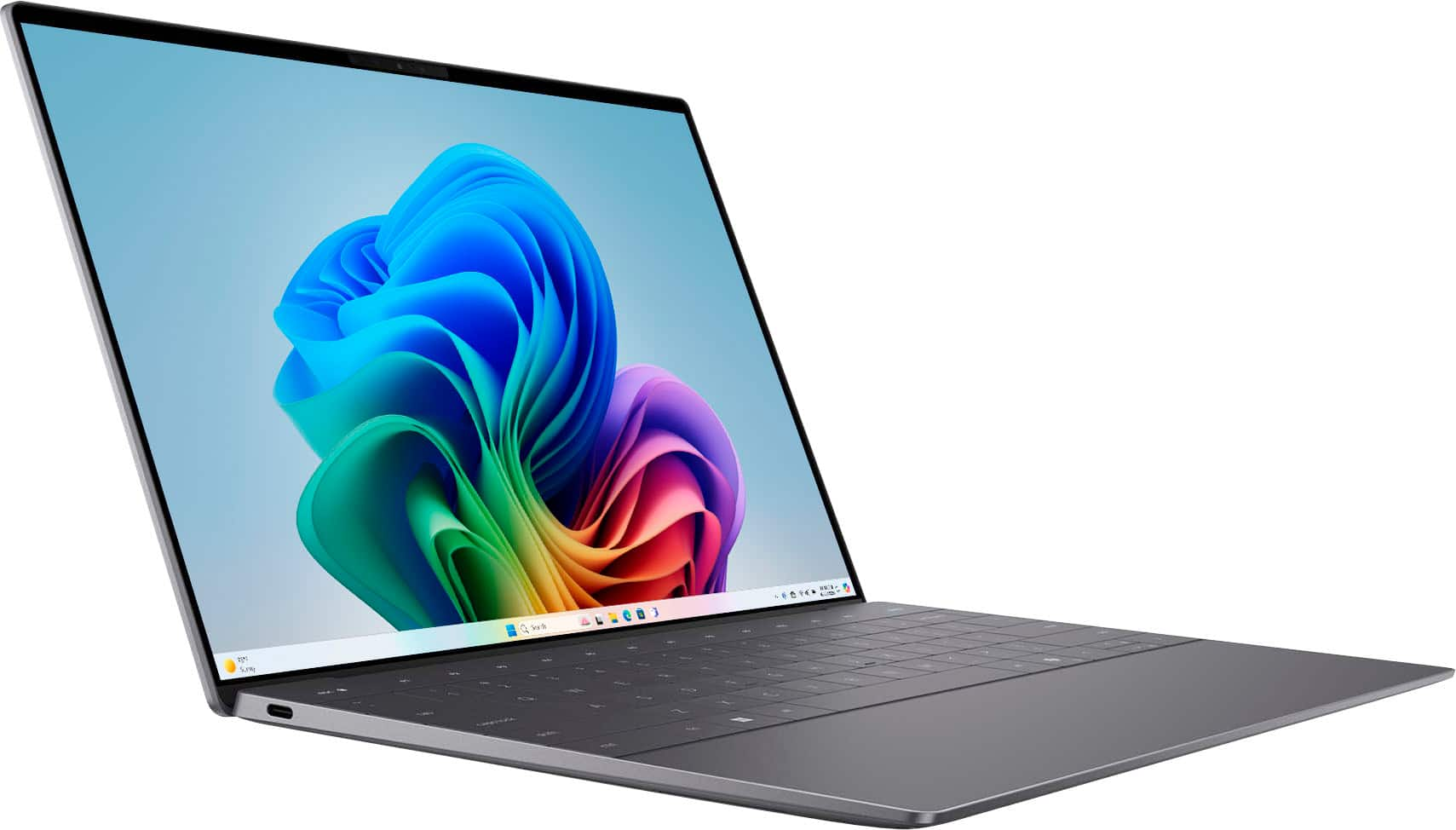
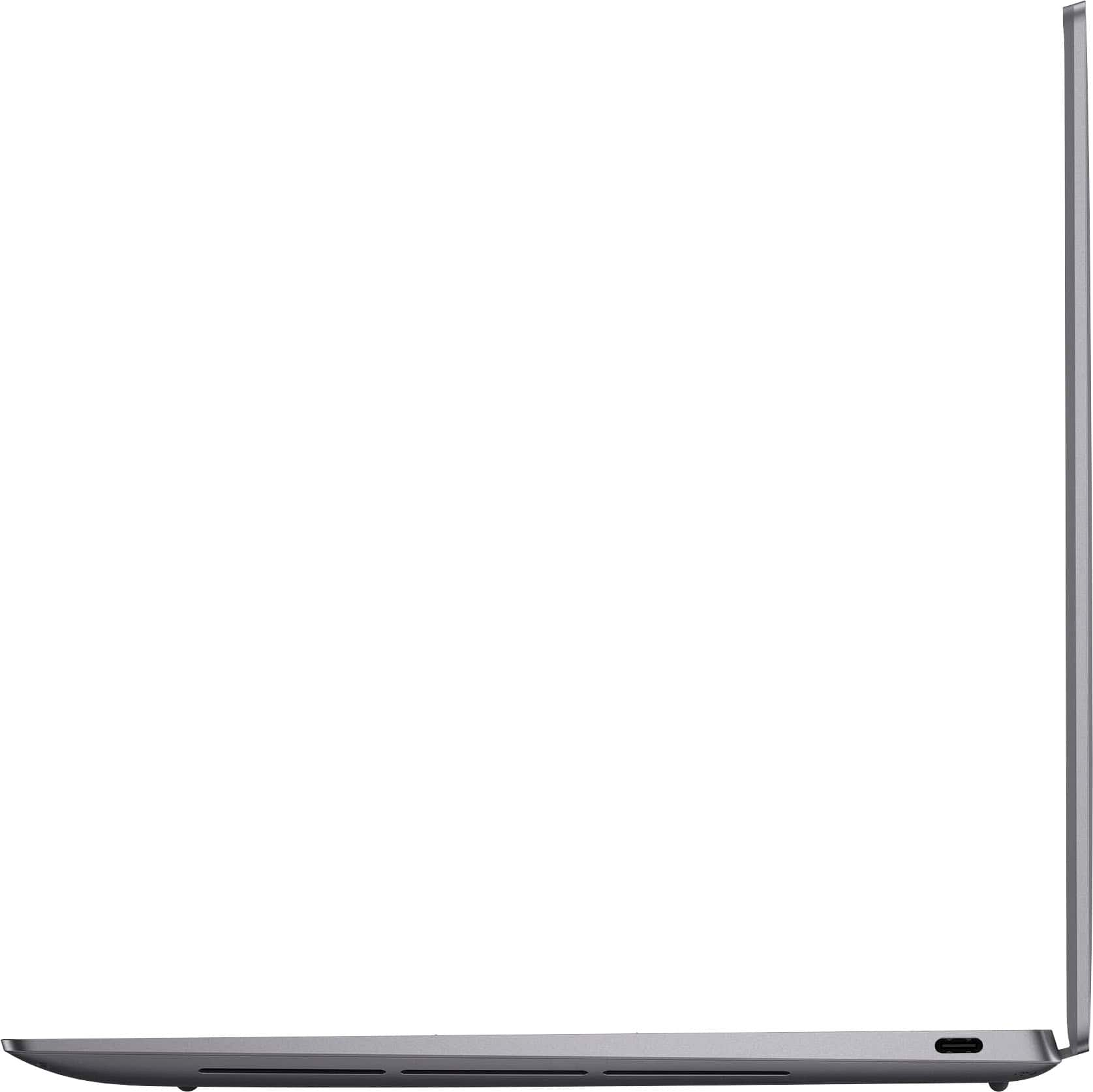
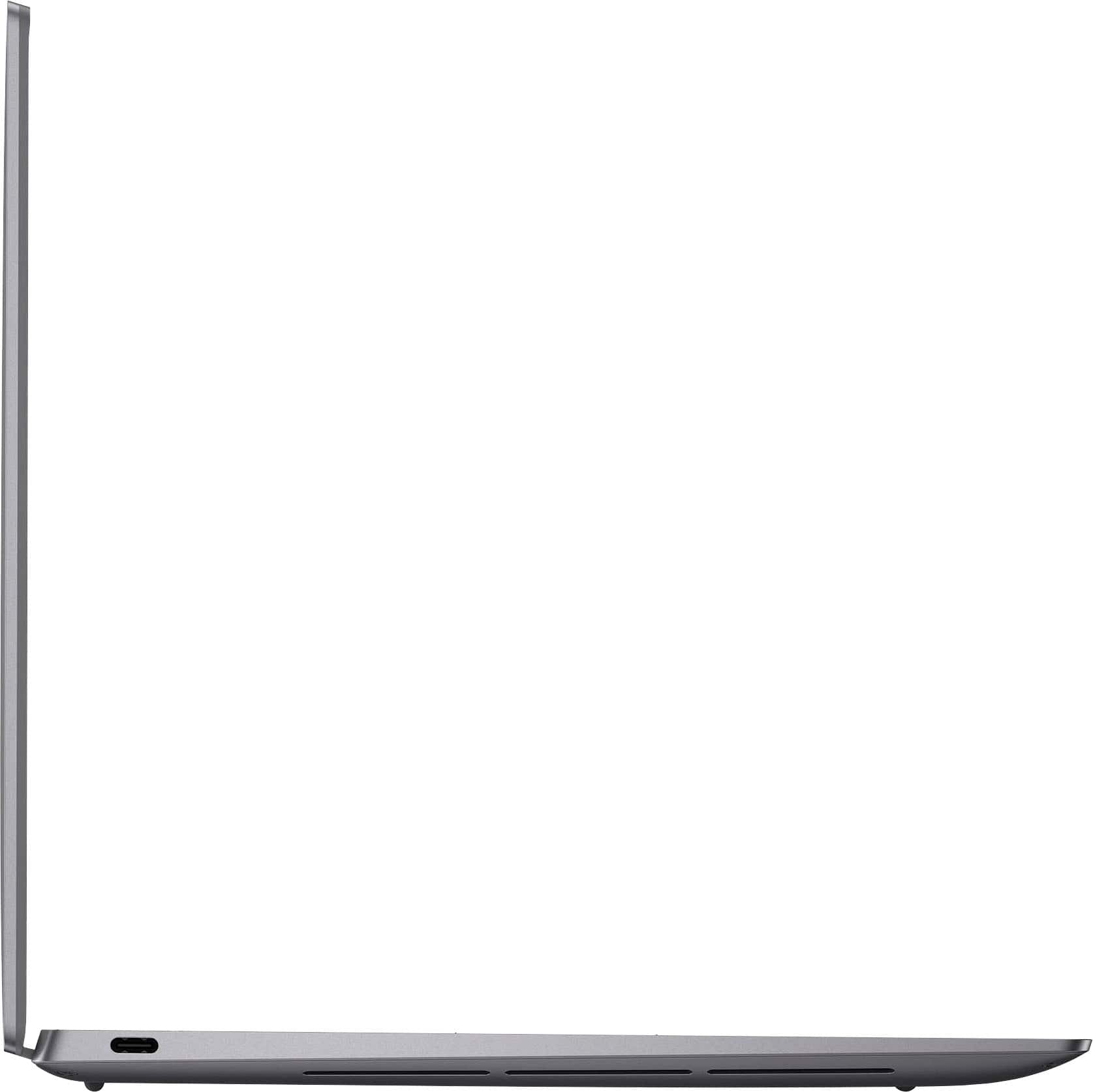
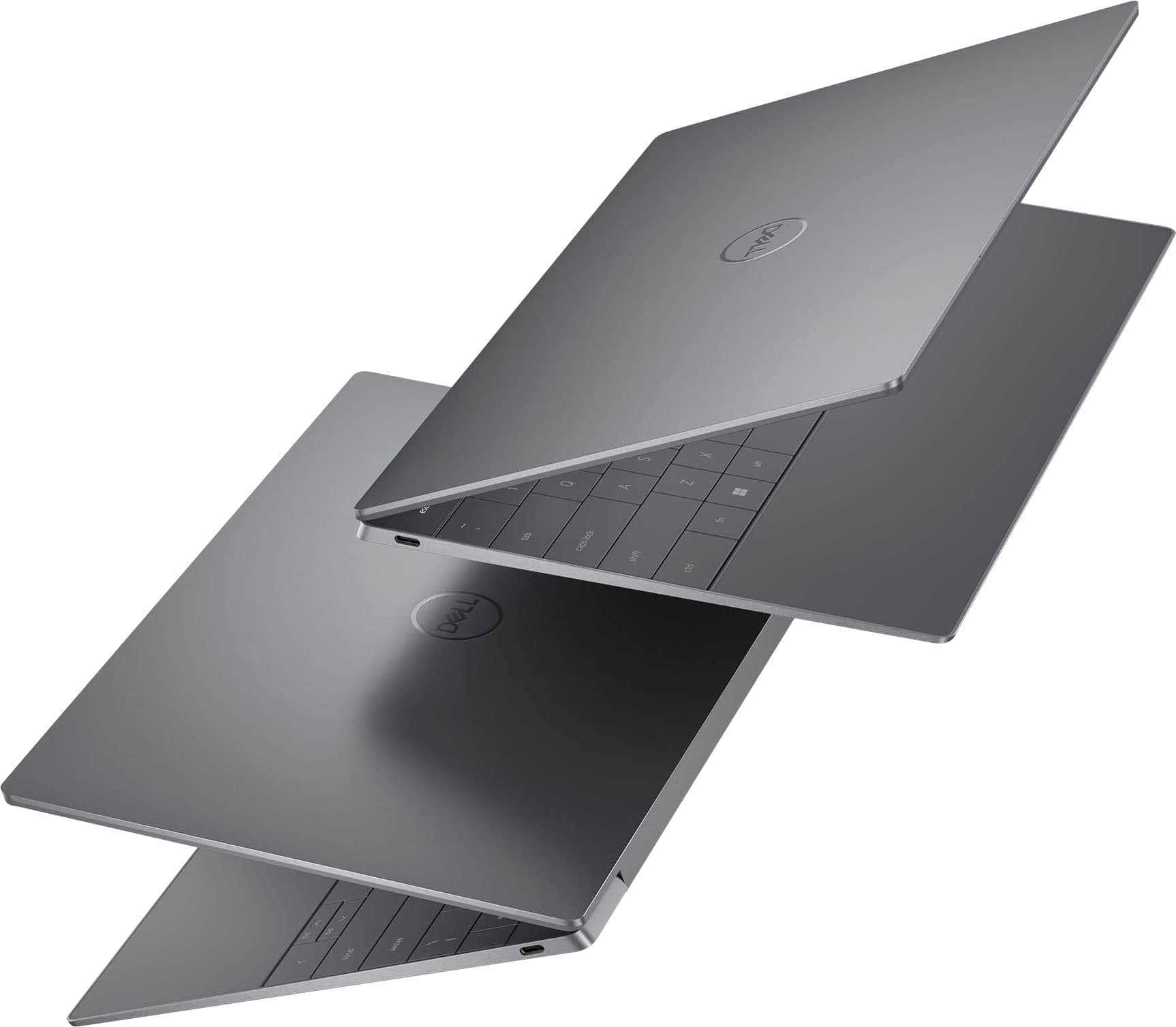
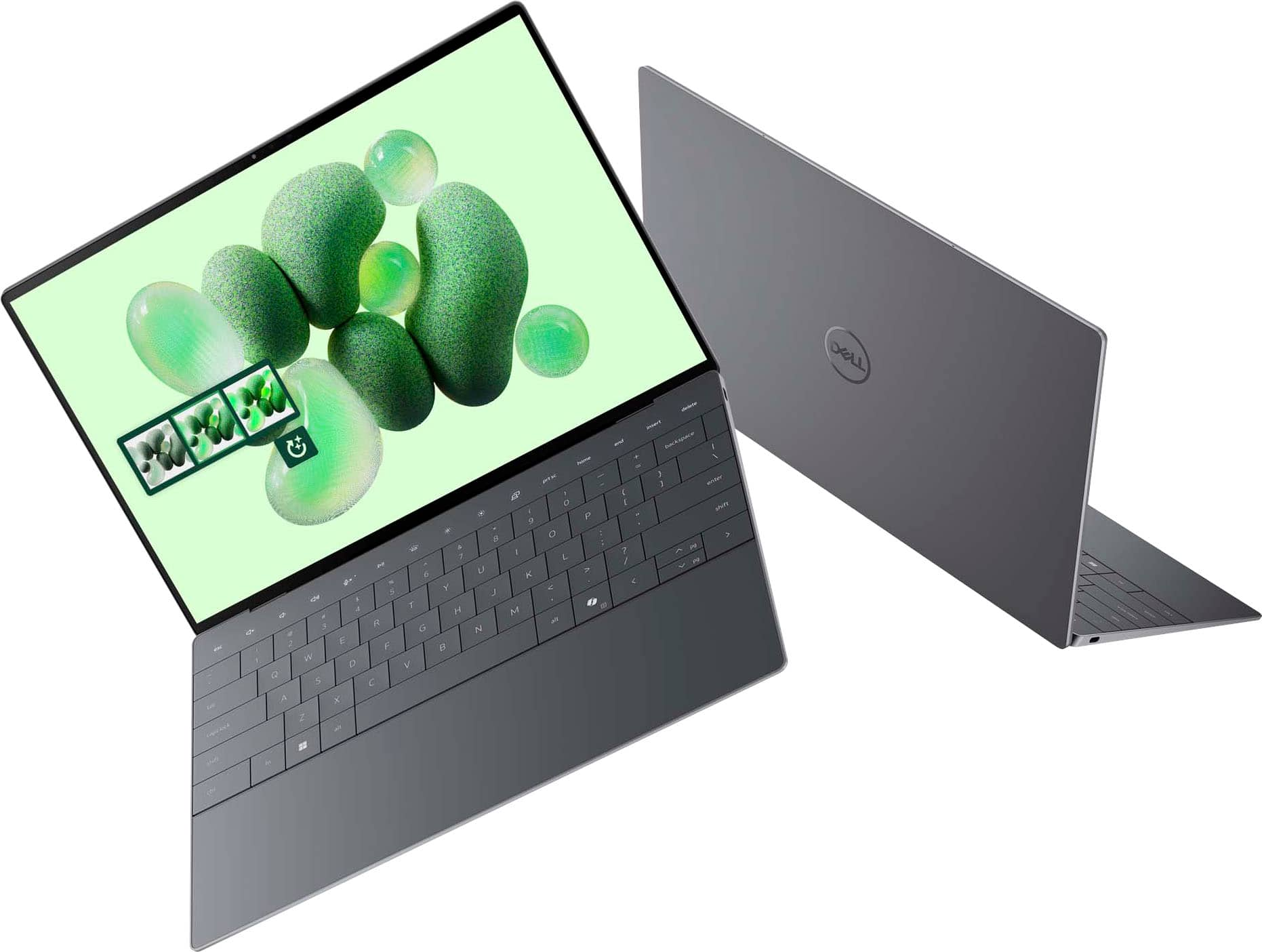
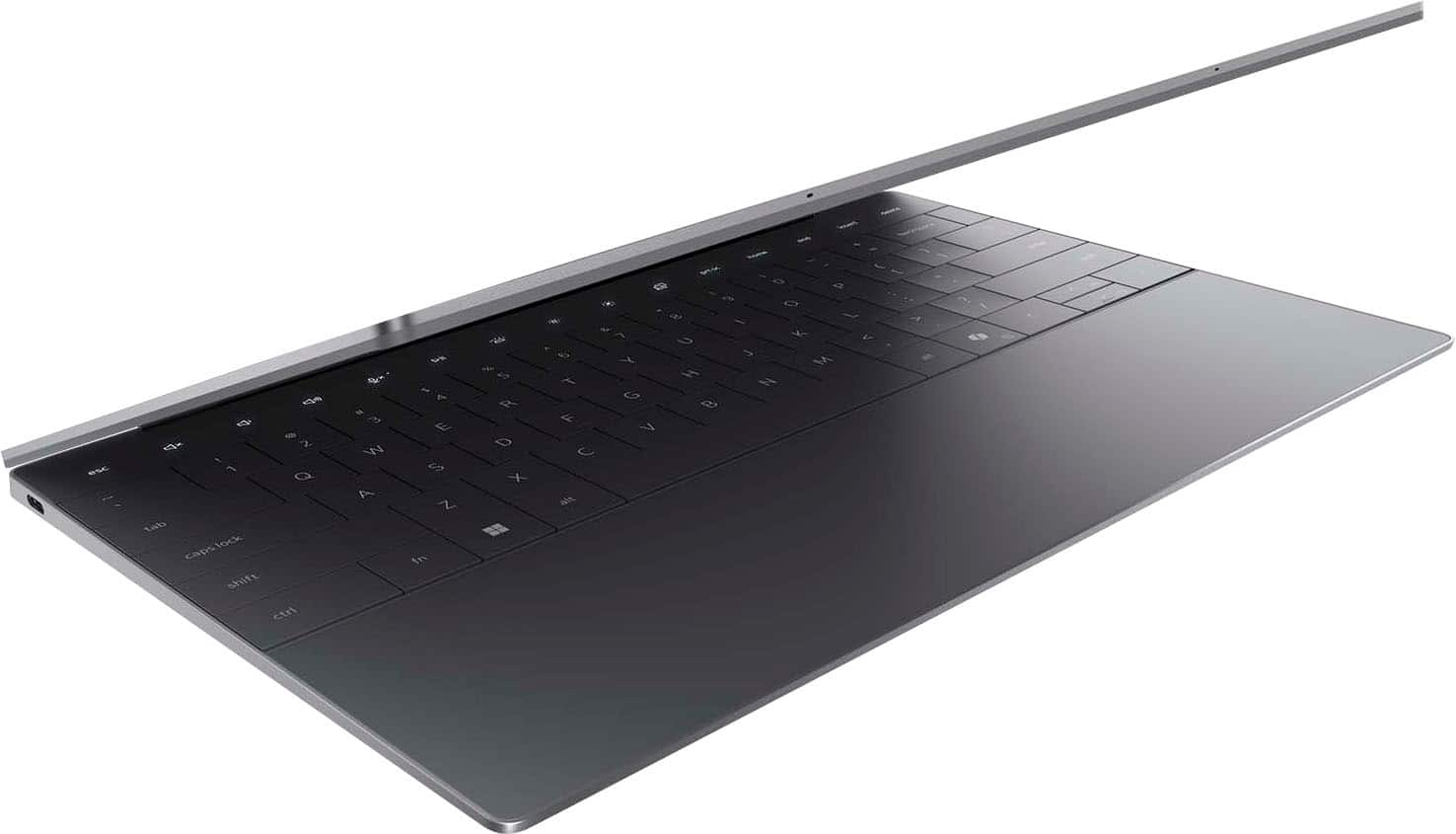
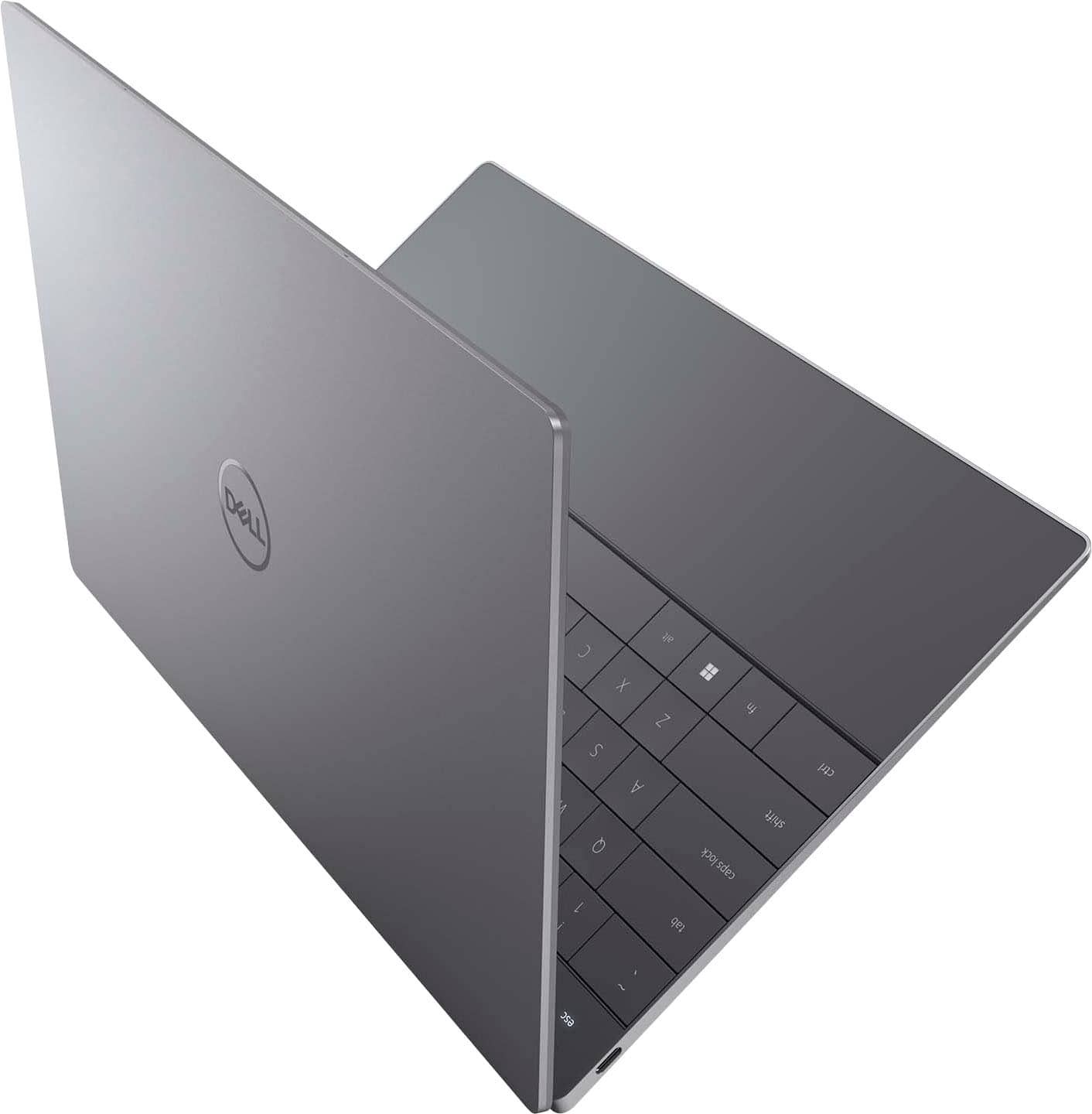
A:AnswerNo, this XPS 13 comes only with two high-speed combo data/power USB-C ports. One of the ports will be used for the power adapter. You can get a USB-C to HDMI adapter cord if you need HDMI or pick up a dock if you need a variety of ports (HDMI, USB-A, SD, earphone, etc.).
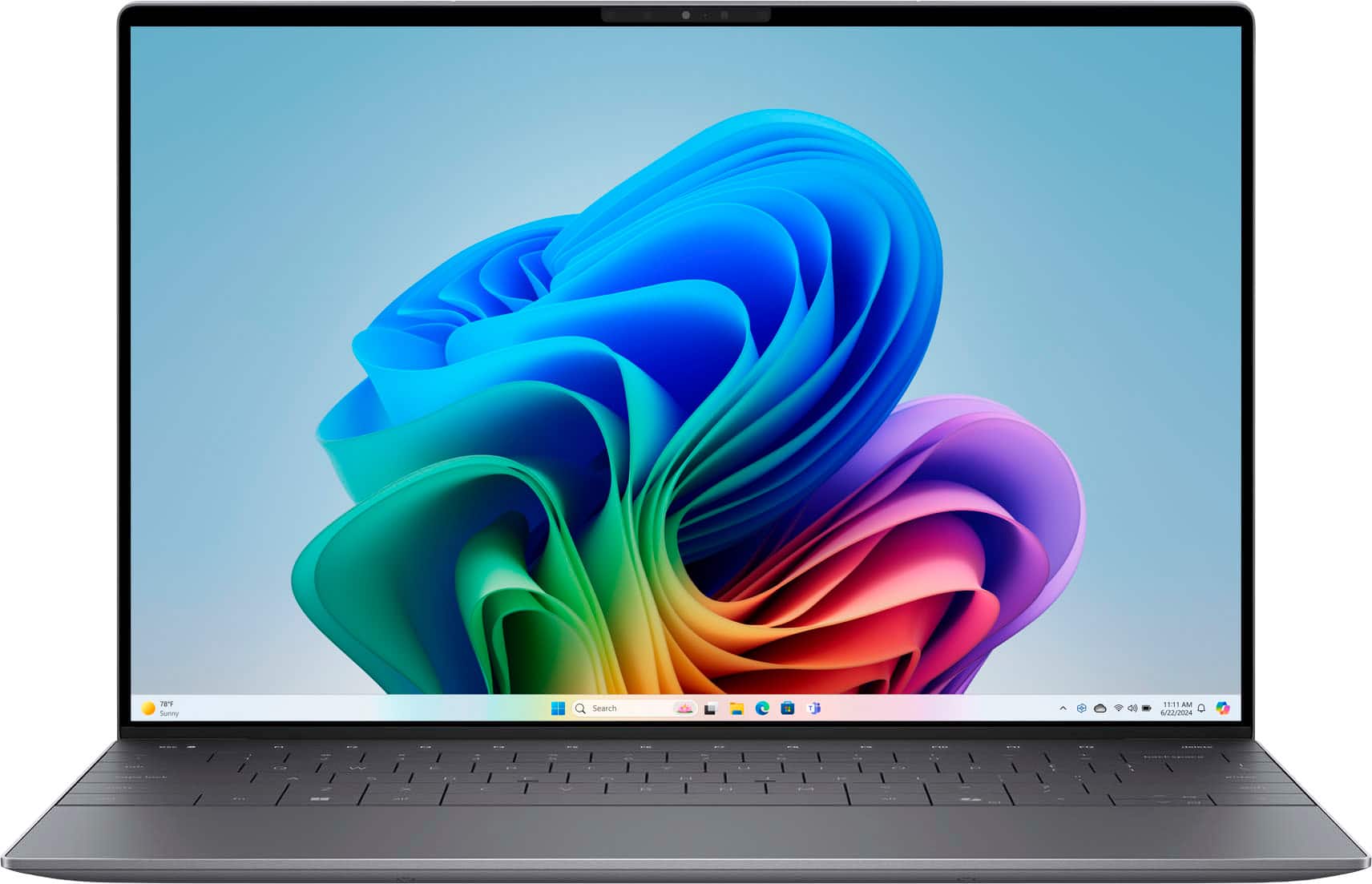
A:AnswerYes, we can enable it using following steps.
Click on the Start button and select Settings (gear icon) from the menu.
In the Settings window, click on the System option.
In the System settings, click on the Power & battery option from the left-hand side menu.
Under the Power & battery settings, toggle on the "Battery percentage on the taskbar" option.
A:AnswerThis laptop should be capable of handling Adobe Photoshop and Adobe Premiere for basic to moderate tasks, you may experience limitations when working with high-resolution videos (like 4K) or intensive effects.
A:AnswerThe Dell XPS 13 - Copilot+ PC with the Snapdragon X Elite processor is a premium ultrabook, but it is not primarily designed for gaming. It can handle light gaming or cloud-based gaming. If your focus is gaming, a laptop with a dedicated GPU (like an NVIDIA RTX or AMD Radeon card) would be a much better option. For Dell premier gaming, take a look at the Alienware options at Best Buy.