A:AnswerHello and thank you for your question. The receivers Bluetooth can be controlled remotely. For further control, try a Harmony universal remote with RF ability. For app control please consider the Denon AVR-S650H
A:AnswerHello, as long as the Windows 10 is outputting the correct signal, then yes you can use the PC as a source. Please consult the PC manufacturer. The AVR-S540BT receiver will pass through signals to the TV without any upscaling. If upscaling is required please consider the AVR-S960H.
A:AnswerNo, as our AVRs do not have a Pre-Out/Main In combo to loop the Bose EQ. You can connect the EQ inline with a specific source if needed. (Source -> EQ -> AVR)
A:AnswerAt any rational volume level THD runs less than 0.08%. What I suggest you really concern yourself with is the efficiency and impedence of your loudspeakers - receivers in this price class do not handle low impedence speaker loads well (under 6 ohms) - so be careful. And most speakers, even ones rated at 8 ohms, typically dip to less than 4 ohms in the upper bass and lower midrange. You'll be OK if you don't overdo volume levels, but if you like to play things really loud, you should step up to a more powerful unit (like the Denon AVR-X3700H). In the end you get what you pay for.
A:AnswerThis happens because the audio is processing at a different rate than the video. You can try putting the AVR in Direct mode as that will bypass the internal processing.
A:AnswerThe S540BT is rated to handle 6 or 8 ohm rated speakers. At 8 ohms, the AVR outputs at 70W per channel. At 6 ohms, the AVR outputs at 90 W per channel.
A:AnswerNot at all. The AVR has an HDMI Pass Through feature that allows for a source device's video and audio to pass to the TV directly while the AVR is in Standby. (Off)
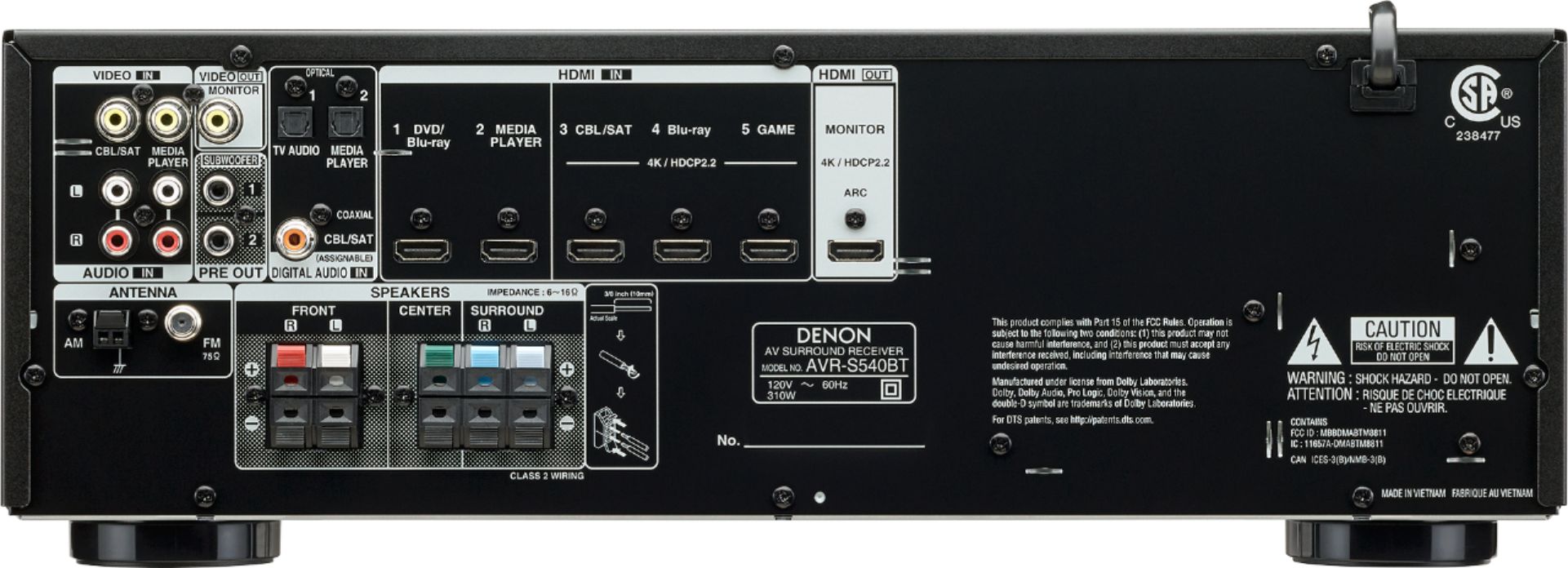
A:AnswerI would recommend you look into Polk Audio or Definitive Technology, but any powered sub will do. The sub connects to the AVR's Subwoofer pre-out on the rear panel.
A:AnswerYour soundbar is powered by itself. You may be able to connect your soundbar in parallel, but this amplifier will not affect the sound of the bar at all. Your soundbar does not accept speaker-level inputs.
This amplifier should be paired with unpowered speakers - front-right, front-left, and center channel at minimum, and add a self-powered subwoofer. Add 2 rear channel speakers (also unpowered) for full surround.
A:AnswerEach speaker has a positive (red) and negative (black) wire. The AVR uses clip connectors. (red for + and black for -) Each speaker will connect to the corresponding red (positive) and black (negative) terminal. The S540BT only supports up to 5 speaker connections. (FL, FR, C, SL, SR) If the 6th speaker is a passive subwoofer, then a sub amp will be needed in conjunction with that passive woofer.
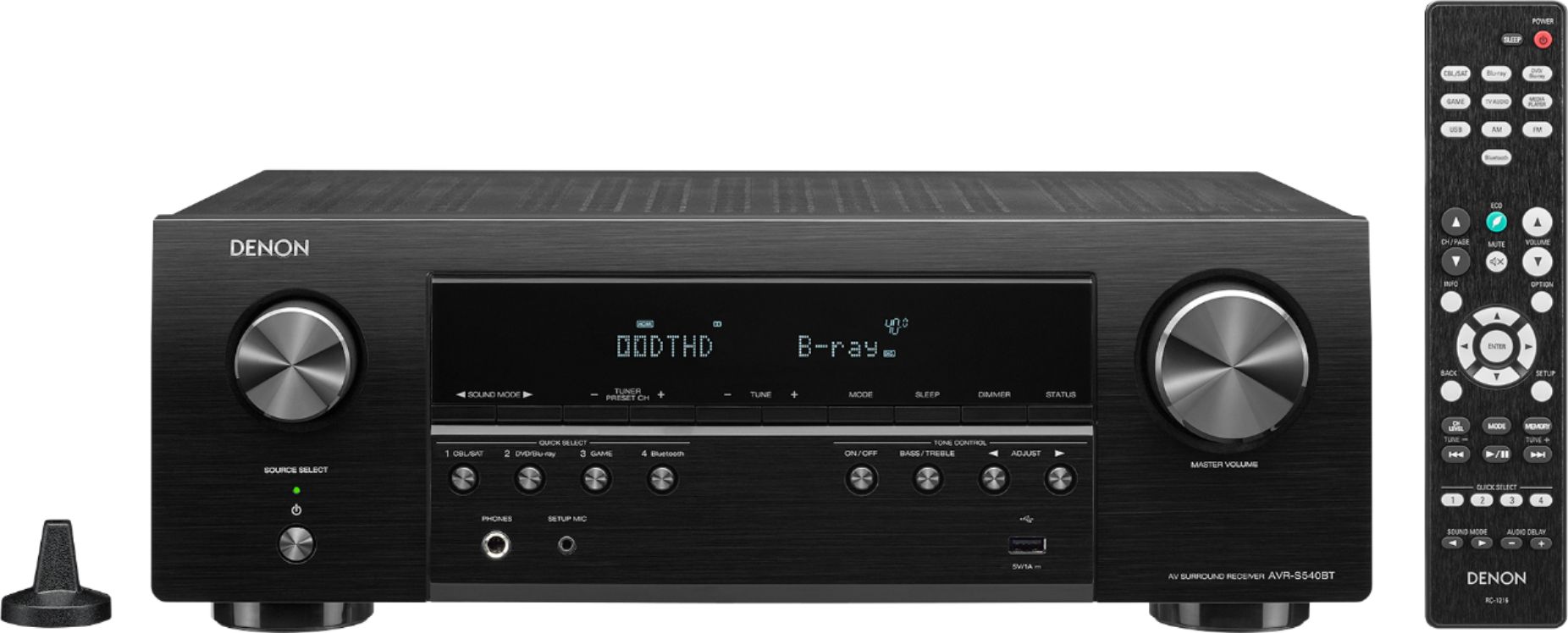
A:AnswerYes, it will go back to the last source used when powered back on. If you notice that the AVR is switching to the "TV Audio" source instead when powering on, then try disabling the CEC option in the TV. TV Audio is the source used for ARC and the TV is sending a CEC command to the receiver to tell it to switch to the TV Audio source.
A:AnswerDirect Mode is for audio. It bypasses any internal audio processing in the AVR to provide an unprocessed source signal for 2 channel output. I would leave the AVR in Auto Mode for the Roku source so you can decode Dolby and DTS surround formats.
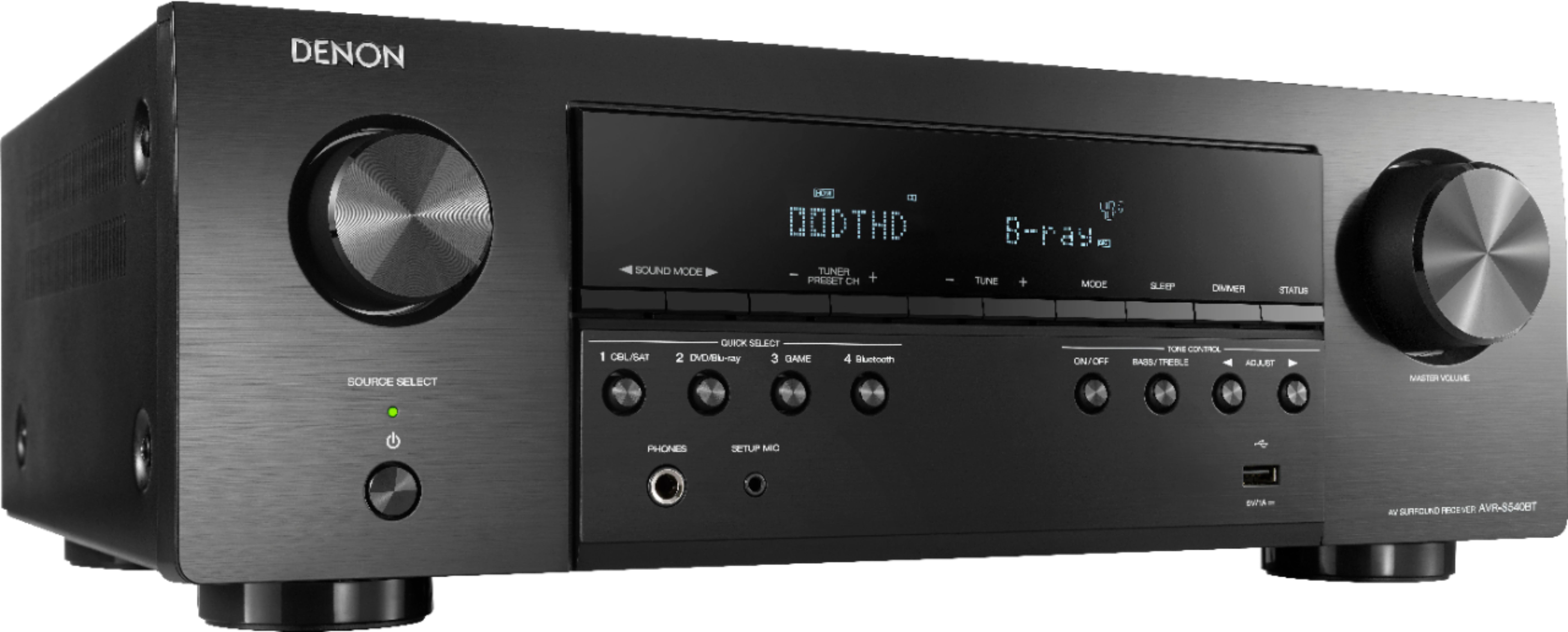
A:AnswerYes, the S540BT has a mic input for the included calibration microphone. You cannot connect a mic as an input source directly. (i.e. for Karaoke) That type of mic application would need to go through a mixer first.