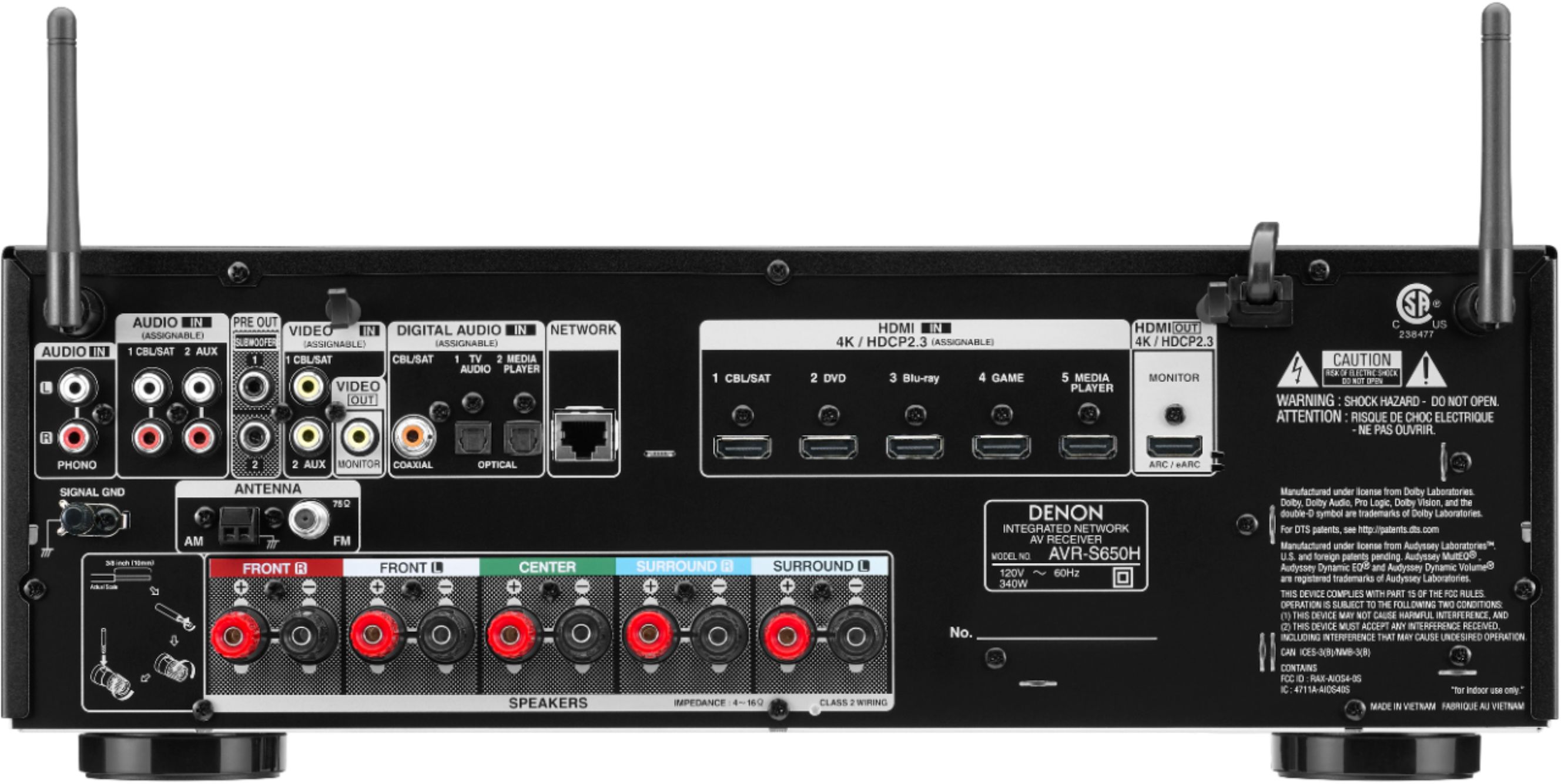
A:AnswerTest for poor EDID (Extended Display Identification Data) negotiation by removing the HDMI output connection from the back of the AVR. This is the cable that connects the AVR and TV. This will remove the TV's EDID from the equation. See if the player's audio outputs consistently at that point. If so, then test with a different make/model TV to see if you're getting consistent audio and video through the AVR.
A:AnswerNo. The unit does admit a LAN internet cable, but like most people, I need that for steaming movie platforms and s it goes direct into the TV. I use the built in wireless in the AVR.
A:Answer75 rms 150 peak peak is the beginning of a song it’s a sudden burst of 150 if at full volume after that it’s 75 continuously . Or at least that’s what I read
A:AnswerI find that I am not able to get enough volume from Samsung TV bluetooth. The setup is simple on my TV. They have an RF headset which uses the optical or digital output from your for about the same price. The sound from phone blue tooth is stunning.
A:AnswerNot sure, haven't tried. it probably depends on if there are separate amplifiers (wouldn't then) or if it has one with automatic power switching.
Probably best answered by Denon
A:AnswerYes, you can either use the CBL/SAT or Aux analog inputs, (Not Phono) one of the AVR's optical inputs or the digital coax input to connect the CD player.