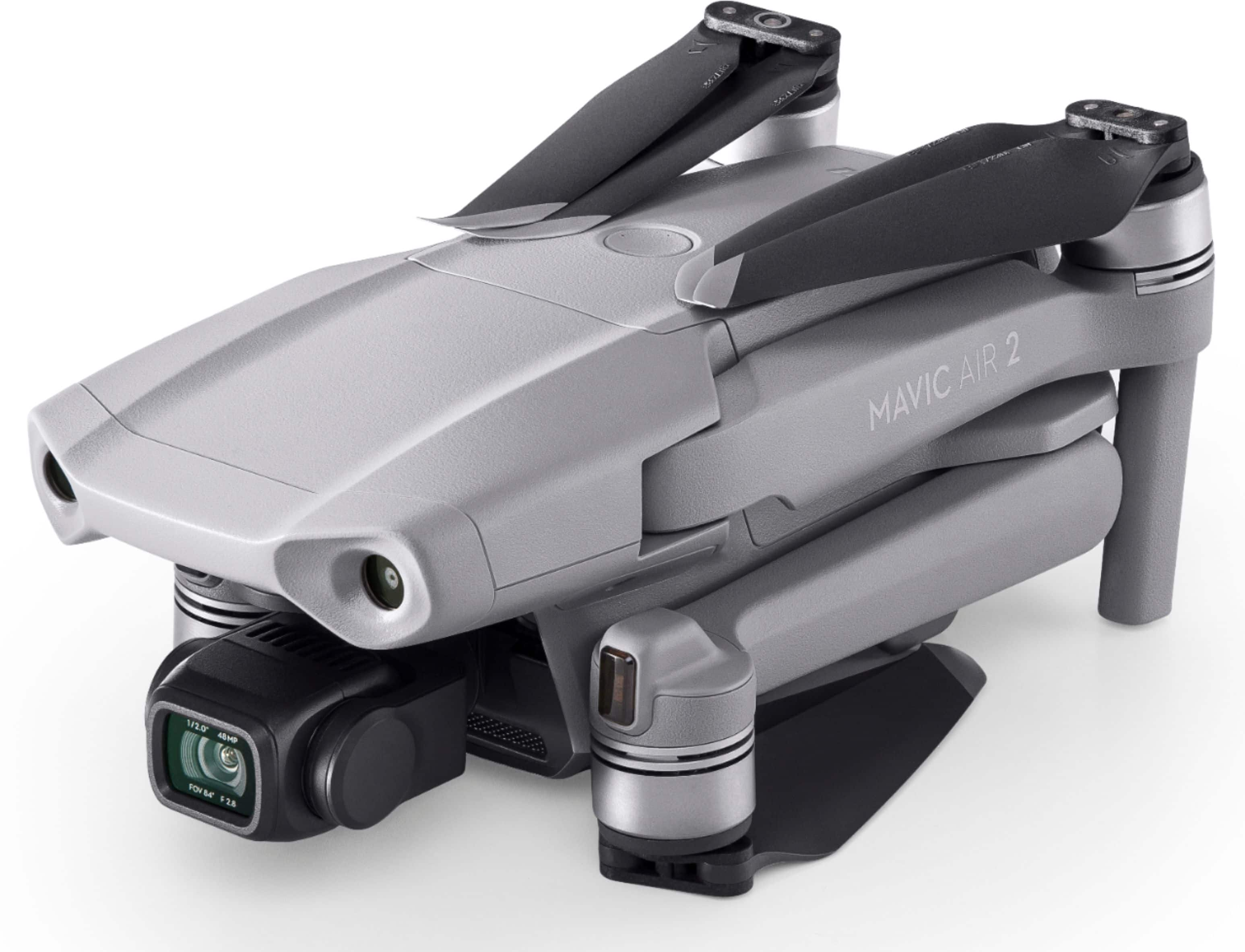
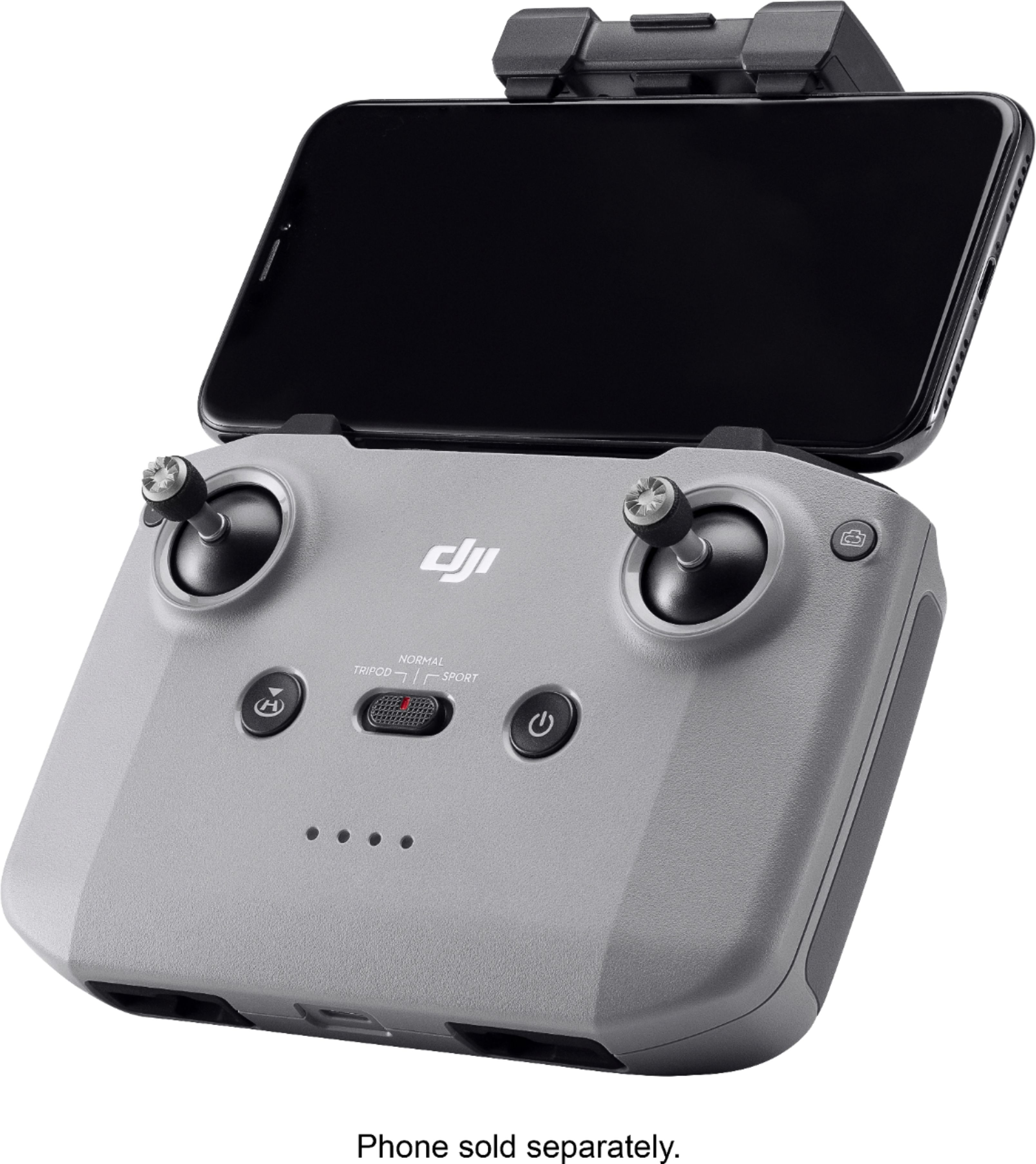
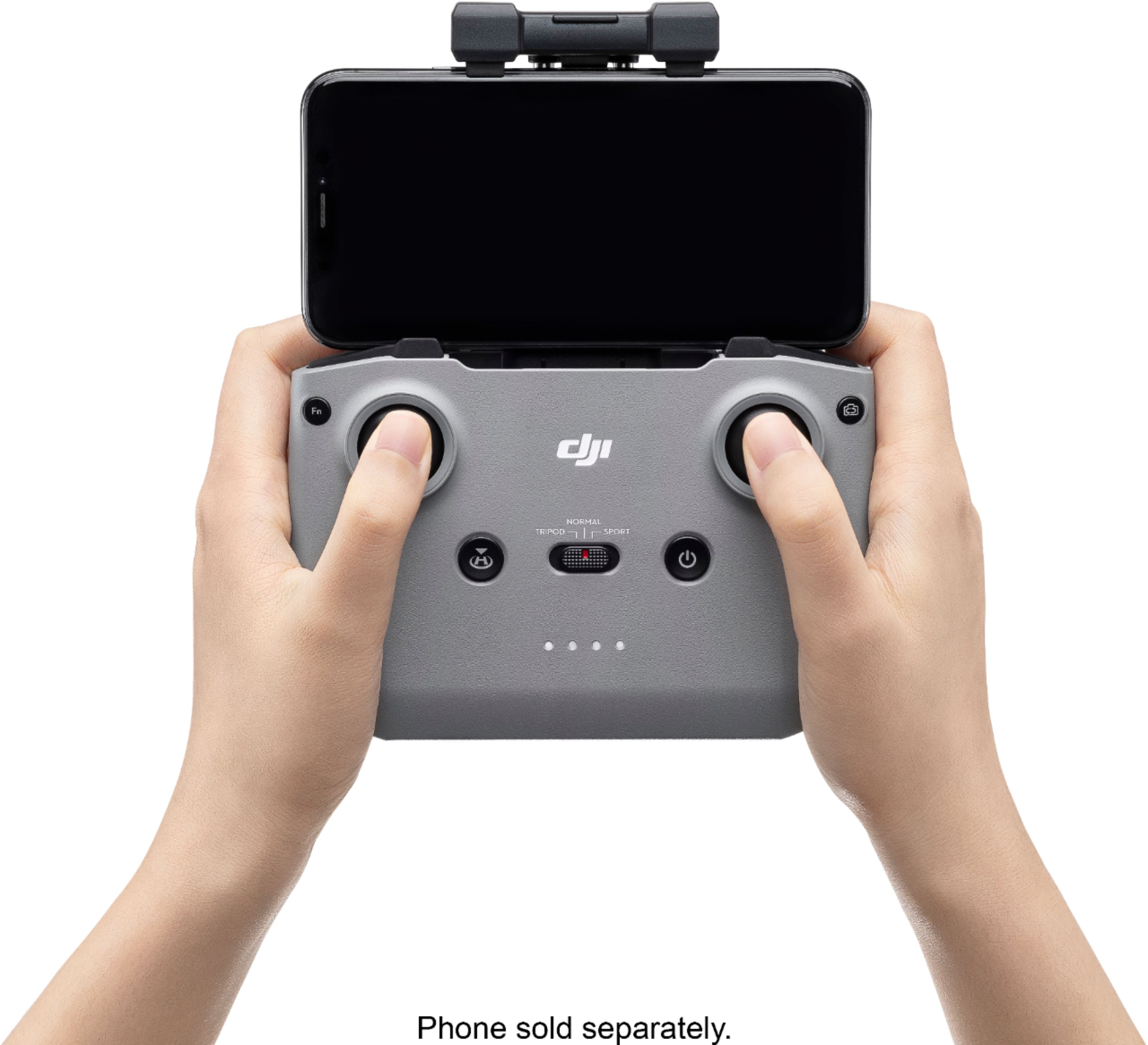
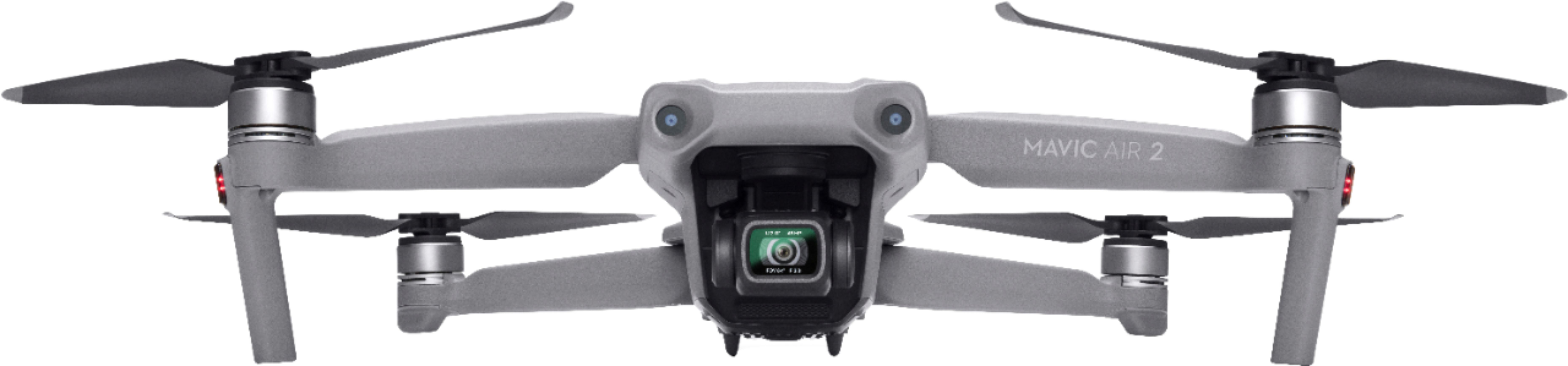
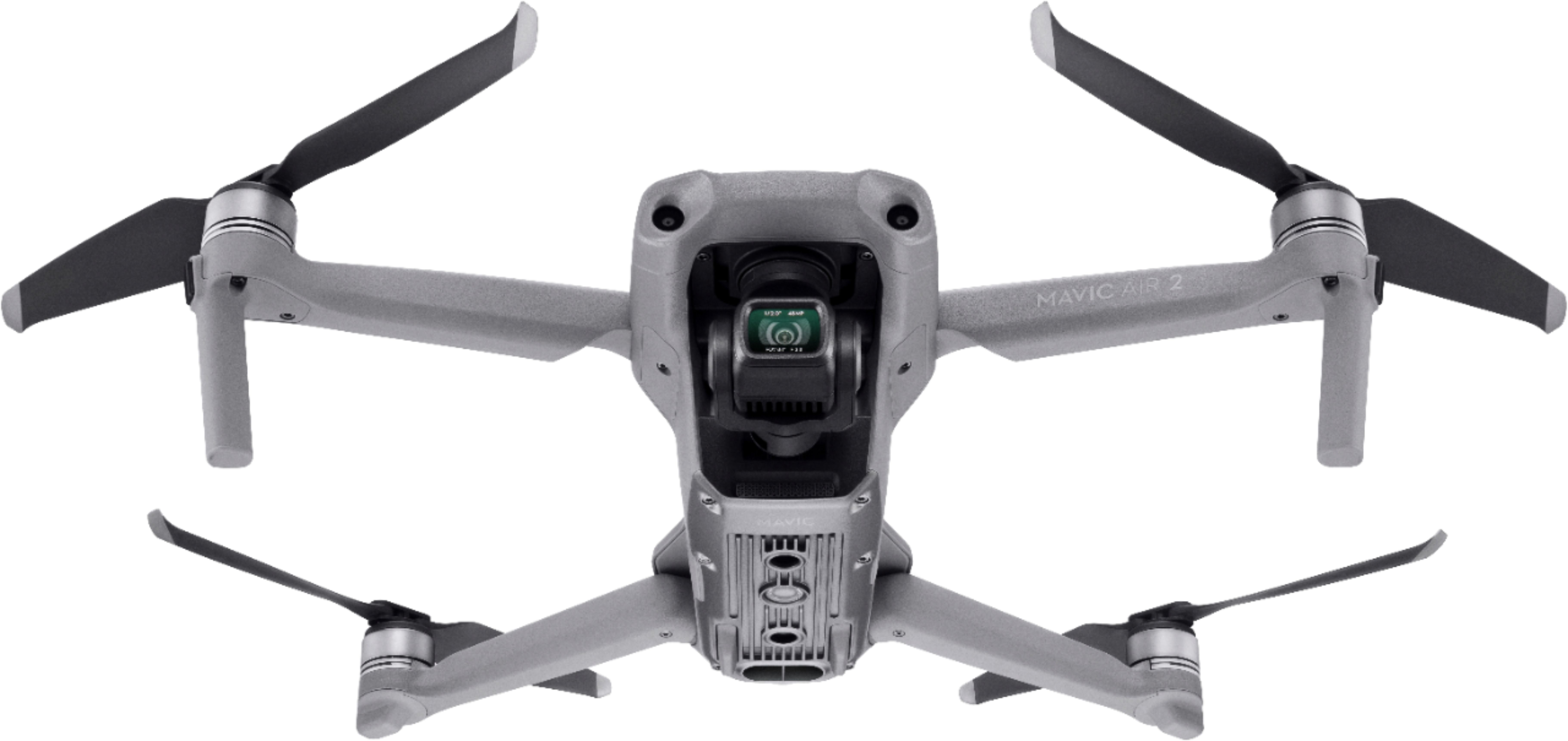
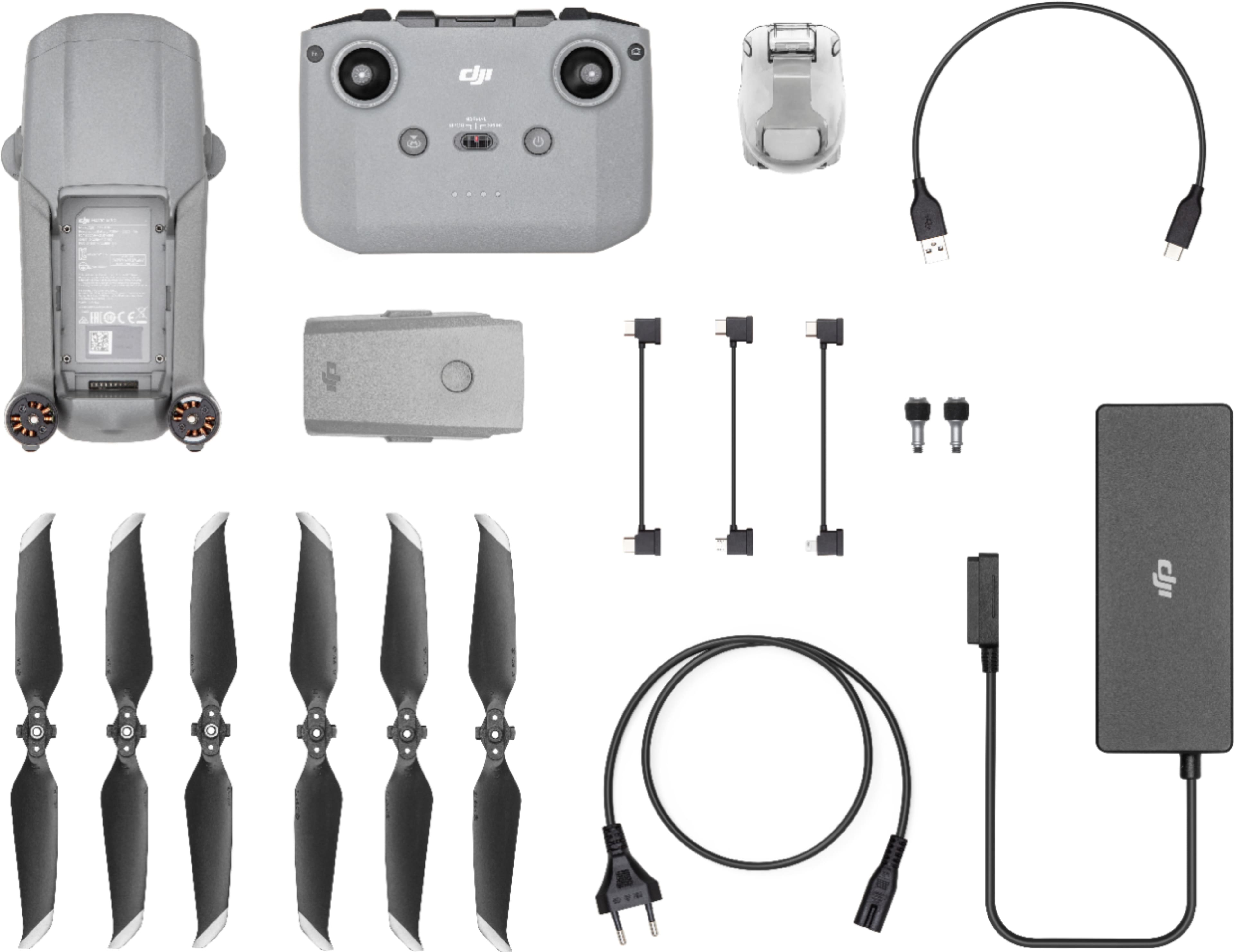
A:AnswerThe base kit does not come with a bag or travel case. I was able to find many aftermarket cases online from soft to semi-hard cover travel cases that hold the controller and drone.
A:AnswerIf set correctly in the drones settings it will rise to the height you set it at ( hopefully higher than the tallest thing around) turn around, and come home and land within a foot of the takeoff point. If you instead set it to hover it will do just that until it runs down its battery to the point where it will automatically land where it is. This could be a bad idea.
A:AnswerYes, the drone can save RAW DNG files, but the DJI the app only has the option of saving to JPG and JPG + DNG. The app doesn't yet have the option for RAW only.
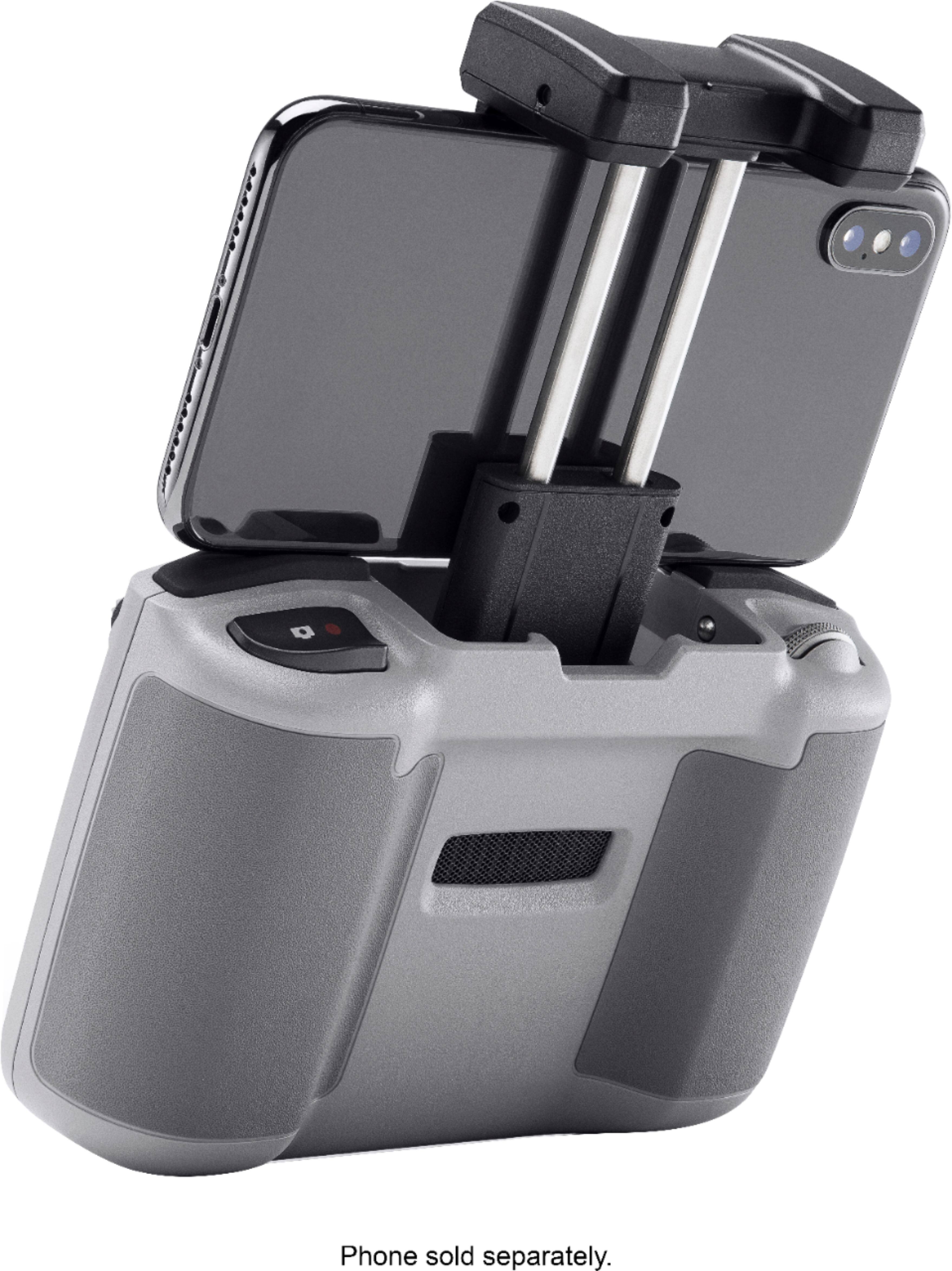
A:AnswerThis drone will support the smart controller soon, like the Mavic 2 pro series, which has a built in screen. Aside from those, the GoPro Karma comes with a controller with the screen built in. Hope this helps.
A:AnswerThe legal maximum height for all drones is 400 FT (120 M) and if you try to go above that it won’t let you, although this setting can be adjusted in the safety section of the app. I would recommend staying below 400 ft, but the maximum range is 6 miles. Hope this helps
A:AnswerI think you can use any of them... The phone holder on the controller will fit all iPhones, but if you choose to use an iPad you can get an adapter to make that happen... i have used two different iPhones and had no issues with either. I think the only issue i had was that my otter box did not allow me to connect the line between the controller and the iPhone... I just took off the rubberized part and then it was not a problem