Last-Minute SavingsLimited quantities.Shop now

Skip to content
Gift Ideas
Main Content

Questions & Answers

Your price for this item is $79.99
The comparable value price is $169.99
Page Showing 21-33 of 33 questions
  • QuestionCan I connect the Mini's to my insta 360 X3 camera to get audio of my cars exhaust???

    Asked by BMWGUYY.

    • Answer Dear Customer, Yes, we recommend for you to purchase the official Insta360 audio adapter that supports 3.5mm and USB-C connections, allowing you to connect to the DJI Mic series receivers. The stereo sound, noise reduction, and audio quality also depend on the Insta360 camera. For further confirmation, it's recommended to test it out in person, so you should bring the cameras to a DJI store for a trial. Should you need any further assistance, please feel free to contact our DJI support at http://www.dji.com/support, we are always here to help. Best Regards, DJI Support

      Answered by DJI Official

  • QuestionI am on Windows 11 on a desktop PC with Bluetooth can I use the Bluetooth mode to be able to send an ideal from the mic to the PC?

    Asked by beau.

    • Answer Dear Customer, To connect the DJI Mic series to a computer, you must link the DJI Mic series transmitter (TX) with the receiver (RX), as it does not use a Bluetooth connection. After linking the TX with the RX, connect the RX to the computer using an appropriate cable or adapter based on the interface type. Should you need any further assistance, please feel free to contact our DJI support at http://www.dji.com/support, we are always here to help. Best Regards, DJI Support

      Answered by DJI Official

  • QuestionIs this good for Microsoft Surface Type port ? I use it for Google meet.

    Asked by PranaiR.

    • Answer Dear Customer, Yes, you can use it with the software you are using, provided it has an audio input setting. Please ensure to set it to "Wireless Microphone RX." Should you need any further assistance, please feel free to contact our DJI support at http://www.dji.com/support, we are always here to help. Best Regards, DJI Support

      Answered by DJI Official

  • QuestionWhat is the range of this microphone system?

    Asked by Cesar.

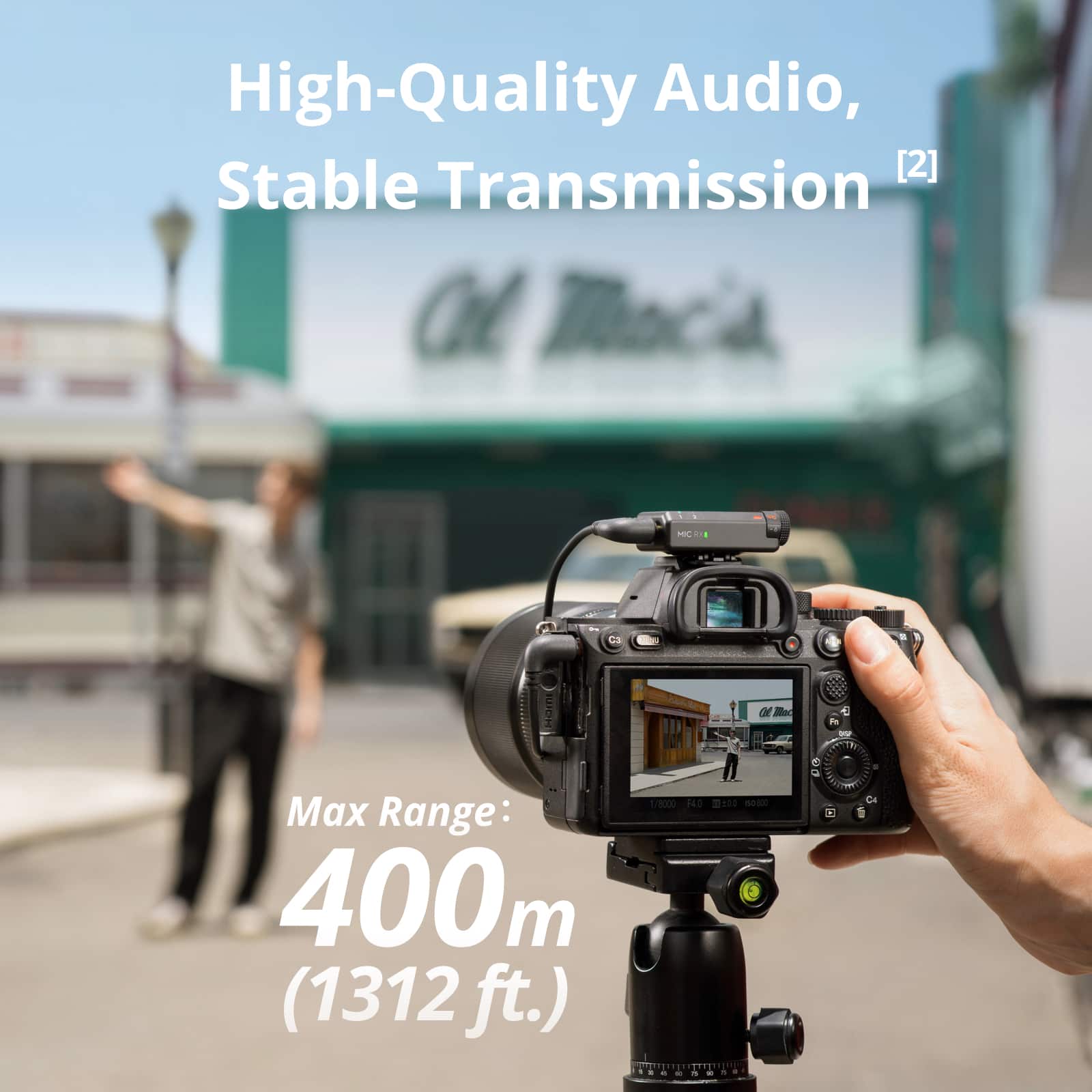
    • Answer Without obstructions they claim around 1300 feet. With obstructions it's about half that.

      Answered by Kmiku604

  • QuestionWill this work with the Action 3?

    Asked by Anonymous.

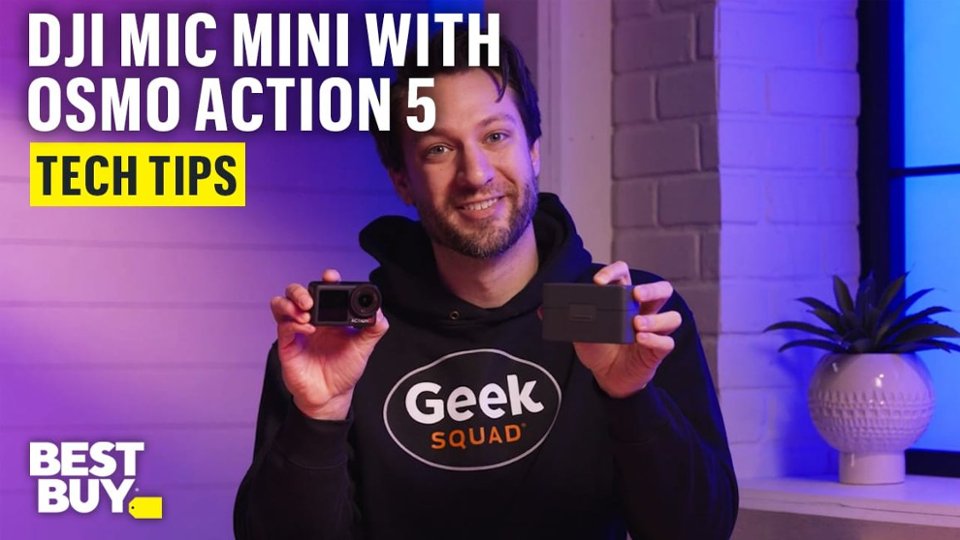
    • Answer Dear Customer, thank you for your inquiry. Unfortunately, DJI Mic Mini is only compatible with Osmo Action 5 Pro and Osmo Action 4. Should you need any further assistance, please feel free to contact our DJI support at http://www.dji.com/support, we are always here to help. Best Regards, DJI Support

      Answered by DJI Official

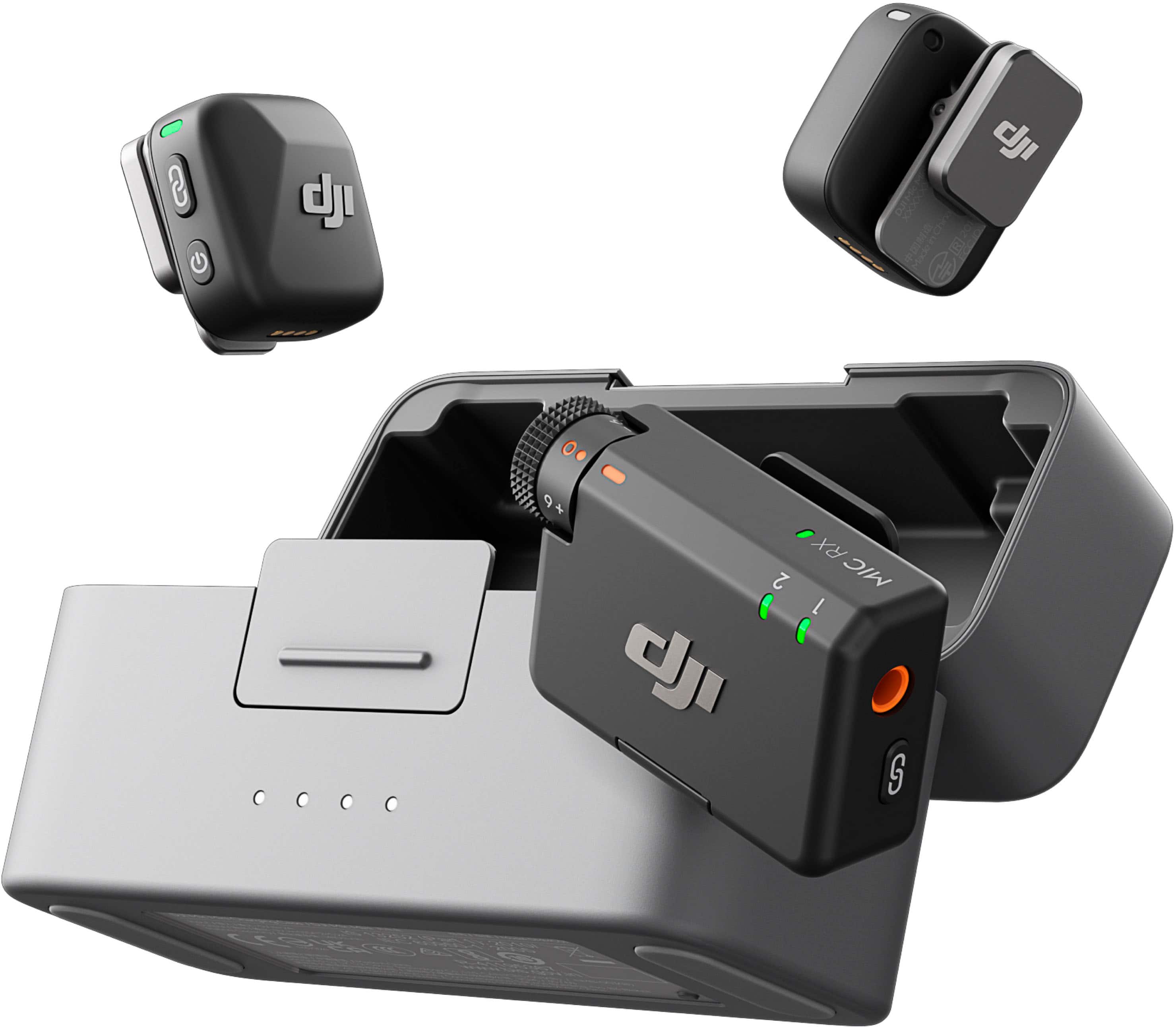
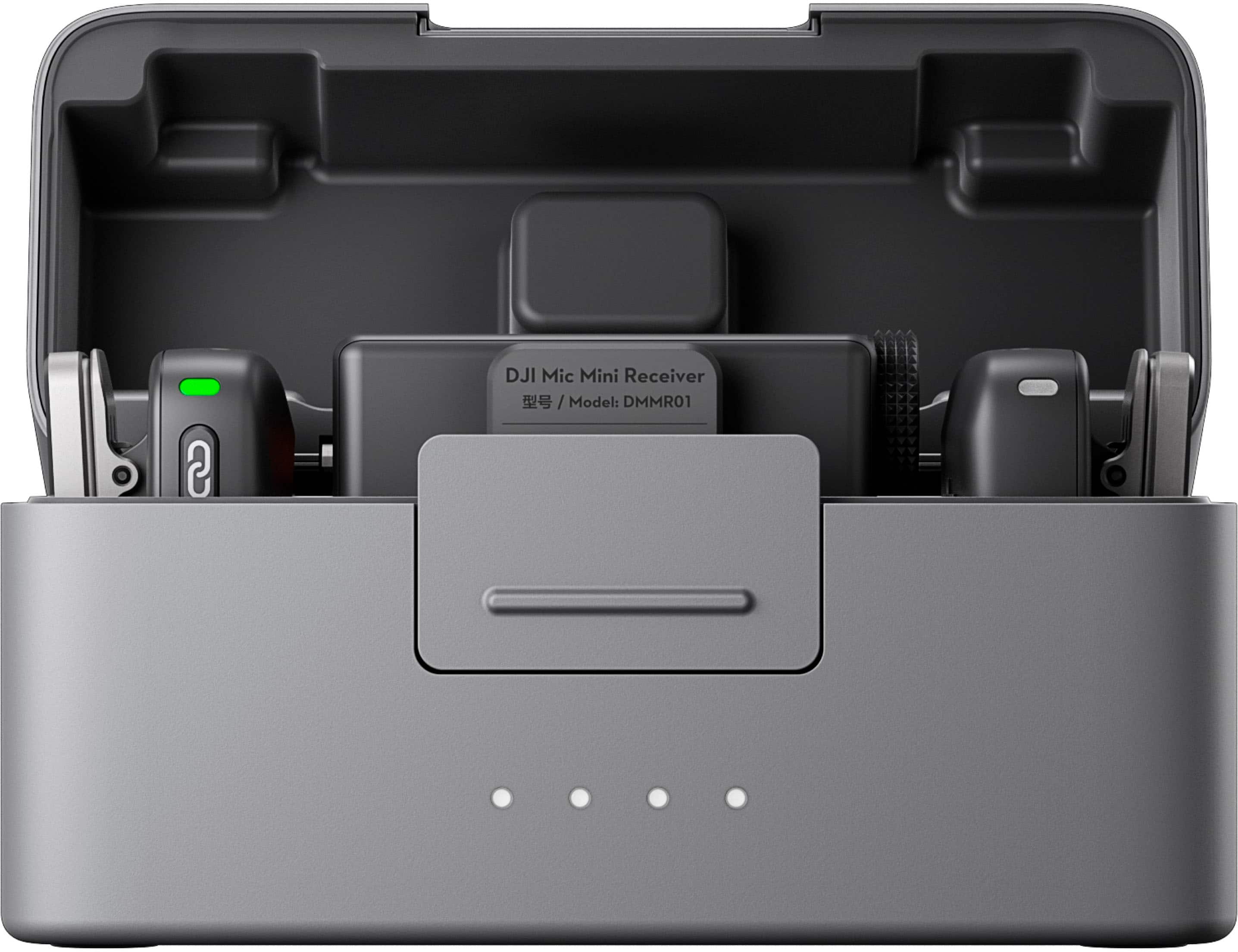
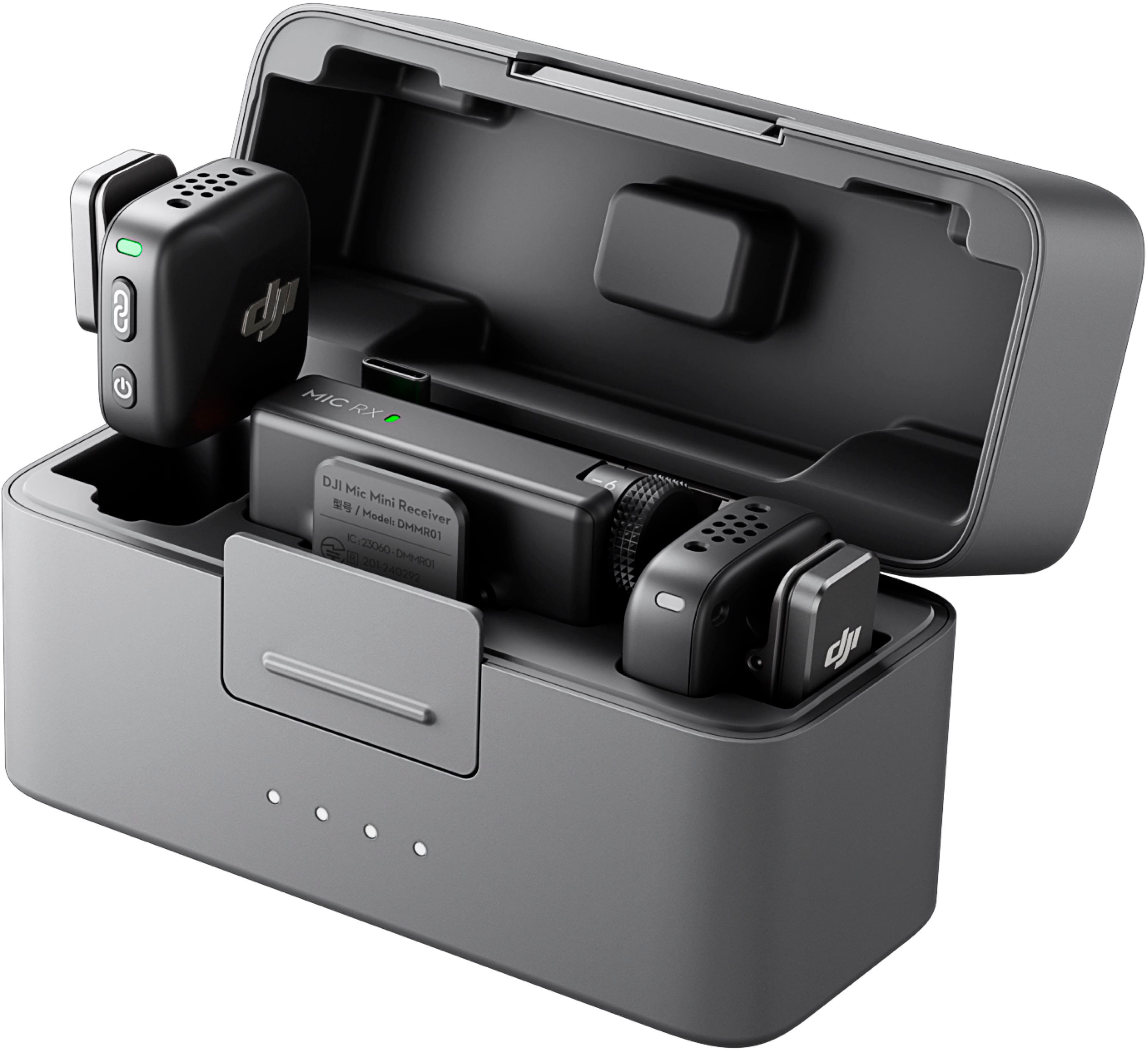
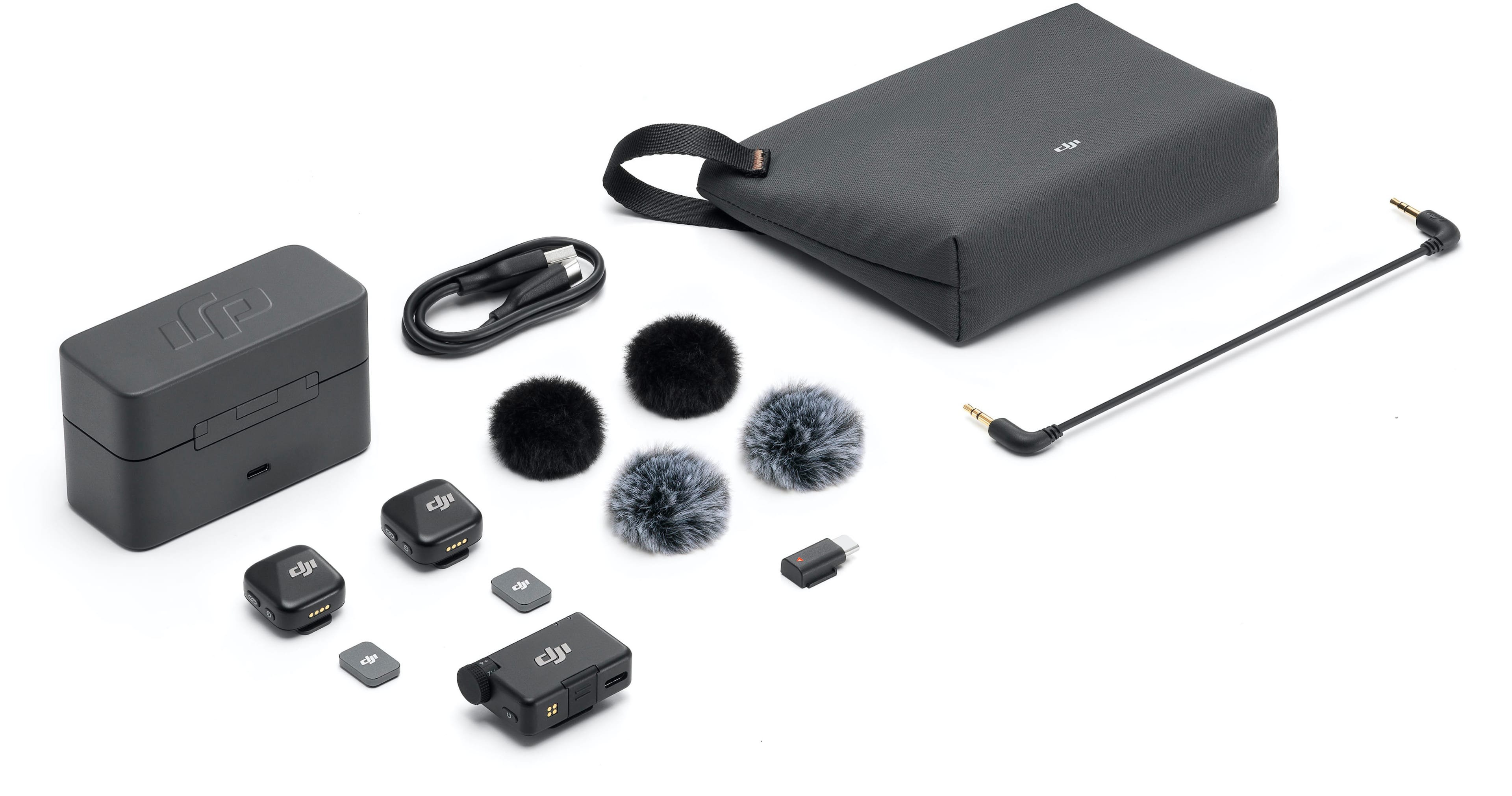
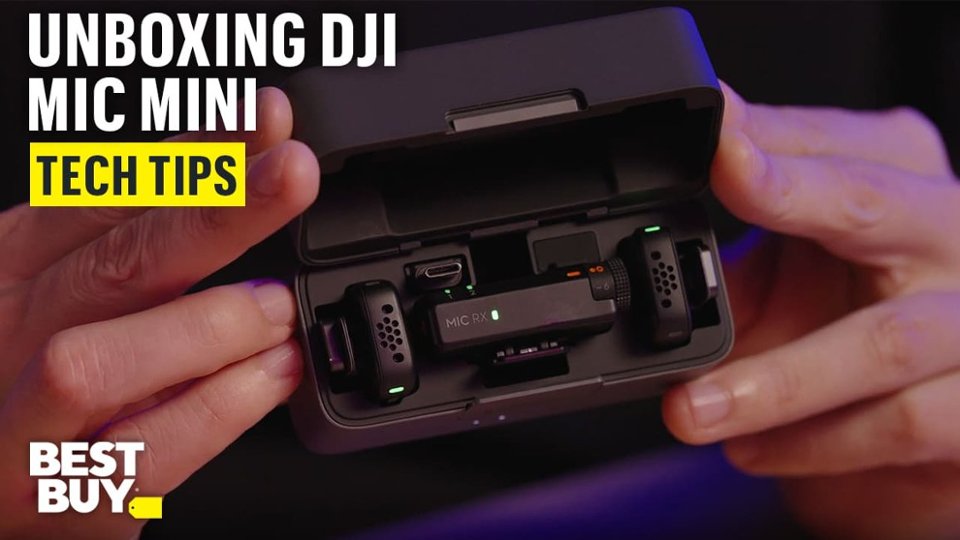
  • QuestionIs there more than 1 microphone?

    Asked by Marmarjenkins.

    • Answer Yes

      Answered by BriannaM

  • QuestionWill it connect to a JBL Party Box On-The-Go speaker by Bluetooth?

    Asked by PartyBox.

    • Answer Dear Customer, thank you for your inquiry! The DJI Mic Series can be connected to a speaker as long as it has a 3.5 mm audio input port. It is recommended to plug in the Monitor port in RX, as the OUT port may compromise sound quality. The DJI Mic Mini doesn't have a monitor port, it can only connect to the OUT port. If you have further questions, please do not hesitate to contact us.

      Answered by DJI Official

  • Questionwill this mic work with a church sound system?

    Asked by Anonymous.

    • Answer If the sound system has an unobstructed 3.5mm audio input, it theoretically should work.

      Answered by Andrea

  • QuestionCan this work with Bose S1 pro plus speaker Thank you

    Asked by Janette.

    • Answer The receiver of the DJI MIC Mini can be connected to the sound system via a USB-C adapter or a 3.5mm cable. If your Bose speaker supports these ports, then it is suitable. If it uses an XLR port, you can also use a third-party 3.5mm to XLR adapter to connect the DJI MIC mini receiver to your speaker.

      Answered by DJI Official

  • QuestionCan I connect this mic to my DJI drone

    Asked by Joe50.

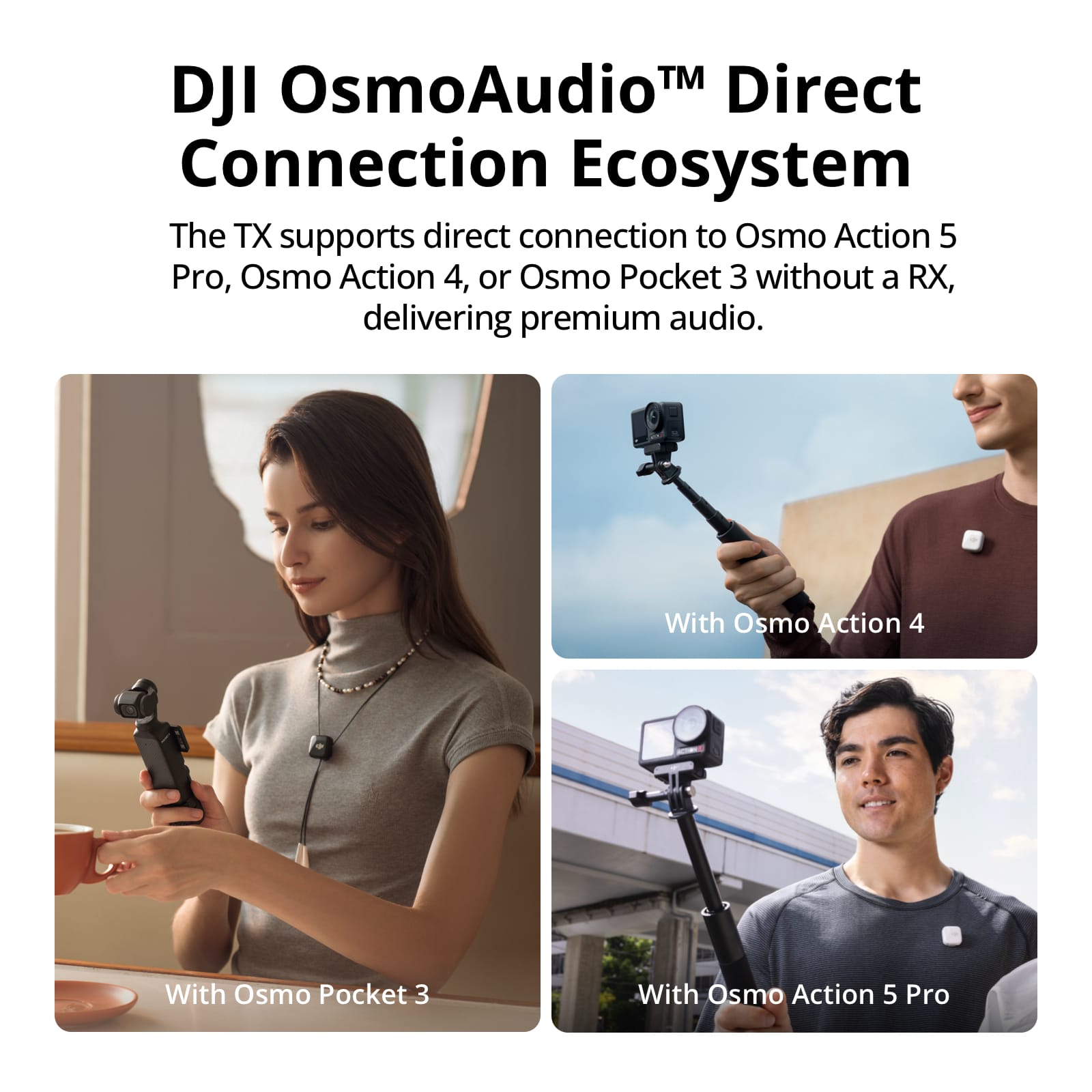
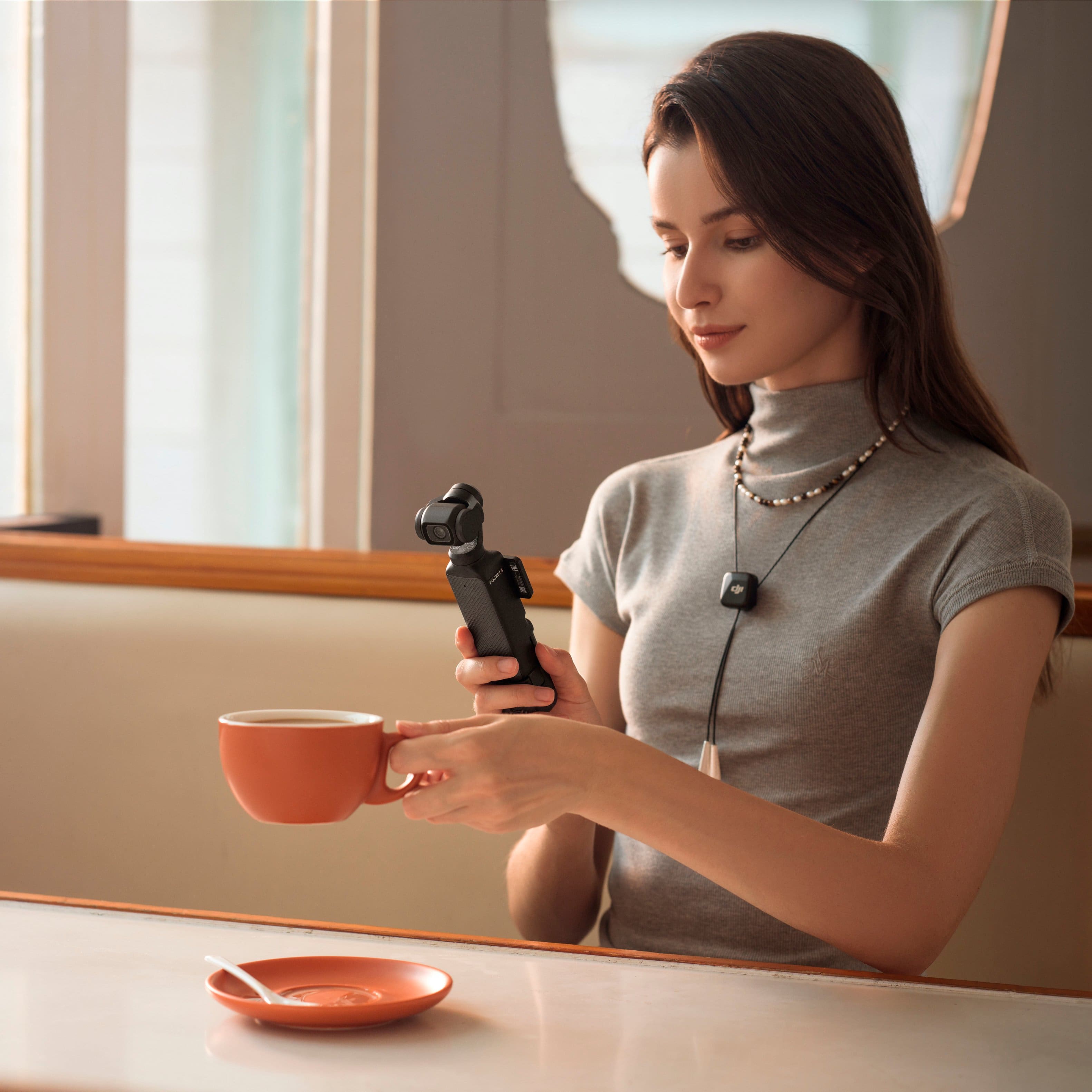
    • Answer Dear Customer, DJI Mic Mini TX currently only supports Bluetooth direct connection to Osmo Action 5 Pro, Osmo Action 4, Osmo Pocket 3, and mobile phones. If you have any further questions or concerns, please do not hesitate to contact our support team.

      Answered by DJI Official

  • QuestionDoes this produce work with GoPro Hero 12 Black?

    Asked by RoadRunner.

    • Answer Dear Customer, Models released after the Hero11 support connecting to DJI Mic series receivers via a USB-C adapter or the official GoPro audio connection. However, they do not support Bluetooth connections to the DJI Mic Mini. Should you need any further assistance, please feel free to contact our DJI support at http://www.dji.com/support, we are always here to help. Best Regards, DJI Support

      Answered by DJI Official

  • QuestionWill this work either a GoPro

    Asked by LuckyDave.

    • Answer Dear Customer, You can use DJI Mic Mini with a range of devices, including cameras, smartphones (via Type-C/Lightning adapter or via direct Bluetooth connection), computers, and Osmo Mobile 6 (requires a smartphone for use). DJI Mic Mini supports the DJI OsmoAudio™ connection ecosystem. The transmitter supports direct connection to Osmo Action 5 Pro, Osmo Action 4, or Osmo Pocket 3 without a receiver, delivering premium audio and simplifying your gear and workflow. If you need further assistance, please feel free to contact our DJI support at http://www.dji.com/support, we are always here to help. Best Regards, DJI Support

      Answered by DJI Official

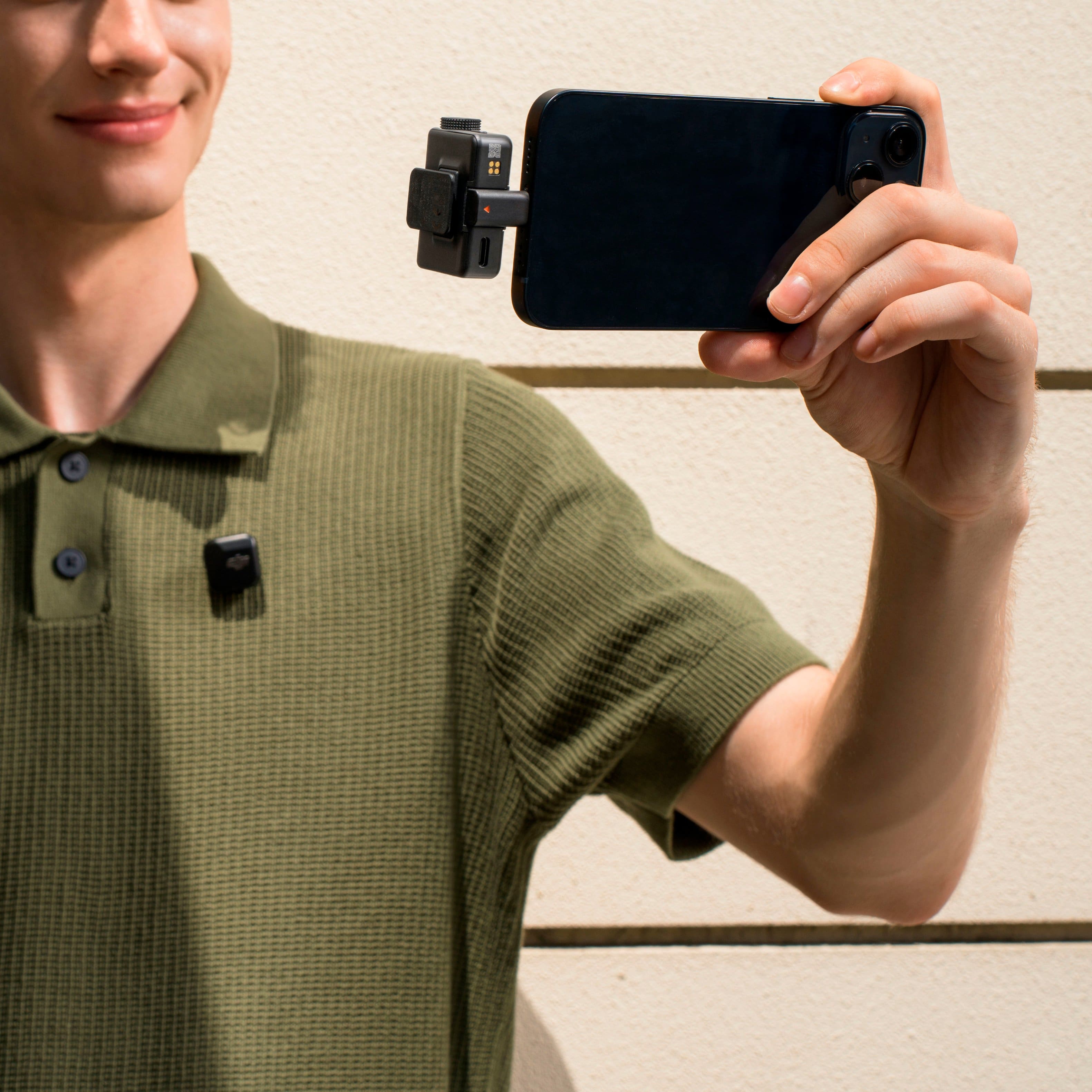
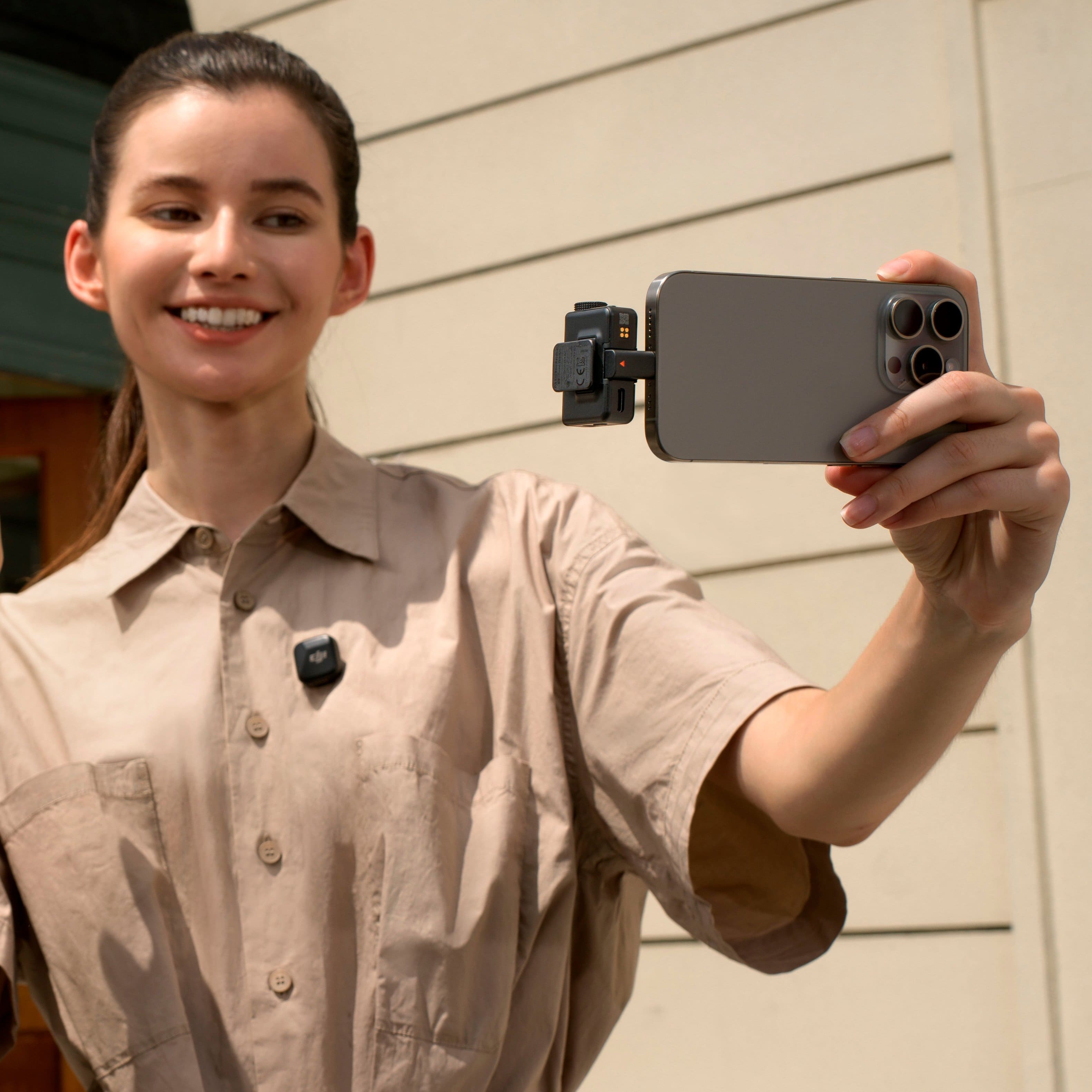
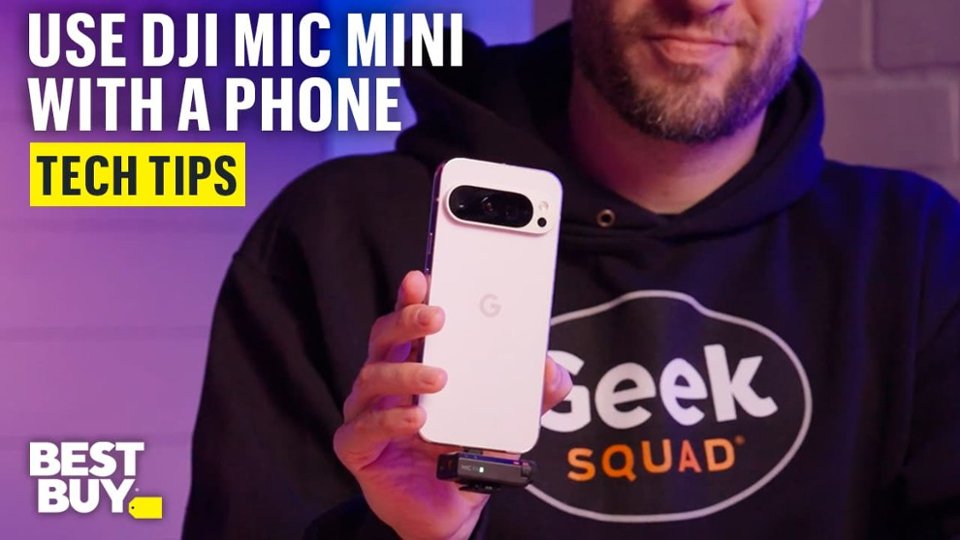
  • QuestionWill the RX work with an iPhone in an otter box case?

    Asked by Anonymous.

    • Answer You can use Bluetooth if the plug won't fit

      Answered by ReynoldJ