A:AnswerDear customer,
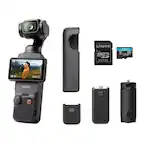
These are the recommended microSD cards that have been tested:
SanDisk Extreme Pro 32GB V30 A1 UHS-I Speed Grade 3
Kingston Canvas Go!Plus 64GB UHS-I Speed Grade 3
Kingston Canvas Go!Plus 128GB UHS-I Speed Grade 3
Kingston Canvas Go!Plus 256GB UHS-I Speed Grade 3
Kingston Canvas Go!Plus 512GB UHS-I Speed Grade 3
Kingston Canvas React Plus 64GB UHS-II Speed Grade 3
Kingston Canvas React Plus 128GB UHS-II Speed Grade 3
Kingston Canvas React Plus 256GB UHS-II Speed Grade 3
Lexar Pro 256GB SDXC UHS-I V30 R160/W120 (1066x)
Lexar Pro 512GB SDXC UHS-I V30 R160/W120 (1066x)
Lexar SILVER PLUS microSDXC UHS- I 64GB
Lexar SILVER PLUS microSDXC UHS- I 128GB
Lexar SILVER PLUS microSDXC UHS- I 256GB
Lexar SILVER PLUS microSDXC UHS- I 512GB
Lexar SILVER PLUS microSDXC UHS- I 1TB
Should you need any further assistance, please feel free to contact our DJI support at http://www.dji.com/support, we are always here to help.
Best Regards,
DJI Support
A:AnswerUnfortunately, the tripod that's included will definitely not get tall enough for that as it's merely meant to sit on the ground or on a desk potentially. The beauty of this is its size however, and it would be very easy to clip on to almost anything potentially even using a magnet with the proper mount.
A:AnswerThis would be the easiest thing to utilize because it can track your daughter while she’s out there playing basketball. You wouldn’t even have to move the camera. If you didn’t feel like it I would say this is ideally probably the best hands-down camera, especially for somebody who may not be a filmmaker. This will make your daughters basketball Games look like it was shot by professional.
A:AnswerIn definition, no its not a mirrorless camera. Is it miles better than an iphone 16? no. but if you're taking filming and or vlogging serious, then yes this is definitely a good buy.
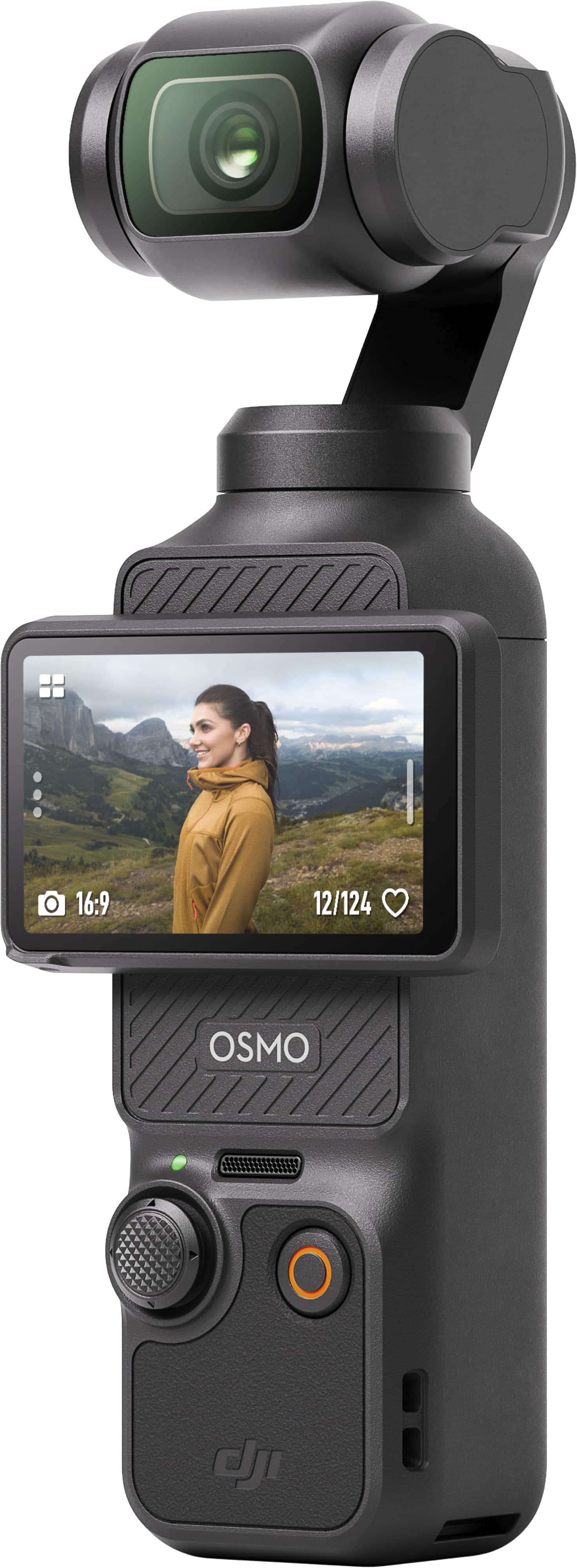
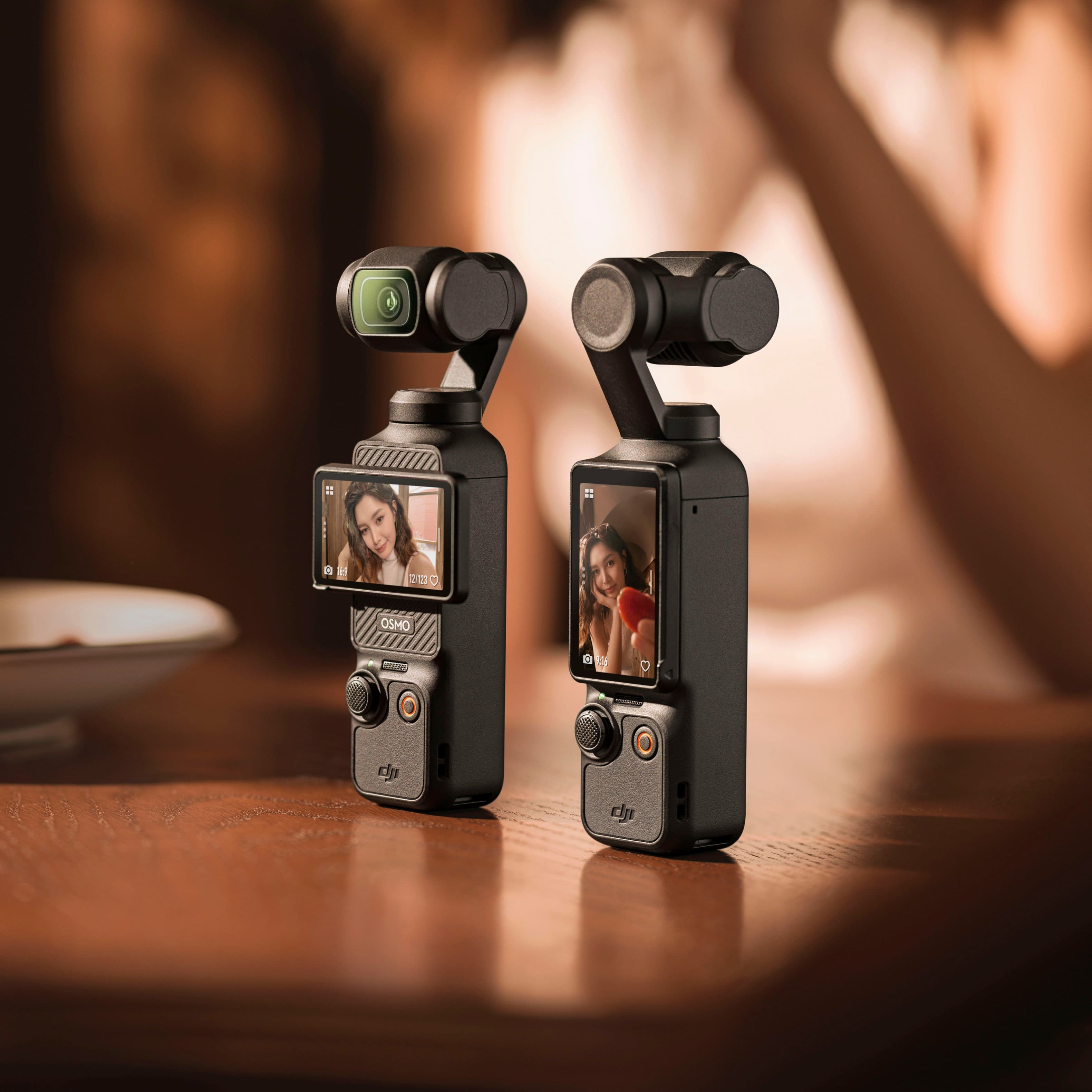
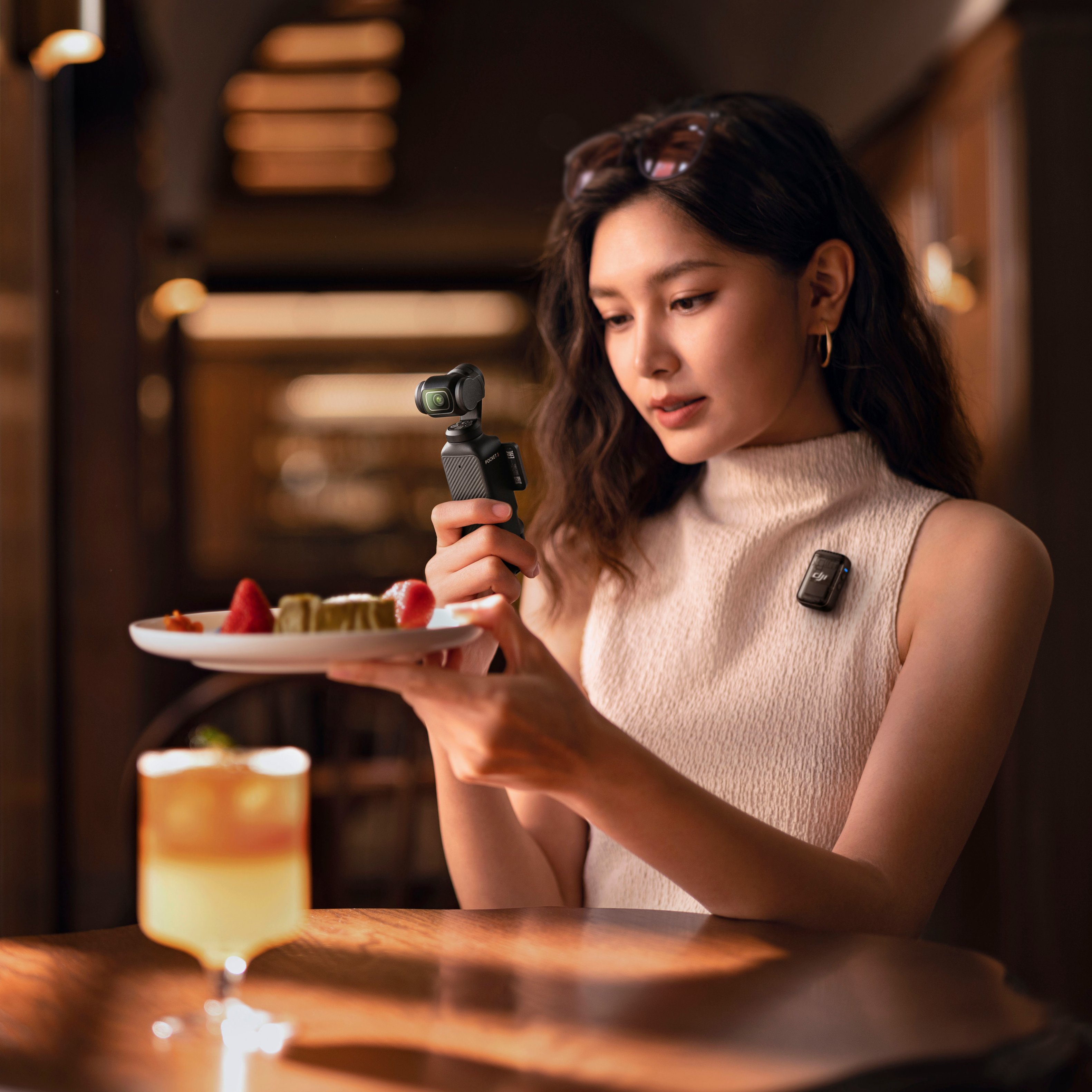
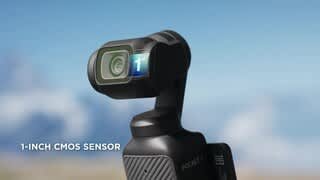
A:AnswerDear Customer, thank you for your inquiry. Yes, you can absolutely use Osmo Pocket 3 to take selfies and videos as it has 2-inch rotatable screens and smart horizontal-vertical shooting and also 3-axis gimbal mechanical stabilization. Osmo Pocket 3 also have Face-Auto Detect where tracked subjects are firmly locked in the center of the frame as the camera view moves automatically and smoothly. For more details, you can always refer to our website at (https://www.dji.com/global/osmo-pocket-3).
Thank you for your support.
A:AnswerDear Customer, thank you for the above inquiry. The product will not be locked as it connects via DJI Mimo App. You may refer to the User Manual for the activation and operation guides at :
[https://dl.djicdn.com/downloads/DJI_Osmo_Pocket_3/UM/20231020/DJI_Osmo_Pocket_3_User_Manual_v1.0_en.pdf]
Should you need any further assistance, please feel free to contact our DJI support at http://www.dji.com/support, we are always here to help.
Best Regards,
DJI Support
A:AnswerDear Customer, thank you for the above inquiry. It's absolutely possible to record outdoor activities. It has 10-bit D-Log M and 10-bit HLG color modes record landscapes with high dynamic range, presenting accurate and delicate colors with clear and vivid details. Also, With a 2-inch full-color OLED touchscreen, Pocket 3 puts vibrant visuals and effortless control right at your fingertips. Rotate to start shooting or simply tap to access parameter adjustments and other functions.
You may read more about the Osmo Pocket 3 features on our official website at [https://www.dji.com/osmo-pocket-3].
Best Regards, DJI Support
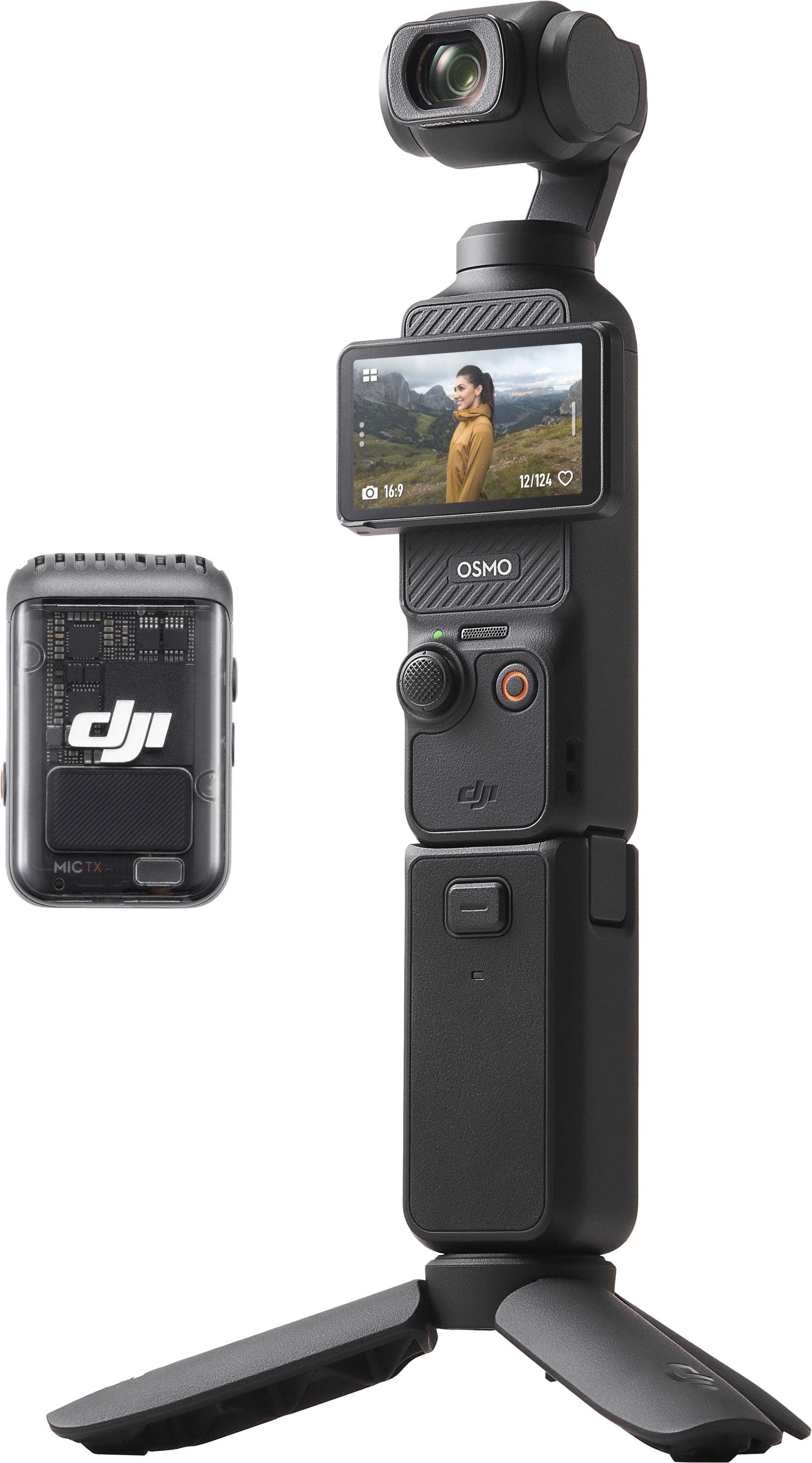
A:AnswerDear customer,
Thank you for your inquiry. The Osmo Pocket 3 is not waterproof. Fogging may occur inside the lens if you use the device in humid or fluctuating temperature conditions. When the device is in use, the rise in internal temperature can help clear the fog without leaving any residue. If fogging occurs, increase the recording specifications and continue recording for a few minutes to accelerate fog clearing.
Moreover, store the device in a dry place to keep it ready for immediate use. Thank you for your understanding.
Should you need any further assistance, please feel free to contact our DJI support at http://www.dji.com/support, we are always here to help.
Best Regards,
DJI Support
A:AnswerKeep in mind that this camcorder doesn't have an optical zoom lens. You can "zoom in" digitally with the joy stick to some degree (not as much as normally with a true zoom lens). Also, at full digital zoom, you may see some quality degradation.