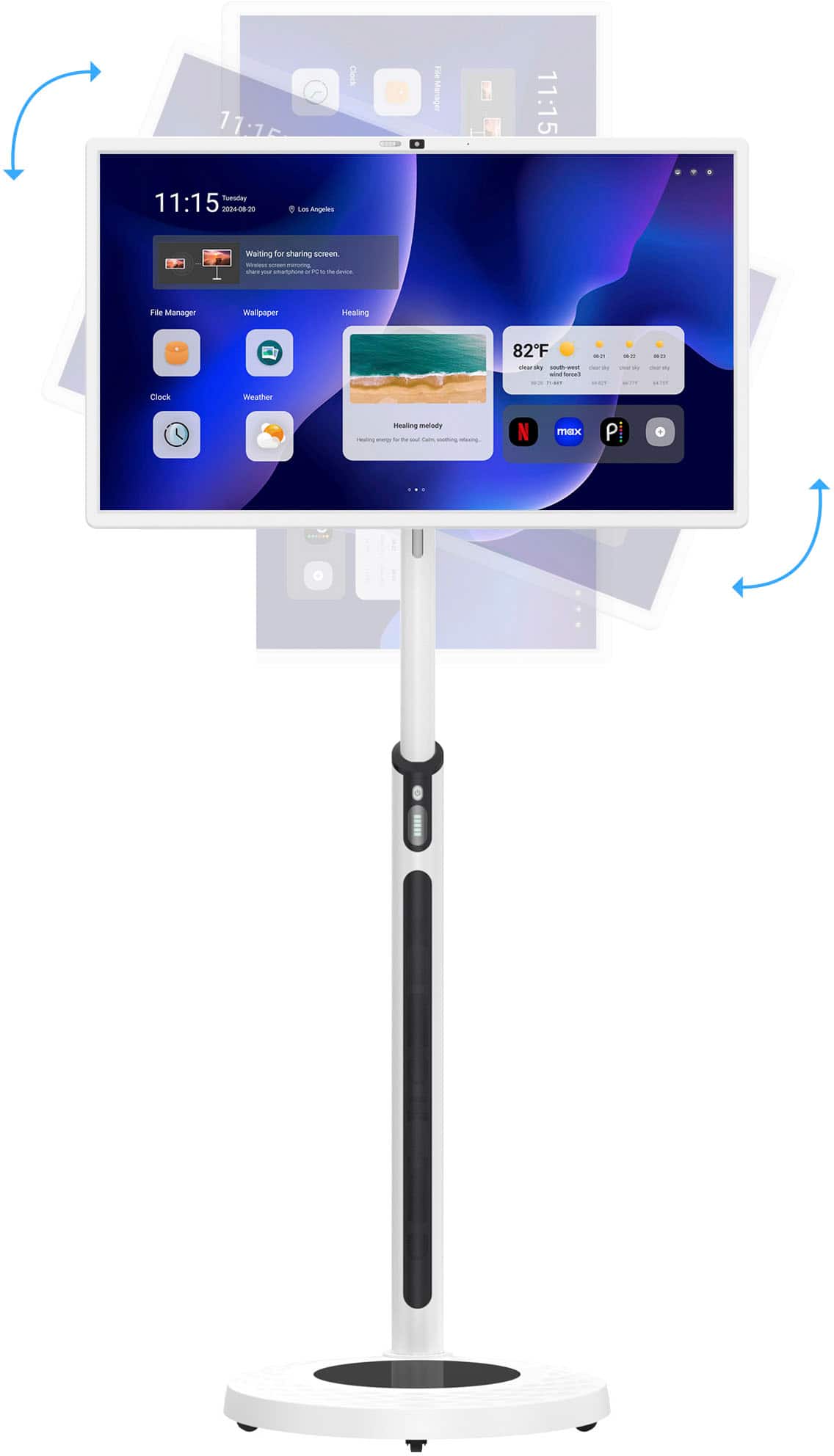
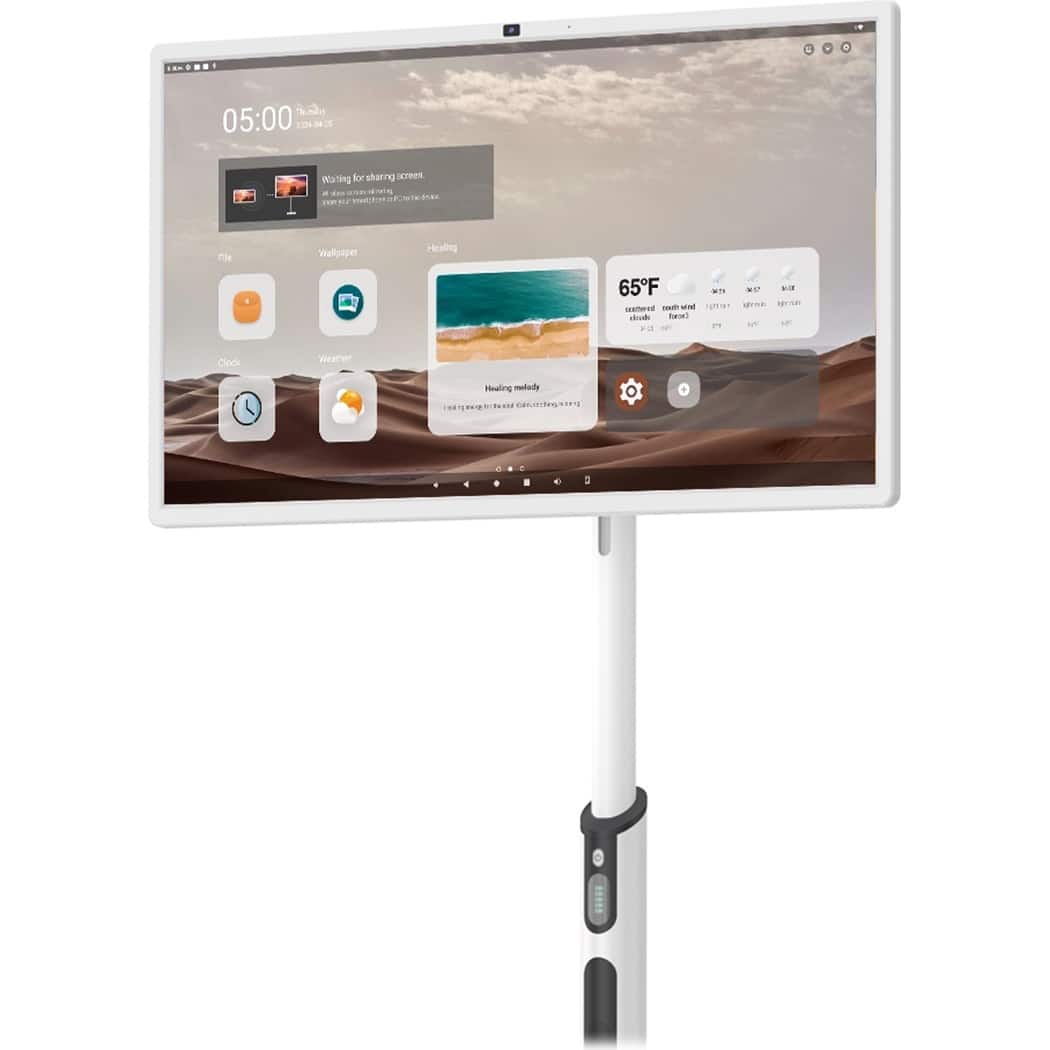
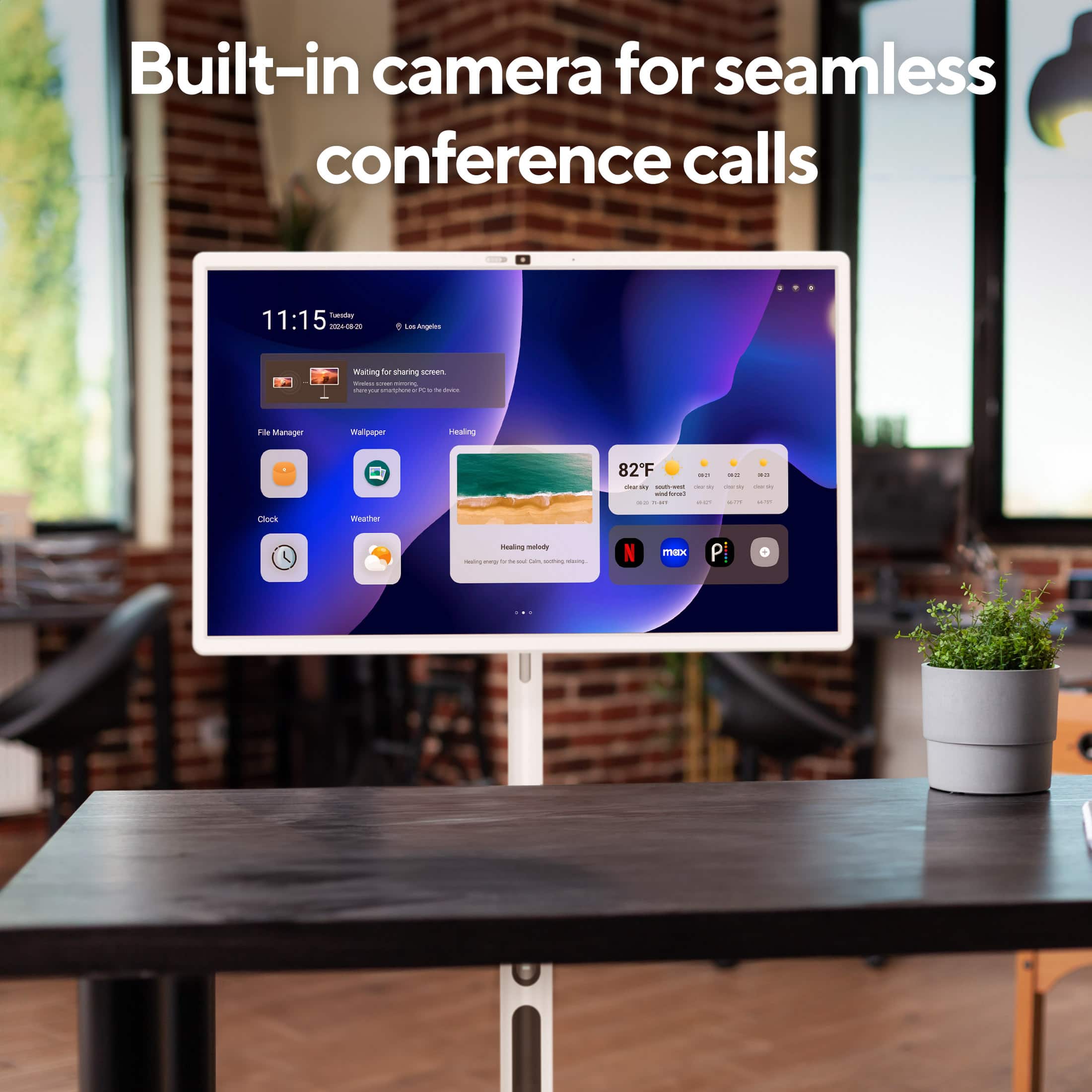
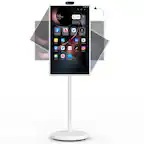
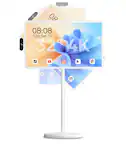
A:Answer Hi Jjohnson, Please try below operations to add a New Page to the Home Screen.
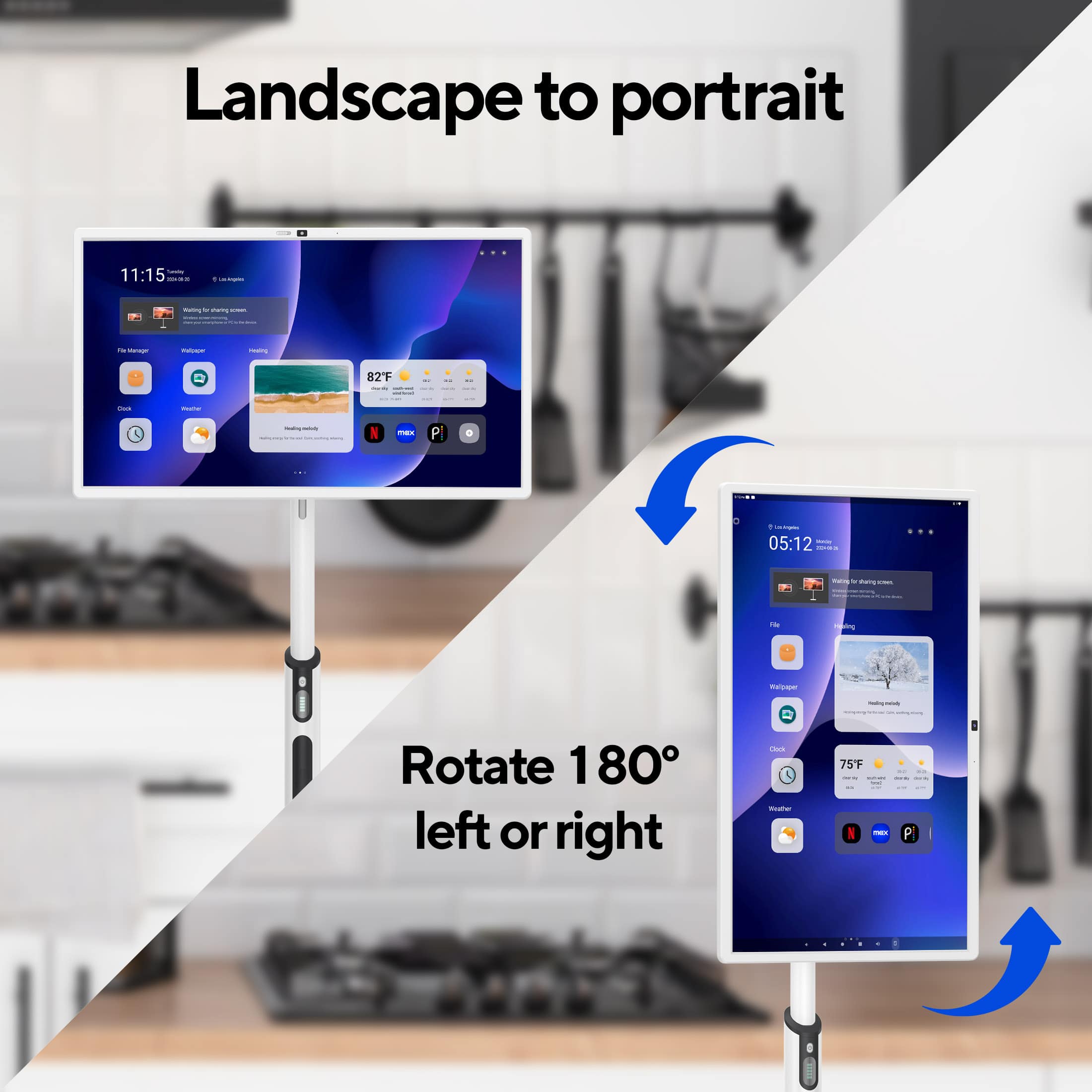
- Long-press on an empty area of the home screen to enter edit mode.
- Select "Home Screen Settings" or "Add Page".
- If the existing pages are full, the system will automatically create a new page; alternatively, you can manually drag an app or widget to the edge of the screen to trigger the creation of a new page. In case you need assistance or have other concerns, you may call our customer service hotline at 1-833-909-2673, Mondays to Fridays from 9 am to 5 pm PST. Or email us at support@dpaudiovideo.zendesk.com.