A:Answer Your question is not specific enough to give you a good answer. But let me try my best. First of all, old models of Samsung Smart TV do not have USB input. But new models of Samsung Smart TV, especially the ones that support 4K, have at least one USB 3.0 input and one USB 2.0 input. USB 3.0 supports Full HD (1080p) while USB 2.0 supports only 720p. In other words, if the video is at best DVD-quality or less quality, then you connect to USB 2.0 input. If the video is high-quality such as Blu-ray, then you connect to USB 3.0 input.
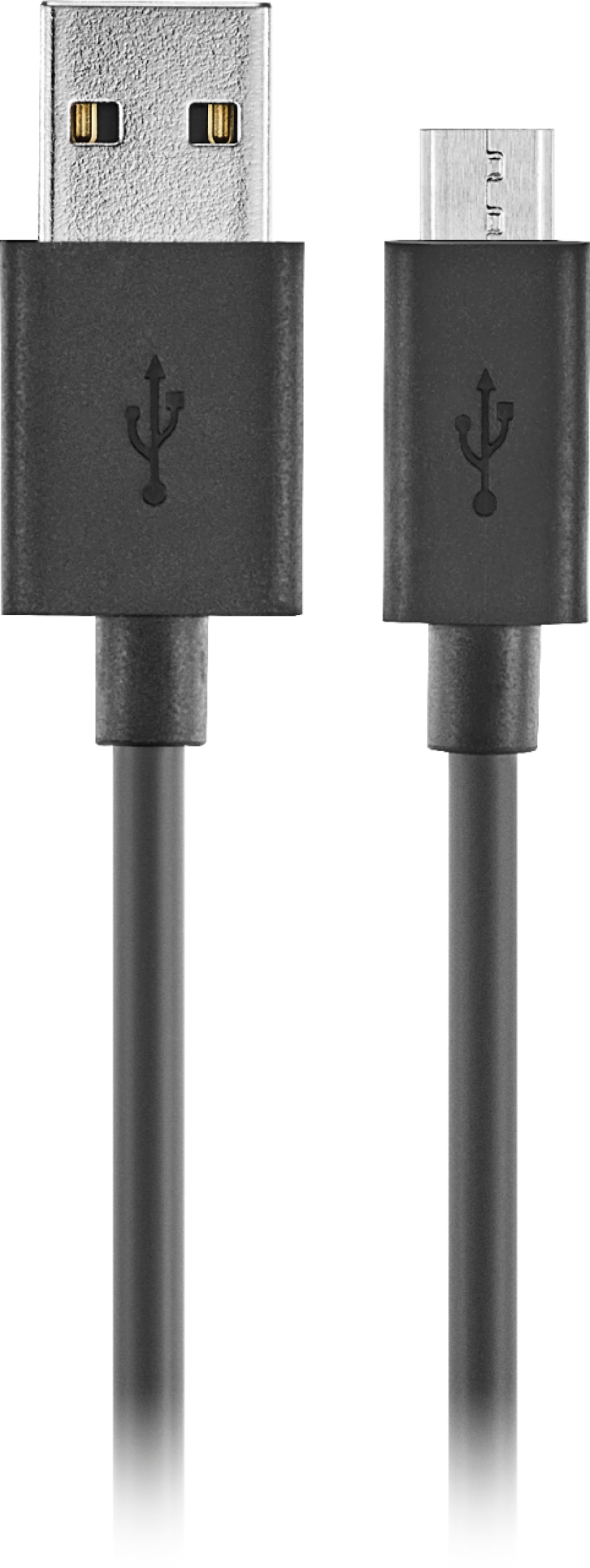
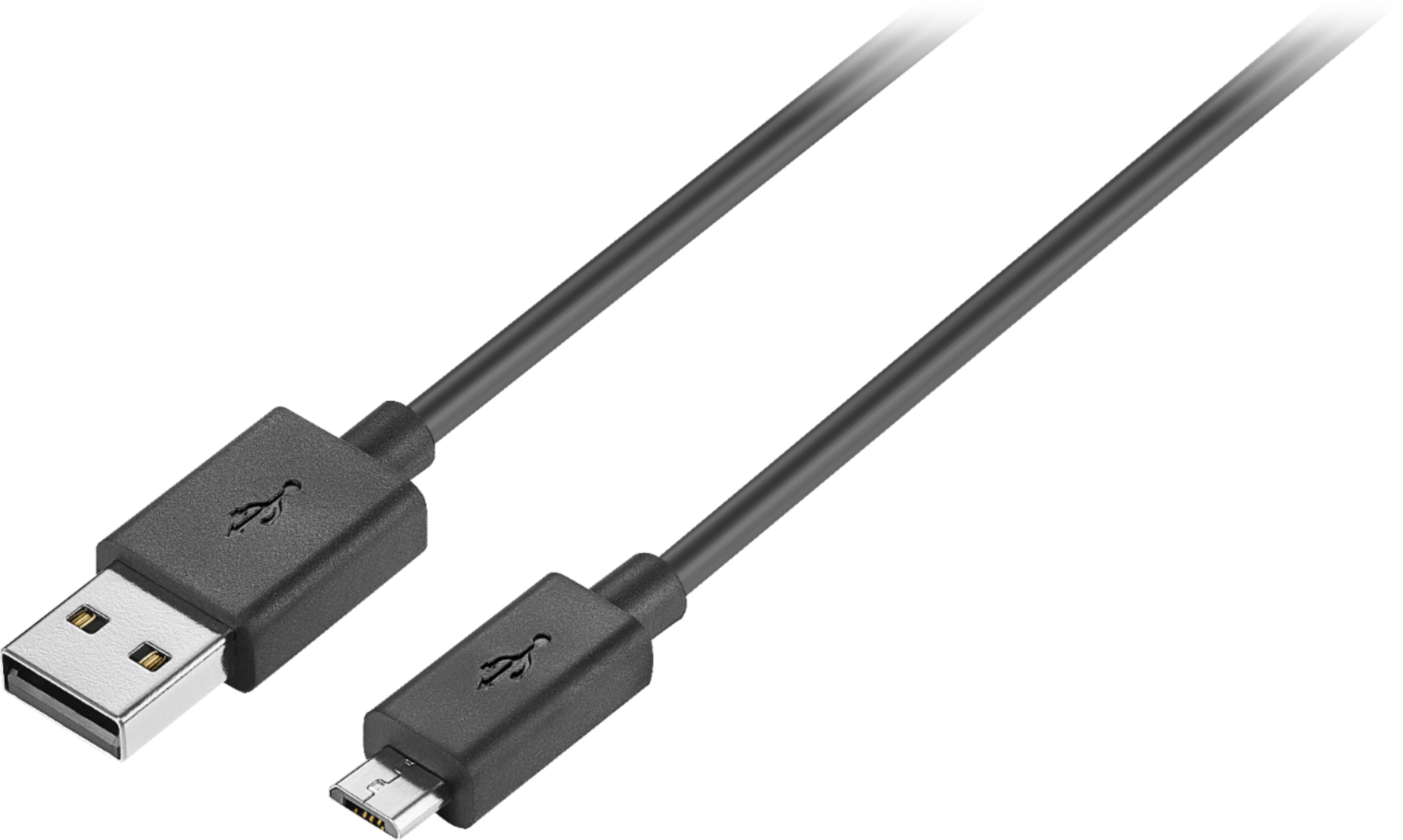
In terms of both ends of the cable, one end is USB-A type and the other end is micro-USB type. I know that USB-A type fits all TV that have USB inputs. But the other end fits only devices like Samsung Galaxy smartphone such as S7 and older models like S6. But I believe S8 and later models have mini-USB. Micro-USB and mini-USB are NOT same. Therefore, you must know exactly where both ends get connected when you consider buying USB cables.
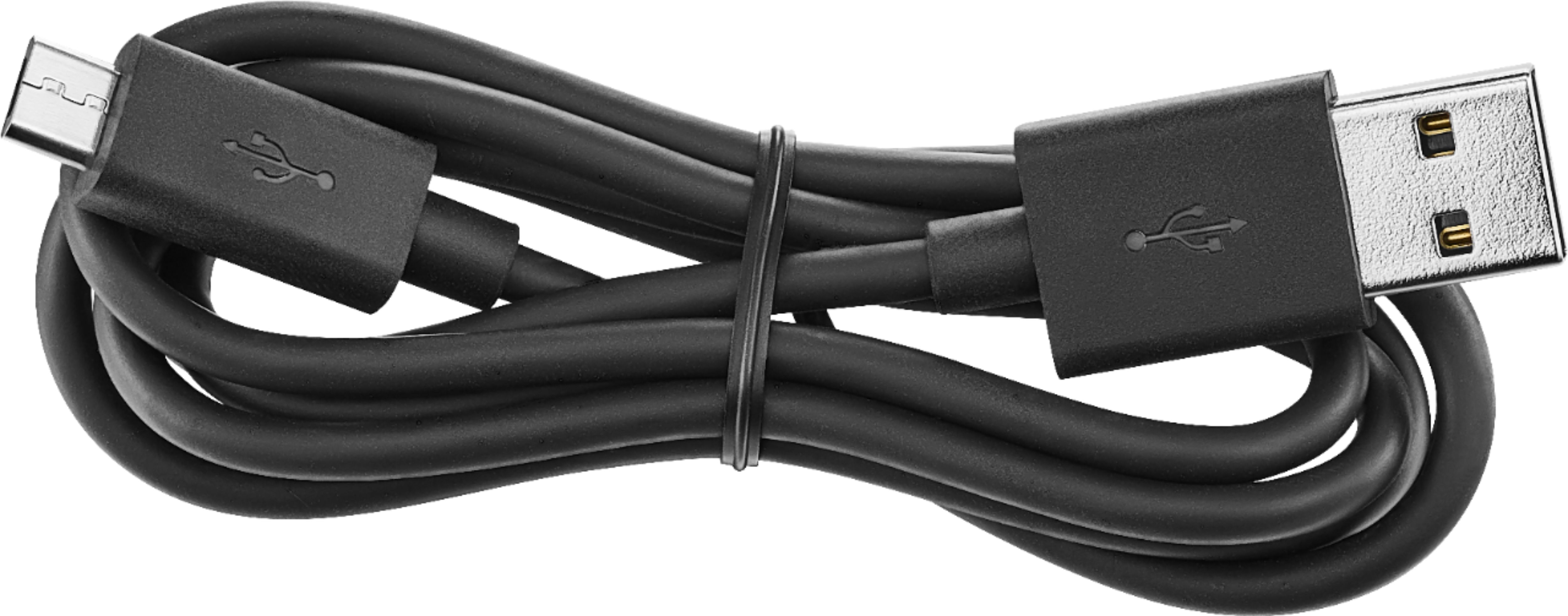
Finally, the cable is only 3-foot long. I purchased this cable because I wanted to charge my old Samsung smartphone inside my car while I am driving. Therefore, you might want to purchase a cable at least 6-foot long if you want to use the cable to connect a device such as a smartphone or a digital camera to a Samsung Smart TV.