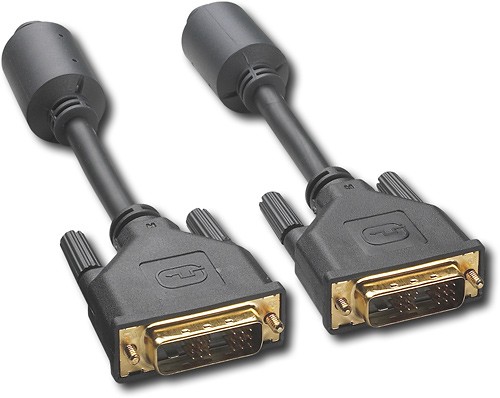
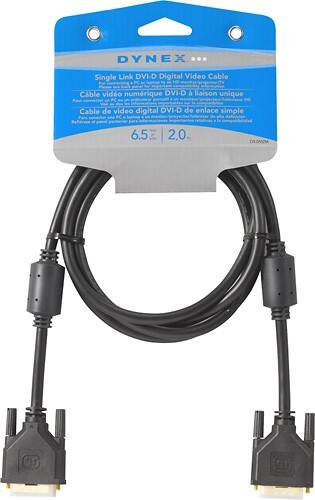
A:Answer Most current NVIDIA based graphics cards feature a Digital Video Interface (DVI) connector for connecting a digital flat panel LCD monitor or projector to the card. A DVI connector is characteristically colored white (as opposed to a VGA connector which is colored blue). For every graphics card that features a DVI connector, the number of pins and layout of the pins on the DVI connector will vary depending on what type of DVI connector is found on the graphics card.
A DVI-D connector on a graphics card sends out a digital signal only, while a DVI-I connector, which carries both an analog and digital signal, can send out a digital signal (for digital displays such as flat panel LCD monitors) as well as analog signal (for older displays such as a CRT monitor) using a DVI to VGA adapter